
Sales reps use an average of eight tools to close deals, and 42% say they feel overwhelmed by having too many tools.
So, in this selection of LinkedIn to CRM enrichment extensions, we focused on extensions that are easy to use and don’t require too many clicks.
To make our selection easier to digest, we ranked each tool by how deeply it integrates with the CRM. Our criteria: enrichment inside both LinkedIn and the CRM, automatic field mapping and deduplication, support for bulk workflows, and admin controls.
What is a LinkedIn-to-CRM Enrichment Extension?
A LinkedIn-to-CRM enrichment extension is a browser tool that connects LinkedIn with your CRM.
When you open a LinkedIn profile or search list, the extension can find details such as:
- Work email addresses
- Phone numbers
- Job titles
- Company information
It can then send that data directly to Salesforce, HubSpot, or another CRM.
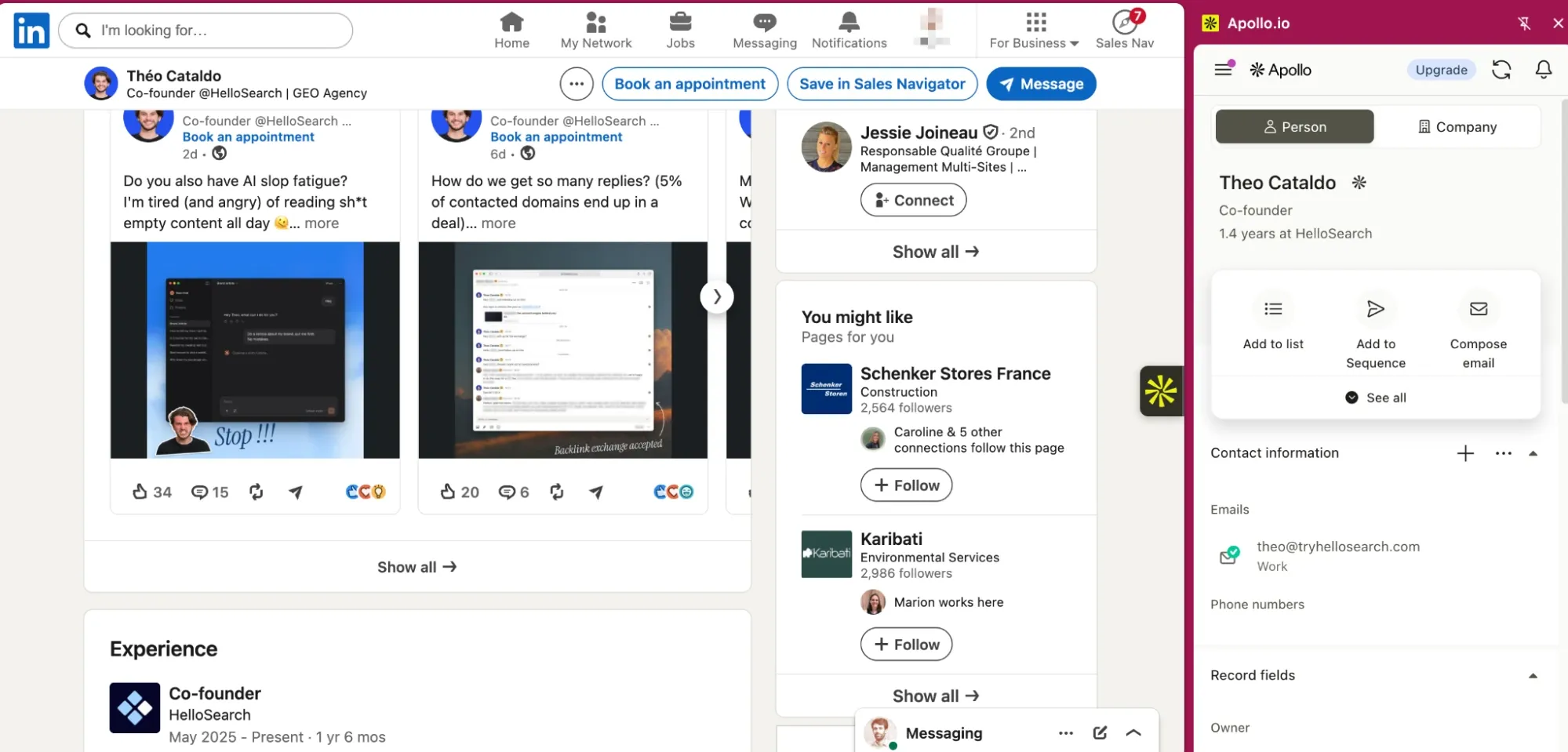
Basic extensions mainly export LinkedIn contacts. More advanced tools can also check for existing records, map data to the correct CRM fields, update missing information, prevent duplicates, and enrich multiple contacts at once.
Some extensions also show CRM data directly inside LinkedIn, so sales reps can view or update records without switching tabs.
In simple terms, the extension connects three parts of the workflow: finding prospects, enriching their data, and saving it to the CRM.
Quick Comparison: The 8 Best LinkedIn-to-CRM Enrichment Extensions in 2026
| Tool | CRM-side enrichment | Waterfall sources | Native dedup on write-back | CRMs supported | G2 rating | G2 reviews |
|---|---|---|---|---|---|---|
| LoneScale | Yes. LinkedIn + Salesforce + HubSpot | 25+ | Yes | Salesforce, HubSpot | 4.8/5 | 62 |
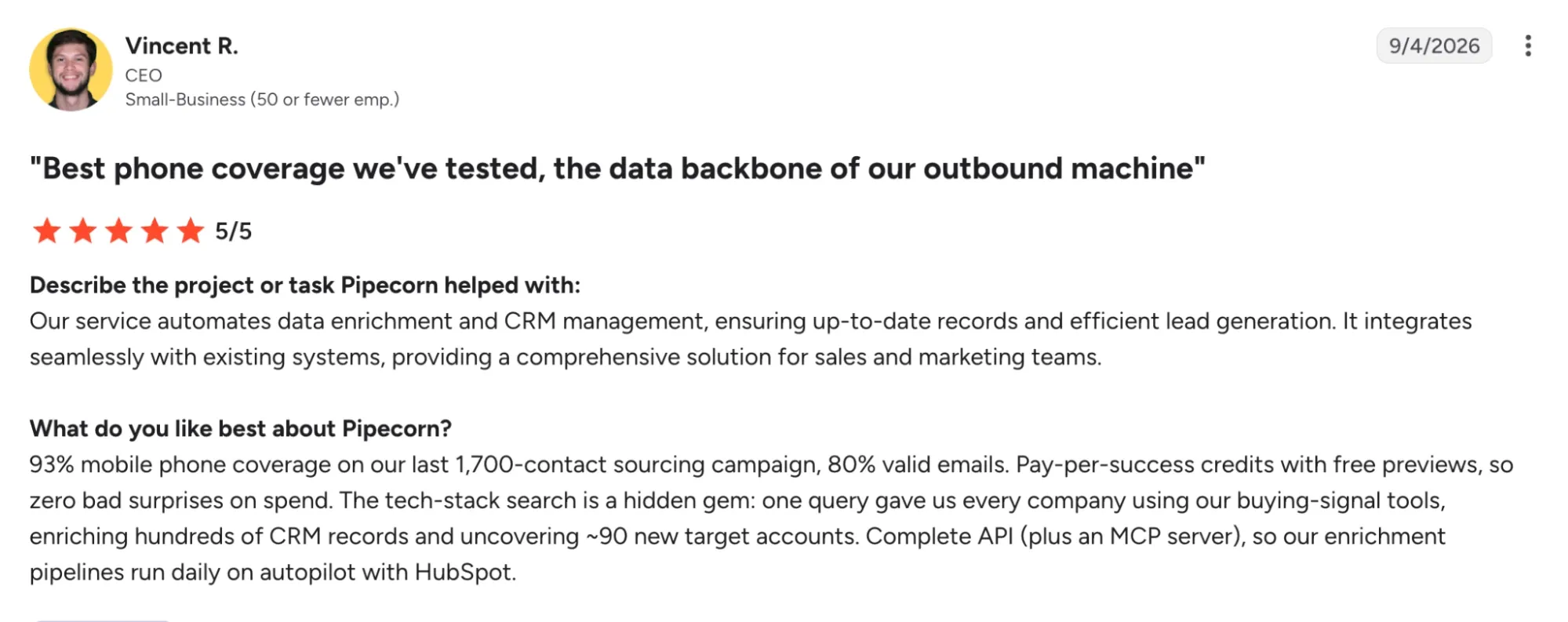
| Pipecorn | No. LinkedIn/Sales Navigator side only | 100+ | Yes | HubSpot, Pipedrive, Salesforce (higher tiers) | 5/5 | 5 |
| Surfe | LinkedIn-side overlay only | 15+ | Yes (via LinkedIn URL matching) | HubSpot, Salesforce, Pipedrive, Copper | 4.6/5 | 475 |
| Apollo.io | Partial (CRM sync, not enrichment-from-record) | Apollo's own database | Yes | Salesforce, HubSpot, Pipedrive, Zoho, Dynamics | 4.7/5 | 9,839 |
| Cognism | LinkedIn-side + Data-as-a-Service feed | Cognism's own database (Diamond Data) | Yes | Salesforce, HubSpot, Outreach, Salesloft | 4.5/5 | 1,370 |
| Lusha | LinkedIn-side + limited CRM workflows | Lusha's own database | Yes | Salesforce, HubSpot, Pipedrive, Zoho, Dynamics, Bullhorn | 4.3/5 | 1,667 |
| Kaspr | LinkedIn-side only | Kaspr's own database, cross-checked against 150 sources | Partial | Salesforce, HubSpot, Pipedrive | 4.4/5 | 837 |
| Dropcontact | CSV/CRM-side, GDPR-first | Pattern-matching + verification | Yes | Salesforce, HubSpot, Pipedrive | 4.5/5 | 50 |
1. LoneScale: Best for Deep, CRM-Native Enrichment
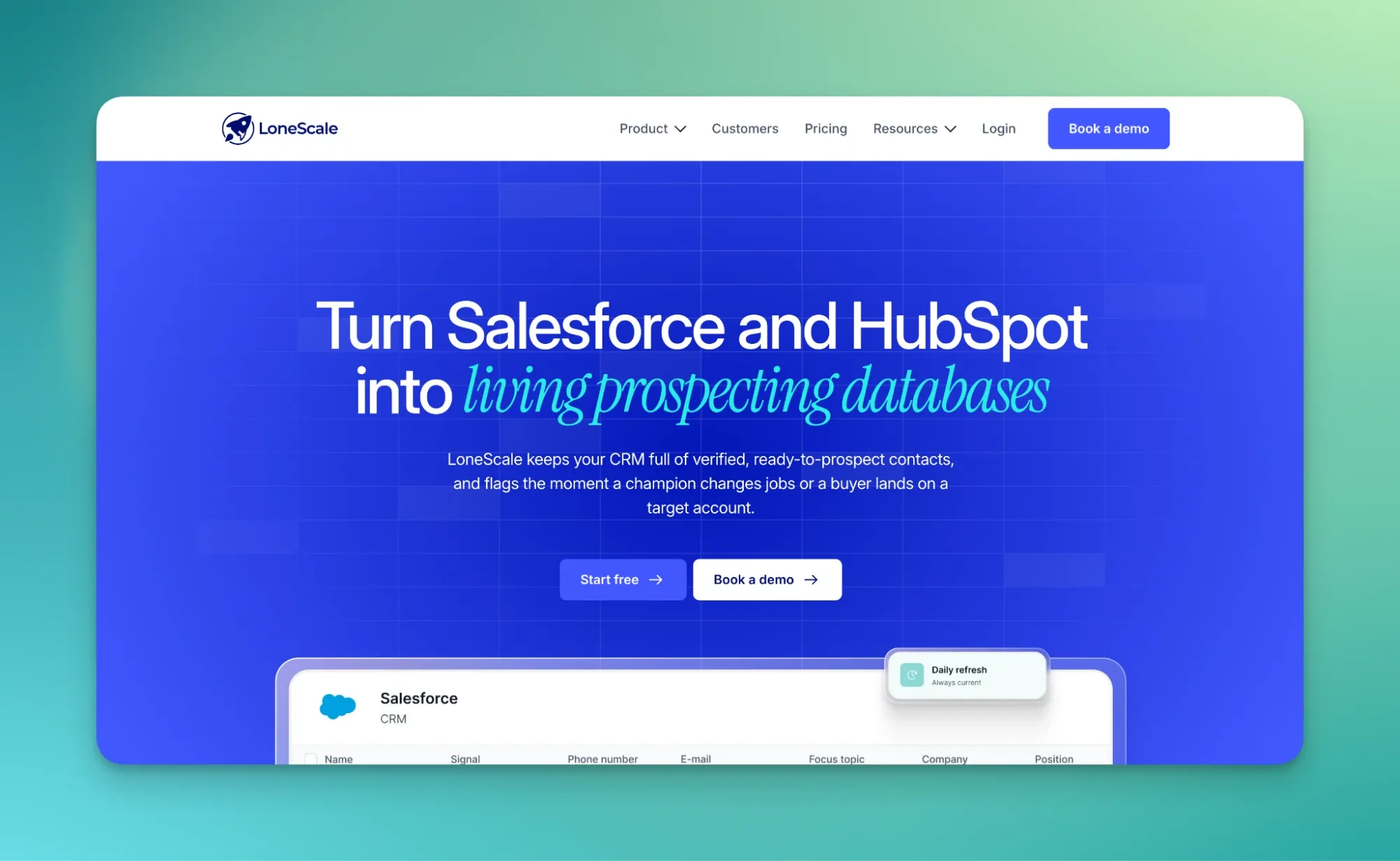
What is LoneScale?
Launched in 2020 by Alexandre Depres, LoneScale started as a lead gen tool that found prospects on the web and contacted them on clients' behalf. The founders built it after struggling to automate their own LinkedIn and email prospecting, which required connecting five to seven separate tools. Today, LoneScale is a buyer-signal orchestration platform that tracks job changes, new hires and hiring intent, and feeds that data into the CRM.
Why LoneScale is a good choice
Strengths
- CRM-native: LoneScale sources, enriches and refreshes contact data directly inside Salesforce and HubSpot.
- Real-time job change tracking, praised by G2 reviewers for its CRM integration.
- Daily data refresh against 30+ sources, plus buying committee mapping.
- Native n8n node to route job-change alerts into Slack, lemlist or Salesforce field updates.
Weaknesses
- Native connections are limited to Salesforce, HubSpot, lemlist and n8n.
- High entry price for small teams.
- Some users want more flexibility in integration and data activation.
Pricing
- Core: from $1,000/month, up to 20,000 credits (about 20,000 verified emails or 2,200 mobile numbers).
- Team: from $2,500/month, up to 60,000 credits, plus people list building.
- Unlimited users: included on both plans.
- Results-based model: you pay only for enriched records.
Who is LoneScale for?
- Mid-market B2B teams running Salesforce or HubSpot.
- Teams that use job-change and hiring signals as a main pipeline driver.
- Larger sales teams, since seats are unlimited.
2. Pipecorn: Best for Waterfall Enrichment Across 100+ Data Sources
What is Pipecorn?
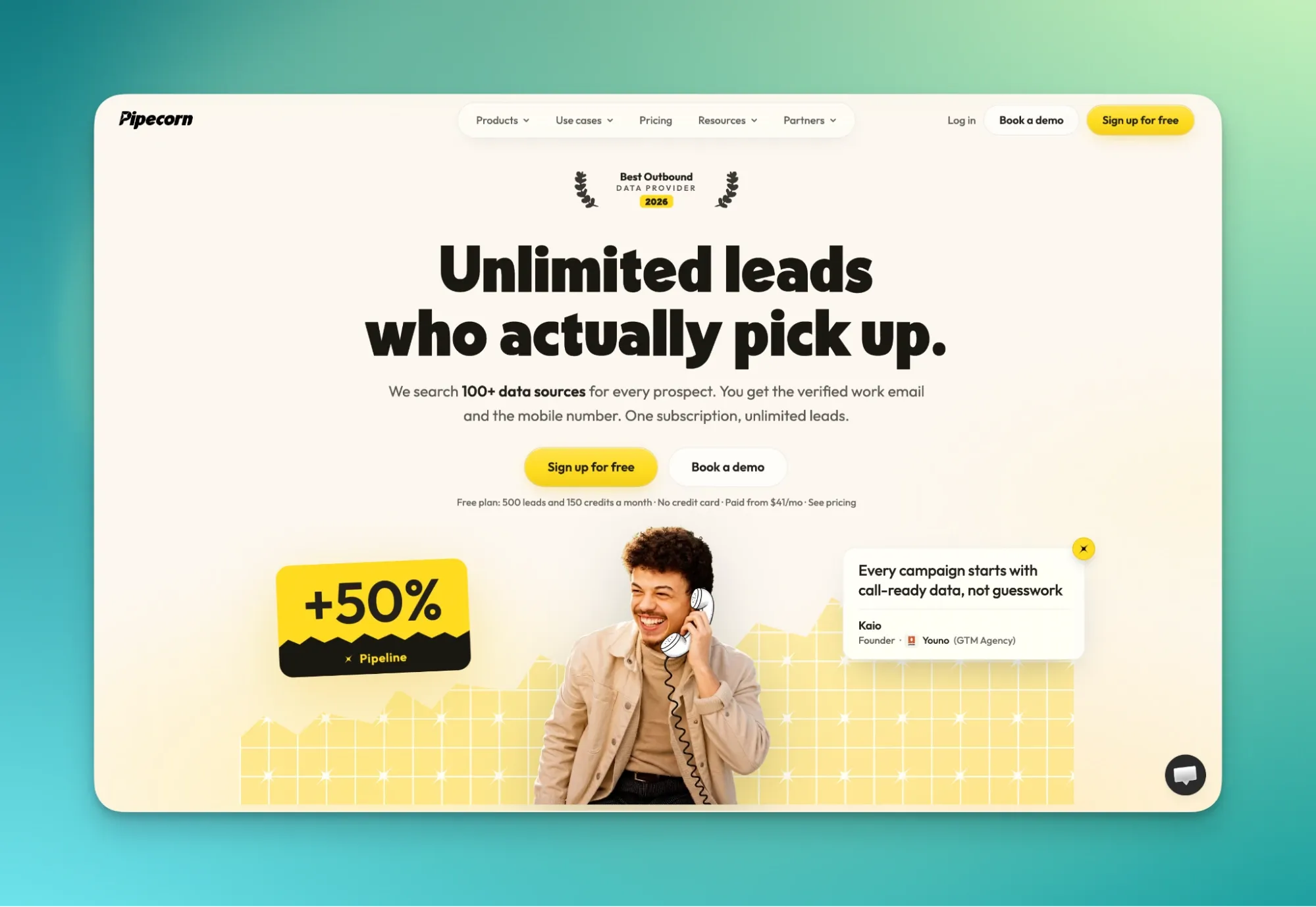
Pipecorn was founded in Paris in 2025 by Mathieu Brun-Picard and Nicolas Fernandez-Le Follic, who had met at a coding bootcamp years earlier. The company bootstrapped to $1 million in ARR, then renamed from ProntoHQ to Pipecorn in 2026. It helps sales teams research companies, identify LinkedIn leads, enrich contact details and organize Sales Navigator lists.
Why Pipecorn is a good choice
Strengths
- LinkedIn signal extraction: post engagers, reactions and lookalike companies.
- Waterfall enrichment and mobile lookup across 100+ providers, with triple email verification.
- Chrome extension on LinkedIn, plus CRM integrations with Salesforce, HubSpot and Pipedrive.
- Tech stack and hiring signal filters, plus persona building.
Weaknesses
- Smaller native database than ZoomInfo or Apollo.
- Young company, founded in 2025.
Pricing
- Free: $0 with 150 credits and 500 exported leads per month.
- Paid plans: Build from $41/month, Grow from $124/month, Scale from $583/month.
- Credits: a verified email costs 3 credits, a mobile costs 30, and a miss costs nothing.
- Seats: free on all paid plans.
Who is Pipecorn for?
- Solo founders, startups and mid-market teams.
- Lean outbound teams that want LinkedIn-signal prospecting without an enterprise contract.
- Teams calling prospects, thanks to mobile coverage across 100+ sources.
3. Surfe: Best for LinkedIn-First Prospecting and CRM Sync
What is Surfe?
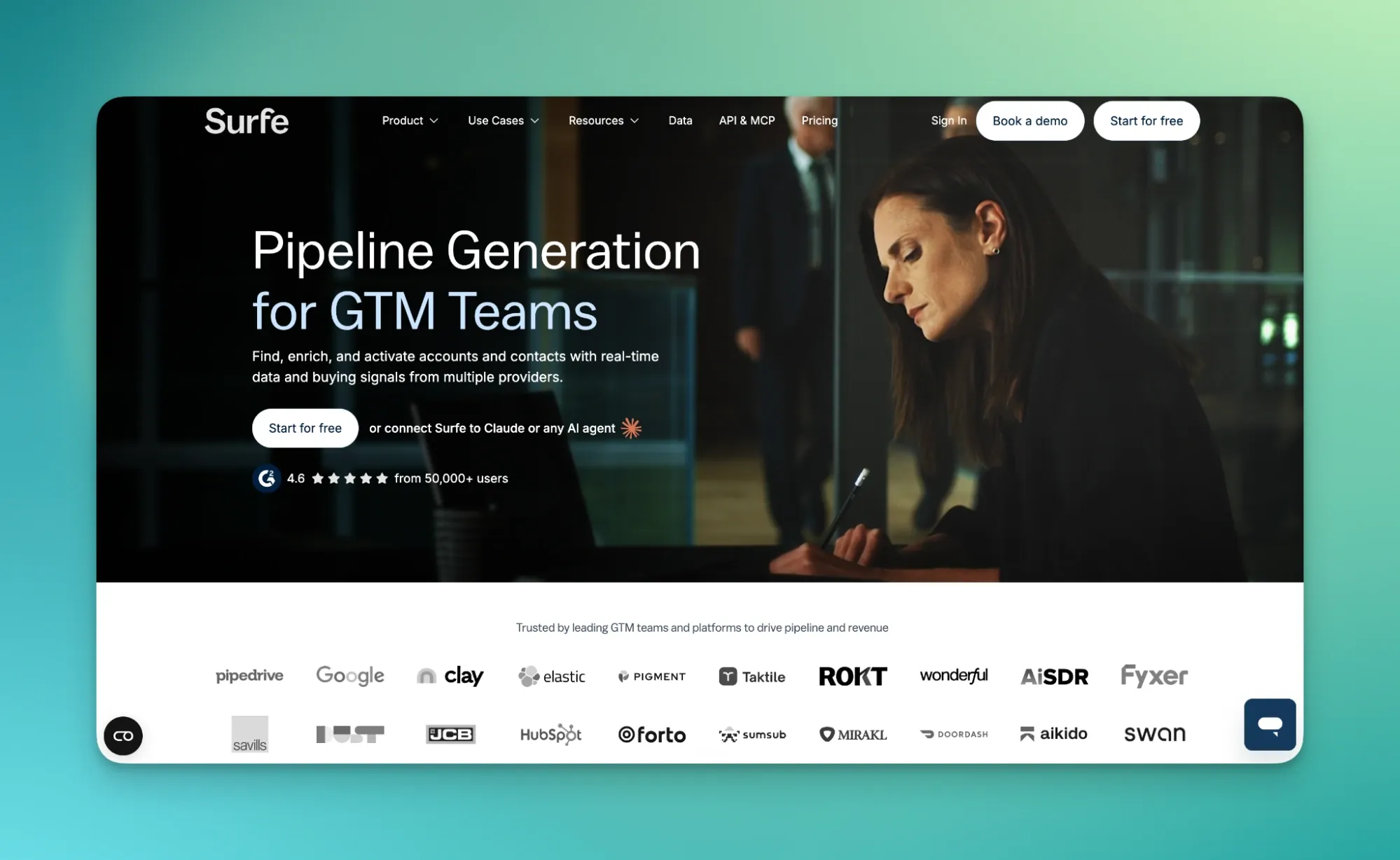
David Chevalier and Romain Ginestou came up with the idea during an exchange at UC Berkeley, tired of copy-pasting prospects into their CRM. Founded as Leadjet in 2020, the company began as a browser extension that pushed LinkedIn contacts into CRMs like HubSpot, Salesforce and Pipedrive. It bootstrapped to over 1,500 paying customers and around 1M EUR ARR with no sales team, then rebranded to Surfe and raised a 4M EUR seed round in 2022. By August 2026, Surfe had reached $15M ARR.
Why Surfe is a good choice
Strengths
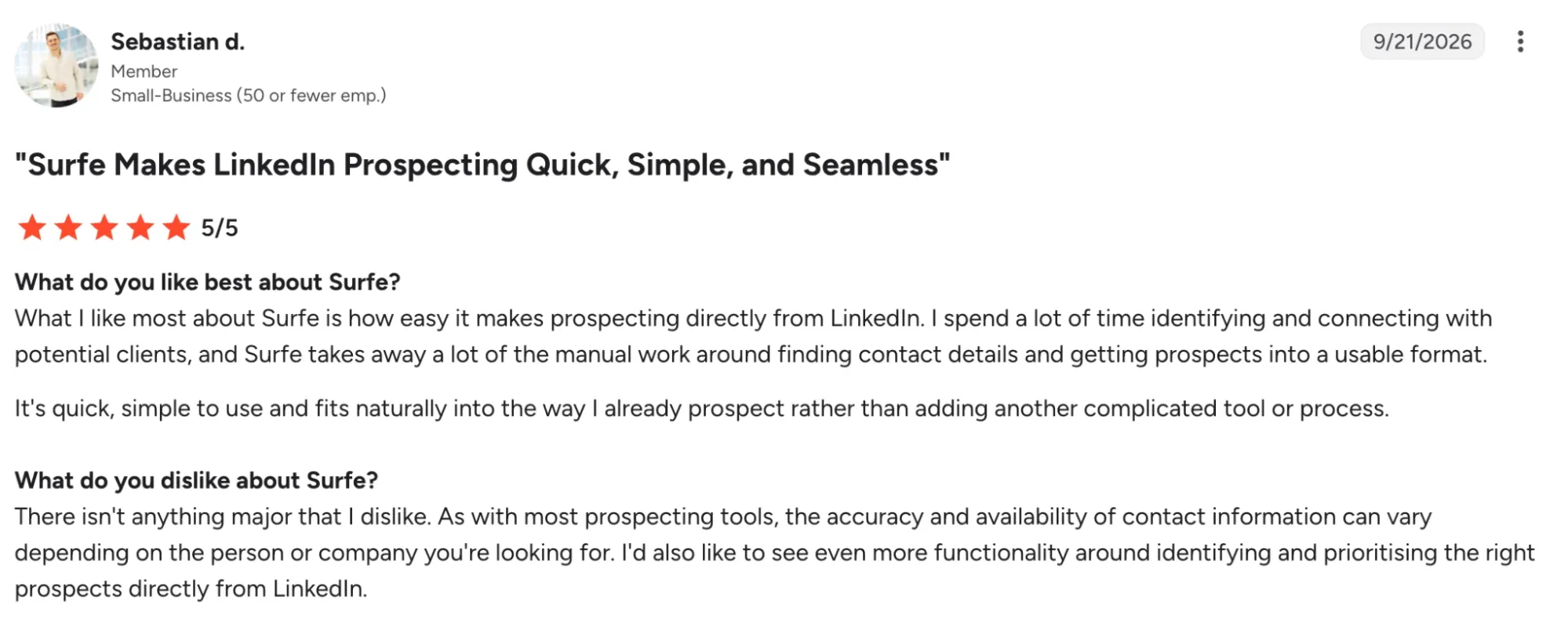
- Pushes contacts from LinkedIn straight into the CRM, removing copy-paste errors.
- Supports HubSpot, Salesforce, Pipedrive and Copper.
- Waterfall enrichment across 15 data providers, benchmarked every month.
- Top-ranked app in the HubSpot and Pipedrive marketplaces.
- One of three named partners behind HubSpot's prospecting agent, with ZoomInfo and Apollo.

Source: Chrome Web Store
Weaknesses
- Credit limits are the most frequent complaint on G2.
- Email and mobile lookups use two separate credit pools.
- The Chrome extension lacks bulk selection across multiple profiles.
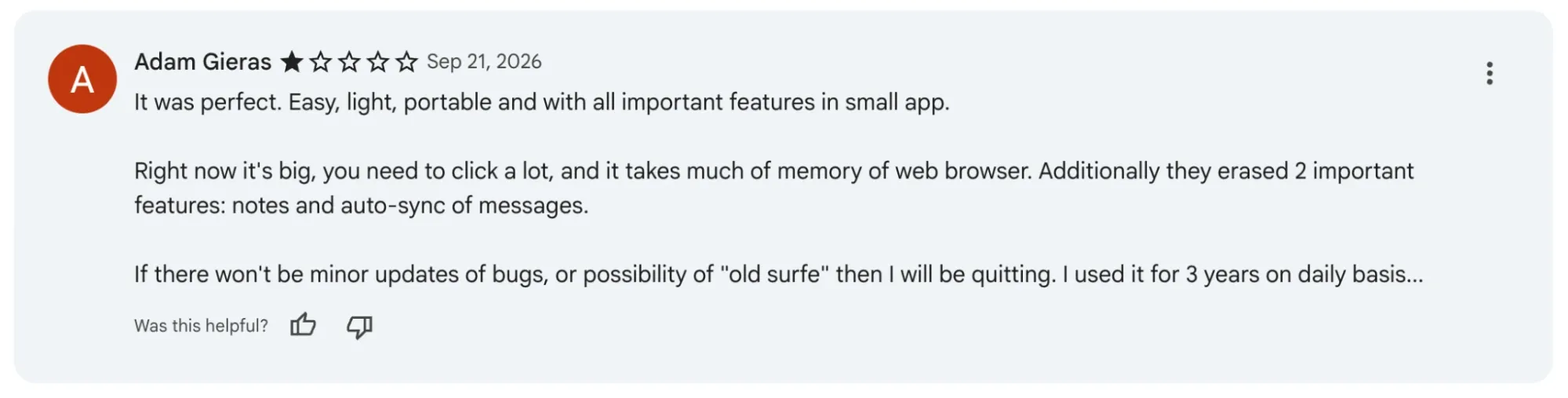
- Recent reviews on the Chrome Web Store say that the extension has become harder to use.
Pricing
- Free: $0, with limited email and mobile credits.
- Essential: $39 per user/month, about $29 on annual billing.
- Pro: $79 per user/month, about $59 on annual billing.
- Trial: 14 days on paid plans.
Who is Surfe for?
- SDR teams that prospect mainly on LinkedIn.
- Teams on HubSpot or Pipedrive.
- Reps who want CRM records visible and editable from LinkedIn.
4. Apollo.io: Best for All-in-One Prospecting and Sales Engagement
What is Apollo.io?
Apollo was founded in San Francisco in 2015 as ZenProspect by Tim Zheng, Roy Chung and Ray Li, and went through Y Combinator's Winter 2016 batch. Zheng had previously run an edtech company, where he built internal software to automate outreach that other founders soon asked to use. The company rebranded as Apollo in 2018 alongside a $7 million Series A led by Nexus Venture Partners. After a near-collapse between 2018 and 2020, Apollo rebounded with a freemium, self-serve model and reached roughly $200 million in ARR by early 2026.
Why Apollo.io is a good choice
Strengths
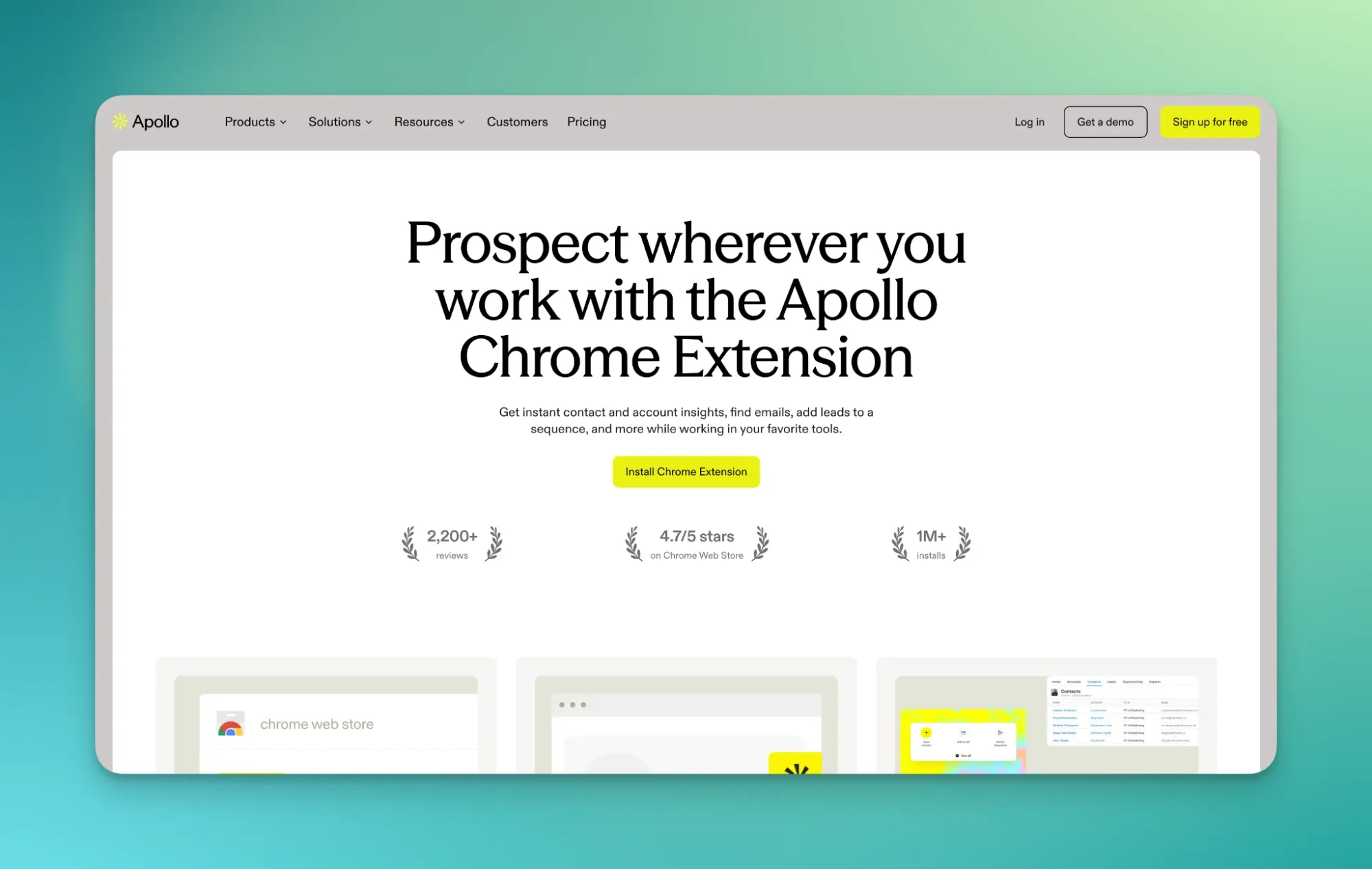
- Database of 250M+ contacts across tens of millions of companies.
- Bidirectional sync with Salesforce, HubSpot and other major CRMs.
- Waterfall enrichment to fill in or refresh CRM records.
- Generous free plan with core database search.

Source: Chrome Web Store
Weaknesses
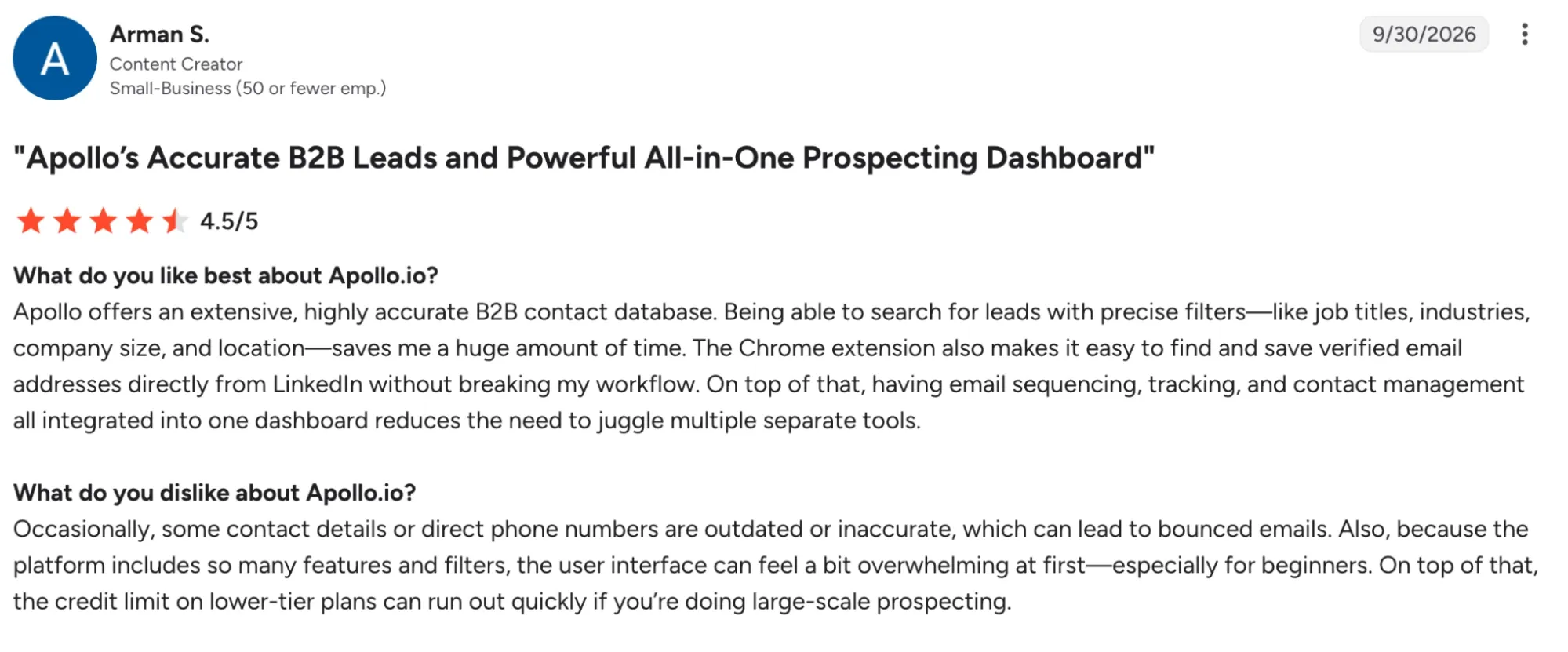
- Weaker accuracy in Europe, Asia and Latin America, with more bounced emails and disconnected numbers.
- Phone reveals cost more credits than emails, and phone accuracy draws recurring complaints.
- Some reviewers report CRM syncs that create duplicate contacts.
Pricing
- Free: $0 with 900 credits per year.
- Basic: $49 per user/month (annual), 30,000 credits per year.
- Professional: $79 per user/month (annual), 48,000 credits per year.
- Organization: $119 per user/month (annual), 72,000 credits per year, 3-seat minimum.
Who is Apollo.io for?
- Small teams that want data, enrichment and sequencing in one platform.
- Teams focused on North American prospects.
- Teams running Salesforce or HubSpot as their main CRM.
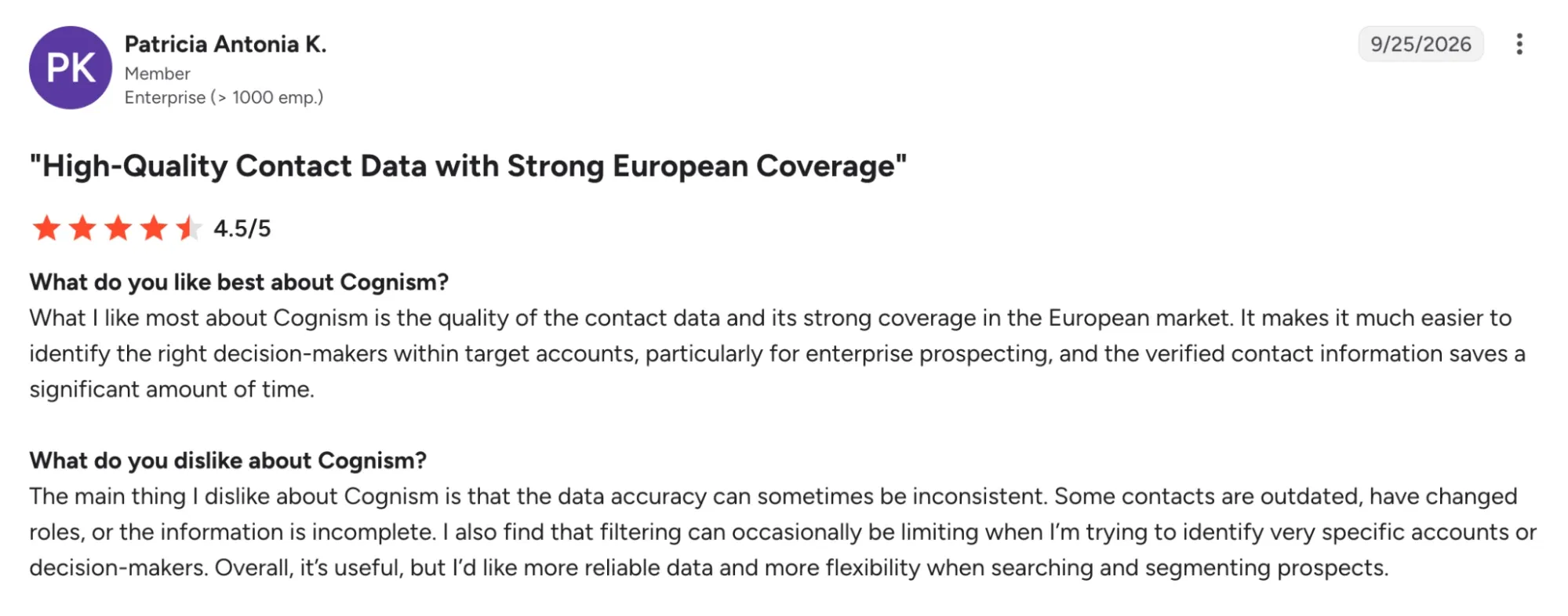
5. Cognism: Best for Verified Mobile Numbers and European Prospecting
What is Cognism?
Cognism was co-founded in London in 2015 by James Isilay and Stjepan Buljat. The company built its positioning around sales intelligence that combines GDPR and CCPA compliance with CRM integrations. It acquired Kaspr in April 2022 to serve as the group's entry-level, product-led offering.
Why Cognism is a good choice
Strengths
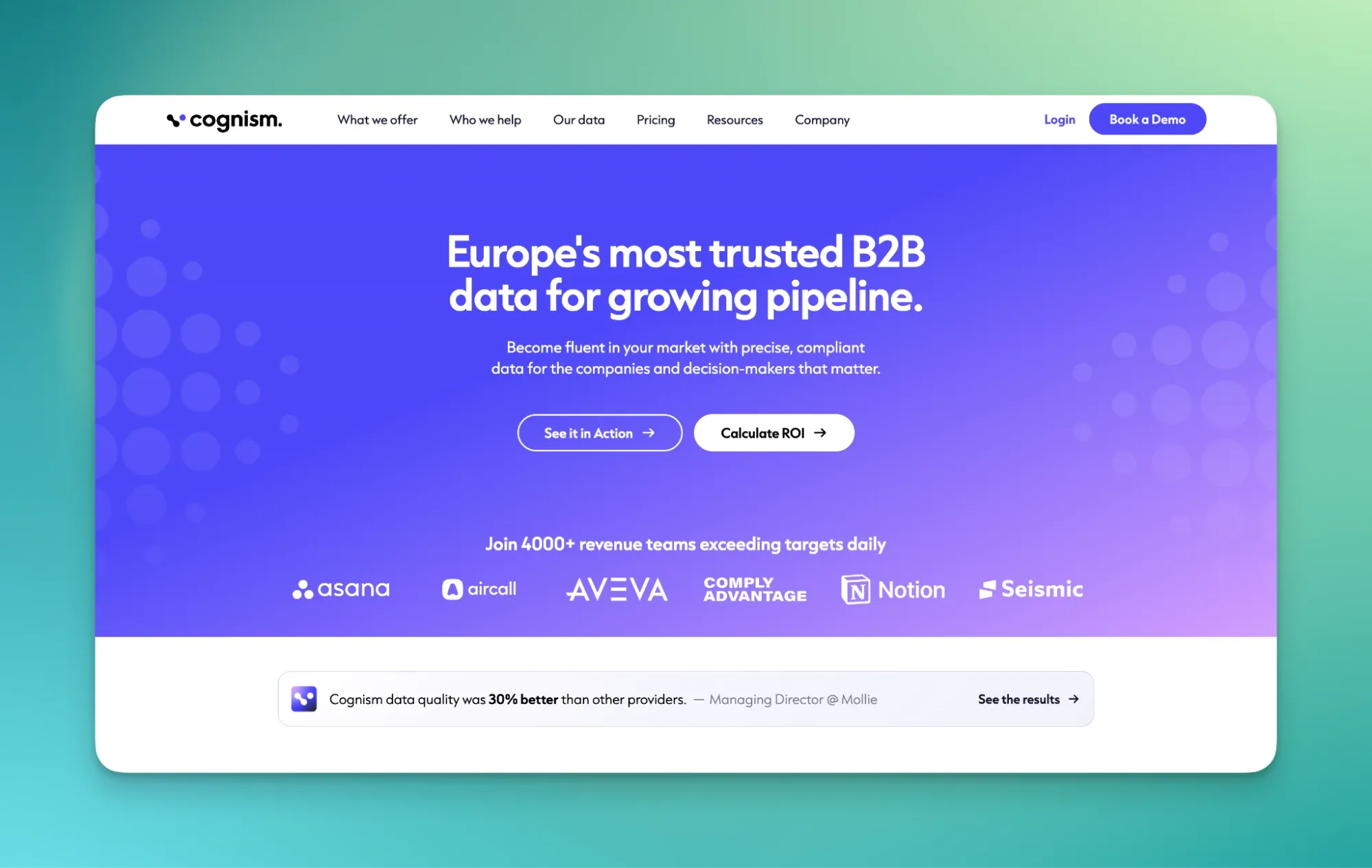
- Diamond Data: phone-verified mobile numbers, with a claimed 98% accuracy rate.
- Strong EMEA coverage.
- Diamond Data is checked against 13 European do-not-call lists.
- Chrome extension on LinkedIn and smooth Salesforce and HubSpot integrations.

Source: Chrome Web Store
Weaknesses
- Quote-based pricing only, with annual contracts.
- Weaker North American coverage.
- The extension can slow down with large lists.
Pricing
- Model: quote-based, with prices published nowhere on the site.
- Tiers: Platinum (Grow) and Diamond (Elevate), which adds Diamond Data and Bombora intent.
- Contracts: annual, with upfront payment.
- Typical cost: $15,000 to $40,000+ per year.
Who is Cognism for?
- Phone-first outbound teams selling into the UK and EMEA.
- Bigger sales teams with a dedicated data budget.
- Teams that need strong GDPR compliance.
6. Lusha: Best for Quick Contact Lookups Across LinkedIn and CRM
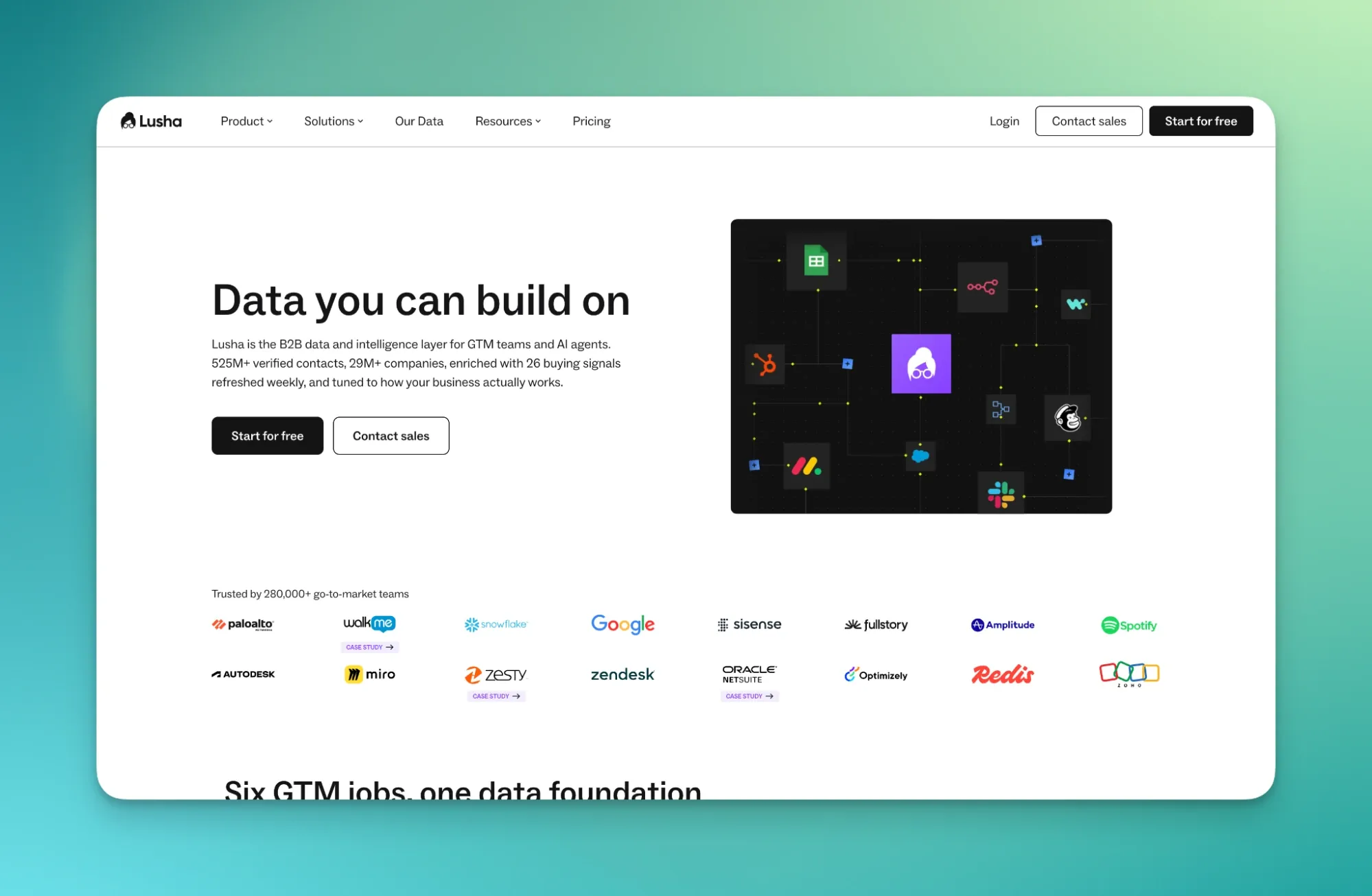
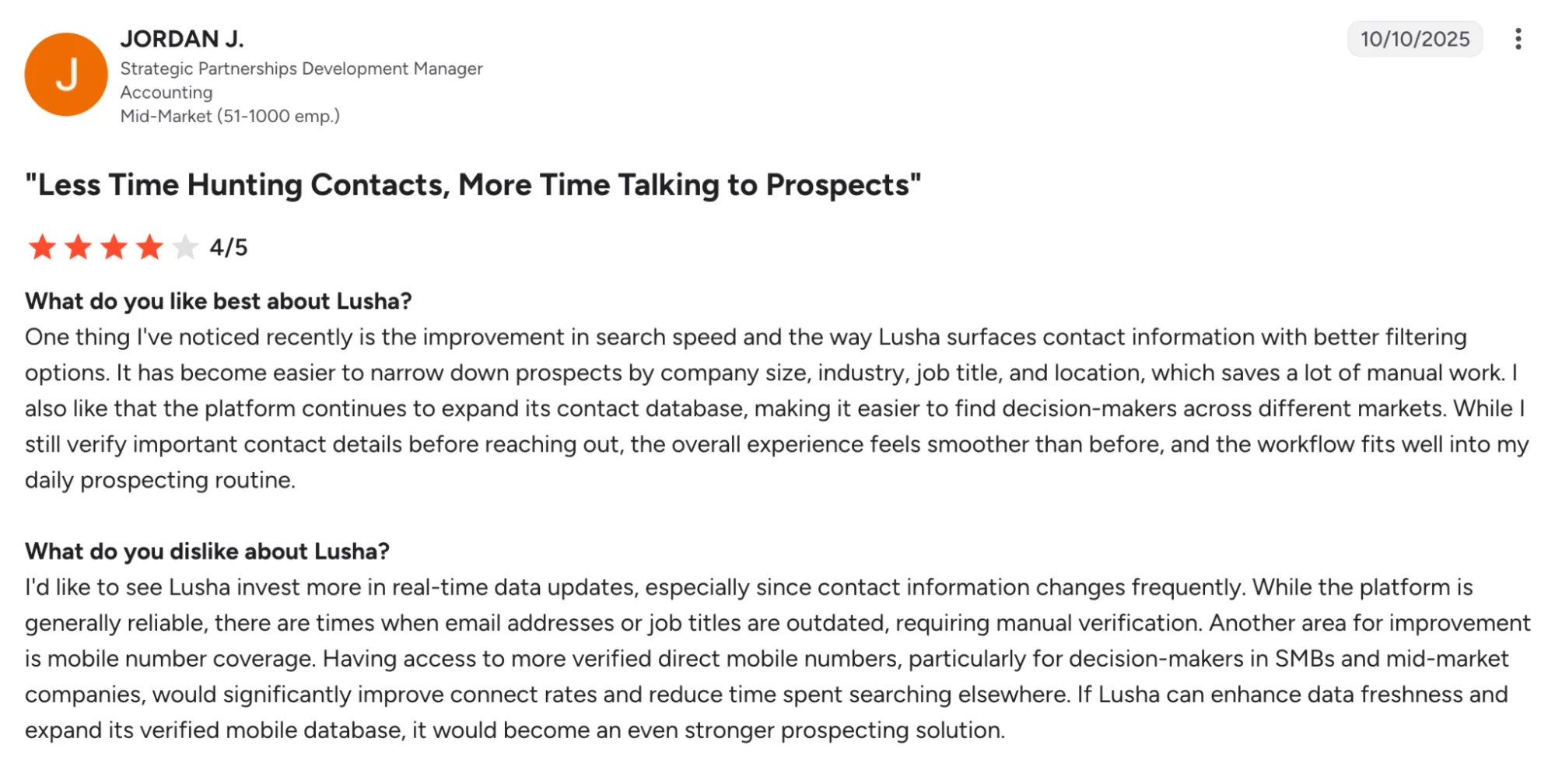
What is Lusha?
Lusha was founded in Tel Aviv in 2016 by Assaf Eisenstein and Yoni Tserruya, who launched it as a side project to help HR teams find talent. Within months of its launch as a Chrome extension, it went viral organically with no marketing budget. Fun fact: Lusha is the nickname of Assaf's daughter, Neta. After years of bootstrapping, the company raised a $205M Series B at a $1.5B valuation.
Why Lusha is a good choice
Strengths
- Chrome extension reveals contact details on LinkedIn, company websites and inside the CRM.
- Bidirectional CRM integrations sync enriched contacts back to the database.
- Pricing published on its website.
- Free plan that includes the Chrome extension and CRM integration.

Source: Chrome Web Store
Weaknesses
- Credits running out too fast is the top complaint across review platforms.
- Phone numbers cost more credits than emails.
- Phone accuracy gets more complaints than email accuracy.
Pricing
- Free: $0 with 40 credits per month.
- Pro: from $52.45/month (annual), 2 seats and 7,200 credits per year.
- Premium: from $299.95/month (annual), 5 seats and 40,800 credits per year.
- Scale: custom pricing.
Who is Lusha for?
- Reps who need quick, one-off contact lookups.
- Solo founders and small teams running email-first outbound at moderate volume.
- Buyers who want published pricing instead of a sales call.
7. Kaspr: Best for LinkedIn Contact Data and European Prospecting
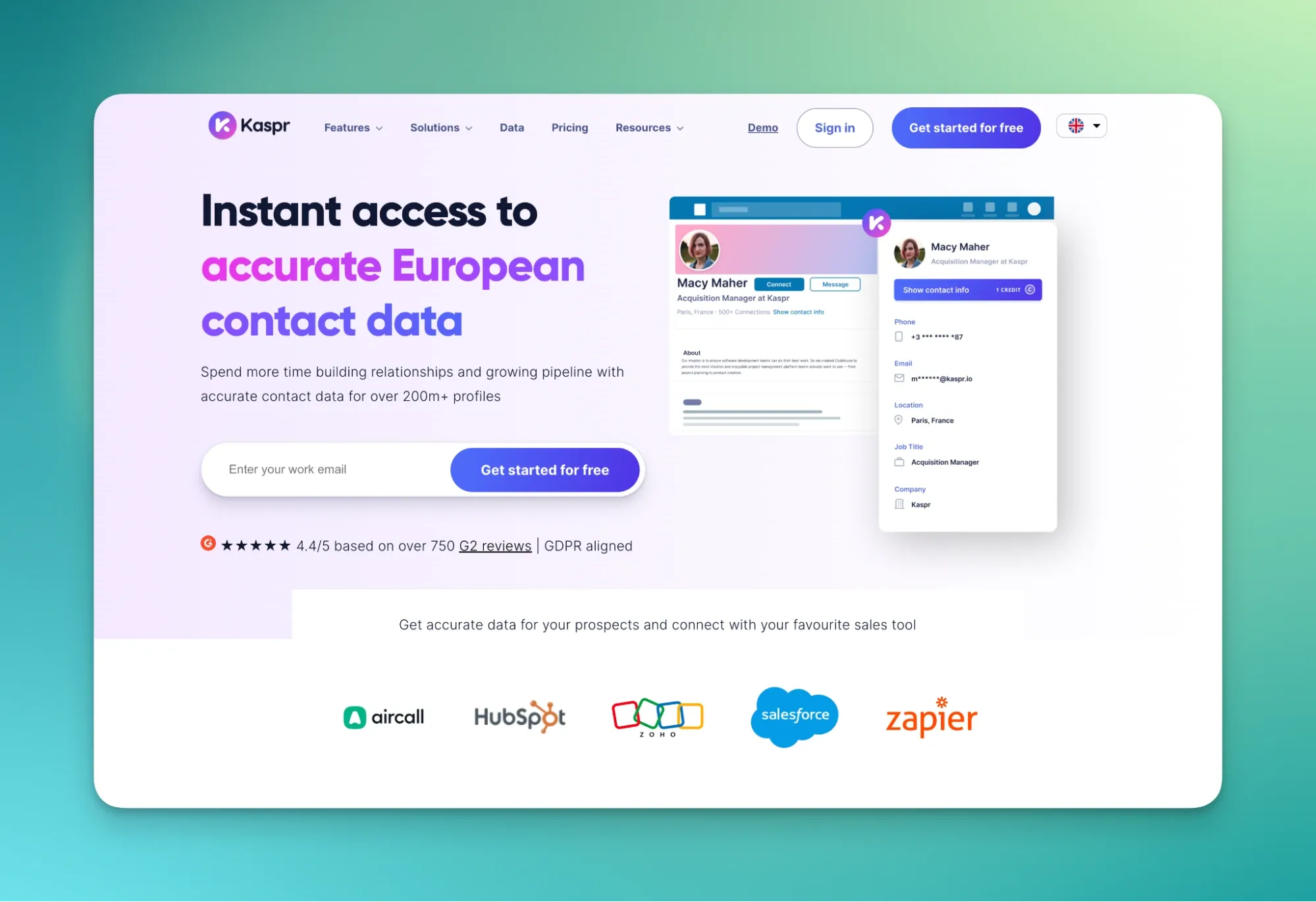
What is Kaspr?
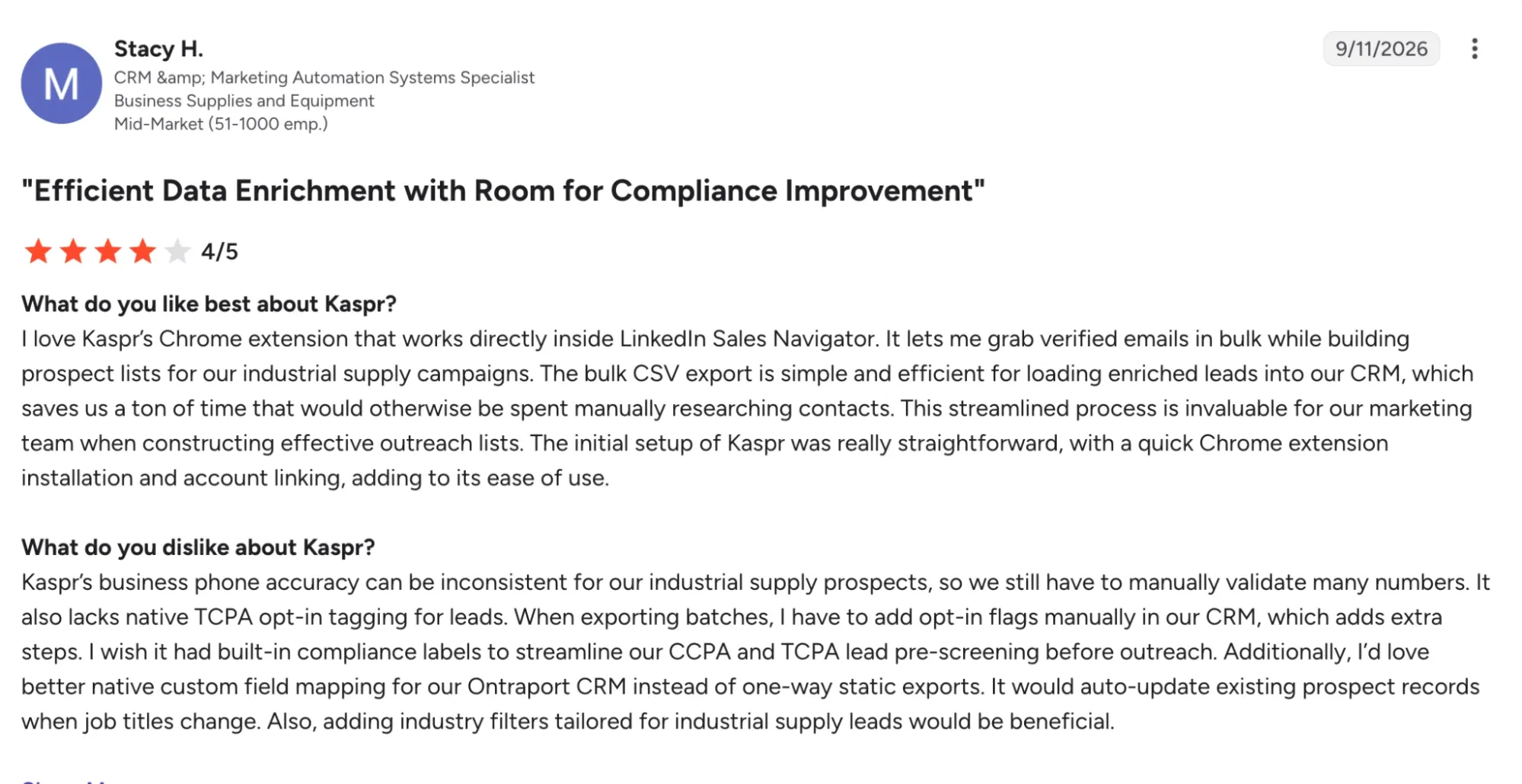
Kaspr was founded in Paris in 2018 by Allan Benguigui and Omar Ghorbel, with the ambition of building a French B2B data provider. The concept was simple: retrieve contact details from LinkedIn profiles through a Chrome extension. Cognism acquired the company in April 2022, when Kaspr had about 1,500 customers, 50,000 users and 14 employees.
Why Kaspr is a good choice
Strengths
- Phone numbers and emails right on the LinkedIn profile.
- Database of 500M+ phones and emails, checked in real time across 150+ sources.
- Integrations with Salesforce, HubSpot, Pipedrive, Zoho, Zapier, Aircall and Ringover.
- Bulk enrichment from LinkedIn, Sales Navigator and Recruiter Lite lists.
Weaknesses
- Separate credit pools for phones, direct emails and exports.
- European-leaning data coverage.
- Requires a minimum number of LinkedIn connections.
Pricing
- Free: $0 with 5 phone credits per month.
- Starter: $49 per user/month (annual) or $65 monthly, 100 phone credits per month.
- Business: $79 per user/month (annual) or $99 monthly, 200 phone credits per month.
- Enterprise: custom pricing.
Who is Kaspr for?
- Individual sellers, recruiters, founders and small teams.
- SMBs looking for an entry-level, self-serve tool.
- Teams prospecting European contacts on LinkedIn.
8. Dropcontact: Best for Automatic CRM Cleaning and Email Enrichment
What is Dropcontact?
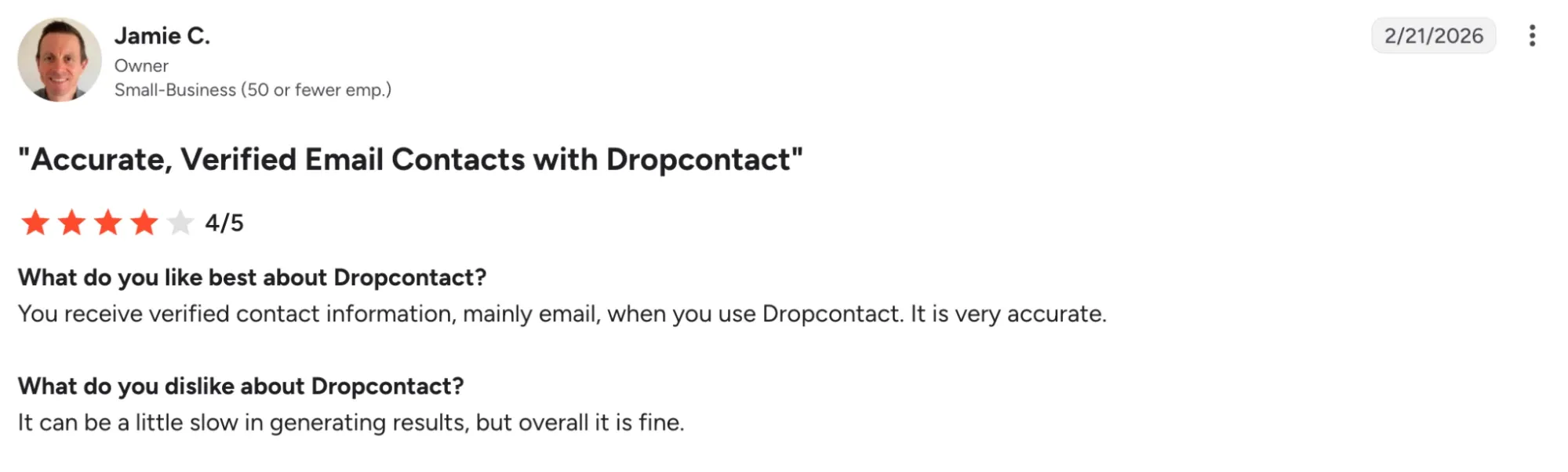
Founded in 2016 by Denis Cohen, Dropcontact has grown without raising any venture capital. The French startup took a different approach from day one: zero contact database, with emails generated in real time by proprietary algorithms. In 2020, the CNIL (French privacy authority) closed a full audit of its servers, data and source code, confirming its GDPR compliance. Beyond email finding, it also handles CRM cleaning, duplicate detection and merging.
Why Dropcontact is a good choice
Strengths
- Zero contact database: emails are generated in real time by proprietary algorithms.
- GDPR compliance confirmed by a full CNIL audit.
- Built-in cleaning, duplicate detection and merging.
- Native CRM enrichment in HubSpot and Pipedrive.
- Very strong French company data: SIREN, SIRET, NAF code, VAT number and headcount.
Weaknesses
- Business landlines only, never personal mobiles.
- Much more limited company enrichment outside France.
Pricing
- Email Finder: credit-based monthly plans.
- Annual billing: about 20% off.
- CRM integrations: a separate product, priced through a sales conversation.
- Credit pools: Email Finder credits can't be used for CRM enrichment.
Who is Dropcontact for?
- French and European companies that put GDPR compliance first.
- Teams on HubSpot or Pipedrive that want automatic CRM cleaning.
- Teams targeting French companies.
Our verdict
The best LinkedIn-to-CRM extension depends on where your reps work and how much you want the CRM to do on its own.
- For SDR teams that live on LinkedIn and run HubSpot or Pipedrive, Surfe is the most natural fit: $39 per user/month, a waterfall across 15 data providers, and CRM records you can edit straight from a LinkedIn profile. The trade-off is clear. Credits are tight, and email and mobile lookups draw from two separate pools. Kaspr and Lusha cover the same quick-lookup need with free plans, and Kaspr adds stronger European phone coverage.
- If your team calls a lot and needs mobile numbers at scale, Pipecorn is the most rational choice in this list: 100+ providers in its waterfall, free seats on every paid plan, and a miss costs nothing. Plans start at $41/month.
- Cognism offers the most reliable phone data for the UK and EMEA, with phone-verified Diamond Data checked against 13 European do-not-call lists. It makes sense for bigger teams only, since contracts are annual and typically run $15,000 to $40,000+ per year.
- For a mid-market team on Salesforce or HubSpot that wants enrichment to happen inside the CRM, LoneScale is the most complete option: daily data refresh, job change tracking and unlimited users. Expect a $1,000/month entry ticket. Apollo.io suits small teams that want data, enrichment and sequencing in one platform, especially for North American prospects, from $49 per user/month. Dropcontact is the GDPR-first pick for French teams that want automatic CRM cleaning in HubSpot or Pipedrive.
Most of these tools offer a free plan or a trial. Start there, run it with a small group of reps, and check field mapping and duplicate handling in your CRM before you commit.
Frequently asked questions about LinkedIn-to-CRM enrichment extensions
What is a LinkedIn-to-CRM enrichment extension?
A LinkedIn-to-CRM enrichment extension is a browser tool that finds contact details on a LinkedIn profile and sends them to your CRM. It typically adds work emails, phone numbers, job titles and company data. More advanced tools also map each field to the right CRM property, check for existing records to avoid duplicates, and enrich contacts in bulk.
What is waterfall enrichment?
Waterfall enrichment queries several data providers one after another until it finds a verified result. A single database often has gaps in some markets, so a waterfall raises coverage. In this list, Surfe uses 15 providers, LoneScale more than 30, and Pipecorn more than 100.
Is it legal to enrich LinkedIn contacts in Europe?
Contact data about people in the EU is personal data, so GDPR applies to how you collect, store and use it. Vendors handle this differently. Dropcontact stores no contact database. Cognism checks its phone-verified numbers against 13 European do-not-call lists. If you prospect in Europe, review each vendor's data sourcing and your own legal basis for outreach with your legal team.
How much does a LinkedIn-to-CRM enrichment extension cost?
Prices range from free plans to five-figure annual contracts. Pipecorn, Surfe, Apollo.io, Lusha, and Kaspr all have free plans. Paid self-serve plans usually start between $34 and $79 per user/month. CRM-native platforms cost more: LoneScale starts at $1,000/month, and Cognism contracts typically run $15,000 to $40,000+ per year. Most tools bill by credits, and phone numbers usually cost more credits than emails.