The best outbound dialers for teams (2026 selection)
We share our favorite tools and who each one is best for, with real reviews, up-to-date pricing and expert commentary.


Making more calls doesn't help much if nobody picks up. According to Hiya's State of the Call 2026 report, only 14% of consumers immediately answer calls from numbers they don't recognize. Another 41% wait to see if the caller leaves a voicemail.
For sales teams, these numbers show a problem that dialing faster can’t fix. You need software that helps your reps reach more prospects, manage follow-ups, and spend less time on admin work after each call.
But with so many outbound dialer software options available, how do you know which features you actually need? And how much should a smaller sales team expect to pay?
In this article, we’ll explain the different types of outbound dialers and compare ten software options for teams of 5 to 30 reps. We’ll focus on pricing, connect rates, and features that help your reps make the most of every call.
Outbound dialer comparison: summary table
The prices below are what a 10-rep team pays per month, billed annually, for a working power dialer. That's not always the cheapest plan on the pricing page: it includes the plan the dialer requires, any dialer add-on, and seat minimums.
| Tool | Recommended to | Power dialer cost for 10 reps | Parallel dialing | Trustpilot rating |
|---|---|---|---|---|
| Allo | Small sales teams that want AI call logging included | $370/mo. $32/user Business × 10 ($320) + Power Dialer add-on, $50 flat for the team | Yes, up to 5 lines, on Ultra ($100/user/mo) | 4.2/5 (23 reviews) |
| CloudTalk | Teams of 6 reps or fewer on a tight budget | $400/mo. $25/user Starter + $15/user Power add-on = $40 × 10 | Yes, 2 to 5 lines, +$39/user add-on | 4.2/5 (886 reviews) |
| JustCall | Teams that will scale to multi-line dialing | $490/mo. $49/user Pro × 10 (2-seat minimum) | Yes, up to 10 lines, SalesPro plan (quote only) | 3.8/5 (744 reviews) |
| Ringover | Teams calling across Europe and the US | $490/mo. $49/user Business × 10 (3-user minimum, 12-month commitment) | Yes | 3.9/5 (1,097 reviews, ringover.fr profile) |
| Aircall | Teams already standardized on Aircall | $500/mo. $50/license Professional × 10 (3-license minimum) | No, by design | 3.0/5 (1,100 reviews) |
| RingCentral | Teams that need predictive dialing and contact-center features | $650/mo. RingCX from $65/agent × 10 | Yes, predictive (RingCX) | 1.7/5 (2,028 reviews) |
| Dialpad | Support-led teams that also run outbound campaigns | $890/mo. $89/user Support Essentials × 10 | Yes, lines per agent set per campaign | 4.1/5 (3,241 reviews) |
| PhoneBurner | Reps who live in a dedicated single-line dialer | $1,400/mo. $140/user Standard × 10 | No, single line only | 2.7/5 (only 7 reviews) |
| Zoom Phone | Companies already paying for Zoom | Quote only. Zoom Auto Dialer is an add-on to a Zoom Phone plan | Yes, 2 to 4 prospects per dial | 1.3/5 (1,575 reviews, all Zoom products) |
| Nextiva | Contact centers with agents and campaign managers | Quote only. Dialing sits in the Contact Center Professional plan | Yes, predictive | 4.5/5 (8,723 reviews) |
What is an outbound dialer? Meaning and types
An outbound dialer is software that makes outgoing calls for your team. You give it a list, either from a CSV file or your CRM, and it dials the numbers, skips dead ends, and moves to the next contact as soon as a call ends. That’s what the term means: you don’t have to copy numbers, paste them into a softphone, and wait for it to ring.
Dialers mainly differ in how quickly they dial. There are four main types to know, and our guide to auto dialer software goes deeper into the topic.
- Preview dialer: The rep reviews the contact’s details and then starts each call by hand. It’s slower, but works well for complex or high-value accounts.
- Power dialer: One rep uses one line and makes one call at a time. The next call starts automatically when the last one ends. There’s no dead air since a rep is always on the line.
- Parallel dialer: One rep uses several lines at once. The dialer calls three to five numbers and connects the rep to whoever answers first.
- Predictive dialer: Each agent has several lines, and an algorithm predicts when someone will be free. This type is made for contact centers with many agents working on the same campaign.
You probably don't need a predictive dialer
Predictive dialing is a contact-center tool. It only works if enough agents are on the same campaign for the algorithm to predict who will be free next, and it also brings legal risks.
Under the FTC's Telemarketing Sales Rule, a call is abandoned when the person who answers isn't connected to a rep within two seconds, and abandoning calls is prohibited. The safe harbor rule only applies to sellers whose technology keeps abandoned calls at 3% or less of answered calls, either per campaign or over a 30-day period. That’s the awkward silence—“Hello? Hello?”—that makes prospects hang up.
A team of 5 to 30 reps will almost always want a power dialer. If your lists are long and cold, a parallel dialer is the next best option. It calls several numbers at once but still connects one live person to one rep.
How to choose an outbound dialer for a sales team
A long list of features won’t really show you how an outbound dialer will work for your sales team.
Instead, you should be looking at what your reps do each day, like reaching out to prospects and handling follow-ups after calls. And don't overlook what happens to your monthly bill as you add more reps.
1. Protect your connect rate before you speed up dialing
Since most prospects ignore calls from unknown numbers, the number you use to call is more important than your dialing speed. Focus on these three features:
- Local presence: The dialer displays a caller ID with the prospect's area code. Some tools offer this feature, while others charge extra for it.
- Voicemail drop: When the dialer reaches voicemail, it can leave a pre-recorded message with one click, letting the rep move on. Since 41% of people wait for a voicemail before calling back, this is often where conversations begin.
- DNC handling: This means checking numbers against do-not-call lists. Only a few tools check the National Do Not Call Registry, usually through a paid third-party service. Most tools expect you to handle this yourself.
2. Price the whole stack, not the plan
Dialers are often added to a phone system or used as a separate tool on top of one. Watch out for three pricing traps: seat minimums (for example, a 3-seat minimum triples the starting price for one rep), dialer add-ons billed per user, and annual-only contracts. We broke down these costs in the summary table above.
3. Count what happens after the call
Reps spend time logging call outcomes and writing notes, not just waiting for the next call. An AI summary that syncs to your CRM after each call can save that time. Some tools include this feature, while others charge per seat, and it can affect your total cost more than any dialing feature.
How we chose the tools
- Our selection criteria. Every tool had to offer a power dialer, and its pricing and dialer features had to be documented on its own website or help center. We checked each feature against the vendor's documentation and linked it so you can check it yourself.
- How the tools are ordered. By what a 10-rep team pays per month for a working power dialer on annual billing, cheapest first. Ten reps sits in the middle of the team sizes we write for. Tools that only give prices on a sales call come last, because you can't compare what you can't see.
- What we left out. Quo is a popular phone system for small teams, but its fair use policy bans auto-dialers, so it can't do the job. You'll probably come across Vonage, Talkdesk, Five9, and Genesys when researching outbound dialers, but they're contact-center suites sold mostly through sales, and we couldn't document their dialer pricing the way we did for the ten below. Kixie and Aloware were close calls: both have a power dialer, but we couldn't confirm their current dialer pricing, so they sit this round out.
A quick note: Allo is our product, and it's included in this article. To keep this comparison fair, we priced every tool the same way, linked every major claim to the vendor's own documentation so you can check it yourself, and included the reviews that criticize us too.
1. Allo
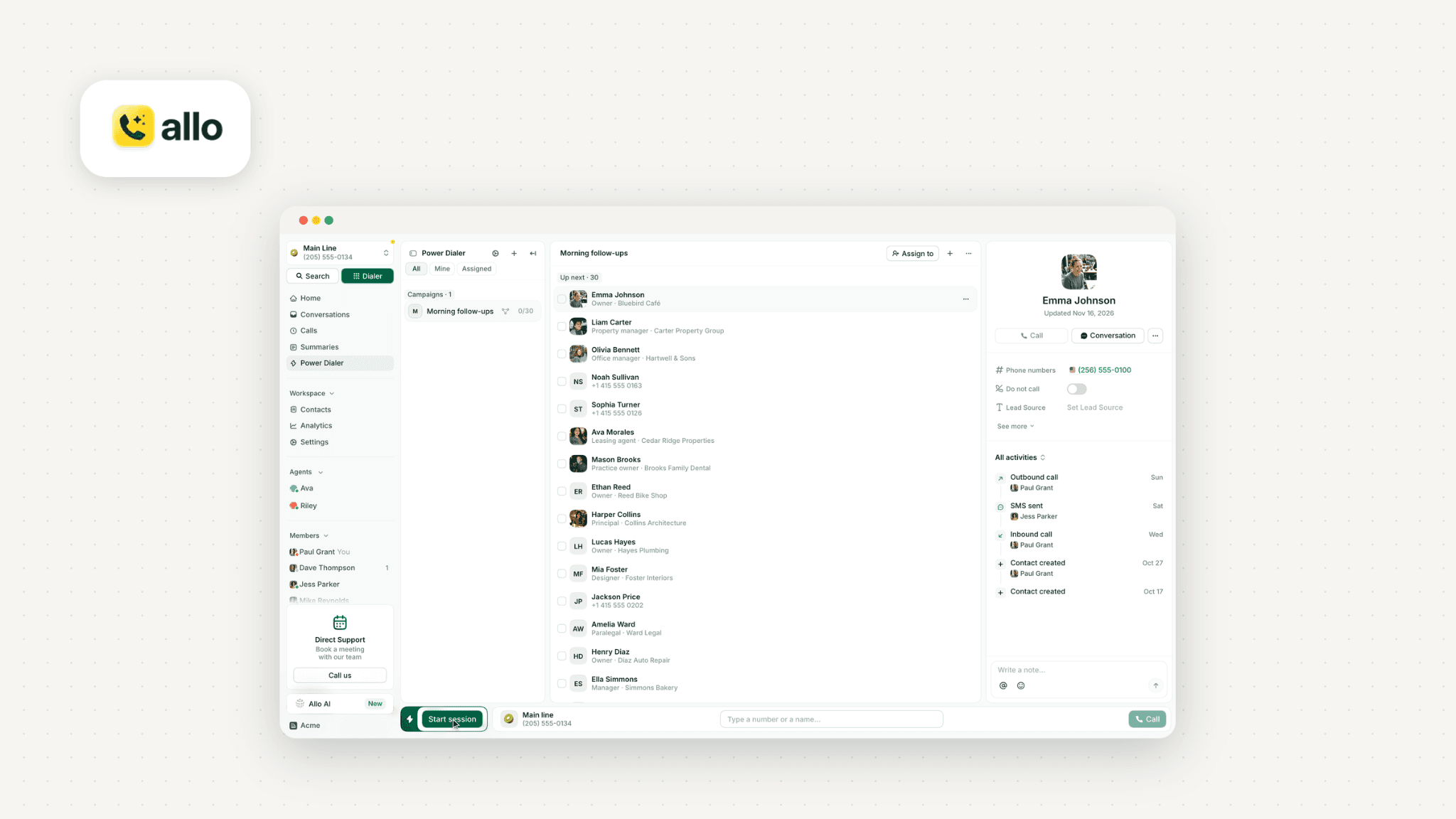
Allo is the best outbound dialer for small sales teams that want the dialer and the call logging in one place. At 10 reps, it's the cheapest working power dialer in this list, and every call is recorded, transcribed, summarized, and synced to your CRM without an AI add-on. It's not the tool for a contact center that needs live call monitoring.
Who Allo works best for
Allo fits teams of 2 to 30 reps who call from HubSpot or Salesforce and want the call to land in the CRM on its own. The Power Dialer add-on is billed for the whole team rather than per user, so the price gap widens as you add reps. From the 7th rep on, it's cheaper than CloudTalk's per-user add-on.
Allo features
- Power dialer: calls one contact at a time, back-to-back.
- Parallel dialer: rings 3 to 5 contacts at once and connects you to the one who picks up.
- Voicemail drop: leaves a message you recorded in advance when a call reaches voicemail. It's set per queue and needs auto-skip voicemails turned on.
- AI summaries: after each call, AI analyzes the conversation and writes a summary.
- Ask AI: a chatbot that answers questions about your calls, drafts follow-up messages and extracts tasks.
Allo integrations
You can push a filtered list from HubSpot or Salesforce straight into the dialer. Once a CRM is connected, every call syncs automatically with its recording, transcript and AI summary (FAQ).
The integrations are well rated where it counts:
- 4.6/5 from 30 reviews on the HubSpot marketplace.
- 4.5/5 from 16 reviews on the Pipedrive marketplace.
Allo pricing
The Business plan costs $32/user/month billed yearly ($45 monthly). The Power Dialer is a $50/month add-on for the whole team, so a single rep starts at $82/month and a 10-rep team pays $370/month (plans and pricing). The Parallel Dialer is included in the Ultra plan at $100/user/month billed yearly ($120 monthly), with no add-on fee.
Allo pros and cons
Pros
- The cheapest power dialer on this list from 7 reps up, because the add-on is a flat team fee.
- AI summaries and CRM sync come with the plan, so reps stop typing call notes.
- Reviewers praise the simplicity: one says Allo "gets full marks for a simple to use product and excellent customer service".
- Context carries from one rep to the next. Scalability's COO told us it "means we never ask the prospect the same question twice".
Cons
- No live call monitoring, so managers can't listen in on a call while it's happening.
- The parallel dialer requires the Ultra plan, which roughly triples the per-seat price.
- Reporting is still basic for some teams: one G2 reviewer wants "more advanced analytics dashboards".
Allo demo video
2. CloudTalk
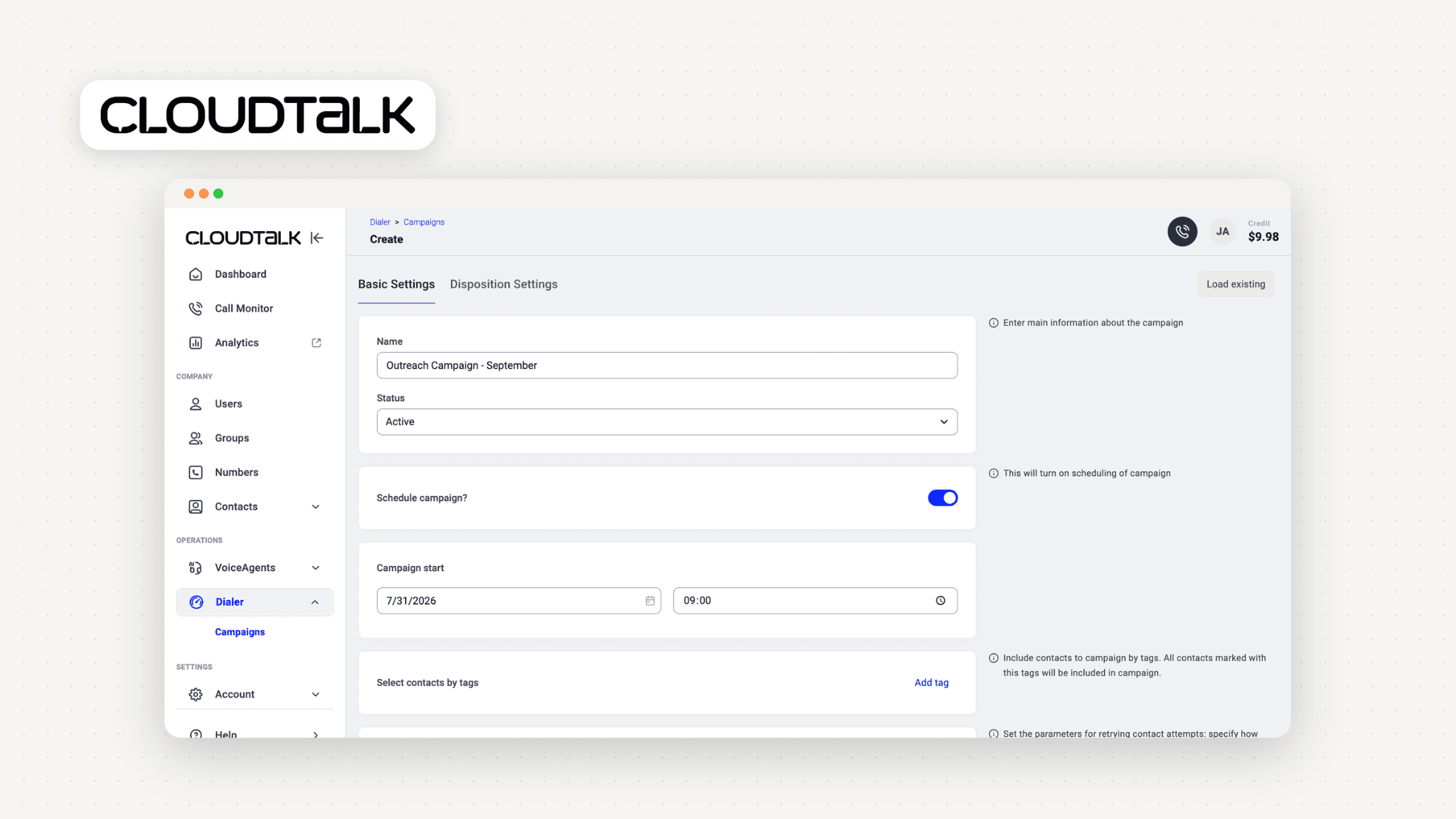
CloudTalk is the cheapest outbound dialer here for teams of six reps or fewer. The power dialer is a $15 add-on on its cheapest plan, and local presence is on by default. The catch is that AI summaries cost extra, so the after-the-call work stays manual unless you pay again.
Who CloudTalk works best for
Small teams that call internationally and want to start with a power dialer, then add parallel dialing later without switching tools.
CloudTalk features
- Power dialer: a $15/user add-on on Starter or Essential, included in Expert (power dialer page).
- Parallel dialer: 2 to 5 lines per campaign, up to 10 on request (parallel dialer page).
- Local presence: caller ID matches each contact's area code by default.
- Voicemail drop: one click in power mode, automatic detection and drop with the parallel add-on.
- DNC: no built-in scrubbing, so you check numbers against the registries yourself before each campaign (outbound sales page).
CloudTalk integrations
Contact lists sync into the dialer from HubSpot, Salesforce, Pipedrive and Zoho CRM. The HubSpot app holds 4.38/5 from 151 reviews on the HubSpot marketplace, with Microsoft Teams, Greenhouse and Workable also connected natively.
CloudTalk pricing
Starter costs $25/user/month billed annually with a 1-license minimum. Add the $15 power dialer and you pay $40/user/month, or $400/month for 10 reps. The parallel add-on costs $39/user/month on any plan, so $64/user/month on Starter. Expert ($49/user/month billed annually, 3-license minimum) includes the power dialer. AI summaries are a paid add-on (pricing).
CloudTalk pros and cons
Pros
- The lowest entry price for a power dialer in this list, with no real seat minimum on Starter.
- One of the cheapest parallel dialers, and reviewers like it: "helps with increasing outreach while taking less time than ever before".
- Local presence included by default.
Cons
- AI summaries cost extra, so call logging is an extra bill.
- No DNC scrubbing.
- Some gaps in the dialer itself. One G2 reviewer wrote: "the dialer is missing the history".
3. JustCall
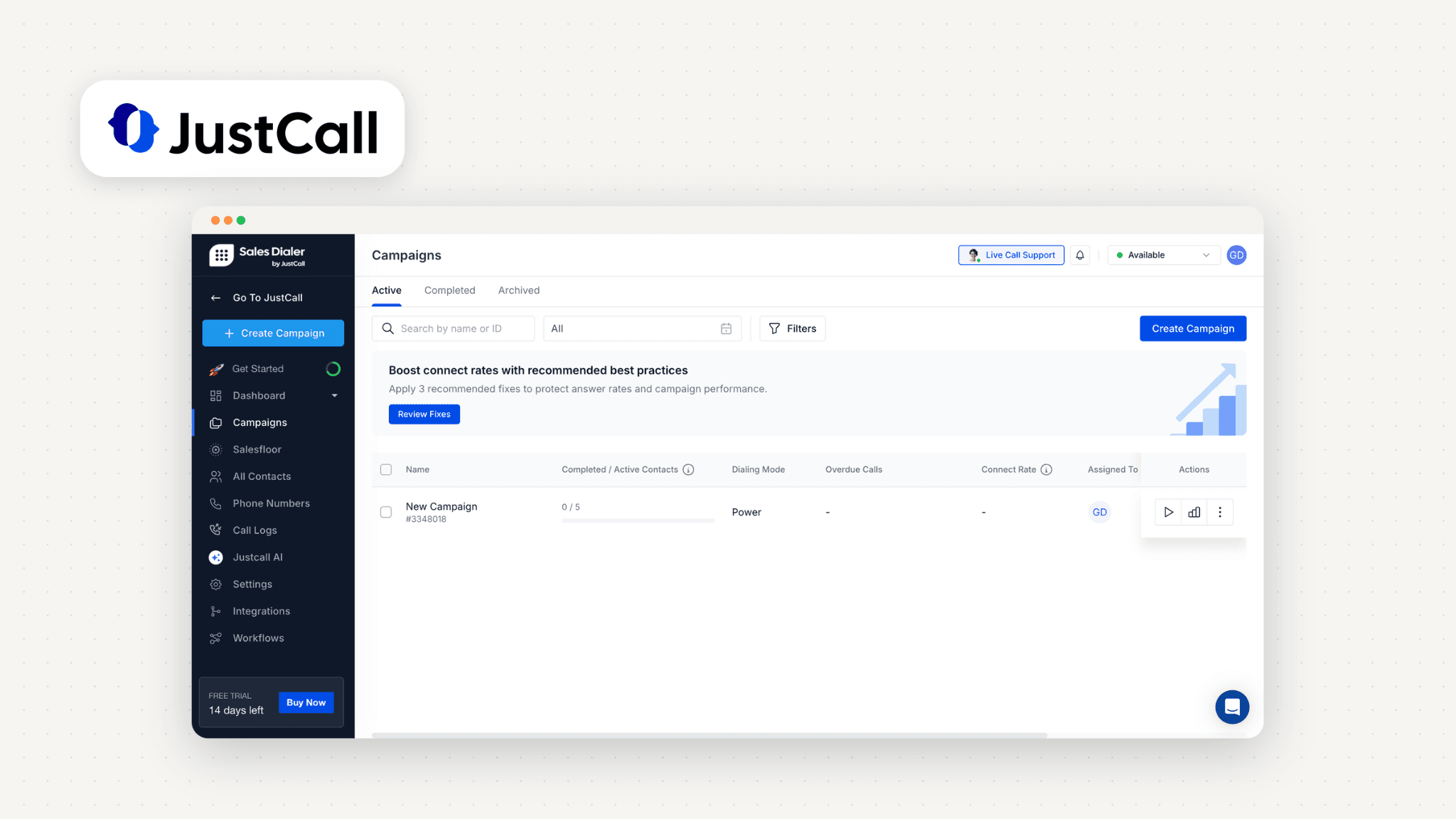
JustCall is the outbound dialer to pick if you'll outgrow a single line. Local presence and voicemail drop come with its sales plans, and the same vendor takes you up to 10-line predictive dialing. That upgrade is quote-only, though.
Who JustCall works best for
Teams that start with a power dialer today and plan to run high-volume campaigns within a year.
JustCall features
- Power dialer: sequential, one call at a time, one agent per campaign (help center).
- Predictive dialer: up to 10 lines per agent on the SalesPro plan.
- Local presence: built into Sales Dialer with no add-on on Pro, Pro Plus, Business and SalesPro (help center).
- Voicemail drop: included in all plans. Automatic drop after the beep is reserved for the predictive dialer (help center).
- DNC: an internal Do Not Dial list and calling windows by time zone.
JustCall integrations
A long native list: HubSpot, Salesforce, Pipedrive, Attio, Close, Zoho CRM, Freshsales, Zendesk, Gong and Slack, among others. Campaigns can run straight from HubSpot contact lists and sequences (HubSpot guide).
JustCall pricing
The Pro plan costs $49/user/month billed annually with a 2-seat minimum, so from $98/month, or $490/month for 10 reps (pricing). The predictive dialer requires SalesPro, which is quote-only with a 2-seat minimum.
JustCall pros and cons
Pros
- Local presence included, which most competitors charge for or skip.
- A clear path from power dialing to 10-line predictive dialing.
- Reps like the dialer: one says it "makes it much easier to reach more people promptly".
Cons
- Multi-line dialing is quote-only, so you can't budget for it upfront.
- The CRM extension can lag: "it takes too long for the extension to load".
4. Ringover
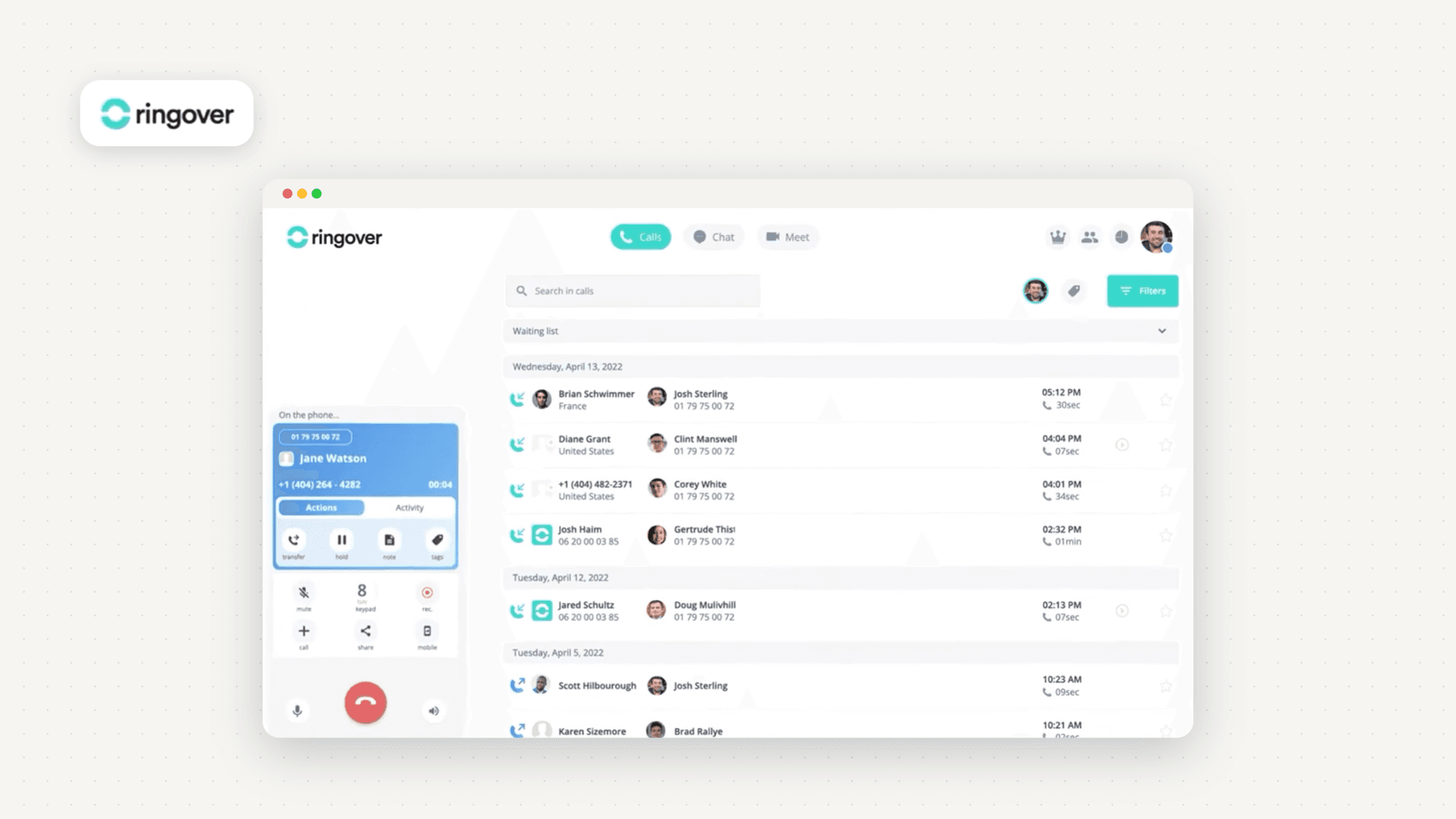
Ringover is a solid outbound dialer for teams calling across Europe and the US, as long as you're happy with a 3-user minimum and a 12-month commitment. Power and parallel dialing are both on the Business plan. Local presence and DNC are where it gets thinner.
Who Ringover works best for
Teams of at least three reps who call several countries and want power and parallel dialing on one plan.
Ringover features
- Power dialer: calls the next contact with zero input from the rep (help center).
- Parallel dialer: calls several contacts at once and connects the rep to the first live answer.
- Local presence: picks a local number that matches the contact's area code, including on power dialer calls. It's an add-on, included in Enterprise, and local number bundles cost extra (help center).
- Voicemail drop: one button, on Business or higher.
- DNC: no automated compliance, so you run the checks yourself.
Ringover integrations
Native integrations with HubSpot, Salesforce, Pipedrive, Attio, Close, Zoho CRM, Intercom, Zendesk and Gong. Setup isn't always smooth: one G2 reviewer said "integrating Ringover into Salesforce was a struggle".
Ringover pricing
The Business plan costs $49/user/month on a 12-month commitment with a 3-user minimum, so from $147/month, or $490/month for 10 reps (pricing).
Ringover pros and cons
Pros
- Power and parallel dialing on the same plan.
- Fast for list work: one reviewer can "rapidly power through lists of 50 to 100 numbers in half the time".
- Rated 4.6/5 from 502 reviews on G2.
Cons
- A 3-user minimum and a 12-month commitment.
- Local presence is an add-on.
- No DNC automation.
5. Aircall
Aircall is the safe choice if your team already runs on it, but it's a limited outbound dialer. The power dialer only works on desktop and web, there's no parallel dialing by design, and the 3-license minimum adds up fast for small teams.
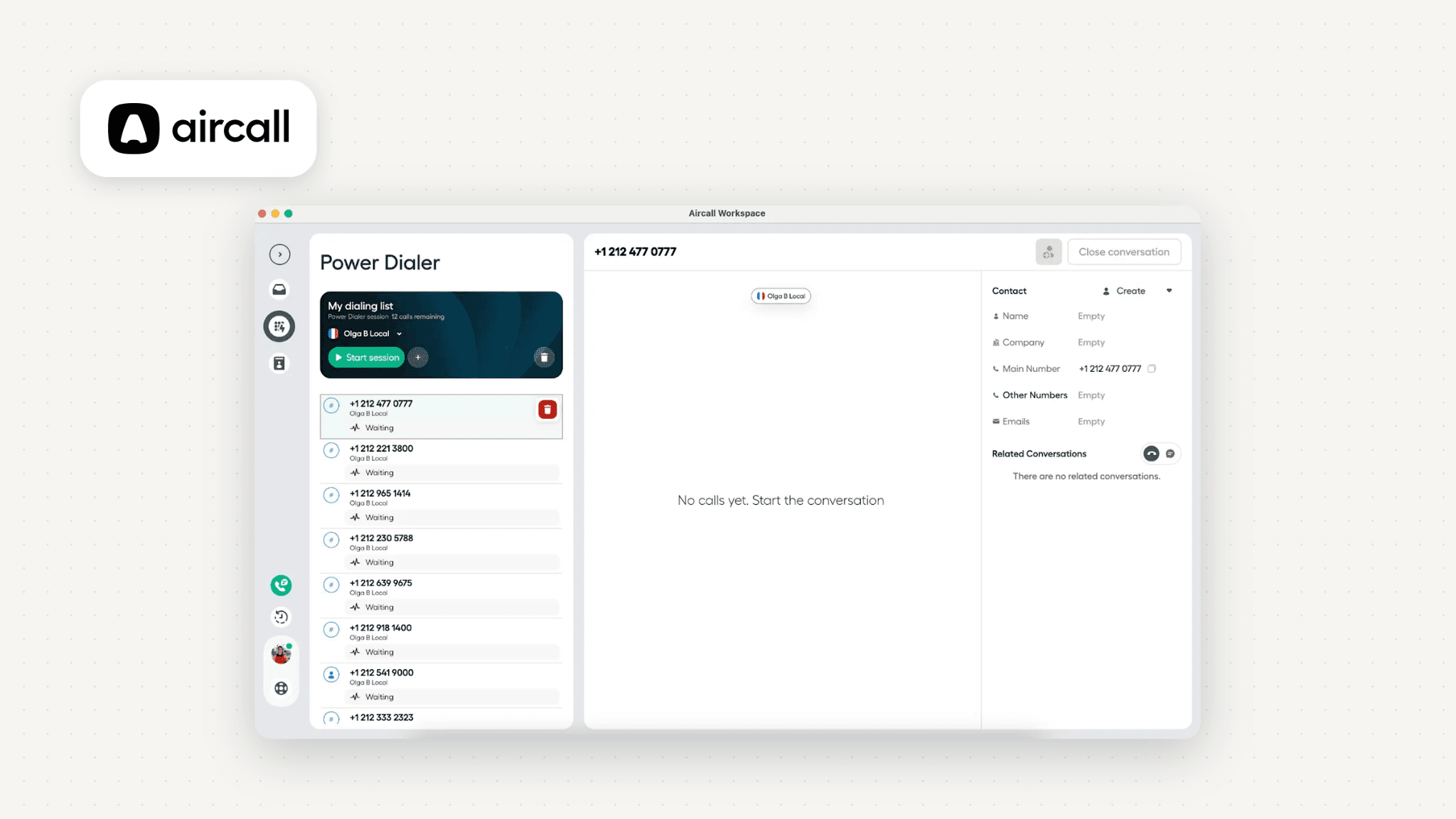
Who Aircall works best for
Established teams already paying for Aircall's phone system who want a basic sequential dialer without adding a vendor.
Aircall features
- Power dialer: dials an imported list in sequence on the Professional plan, on desktop and web only, not on mobile (help center). If you were hoping for an outbound dialer app on your phone, this isn't it.
- No parallel dialer: Aircall chose to build only a sequential power dialer (their team explains why).
- Voicemail drop: one click after the beep, on Professional (help center).
- AI call summaries: included on Professional.
- DNC: agents can tag contacts "do not call", but removing them from future lists is manual (help center).
Aircall integrations
Native integrations with HubSpot, Salesforce, Pipedrive, Intercom, Zendesk and Zoho. For the dialer itself, lists come from a CSV, pasted numbers or the Chrome extension. The Outbound Campaigns beta imports HubSpot static lists, but not Salesforce.
Aircall pricing
Professional starts at $50/license/month with a 3-license minimum, so from $150/month, or $500/month for 10 reps (pricing).
Aircall pros and cons
Pros
- AI call summaries included on the plan that has the dialer.
- Practical for multi-region calling: a reviewer can "choose from multiple numbers when calling different regions".
Cons
- No parallel dialing.
- Power dialer unavailable on mobile.
- 3-license minimum.
- DNC list management is on you.
6. RingCentral
RingCentral is the outbound dialer for teams that genuinely need predictive dialing. RingCX, its contact-center product, has power, predictive and DNC scrubbing tools. But it's a separate product from RingCentral's phone system, and voicemail drop is still in beta.
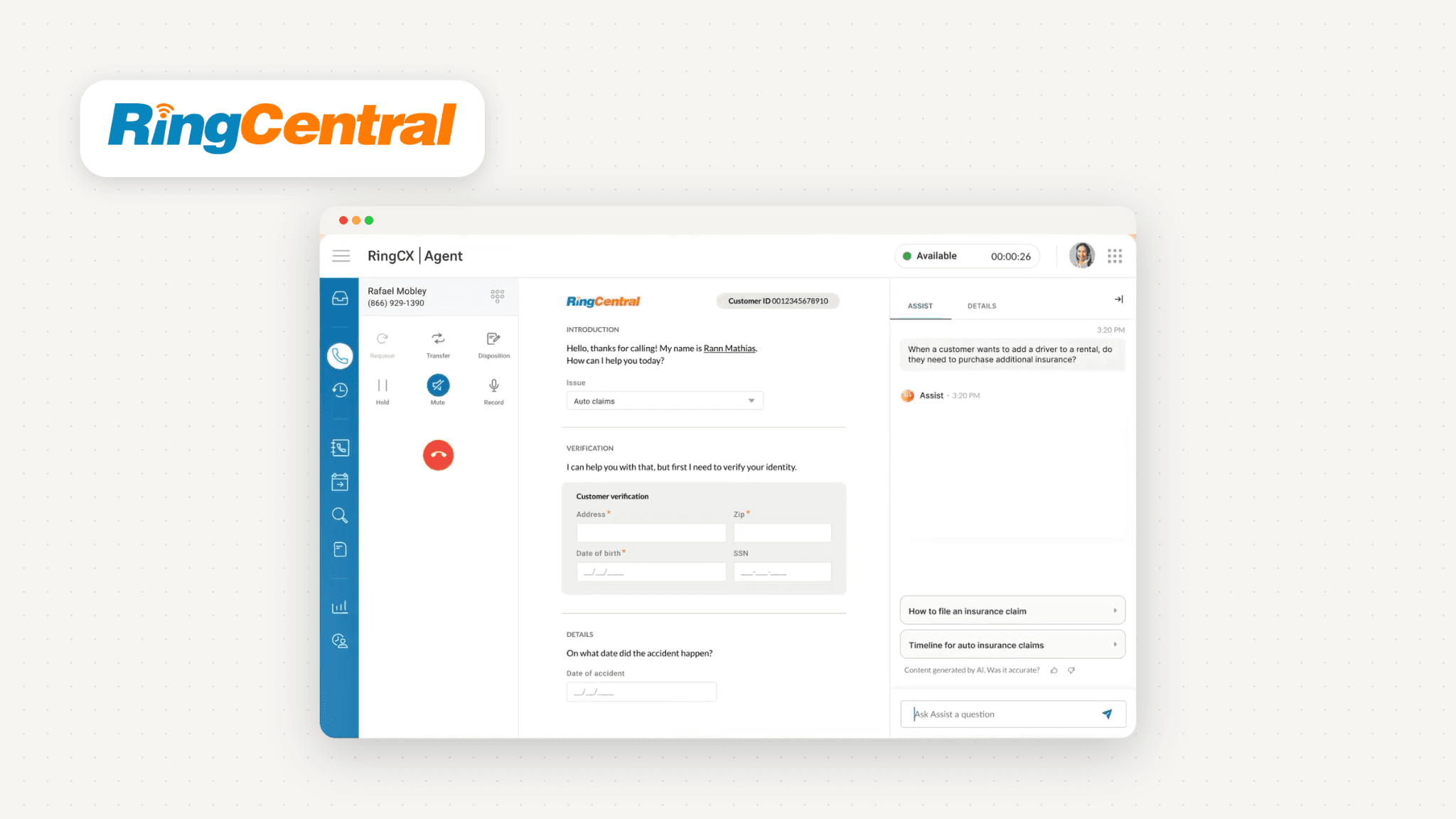
Who RingCentral works best for
Larger outbound teams that run campaigns with enough agents for predictive pacing, and that want contact-center reporting.
RingCentral features
- Power dialer: the RingCX progressive dialer dials the next lead after a pause you configure (dial modes).
- Predictive dialer: decides how many numbers to dial based on available agents and your target abandon rate.
- Local presence: a Caller ID bucket assigns a local number to every lead.
- Voicemail drop: listed as beta, and experimental on RingCX calls.
- DNC: internal lists, plus scrubbing against US state and federal lists through a DNC.com subscription (help center).
RingCentral integrations
RingCX builds lead lists from Salesforce accounts, contacts, leads or opportunities, with an optional daily sync. RingCentral's HubSpot app is a different story: it holds 2.62/5 from 104 reviews on the HubSpot marketplace, one of the lowest ratings in this selection.
RingCentral pricing
RingCX starts at $65 per agent per month paid annually, so $650/month for 10 reps (power dialing page).
RingCentral pros and cons
Pros
- Real predictive dialing with abandon-rate pacing.
- DNC scrubbing options most tools here don't have.
- Strong on Salesforce: a reviewer says the integration "logs call details and AI summaries".
Cons
- The dialer lives in a separate product: one reviewer found "no native power dialler; we needed RingCX for outbound campaigns".
- Voicemail drop in beta.
- Weak HubSpot rating.
7. Dialpad
Dialpad is a capable outbound dialer with strong AI, but its dialer pricing is built for support teams, not small sales teams. Local presence and voicemail drop are included where the dialer lives. At $89 per user, it costs more than twice what most tools above charge.
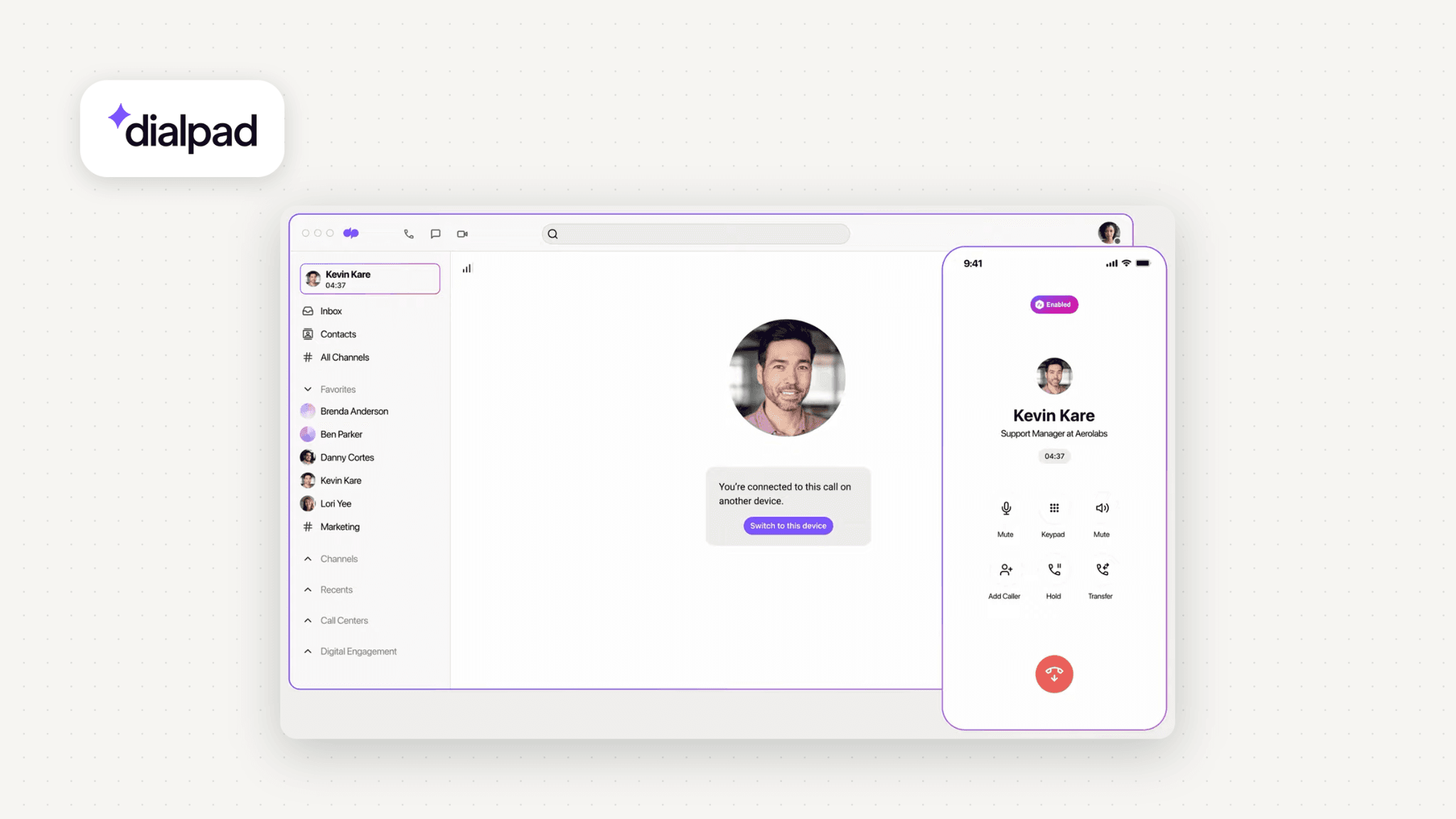
Who Dialpad works best for
Support-led teams that also run outbound campaigns and want AI transcription and post-call automation across both.
Dialpad features
- Dialer: a progressive dialer that dials through a list and only connects answered calls to available agents (help center).
- Multi-line dialing: lines per agent set per campaign. The maximum isn't documented.
- Reach Booster: local presence dialing and voicemail drop, included on Support Essentials (pricing).
- AI: transcription, sentiment, action items and call summaries, plus post-call automation that updates CRM records (post-call automation).
- DNC: internal lists imported by CSV, on by default, with calling windows by time zone.
Dialpad integrations
Native HubSpot, Salesforce, Zendesk and Microsoft Teams integrations. Dialer audiences can be built from Salesforce leads, contacts, list views or filters (help center).
The HubSpot app is middling: 3.61/5 from 226 reviews on the HubSpot marketplace.
Dialpad pricing
Dialpad Support Essentials lists the power dialer at $89 per user per month, so $890/month for 10 reps. Dialpad's help center says the dialer is available with Sell Premium or Dialpad Support with the Dialer add-on.
Dialpad pros and cons
Pros
- The most complete AI after the call in this list.
- Local presence and voicemail drop included with the dialer.
- Reps value the transcripts: "I can copy and paste it into my notes".
Cons
- More than twice the price of most tools here for the dialer.
- Integrations can be fragile: one reviewer says "the integrations keep breaking".
8. PhoneBurner
PhoneBurner is a pure power dialer with some of the most complete DNC tooling here, at the highest price. It's single-line by design and does one job well. It's not a phone system: phone numbers, SMS and call routing are paid add-ons.
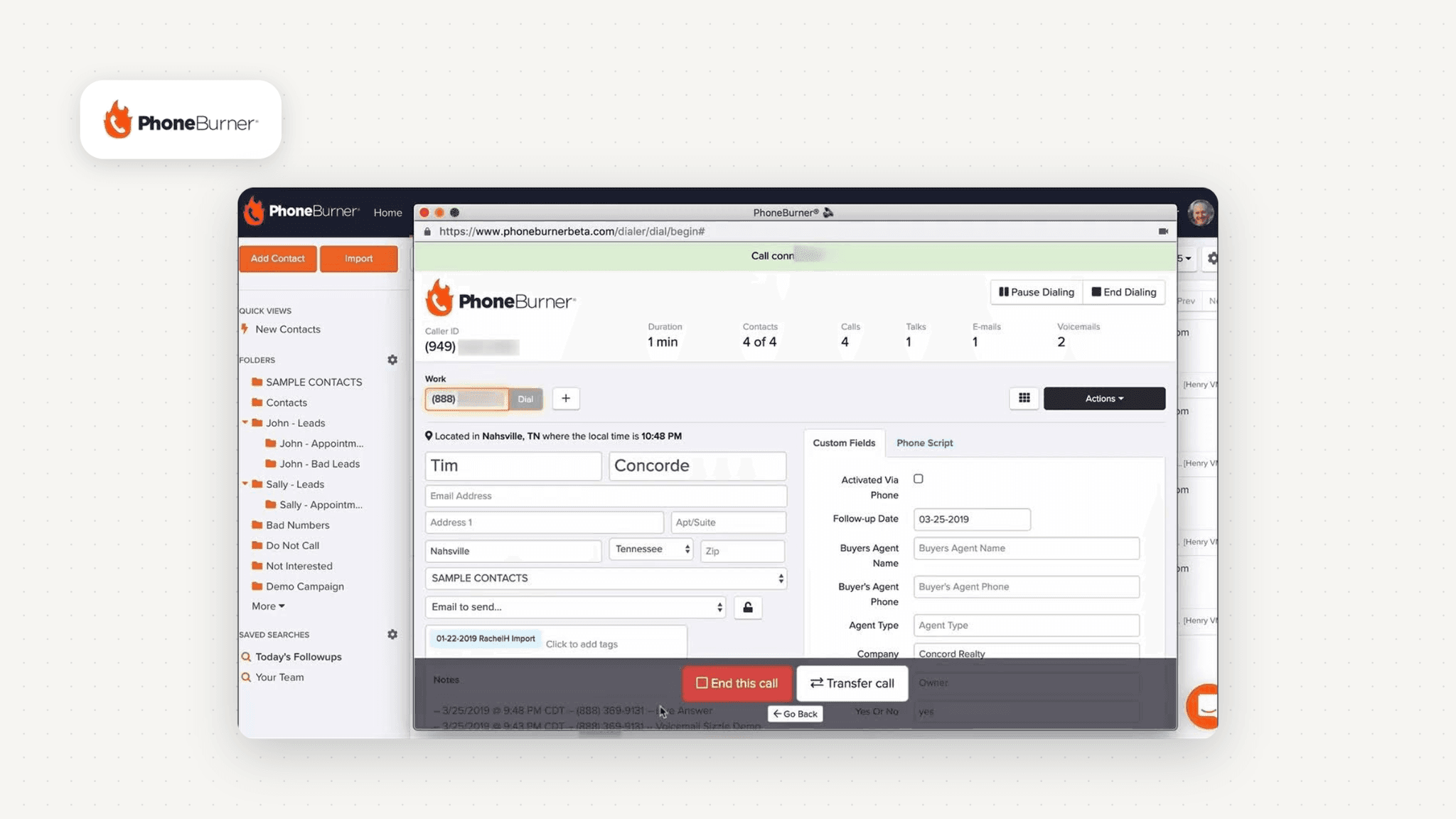
Who PhoneBurner works best for
Individual reps and teams in regulated or complaint-sensitive markets who want compliance checks built into every dial session.
PhoneBurner features
- Power dialer: single-line, one person at a time (FAQ).
- Voicemail drop: one click during a dial session while the next call starts.
- Local presence: matches a local number from your inventory to the contact's location (local ID).
- DNC: a personal list, real-time National Do Not Call Registry and TCPA litigator scrubbing through a DNC.com integration, and no calls after 9:00 p.m. local time.
- AI note taker: a paid add-on (pricing).
PhoneBurner integrations
Native Salesforce, HubSpot, Zoho, Close, Zoom and Microsoft Dynamics integrations. Dial sessions run straight from Salesforce Reports and saved HubSpot lists (Salesforce integration).
PhoneBurner pricing
The Standard plan costs $140/user/month billed annually or $165 billed monthly, so $1,400/month for 10 reps on annual billing (power dialer page).
PhoneBurner pros and cons
Pros
- The most complete DNC and litigator scrubbing in this list.
- Built for speed: "The power dialer helps me move through calls without stopping".
Cons
- The most expensive per seat, by far.
- No parallel dialing.
- Numbers, SMS and AI notes cost extra.
- Inflexible caller ID mid-session: a reviewer regrets "not being able to change the number I'm dialing from once a session starts".
9. Zoom Phone
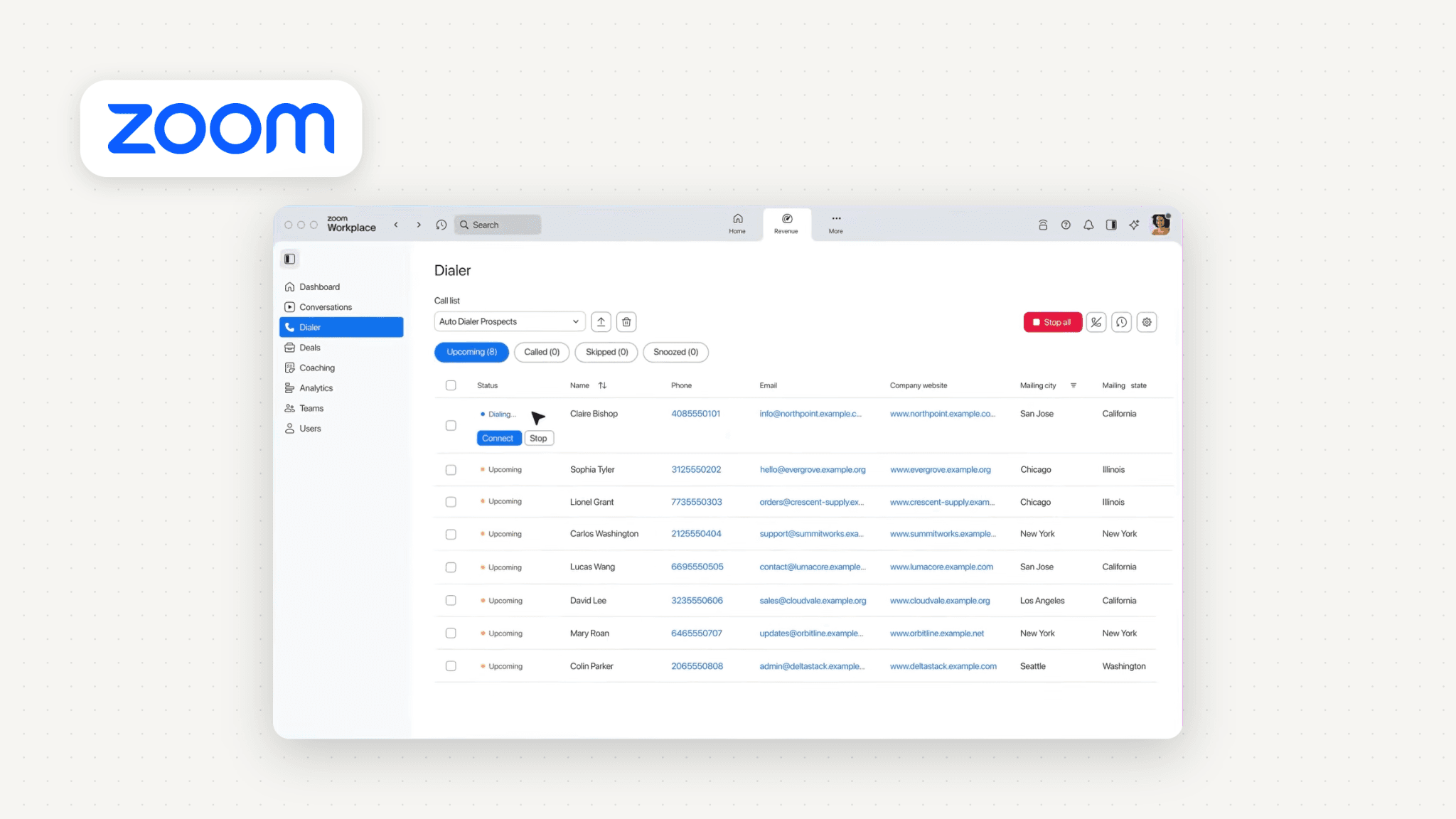
Zoom Auto Dialer makes sense if your company already pays for Zoom, but you can't price it without a sales call. The feature set is solid: power, parallel and cascading dialing, automatic voicemail drop, and local dial.
Who Zoom Phone works best for
Companies already standardized on Zoom that want outbound dialing without adding a vendor.
Zoom Phone features
- Auto dialer: an add-on to Zoom Phone with power, parallel, and cascading dialing (feature page).
- Parallel dialing: 2 to 4 prospects per dial (Zoom library).
- Voicemail drop: automatic, with up to 20 recorded messages (support).
- Local dial: picks a same-area-code number from your pool. Extra numbers need Zoom Phone number licenses.
- AI: summaries, transcriptions, and recordings in your call history after each call (built-in AI).
Zoom Phone integrations
The auto dialer pulls Salesforce contacts by field, with auto-sync of new matching prospects, plus HubSpot and Outreach imports. HubSpot users are less happy: Zoom Phone for HubSpot holds 2.07/5 from 87 reviews on the HubSpot marketplace, the lowest in this selection.
Zoom Phone pricing
Quote only. Zoom Auto Dialer is an add-on sold through Zoom sales, on top of a Zoom Phone plan (US & CA Unlimited costs $16/user/month billed annually) (Zoom Phone pricing).
Zoom Phone pros and cons
Pros
- Power, parallel and cascading dialing in one add-on.
- Good Salesforce list sync: a reviewer gets "automatic call logging and click-to-dial functionality".
Cons
- No public dialer price.
- Weak HubSpot rating.
- Extra local numbers require extra licenses.
10. Nextiva
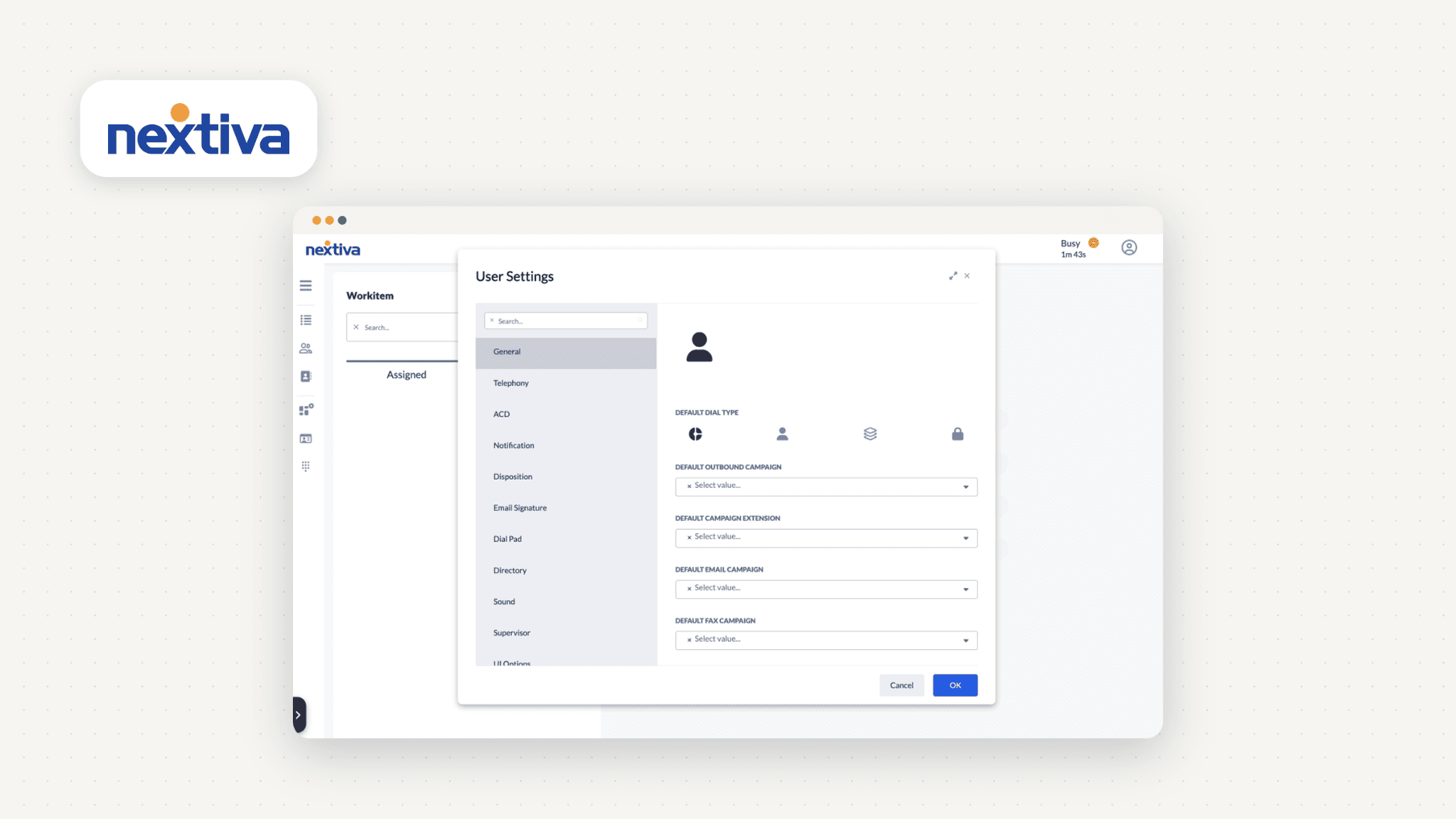
Nextiva's outbound dialer is a contact-center product, and it's priced like one. It has power, progressive and predictive dialing, voicemail drop, and local presence, all on quote-only plans. Small sales teams will find it more than they need.
Who Nextiva works best for
Contact centers with agents, campaign managers and the volume for predictive pacing.
Nextiva features
- Power and progressive dialing: one number at a time per available agent (contact center).
- Predictive dialing: calls several numbers until someone answers, paced by agent availability.
- Voicemail drop: on the Professional and Premium Contact Center plans (pricing).
- Local presence: verified local numbers (local presence).
- DNC: consent set per number, manually or by CSV, plus outbound calling hours (help center).
Nextiva integrations
Native integrations with HubSpot, Salesforce, Pipedrive, GoHighLevel, Zoho CRM, Microsoft Dynamics, ServiceTitan, and more. For the dialer, leads come from uploaded lists or the REST API.
Nextiva pricing
Quote only. Progressive and predictive dialing are listed under the Contact Center Professional plan (pricing).
Nextiva pros and cons
Pros
- Every dialing mode, including predictive.
- Rated 4.5/5 from 3,669 reviews on G2.
- Agents like the workflow: Nextiva "keeps our phones auto-dialing, gives us organized workflows".
Cons
- No public price for the dialer.
- Built for contact centers, not small sales teams.
- Reviewers still want AI after the call: one wishes Nextiva would "provide a summary after my phone calls".
Conclusion: the best outbound dialer for your team
The best outbound dialer for your team depends on how many reps you have, your budget, and how many calls you need to make.
For most small and midsize sales teams, a power dialer is all you need to make calls faster and keep things organized. Predictive dialers are generally better suited to larger teams handling high call volumes, but they come with extra complexity and compliance requirements.
For teams of 5 to 30 reps, Allo offers competitive pricing from seven reps upward and AI call summaries that sync to your CRM without an extra add-on.
Want to spend less time dialing and more time talking to prospects? Try Allo's power dialer and see how it fits into your team's daily workflow.
Outbound dialer FAQ
What is an outbound dialer?
An outbound dialer is software that calls numbers from a list for your team, skips busy signals and dead numbers, and starts the next call right after the last one ends. Sales teams use it so they can focus on conversations instead of dialing by hand. Most outbound dialers also log each call to your CRM.
What's the difference between a power dialer, a parallel dialer, and a predictive dialer?
A power dialer calls one contact at a time and starts the next call automatically, so a rep is always on the line. A parallel dialer rings several numbers at once for one rep and connects the first person who answers. A predictive dialer dials several lines per agent based on who it thinks will be free next. This works well for large contact centers but can lead to abandoned calls.
Is an outbound dialer legal?
Yes, but there are regulations on how you use it. In the US, the FTC's Telemarketing Sales Rule bans abandoned calls, but allows up to 3% per campaign as a safe harbor. The National Do Not Call Registry applies to sales calls whether you dial by hand or use software. The TCPA also requires consent for automated calls to cell phones. Different tools handle DNC in different ways: some check the registry for you, but most leave it up to you.
How much does an outbound dialer cost?
For a 10-person sales team on annual billing, a power dialer costs between $370 and $1,400 per month in this comparison. If you were looking for a free outbound dialer, none of the ten options offer a free plan with a power dialer. The plan price is just one part of the cost: seat minimums, per-user dialer add-ons, and paid AI summaries all add up. Contact-center tools like Nextiva and Zoom only provide dialer pricing during a sales call.