












.avif)


The phone system
built for HubSpot teams
Make calls, log activity, and close more deals without ever leaving HubSpot.
Allo's embedded dialer syncs everything to your CRM automatically.
 Recommended by the Hubspot team

Used daily by
the best sales teams



With Allo, everything syncs to Salesforce automatically, and our Account Executive always has the full picture. It's exactly what we needed.




Honestly, it's a great help. Everything I expected from a call recap tool. The integration with Hubspot is excellent.






Allo allowed us to build a structured, efficient sales operation from day one. When you're cold calling repair shop owners, you need Allo.







"I'm running 20+ accounts in parallel, Allo makes sure I never lose a detail."




✦ Official Hubspot PartnerHow Allo works
1.
Install from HubSpot Marketplace
Find Allo on ecosystem.hubspot.com and click install. No IT team needed.
2.
Connect your Allo account
Log in with your Allo credentials or create a free account in minutes.
3.
Start calling from HubSpot
The dialer appears on every contact. Call, log, repeat. No more switching tabs.
The Allo difference

HD voice + ultra-low latency
(outside US & Canada)
Full feature parity.
Everything included.
Featured Success Stories


Built for your workflow




Everything you need right inside HubSpot

Call without leaving HubSpot. Ever.
Your sales reps shouldn't switch between apps to make calls. Allo's dialer lives inside HubSpot as a native widget. Click to call, see the contact's full history, and manage the call without touching another tab.


Every call logged automatically. Zero manual work.
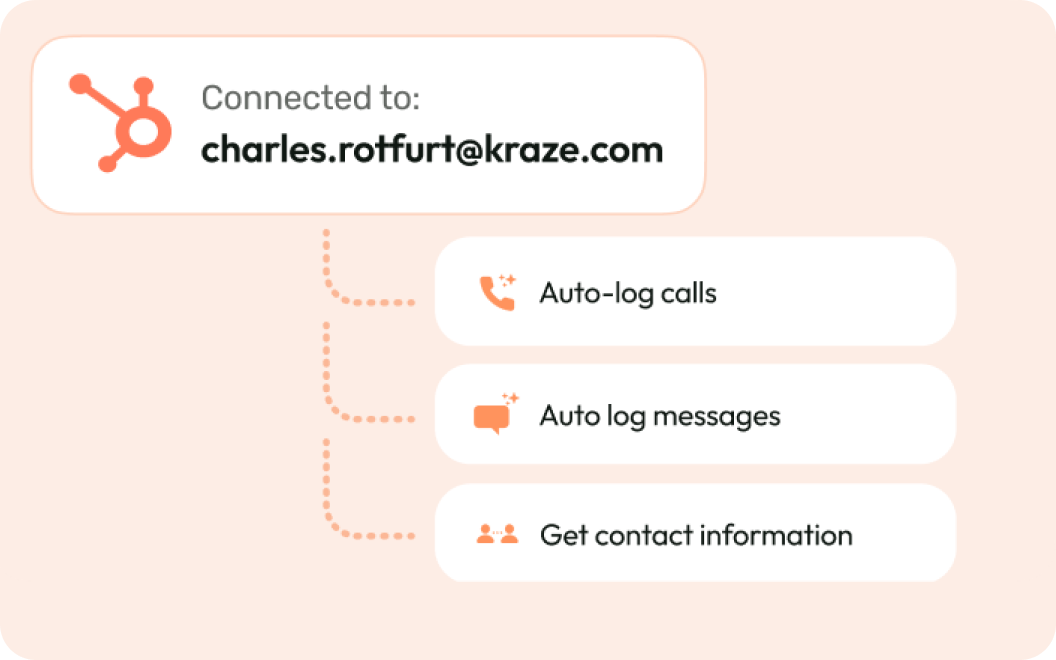
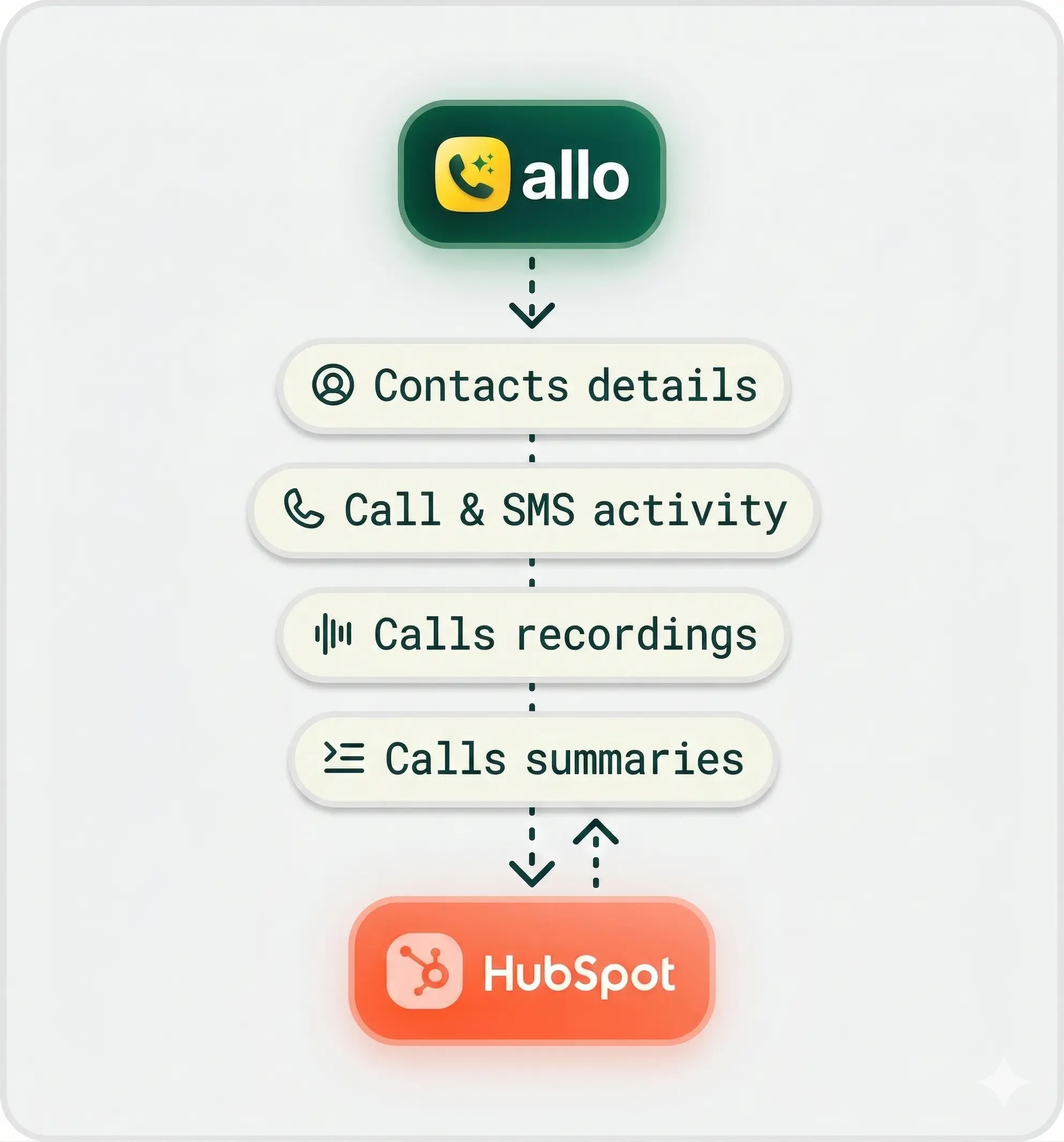
Allo logs every call to the right HubSpot contact the moment it ends. Duration, recording, AI transcript, and summary appear on the contact timeline without anyone lifting a finger.
Know who's calling before you pick up.
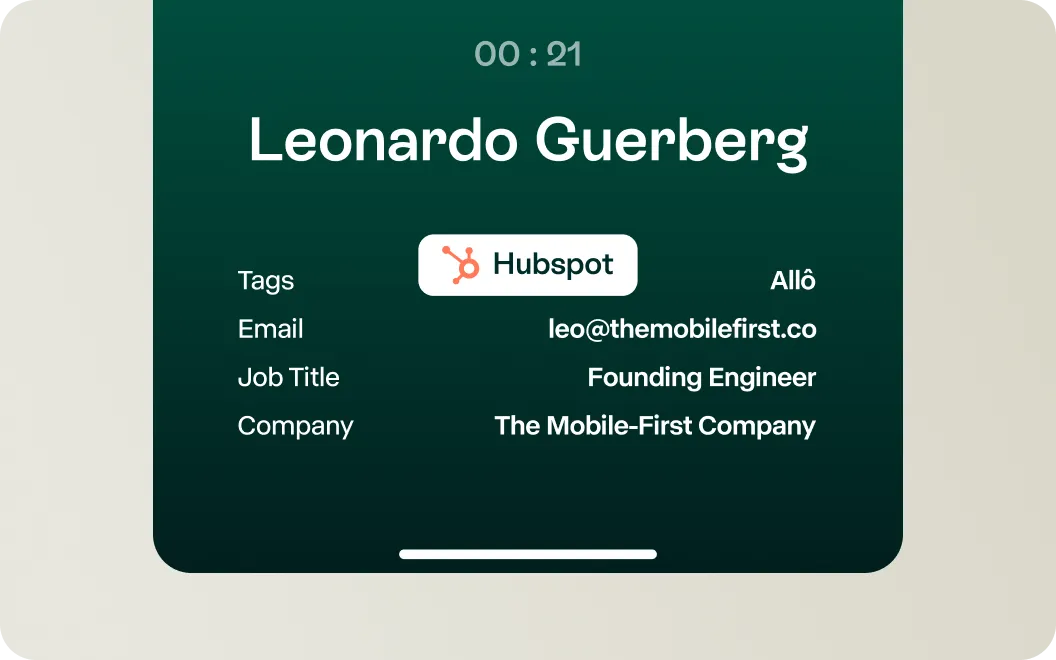
When a contact calls, Allo pulls their HubSpot data instantly. Your team sees the deal value, last interaction, and any open tasks before the call connects. No more "let me look you up."



Every call recorded and searchable inside Hubspot
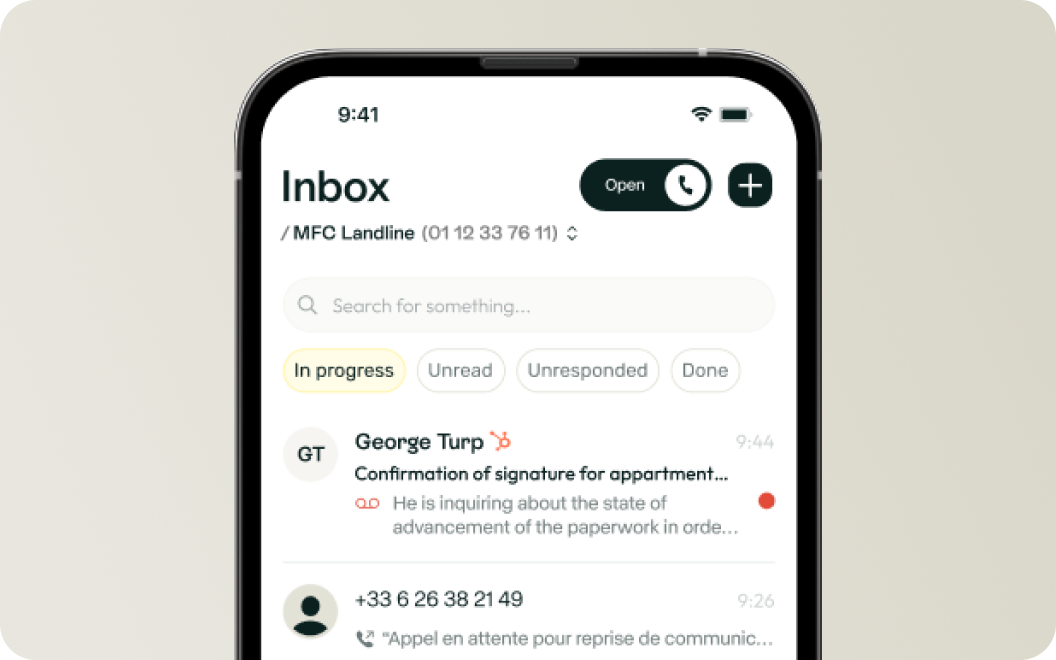
Every conversation is transcribed and summarized with key moments and next steps extracted automatically. All of it lands in the Hubspot activity log.





Your team shouldn’t leave HubSpot to call
Join 5,000+ businesses that run their phone system inside their CRM.


