Changelog
New features, improvements, and fixes. Discover how Allo evolves every week to better serve your team.
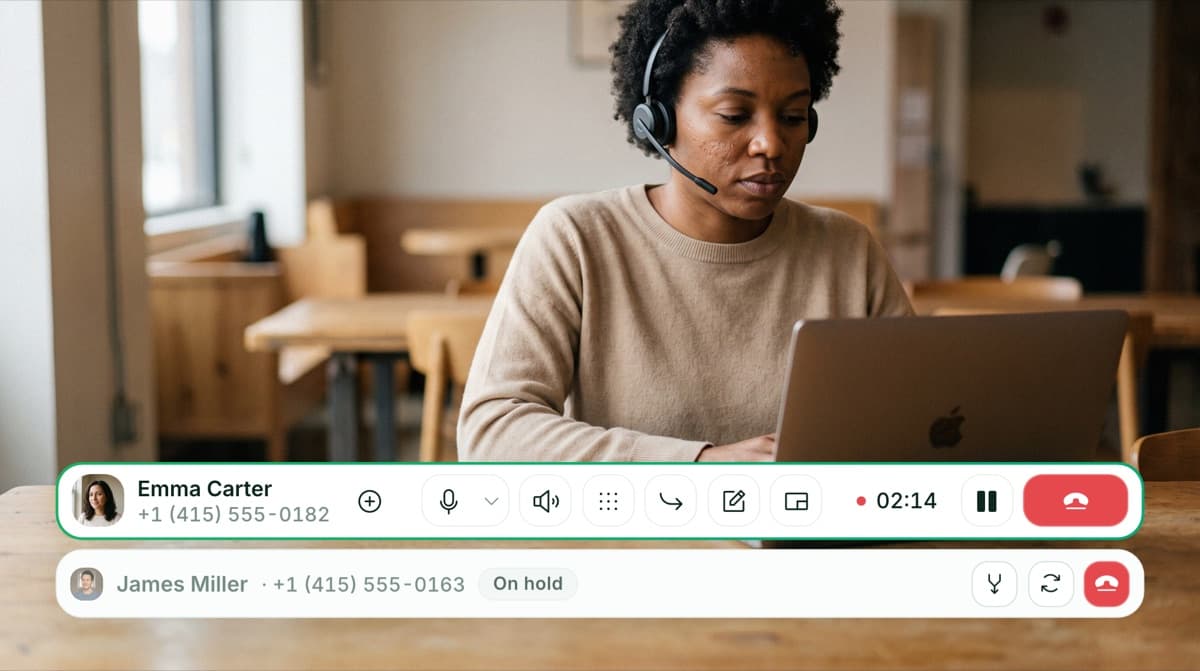
Take a second call without dropping the first
Handle two calls at the same time. Put your current call on hold to place or answer a second one, then switch between them whenever you need, without hanging up on anyone. The person on hold hears hold music, and on mobile you can hold or resume from your phone's controls and lock screen. If you start a second outbound call while you're already on one, the first is put on hold instead of dropped.


See who is available at a glance
A colored presence dot now shows whether a teammate is available, on a call, power dialing, or busy, so you always know the right moment to reach out. On mobile and desktop.
 Shipped by Pablo Giraud-Carrier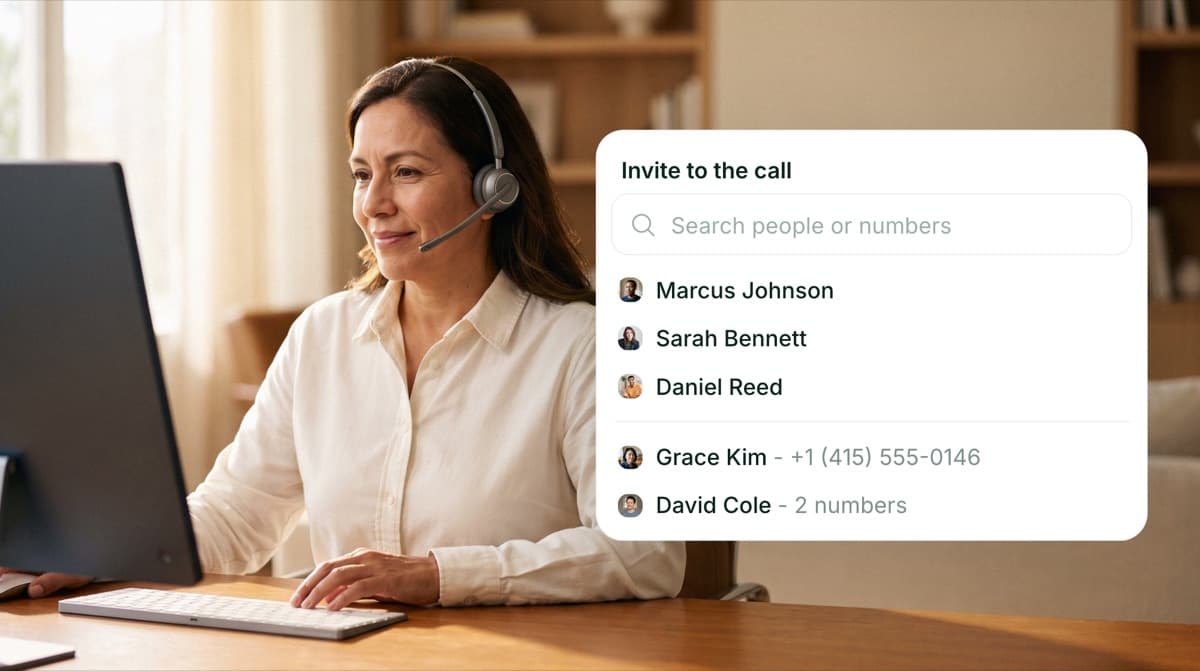
Bring a teammate into a call without holding the caller
Add a teammate to an ongoing call without putting the caller on hold. Everyone stays on the line, so you can pull in help or hand off the conversation without leaving the caller waiting in silence. On web and desktop.
 Shipped by Camille Pawlak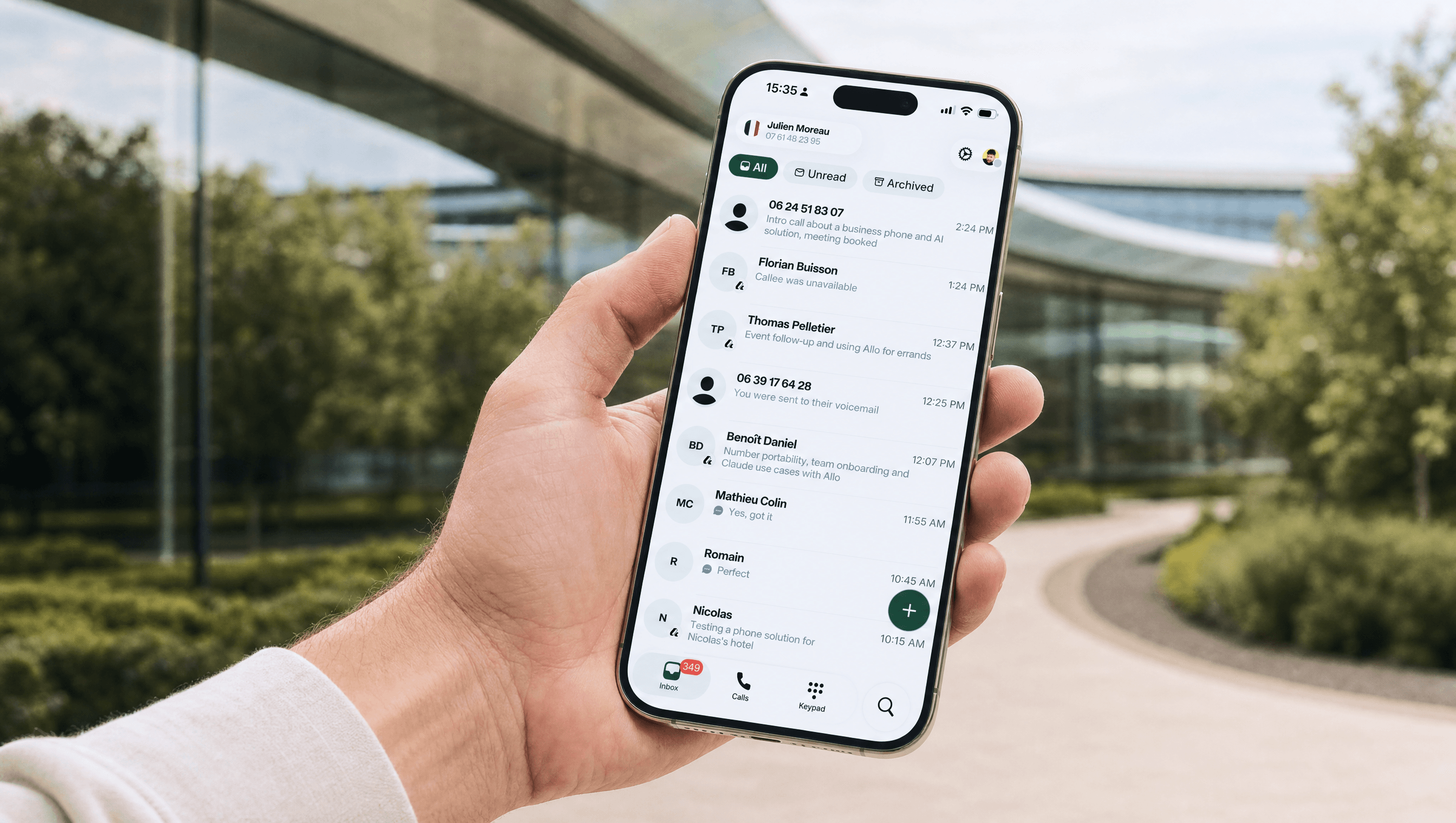
A brand new Allo on iOS and Android
The Allo mobile app got a complete refresh, rebuilt from the ground up to be faster to move around and easier on the eyes. Inbox and Calls now have their own tabs, each with its own filters, plus a new plus button to send an SMS or create a contact in a tap. A new Search tab lets you call or text anyone straight from a contact row. A Do Not Disturb mode mutes incoming calls when you need to focus, right from the new profile screen. Plus a cleaner keypad and contact photos across the app.
Shipped by Pablo Giraud-Carrier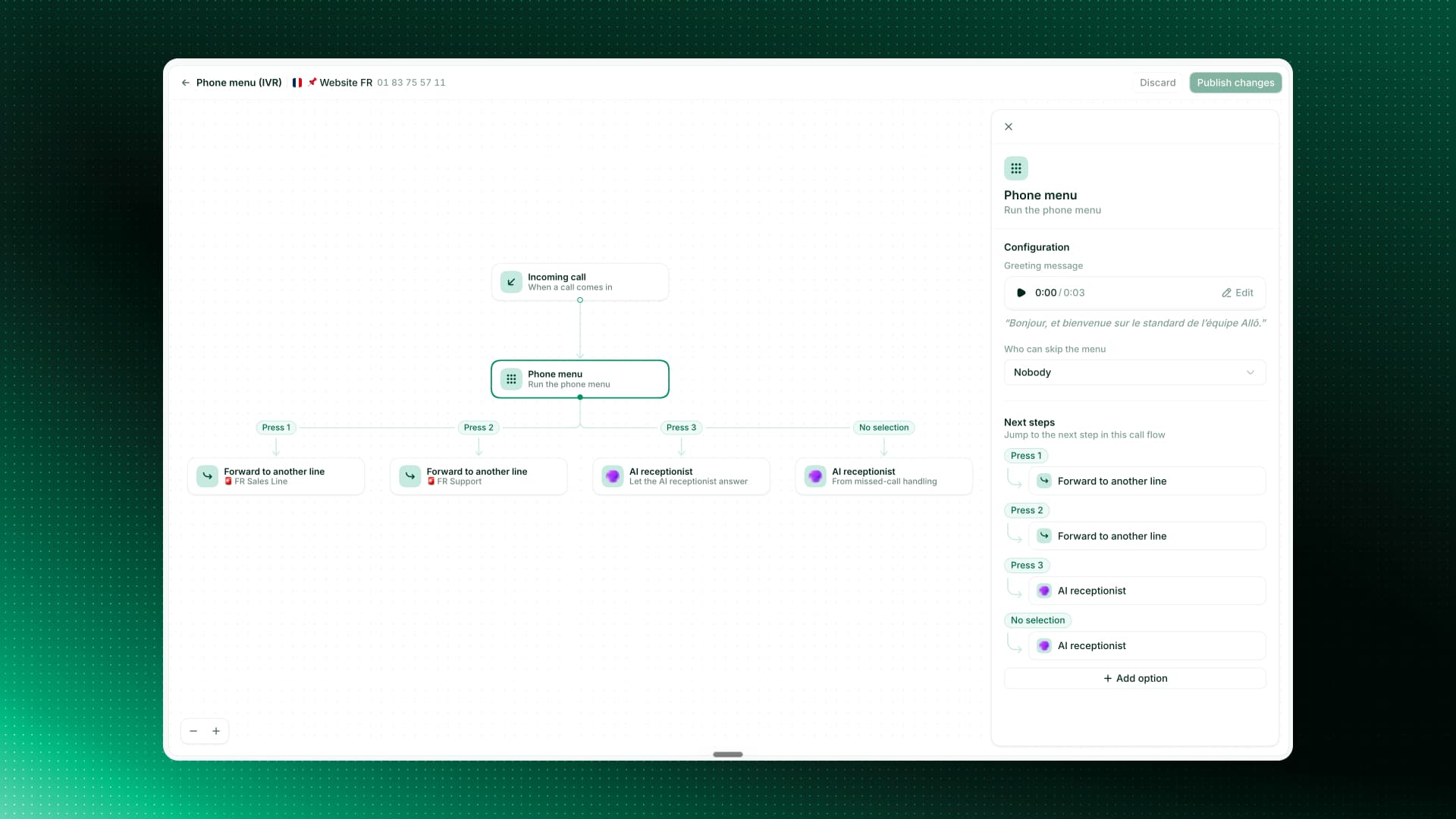
Build your phone menu as a visual flow
Setting up your phone menu is a lot clearer now. Instead of a flat list of options, you see your whole menu laid out as a visual flow. Each key press is its own step you can route anywhere: ring a line, forward the call, hand off to your AI receptionist, or send to voicemail. Edit any step from a single side panel, including the greeting and who can skip the menu. Your existing menus moved over exactly as they were, so there is nothing to redo. Available on web and desktop.
Never miss a mention with the Notification Center
Last week we shipped mentions and contact notes. They were just the beginning. The new Notification Center brings them together in one place, so the moment a teammate tags you, you see it and can jump right into the conversation.
Shipped by Pablo Giraud-Carrier
A clearer Numbers page in Settings
Your Numbers page in Settings got a clean redesign for clarity: a simple card list, grouped just like in the switcher. You can favorite, mute or hide a line straight from the page. Available on the desktop app.
Shipped by Camille PawlakEdit your AI call summaries, now on mobile
Summary templates are now on mobile, not just desktop. Apply your default or a custom template right from a call, rewrite a summary with your own prompt, and on iOS use the native writing tools to polish it in a tap.
 Shipped by Alejandro Maggi
Route callers to a teammate or another line
Your phone menus (IVR) can now send a caller straight to a specific teammate, or forward them to another line in your workspace. Set it up once and every caller lands exactly where they should. Available on web and mobile.
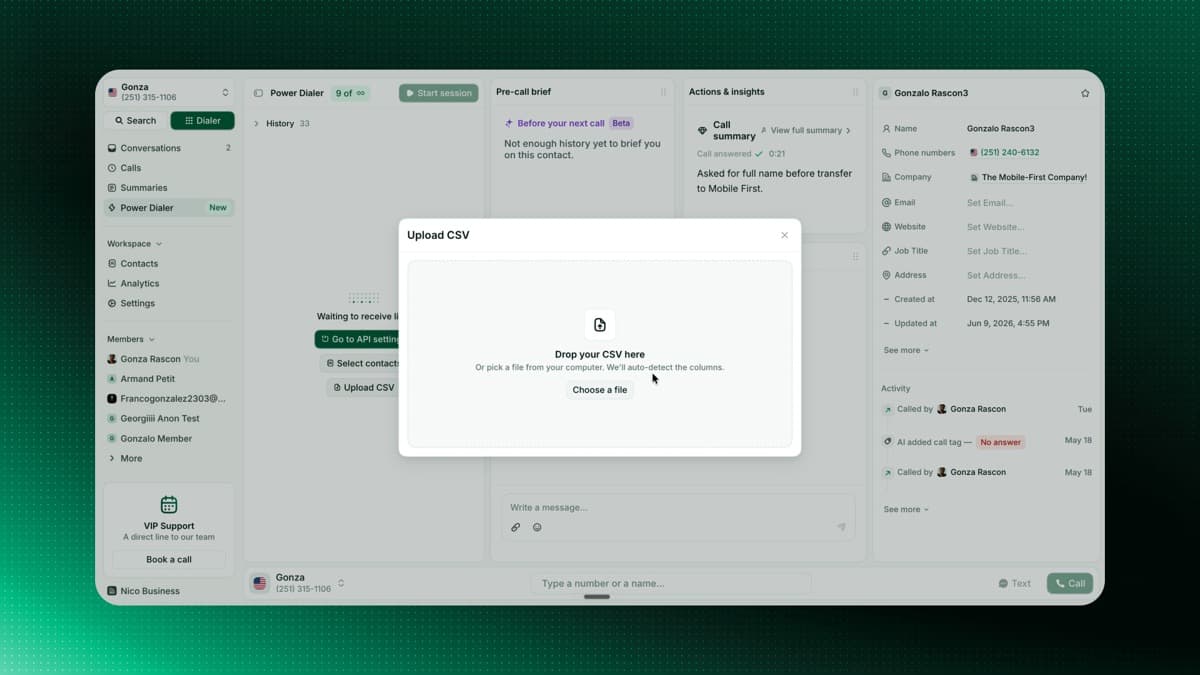
Upload a CSV to your Power Dialer
Feeding the Power Dialer is faster than ever. Drop in a CSV, map your columns, and your contacts are ready to dial, with a live count of valid numbers before import. You can also resume a session right where you left off.
 Shipped by Gonzalo Rascón
Never miss an iOS call to Do Not Disturb
When iOS Focus or Do Not Disturb hides an incoming call, Allo keeps it ringing on your other devices instead of declining it everywhere. If a call is silenced on your phone, you get a notification with the caller's name and number, tap it to open the conversation.
 Shipped by Francisco Depascuali
Introducing the Power Dialer
Automate your call queue and lift your call volume by up to 300%, without the fatigue. We replaced harsh ringtones with smooth background music that fades the moment someone picks up or you hit a voicemail, so you can chain calls without losing focus. Now available to everyone after a successful beta.
A fresh desktop navigation
Open Allo on desktop and you'll find a refreshed navigation, shaped around how you actually work. Switch lines from the top, with Search and the Dialer always one click away (press K to open the Dialer from anywhere). Calls and Summaries now live in the main bar instead of being buried under a tab, and shared Contacts, Analytics, and Settings are grouped together. A new Members section lists your teammates, the foundation for the online, busy, and in-call indicators coming next.
Introducing Allo MCP
Plug Allo into your favorite AI. Drop our MCP server into Claude, Cursor, Codex, VS Code, or any compatible AI client, and it can search your call history, send SMS from your Allo numbers, manage tags, and pull team analytics, all from chat. The easiest way to put your whole phone system inside the AI you already use.
 Shipped by Leo Guerberg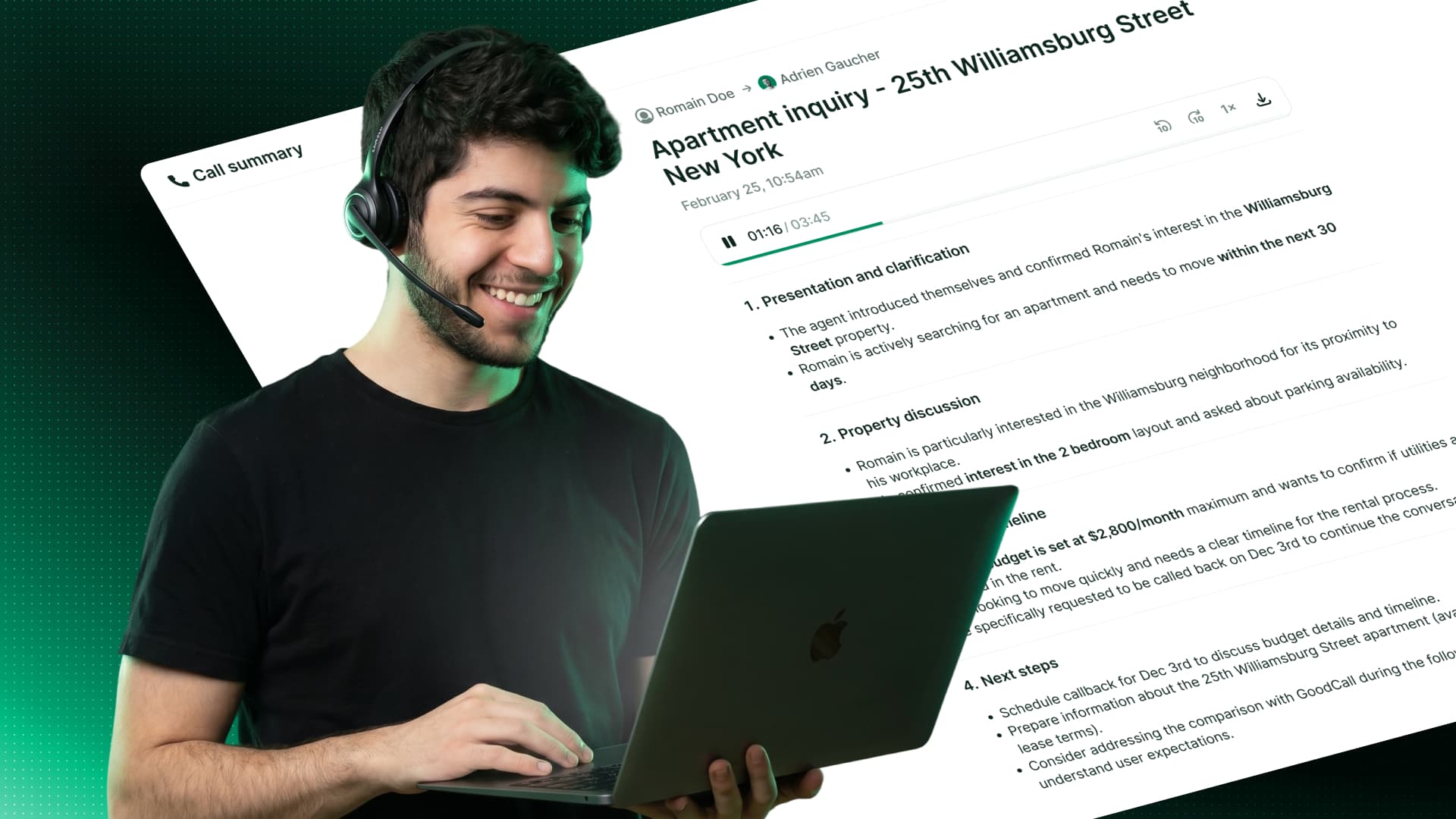
Your Call Summaries, Your Way
Call summaries got three big upgrades. Editable and synced with your CRM: edit any AI summary, add your own notes, and every change syncs to your CRM in real time. Four built-in templates rewrite your summary based on the conversation you just had: cold call, sales call, support call, and discovery call. Custom templates per line: create your own template, pick the sections you need, and set it as the default for any Allo number. Every future call on that line follows your structure.
Allo Is Now Open to Builders
Allo is now a platform. Third-party developers, agencies, and partners can build their own apps, workflows, and AI agents on top of Allo's calling, SMS, and intelligence infrastructure. Custom dashboards, internal tools that listen to every call, AI agents that trigger actions on a keyword: it's all on the table now. Talk to us if you have an idea you want to build.
Shipped by Leo Guerberg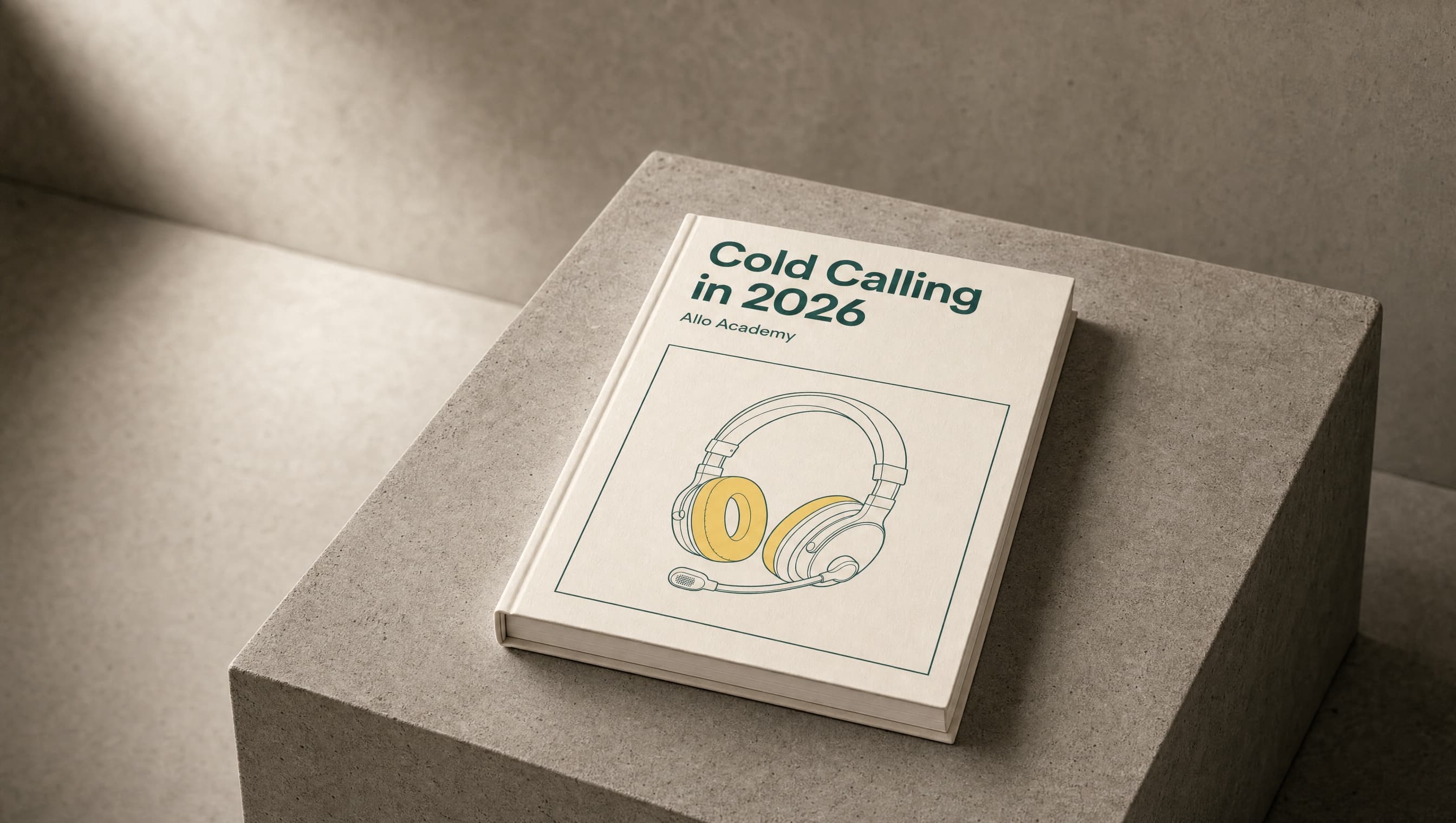
Introducing the Allo Academy
We launched the Allo Academy: a growing library of free, on-demand courses for any business that relies on the phone. The first course is live: Cold Calling in 2026, built with Pauline Perez. It's free, hands-on, and built for managers and heads of sales who want to coach their reps better.
Build Any Allo Integration with Webhooks
Webhooks are live. Your team can now build any Allo integration on top of every event: calls (received, missed, completed with full transcript and recording), SMS, tags, and contacts. Push events into any tool that accepts a URL: Slack, Make, Zapier, n8n, a custom CRM, a data warehouse, or your own backend. Open Settings > Webhooks to get started.
Shipped by Leo Guerberg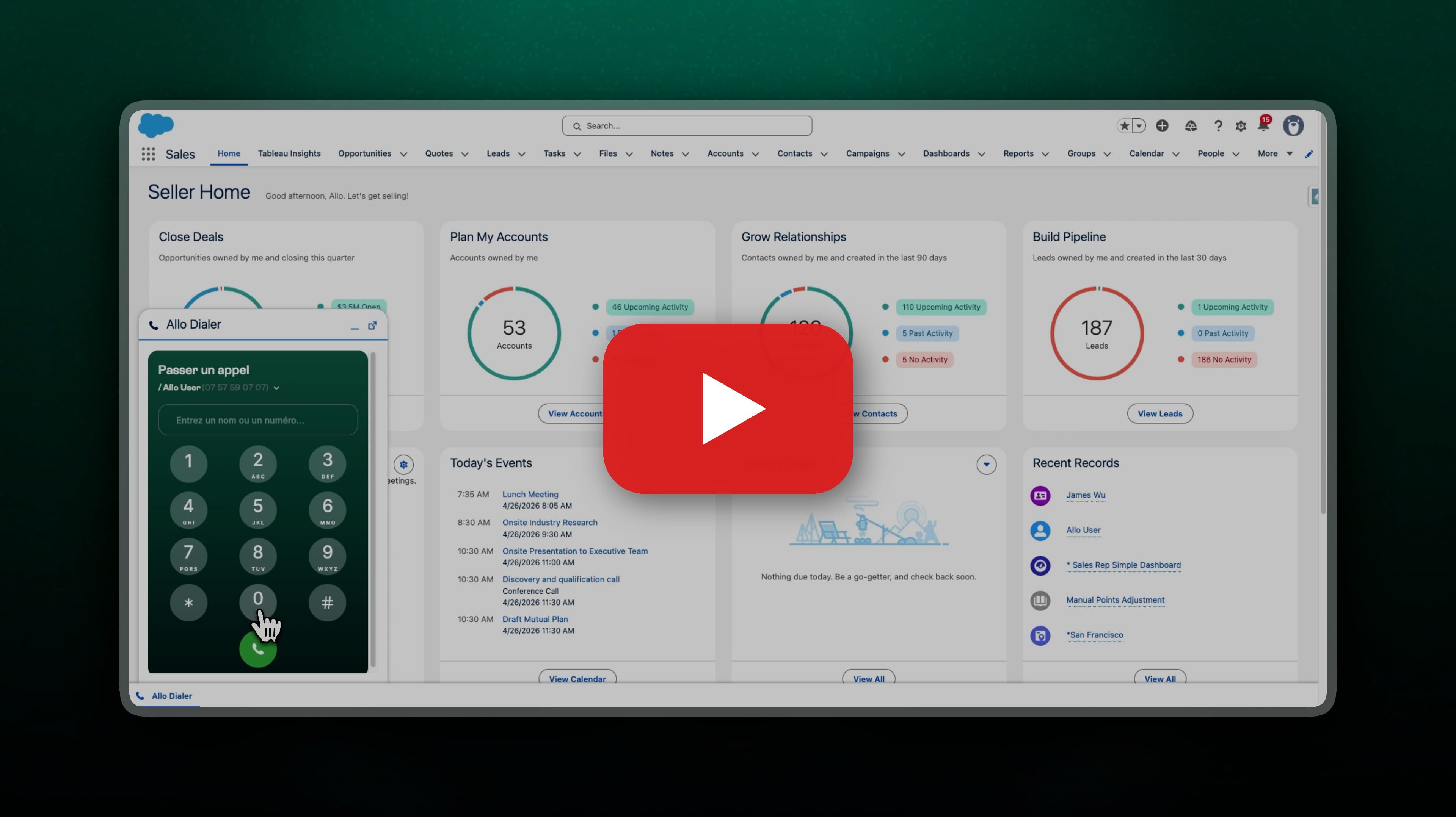
Call from Salesforce, Without Leaving Salesforce
The Allo dialer now lives inside Salesforce. Click a contact to call out, pick up inbound calls without switching tabs, and see who's on the line right next to the record you're working on. Recordings, transcripts, AI summaries, and call metadata sync back to the contact and activity timeline automatically.
Shipped by Leo Guerberg
Your Calls and Summaries, Synced to Intercom
Every call you make or receive in Allo now lands in Intercom as a conversation, with the recording, transcript, and AI summary attached. Your support team gets the full customer story, voice plus chat, without leaving Intercom. Your Intercom contacts also import into Allo automatically, so you know who's calling before you pick up.
Shipped by Leo GuerbergAll Your Number Settings, on a Single Page
We rebuilt the number settings from the ground up. No more digging through menus and sub-menus to find the toggle you need. Voicemail, business hours, call routing, IVR: everything for a given number now lives on one unified page. Faster to navigate, easier to scan, and a lot less clicking.
Canada to Canada SMS, No 10DLC Required
Canadian numbers without 10DLC registration can now send SMS to other Canadian numbers. One less hurdle for our Canadian teams who text within the country.
 Shipped by Nicolas Garnil
Compliance, Visible to Your Whole Team
Managers and members can now see the compliance section, not just admins. Anyone on the team can check 10DLC and brand registration status without pinging an admin.
Shipped by Nicolas Garnil
Sender ID Self-Serve for France
French number users can now register a Sender ID directly from the app. Your automated SMS will display your company name instead of a generic phone number. Head to your new Compliance tab, submit your brand name and a sample message, and you're typically approved within 48 hours. This also unlocks missed call auto-replies for French numbers.
Shipped by Leo Guerberg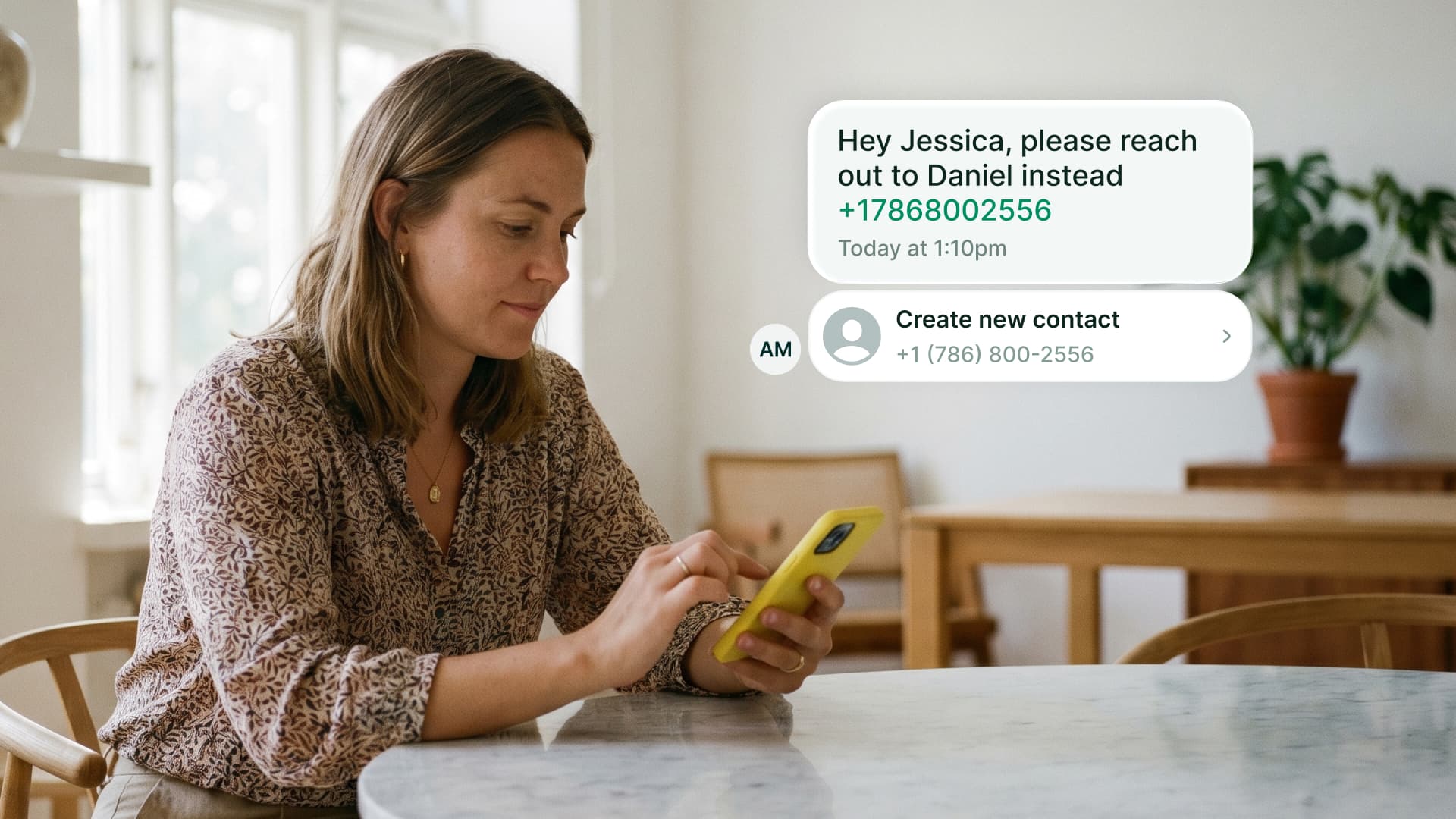
Interactive Data in SMS
Phone numbers, emails, websites, and addresses in your SMS are now interactive. Tap a phone number to see the matching contact or create one. Tap an email to open your mail client. Tap a URL to see a rich preview. Tap an address to open it in Maps. Works for sent and received messages. Available on iOS.
Shipped by Pablo Giraud-CarrierContact Details Extracted from Every Call
Allo's AI now extracts structured data from your call transcripts automatically: company name, website, email, phone number, and more. All clickable. We also improved summary sharing: public links now include the full transcript, and you can call or view a contact directly from the summary page.

 Shipped by Mario Lucchelli & Sergey Chuvayev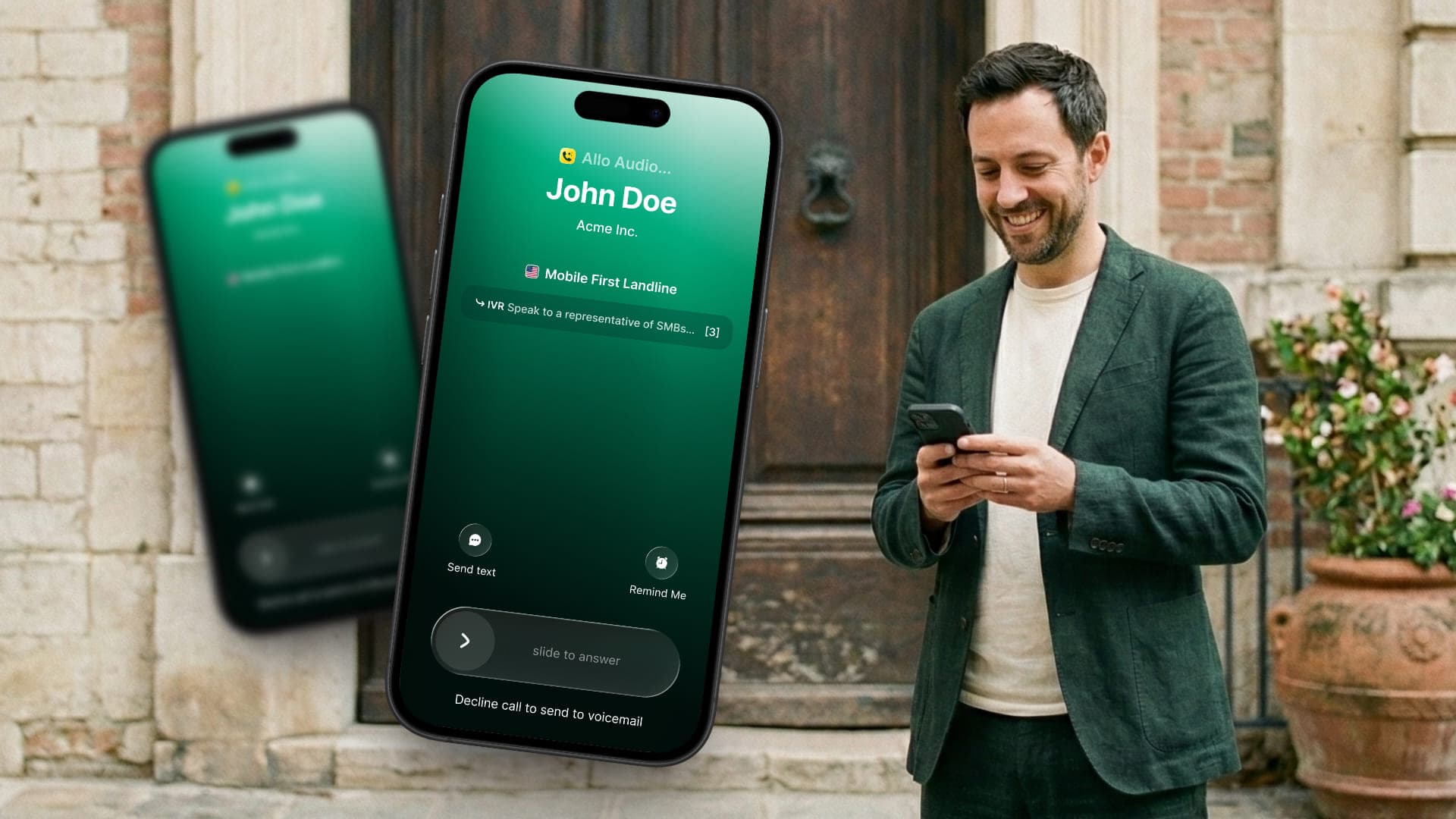
New Call UI on iOS
Your iOS call screen just got a complete makeover. The new interface shows caller info, call duration, and quick actions all in one clean view. Transferring calls, putting someone on hold, or switching to your AI receptionist is now just a tap away.
Choose Which Streak Pipelines Get Your Calls
If you use Streak, you can now select exactly which pipelines receive your call data. Keep your sales pipeline in sync while leaving others untouched. More control, less clutter.
Shipped by Leo GuerbergBusy Mode on Web
Need to focus? Busy mode is now available on the web app. Toggle it on and incoming calls go straight to voicemail or your AI receptionist. No interruptions, no missed context.
 Shipped by George Turp
Instant SMS Notifications
New SMS? You'll know right away. Allo now sends you a push notification the moment an SMS arrives, so you never miss a message from a prospect or customer.
CRM Custom Properties
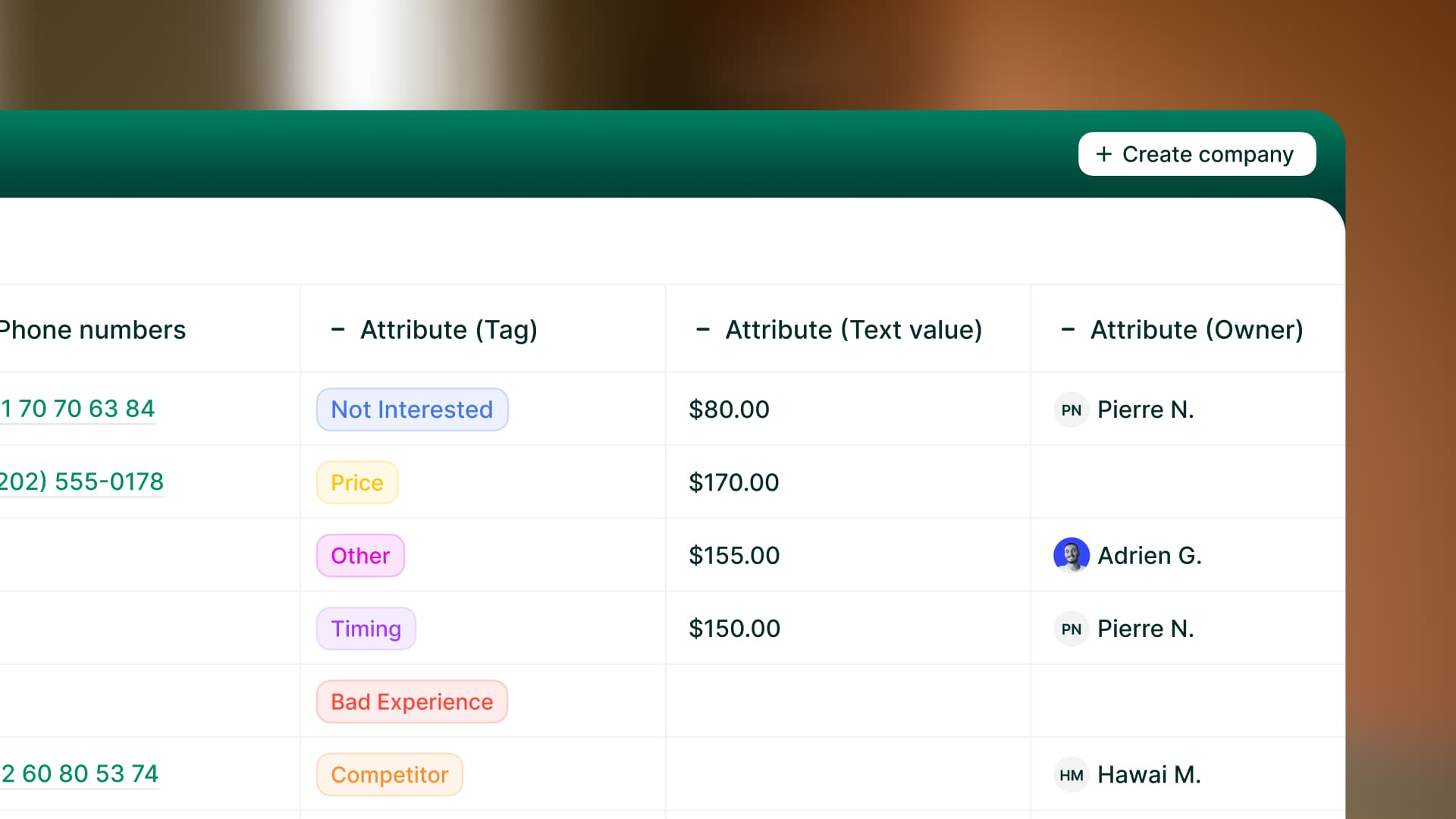
Your CRM data, right inside Allo. You can now see and filter your CRM custom properties directly in your contacts and companies tables. No more tab-switching to check a deal stage or lead status. Works with HubSpot and Attio today, with more CRMs coming soon.

Global Search on Desktop
Hit Cmd+K (or Ctrl+K) and search across everything: contacts, companies, and conversations, from one place. No more digging through different tabs. Available on Desktop.
CRM Sync Visibility
You can now see exactly which calls have been synchronized to your CRM. No more guessing whether a call was logged. Allo shows you the sync status directly, so you always know your CRM is up to date.
Shipped by Leo GuerbergFaster, More Stable Infrastructure
We've deployed significant database cache and query improvements to reduce latency during peak hours. The app should feel snappier and more responsive, especially when your whole team is active at the same time.
 Shipped by Franco Pinto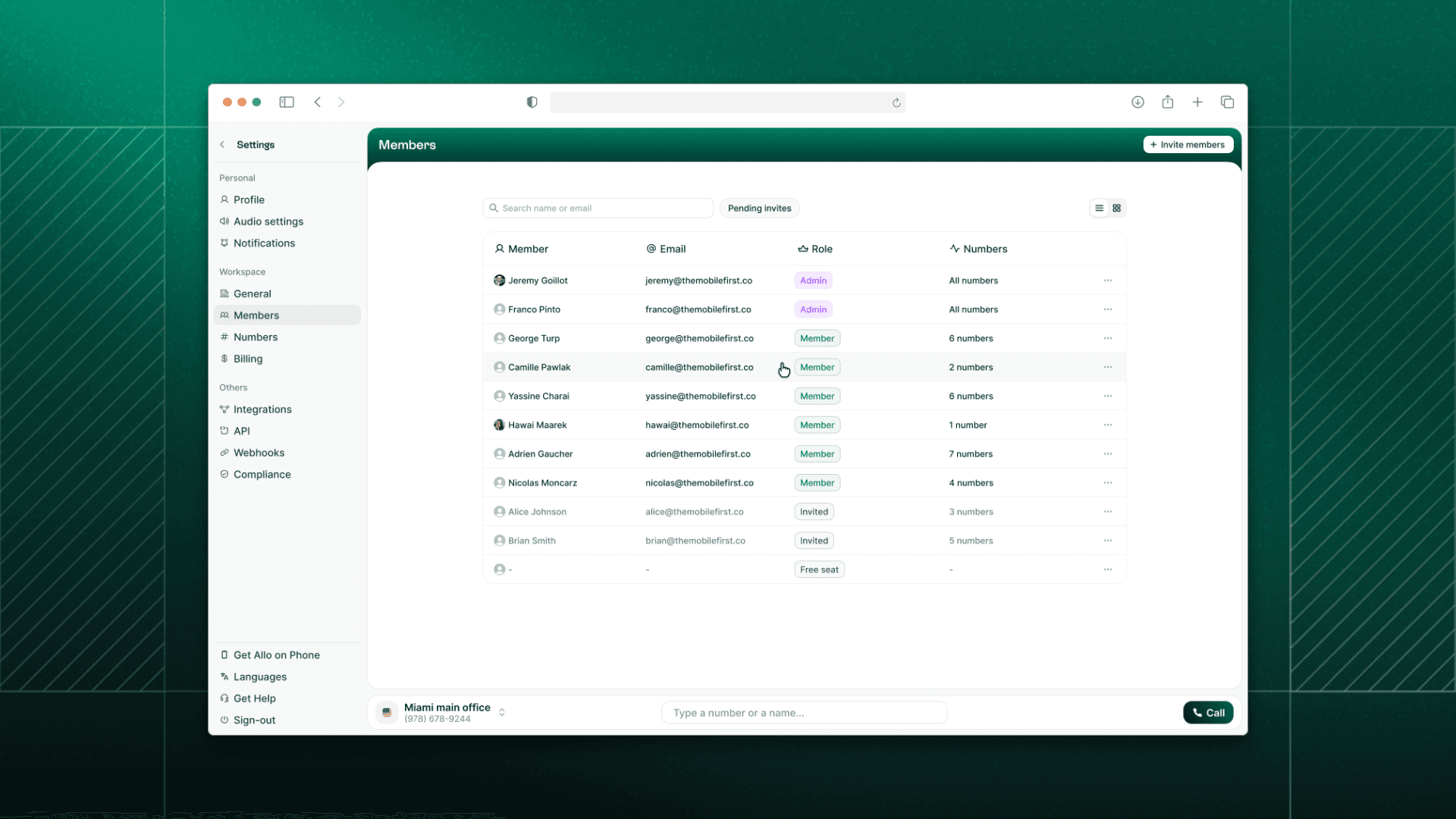
Team Page, Redesigned
Managing your team just got easier. We've completely refreshed the Team page with a new edit member flow. Assign roles and phone numbers in a few clicks. Everything is clearer, faster, and more intuitive.



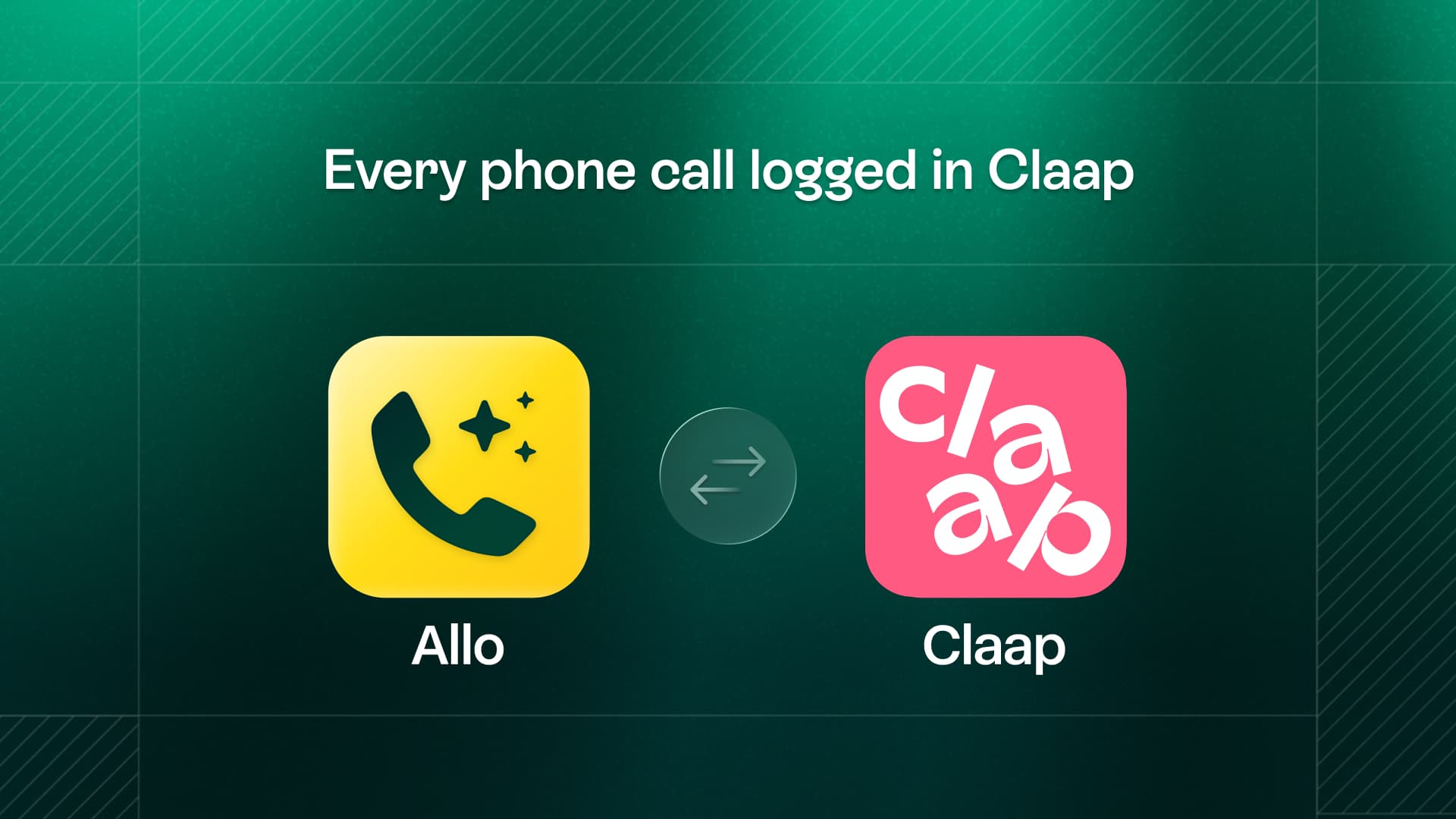
New Integration: Claap
Claap users, this one's for you. Connect your Allo account to Claap and automatically sync your call recordings for AI-powered insights and collaboration.
Shipped by Leo Guerberg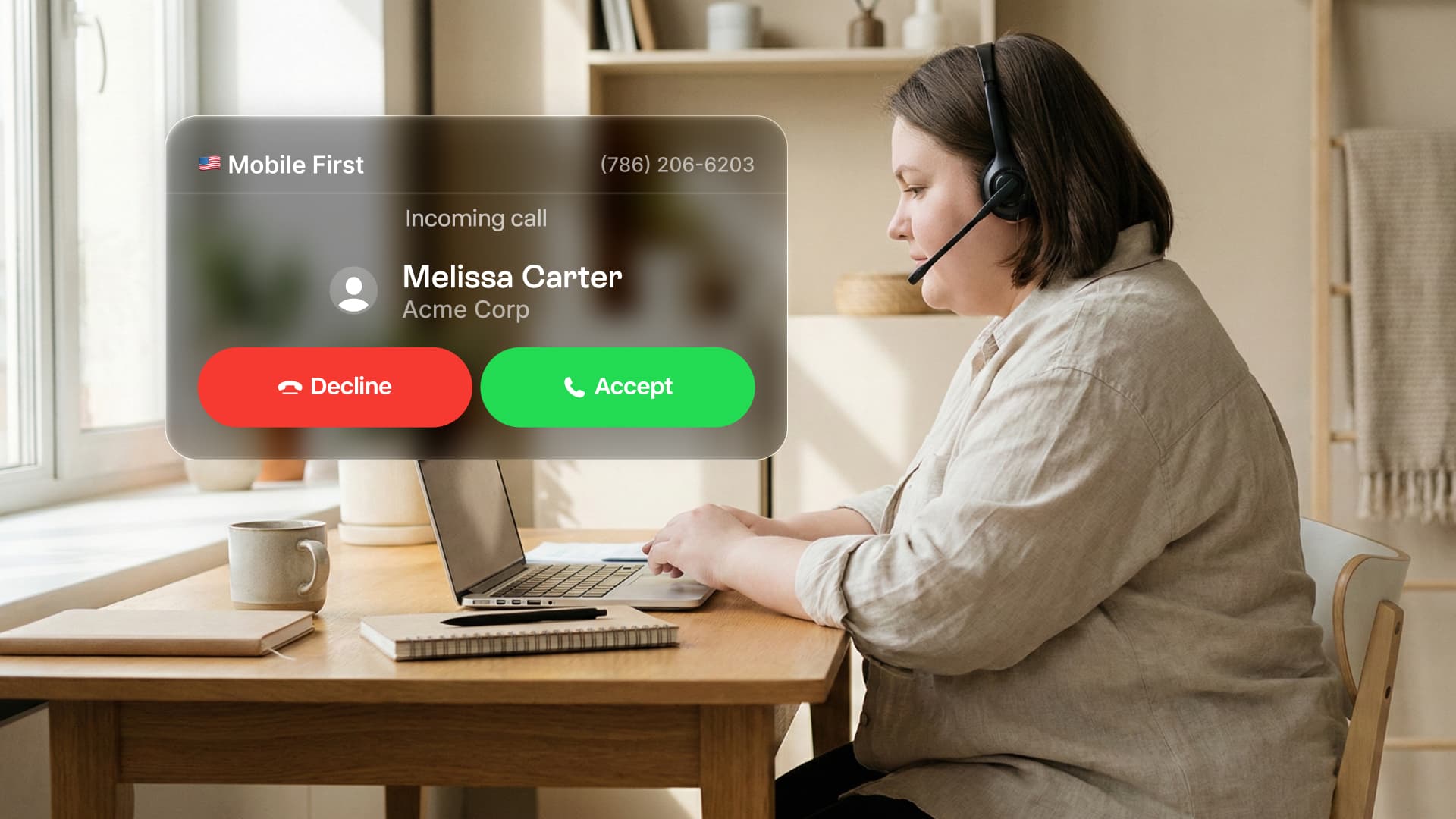
New Incoming Call Popup
Never miss a call again. When someone calls you, a new popup window appears on your screen — even if Allo is minimized. Answer or decline without switching tabs. Available on Desktop.
 Shipped by Fahyik Yong
Better HubSpot Sync
Your biggest complaint was duplicate calls cluttering your CRM. Fixed. Allo now pushes only one call to HubSpot, associated to each entity. We've also added call transcripts for new HubSpot connections, making your entire conversation searchable and organized.
Shipped by Leo GuerbergContact API & Webhooks
For developers: we've expanded our API with new contact endpoints and webhook events. Programmatically create and update contacts in Allo, and get notified when contacts are created or updated in real-time.
Shipped by Leo Guerberg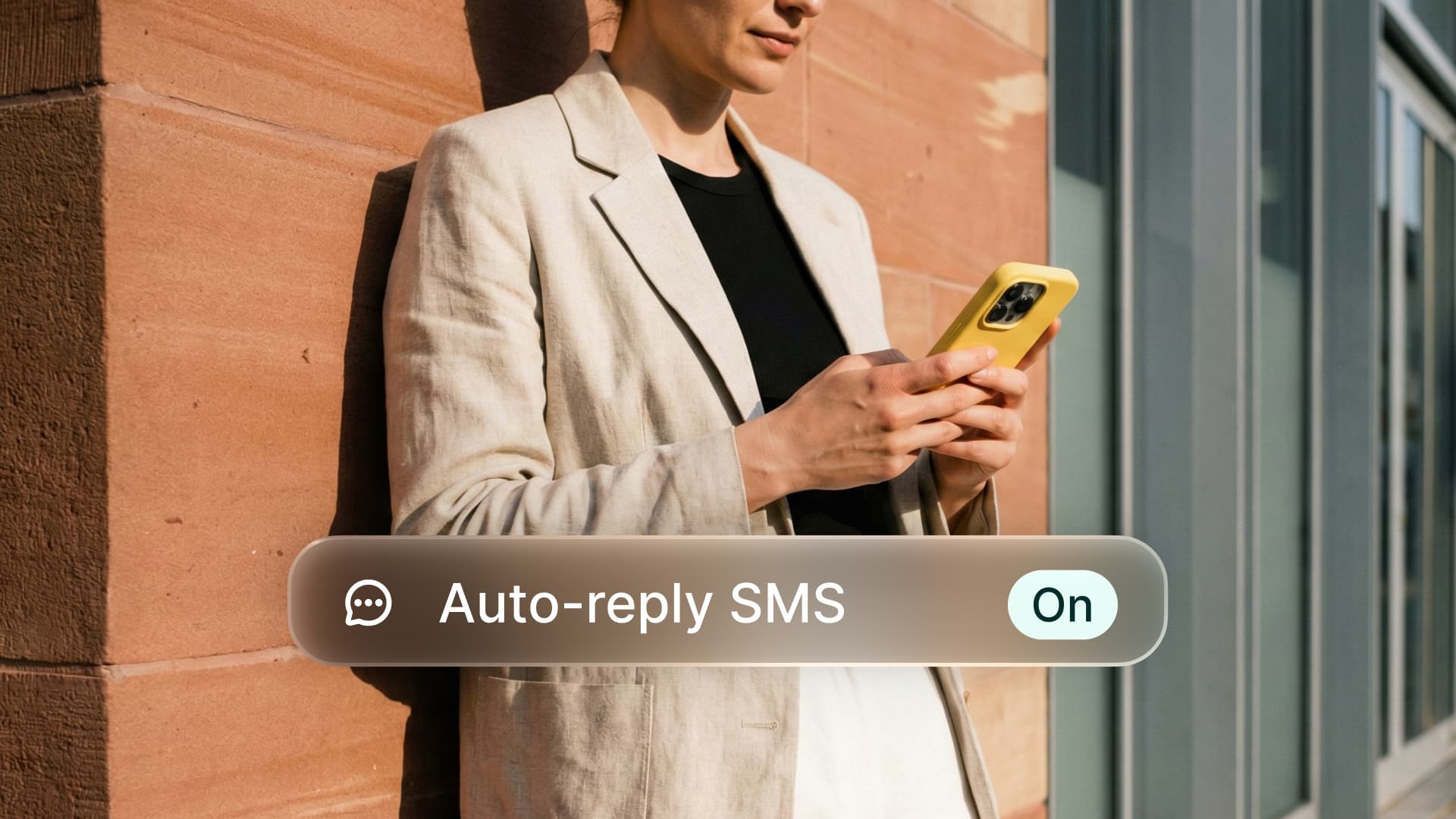
Automatic SMS Replies
Never miss a lead again. When you miss a call, Allo can now send a text message automatically. Set up two distinct messages: one for missed calls during business hours, and another for calls outside your working hours. Available on Desktop for US numbers. Coming soon to mobile.
New Integration: Streak CRM
If you run your pipeline in Gmail, this one's for you. Allo now integrates with Streak CRM. Sync your contacts, log calls automatically, and keep your deals moving without switching tabs.
Shipped by Leo GuerbergSMS, Upgraded
We've made texting in Allo more powerful. Try Again & Delete: If a message fails to send, you can now retry it instantly or remove it from the conversation. Link Previews: URLs you share now display rich previews, making your messages more engaging. Available on Desktop. Coming soon to mobile.

Find Contacts Faster
You can now filter and sort your contacts however you like. By name, company, last activity, or any other criteria. Find the right contact in seconds. Available on Desktop. Coming soon to mobile.
Shipped by Gonzalo Rascón
Team Onboarding Reimagined
Admins can now assign roles and configure phone numbers directly from the invite form. You can assign a new line or share existing numbers immediately. New users land in a workspace that is already set up for them.
Shipped by Nicolas Garnil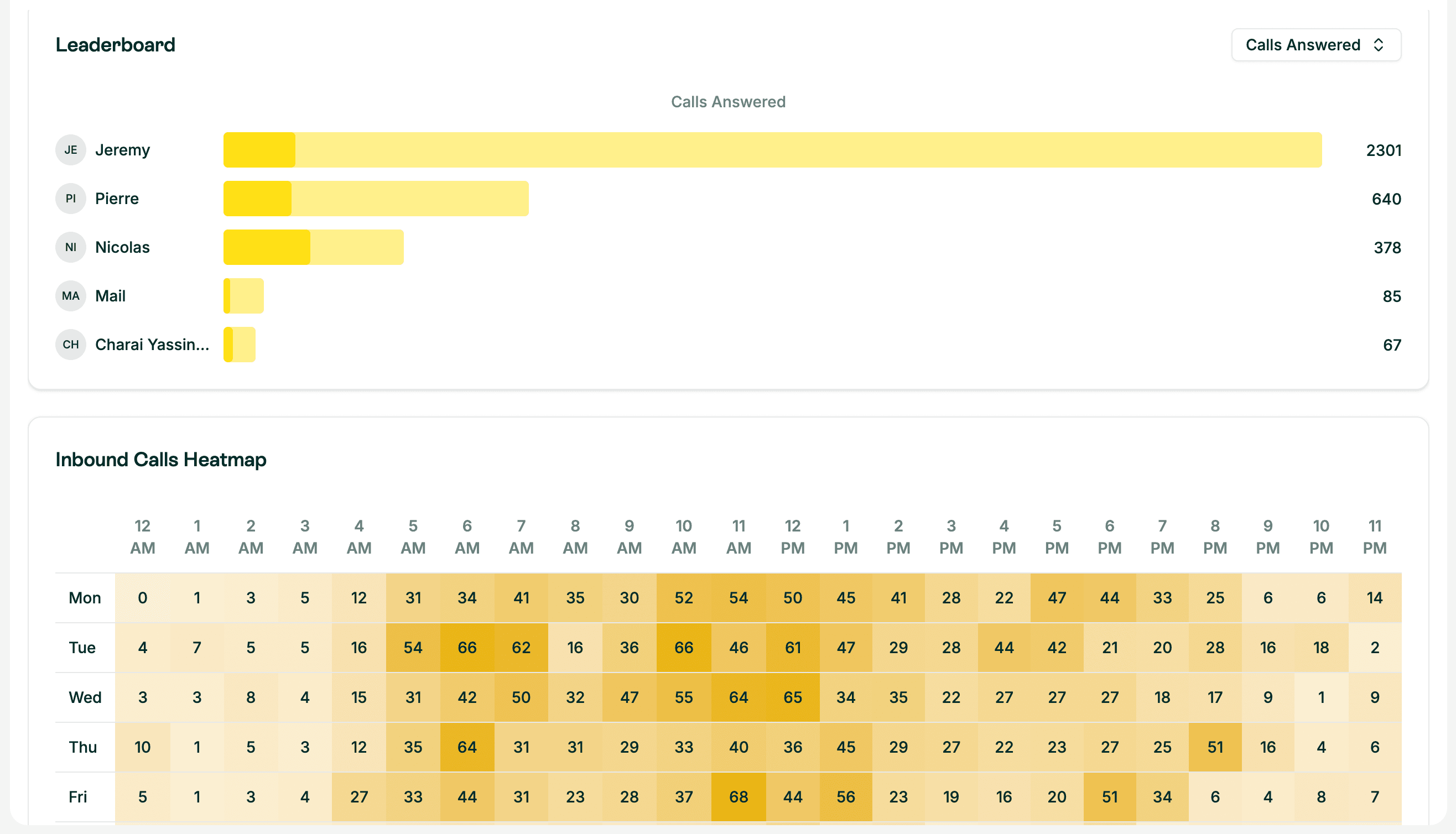
Desktop Analytics 2.0
We rebuilt the dashboard to give you actionable insights on your team's performance. View heatmaps, answer rates, and team leaderboards. Switch instantly between inbound and outbound views.
Shipped by Leo Guerberg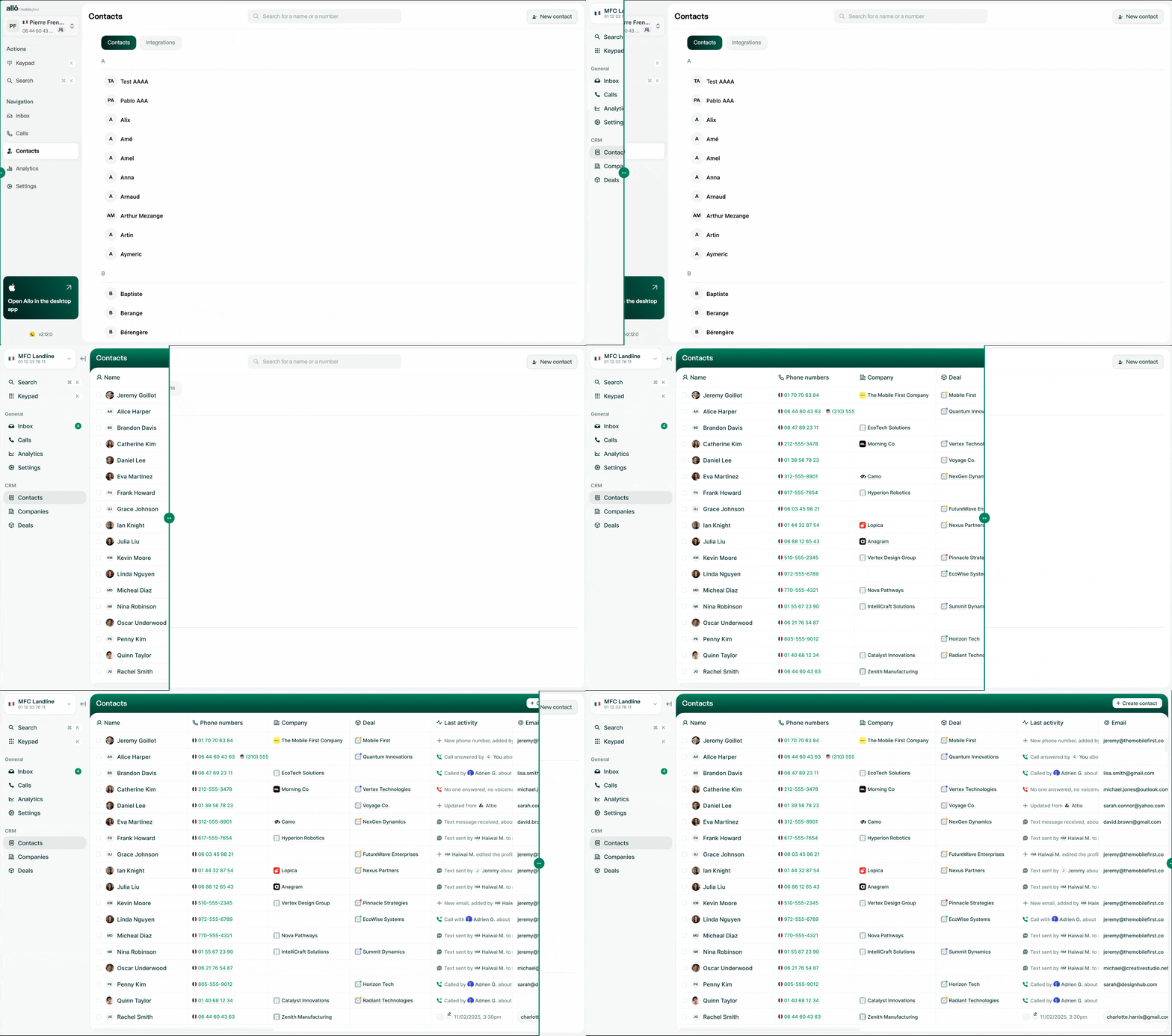
One View for All Contacts
The division between "Allo contacts" and "Integration contacts" is gone. The design has been completely rethought for a true CRM experience with a new table view and smoother creation experience.



The Allo API is live
This was one of our most anticipated features. Developers and automation experts can now build custom workflows, extract data automatically, and connect Allo to all your favorite tools.
Shipped by Leo GuerbergWebhooks
Receive real-time notifications for every call or message.
Calls
Retrieve and filter your entire call history with pagination.
Contacts
Access your contact base and track engagement levels.
SMS
Send SMS or MMS directly from your code via your Allo numbers.
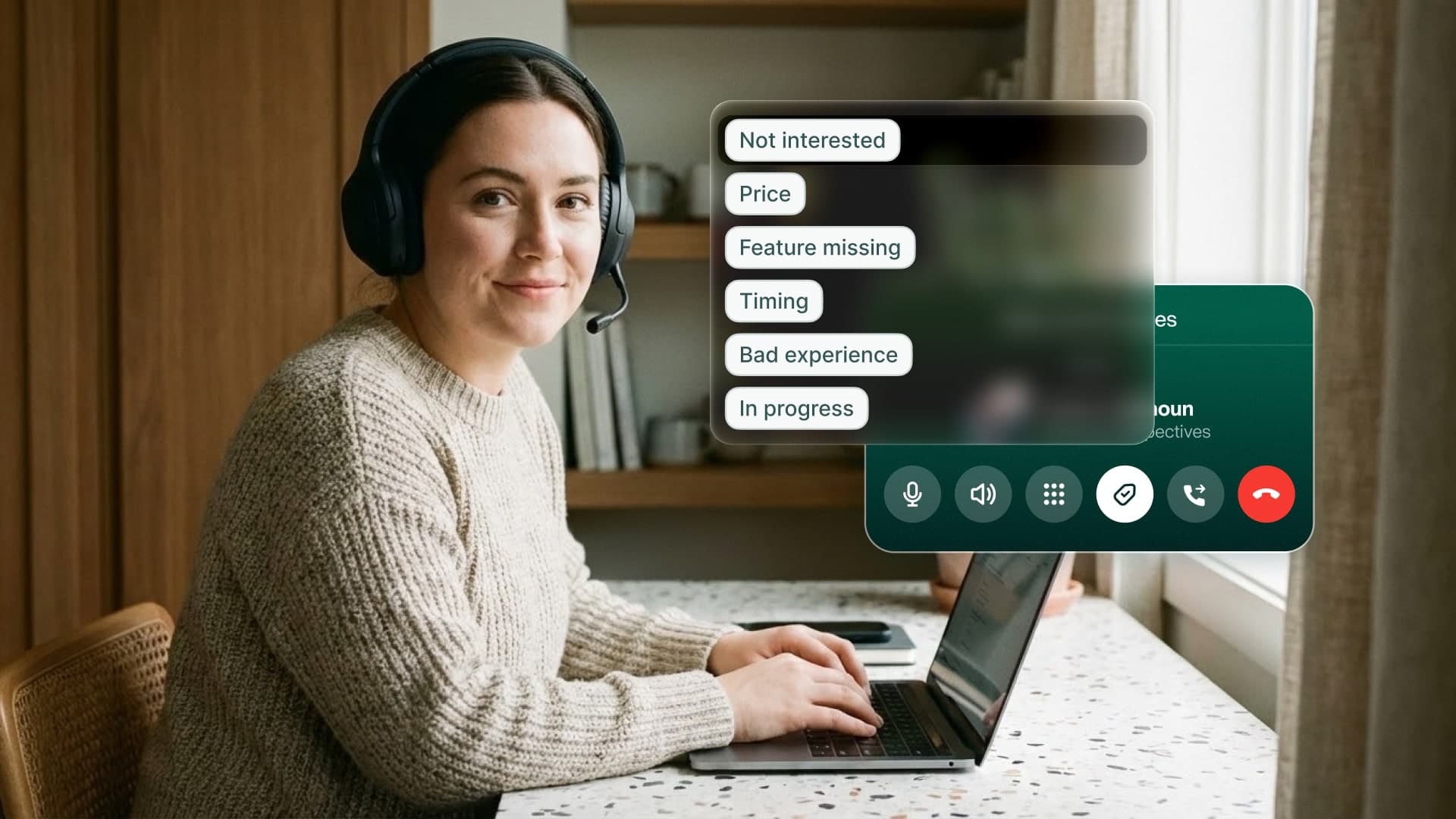
Call Tags Synchronization
Organizing your calls just got simpler. The tags you use in HubSpot are now automatically synchronized in Allo. Select them directly from the dialer.
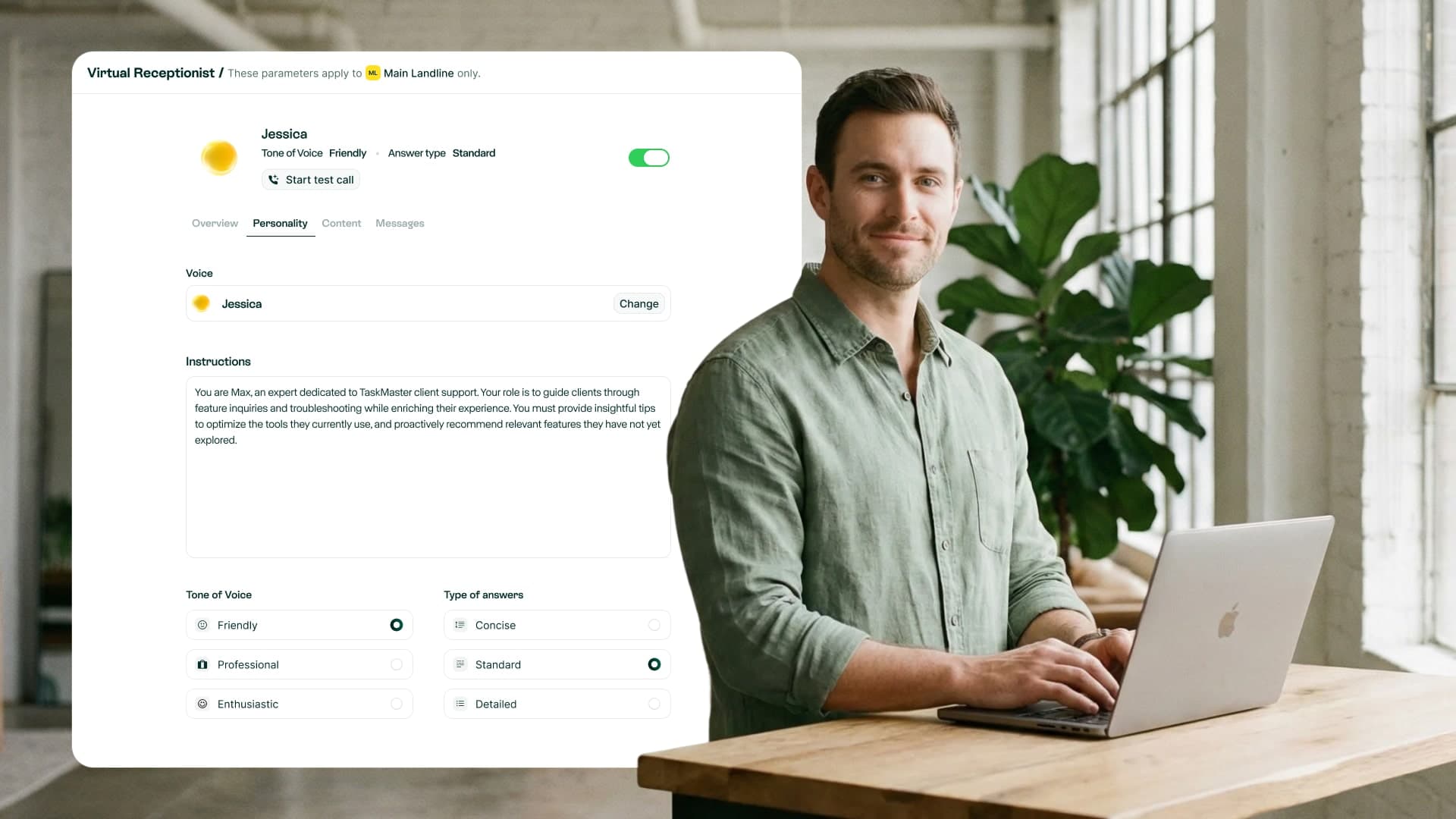
AI Receptionist on the Web
Configure your AI receptionist and voicemail directly from the desktop app. No need to use your phone to adjust settings anymore.
Web IVR Configuration
Your IVR menus (Press 1, Press 2...) are now configurable from the web.
Seamless Copy-Paste
New "Copy" button for call summaries that preserves formatting.
New Role: Manager
An intermediate role for better team and billing access management.
Improved SMS
Character limit increased to 1000 and expandable input area.
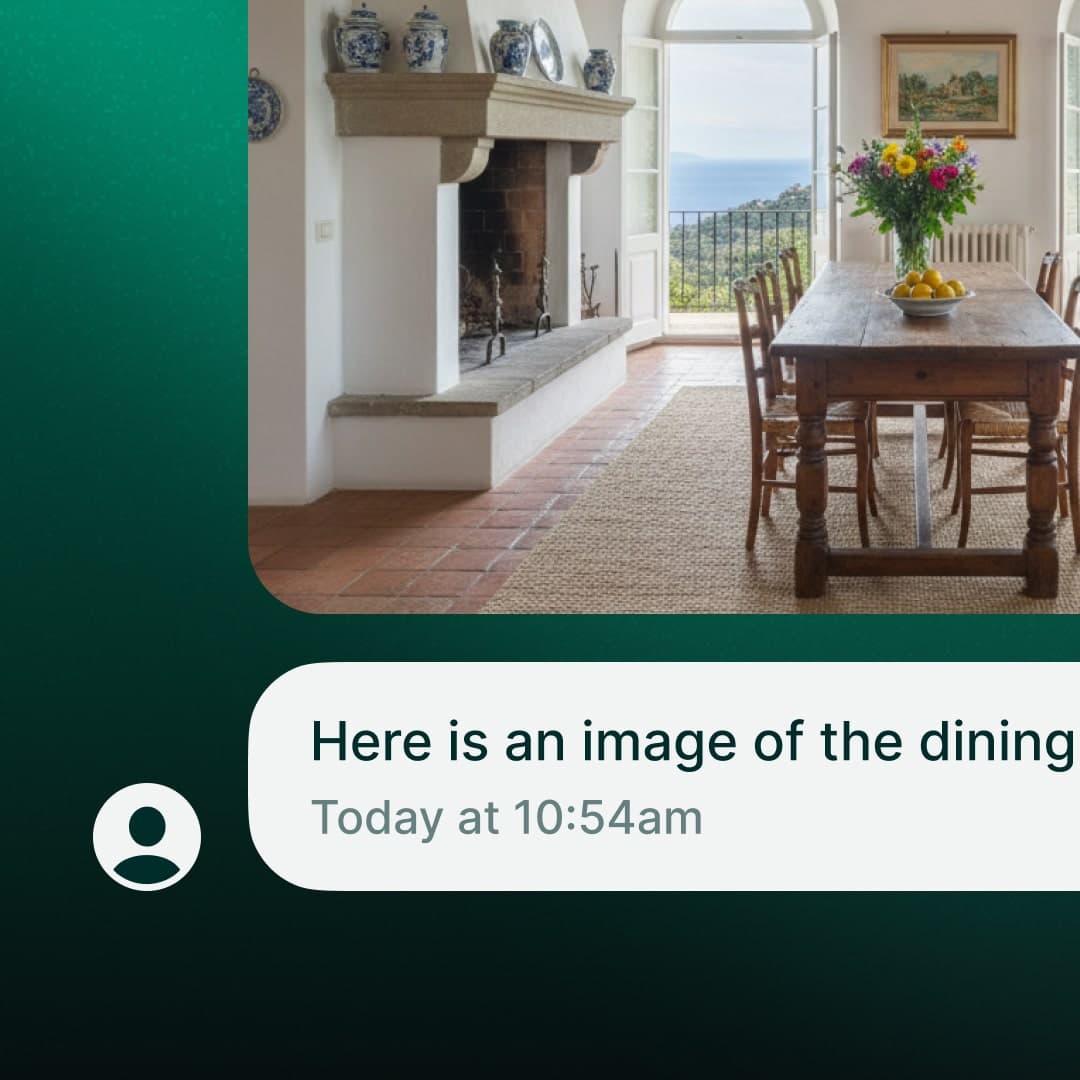
Receive MMS on desktop
You can now receive images and media directly in your conversations on web, macOS, and Windows. Works on US numbers with 10DLC registration. Rolling out this week.
3 new integrations
The Go High Level, Sellsy, and Apollo integrations are now live. You can connect them directly from the desktop app.
Fresh app icon
We refreshed the app icon and login screen.
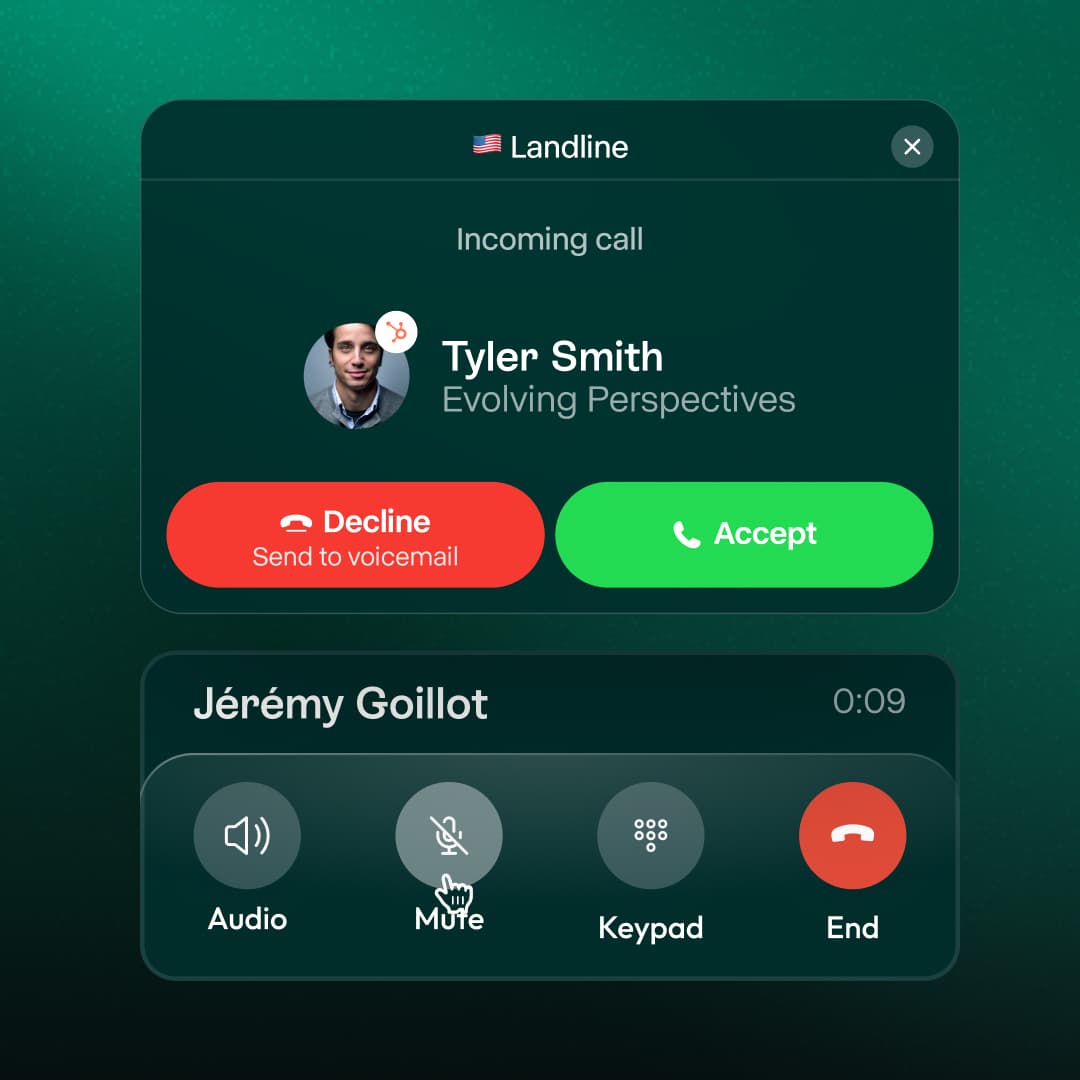
Handle multiple calls at once
When you're on a call and someone else calls in, you can now see both calls clearly. Answer or send to voicemail or AI receptionist without hanging up on your current conversation.

Voice IVR (Beta)
Early version of our AI-powered IVR is live. Callers can speak naturally about what they need, and the AI routes them to the right person on your team.
Zoho CRM Integration
Every call, text, and contact update now flows directly into Zoho CRM without lifting a finger.
Team visibility on desktop
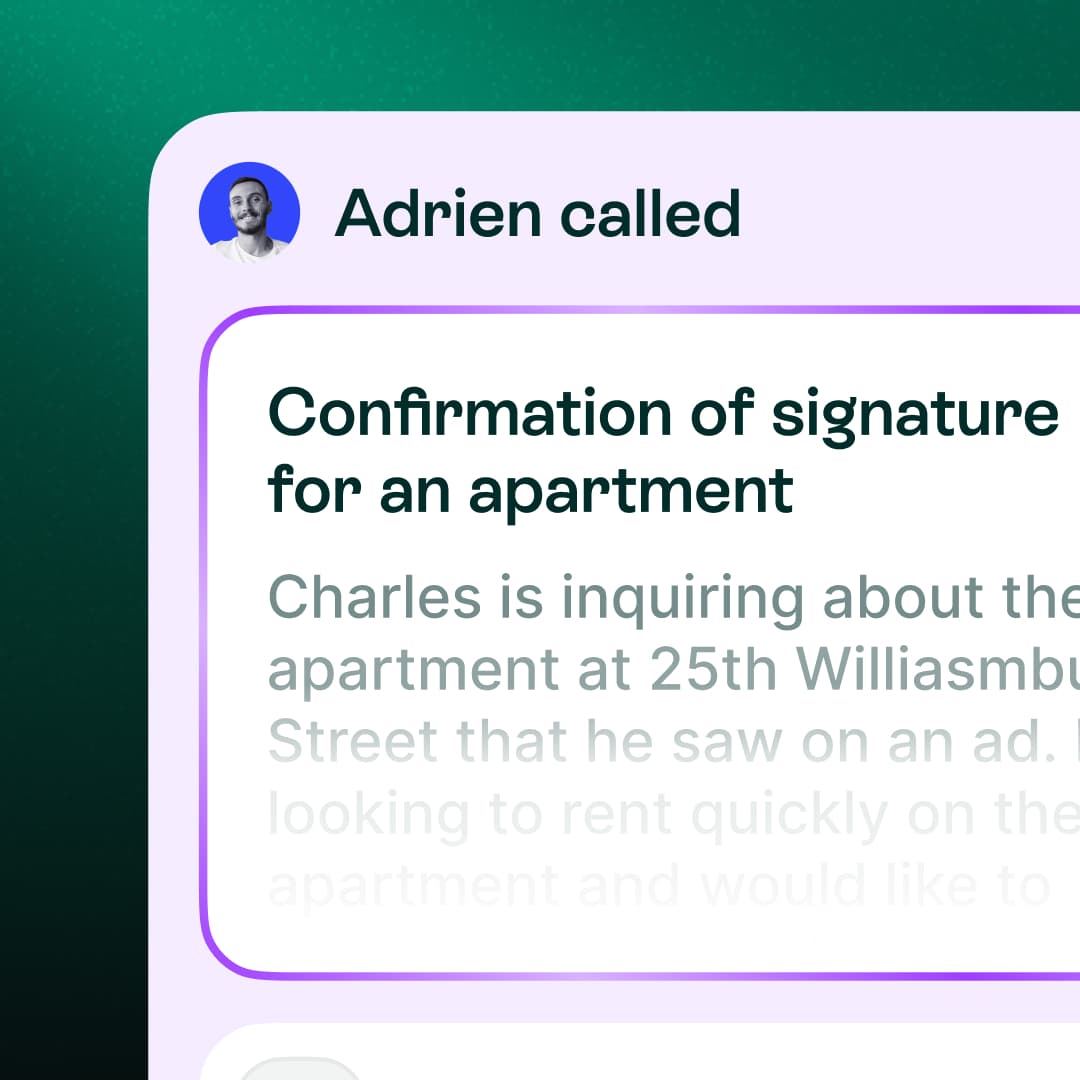
Conversations now show exactly who on your team took each action (answered, messaged, or handled). See at a glance who is doing what.
Advanced filters
Filter conversations based on voicemails, AI interactions, SMS, calls, transfers, or archived conversations.
Localization
Choose AI agent language, app language, and date/time format (12h or 24h).
Call routing
Manage cascading calls or simultaneous ringing from the desktop.
Billing page
New page to manage subscriptions, invoices, and cancellation.
Integrations Update
Streak is live. Attio sync now completes in minutes.
Custom AI summaries
Configure custom summary templates for each of your numbers.
Better team visibility
Filter call history by team member and interaction type.
Desktop business hours
Configure your working hours directly in Settings.