Key Takeaways
- Allo is best for small sales teams that want a mobile-first phone system with AI summaries, automatic call logging into Odoo, and transparent pricing starting at $45/user.
- Aircall is best for mid-sized sales organizations with a polished embedded dialer and a wide AI feature set (though it requires three licenses minimum).
- CloudTalk is best for international support and sales teams that need local numbers in 160+ countries, parallel dialing, and granular ring group routing tied to the Odoo CRM module.
- Ringover is best for outbound and staffing teams that lean heavily on power dialing, voicemail drop, or local presence dialing.
Introduction
If you've ever tried to set up Odoo's native VoIP module, you already know the issue: it works, but it asks you to bring your own SIP infrastructure and stops short of what a modern sales team actually needs. That's why most teams running Odoo end up plugging in a dedicated phone system on top.
The good news is that the Odoo App Store now lists dozens of telephony providers. The less good news is that picking the right one is harder than it looks. Some providers are great at outbound dialing but weak on mobile. Others have beautiful dashboards but lock essential features behind expensive add-ons.
In this guide, we focus on four modern Odoo VoIP providers that share three things: AI-powered call transcription, automatic call recording, and a setup process you can finish without a system administrator. We picked Allo, Aircall, CloudTalk, and Ringover because they cover the full spectrum of small-team-to-call-center use cases and because each one has a native Odoo integration that goes beyond click-to-call.
You'll see how each provider handles call logging in Odoo, what AI features they bring to the table, what their plans actually cost, and where each one shines (or doesn't).
By the end, you'll know which Odoo phone integration matches your team size, budget, and workflow.
Why Odoo's native VoIP isn't enough for most sales teams
Before we get to the comparison, it's worth understanding why teams keep replacing the built-in VoIP module. Odoo doesn't host telephony infrastructure itself. Instead, it connects to an external PBX (Private Branch Exchange), typically Asterisk or any SIP-compatible PBX, through a SIP trunk or SIP user credentials you configure in Odoo's settings.
That architecture creates five real-world limitations:
- You bring your own infrastructure. Odoo doesn't ship a hosted telephony backend. You have to maintain your own Asterisk, FreePBX, or another SIP server, which means infrastructure costs and someone with the expertise to run it.
- No native mobile calling. The Odoo VoIP widget is a web-based softphone. There's no native mobile calling support inside the Odoo iOS or Android apps, so reps in the field can't take Odoo calls on their phone the way they would with a dedicated app.
- A thin carrier ecosystem. Unlike dedicated VoIP platforms, Odoo's native module doesn't have deep, pre-built carrier relationships. You source SIP credentials yourself and configure the trunk on your own.
- Missing CCaaS-grade features. Native Odoo VoIP doesn't include an IVR builder inside Odoo, an advanced call recording management UI, real-time wallboards for supervisors, or in-depth call queue analytics. If you run a sales floor or a support team, those gaps show up fast.
- Limited automation. No AI transcription, no automatic summaries, no call scoring, no live coaching. You'd need to bolt on additional tools to get the workflows that come standard with modern phone systems.
For a small team that just needs to make a few calls per day, the native module can work. For anyone running a real sales motion, it's almost always worth integrating a dedicated provider. Which brings us to the four worth comparing.
Allo, best for sales teams
What is Allo?
Allo is an AI-first phone system built specifically for small sales teams and solopreneurs who want CRM-grade call automation without the enterprise price tag. Founded in 2024 by Jérémy Goillot, an early employee at fintech unicorn Spendesk, the company is headquartered in Miami with offices in France and Argentina.
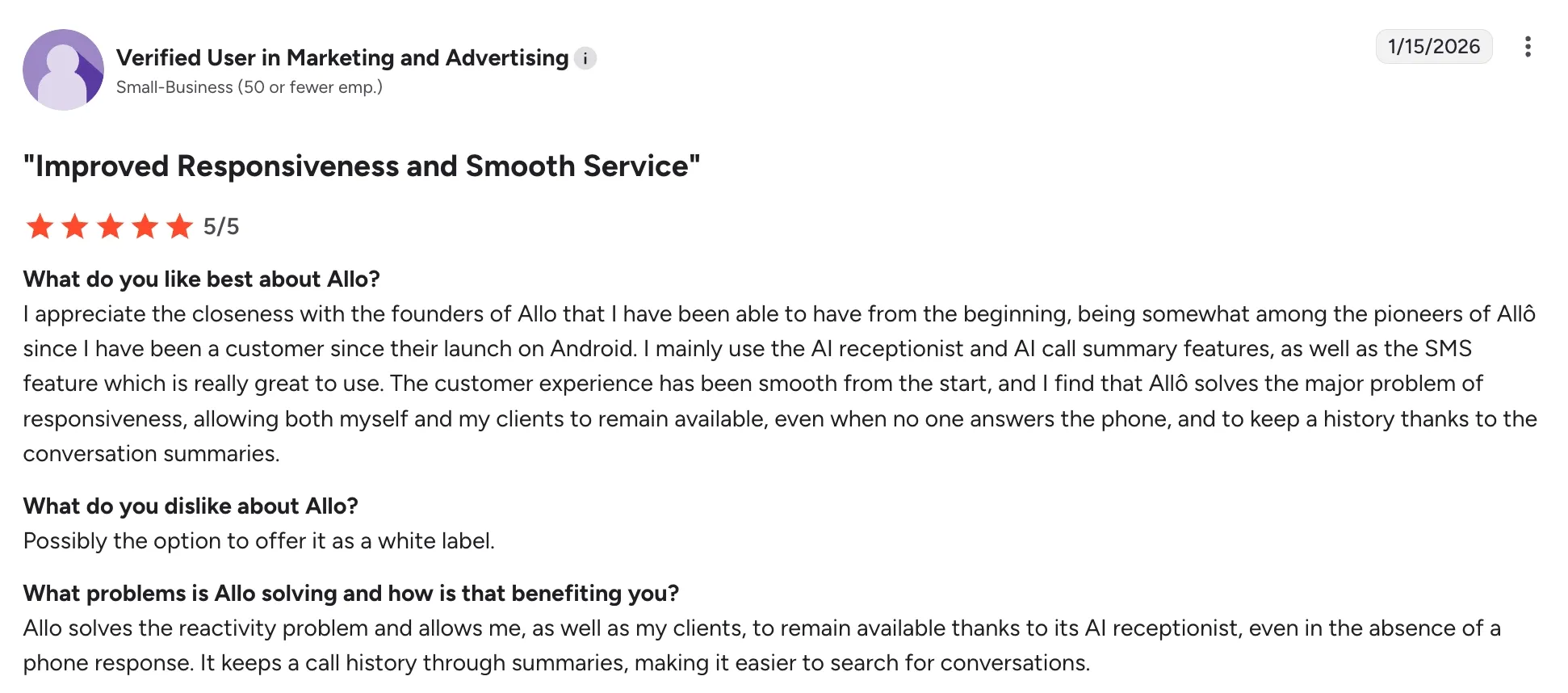
What sets Allo apart is its mobile-native design. While most legacy phone systems treat mobile as an afterthought, Allo started there. Every feature, from cascading call routing to the AI receptionist, is designed to work just as well on your phone as on your laptop. The platform includes call recording, voicemail transcription, automatic call summaries, and an AI assistant you can query about your past conversations using transcripts as the source.
Why Allo works well with Odoo
Allo's Odoo integration is built around a two-way sync. Once connected, your Odoo Contacts module flows into Allo automatically, and every call you place or receive is logged back to the right contact record in Odoo as an internal note. If a caller doesn't exist yet in Odoo, Allo creates the contact for you and attaches the call note, so no lead slips through the cracks.
The data Allo pushes back to Odoo is rich. Each logged call includes the recording, the AI-generated summary, the transcript, and any text messages exchanged with that contact. Reps see Odoo caller information surface on their mobile screen before they answer, including the contact name, job title, and active deal. That context makes the difference between a generic pickup and a personalized opening line.
Setup takes about a minute. You only need three things:
- Your Odoo login email
- Your database name (the part of your Odoo URL before .odoo.com)
- An API key generated from your Odoo account settings.
There's no marketplace activation fee and no SIP configuration to worry about.
The trade-off: Allo is newer than the established players, so very large enterprises with complex multi-region routing requirements may find the feature set tighter than legacy platforms.
Allo pricing
Allo keeps its pricing straightforward, with no add-ons and no per-feature surprises:
- Starter — $25/user/month (1 user max, billed monthly). Includes a local number, unlimited calls, AI summaries, IVR, and call recording.
- Business — $45/user/month. Adds the Odoo integration, unlimited AI receptionist, SMS, international calls, and team call routing.
Every plan comes with a 7-day free trial, one local or toll-free number included, and the option to add extra numbers for $5/month.
AI features are bundled in at no additional charge.
Allo demo video
See Allo in action:
Aircall, best for mid-sized sales organizations
What is Aircall?
Aircall has built one of the most recognized cloud phone brands in the sales tooling space. The company started in Paris back in 2014 with a clear goal: take on the hardware-heavy, complicated phone systems of the time and replace them with something teams could install in a browser. A few months in, the founders pivoted hard toward CRM integrations, and that bet paid off. By 2025, Aircall surpassed $175 million in ARR and was serving customers across 38 countries.
The product targets medium-sized and larger companies, especially those with established sales operations. Standout features include unlimited US and Canada calling, AI transcription with instant summaries, sentiment analysis, call scoring, live call coaching, and a draft email generator. Supervisors get listen, whisper, and barge controls, plus advanced analytics dashboards. The AI feature set is currently limited to English and French, which is something to factor in if your team is multilingual.
Why Aircall works well with Odoo
The Aircall integration with Odoo supports Odoo versions 16, 17, and 18 across the Contacts, CRM, and Helpdesk modules. Once installed, an embedded Aircall dialer appears in the Odoo top navigation bar so reps never leave their CRM to make a call. Insight cards pop up during incoming calls with contact, ticket, and opportunity details pulled directly from Odoo.
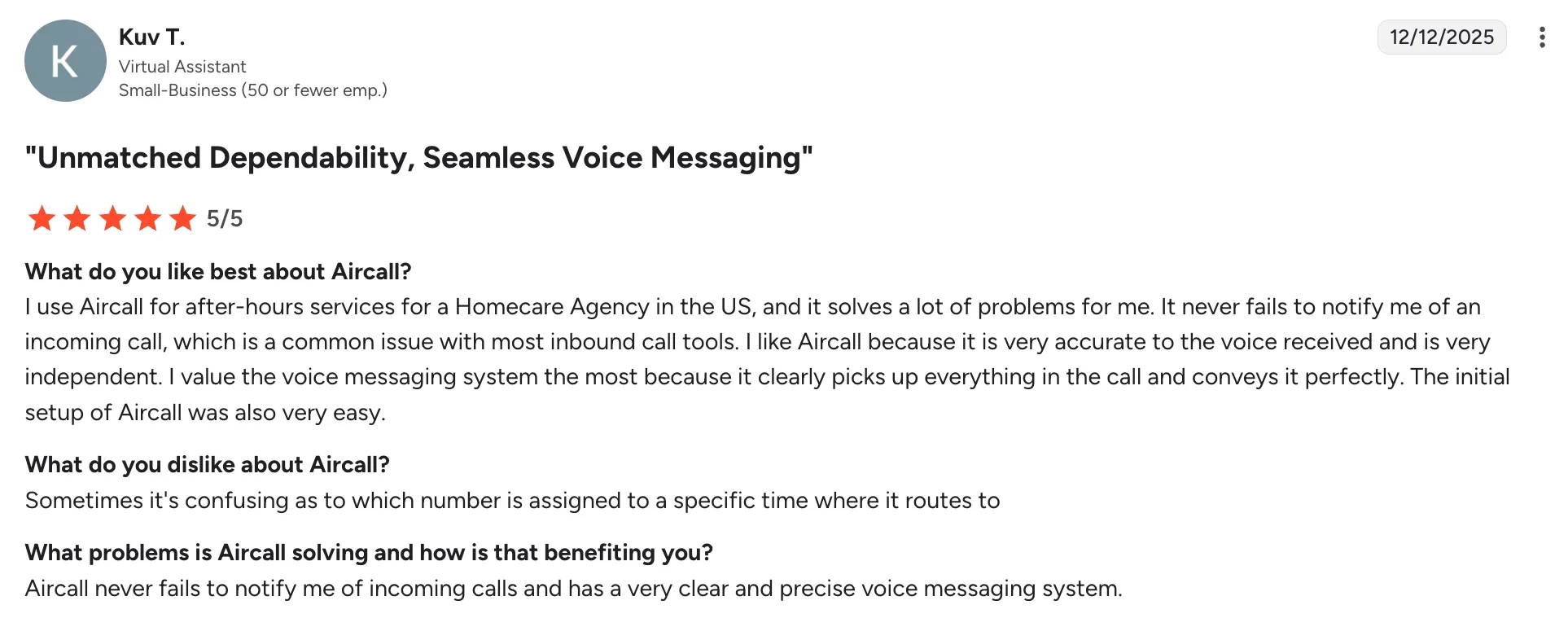
Call logging is automatic and detailed. Every conversation is saved with duration, agent notes, recordings, and tags attached to the right Odoo record. If you subscribe to Aircall AI, the integration also pushes call transcripts, summaries, mood, and key topics into the Odoo activity timeline. Contact sync runs at 55 contacts per minute to avoid overloading the system, and updates flow in both directions.
Where it falls short: only the Aircall Google Chrome extension is supported and the integration doesn't work with multi-company Odoo environments. The three-license minimum can also be a stretch for very small teams.
Aircall pricing
Aircall has two main plans, both billed per user with a three-license minimum:
- Essentials — $40/user/month. One local number, unlimited US and Canada calling, IVR, call recording, SMS and MMS.
- Professional — $70/user/month. Adds advanced analytics, Power Dialer, Voicemail Drop, and unlimited call recordings.
Add-ons include the AI Voice Agent at $0.49/minute, WhatsApp at $10/user/month, and Analytics+ at $15/user/month. A 7-day free trial is available.
Aircall demo video
See Aircall in action:
CloudTalk, best for international support and sales teams
What is CloudTalk?
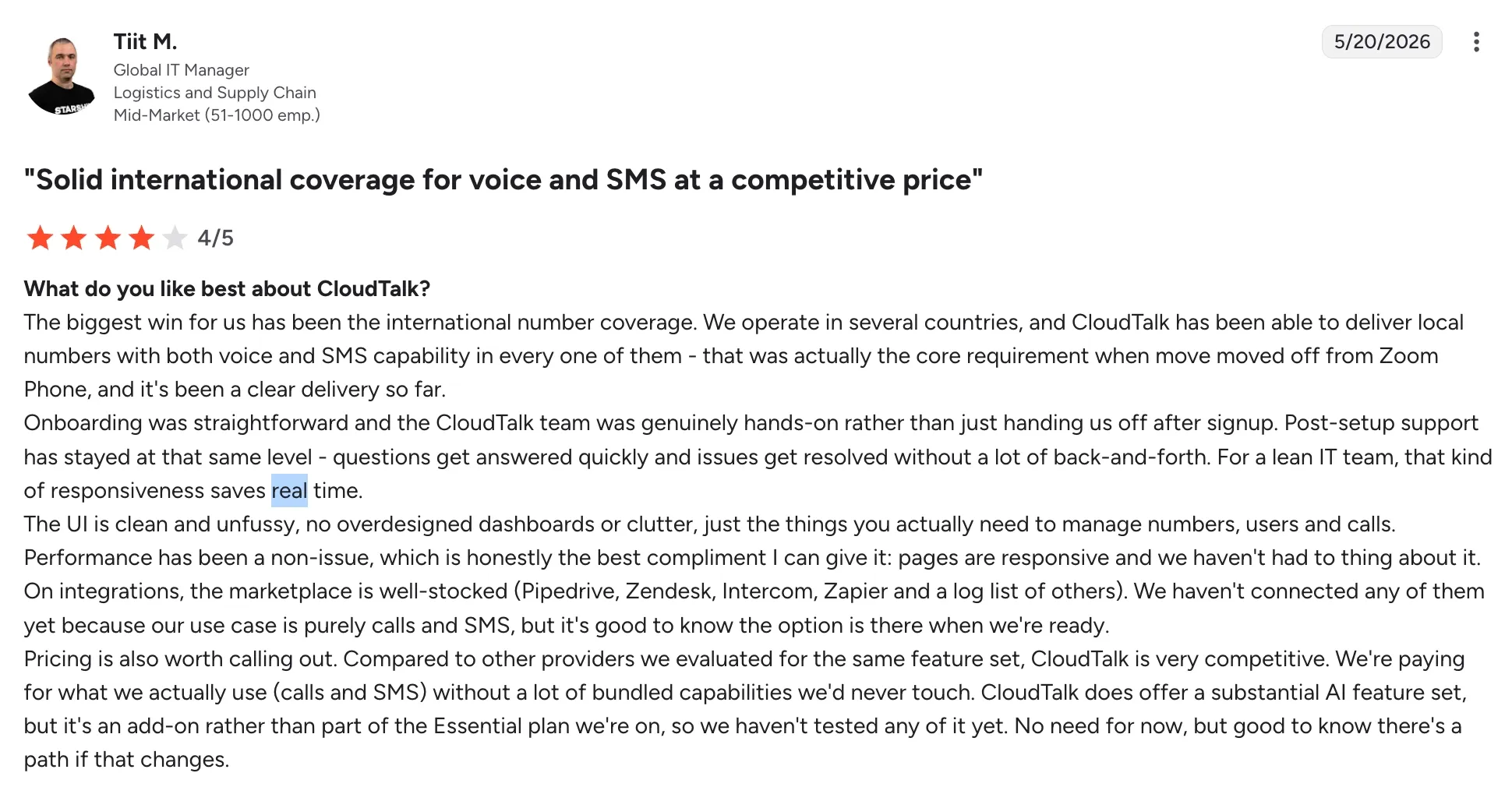
CloudTalk was founded in 2016 in Slovakia, and the company has since grown to roughly 4,000 customers across 100 countries. The platform targets sales and support teams of all sizes, including outbound call centers that need to dial at scale.
CloudTalk's strength shows up in two areas: international coverage and outbound productivity. Local numbers are available in 160+ countries, more than nearly any competitor, and CloudTalk automatically switches to a local number when calling internationally to lift answer rates. On the outbound side, the platform includes a Smart Dialer, a Power Dialer, and a Parallel Dialer that lets reps dial up to 10 leads at once and skip voicemails automatically. AI features cover call transcripts, summaries, topic extraction, sentiment analysis, talk-to-listen ratio analysis, and an AI Voice Agent that handles inbound and outbound calls.
Why CloudTalk works well with Odoo
The CloudTalk Odoo integration syncs your CRM contacts both ways and turns every phone number in your Contacts and Opportunities views into a clickable link. One click opens the CloudTalk Phone app with the number pre-dialed, so reps don't waste time copy-pasting. Every call gets logged in Odoo as a detailed activity, including direction, recording link, notes, and tags, all attached to the right contact, lead, or opportunity automatically.
What makes CloudTalk especially useful for support teams is how its ring group routing maps onto Odoo workflows. You can set Ring All, Round Robin, Random, or Least Recent strategies on the CloudTalk side, and incoming calls still surface the relevant Odoo opportunity stage and account ownership. AI summaries and topic tags flow into the Odoo activity feed too, so managers can scan a pipeline and spot which deals had which conversations without listening to recordings.
The downsides worth mentioning: Round Robin and Random routing don't work in combination with CloudTalk's mobile app. Some users on G2 and Trustpilot also flag occasional call quality issues and slower customer support response times.
CloudTalk pricing
CloudTalk has three main plans:
- Lite — $27/user/month. Unlimited domestic calls and a local number, but no integrations, and most premium features are locked.
- Essential — $39/user/month. Adds business hours, IVR, ring groups, and the Odoo integration.
- Expert — $69/user/month (3 license minimum). Adds Power Dialer, live monitoring, advanced reporting, and WhatsApp support.
The Odoo integration kicks in at the Essential plan. AI Voice Agents are billed separately.
CloudTalk offers a 14-day free trial with no credit card required.
CloudTalk demo video
See CloudTalk in action:
Ringover, best for outbound and staffing sales teams
What is Ringover?
Ringover traces its roots back to 2005, making it one the oldest solution on the list. The first version of the Ringover product launched in 2015, and the company relaunched in 2018 with a sharper focus on cloud contact center features. Today, Ringover operates from Paris, London, Barcelona, and Atlanta, and the platform serves roughly 1,400 brands across staffing and sales verticals.
Ringover's core mission is to remove repetitive manual work from a rep's day. Standout features include voicemail drop, a nearest Number tool that matches your outbound caller ID to the prospect's region, a power dialer, and post-call surveys. The AI stack is unusually deep: Call Moments tags conversations with keywords, AIRO acts as an AI answering service, and Empower is an AI coach that listens to your live calls, suggests replies, and scores conversations afterward. AI features support English, French, Spanish, Italian, Portuguese, and several other languages.
Why Ringover works well with Odoo
Ringover's integration works across CRM, Contacts, Helpdesk, Project, and HR modules. You can install Ringover into Odoo two ways: as a free Chrome extension, or as an app from the Odoo Marketplace. The Chrome route is the recommended option since it avoids any custom code charges from Odoo.
Once connected, click-to-call works on every phone field, and the dialer surfaces the contact's record before you pick up an incoming call. Calls, texts, voicemails, and recordings are logged automatically in Odoo, and an Odoo ticket can be auto-created from each Ringover call inside the Helpdesk module. If you subscribe to Empower, AI summaries and conversation insights also sync into the Odoo timeline, which is a real advantage for managers who want to coach without listening to every call.
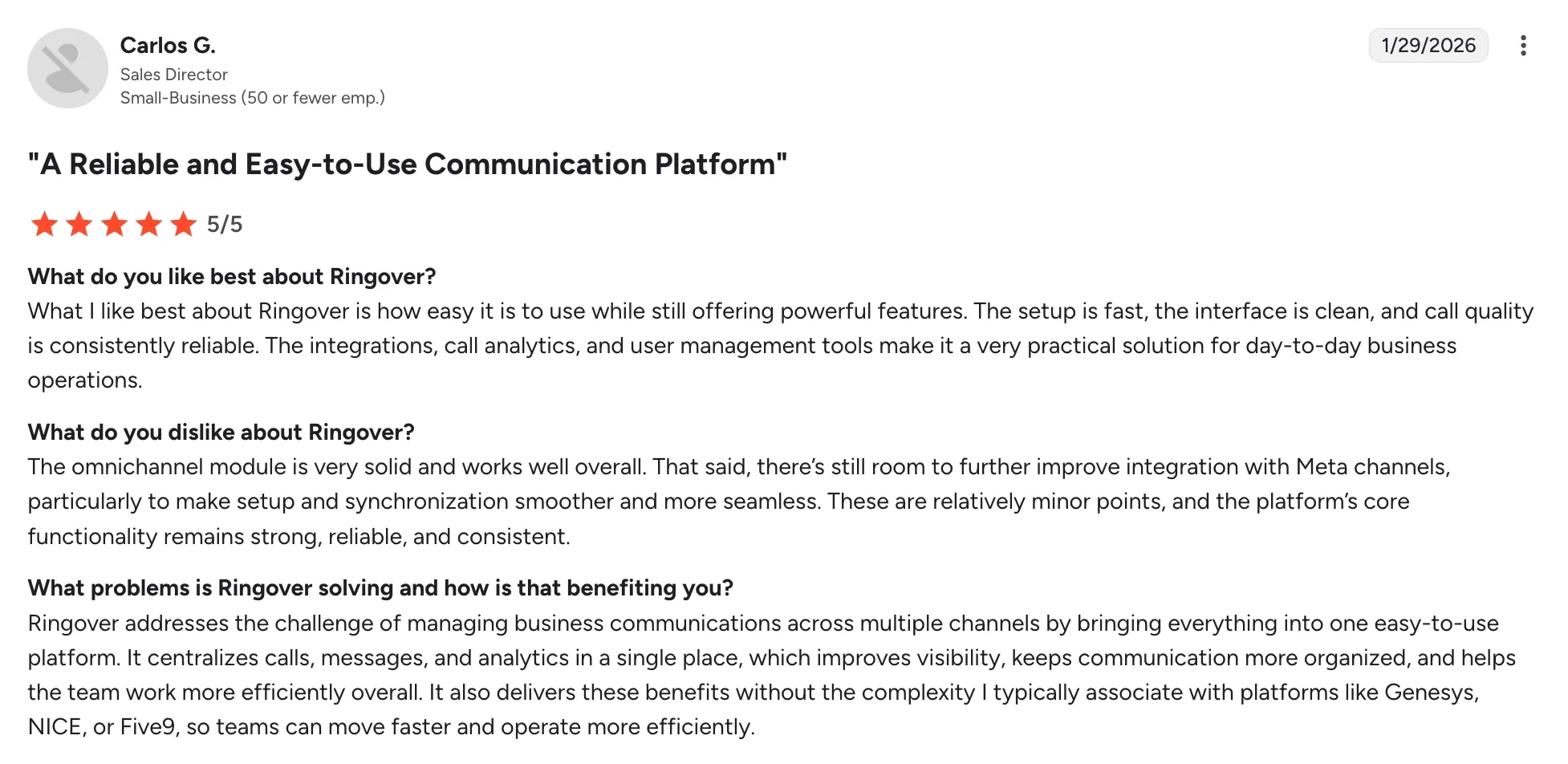
The pieces to watch out for: some users report poor reactivity from Ringover's support team, and there's a recurring complaint about contract auto-renewal clauses. Call quality can also be inconsistent.
Ringover pricing
Ringover has three plans:
- Talk — $24/user/month. One local or toll-free number, unlimited national calls, basic AI receptionist, IVR, call forwarding, recordings, click-to-call, transcription, and AI summaries.
- Business — $57/user/month. Adds smart routing, call groups, queues, integrations (including Odoo), advanced analytics, double listening and whispering, and the power dialer.
- Advanced — custom pricing. Adds call campaigns, voicemail drop, and local presence dialing.
The Odoo integration requires the Business plan.
Notable add-ons include omnichannel messaging at $29/license/month, Cadence (sales engagement) at $59/user/month, and the Empower AI coach at $39/user/month. AIRO, the AI answering service, is sold pay-as-you-go at $0.99/minute or in plans starting at $98/month for 200 minutes.
Ringover demo video
See Ringover in action:
Conclusion
All four providers will give you a better Odoo phone experience than the native VoIP module. The right pick comes down to team size, budget, and how international your call patterns are.
- Pick Allo if you run a sales team or you're a solopreneur who wants AI summaries, mobile-first calling, and a single $45/user price tag with no add-ons.
- Pick Aircall if you have at least three reps, and you want a polished embedded dialer with deep CRM logging.
- Pick CloudTalk if you need local numbers in dozens of countries, run a parallel dialing motion, or manage a hybrid sales-and-support team that depends on ring group routing.
- Pick Ringover if your team lives in outbound mode and you'd benefit from voicemail drop, power dialing, and a real-time AI coach scoring conversations.
The shortest path to figuring out which one fits is to start a free trial with the two that look closest. Each of these phone systems can be live in Odoo within an hour, so you'll know quickly whether the workflow matches how your team actually sells.
Frequently asked questions about VoIP providers for Odoo
Do I need a SIP trunk to use a third-party VoIP system with Odoo?
It depends on the VoIP provider you choose. Allo, Aircall, CloudTalk, and Ringover all bring their own hosted telephony infrastructure, so you don't need to set up a SIP trunk or maintain an Asterisk server. You install their Odoo app or extension, paste in an API key or token, and you're calling within minutes. SIP trunking only matters if you choose to use Odoo's native VoIP module, which connects to an external PBX you have to manage yourself.
Which VoIP providers work with Odoo?
Plenty of them. Beyond the four covered in this article, Odoo's App Store lists native modules for Aircall, Allo, CloudTalk, Ringover, and dozens of others including OnSIP, 3CX, and Twilio-based custom integrations. Each provider has its own approach: some plug in via the Odoo VoIP widget using SIP credentials, while modern providers like Allo, Aircall, CloudTalk, and Ringover ship their own dialers and sync calls directly through API and webhooks. If a provider isn't on the Odoo Marketplace, you can usually still connect it through Zapier or a custom webhook, but the experience won't be as tight as a native integration.
What's the best VoIP phone system that integrates with Odoo?
There's no single best answer because it depends on what your team actually does day-to-day. For a small teams that wants a mobile-native phone with built-in AI, Allo is a strong fit at $45/user with no add-ons. For a mid-sized sales org, Aircall offers the most polished embedded dialer. CloudTalk wins for international coverage and outbound dialing volume. Ringover is the pick for staffing firms and outbound-heavy teams that need power dialing and live AI coaching.