
TL;DR
The right AI product photography tool depends less on which is "best" and more on what you sell and how much of it. Here is the short version by seller profile:
- Solo sellers and small catalogs: start with Photoroom or Pixelcut. Both turn a phone photo into a clean, listing-ready image for under $10/month, and add lifestyle backgrounds when you need them.
- Growing DTC and Shopify brands: Presti for product fidelity and consistent images across a widening catalog, Claid AI for on-model shots, and Flair AI when you want to art-direct ad creative.
- High-volume, multi-channel teams: Presti and Claid AI are built to produce at scale while keeping a catalog consistent, with Pixelcut as a cheap engine for bulk cutouts.
Why product images decide the sale
In ecommerce, the image is the product. Shoppers can't touch what you sell, so the photo does the selling, on the listing, on the product page, in the ad.
It shows: according to UX research from the Baymard Institute, the first thing 56% of shoppers do on a product page is look at the images, before the title or description. That is why every seller eventually faces the same question: keep paying for shoots, or move to AI.
The catch is that "AI product photography tool" covers very different jobs. Some tools are fast cutout machines for marketplace listings. Some generate lifestyle scenes for your product page. Some put clothing on an AI model, and some make short videos for ads. Picking well means matching the tool to the job you actually need, and to the size of your operation.
This guide does that in two passes.
First, we map the four core jobs to the tools that do them well. Then we give a starting point for three seller profiles, from a one-person shop to a multi-channel catalog.
First, match the tool to the job
Before comparing brands, get clear on which of these four jobs your store needs. Most sellers need the first two; fashion and ad-heavy brands need all four.
| The job | What it produces | Tools that do it well |
|---|---|---|
| Cutouts & packshots | Clean white or transparent background for listing main images | Photoroom, Pixelcut, Claid AI, Presti |
| Lifestyle & staged scenes | Your product placed in a generated setting for the product page and social | Pebblely, Presti, Flair AI, Claid AI |
| On-model / fashion | A garment or accessory shown on an AI-generated model | Claid AI, Flair AI, Presti, Pixelcut, Photoroom (Virtual Model) |
| Product video | Short motion clips from stills, for ads and social | Presti, Flair AI, Pixelcut, Photoroom (Max+), Claid AI |
Notice that a few tools appear across several jobs. That is the real decision: a single broader tool that covers most of your needs, or a cheap specialist per job. The right answer depends on your profile, which is where we go next.
If you're a solo seller or small catalog
You list on a marketplace or a small Shopify store, you shoot on your phone, and you need clean images fast without a subscription that dwarfs your margins. Your two jobs are cutouts and the occasional lifestyle shot.
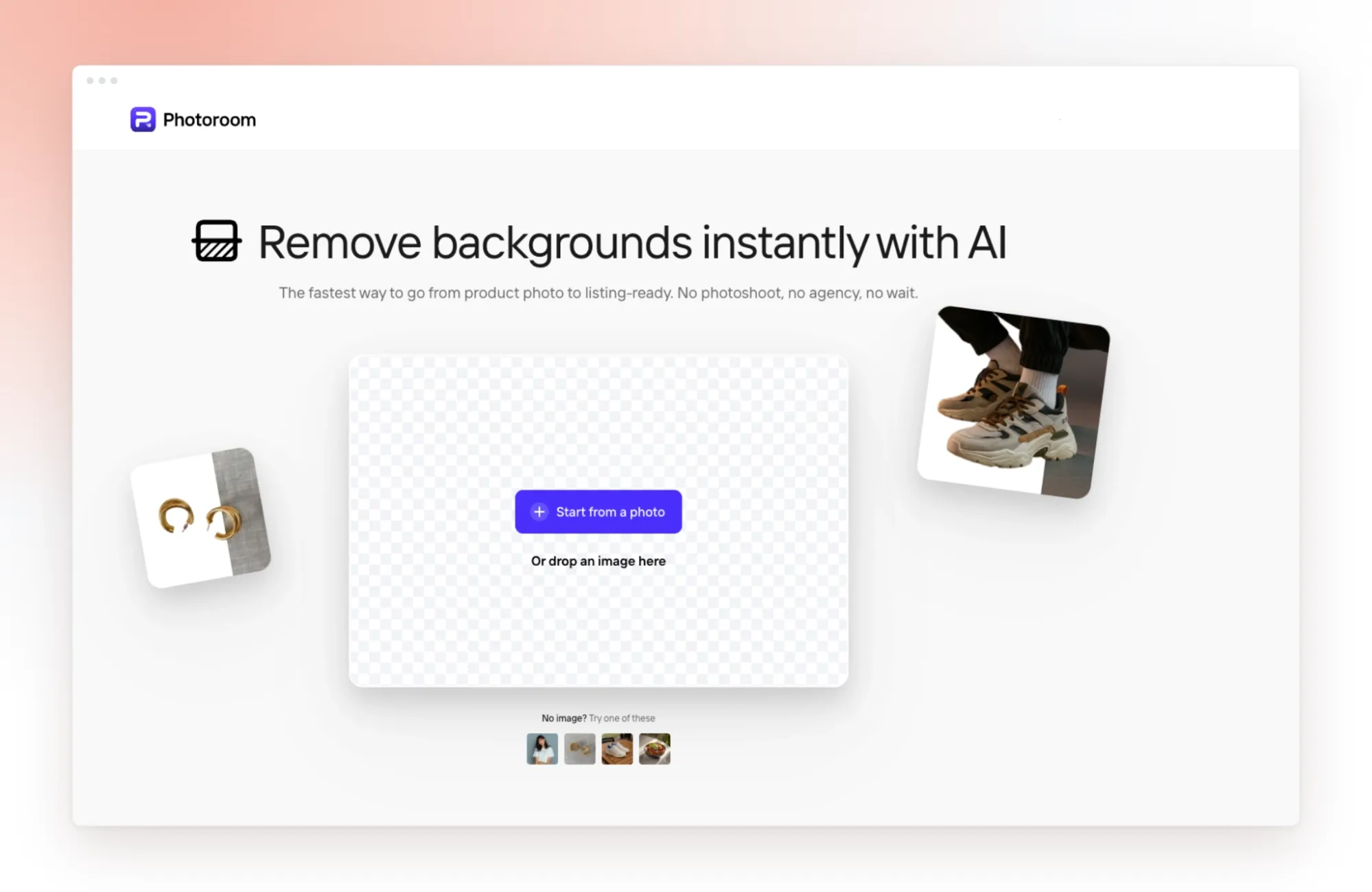
Where to start: Photoroom or Pixelcut. Photoroom turns a phone photo into a marketplace-ready image on mobile, with AI backgrounds, Ghost Mannequin and Shopify publishing on higher tiers; Pro is $7.99/month and the free plan is watermarked and non-commercial. Pixelcut is just as cheap at $9.99/month for Pro, with strong background removal, batch up to 100 images and a free daily-limited demo. Both are mobile-first, which suits a one-person operation.
Add Pebblely if you want scenes, not editing. If your main need is dropping a packshot into a nice lifestyle background, Pebblely does exactly that from 40-plus themes, starting at $9/month for 30 images. It has no on-model or video, but the learning curve is close to zero.
Watch out for:
- Image caps that reset monthly (Pebblely) mean unused volume is lost, so match the plan to your real output.
If you're a growing DTC or Shopify brand
Your catalog is expanding, you care about a consistent look across the product page and social, and fidelity starts to matter: a distorted logo or the wrong shade of your product is a return waiting to happen. You may also need on-model shots and the first ad videos.
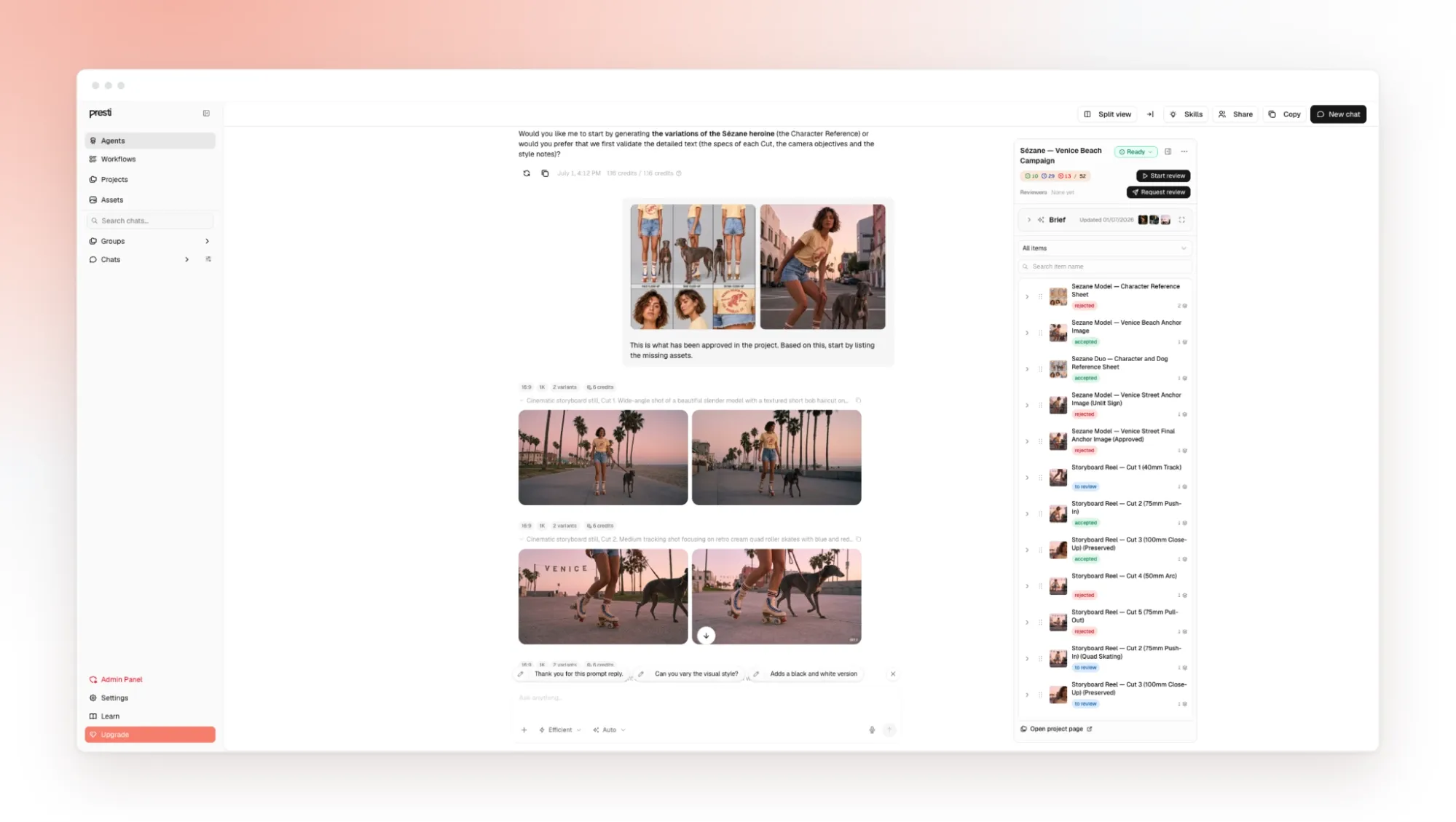
For consistency across a widening catalog: Presti. Presti works like a production agent: you brief it in plain language, and it generates images and video, routing each task to one of several third-party models under the hood. It's designed to keep a look consistent across many products. The free plan gives 60 credits a month, and Pro is $49/month for 500 credits (one image is 3 credits, one video 30).
For fidelity and on-model: Claid AI. Built by the Let's Enhance team, Claid is tuned to preserve logos, labels and product shape, and its AI Fashion Models put a garment on an AI model. It's credit-based, with a free trial (50 credits), an Essential tier from about $9/month and a Pro tier around $39 to $49/month. Note that web and API pricing are separate systems.
For ad art direction: Flair AI. When you want to control the shot, Flair gives you a drag-and-drop canvas with props and camera angles, plus fashion models, virtual try-on and short videos. Paid plans start around $8/month, though the public pricing page doesn't surface its tiers cleanly, so confirm at checkout.
Watch out for:
- Credit systems make the real monthly cost harder to predict than the sticker price, especially where web and API are billed separately.
- Canvas tools like Flair trade some product fidelity for creative control, so test your hardest product before trusting them with hero images.
- Presti exports up to 8K via upscaling, generates on-model shots with AI models, and offers an API for automation. The trade-off is scope: it's a production platform, so a seller who only needs the odd cutout may not use most of it.
If you run a high-volume, multi-channel catalog
You have hundreds or thousands of SKUs, several sales channels, and a team. Your priorities are batch throughput, a consistent visual system, and ideally video, without a per-image cost that balloons at scale.
For production at scale: Presti or Claid AI. Presti is built around briefing once and producing in batch while keeping the catalog consistent, with team workflows. Claid AI handles high-fidelity generation across many SKUs and offers a REST API to wire into your pipeline, with 4K on its top tier. Both suit teams that treat photography as an ongoing operation, not a one-off.
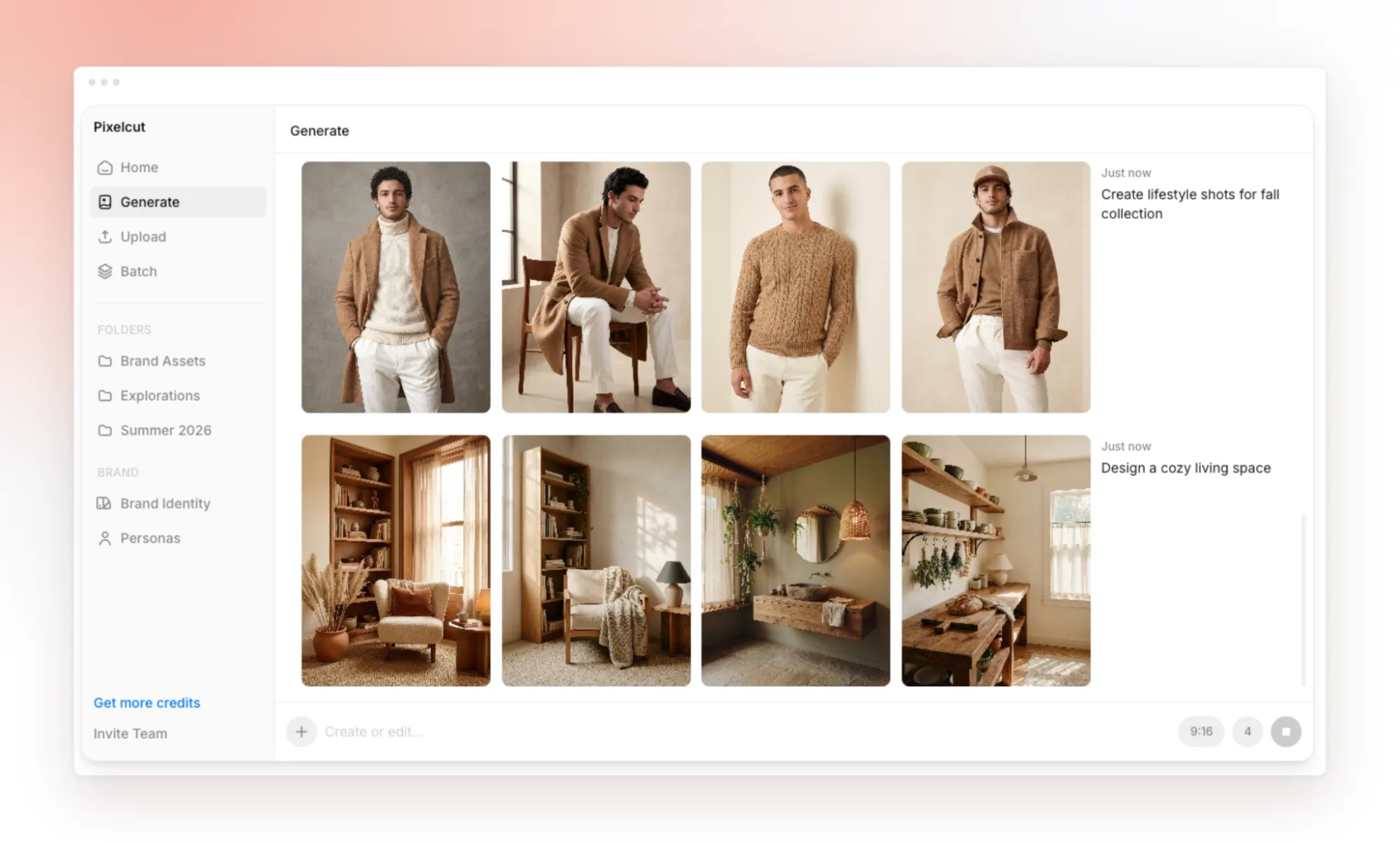
For cheap bulk cutouts: Pixelcut. When the job is simply clean, watermark-free cutouts across a huge catalog, Pixelcut's Business plan ($24.99/month) adds API access, up to 5 seats and batch that scales to 10,000 images, which is hard to beat on price per image.
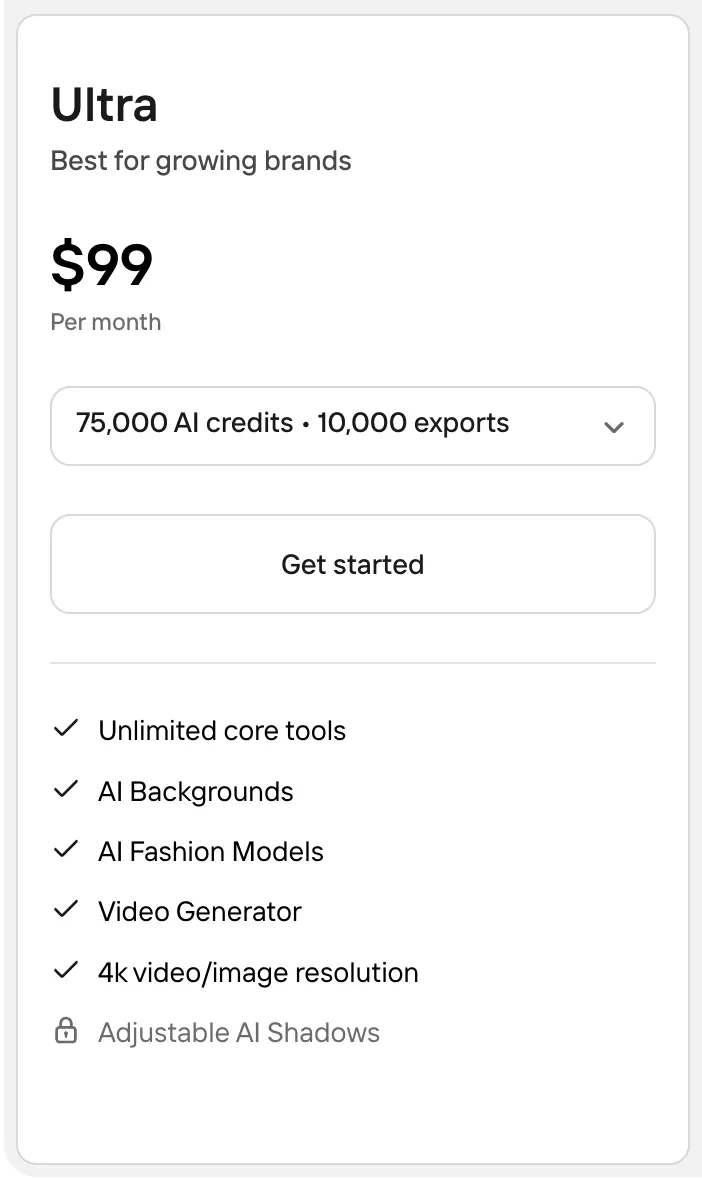
Don't rule out Photoroom Ultra. Photoroom's Ultra tier starts at $99/month and targets high-volume sellers, with a separately billed API for programmatic use. It's a fair option if your team already lives in Photoroom.
Watch out for:
- Batch limits vary by two orders of magnitude between tools, so check the per-session and monthly caps against your catalog size.
- API access is often a separate line item from the web plan, which changes the true cost of automating at scale.
A quick word on marketplace rules
AI-generated images are generally allowed on marketplaces like Amazon, as long as they accurately represent the actual product and follow the platform's image rules. In practice that usually means a pure white background and no watermarks or added text on the main listing image, with more freedom on secondary and lifestyle shots.
The practical takeaway: use AI freely for lifestyle and secondary images, but keep your main image clean, accurate and compliant. Rules change, so check the current image guidelines for each channel you sell on; Amazon's public guide to product photos is a good starting point.
How to decide in three steps
- List your jobs. Cutouts only? Add lifestyle? Need on-model or video? The four-job table above tells you which tools qualify.
- Match to your scale. A solo shop wants a cheap mobile editor; a growing brand wants fidelity and consistency; a catalog team wants batch and API.
- Test on your hardest product. Run a reflective, detailed or logo-heavy item through your shortlist before you commit, and read the pricing page twice for credits, caps and separate API fees.
For a deeper, feature-by-feature breakdown of every tool mentioned here, see Presti's full guide to the best AI product photography tools.
Frequently Asked Questions About AI Product Photography
Which AI tool is best for Amazon product photos?
For compliant Amazon main images, you mainly need clean, accurate cutouts on a pure white background, which Photoroom, Pixelcut and Claid AI all handle well. Claid AI is the safer pick when preserving logos and product shape matters, since its AI is tuned for fidelity. Keep AI lifestyle scenes for secondary images, where marketplaces are more permissive.
Do I need different tools for listing images and ad creative?
Not necessarily, but the strengths differ. Cutout-focused tools like Photoroom and Pixelcut are ideal for listings, while canvas tools like Flair AI and agent tools like Presti are better for art-directed lifestyle images and video for ads. Many growing brands use one tool for clean listings and another for campaign creative.
What's the cheapest way to get lifestyle images for a small store?
Pebblely is the lowest-friction option, dropping a packshot into a themed background from $9/month, and Photoroom and Pixelcut both include AI backgrounds within their sub-$10 plans. For a handful of images a month, start on a low tier and scale only if you consistently hit the cap.
Can AI product photography handle a large catalog?
Yes. Presti and Claid AI are designed for producing across many SKUs while keeping a consistent look, and Pixelcut's Business plan scales batch processing to 10,000 images. For large catalogs, weigh batch caps, visual consistency and API access more heavily than any single visual feature, and run a representative slice before committing.