TL;DR
- Google Voice is best for the solo plumber on a shoestring because it gives you a free or near-free second line, though you get almost no automation in return.
- Talkroute is best for one-to-three person plumbing shops that hate surprise fees because it bundles calling, texting, and routing from $19/month with zero add-ons and support that actually answers.
- Allo is best for small crews that miss calls while their hands are under a sink because its AI answering service picks up, books the job, and texts you the summary, and it's included in every plan.
For everyone in between, this guide walks the full ladder. We go from the one-van operator who just needs a dedicated business number, up to the multi-truck company juggling dispatch, after-hours emergencies, and a growing office team.
I tested and dug through the review data on a long list of business phone tools to find the seven that actually make sense for plumbers. Below, you'll find a side-by-side summary, the criteria I used to judge them, and an honest breakdown of each, organized by the size of your crew. Let's find the one that fits.
Best plumbing phone system at a glance
| Solution | Starting Price | Best For | G2 Rating |
|---|---|---|---|
| Google Voice | $10/user/moFree for personal use | The solo plumber who just needs a cheap second line.Cheapest start | 4.1 / 5 |
| Grasshopper | $18/moSolo plan, 1 user | Solopreneurs who want a receptionist feel without staff.Solo-focused | 3.9 / 5 |
| Talkroute | $19/moNo add-ons, ever | Small shops that want flat pricing and real support.Best value | 4.6 / 5 |
| Allo | $25/mo AI answering in every plan | Small crews that miss calls while on the job.Best AI answering | 4.7 / 5 |
| Quo | $19/user/mo AI summaries: Business, $33 | Small teams wanting an AI agent on a tight budget.Most reviewed | 4.7 / 5 |
| Nextiva | $23/user/mo AI receptionist: Power Suite, $75 | Growing multi-van operations with an office team.Scales up | 4.5 / 5 |
| RingCentral | $30/user/mo AI receptionist add-on: $39/mo | Established field-service firms with complex needs.Most integrations | 4.3 / 5 |
How to pick the right plumbing phone system
A plumbing business stresses a phone system in ways an accountant's office never will.
You're rarely at a desk.
Calls spike during cold snaps.
And the difference between answering and not answering is often a four-figure job.
I judged every tool on the five criteria below, and I'd suggest you do the same.
- Does it catch the calls you can't? This is the big one. When your hands are full, an AI answering service or a live receptionist that books the job is worth more than any other feature combined. A missed call is a competitor's won job.
- Does it route the emergency to the right person? Look for call forwarding, on-call scheduling, and IVR ("press 1 for a plumbing emergency"). Your overflow shouldn't go to a dead voicemail at 2 a.m.
- Does it work from a truck? A reliable mobile app matters more than a fancy desktop dashboard. You need to take and make business calls from your cell without flashing your personal number.
- Is the pricing honest? Plumbers run on tight margins. Watch for per-user minimums, gated AI, and add-ons that quietly double the bill. Flat, predictable pricing beats a low headline rate with a long fee list.
- Can you actually leave? Cancellation friction and long-term contracts are real costs. I weighted support quality and exit terms heavily, because nobody wants to spend two hours on hold to close an account.
I evaluated each of the seven tools against these five points, leaning on real review data (G2, Trustpilot, app stores) and hands-on testing rather than marketing copy. Here's how they stack up, smallest crew first.
Google Voice, best for the bare-minimum solo line
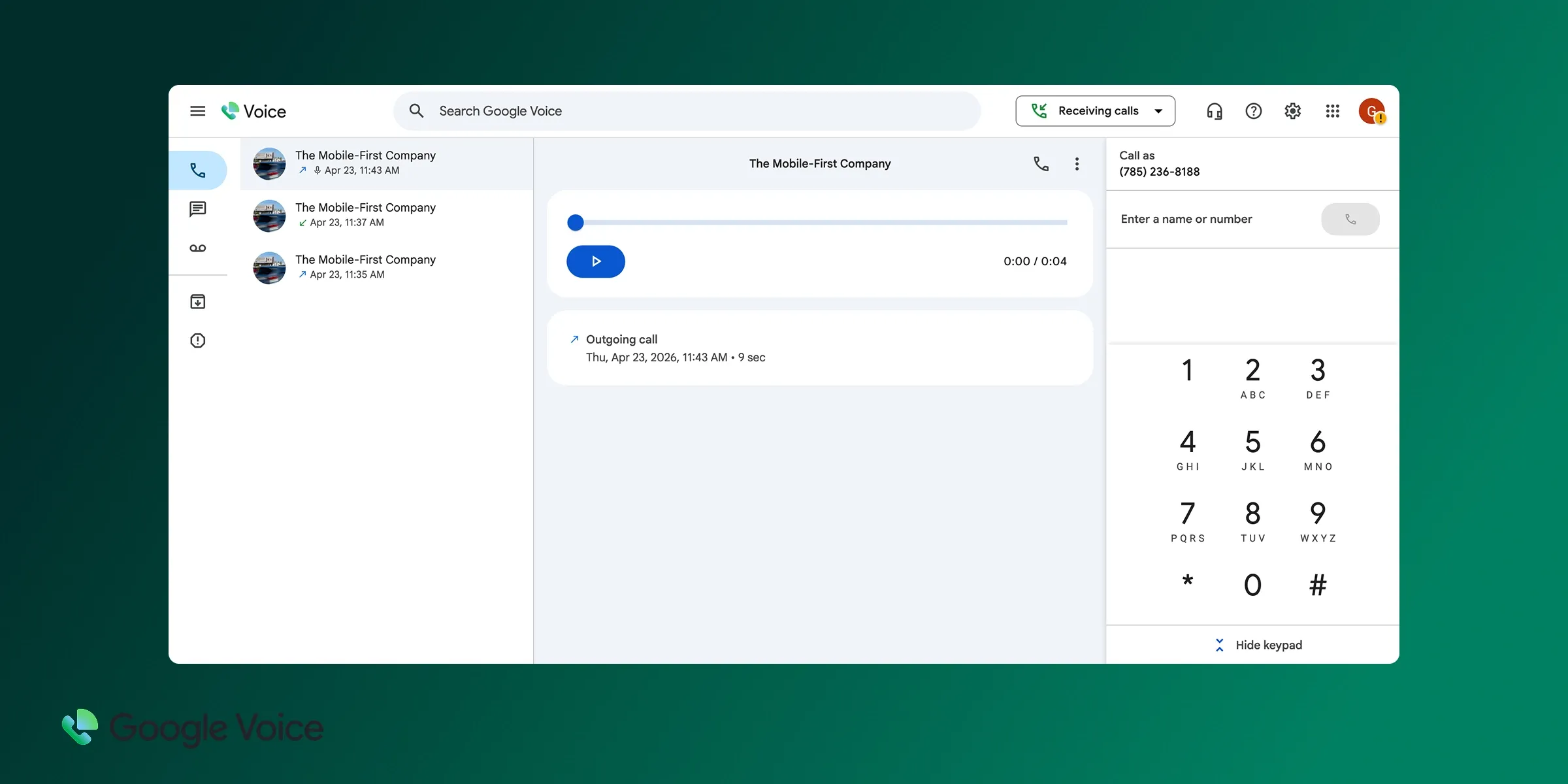
Google Voice in a nutshell
Google Voice is the phone system most people have already used without thinking about it.
It launched in 2009, it's free for personal use, and it carries the clean, familiar Google interface. For a one-person plumbing operation that just wants to stop handing out a personal cell number, it's the lowest-friction starting point there is. Just know that "simple" here also means "barely a business tool."
Why Google Voice works (and doesn't) for plumbing
| Main pros | Main cons |
|---|---|
| Free for personal use and only $10/user for the cheapest business planUnlimited calling in the US and Canada, unlimited US textsClean, familiar interface with almost no learning curveLarge Google Support community answers most questions within a day or two | Almost no AI: just spam blocking and voicemail transcriptionNo integrations, no auto-reply texts, no shared inbox for a teamBusiness use requires a Google Workspace subscriptionNo live customer support on the free version |
For a plumber, the math is simple. Google Voice gives you a dedicated number and reliable calling for next to nothing. What it won't do is rescue the call you miss. There's no AI receptionist, no auto-text that says "sorry I missed you, what's the address?", and no way to route an after-hours emergency to a second tech. If you're truly a one-van shop and you answer your own phone, it's fine. The day you start missing calls, you've outgrown it.
Google Voice pricing
The consumer version is free if you use a personal @gmail.com address, which is how most solo operators start.
For business use, you'll need Google Workspace, and the plans run as follows:
- Starter: $10/user/month. Unlimited domestic calling, unlimited US texting, voicemail transcription, up to 10 users.
- Standard: $20/user/month. Adds unlimited users, on-demand call recording, and call routing.
- Premier: $30/user/month. Adds automatic call recording and advanced reporting.
There's no traditional free trial, but you can test the free personal version before committing to a paid Workspace plan, which is effectively a no-risk way to kick the tires.
Demo video of Google Voice
Grasshopper, best for solo plumbers who want a receptionist feel
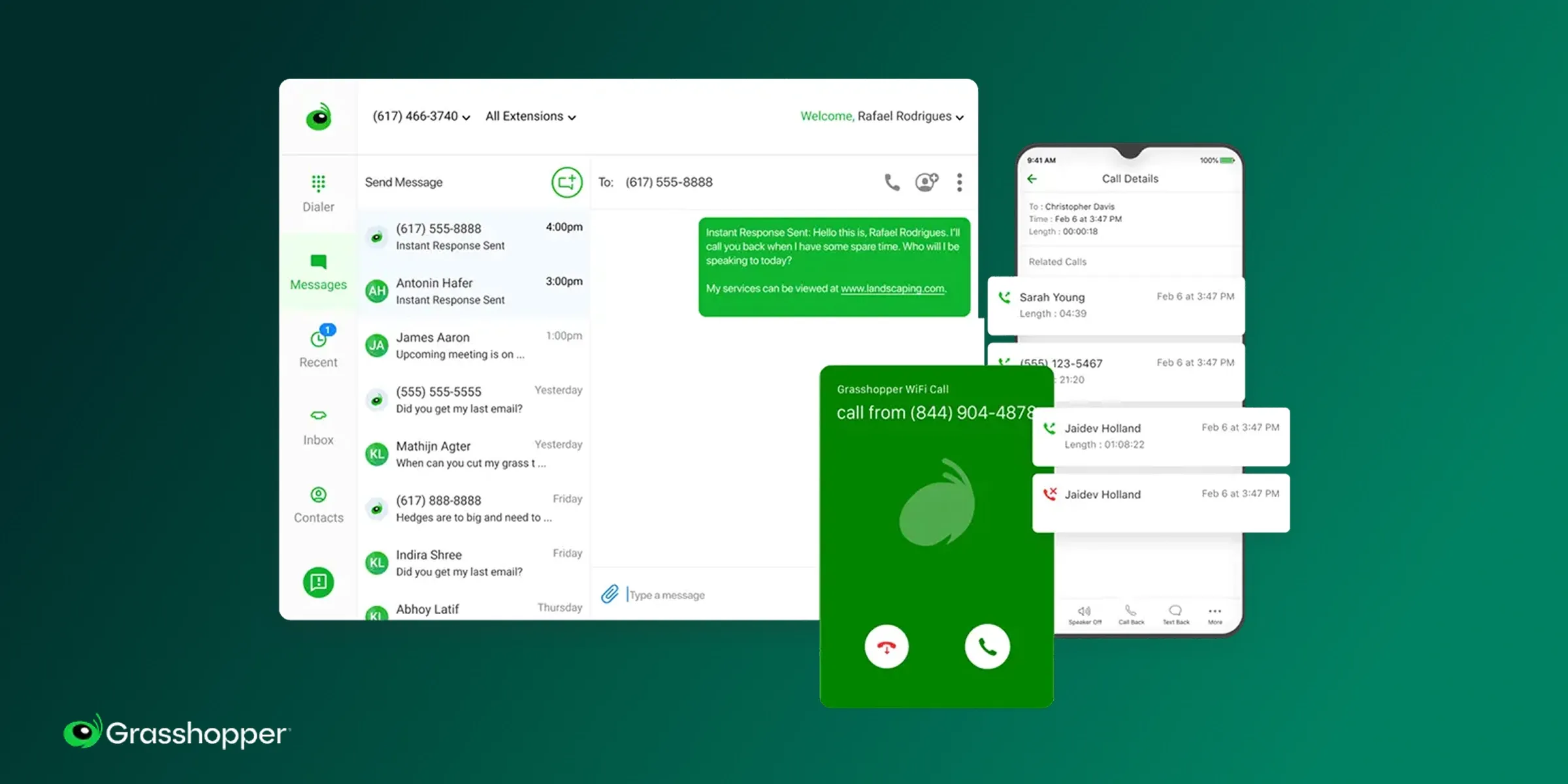
Grasshopper in a nutshell
Grasshopper was once the benchmark for small-business phone systems. Founded in 2003 and now owned by GoTo, it's built squarely for solopreneurs, and its website says so plainly. Its calling card is a partnership with Ruby.com, which can supply a live virtual receptionist if you want a human to answer when you can't. The catch: the core product feels frozen in time.
Why Grasshopper works (and doesn't) for plumbing
| Main pros | Main cons |
|---|---|
| Affordable entry point at $18/monthRuby virtual receptionist partnership for live answering and an auto-attendantRecognizable, simple, and quick to set up for one person | Very few team featuresNo call transcription and essentially no AI (voicemail transcription aside)Auto-replies only go to new customersExpensive add-ons that inflate the real costTrustpilot sits at 2.1/5, a red flag worth weighing |
Grasshopper suits the plumber who wants the feeling of a front desk without hiring one. The Ruby add-on can answer live, which is genuinely useful for emergency-heavy trades. But the product itself hasn't kept pace. There's no call transcription, no modern AI, and the team features are thin. I'd treat it as a stopgap for a committed solo operator, not a platform you grow into.
Grasshopper pricing
- True Solo: $18/month for one user and one toll-free or local number.
- Solo Plus: $32/month. Adds unlimited users, one number, and three extensions.
- Small Business: $70/month. Includes four numbers and unlimited extensions.
Grasshopper offers a 7-day free trial with no credit card required, so you can test the call flow before paying.
Note that the Ruby receptionist service is a separate cost on top of these plans.
Demo video of Grasshopper
Unfortunately, Grasshopper hasn't published a demo video in years...
Talkroute, best for small shops that hate surprise fees
Talkroute in a nutshell
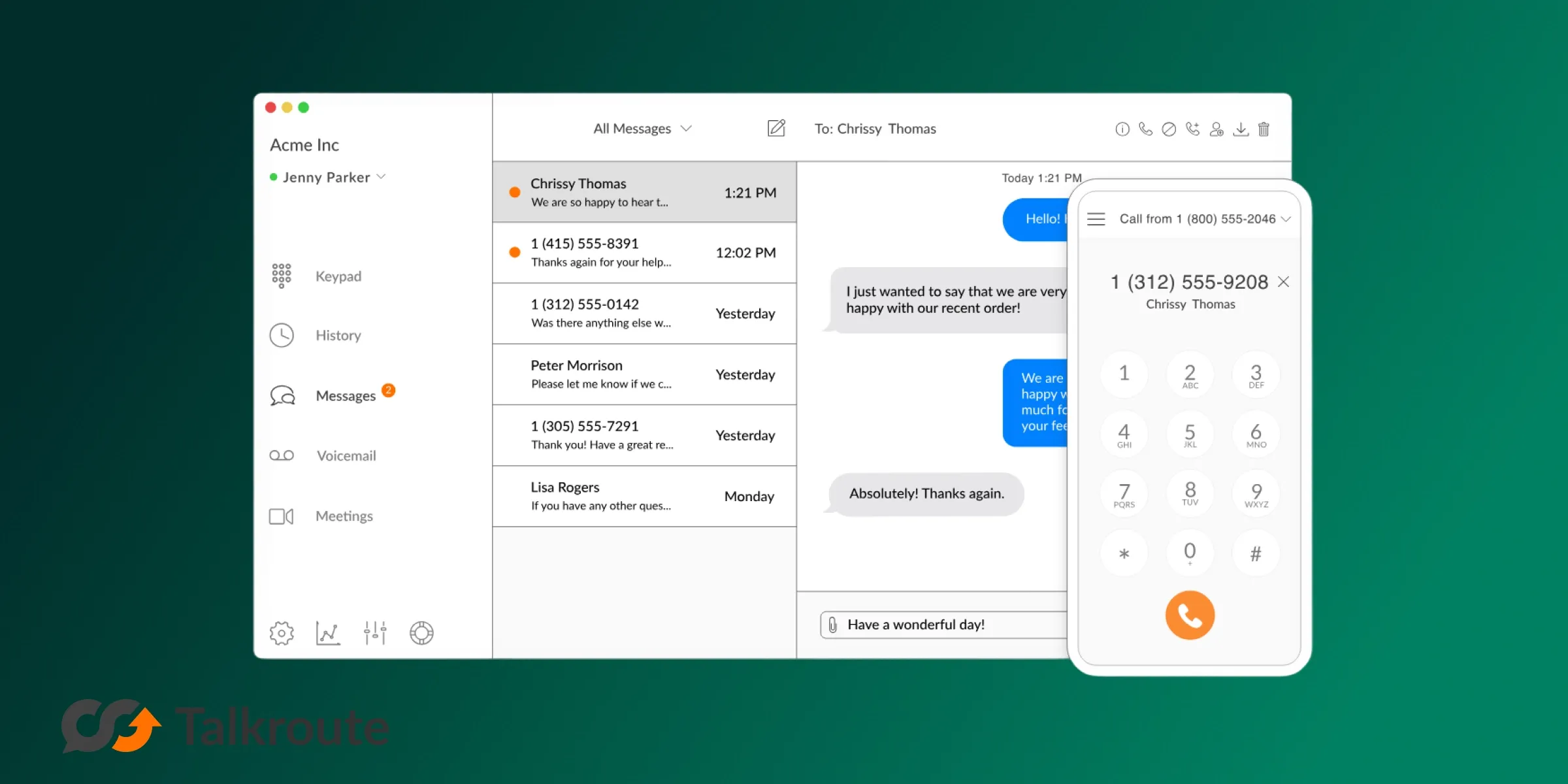
Talkroute is the quiet overachiever of this list. A bootstrapped company founded in 2013, it was born from a familiar frustration: Google Voice was too flimsy for working out of the office, and enterprise systems were too expensive. It now serves more than 100,000 customers without taking a dollar of funding. For a small plumbing shop, its appeal is refreshingly boring: it works, it's flat-priced, and support picks up.
Why Talkroute works (and doesn't) for plumbing
| Main pros | Main cons |
|---|---|
| Easy to set up and easy to useTransparent pricing with no add-ons to inflate the billResponsive support team (a rarity at this price)Unlimited US/CA calling, texting, and call routing from $19/month | Thin integrations; don't expect a deep CRM connectionAI is limited to voicemail transcription, nothing more |
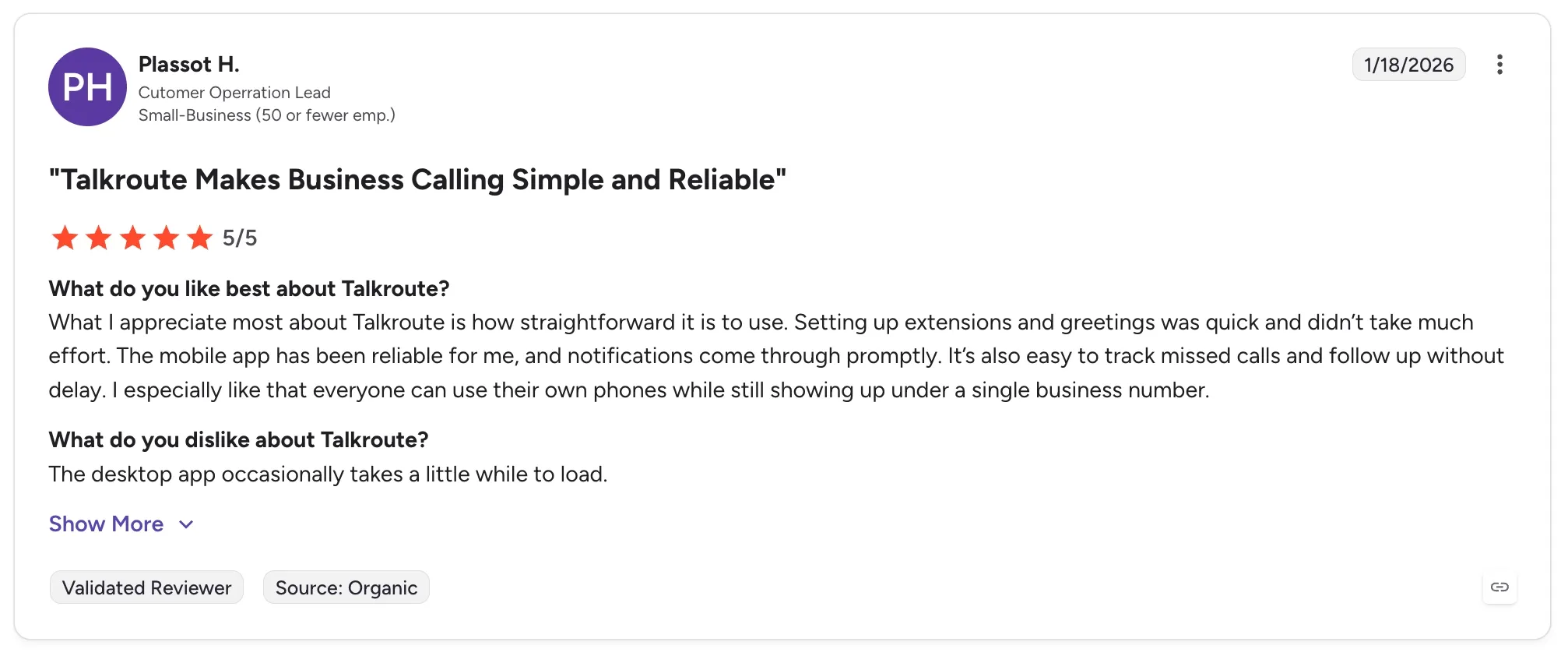
Talkroute earns the best-value badge for a reason. Its review scores back up the experience (G2 4.6/5, Trustpilot 4.1/5), and the no-add-on promise means the $19 you see is close to the $19 you pay. For a plumber who wants reliable routing, business texting, and call forwarding without studying a fee schedule, it's the easiest recommendation in the budget tier.
The trade-off is automation: it won't answer calls for you or sync to your CRM, so if catching missed calls is your priority, look one rung up. Its UI feels a bit old school as well, which shouldn't be a blocker.
Talkroute pricing
- Basic: $19/month. One number, one mailbox, unlimited US/CA calling, texting, video meetings, call forwarding and routing. One user.
- Plus: $39/month. Three users, two numbers, single-digit extensions, simultaneous ring, live call transfer, hours of operation.
- Pro: $59/month. Ten users, three numbers, submenus, call recording, scheduled call forwarding, and reporting.
A 7-day free trial is available, and notably there are no add-ons stacked on top of these tiers, which is exactly why the pricing feels honest.
Demo video of Talkroute
Allo, best for small crews that miss calls on the job
Allo in a nutshell
Allo is the tool I'd point most growing plumbing crews toward, and yes, it's ours, so weigh that as you read.
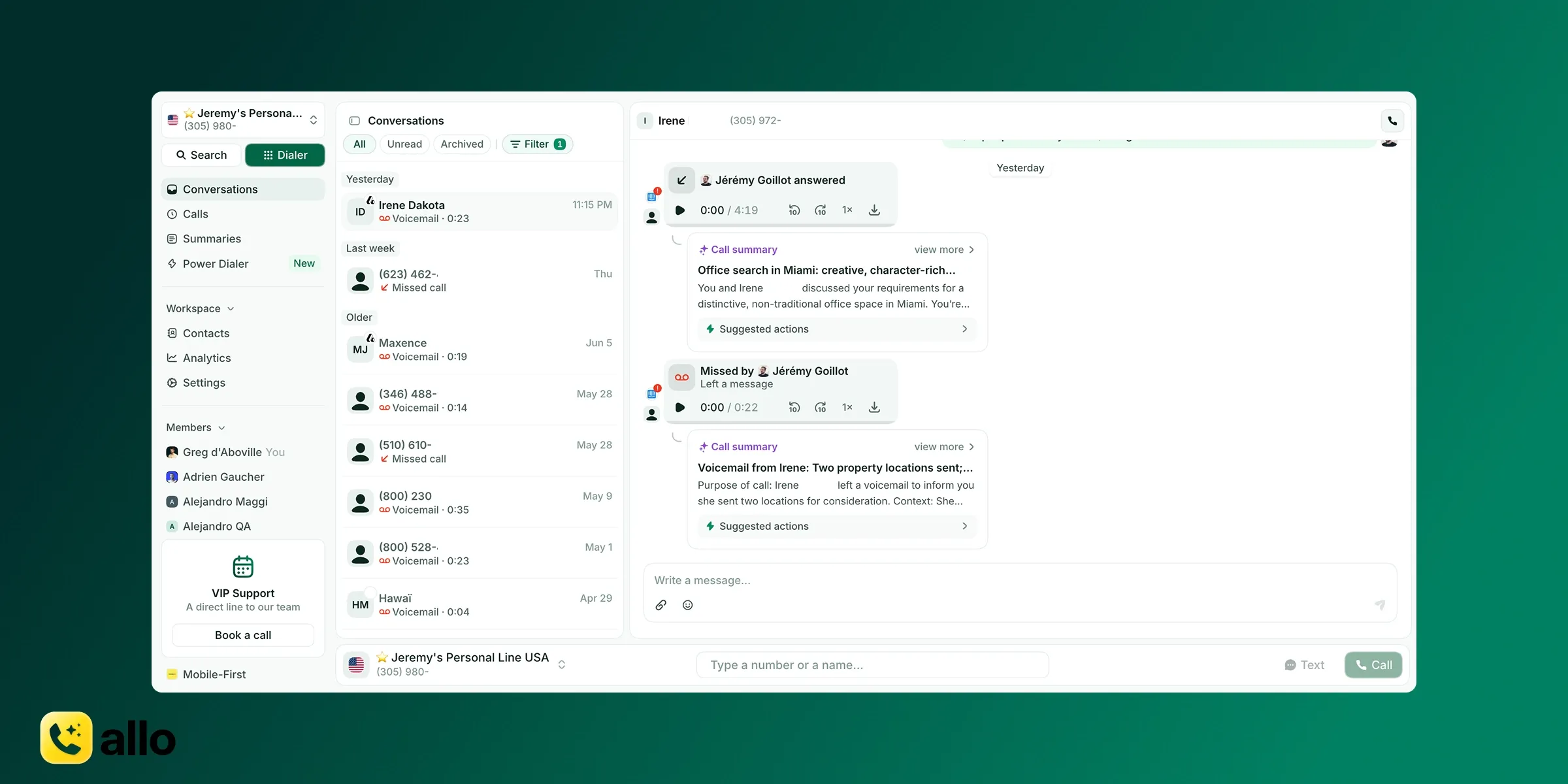
Founded in 2024, it was built AI-first and mobile-first, for exactly the person who can't get to the phone. The headline feature is an AI answering service that picks up when you can't, has a real conversation with the caller, and hands you a summary. For a trade where the phone rings while you're mid-repair, that's the whole ballgame.
Why Allo works (and doesn't) for plumbing
| Main pros | Main cons |
|---|---|
| AI answering service included in every plan, no add-onMobile-first, built to keep you connected from the truckCall transcription, AI summaries, and auto-drafted follow-up emailsLive Voicemail lets you listen to messages in real time and grab the callIntegrations with CRM, Slack, and more; transcriptions in 36 languages | Younger company, so a shorter track record than legacy names |
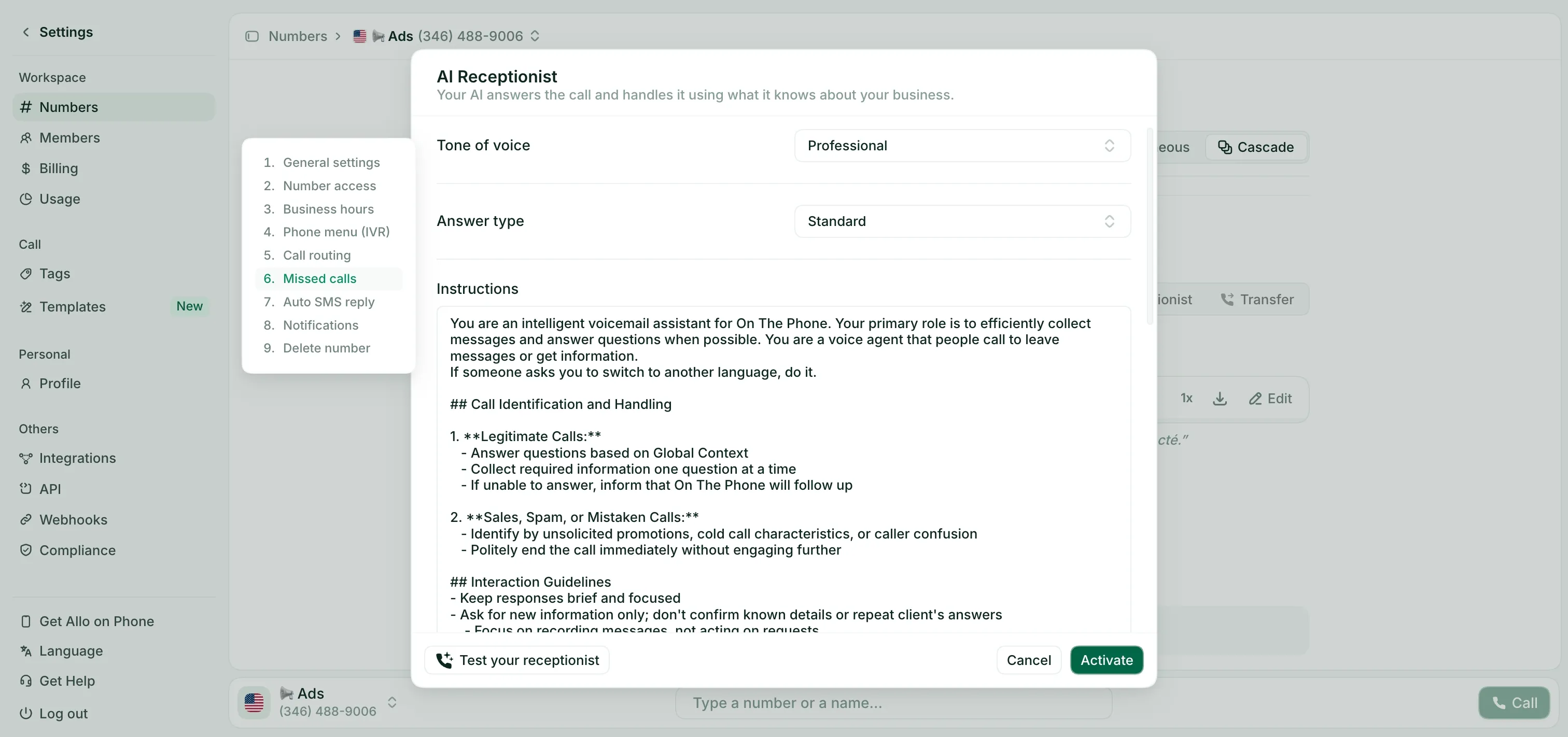
Here's the plumbing-specific case. A homeowner with a flooding bathroom calls at dinnertime. You're on another job. Instead of ringing out to voicemail, Allo's AI receptionist answers, captures the address and the problem, and texts you a summary so you can call back or dispatch. That single workflow turns missed calls into booked jobs, which is the only metric that moves revenue in this trade. The AI is included on every plan, so you're not paying extra for the one feature that matters most. The honest caveats: Allo is newer than the incumbents, and the AI answering currently speaks three languages, which matters if you serve a multilingual market beyond those.
Allo pricing
- Starter: $25/month for one user. Unlimited calls, a local number, AI summaries, and IVR.
- Business: $45/user/month. Adds integrations, unlimited AI answering service, SMS, and international calls.
Allo includes one local or toll-free number in every subscription, with extra numbers at $5/month. There's a 7-day free trial and, true to form, no add-ons to budget around. AI features come bundled rather than gated behind the top tier, which is unusual in this category.
Demo video of Allo
Quo, best for small teams wanting an AI agent on a budget
Quo in a nutshell
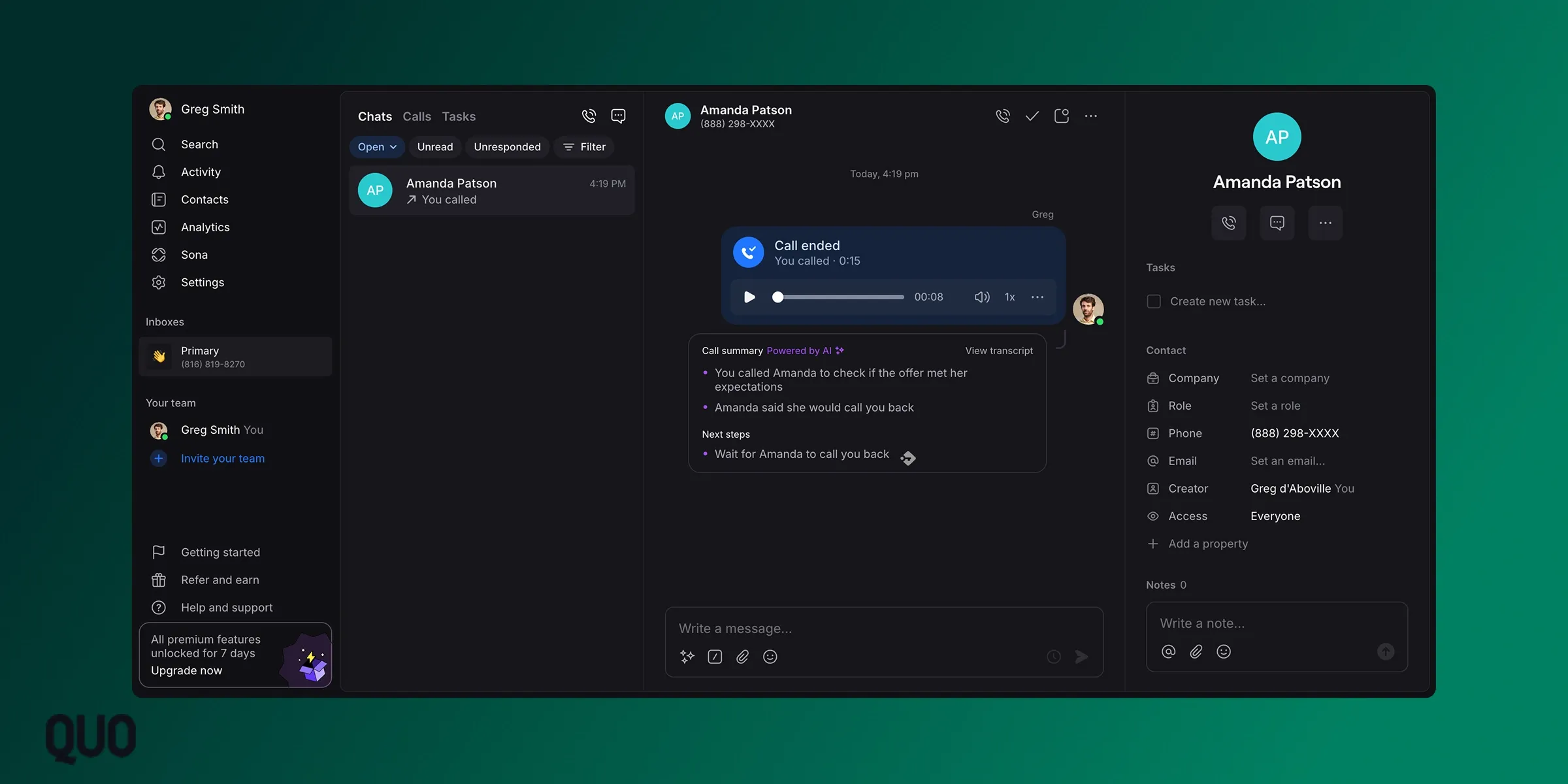
Quo (formerly OpenPhone, rebranded in 2025) started in Canada in 2018 to solve a problem every plumber knows: business owners running their company off a personal cell. It found its first users in Facebook groups and on Reddit, and grew into one of the most reviewed phone systems around. Its draw is a clean, collaborative app with a lightweight built-in CRM and an AI agent named Sona.
Why Quo works (and doesn't) for plumbing
| Main pros | Main cons |
|---|---|
| Clean UI that's genuinely easy to usePositive support reviewsBuilt-in lightweight CRM plus a shared inbox with threads and taggingSona AI answering and call summaries; transcripts in 34 languages | Doesn't allow cold calling and may block accounts it suspects of itA mandatory registration step to send texts can take timeSpam filtering is weakAI call summaries are limited to the Business plan |
Quo is a strong fit for a plumbing team that wants to collaborate, not just route calls. The shared inbox means your office manager and lead tech can see the same conversation, and the built-in CRM keeps customer history attached to the number. Sona, the AI receptionist, handles the first ten calls per month on every plan, then charges $0.75 per call after that, which is a fair way to dip into AI answering.
The main snag is that the AI summaries you'll want live on the Business plan. With more than 3,000 G2 reviews at 4.7/5, it's the most battle-tested option here.
Quo pricing
- Starter: $19/user/month. Local number, unlimited US/CA calling and messaging, voicemail transcripts, and 10 Sona AI calls.
- Business: $33/user/month. Adds AI call summaries and transcripts, group calling, call transfers, analytics, and HubSpot and Salesforce integrations.
- Scale: $47/user/month. Adds dedicated onboarding and priority support.
Each plan includes one number per user, with extras at $5/user/month. Quo offers a 7-day free trial, and Sona's pay-per-call model after the included ten keeps the AI affordable for a small shop.
Demo video of Quo
Nextiva, best for growing multi-van operations
Nextiva in a nutshell
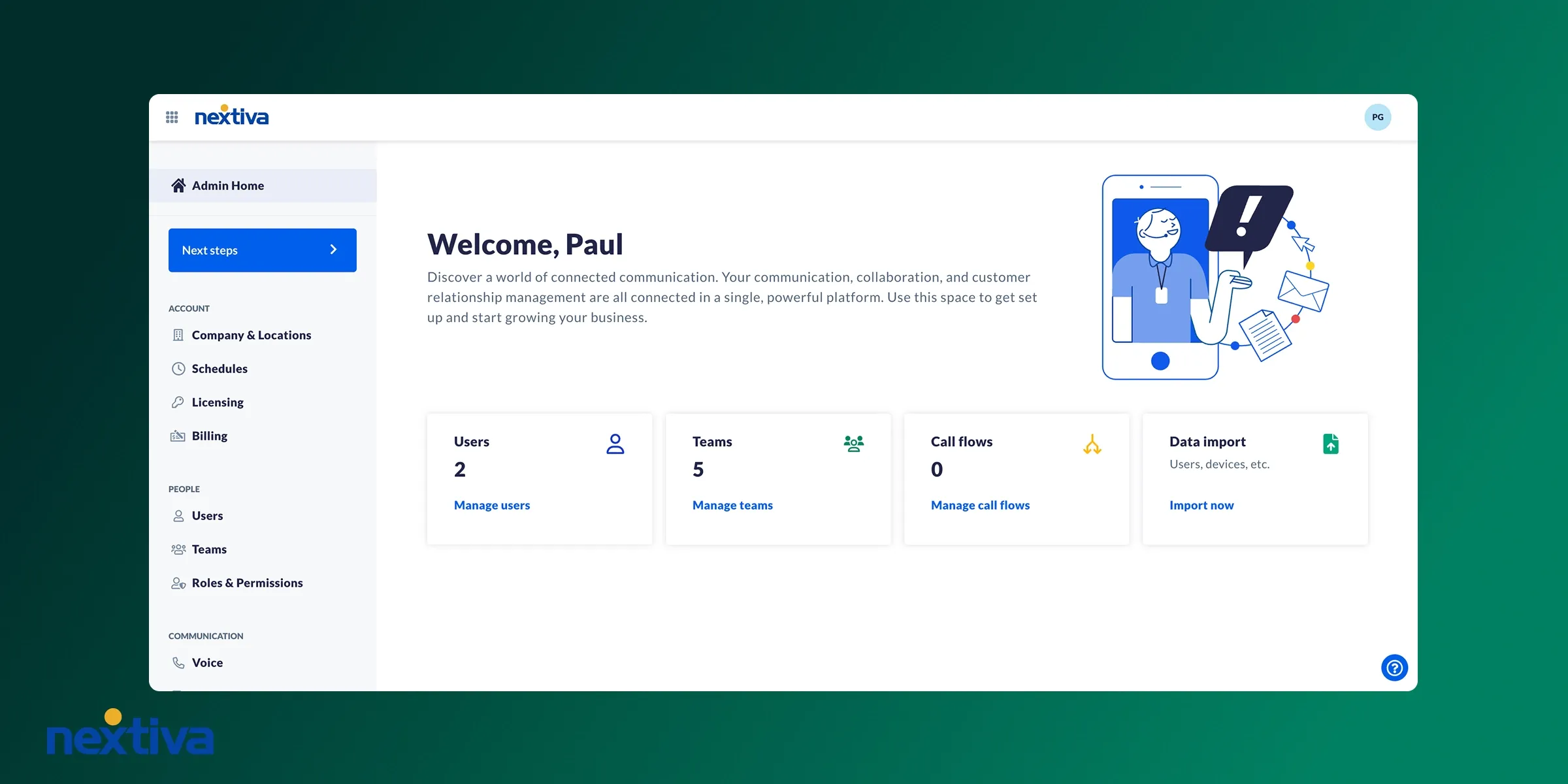
Nextiva, founded in 2008 in Scottsdale, set out to make any business "feel and operate like a Fortune 500 company." For a plumbing outfit that's outgrown a couple of vans and now runs an office team handling dispatch, that ambition translates well. It's a unified platform: voice, video, team chat, and live chat in one place, with the analytics and physical-phone support a larger shop tends to want.
Why Nextiva works (and doesn't) for plumbing
| Main pros | Main cons |
|---|---|
| Unified voice, video, team chat, and live chat in one platformDetailed analytics and team collaboration featuresPhysical desk-phone support for an officeDeep AI suite: AI receptionist, real-time transcription, summaries, emotion scoring, AI IVR | The best AI features sit on the Power Suite CX plan at $75/user/monthThe AI IVR requires a sales conversation to priceBuilt for larger teams, so it's overkill for a solo or two-person shop |
Nextiva makes sense once you have an office coordinating multiple crews. The analytics help you see call volume by time of day, which is gold for staffing your phones during a winter freeze. The unified platform means dispatch, techs, and front desk all live in one tool.
The honest trade-off is cost and complexity: the AI receptionist and real-time transcription that would help you most are bundled into the $75/user Power Suite CX plan, so the entry price isn't the real price if AI is what you're after. For a five-truck-and-growing operation, that can still pencil out. For a solo plumber, it's a lot of platform you won't use.
Nextiva pricing
- Core: $23/user/month. A phone number, SMS, video meetings, call routing, and team chat.
- Engage: $50/user/month. Adds advanced reporting, web chat, and a toll-free number.
- Power Suite CX: $75/user/month (up to 100 agents). Adds AI transcription and summarization and intelligent routing.
Nextiva includes one local or toll-free number and offers a 14-day free trial.
Budget realistically: voicemail transcription is on every plan, but the marquee AI lives at the top, and the AI IVR is quote-only.
XBert, the AI receptionist, is billed $99/month per 100 interactions, then $0.99 per interaction after.
Demo video of Nextiva
RingCentral, best for established field-service businesses
RingCentral in a nutshell
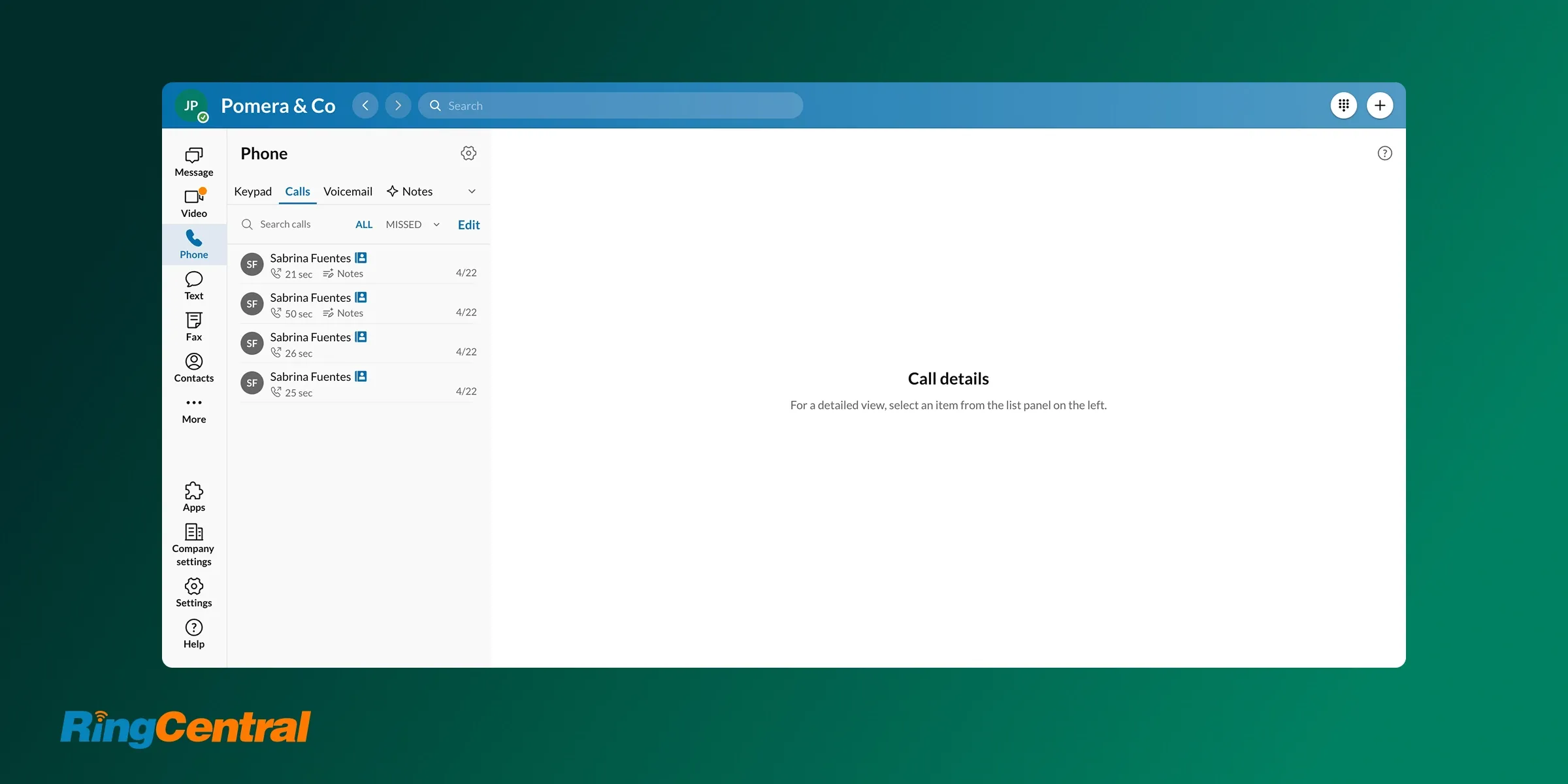
RingCentral has been around since 1999, and it shows, for better and worse. It's a bit like the Salesforce of phone systems: powerful, established, integrated with everything, and occasionally clunky. For a large, established plumbing company with complex routing, multiple locations, and an IT person to lean on, that depth is a feature. For a small crew, it's often more system than the job requires.
Why RingCentral works (and doesn't) for plumbing
| Main pros | Main cons |
|---|---|
| Reliable, proven platform with decades of track recordEssentially every integration you could ask forA growing AI suite: the AVA assistant, AI receptionist, and call summariesMost AI features are available from the base Core plan | Legacy software that can feel overwhelming to set up and runSMB support gets weak reviews; you're often on your ownTends to lock you into long-term contractsThe AI receptionist is a paid add-on from $39/month for 100 minutes |
If you run a serious, multi-location plumbing company and you need the phone system to plug into existing software, RingCentral is hard to beat on breadth. The reliability is real and the integration library is unmatched.
But read the fine print. The support experience for smaller accounts draws frequent complaints, the contracts are sticky, and the AI receptionist that a plumber would actually use is a metered add-on rather than an included feature. It's the right tool for an established operation with the scale to justify it, and the wrong one for a crew that values simplicity.
RingCentral pricing
- Core: $30/user/month. Unlimited domestic calling, call recordings, and meetings.
- Advanced: $35/user/month. Adds CRM integrations and reporting.
- Ultra: $45/user/month. Adds unlimited storage, webinars, and device analytics.
The AI Receptionist is an add-on starting at $39/month for 100 minutes, and Conversation Intelligence runs $60/user/month. There's a 14-day free trial, but watch the contract terms before you commit, since exiting isn't as quick as signing up.
Demo video of RingCentral
Conclusion
There's no single best plumbing phone system, only the best one for the crew you run today. Here's the quick way to decide:
- One van, tightest budget: Start with Google Voice for a free or $10 second line, knowing you'll get no automation in return.
- Solo, but you want a front-desk feel: Grasshopper with the Ruby receptionist add-on, as long as you can live with a dated, add-on-heavy product.
- One to three people who hate surprise fees: Talkroute is the value pick, with flat pricing, real support, and solid routing.
- A small crew losing jobs to missed calls: Allo, because the AI answering service that books jobs for you is included on every plan, not gated at the top.
- A collaborative small team wanting AI plus a shared inbox: Quo, the most-reviewed option here, with Sona AI and a built-in CRM.
- A growing multi-van operation with an office: Nextiva, for unified communications and deep analytics, if you'll use the higher plans.
- An established, multi-location company: RingCentral, for unmatched integrations and reliability, contracts and complexity included.
If catching the calls you can't answer is your single biggest leak, that's exactly the problem Allo was built to solve.
Start a 7-day free trial and see how many jobs your phone has been quietly dropping.
FAQ
Is VoIP worth it for a plumbing company?
For almost every plumbing business, yes. VoIP costs far less than traditional landlines, works from your cell phone on any job site, and unlocks features a landline never could, like call routing, business texting, and AI answering. The one requirement is a stable internet or cellular connection; as long as you have that, a VoIP-based plumbing phone system pays for itself the first time it saves a job you'd otherwise have missed.
What is the best plumbing phone system?
There's no universal winner; the best choice depends on your crew size and your biggest pain point. For solo plumbers on a budget, Google Voice or Talkroute cover the basics affordably. For small crews that keep missing calls on the job, Allo stands out because its AI answering service books jobs for you and is included in every plan.
How much does a plumbing phone system cost?
Expect to pay roughly $10 to $45 per user per month for most small-business plans. Entry options like Google Voice start at $10/user, value picks like Talkroute and Allo land in the $19 to $45 range, and full platforms like Nextiva and RingCentral run $23 to $75/user once you add the AI features plumbers actually want. Watch for per-user minimums and add-ons, since the headline price is rarely the final bill.