
Your practice runs on the phone. Patients call to book appointments and ask about test results, and those calls need to go through every time. So you need a reliable phone system, but you can't pick just any provider. What you need is HIPAA-compliant VoIP (voice over internet protocol), a service that's secure and handles patient information carefully.
Finding one is harder than it looks. Most providers say they're HIPAA compliant, but the coverage varies. At one provider, the cheapest phone plan isn't eligible for a BAA. At another, AI features come with conditions, or the BAA doesn't say whether they're covered.
Those details aren't usually on the pricing page. When we went through 14 providers' pages for this article, only half said publicly which plan you need to get a BAA signed. For the rest, you'd have to ask sales.
It also helps to know that there's no such thing as a HIPAA-certified phone system. The U.S. Department of Health and Human Services (HHS) doesn't certify software. A vendor signs a BAA and provides safeguards, and the rest is up to your practice.
What HIPAA requires from a phone system
HIPAA has two rules that matter most when you pick a phone system:
- The Privacy Rule limits who can use or share protected health information (PHI), and for what purpose. This rule applies to patient information in any form, including what a patient says on a call. For a phone system, that affects things like who on your team can listen to voicemails.
- The Security Rule covers electronic PHI, which includes the voicemails and call recordings a VoIP system stores in the cloud. It requires safeguards like a unique login for each user and encryption to protect that data.
Why your phone vendor needs to sign a BAA
A traditional phone carrier doesn't need to sign a BAA with your practice. HIPAA treats it as a "conduit," a company that carries the call without keeping it. After all, any access it has to patient information is usually temporary.
A VoIP system, however, does more than carry the call. It stores voicemails, recordings, transcripts, and text threads.
HHS's cloud computing guidance draws the line there. A vendor that stores electronic PHI is a business associate, even if it can't read the data because it's encrypted.
That's why a cloud phone system needs a signed BAA before patient information goes through it.
HIPAA-compliant VoIP providers compared
Here's how the six providers compare at a glance. Prices are for the cheapest plan that includes a BAA, billed annually.
| Tool | Best for | Price and usage (annual billing) | BAA coverage | G2 rating |
|---|---|---|---|---|
| Allo | AI features under the BAA | Business, $32/user/month + $50/month BAA fee per workspace. Unlimited national calls. AI receptionist is a flat $32/month | Calls, recordings, transcripts, AI summaries, AI receptionist, messages, contacts. No exclusions published | 4.7/5 (209 reviews) |
| Phone.com | Fax and video from one vendor | Basic, $15/user/month, no BAA fee listed. Unlimited U.S. and Canada minutes. No texting on Basic | Not itemized. Stored faxes, voicemails, texts and recordings are encrypted. AI receptionist not mentioned | 3.5/5 (35 reviews) |
| Zoom Phone | Practices already using Zoom | Pro Plus, $20.50/user/month, no BAA fee listed. Unlimited U.S. and Canada calling. 50 fax pages a month | Zoom Phone. Excludes: some AI features (not listed) | 4.6/5 (2,672 reviews) |
| Quo | Shared team inbox | Business, $23/user/month, no BAA fee. Unlimited U.S. and Canada calls and texts. AI agent includes 10 calls a month, then paid credits | Not itemized. Excludes: texting and integrations. AI only with patient authorization | 4.7/5 (3,416 reviews) |
| Google Voice | Google Workspace practices | Voice Starter, $10/user/month + $7 Workspace plan, no BAA fee listed. Unlimited U.S. calling and texting. Up to 10 users | All of Google Voice, for managed Workspace users. Excludes: free and personal accounts | 4.1/5 (167 reviews) |
| iPlum | Solo providers on a personal phone | Professional, $14.99/user/month, no BAA fee listed. Calling and texting limits not stated | Patient information in general, not itemized. One BAA per number. No exclusions published | 4.3/5 (201 reviews) |
How we chose these 6 HIPAA-compliant VoIP providers
To make the list, a provider had to pass four checks on its own website:
- It signs a BAA.
- It publishes the price of the plan that includes the BAA.
- A small practice can sign up without a sales call or a seat minimum.
- It's a full phone system, with business numbers, calling and voicemail.
We checked every vendor's pages in October 2026. However, plans change often, so make sure to confirm the details before you sign.
A quick disclosure: Allo is our own product. To keep the reviews fair, every claim comes from the vendor's own published documentation or verified user reviews. Where a vendor doesn't publish something, we say so.
Allo, best for AI answering and summaries under the BAA
What is Allo?
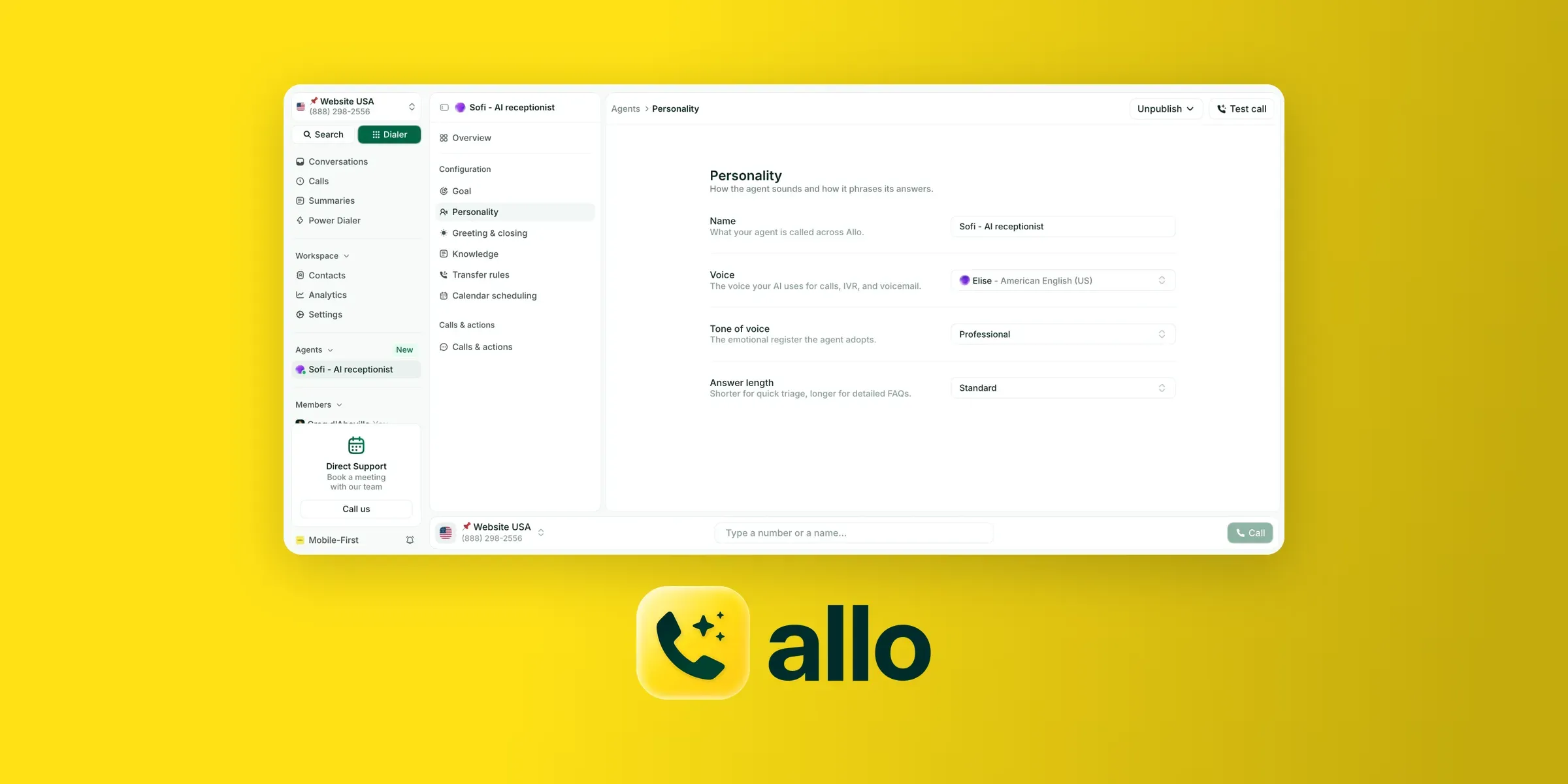
Allo is a cloud phone system for small businesses, launched in 2024 by founder Jérémy Goillot. It's used by 6,000+ businesses, and G2 reviewers rate it 4.7/5 (209 reviews).
AI is built into every seat, so calls get AI summaries and transcripts by default.
The AI receptionist is an add-on that answers calls and books appointments into tools like Google Calendar or Calendly. It hands callers to a person based on rules you set.
The Allo BAA
Allo's BAA covers calls, recordings, transcripts, AI summaries, messages, and contact records. It also covers the AI receptionist. It's one of the most comprehensive on this list.
Going through Allo's help center, the part we'd point a practice to first is its data controls. Privacy mode stops call audio from being stored but keeps transcripts and AI summaries, and a separate setting turns off transcripts entirely and keeps only the summaries.
For a practice trying to store less patient data, that's a useful pair of switches.
To get Allo's BAA, your workspace needs to be on the Business or Ultra plan. You then contact support with your company's legal name and the name of the person who'll sign it, and Allo sends the agreement.
Sign the BAA before you start using Allo with patients, as Allo's help center advises.
Allo pricing
Allo's Business plan, the cheapest plan that qualifies for the BAA, costs $32 per user/month billed annually (or $45 monthly).
The BAA costs an additional $50 per workspace (not per seat), so the price is the same for 2 users or 20.
The AI receptionist is an add-on at $32 a month billed annually ($45 monthly), on top of the subscription.
Allo pros and cons
Pros
- The BAA covers Allo's AI features, including AI summaries and the AI receptionist.
- The $50 BAA fee is per workspace, so it doesn't grow with your team.
- Privacy controls let you stop storing call audio or turn off transcripts entirely.
- AI summaries and transcripts come with every seat, not as an add-on.
Drawbacks
- One seat on the Business plan plus the BAA costs $82 a month billed annually, compared with $20.50 to $22.50 for plans with texting at Zoom (Pro Plus) or Phone.com (Plus).
- It runs on mobile and desktop apps only, so practices that need desk phones or video visits will need another tool.
- There's no native electronic health record (EHR) integration. EHR and practice-management tools connect through Zapier, Make, webhooks or its application programming interface (API).
What users say about Allo
On G2, reviewers most often praise Allo's ease of use (38 mentions) and responsive support (21).
The most common complaints are missing features (7) and occasional connection or call issues, such as dropped calls or missed call logs (9 combined).
“I love Allo for its ease of use and call quality. It allows me to make calls quickly without getting lost in a complicated interface. [...] I would like to see additional features such as better contact management and the ability to schedule calls.” – David B., G2 review
Allo demo
Phone.com, best for fax and video meetings from one vendor
What is Phone.com?
Phone.com was founded in 2008 to sell internet phone service to small businesses. Ooma, another business phone provider, completed its acquisition of Phone.com in December 2025, adding about 87,000 business users.
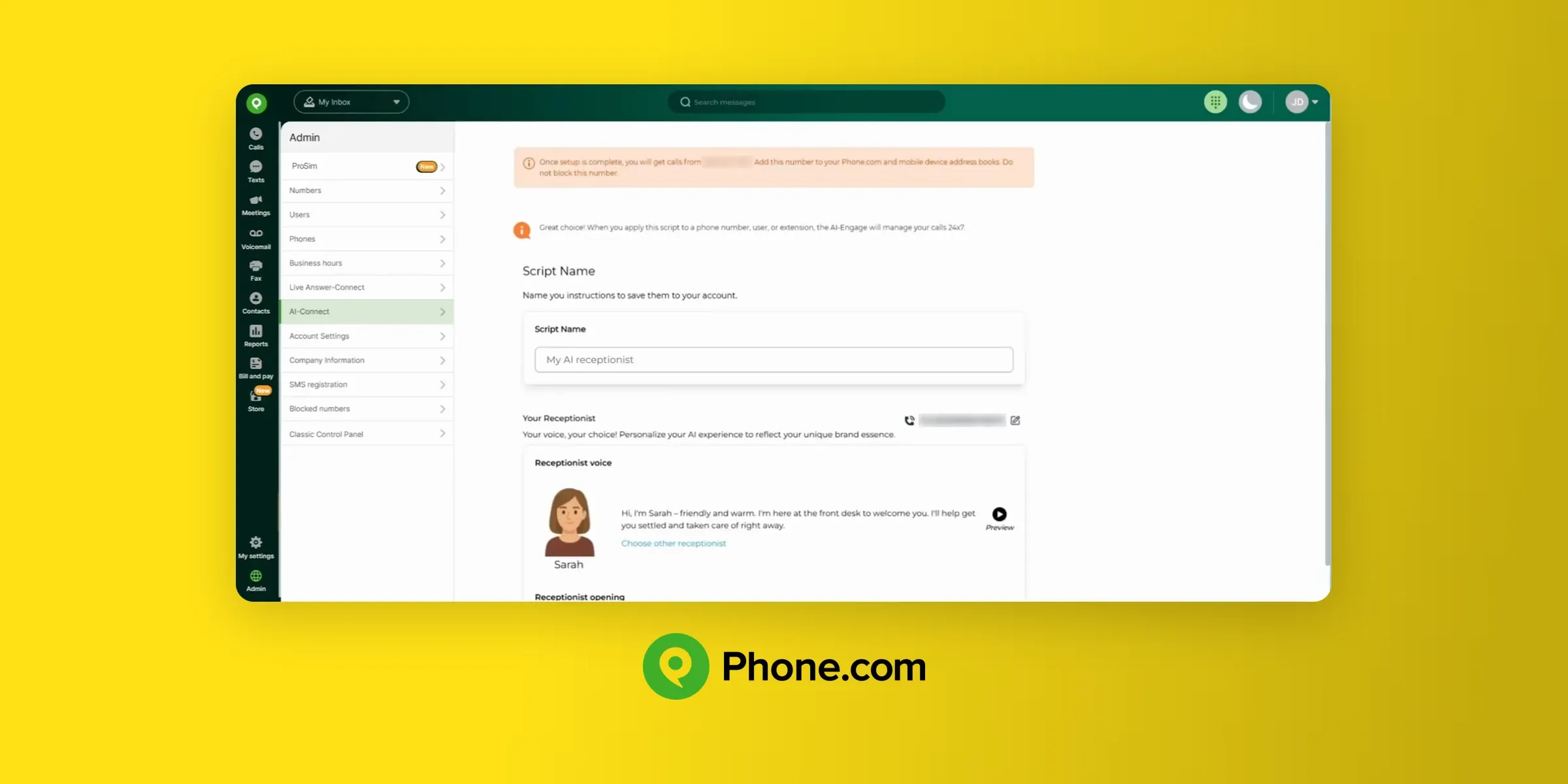
Phone.com is a general business provider, not a healthcare one, but it claims to be HIPAA compliant on every plan. Its G2 rating is 3.5/5 from 35 reviews, the lowest on this list.
The Phone.com BAA
Phone.com doesn't publish a list of services its BAA covers. According to their HIPAA frequently asked questions (FAQ) page, the agreement commits Phone.com to HIPAA's rules for anything that happens inside its system, and that the data it stores, including faxes, voicemails, texts and call recordings, is encrypted with an audit trail.
The FAQ also sets limits. Phone.com says it isn't responsible for what's said on calls, and it calls SMS (text messaging) "a grey area" because texts can be read once they leave its system.
For the same reason, emailing voicemails and faxes as attachments is off by default. The FAQ doesn't mention Phone.com's AI receptionist, so ask whether the BAA covers it before you turn it on.
You request the BAA through a form on the same page, and Phone.com says the process "should be complete within one to two business days."
Phone.com pricing
The Basic plan costs $15 per user/month billed annually ($18 monthly). Plus costs $22.50 ($27 monthly), and Pro costs $33.33 ($40 monthly).
Call recording is an $8 a month add-on on the Basic and Plus plans.
Every plan includes unlimited minutes and an interactive voice response (IVR) phone menu, and video meetings for up to 100 people come standard too.
The Plus plan adds two-way texting and voicemail transcription, and it works with desk phones. Pro adds call recording, call analytics, customer relationship management (CRM) integrations and 10-year data retention.
A 30-day money-back guarantee applies to user fees.
Phone.com pros and cons
Pros
- Stored faxes, voicemails, texts and recordings are encrypted with an audit trail.
- Video meetings for up to 100 people come with every plan.
- It works with desk phones from the Plus plan up.
Drawbacks
- The Basic plan doesn't include texting or voicemail transcription, so most practices will need Plus, at $22.50.
- It doesn't publish what the BAA covers, and its FAQ doesn't mention the AI receptionist.
- Call recording is an $8 add-on below the Pro plan.
- The G2 rating is the lowest here (3.5/5), based on only 35 reviews.
What users say about Phone.com
Phone.com has only 35 G2 reviews, and few themes come up more than once. Reviewers who like it point to helpful customer support, while the complaints center on dropped calls and connection problems.
“Phone.com allows me to have a business phone without having a separate physical phone. There's a slight delay in implementation as they retrieve the number from a third-party vendor, but this is unavoidable.” – Kevin D., G2 review
Phone.com demo
Zoom Phone, best for practices already running telehealth on Zoom
What is Zoom Phone?
Zoom Phone is the cloud phone system from Zoom, the video meeting company Eric Yuan founded in 2011.
Zoom released Zoom Phone in North America in 2019, and many practices already use Zoom for video visits.
Zoom Phone has 2,672 reviews on G2, averaging 4.6/5.
The Zoom BAA
Zoom's BAA extends to Zoom Phone, so you can use it for patient calls once the agreement is in place.
AI features are less clear. Zoom's support says they're available to customers with a BAA, but "certain AI features may not be available at this time" for healthcare customers, and it doesn't list which ones.
Zoom also says it doesn't use customer audio or video to train its AI models.
The BAA is available on the Pro, Business, Business Plus and Enterprise plans.
To get the BAA, if you're signing up, you choose "United States Agreement (BAA)" from a dropdown at checkout and accept it. On an existing plan, an admin turns it on under Plans and Billing.
Zoom Phone pricing
The cheapest Zoom Phone plan, US & CA Unlimited, costs $16 per user/month billed annually ($18 monthly). It's added to Zoom Workplace Basic, Zoom's free tier, which isn't eligible for a BAA.
That makes the Pro Plus plan the cheapest path to a BAA, at $20.50 per user/month billed annually ($24 monthly).
Business Plus costs $24.50 ($29 monthly) and adds unlimited fax and single sign-on.
Every plan includes unlimited U.S. and Canada calling and texting, voicemail with transcription, call recording and AI post-call summaries.
It also comes with 50 pages of online fax a month (unlimited on the Business Plus plan). The Pro Plus bundle adds Zoom Workplace Pro, with 30-hour meetings for up to 100 people.
Zoom Phone pros and cons
Pros
- Phone and video meetings come from one vendor, under one BAA.
- Call recording and AI post-call summaries are included in every plan.
- Reviewers praise its ease of use more than anything else, across 2,672 G2 reviews.
Drawbacks
- The $16 Phone plan doesn't qualify for a BAA, which is easy to miss when comparing list prices. It caught us out too: it looks like the cheapest way in until you check which plans the BAA applies to.
- Zoom doesn't name the AI features it holds back under a BAA, so you may find post-call summaries unavailable only after signing.
What users say about Zoom Phone
On G2, reviewers most often praise Zoom Phone's ease of use (1,226 mentions) and its built-in video conferencing (616). The most common complaints are limited features, especially reporting (306), and slowdowns when switching apps or on slower computers (278).
“Zoom Phone is user-friendly, reliable, and seamless to integrate with the Zoom app. [...] The phone service operates very well; however, there may be some challenges relating to sound quality when the connection is not strong enough.” – Shaikh I., G2 review
Zoom Phone demo
Quo, best for teams that share one patient inbox
What is Quo?
Quo is the business phone system formerly called OpenPhone. Mahyar Raissi and Daryna Kulya founded it in 2018. The company rebranded as Quo in September 2025.
It's the most-reviewed tool here, with 3,416 G2 reviews averaging 4.7/5.
Quo is built around team collaboration. Several staff members can share one number and one inbox for calls and texts.
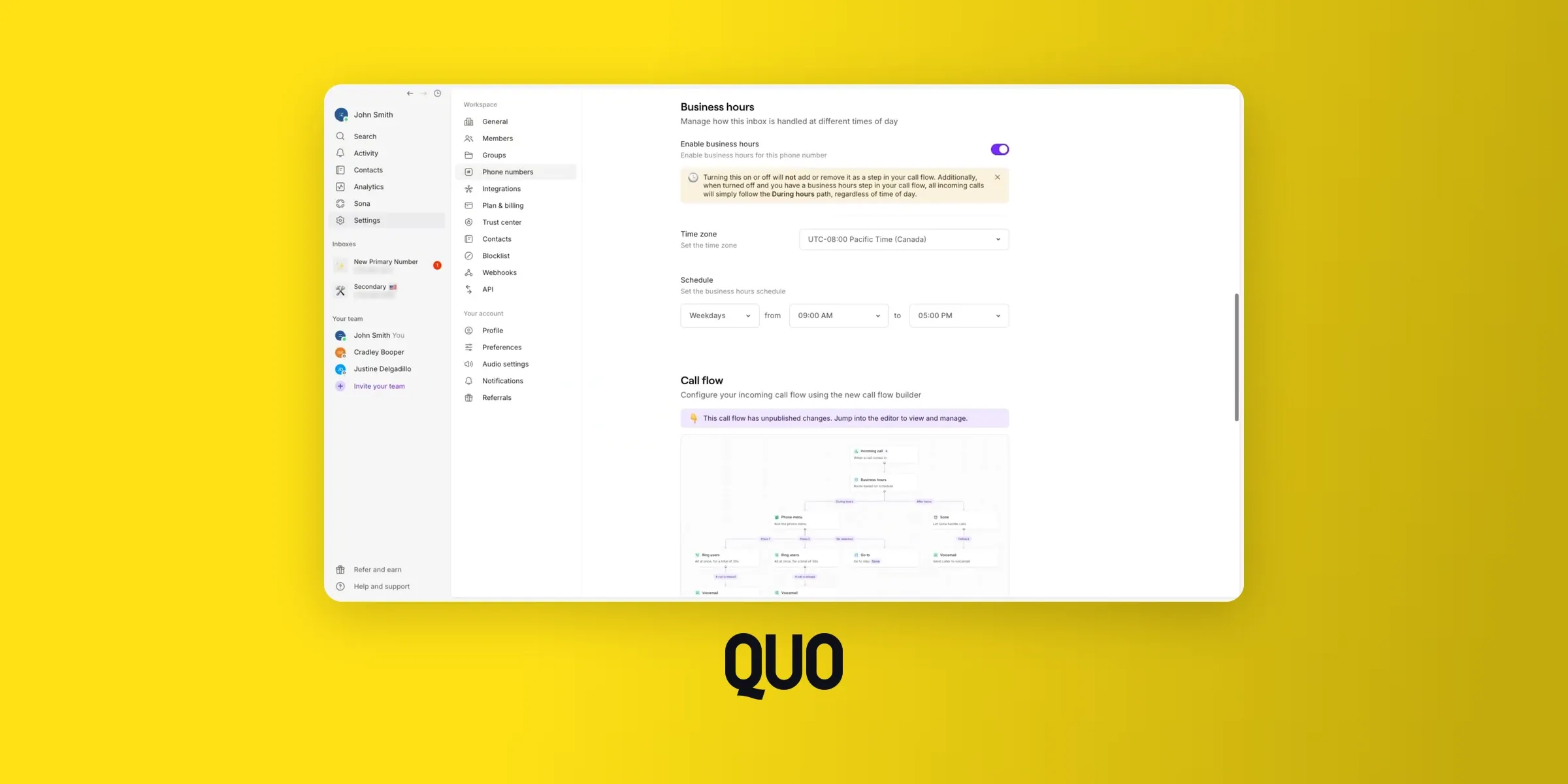
The Quo BAA
Quo's help center doesn't list which services its BAA covers, but it was the most upfront page we read about what the BAA leaves out.
SMS and MMS aren't covered services under Quo's BAA, "due to technical limitations." Third-party integrations aren't covered either, including CRMs and analytics platforms.
AI features are allowed under conditions. To use Sona or AI transcripts with patient information, your practice has to give patients notice and get their authorization.
You also have to limit PHI to the minimum necessary and document the decision in your policies. Quo's help center says your organization takes "full responsibility" for PHI processed through AI.
The BAA is available on the Business and Scale plans, and Quo's blog says there's no extra fee. Existing customers request it through a form, and new customers contact Quo's team.
Quo pricing
The Starter plan costs $15 per user/month billed annually ($19 monthly), but it doesn't include HIPAA.
Business costs $23 ($33 monthly), and Scale costs $35 ($47 monthly). There's no seat minimum and you can test Quo with a 7-day free trial.
Sona, Quo's AI agent, answers 10 calls a month for free per workspace. After that, it stops answering unless you allow overages ($1 a call) or buy a monthly credit pack, from $25 for about 40 calls to $199 for about 600.
All plans include voicemail transcripts.
Quo pros and cons
Pros
- Shared numbers and inboxes let several staff members handle the same patient line.
- There's no extra fee for the BAA on the Business and Scale plans.
- Its help center is upfront about what the BAA leaves out.
Drawbacks
- AI features require patient notice and authorization, which puts the compliance work on your practice.
- Third-party integrations, including CRMs, aren't covered by the BAA.
- Texting falls outside the BAA, a real limitation for practices that text appointment reminders.
- Sona answers only 10 calls a month for free per workspace. Beyond that, AI answering costs $25 to $199 a month in credit packs, or $1 a call with overages turned on.
If those are deal breakers, our roundup of Quo alternatives covers other shared-inbox options.
What users say about Quo
On G2, reviewers most often praise Quo's ease of use (700 mentions) and responsive support (366). The most common complaints are connection issues (184) and dropped calls or notification errors (80).
“Quo's prices are very reasonable, and the API is pretty easy to implement. [...] For a one-person team, it’s great. That said, I can imagine that as you scale, it becomes more expensive and may no longer feel like such a strong value.” – Verified User, G2 review
Quo demo
Google Voice, best for practices already on Google Workspace
What is Google Voice?
Google Voice started as GrandCentral, a startup that gave people one number for all their phones. Google bought it in 2007 and relaunched it as Google Voice in 2009.
For years, the answer to "is Google Voice HIPAA compliant?" was no. That changed on Aug. 31, 2026, when Google added Voice to its HIPAA Included Functionality list.
G2 users give it 4.1/5 across 167 reviews.
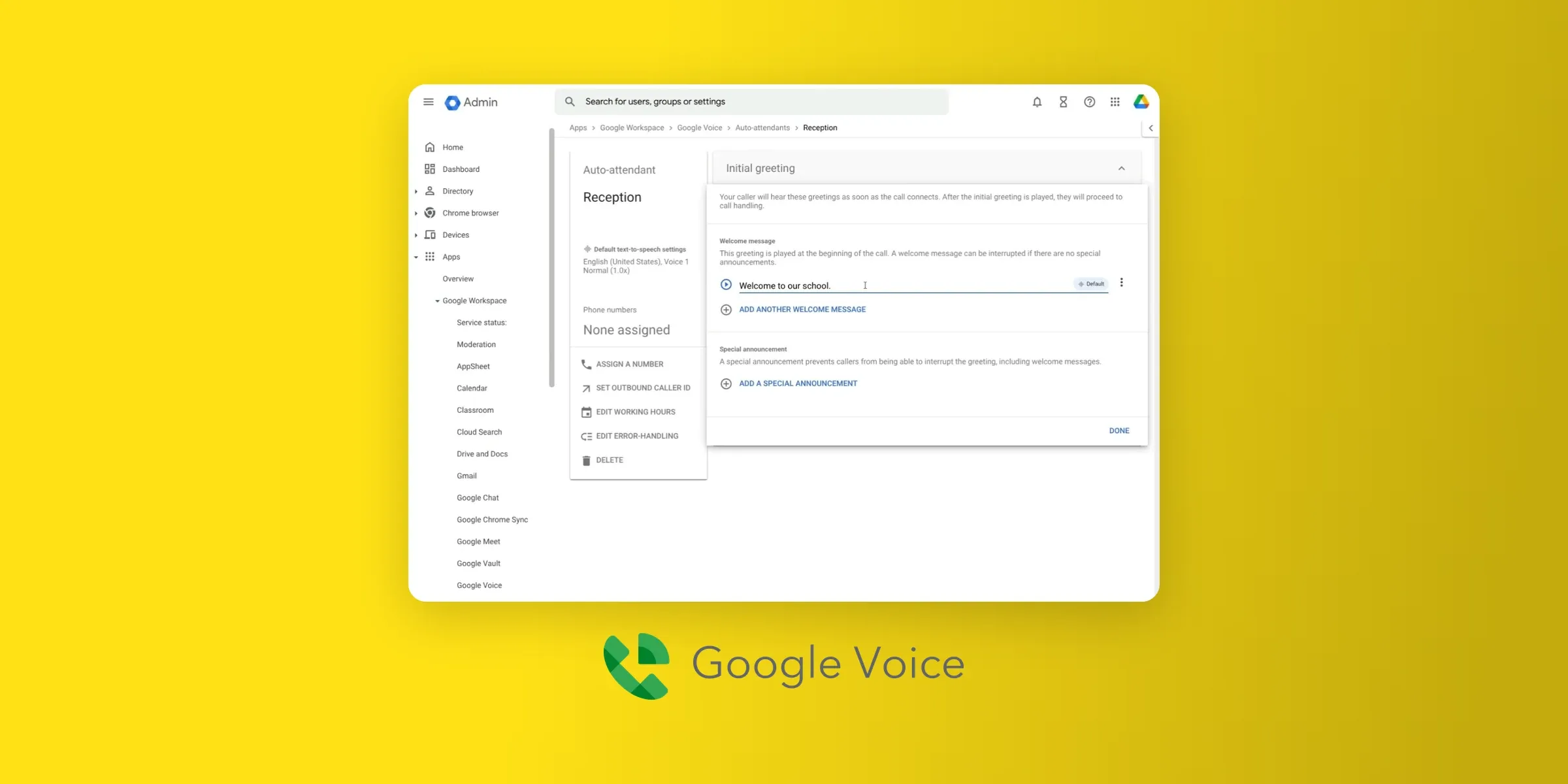
The Google BAA
Google's BAA covers Google Voice for "managed users only." In practice, that means users on your organization's Workspace account, not people using Voice with a personal Gmail address.
Its list of covered services names Google Voice as a whole, without carving out AI transcription or summaries. Gmail and Google Calendar are on the same list.
That matters if your practice already schedules and emails patients through Google.
To get the BAA, a super administrator accepts Google's HIPAA Business Associate Amendment in the Admin console, under Account settings and then Legal and compliance.
Google Voice pricing
The Workspace add-on plans cost $10 per user/month for Starter (up to 10 users), $20 for Standard and $30 for Premier.
All three require a paid Google Workspace subscription. The cheapest, Business Starter, costs $7 per user/month billed annually ($8.40 monthly).
The Voice Starter plan includes a business number on all your devices, unlimited U.S. calling and texting, voicemail transcription, call transfers and call recording.
Voice Standard adds phone menus and ring groups. It also adds AI-generated transcripts and summaries.
Google Voice pros and cons
Pros
- Voice falls under the same BAA that covers the rest of Google Workspace.
- Google's list of covered services doesn't carve out AI transcription or summaries.
- Voice Starter costs $10 a month on top of Workspace, or $17 in total with the cheapest plan.
Drawbacks
- Coverage only started on Aug. 31, 2026, so there's little real-world experience with Voice under the BAA yet.
- The Starter plan caps out at 10 users and doesn't include phone menus.
- There's no fax, and personal Google Voice accounts aren't covered.
What users say about Google Voice
Google Voice has 167 G2 reviews, but few mention specific themes, and most describe the free personal version. Reviewers like having a second number (7 mentions), and the main complaint is limited features for growing businesses (3).
“Simple, easy to use, convenient to have an online phone number. [...] Worked great for just a small family business, but once we stared to grow, we just needed something more robust.” – Lizzy O., G2 review
Google Voice demo
iPlum, best for solo providers adding a line to a personal phone
What is iPlum?
iPlum adds a second business number to a provider's own mobile phone. The Silicon Valley company was founded to give professionals a separate business line, so they don't have to share their personal number with clients.
That setup suits therapists and solo clinicians who don't want a desk phone. Its G2 score is 4.3/5 from 201 reviews.
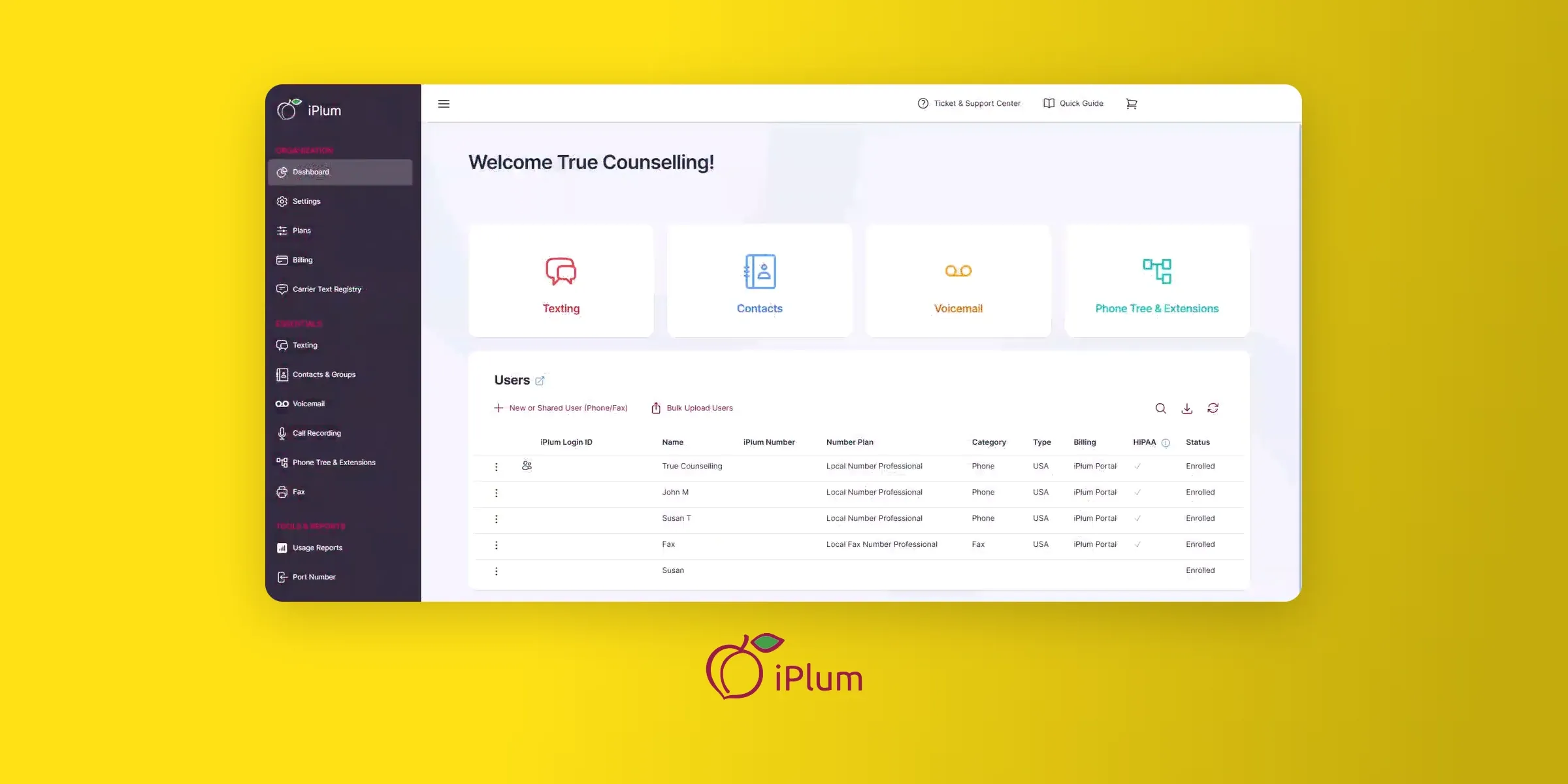
The iPlum BAA
iPlum says the BAA "covers ePHI information." It doesn't publish a list of excluded services, and it doesn't offer AI features beyond voicemail transcription.
To get the BAA, you subscribe to the Professional or Enterprise plan, then fill out iPlum's BAA form.
Every iPlum number gets its own BAA, so a practice with several numbers signs several agreements.
iPlum pricing
The Professional plan costs $14.99 per user/month billed annually ($20.99 monthly). Enterprise costs $25.99 ($30.99 monthly). The $8.99 Standard plan doesn't include HIPAA.
HIPAA fax costs $12.99 a month billed annually ($15.99 monthly) on the Professional fax plan.
The Professional plan includes U.S. and Canada calling and texting, encrypted texting, voicemail transcription, group texting, web calling and one year of text archiving.
Enterprise adds call recording and 10-year archiving for calls and messages.
iPlum pros and cons
Pros
- At $14.99 a month, it's the cheapest standalone option here with texting.
- Encrypted texting is included on the Professional plan.
- It works on the phone you already have, with no extra device.
Drawbacks
- iPlum doesn't publish what its BAA covers, and every number needs its own BAA.
- Call recording requires the Enterprise plan, and fax is a separate iPlum service.
- It's built as a mobile second line, so it's not the right fit for a front desk that needs ring groups and a phone menu.
What users say about iPlum
On G2, reviewers most often praise iPlum's ease of use (104 mentions) and its HIPAA compliance (52). The most common complaints are texting delays and setup requirements (28) and trouble picking up calls (25).
“I use it every day for calling and texting clients in my private therapy practice, and the features are intuitive and straightforward. [...] There was a brief service outage recently, but iPlum communicated right away that they were aware of the issue and actively worked on it.” – Christina W., G2 review
iPlum demo
How to choose a HIPAA-compliant VoIP for your practice
The comparison table above shows what each BAA covers. To narrow it down, answer four questions:
- Which channels do you use? Texting is where BAAs differ most: Quo excludes it, and Phone.com calls it a grey area. If you receive referrals by fax, Zoom Phone includes it, Phone.com covers fax-to-email, and Google Voice doesn't offer it.
- What will you actually pay? Compare plans that include the channels you need, not each provider's cheapest plan. Once texting is required, most options cost $15 to $23 per user/month.
- Does other software need your call data? None of the six lists a native EHR integration, and connections through Zapier or an API may sit outside the BAA.
- Will you use AI? Allo's and Google Voice's BAAs cover their AI features. Quo requires patient notice and authorization before AI-assisted calls, and Zoom may switch some features off. Whichever you choose, check your state's rules: some states require everyone's consent to record a call, and California requires a disclaimer on AI-written messages about clinical information.
Whichever you choose, keep clinical details out of texts.
What to check in a BAA
Start with what the BAA covers. Patient information shows up in more places than the call itself, and each one is a place where a BAA either applies or doesn't:
| Where | What it can reveal | What to check |
|---|---|---|
| Caller ID and call logs | Who's a patient and when they called | Who on your team can see call history |
| Voicemails and call recordings | Symptoms, medications, test results | Whether the BAA covers stored audio, and whether you can limit recording |
| Transcripts and AI summaries | The same details, as searchable text | Whether the BAA covers the AI provider that processes the audio (Allo's and Google Voice's do) |
| Email notifications | Voicemails and transcripts forwarded to an inbox | Some vendors turn off email attachments under a BAA (Phone.com does) |
| CRM or EHR integrations | Call notes copied into another system | Integrations often sit outside the BAA |
| Contact records | Names, numbers and notes on each patient | Whether contacts are listed as covered |
The specifics are the part most vendors leave vague. Before you sign, ask the vendor to confirm in writing which of these its BAA covers.
HHS publishes sample BAA provisions that show what the contract has to cover. For a phone system, there are four things you need to check:
- Limits on use. The vendor can use patient information only as the BAA allows.
- Breach reporting. The vendor must tell you about breaches and security incidents.
- Subcontractors. Any company the vendor uses to handle PHI must accept the same terms.
- End of contract. The vendor must return or destroy patient information when you leave, if that's feasible.
The subcontractor clause matters more than it used to. When a phone system sends call audio to an outside AI provider for transcription or summaries, that provider is handling PHI too.
So before you turn on AI features, ask your vendor which outside AI providers process your calls and whether each one has signed the same terms.
What you still have to do after signing
The BAA covers the vendor's side. Your practice still has to assess risks and limit access under the Security Rule, and HHS explains how in its guidance on risk analysis.
For the phone system, check these settings in the first week:
- Give each staff member their own login and remove shared accounts.
- Turn off voicemail-to-email, unless your email system is also under a BAA.
- Hide message previews on lock screens.
- Rewrite greetings and voicemail prompts so callers don't leave medical details.
What's the cheapest HIPAA-compliant phone service?
iPlum's Professional plan is the cheapest standalone option, at $14.99 a month billed annually. It puts a second business line on your own phone and includes texting.
Google Voice's Starter plan is $10 a month, but it also needs a paid Google Workspace subscription, so the total starts at $17.
The low price comes with trade-offs:
- iPlum: it doesn't publish what its BAA covers, and call recording requires the $25.99 Enterprise plan.
- Google Voice: it has only been under Google's BAA since Aug. 31, 2026, and Starter has no phone menu or fax.
If you'd rather pay more for a BAA that spells out its coverage, Allo ($82 a month with the BAA, or $114 with the AI receptionist) publishes what its BAA covers, including its AI features: call summaries and the AI receptionist.
Which HIPAA-compliant VoIP should you choose?
For most small practices, the best value is the plan whose BAA covers everything you'll actually use.
Phone.com ($22.50 a month on the Plus plan) suits practices that want fax and video meetings with their phone line, though it doesn't itemize its BAA and its G2 reviews are fewer and more mixed.
If you'll use AI to answer or document calls, Allo's phone system for healthcare covers the AI receptionist and AI summaries under its BAA, at $82 a month for one user.
Zoom Phone and Google Voice make sense if your practice already runs on Zoom or Google Workspace.
iPlum is the cheapest option with texting for a solo provider, and Quo suits teams that share an inbox.
Whatever you pick, get the BAA signed before the first patient call goes through, and read what it covers.
Is there a HIPAA-compliant phone?
Not as a certified product. HHS doesn't certify phones or phone systems, so no device or service is "HIPAA certified." What you can have is a phone service your practice uses in a HIPAA-compliant way: the vendor signs a BAA, and you set the system up correctly. That works on a desk phone or on your own cell through the provider's app. All six providers in this article sign BAAs, but what each BAA covers varies, so check what it includes before you rely on them.
Is Google Voice HIPAA compliant?
Only the version sold as a Google Workspace add-on. Since Aug. 31, 2026, Google's BAA covers Google Voice for managed Workspace users once a super administrator accepts it in the Admin console, but the free personal version isn't covered.
What phone apps are HIPAA compliant?
Any app from a vendor that signs a BAA can be used with patient information, as long as you follow its setup rules. iPlum, Quo, Zoom Phone, Allo, Phone.com and Google Voice (Workspace version) all offer mobile apps covered by a BAA. Your phone's built-in texting app isn't covered.
Is Skype HIPAA compliant?
Skype no longer exists. Microsoft shut it down in May 2025, so it's no longer an option for patient calls.
What virtual platform is HIPAA compliant?
For video visits, Zoom signs BAAs on its paid plans, and Google Meet is on Google Workspace's HIPAA Included Functionality list.