Key Takeaways
• Allo is the best Google Voice alternative for small teams because it combines powerful AI features like automatic CRM updates and call summaries with transparent pricing at $25-45/user/month—no hidden fees or enterprise lock-in.
• Dialpad is best for mid-market companies because it offers enterprise-grade AI features built in-house since 2018, supporting voice, video, and messaging across 50+ countries with strong integration options.
• Zoom Phone is best for teams already using Zoom because it seamlessly integrates with Zoom's ecosystem at just $15/user/month, making it the most cost-effective choice if you're already paying for Zoom Meetings.
Introduction
Google Voice has served millions of users since 2009, offering a free option for personal use that made it incredibly popular. But here's the challenge: what worked for consumers doesn't always translate to business needs. Google Voice's business plans start at $10/user/month, but they lack the advanced features modern sales teams need: no native CRM integrations, minimal AI capabilities beyond basic voicemail transcription, and limited support options.
If you're running a sales team or small business, you've likely hit these walls. Your team needs call transcription that syncs automatically to your CRM. You need an AI receptionist that actually routes calls intelligently. You need reliable support when things break. And you need all of this without the complexity and cost of enterprise systems.
This guide breaks down the seven best Google Voice alternatives for business use in 2026. We'll cover everything from budget-friendly options under $20/month to AI-powered systems that eliminate admin work, helping you find the right fit based on your team size, budget, and feature requirements.
| Solution | Starting Price | Best For | G2 Rating |
|---|---|---|---|
| Allo | $25/user/mo | Small teams and reps who lose hours to manual call admin. Best value | 4.6 / 5 |
| Dialpad | $27/user/mo | Mid-market teams that want enterprise-grade AI baked in. Mid-market | 4.4 / 5 |
| Zoom Phone | $15/user/mo | Teams already standardized on Zoom for meetings and chat. Zoom users | 4.6 / 5 |
| Quo formerly OpenPhone | $19/user/mo | Small teams that want a shared, collaborative phone number. Collaboration | 4.7 / 5 |
| Ooma | $19.95/user/mo | Budget-conscious small businesses that want simple, reliable calling. Budget pick | 4.6 / 5 |
| eVoice | $14/mo | Solopreneurs who just need a virtual number and voicemail. Solopreneurs | 4.9 / 5 Based on only 6 reviews |
| Grasshopper | $18/mo | Solopreneurs who want a simple second line, fast. Simplicity | 3.9 / 5 |
Allo, Best for Small Teams
Disclaimer: Allo is our own product. To provide a fair comparison, we relied on firsthand testing and third-party reviews.
What is Allo?
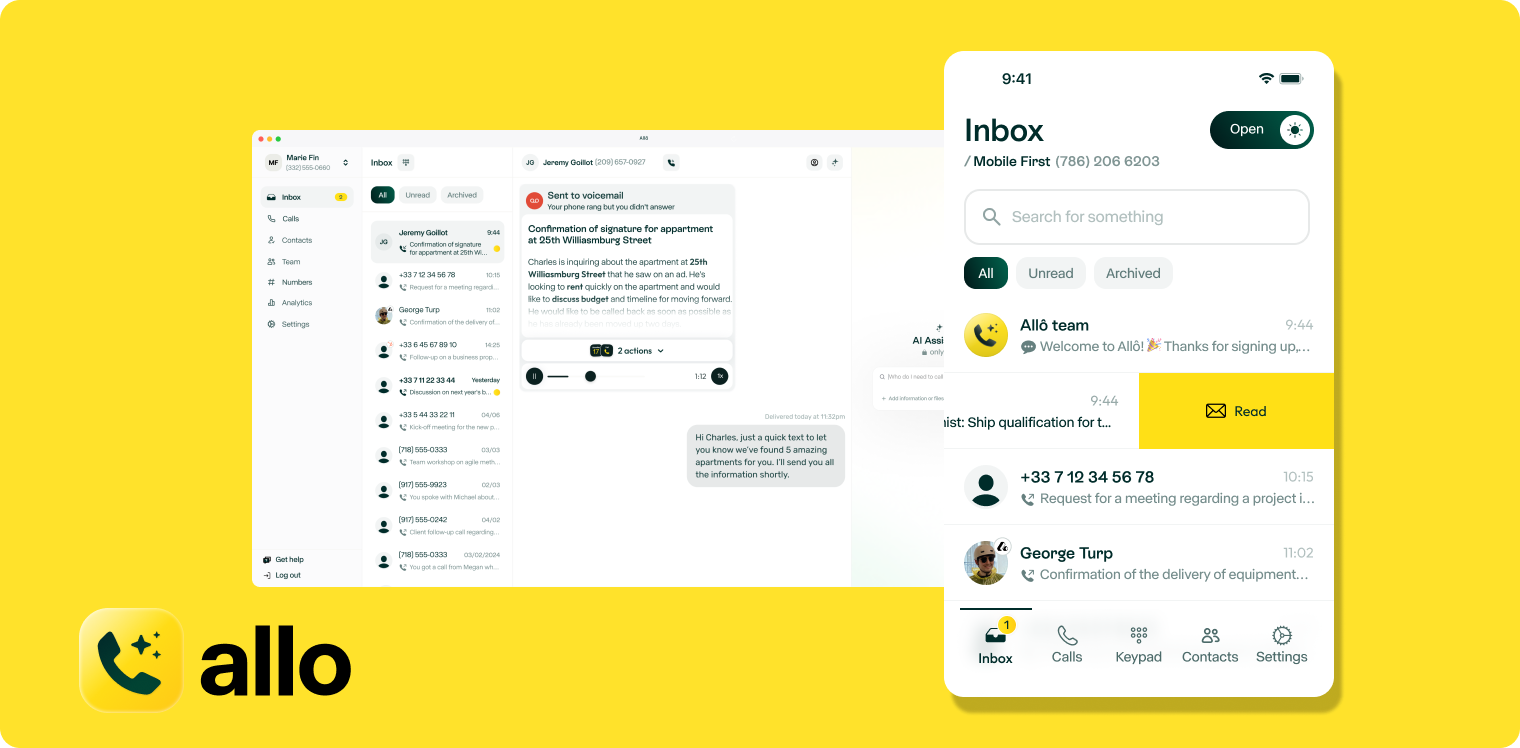
Allo is an AI phone system specifically designed for small teams and salespeople who waste too much time on administrative tasks. Founded in 2024, the platform takes a mobile-first approach that recognizes how modern teams actually work—constantly on the move, juggling calls between meetings, and needing instant access to customer context.
Unlike Google Voice, which started as a consumer product and later added business features, Allo was engineered from day one as an AI-native business phone system.
Why Allo is a Good Alternative to Google Voice
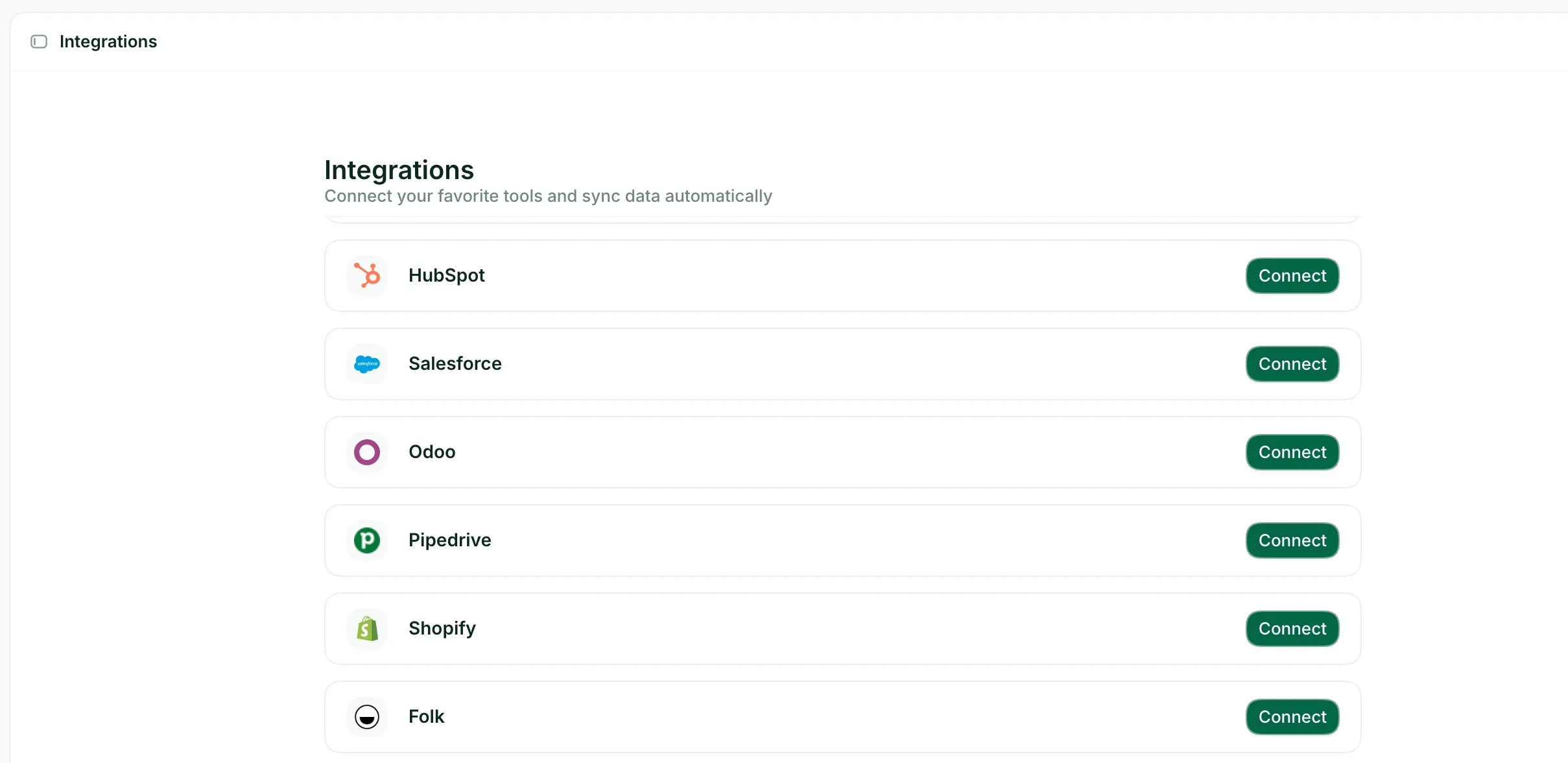
Allo solves the core limitation of Google Voice for sales teams: zero CRM integration. Every call you make with Allo automatically records, transcribes, and syncs to your CRM—whether that's HubSpot, Salesforce, Attio, folk or Apollo. Google Voice requires you to manually copy notes and update records after each call.
The pricing difference tells the story clearly. Google Voice charges $10/month for basic features with a one-user limit, then jumps to $20/month for standard features like call routing. Allo starts at $25/month for unlimited calls with AI summaries and IVR included, then $45/month for full CRM integrations and unlimited AI answering service. You're paying slightly more, but getting significantly more value.
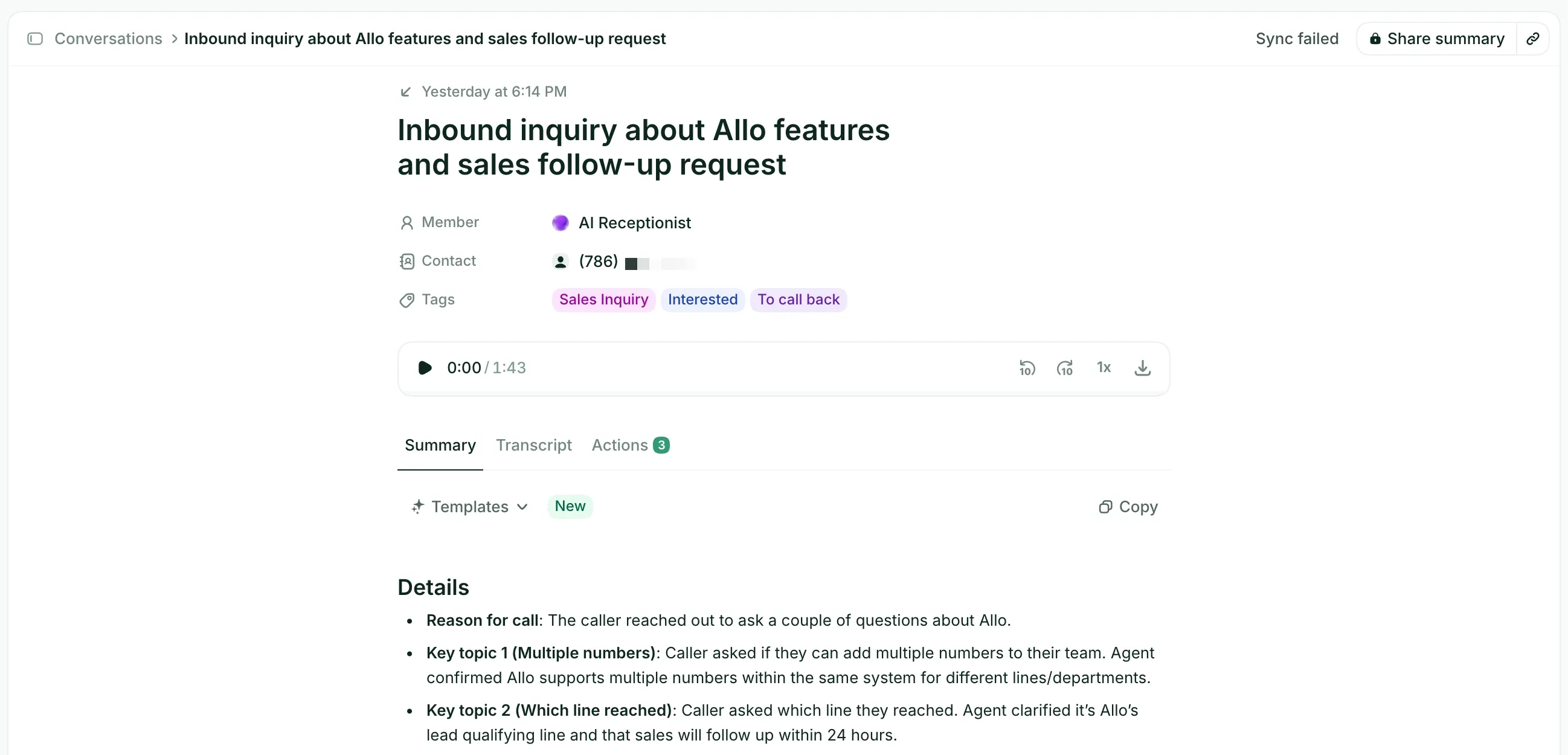
AI capabilities highlight the gap even further. Google Voice offers spam blocking and voicemail transcription in seven languages. Allo provides call transcription in 36 languages, automatic call summaries, AI-generated follow-up emails, and an AI assistant that lets you search across all your call transcripts and SMS messages. The AI answering service speaks three languages (English, French, Spanish) and can handle caller questions, gather information, and route calls intelligently, not just play menu options like Google Voice's basic auto-attendant.
For mobile teams, Allo's mobile-first design means the app works exactly how you'd expect, with features like Live Voicemail that lets you listen to messages as they're being left. Google Voice's mobile app has a 1.6/5 rating on the Play Store, with users reporting constant connectivity issues and missing features compared to the desktop version.
Allo Pricing
• Starter: $25/month - Limited to 1 user, includes unlimited domestic calls, one local phone number, AI call summaries, and IVR (interactive voice response) for basic call routing
• Business: $45/month per user - Includes everything from Starter plus native CRM integrations (HubSpot, Salesforce, Attio, Apollo, folk, Odoo), unlimited AI answering service, SMS messaging, and international calling capabilities
Both plans include a 7-day free trial with no credit card required.
Allo Demo
See Allo in action:
Dialpad, Best for Mid-Market Companies
What is Dialpad?
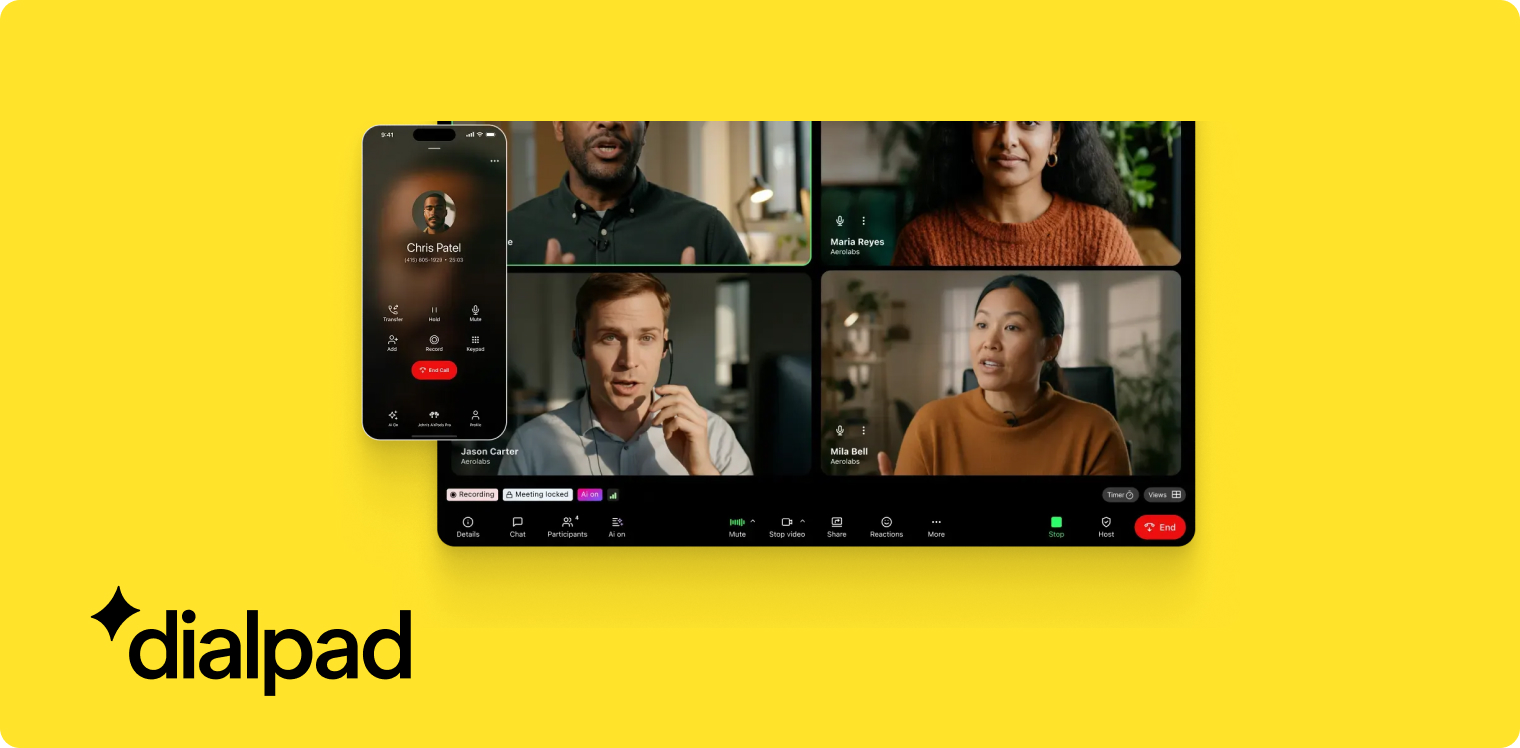
Dialpad was created by Craig Walker, who previously built GrandCentral, the VoIP solution that Google acquired and transformed into Google Voice. Walker launched Dialpad in 2011, initially as an entrepreneur in residence inside Google, before spinning it out as an independent company. Half of Dialpad's first 30 employees came from Google, bringing deep expertise in voice technology.
This founding story matters because it means Dialpad was built by the same team that created the technology behind Google Voice, but without the constraints of fitting into Google's consumer-focused product strategy. Dialpad targets SMBs to mid-market companies (20–1,000+ employees) and maintains three distinct products: Connect for everyone, Support for support teams, and Sell for sales teams, each with tailored pricing and features.
Why Dialpad is a Good Alternative to Google Voice
Dialpad's biggest advantage over Google Voice is its proprietary AI technology, which the company has developed in-house since 2018. While Google Voice offers basic voicemail transcription, Dialpad provides real-time call transcription, automatic call summaries, live coaching during calls, call scoring for quality assurance, and even an AI support agent that can handle customer inquiries independently.
The platform supports 50+ countries for local numbers. For teams with international presence or customers, this global coverage matters significantly. Dialpad also handles voice, text messages, video calls, and WhatsApp in a single platform, whereas Google Voice limits you to voice and basic text messaging.
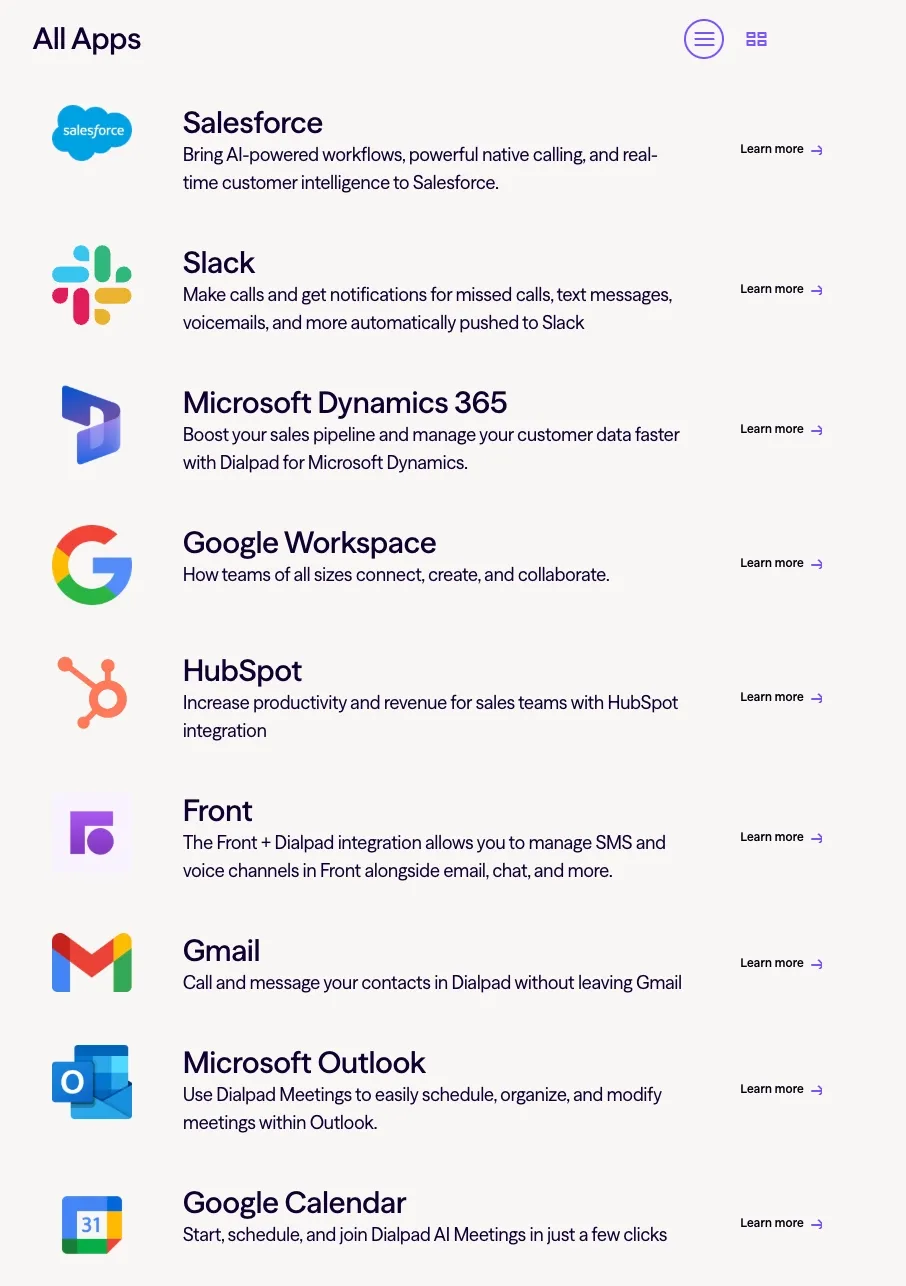
Integration depth separates the two platforms completely. Google Voice integrates only with Google Workspace and has zero native CRM connections. Dialpad offers countless native integrations including Salesforce, HubSpot, and dozens of other business tools, plus a Zapier connection for custom workflows. Keep in mind, though, that the integrations are not as deep as the ones offered by other competitors in this list, as the 3.6/5 rating on the HubSpot marketplace reveals.
Pricing reflects the feature gap. Google Voice Standard costs $20/user/month and caps out at unlimited users with on-demand call recording and basic call routing. Dialpad's Standard plan starts at $27/user/month but includes unlimited domestic calling, call forwarding, call recording, and access to Dialpad's AI features at no extra cost. The Pro plan at $35/user/month adds SSO and phone support.
Dialpad Pricing
• Standard: $27/user/month - Includes unlimited domestic calling, one local number, call forwarding, call recording, up to 3 departments, and all AI features (call summaries, live coaching, call scoring) at no additional cost
• Pro: $35/user/month - Includes everything in Standard plus SSO (single sign-on), priority phone support, and up to 25 departments for more complex call routing
Additional add-ons available: Internet Fax, meeting Rooms, and Contact center functionality.
All AI features come included in both plans without requiring premium tiers or add-on fees.
Dialpad Demo
See Dialpad in action:
Zoom Phone, Best for Teams Already Using Zoom
What is Zoom Phone?
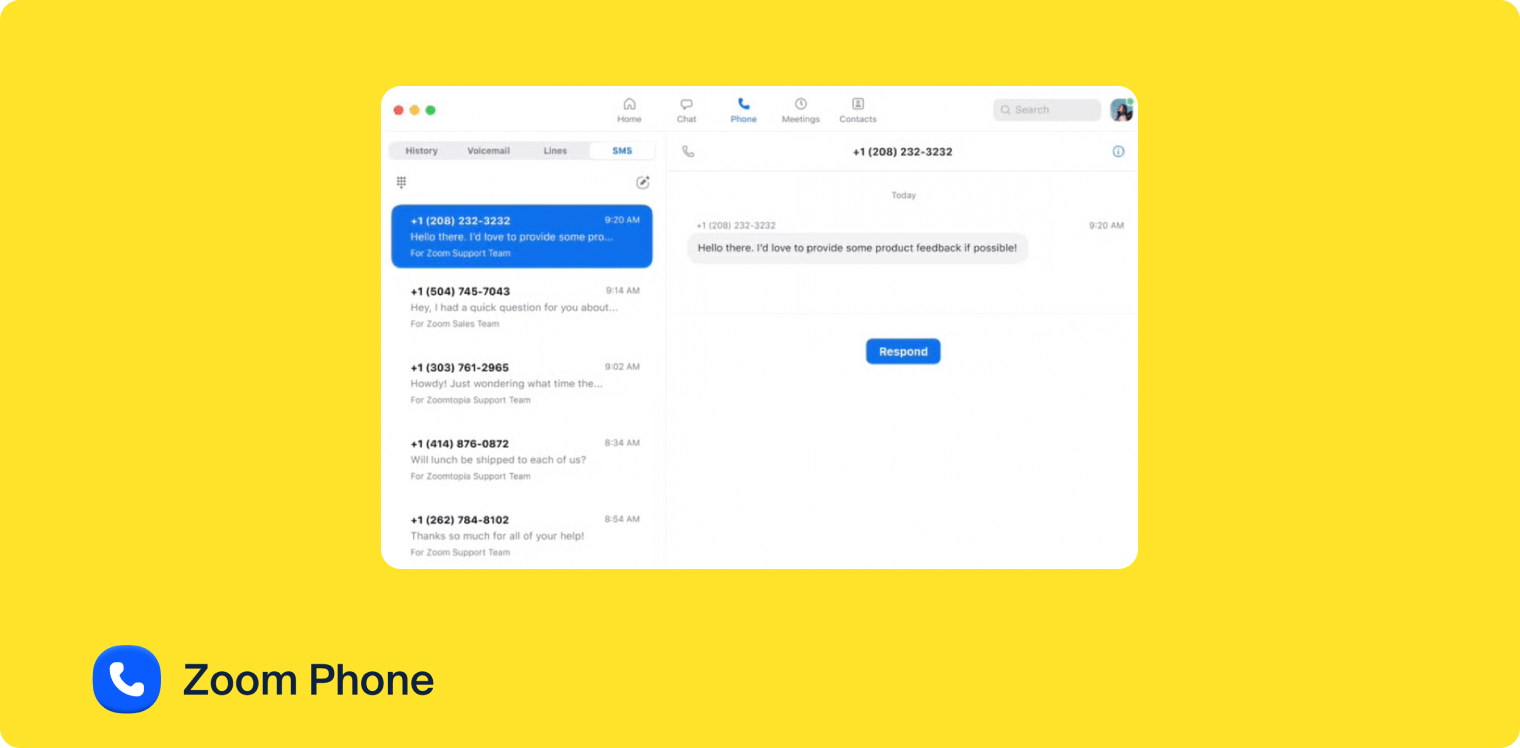
Zoom Phone launched in 2019 as Zoom's answer to the business phone system market, building on the company's already-dominant position in video conferencing. The product takes advantage of Zoom's existing infrastructure and brand recognition to deliver a phone system that feels clean and straightforward, particularly for teams already embedded in Zoom's ecosystem.
The strategy behind Zoom Phone centers on bundling—rather than competing as a standalone phone system, Zoom offers plans that combine phone service with their core video meetings product. This approach makes it especially appealing for businesses that already use Zoom for meetings and want to consolidate vendors rather than managing separate systems for calls and video conferencing.
Why Zoom Phone is a Good Alternative to Google Voice
Zoom Phone beats Google Voice on price for the base tier while delivering more features. The US & CA Unlimited plan costs $15/user/month versus Google Voice's $10 starter plan that only allows one user. But Zoom Phone includes unlimited US/Canada calling, free SMS, a phone number, call recording, integrations with Salesforce and Slack, and AI features like call summaries and voicemail prioritization. Google Voice's $10 plan gives you just unlimited calling and texting with voicemail transcription.
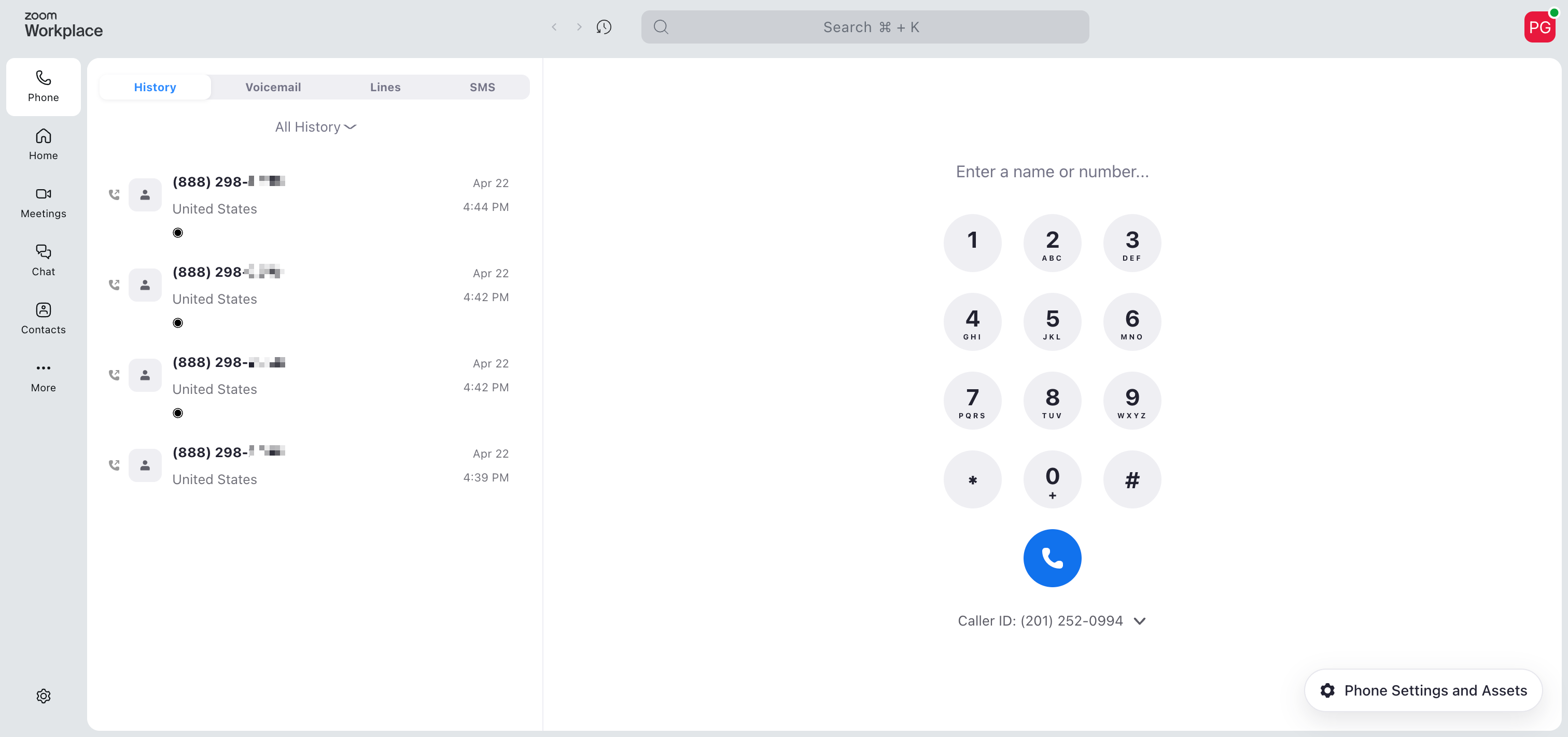
The AI capabilities differ substantially. Google Voice offers spam blocking and voicemail transcription in 7 languages. Zoom Phone's "AI Companion" provides post-call summaries with next steps, voicemail transcription, voicemail task extraction, voicemail prioritization, and SMS thread summaries—all available in 32 languages. The post-call summaries, voicemail prioritization, and task extraction come included in all plans, not locked behind premium tiers.
Integration options favor Zoom Phone significantly. Google Voice only connects with Google Workspace. Zoom Phone offers 195 native integrations including HubSpot and Salesforce, giving you far more flexibility to connect your phone system with your existing business tools. Though worth noting: the HubSpot integration receives negative feedback on their marketplace, so test it thoroughly before committing if HubSpot is critical to your workflow.
For teams already paying for Zoom Meetings, the bundled plans create compelling value. The Pro Plus plan at $21.99/user/month includes both Zoom Phone and Zoom Workspace (Meetings, Team Chat, Docs, Mail, and Live Chat). You're essentially getting a phone system for $6-7 more per month than a standalone Zoom Meetings subscription, making it the most cost-effective option if you're already in Zoom's ecosystem.
Zoom Phone Pricing
• US & CA Unlimited: $15/user/month - Includes unlimited calls in the US and Canada, free SMS (US and Canada), one phone number, call recording, integrations with Salesforce and Slack, and AI features including call summaries, voicemail prioritization, and task extraction
• Pro Plus: $21.99/user/month - Bundles Zoom Phone with Zoom Workspace, including Zoom Meetings, Team Chat, Zoom Docs, Zoom Mail, and Live Chat—ideal for teams wanting a complete unified communications platform
• Business Plus: $26.99/user/month - Includes everything in Pro Plus plus additional storage, larger meeting capacity (up to 300 participants), and SSO (single sign-on) for enterprise security requirements
Zoom Phone Demo
See Zoom Phone in action:
Quo, Best for Small Teams Needing Collaboration
What is Quo?
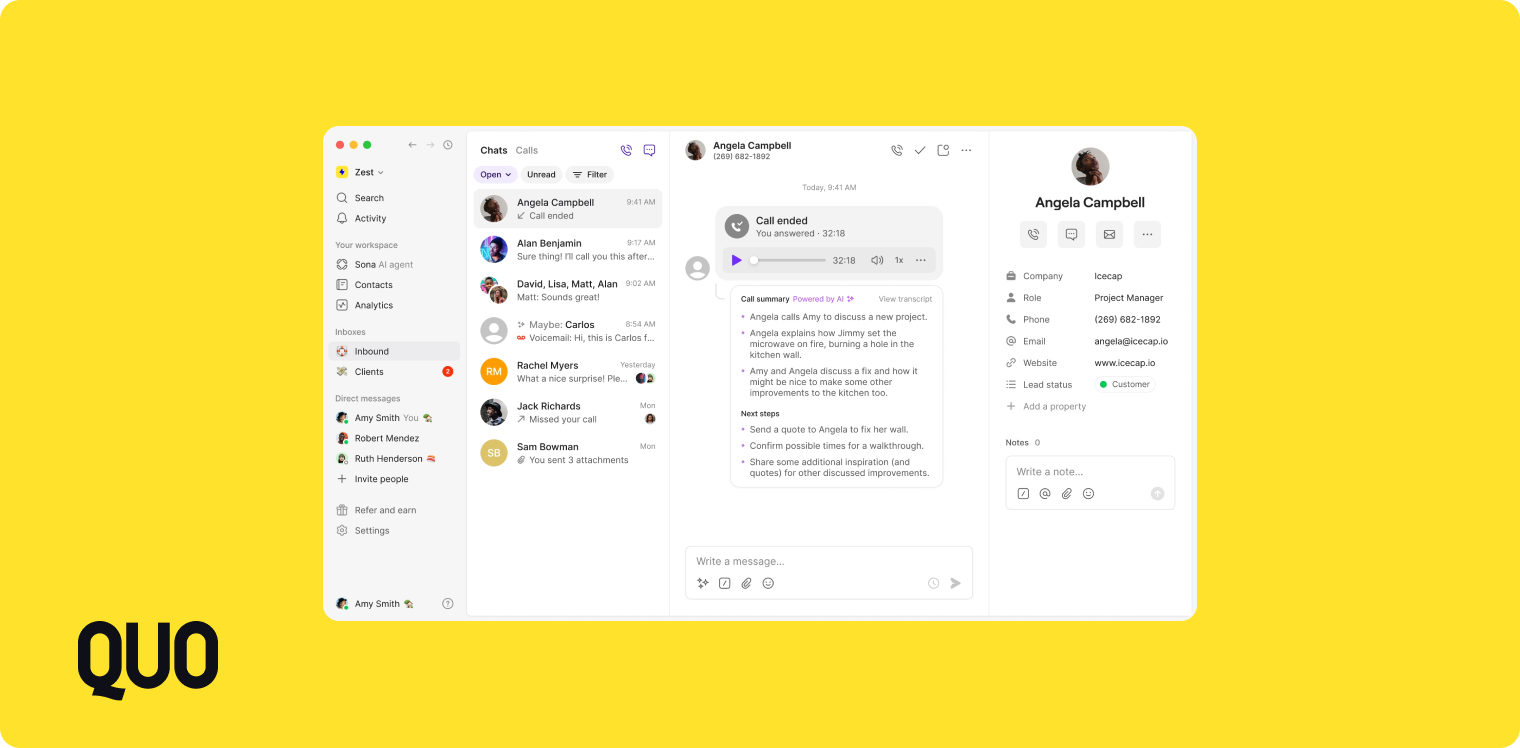
Quo (formerly OpenPhone) is a business phone system launched in 2018 with a specific focus on helping small teams and SMBs stay organized through better communication tools. Rather than just providing phone service, Quo built a platform optimized for collaboration, including a shared inbox that supports threads and tagging, internal chat for team members, group calls, and intelligent call routing.
The platform includes a built-in lightweight CRM, recognizing that many small businesses don't need the complexity of Salesforce or HubSpot but still want to track customer interactions and maintain context across team members. This built-in approach differs from most phone systems that require you to integrate with external CRMs.
Why Quo is a Good Alternative to Google Voice
Quo addresses Google Voice's collaboration limitations head-on with features designed specifically for teams working together. The shared inbox with threads and tagging means your team can see all customer communications in one place and coordinate responses internally. Google Voice treats each user as an island—there's no shared view of customer conversations or internal collaboration tools.
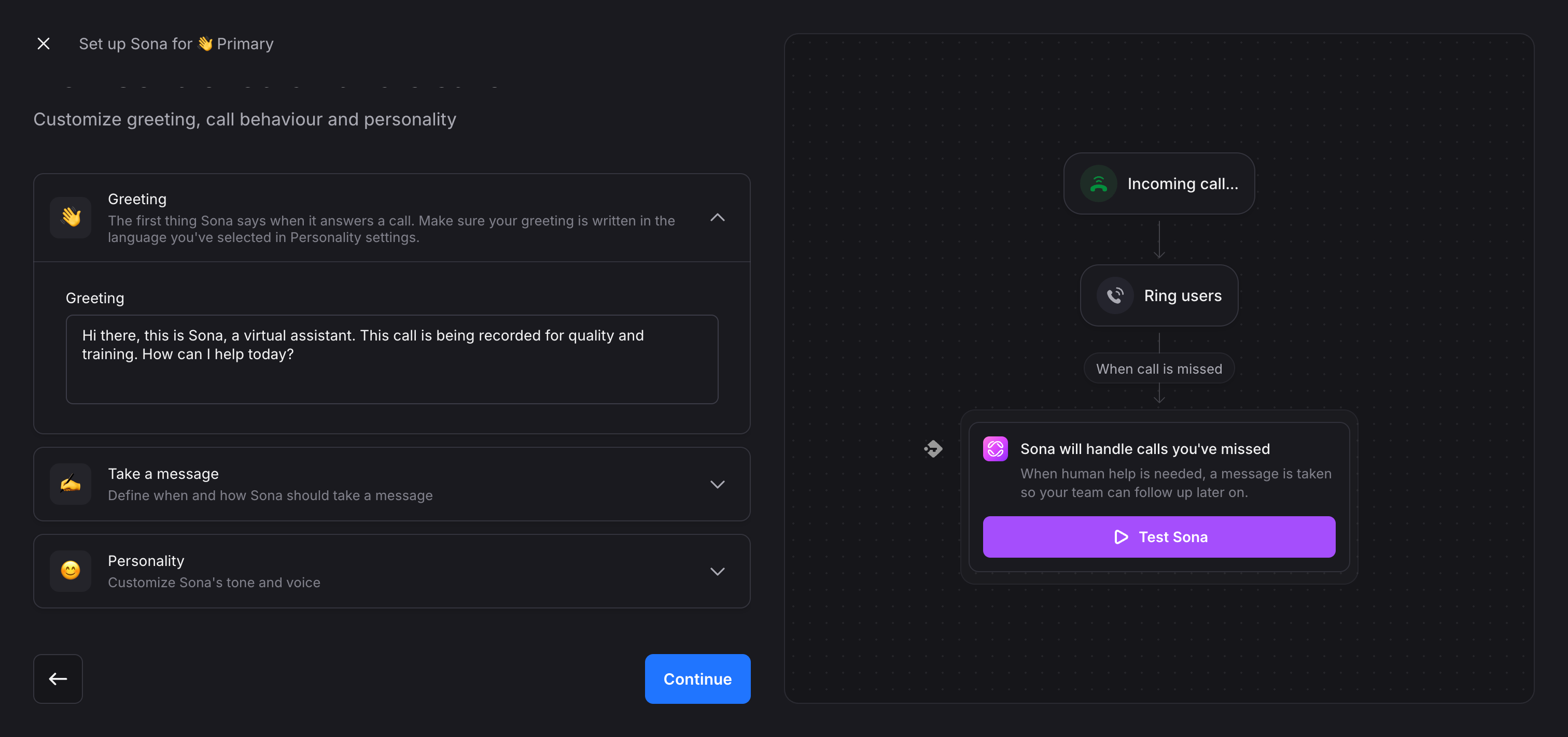
The AI features comparison favors Quo substantially. Google Voice offers only spam blocking and voicemail transcription. Quo provides Sona (their AI answering service), call transcripts and summaries in 34 languages, and voicemail transcripts. The Sona AI can handle incoming calls, answer questions, gather information, and route intelligently—far beyond Google Voice's basic auto-attendant menu system.
Pricing structures differ in important ways. Google Voice Standard costs $20/user/month and includes unlimited calling, call routing, and on-demand call recording. Quo's Starter plan costs $19/user/month and includes a local number, unlimited calling and messaging to US/Canadian numbers, voicemail transcripts, and 10 calls handled by their AI agent Sona. The Business plan at $33/user/month adds AI call summaries and transcripts, group calling, call transfers, analytics and reporting, and HubSpot/Salesforce integrations.
Integration options tell a clear story. Google Voice: Google Workspace only. Quo: HubSpot, Salesforce, Jobber, Zapier, Make, Slack, Gong, and Google Contacts. For sales teams that rely on CRM data to do their jobs effectively, this difference eliminates hours of manual data entry every week.
Quo Pricing
• Starter: $19/user/month - Includes one local number, unlimited calling and messaging to US and Canadian numbers, voicemail transcripts, and 10 calls per month handled by Sona (their AI answering agent)
• Business: $33/user/month - Adds AI call summaries and transcripts in 34 languages, group calling, call transfers, analytics and reporting, and native integrations with HubSpot and Salesforce for automatic call logging
• Scale: $47/user/month - Includes everything in Business plus dedicated onboarding support, priority live chat and email support, and inbound phone support for when you need immediate help
All plans include a 7-day free trial. Add-ons available: international calling and messaging, additional phone numbers, SMS via API, and SMS via Zapier/Make integrations.
Quo Demo
See Quo in action:
https://share.vidyard.com/watch/vQLdoXfNrLnVG1Yt4kP3ev
Ooma, Best for Budget-Conscious Small Businesses
What is Ooma?
Ooma has operated since 2003, initially gaining traction with residential customers looking to replace traditional landline service with cheaper internet-based calling. The company expanded into small business phone systems with Ooma Office, positioning itself as an affordable alternative to enterprise-priced solutions.
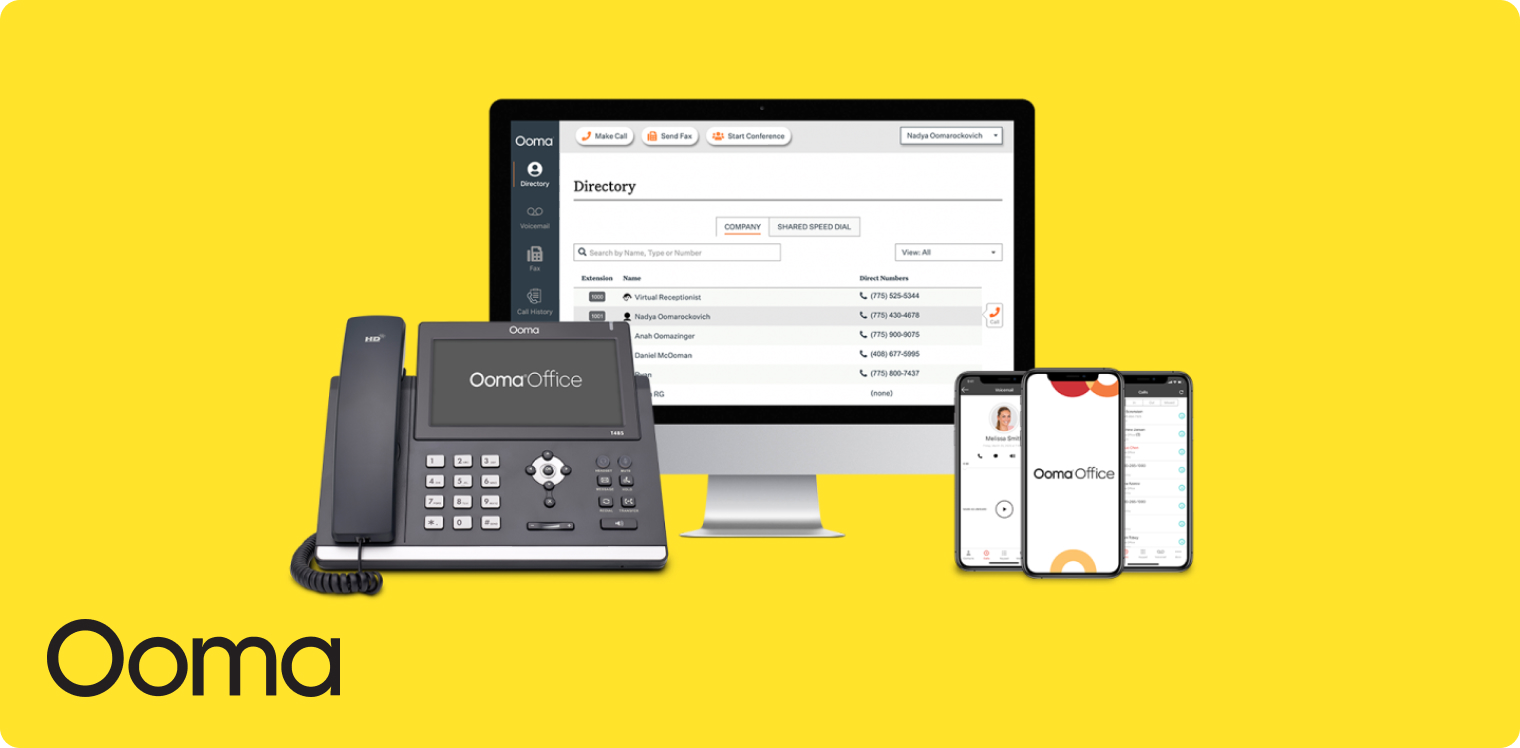
Many small businesses choose Ooma specifically because they need a business phone system without paying enterprise prices. The platform supports both VoIP and physical handsets, appealing to businesses that want the option of desk phones rather than relying entirely on mobile or computer-based calling. However, the product shows its age—features like voicemail transcription that sends MP3 files to your email rather than displaying text in-app signal a legacy approach that hasn't kept pace with modern expectations.
Why Ooma is a Good Alternative to Google Voice
Ooma beats Google Voice primarily on price for the base tier. The Essentials plan costs $19.95/user/month versus Google Voice's Starter at $10/user/month, but Ooma includes unlimited calling to US, Canada, Mexico, and Puerto Rico, plus one free toll-free number and 500 minutes of inbound toll-free calls. Google Voice's $10 plan only works for a single user and doesn't include toll-free capabilities.
Support for physical desk phones differentiates Ooma from Google Voice completely. Many small businesses still prefer or need traditional handsets—reception desks, warehouses, retail stores. Google Voice forces you to use mobile devices or computers. Ooma supports IP desk phones, giving you flexibility in how your team takes calls.
The feature comparison becomes less favorable as you examine details. Google Voice offers 7 languages for voicemail transcription; Ooma doesn't publish their language support. Google Voice integrates with Google Workspace; Ooma offers 15 native integrations including Salesforce and Zoho, but their HubSpot integration gets poor reviews. Google Voice lacks video conferencing; Ooma includes it in the Pro and Pro Plus plans with support for 25-100 participants depending on tier.
AI capabilities reveal a stark difference. Google Voice provides spam blocking and voicemail transcription. Ooma offers only voicemail transcription, and only in their Pro and Pro Plus plans. No call transcription, no call summaries, no AI answering service, no intelligent routing. For teams that want AI to reduce admin work, Ooma falls short.
The Trustpilot ratings warrant serious consideration. Ooma scores 1.4/5 on Trustpilot—the lowest rating among all VoIP providers in this comparison. Reviews cite shady business practices, poor customer service, and connectivity problems. Google Voice doesn't have extensive Trustpilot reviews for their business plans, but their Play Store rating of 1.6/5 indicates similar user frustration.
Ooma Pricing
• Essentials: $19.95/user/month - Includes unlimited calling to US, Canada, Mexico, and Puerto Rico, one free toll-free number, 500 minutes of inbound toll-free calls per month, and basic features like call forwarding and voicemail
• Pro: $24.95/user/month - Adds desktop app, text messaging (up to 250/month), videoconferencing (up to 25 participants), call recording, and voicemail transcription
• Pro Plus: $29.95/user/month - Includes CRM integration, text messaging (up to 1,000/month), videoconferencing (up to 100 participants), team chat, and enhanced voicemail transcription features
Add-ons available: Additional toll-free minutes can be purchased as needed for high-volume inbound calling.
Ooma Demo
See Ooma in action:
eVoice, Best for Solopreneurs Needing Virtual Numbers
What is eVoice?
eVoice started in 1998 as the world's first large-scale, Internet-enabled voicemail and call-forwarding system, making it one of the oldest players in the VoIP space. After relaunching in March 2010 with updated features targeting entrepreneurs and small businesses, the product appears to have entered maintenance mode with no significant new features released in recent months.
The platform focuses specifically on virtual phone numbers with basic features—voicemail, usage reports, caller greeting, call screening, auto-attendant, and similar capabilities. This narrow focus makes eVoice ideal for solopreneurs who primarily need a professional business number that forwards to their personal phone, rather than teams requiring advanced collaboration or AI features.
Why eVoice is a Good Alternative to Google Voice
eVoice beats Google Voice on one specific dimension: ease of setting up multiple phone numbers. The Elite plan at $14/month includes three phone numbers, making it simple to have separate numbers for different business lines, locations, or marketing campaigns. Google Voice's Starter plan only includes one number per user, requiring you to pay for additional licenses if you want multiple numbers.
Pricing favors eVoice for single users with basic needs. At $14/month for the Elite plan versus Google Voice's $10/month Starter, you're paying slightly more but getting three numbers instead of one, plus unlimited calling to US/Canada, toll-free and local number options, number porting, and advanced call handling. For solopreneurs juggling multiple business ventures or geographic markets, this provides immediate value.
The limitations become apparent quickly. eVoice works only in the US and Canada; Google Voice works in 14 countries for Workspace subscribers. eVoice offers zero AI features; Google Voice provides spam blocking and voicemail transcription in 7 languages. eVoice has no CRM integrations; Google Voice integrates with Google Workspace. eVoice's feature set hasn't expanded in years; Google Voice continues adding capabilities as part of Google's broader Workspace strategy.
For teams, the comparison tilts heavily toward Google Voice. eVoice's Elite plan supports unlimited users but provides no team collaboration features, no shared inbox, no call analytics, no admin controls. Google Voice's Standard and Premier plans ($20-30/user/month) include call routing, call recording, and advanced reporting—essential features for managing team performance.
eVoice Pricing
• Elite: $14/month - Includes 3 phone numbers, unlimited calls within US and Canada, toll-free and local number options, number porting, advanced call handling, multiple extensions, and a 30-day money-back guarantee
• Elite Plus: $21/month - Includes everything in Elite plus unlimited text messaging (SMS and MMS) within the US and Canada for customer communications
Both plans are billed monthly with no annual commitment required. No free trial offered, but the 30-day money-back guarantee lets you test the service risk-free.
eVoice Demo
See eVoice in action:
Grasshopper, Best for Solopreneurs Wanting Simplicity
What is Grasshopper?
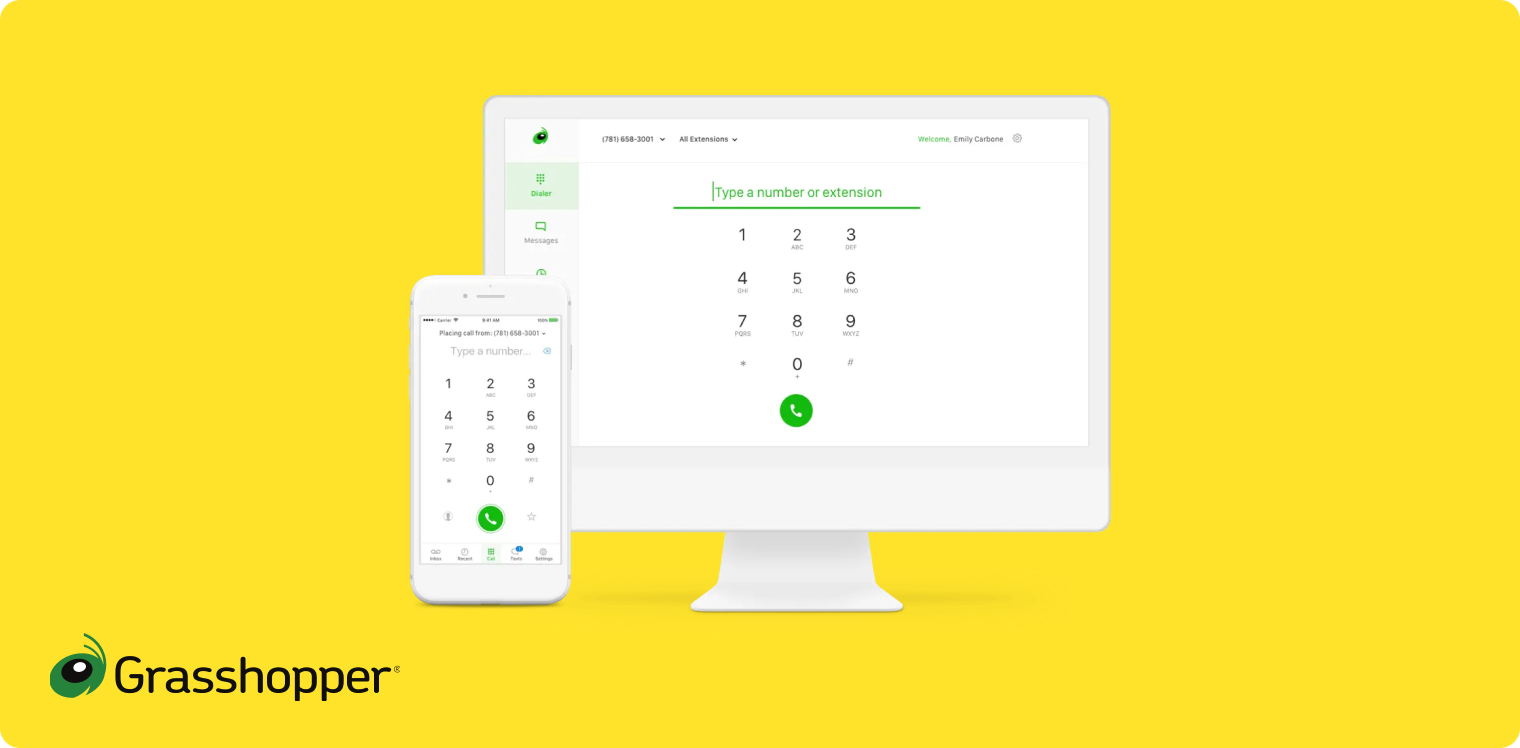
Grasshopper has operated as a business phone system since 2003 and now belongs to GoTo, a well-established name in business software. The company positions itself clearly toward SMBs and solopreneurs, making no attempt to compete for enterprise customers or larger teams. Once considered the benchmark for SMB phone systems, Grasshopper now feels stagnant compared to newer alternatives that have embraced AI.
The product maintains a partnership with Ruby.com for customers who need an answering service, but the core platform focuses on basic phone functionality without the team collaboration features or AI capabilities that define modern business phone systems. The interface looks dated, and the feature set hasn't evolved significantly in recent years.
Why Grasshopper is a Good Alternative to Google Voice
Grasshopper beats Google Voice on simplicity for single users. The True Solo plan at $18/month provides a straightforward business phone number with voicemail, call forwarding, and basic features—no Google Workspace subscription required, no complex setup, no enterprise features you'll never use. Google Voice's $10 Starter plan offers similar features but locks you into the Google ecosystem.
The integration story reveals competing philosophies. Google Voice integrates deeply with Google Workspace and nothing else. Grasshopper has zero native CRM integrations (no HubSpot, no Salesforce) and no public API for automation, but it can forward calls to Google Voice if you want to use both systems together. For solopreneurs who don't use CRMs or need advanced integrations, this limitation matters less than it would for sales teams.
Pricing structures differ significantly based on team size. Grasshopper's True Solo plan ($18/month) only allows one user; the Solo Plus plan ($32/month) increases this limit but still doesn't support multiple users. Google Voice's Starter plan also limits you to one user at $10/month, but the Standard plan at $20/month supports unlimited users. For anyone planning to grow their team, Google Voice provides more headroom.
AI capabilities favor Google Voice clearly. Grasshopper offers only voicemail transcription—they don't even transcribe calls, let alone provide summaries or intelligent routing. Google Voice includes voicemail transcription in 7 languages plus spam blocking. Neither platform offers an AI answering service or advanced call analytics.
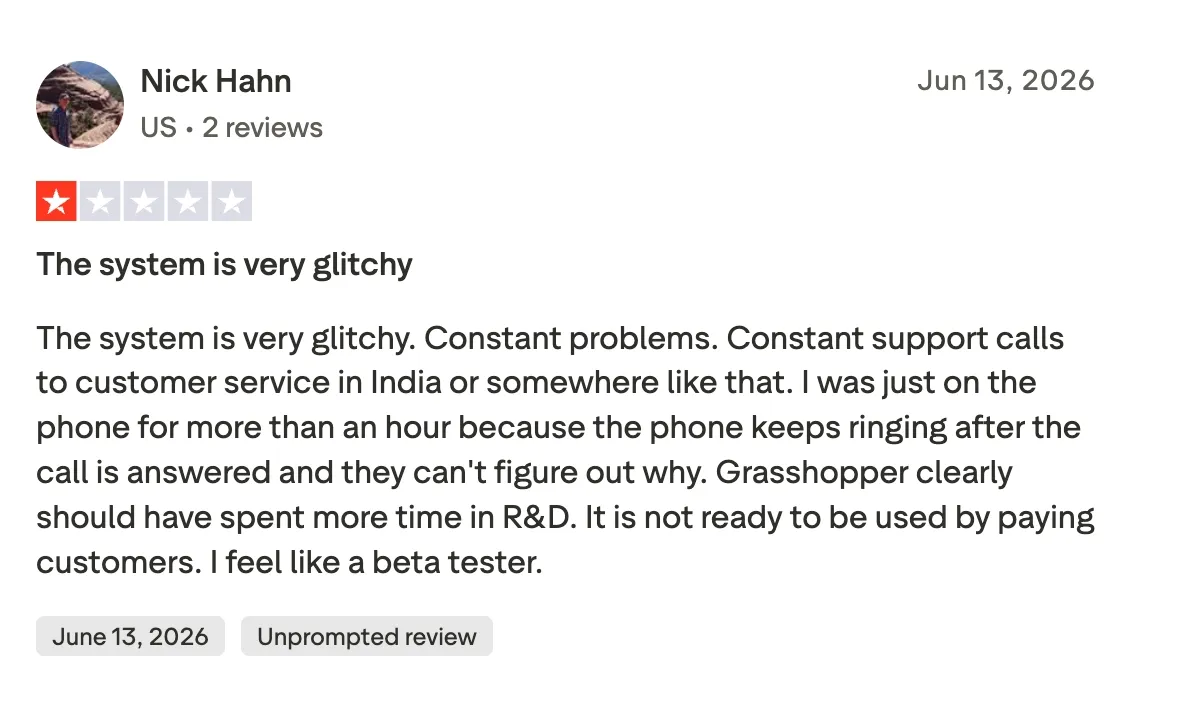
The Trustpilot ratings warrant attention. Grasshopper scores 2.1/5 on Trustpilot versus Google Voice's lack of significant business plan reviews. User complaints about Grasshopper focus on expensive add-ons, the inability to send/receive SMS on international numbers, and features that seem limited for team use. The App Store rating of 4.8/5 suggests the mobile experience works well for individual users, even if the overall platform has limitations.
Grasshopper Pricing
• True Solo: $18/month - Designed for one user only, includes basic business phone number, voicemail, call forwarding, and essential features for solopreneurs
• Solo Plus: $32/month - Increases capabilities beyond True Solo but maintains focus on individual users rather than teams
• Small Business: $70/month - Adds support for small teams but lacks the collaboration features and integrations found in modern team-oriented phone systems
All plans focus on basic phone functionality without AI features, CRM integrations, or advanced team management tools.
Grasshopper Demo
Note: Grasshopper hasn't published recent official demo videos.
Conclusion
The best Google Voice alternative depends entirely on what limitations are blocking your team's productivity. Google Voice serves solopreneurs and consumers well with its low price and basic features, but business teams quickly outgrow its lack of CRM integrations, minimal AI capabilities, and limited collaboration tools.
For small sales teams that waste hours on admin work, Allo eliminates the manual CRM updates and note-taking that kill productivity. The $45/month Business plan pays for itself if it saves even 30 minutes per day per rep.
Mid-market companies needing enterprise-grade AI without enterprise complexity should examine Dialpad's proven technology at $27-35/user/month.
Teams already paying for Zoom Meetings get the best value from Zoom Phone's bundled plans starting at $15/user/month.
Budget-conscious businesses face a choice between Ooma's $19.95/month Essentials plan with desk phone support and Quo's $19/month Starter plan with modern AI features.
Solopreneurs needing multiple virtual numbers find value in eVoice's $14/month Elite plan, while those prioritizing simplicity might prefer Grasshopper's $18/month True Solo option.
The phone system that works for your business delivers the specific features your team uses daily—CRM integrations for salespeople, collaboration tools for distributed teams, AI answering services for small businesses, or just reliable calling for solopreneurs. Start with your biggest pain point with Google Voice, find the solution that solves it, and try their free trial before committing.
Frequently Asked Questions About Google Voice Alternatives
Is Google Voice no longer free?
Google Voice remains free for personal use with a single phone number and basic features. However, business use requires a Google Workspace subscription plus a paid Voice plan starting at $10/user/month for one user, $20/user/month for the Standard plan with unlimited users, or $30/user/month for Premier with advanced features like automatic call recording and BigQuery reporting.
Is Allo better than Google Voice?
Yes, Allo is better than Google Voice for business teams because it offers native CRM integrations with HubSpot, Salesforce, Attio, and Apollo that automatically sync call recordings and transcripts—Google Voice has zero CRM integrations. Allo's AI features include call summaries, AI-generated follow-up emails, and an AI answering service in three languages, compared to Google Voice's basic voicemail transcription. The mobile app is designed mobile-first with a 4.3/5 Play Store rating, versus Google Voice's 1.6/5 Play Store rating.
What's the best alternative to Google Voice?
The answer depends on your specific needs. Allo is the best alternative for small teams that need AI features and CRM integrations, while Zoom Phone offers the best value for teams already using Zoom Meetings. Dialpad provides the most advanced AI capabilities for mid-market companies, and Quo delivers strong collaboration features for small teams at competitive pricing.