


.svg)

















.avif)

The Call Analytics Dashboard That Shows You What's Working
Stop guessing. Start knowing. Allo's analytics dashboard gives you real-time insights into every call — who's dialing, who's connecting, and when your team performs best. Make smarter decisions, coach better, and close more deals.

1,160+ reviews



















Benefits of Call Analytics
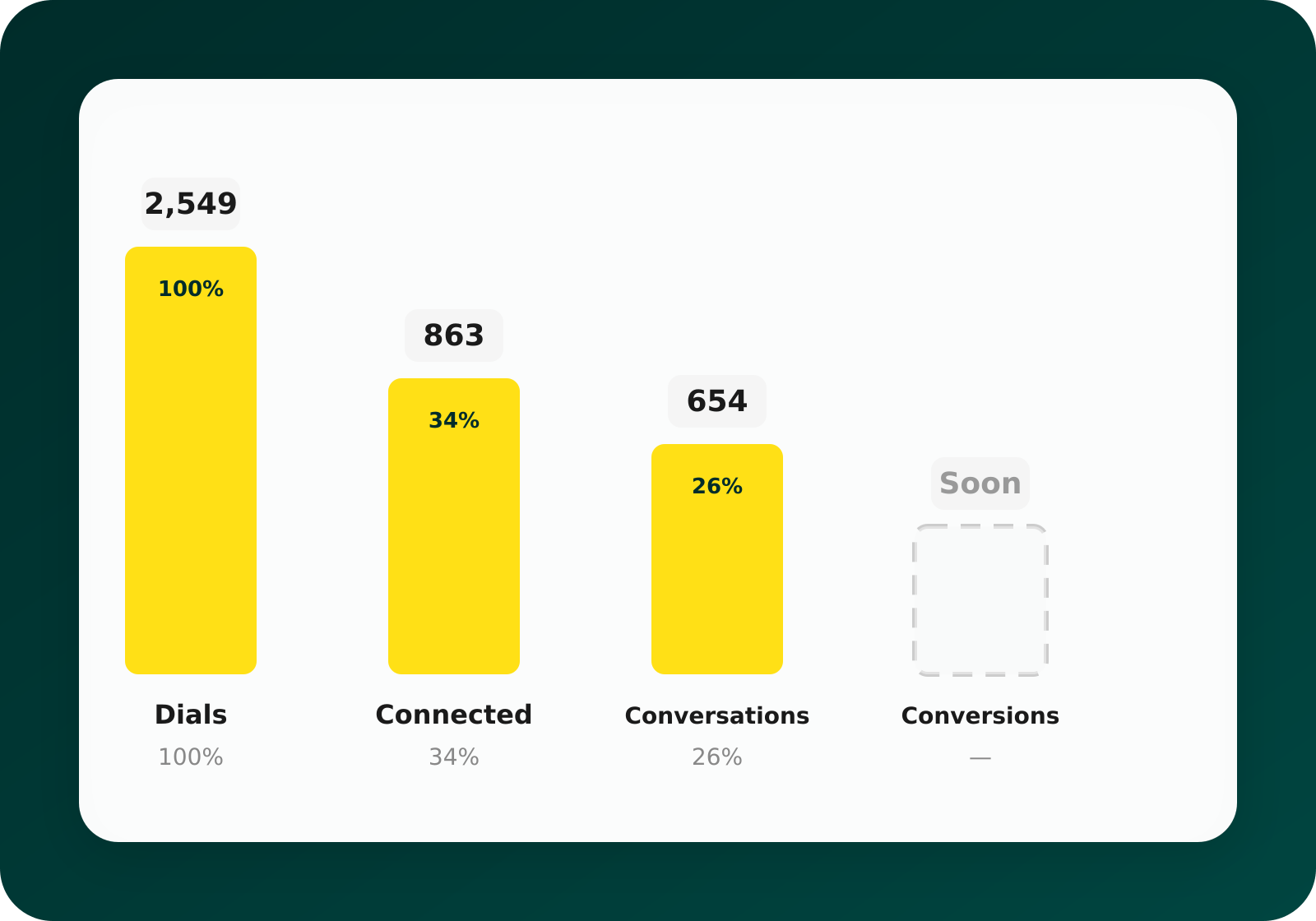
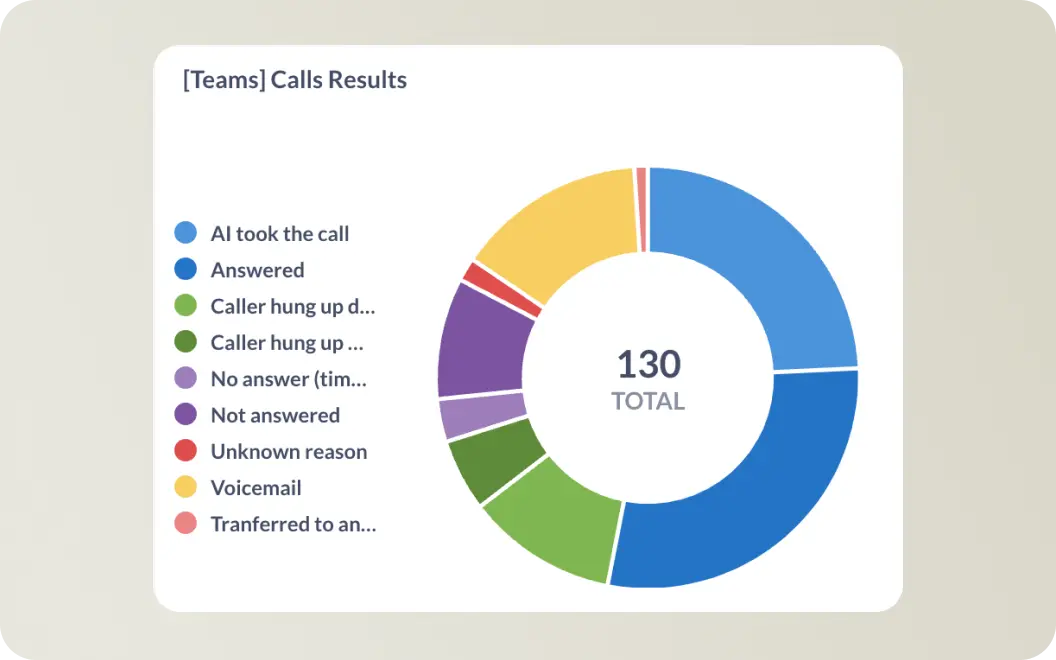
See your full conversion funnel
Track every step from dial to deal. See how many calls your team makes, how many connect, how many turn into real conversations, and soon — how many convert to revenue. Know exactly where leads drop off and fix it.
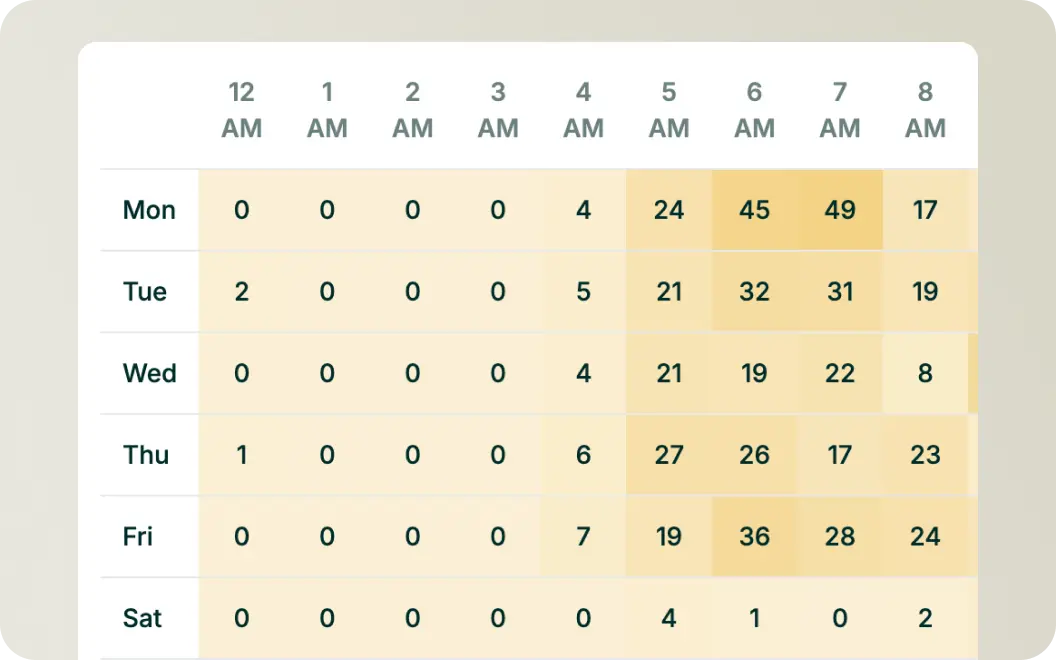
Know your best hours
The dials heatmap shows you exactly when your team is most active and when calls are most likely to connect. Stop wasting time calling at the wrong hours.
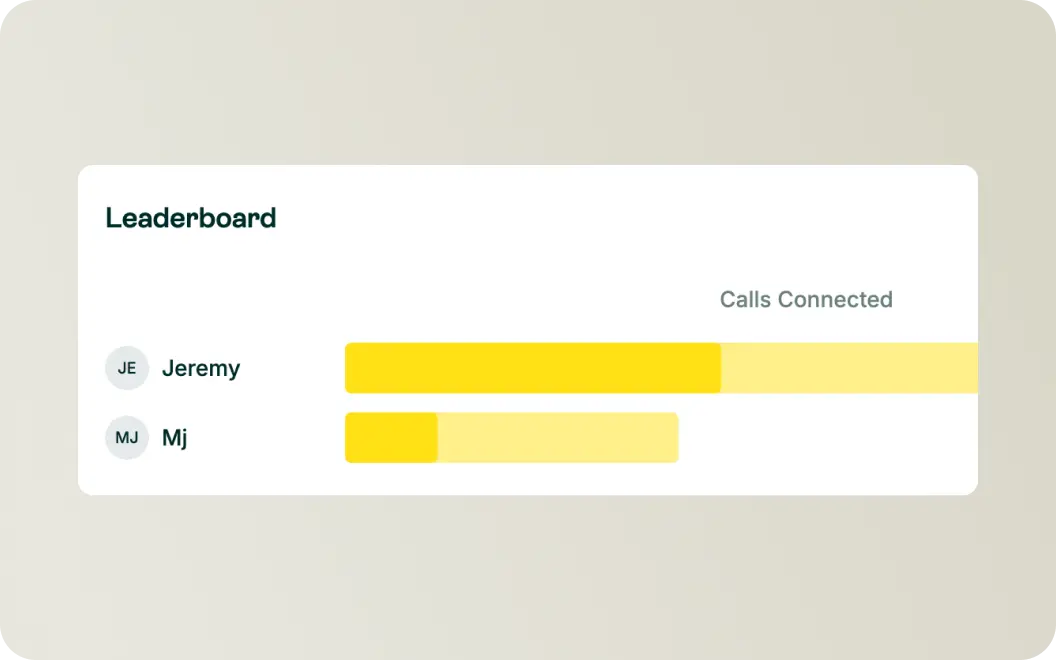
Leaderboards
Healthy competition drives results. See who's making the most calls, who's connecting, and who's crushing it. Celebrate top performers and coach those who need help — all with real data.
Filter by anything
Slice your data any way you need. Filter by user, phone number, date range, or call type (outbound, inbound, messaging). Get the exact insights you need in seconds.




How It Works Section
Data flows in
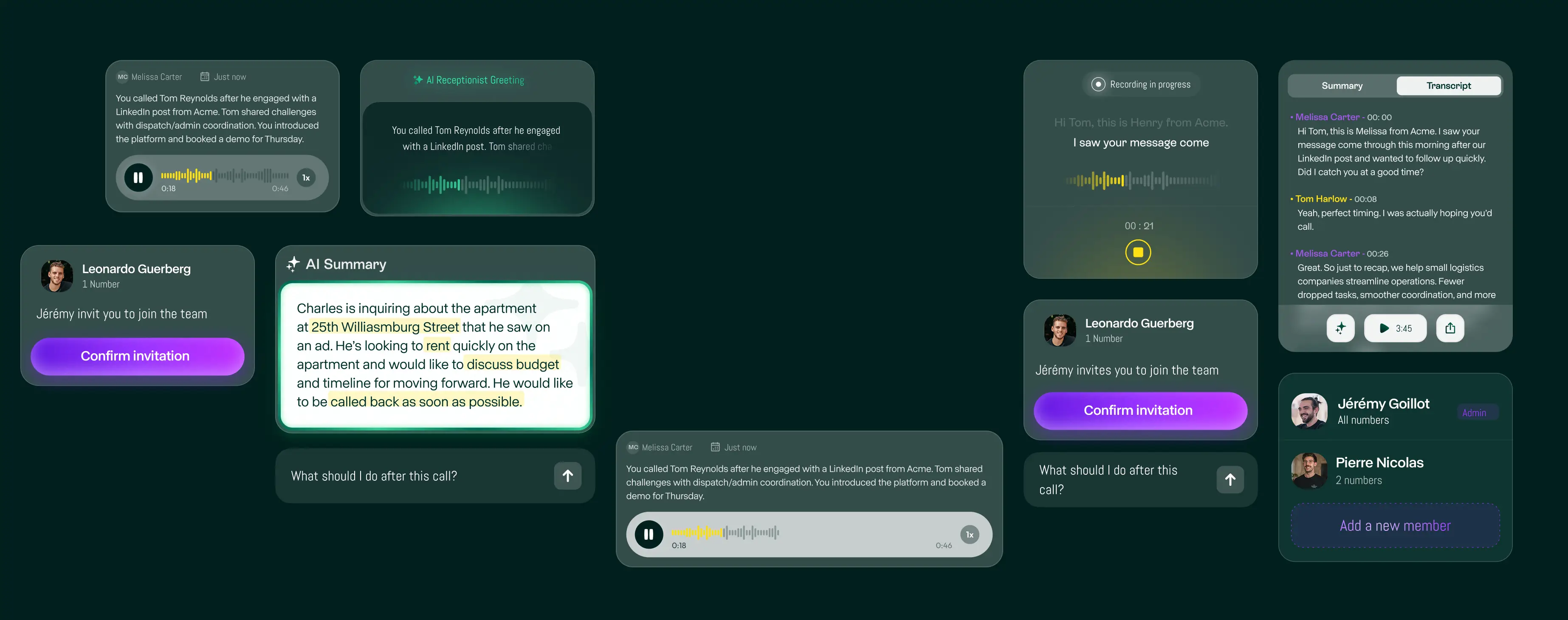
Allo captures call duration, connection status, time stamps, and outcomes without any manual logging.
Insights appear
Your dashboard updates instantly with funnels, heatmaps, leaderboards, and trends you can act on.

Make better decisions
Coach your team, optimize call times, and focus on what actually moves the needle.
Simplify your business calls with Allo
Manage calls, voicemails, and messages—all in one app. Try Allo free for 7 days.


Get even more from Allo

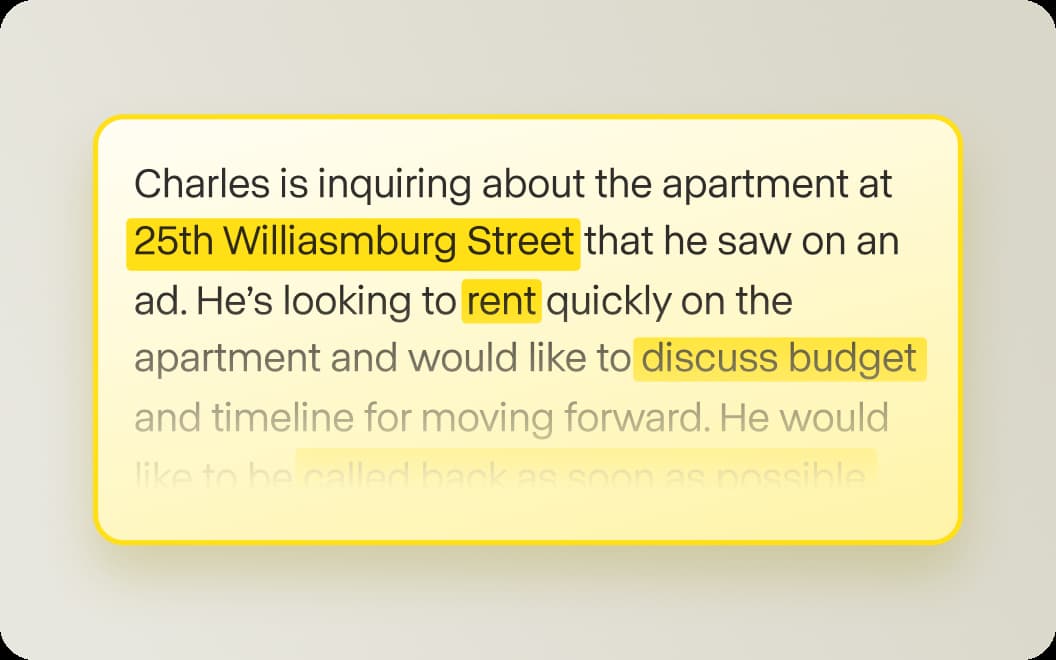
Allo summarizes your calls and updates your CRM automatically so you never have to do data entry again.

Read your voicemails instantly to triage urgent messages five times faster than listening to audio.

See exactly who is calling to distinguish between a qualified lead and a cold number instantly.

Dial leads directly from your CRM with a single click to eliminate manual errors and speed up your workflow.

Route clients to the right person instantly with a simple mobile menu that looks totally professional.

Block 98% of robocalls automatically to keep your line open for customers who actually want to buy.
Frequently
Asked Questions
What call metrics does Allo track?
Allo tracks dials, connected calls, call duration, timestamps, and conversation outcomes. You can see data by user, phone number, or time period. Conversion tracking is coming soon.
Can I see analytics for my whole team?
Yes. The dashboard shows team-wide metrics by default, with leaderboards ranking individual performance. You can also filter to see specific users or phone lines.
How does the heatmap work?
The dials heatmap shows call activity by day and hour. Darker colors mean more calls. Use it to spot your busiest times and optimize when your team should be dialing.
Can I export my analytics data?
Yes. Export your data to CSV for deeper analysis, reporting, or sharing with stakeholders.
Is analytics included in all plans?
Core analytics are included in all Allo plans. Advanced analytics features are available on Business plans.
How real-time is the data?
Your dashboard updates in real-time. As soon as a call ends, it appears in your analytics.

