8x8 Alternatives: 7 Better Phone Systems for Your Team
Looking to replace 8x8? We've reviewed the top alternatives and share our findings.


Key Takeaways
• Allo is best for small sales teams because it's built AI-first with transparent pricing ($45/user/month) and handles your CRM updates automatically—no complex setup or hidden fees.
• Zoom Phone is best for budget-conscious teams already using Zoom, with plans starting at $15/user/month and seamless integration with your existing Zoom meetings.
• Microsoft Teams Phone is best for Microsoft-committed organizations that want their phone system inside Teams, though AI features require a $30/user/month Copilot add-on.
––––––
Looking for an 8x8 alternative that won't drain your budget or overwhelm your team?
You're not alone.
8x8 started as a processor company in 1987, pivoted to VoIP in 2000, and has grown into a complex contact center solution. While it's reliable and feature-rich, many small sales teams find it's built for enterprise call centers—not agile teams that need simplicity and fair pricing.
The good news? The phone system landscape has changed dramatically. AI-first solutions now handle your CRM updates automatically. Mobile-native apps let your team work from anywhere. And transparent pricing means no surprise fees at renewal time.
In this guide, we'll walk through seven 8x8 alternatives that actually fit how sales teams work today. We'll cover what each solution does best, who it's built for, and what you'll actually pay—so you can find the right fit for your team without the enterprise complexity.
Allo, Best for Small Sales Teams
What is Allo?
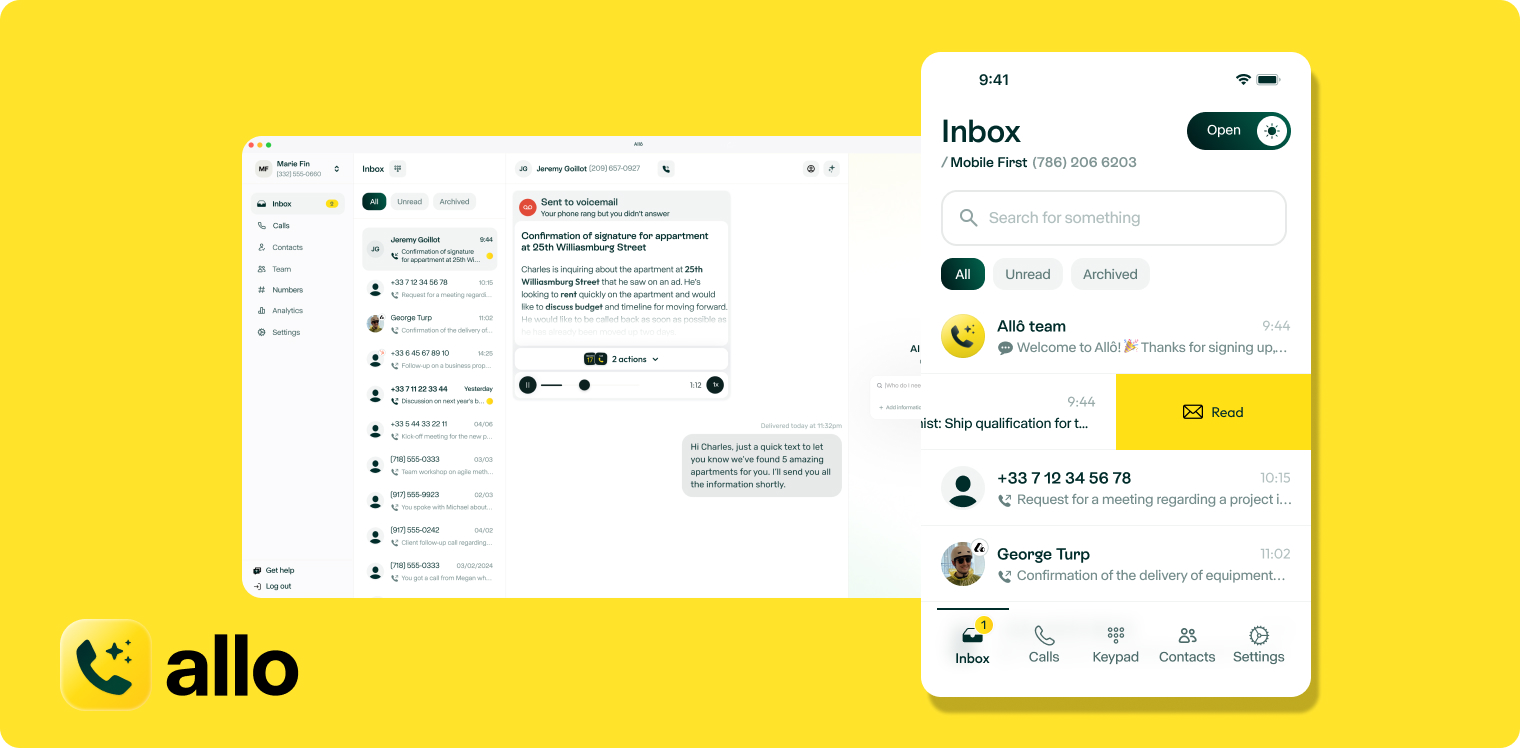
We started Allo in 2024 to create products for SMBs leveraging the power of AI. Unlike legacy phone systems that bolted AI features on after the fact, Allo was built from day one for the AI era.
The focus is simple: help small sales teams spend more time selling and less time on admin work. Every call gets automatically recorded, transcribed, and synced to your CRM. The AI answering service handles incoming calls when you're busy. And the mobile-first design means your team can work from anywhere with crystal-clear call quality.
Allo works in 20 countries and integrates natively with the top CRMs like HubSpot, Salesforce, Attio, and Apollo—plus 1,000+ apps through Zapier.
Why Allo is a Good Alternative to 8x8
While 8x8 targets contact centers with complex workflows, Allo focuses on what small sales teams actually need: simplicity and efficiency.
Transparent pricing: Allo charges $45/user/month (monthly pricing) for their Business plan with everything included—AI features, CRM integrations, SMS, international calls. No add-ons, no surprise fees. 8x8's pricing isn't public, but their basic plans reportedly start at $24/user/month and require costly add-ons for features that come standard with Allo.
AI included, not an add-on: Allo includes AI call summaries, transcription, an AI answering service, and voicemail transcription in all plans. 8x8 offers similar AI features, but pricing isn't disclosed and many capabilities require enterprise discussions. With Allo, you get AI from day one.
Mobile-first design: Allo was built mobile-first, so your team gets the same powerful experience whether they're at their desk or on the road. 8x8's complexity shows—users report it can be "difficult to handle independently" and requires IT support to configure properly.
Setup in minutes, not days: Get your whole team connected in minutes. No IT department is needed. 8x8 reviews consistently mention the "configuration process is difficult" and often requires professional setup assistance.
Better integrations: While 8x8 has 75 native integrations, many are superficial. Their HubSpot integration is rated just 1.2/5 on the HubSpot marketplace. Allo's native CRM integrations actually log calls and recordings automatically—the way they should work.
Allo Pricing
Allo offers two straightforward plans:
- Starter: $18/month for a single user, paid yearly. Includes unlimited calls within your country, a local phone number, AI summaries, and IVR. Perfect for solo entrepreneurs testing the waters.
- Business: $45/month per user ($32/user when paid yearly). Includes everything in Starter plus CRM integrations, unlimited AI answering service, SMS, and international calls. No hidden fees, no long contracts.
Both plans include a 7-day free trial with no credit card required.
Allo Demo
Nextiva, Best for Large Teams
What is Nextiva?
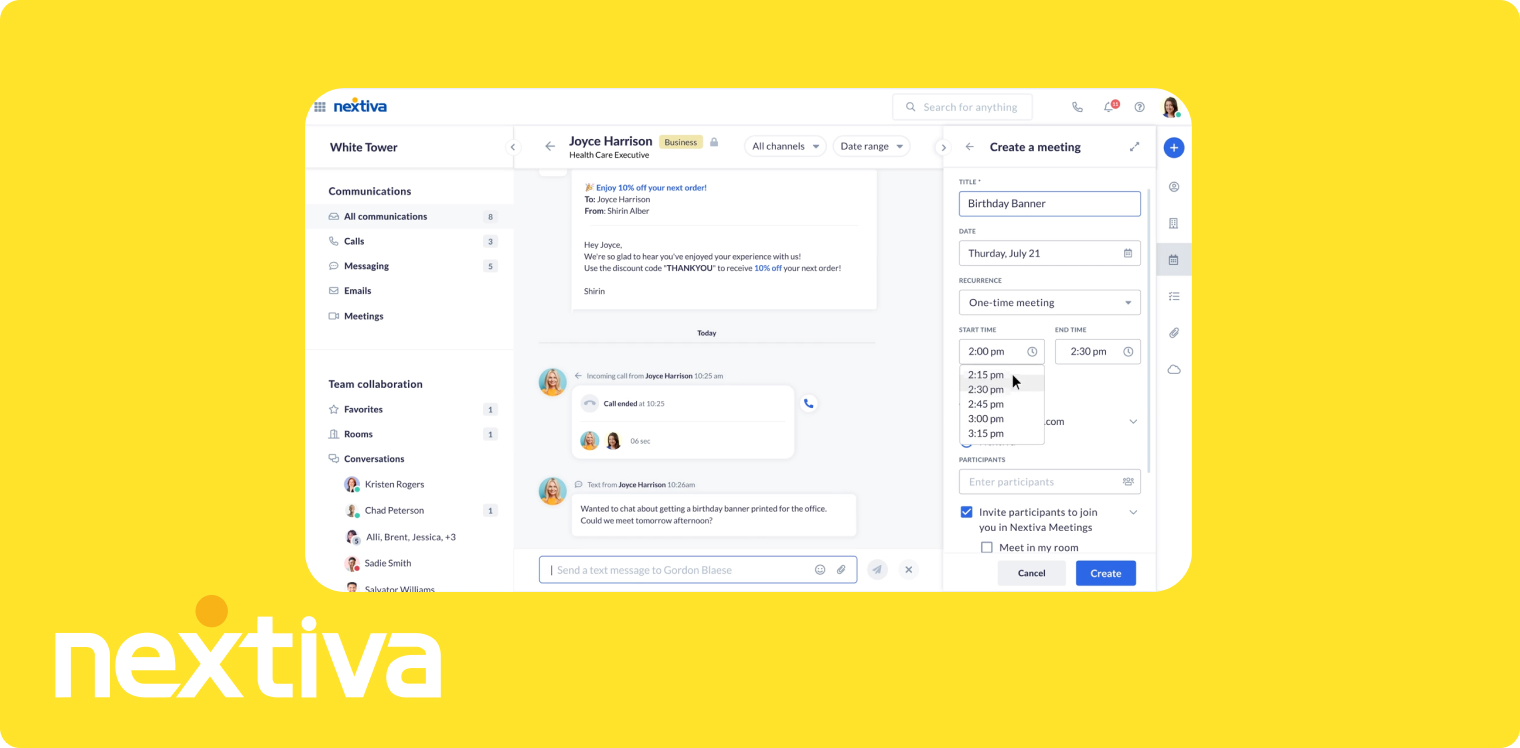
Founded in 2008, Nextiva built a unified communications platform that combines voice, video meetings, team chat, SMS, and even light CRM and ticketing tools. They're optimized for large teams and support teams that need everything in one place.
Nextiva's been around long enough to build a solid reputation for reliability and comprehensive features. They offer detailed analytics, team collaboration features, and physical phone support—though all that power comes with complexity and a higher price tag.
Why Nextiva is a Good Alternative to 8x8
If you're looking to leave 8x8 for something more user-friendly but still feature-rich, Nextiva makes sense—especially if you want everything unified in one platform.
Better for US teams: Nextiva works exclusively in the US and some parts of Canada, so if you're not dealing with international calling, you won't pay for features you don't use. 8x8 operates in 100+ countries, which is powerful but adds complexity many US teams don't need.
Clearer pricing structure: Nextiva's pricing is public and straightforward—$23/user/month for Core, $50 for Engage, $75 for Power Suite CX. You know exactly what you're getting. 8x8's pricing requires contacting sales for most plans.
Strong unified communications: Nextiva bundles voice, video, team chat, SMS, and even webinar hosting. If you want one platform for all communication, Nextiva delivers without 8x8's enterprise complexity.
Better reviews: Nextiva scores 4.5/5 on G2 and 4.7/5 on Trustpilot. 8x8's support "lacks knowledge of the product" according to reviews, and their Trustpilot rating is just 3.3/5.
The tradeoff? Nextiva's AI features are expensive (requiring the $75/month Power Suite plan or additional quotes), and their basic Core plan lacks features like call routing that competitors include. But if you're a larger US-based team that needs unified communications without 8x8's complexity, Nextiva delivers.
Nextiva Pricing
Nextiva offers three main plans:
- Core: $23/user/month. Includes a phone number, SMS, video meetings, call routing, and team chat. This covers the basics but lacks advanced features and integrations.
- Engage: $50/user/month. Adds advanced reporting, web chat, and a toll-free number. Unlocks integrations with CRM software.
- Power Suite CX: $75/user/month (up to 100 agents). Includes AI transcription and summarization, intelligent routing, and advanced analytics. This is where Nextiva's full power shows up—but at a significant premium.
Nextiva Demo
RingCentral, Best for Established Teams with Complex Needs
What is RingCentral?
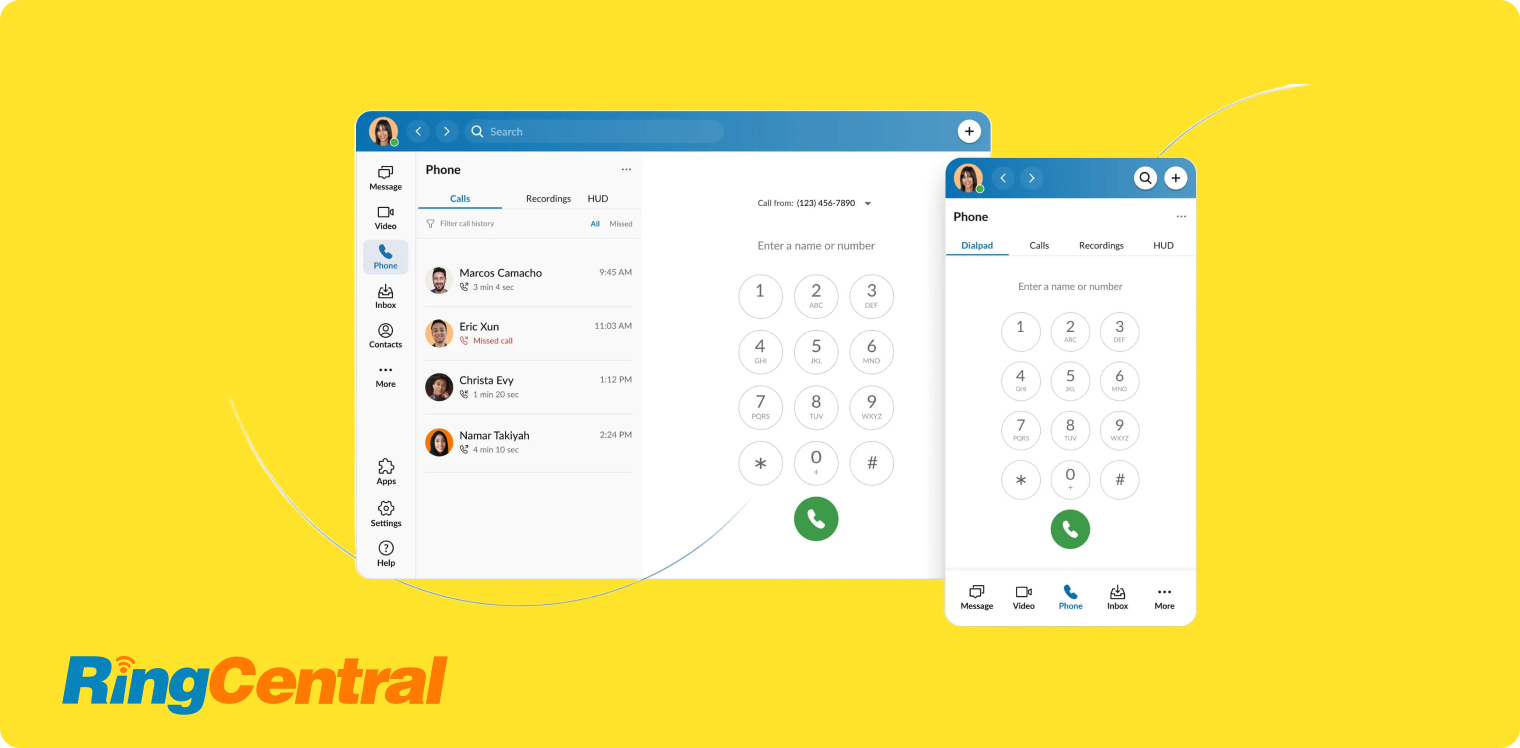
RingCentral has been everywhere since 1999. They've built one of the most comprehensive communication platforms in the industry—and it shows. With over 500 native integrations and support in 100+ countries, RingCentral can handle virtually any business communication need.
They're reliable, feature-rich, and have the integrations to connect with your entire tech stack. But that power comes with legacy software complexity, long-term contract pressure, and support that prioritizes enterprise clients over SMBs.
Why RingCentral is a Good Alternative to 8x8
If you're leaving 8x8 because you want proven reliability and extensive integrations—but with less contact center complexity—RingCentral fits the bill.
More integrations: RingCentral offers 500+ native integrations compared to 8x8's 75. If your team relies on specific tools, RingCentral probably connects to them. Both platforms integrate with major CRMs like Salesforce and HubSpot.
Clearer plan structure: RingCentral's plans are public—Core at $30/user/month, Advanced at $35, Ultra at $45. 8x8 requires sales discussions for most pricing, making it harder to budget accurately.
Better for general business: While 8x8 focuses heavily on contact centers with bulk campaigns and power dialers, RingCentral balances business phone needs with contact center capabilities. If you need a phone system first and contact center features second, RingCentral makes more sense.
Proven reliability: Both platforms are reliable, but RingCentral's reviews highlight "seamless" cross-device functionality. 8x8 users report more "call quality issues."
The catch? RingCentral shares some of 8x8's downsides. Both platforms: have difficult-to-reach support (especially for SMBs), require phone calls to cancel with long wait times, limit unlimited calling to US/Canada, and can feel overwhelming to set up.
But if you need enterprise-grade reliability without 8x8's contact center focus, RingCentral delivers—just expect enterprise complexity and prices to match.
RingCentral Pricing
RingCentral offers three main business phone plans:
- Core: $30/user/month. Includes unlimited domestic calling, call recordings, and video meetings. This covers the essentials but lacks CRM integrations.
- Advanced: $35/user/month. Adds CRM integrations with Salesforce and HubSpot, plus advanced reporting. Most sales teams need at least this tier.
- Ultra: $45/user/month. Includes unlimited storage, webinar hosting, and device analytics.
Additional costs to consider:
- AI Receptionist: Starts at $39/month for 100 minutes (available as add-on only)
- RingCX Contact Center: Starts at $65/agent/month for teams needing full contact center capabilities
RingCentral Demo
Vonage Business, Best for Teams Needing Pay-Per-Line Flexibility
What is Vonage Business?
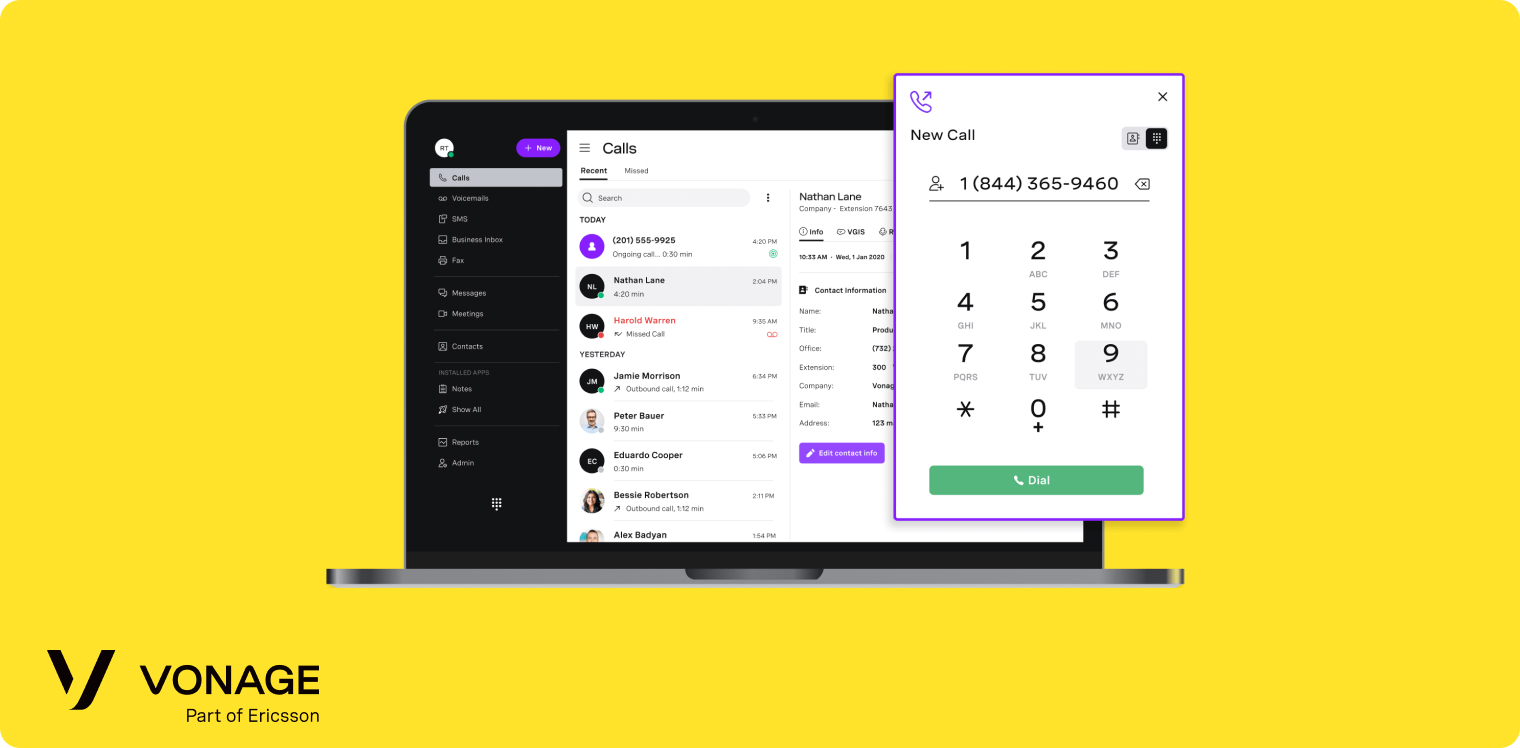
Founded in 2001, Vonage built a unified communications platform that combines voice, video, messaging, and file sharing. They're particularly strong for medium to large organizations and call centers that need advanced call management features and global coverage.
Why Vonage is a Good Alternative to 8x8
Both Vonage and 8x8 target similar markets with similar capabilities. Here's what makes Vonage worth considering:
Lower entry price: Vonage starts at $19.99/line/month for their Basic plan. 8x8's pricing isn't public, but reported plans start around $24/user/month.
Simpler platform: While both platforms are complex, Vonage users report it's more straightforward than 8x8's contact-center-focused interface.
Better for North America: Both work globally, but if you're US/UK-focused, Vonage's receptionist console (available only in US/UK) helps companies handling large call volumes daily.
The downside? Vonage requires add-ons for many features that should be standard. Visual voicemail costs extra. Call recording costs $49.99/month. Business inbox is $9.99/month. CRM integrations require upgrading from the Basic plan. And support response times can be slow—similar to 8x8's issues.
Vonage Pricing
Vonage offers three main plans:
- Basic: $19.99/user/month plus taxes and fees. Includes unlimited domestic calling within your country, plus SMS and MMS. Works as a basic phone system but lacks most advanced features.
- Premium: $29.99/user/month plus taxes and fees. Adds unlimited video meetings (up to 200 participants) and team messaging. Still no CRM integrations at this level.
- Advanced: $39.99/user/month plus taxes and fees. Includes on-demand call recording (15 hours per month), visual voicemail with transcription, and call groups. This is where most features unlock.
Important add-ons to budget for:
- Business call recording: $49.99/month
- Business inbox: $9.99/month
- Local business phone: $4.99/month
- Local paperless fax: $14.99/month
Vonage Demo
Dialpad, Best for Teams Prioritizing AI Features
What is Dialpad?
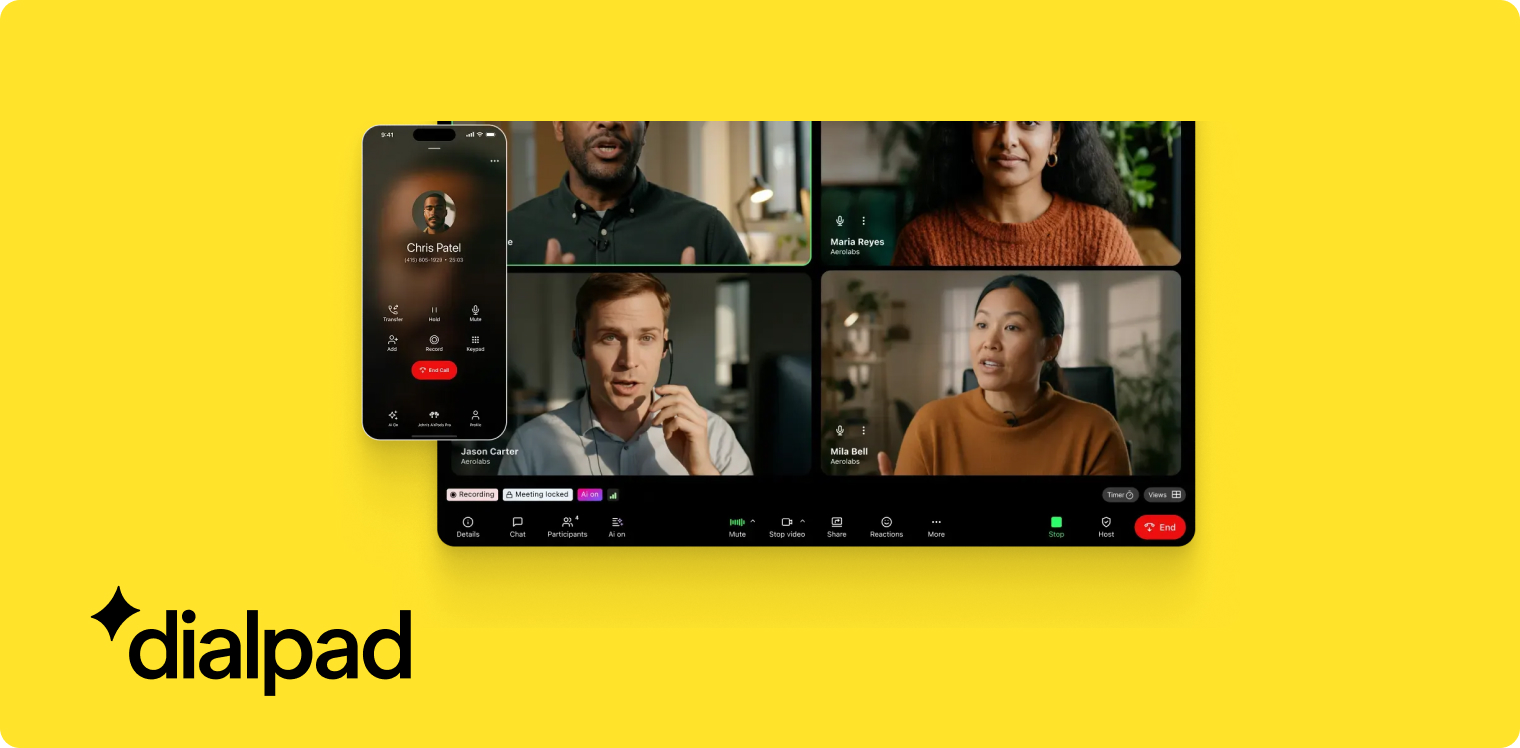
Founded in 2011, Dialpad built their platform around a proprietary AI model they've been developing since 2018.
They maintain three distinct products:
- Dialpad Connect (for everyone)
- Dialpad Support (for support teams)
- Dialpad Sell (for sales teams)
Each comes with specialized features and pricing for their target audience.
Why Dialpad is a Good Alternative to 8x8
If you're leaving 8x8 specifically for better AI capabilities, Dialpad deserves serious consideration.
AI included in all plans: Dialpad includes their full AI suite in every plan—call summaries, live coaching, call scoring, and AI support agent. It's not an add-on. 8x8 offers similar AI features, but pricing isn't public, and many capabilities require enterprise discussions.
Built on proprietary AI: Dialpad developed their own AI model since 2018, giving them deeper integration and more reliable results than platforms that recently added third-party AI. Their system understands context better and provides more actionable insights.
Strong for sales teams: With Dialpad Sell, you get specialized features for sales workflows: call scoring, live coaching, and integrations optimized for sales CRMs. 8x8 focuses more on contact center features like bulk campaigns and power dialers.
Straightforward pricing: Dialpad's pricing is public—Standard at $27/user/month, Pro at $35. 8x8 requires sales conversations for most pricing, making it harder to budget.
The tradeoffs? Dialpad users report call quality issues more frequently than 8x8 users. Support wait times can be long—similar to 8x8's support challenges. And the SMS approval process can be bumpy. But if your priority is powerful AI features without add-on costs, Dialpad delivers.
Dialpad Pricing
Dialpad offers two main tiers for their Connect product:
- Standard: $27/user/month. Includes unlimited calling (your country plus US and Canada), a local number, call forwarding, call recording, and up to 3 departments. All AI features are included—no add-ons required.
- Pro: $35/user/month. Adds single sign-on (SSO), phone support, and up to 25 departments. All AI features remain included.
For specialized sales or support teams, ask about Dialpad Sell and Dialpad Support pricing—they have different feature sets optimized for each function.
Additional add-ons available: Internet fax, Rooms (conference room systems), and Contact Center (for full contact center operations).
Dialpad Demo
Zoom Phone, Best for Existing Zoom Users
What is Zoom Phone?
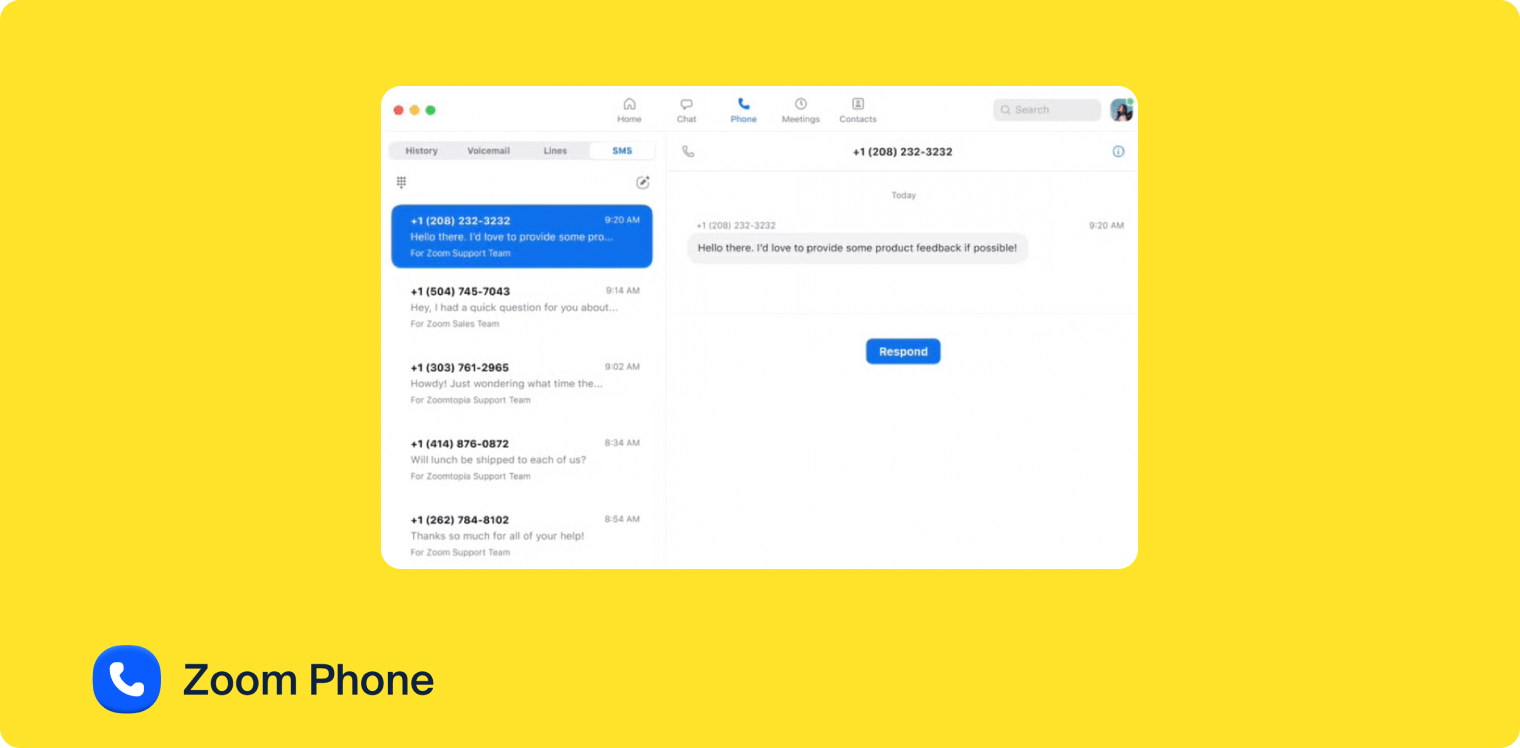
Zoom launched Zoom Phone in 2019 to complement their video meeting platform. If you already use Zoom for meetings, Zoom Phone integrates seamlessly—letting you transition between phone calls, video meetings, and team chat without switching apps.
The system feels clean and straightforward, especially compared to enterprise platforms. Zoom focused on making it simple to use rather than packing in every possible feature.
Why Zoom Phone is a Good Alternative to 8x8
If you're leaving 8x8 because it's too expensive, Zoom Phone offers a refreshing alternative—especially if you already live in Zoom.
Significantly cheaper: Zoom Phone's US & Canada Unlimited plan costs $15/user/month—less than half of 8x8's reported pricing. Even their Business Plus plan at $26.99/user/month includes Zoom Meetings, Team Chat, Zoom Docs, and more. 8x8 charges separately for contact center features and most AI capabilities.
Deep Zoom integration: If your team already uses Zoom for meetings, Zoom Phone is a no-brainer. One app for calls, video meetings, team chat, and more. Smooth transitions between call types. 8x8 offers video, but it's not as polished as Zoom's core product.
Simpler setup: Users report Zoom Phone is easy to set up (the interface itself can be hard to navigate, though).
Better call quality: Zoom Phone users praise "good connectivity and call quality." 8x8 users report more frequent call quality issues.
The limitations? Zoom Phone lacks advanced features like AI answering service and AI IVR that 8x8 offers. The onboarding is brief (some users want more training). And support can be difficult to reach—similar to 8x8's support issues.
But if you want simplicity, great pricing, and deep Zoom integration instead of 8x8's enterprise complexity, Zoom Phone delivers.
Zoom Phone Pricing
Zoom offers three phone plans, with two bundling Zoom Phone with Zoom Workspace:
- US & CA Unlimited: $15/user/month. Includes unlimited calls in the US and Canada, free SMS (US and Canada), a phone number, call recording, CRM integrations (Salesforce and Slack among others), and AI features (call summaries, voicemail prioritization, task extraction). This is excellent value.
- Pro Plus: $21.99/user/month. Bundles Zoom Phone and Zoom Workspace (Zoom Meetings, Team Chat, Zoom Docs, Mail, and Live Chat). Perfect if you need both phone and video meetings.
- Business Plus: $26.99/user/month. Includes more storage, larger meeting capacity, and single sign-on (SSO).
All plans include AI features like post-call summaries and voicemail transcription. The full AI companion is included in Pro Plus and Business Plus plans.
Add-ons available: Additional phone numbers and expanded storage.
Zoom Phone Demo
Microsoft Teams Phone, Best for Microsoft-Committed Organizations
What is Microsoft Teams Phone?
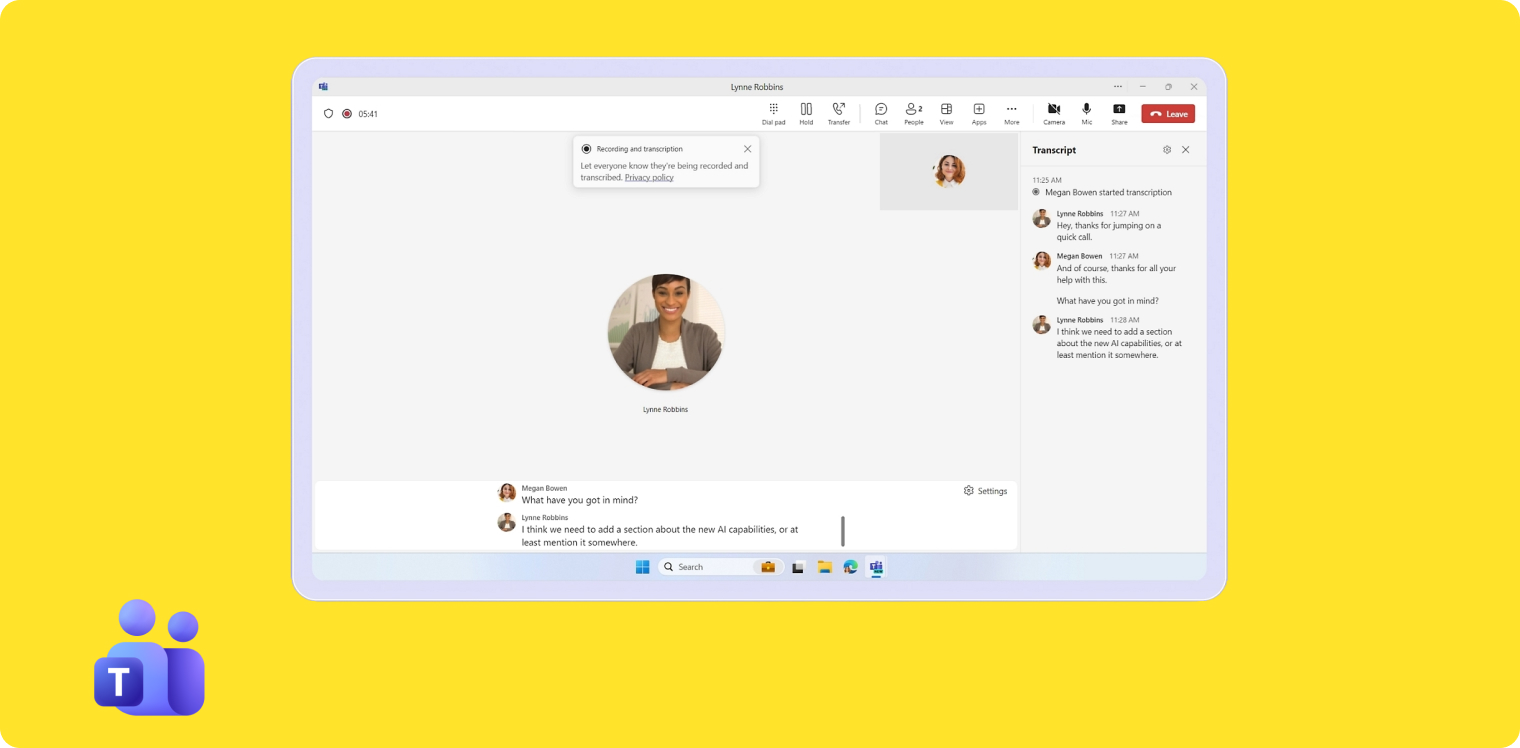
Microsoft launched Teams Phone in 2017 as part of the Microsoft 365 suite. If your organization already uses Microsoft Teams, Outlook, and other Microsoft tools, Teams Phone integrates directly into your existing workflow—no new app to learn.
The platform is reliable and straightforward to use once configured, though initial setup can be complex and typically requires IT admin help.
Why Microsoft Teams Phone is a Good Alternative to 8x8
If you're leaving 8x8 specifically because you want everything inside your Microsoft ecosystem, Teams Phone makes sense—despite some significant costs.
Already in your workflow: If your team uses Microsoft Teams daily, your phone system lives right there. No app switching. Integrates with Outlook for contacts automatically. 8x8 works with Microsoft tools, but it's a separate system.
Lower starting price: Teams Phone Standard starts at $10/user/month (paid yearly), though you'll need a Microsoft Teams license ($4/month minimum) to use it. That's $14/month base cost. 8x8's pricing isn't public, but reported plans start around $24/user/month.
Reliable and simple UI: Users praise Teams Phone for being easy to use with good call quality. 8x8 users report the configuration is complex and difficult to handle independently.
Better for Microsoft shops: If you're already paying for Microsoft 365 licenses and your team lives in Microsoft apps, keeping everything in the Microsoft ecosystem simplifies IT management compared to adding 8x8 as a separate vendor.
The major downside? AI features are expensive. For call transcription, call summaries, and AI assistant functionality, you must add Microsoft Copilot at $30/user/month—on top of your Teams Phone and Teams licenses. That adds up fast. 8x8's AI pricing isn't public, but it's likely more competitive.
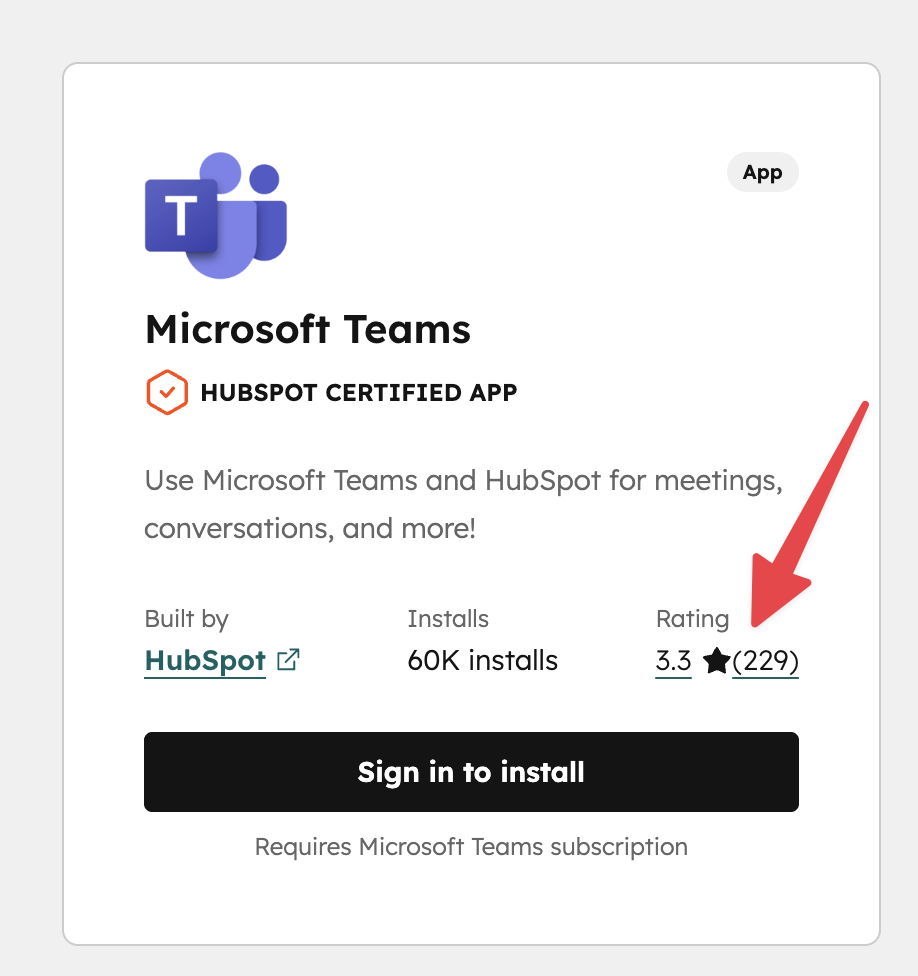
Also, setup is confusing. You'll probably need IT admin support to configure it properly. And CRM integrations lag competitors—HubSpot integration rates just 3.3/5 on their marketplace.
But if you're committed to Microsoft and want one vendor for everything, Teams Phone eliminates the complexity of managing multiple communication platforms.
Microsoft Teams Phone Pricing
Microsoft offers three Teams Phone options:
- Teams Phone Standard: $10/user/month (paid yearly). Includes the technology to make calls through Teams, but doesn't include external calling service. You'll need a Microsoft-certified external service provider to actually make calls.
- Teams Phone with Pay-As-You-Go Calling: $13/user/month (paid yearly). Includes outbound calling with Microsoft's pay-as-you-go model. You pay per minute for calls.
- Teams Phone with Calling Plan: $17/user/month (paid yearly). Includes 3,000 outbound domestic calling minutes from Microsoft (US/UK/Canada only).
Required additional costs:
- Microsoft Teams license: From $4/user/month (paid yearly)—required to use Teams Phone
- External phone service: Often cheaper than Microsoft's rates if you use the Standard plan
- Microsoft Copilot: $30/user/month—required for AI features like call transcription and summaries
Factor all costs together before comparing to 8x8. For a typical setup with AI features, you're looking at $17 (Teams Phone with plan) + $4 (Teams) + $30 (Copilot) = $51/user/month.
Microsoft Teams Phone Demo
Conclusion
8x8 is powerful, but it's built for enterprise contact centers—not agile sales teams that need simplicity and fair pricing. If you're spending more time fighting your phone system than selling, it's time for a change.
For small sales teams: Allo delivers AI-first simplicity with transparent pricing. Your calls automatically update your CRM, and setup takes minutes instead of days.
For budget-conscious Zoom users: Zoom Phone starts at $15/user/month and integrates seamlessly with your existing Zoom meetings—no training required.
For Microsoft-committed teams: Teams Phone keeps everything in one ecosystem, though AI features require a significant Copilot investment.
For established teams with complex needs: RingCentral offers 500+ integrations and enterprise reliability, while Dialpad leads on AI capabilities included in every plan.
The right choice depends on your team size, budget, and priorities. But here's what matters most: pick a phone system that helps your team sell, not one that adds complexity. Your CRM should update automatically. Your mobile app should actually work well. And you should know exactly what you're paying—no surprise fees at renewal.
Frequently Asked Questions About 8x8 Alternatives
Who are the competitors of 8x8?
8x8 faces strong competition from unified communications providers like RingCentral, Zoom, and Dialpad, which offer similar cloud-based voice and video solutions. Additionally, they compete with AI phone systems like Allo and Dialpad.
Does 8x8 have AI?
Yes, 8x8 provides AI features like a voice-activated IVR, real-time call transcription, live coaching, and call summaries. But the pricing for these features is not public.
Is 8x8 a good option for small businesses?
8x8 might not be the best fit for small businesses, as it was primarily designed for large enterprises. More flexible systems like Allo, Zoom, or RingCentral are often better alternatives, offering more modern interfaces, easier setup, and more competitive pricing.