Dialers in 2026?
There are plenty.
Dialers built for appointment setters?
Almost none. The bulk of what's out there was designed for sales orgs, call centers, and enterprise accounts. You'll find seat minimums, nickel-and-dime add-ons, and desktop-heavy interfaces—because that's what those buyers want. You're left to make do with tools that weren't made for you.
As an appointment setter, whether you're a solo freelancer or running a small agency, you're operating in a gap that most vendors ignore.
I tested and researched the top dialer and phone system options that appointment setters actually use in 2026.
This isn't a recycled listicle, this is an honest breakdown of what works, what doesn't, and what will actually fit your workflow and your budget.
Let's get into it.
What Appointment Setters Actually Need in a Dialer
After using different dialers, here's my minimum list of features required to make calling as easy as possible:
- Mobile-first design. Most setters work from both their computer and phone. From coffee shops, coworking spaces, airports, wherever. A desktop-only softphone is not enough. You need an app that works as your primary calling interface, not a stripped-down afterthought.
- Call recording. Non-negotiable. Your client wants proof you're making quality calls. Call recordings are how you demonstrate accountability. Without them, you're asking your client to trust you blindly.
- AI call summaries. If you're working for multiple clients, you need a fast way to share what happened on each call without writing manual notes. AI-generated summaries let you send proof of work to your clients in seconds.
- Click-to-call. When you're working through a lead list in your CRM or spreadsheet, every second of manual dialing adds up. Click-to-call lets you tap a number and connect instantly — no copying, no pasting, no misdialing. Over 50–100 calls a day, that friction matters.
- Cascade ringing. If you're running a small setter agency, leads can't go to voicemail just because one person is busy. Cascade ringing routes incoming calls through your team in sequence until someone picks up, so no warm lead slips through the cracks.
- CRM and calendar integrations. You're probably using HubSpot (free tier), GoHighLevel, or a simple Google Sheets setup. Calendly is your booking tool. Your dialer needs to play nicely with these, or you're double-entering everything.
- Affordable pricing. You're on commission. A $140/month dialer represents 3.5–7% of your monthly income. That's a real cost, not a rounding error. The best dialer for setters is one that doesn't eat into your earnings.
- Instant activation. You got a new client. You need a number and a working phone system today, not after a "sales call" and an "onboarding session." Sign up, get a number, start calling.
With that framework in mind, let's compare the options.
Dialer Pricing & Features for Appointment Setters (2026)
| Product | Starting Price | Power Dialer? | Min. Users | Mobile App | AI Summaries | Key Limitation for Setters |
|---|---|---|---|---|---|---|
| Allo | $18/user/mo | Yes | 1 | Yes (native) | Yes (included) | No built-in power dialer |
| PhoneBurner | $165/user/mo | Yes | 1 | Limited | No | Very expensive |
| Aircall | $30/user/mo | Yes (add-on) | 3 | Yes | Add-on ($9/user) | $90/mo minimum; can't buy for 1 person |
| JustCall | $29/user/mo | Yes ($49+ plan) | 2 | Yes | Limited (60 min/mo) | $58/mo minimum; dialer requires the $49 plan |
| CloudTalk | $19/user/mo (Lite) | Yes ($50+ Expert) | 1 (Lite/Starter), 3 (Expert) | Yes | Add-on | Power dialer locked behind $50/mo tier |
| Ringover | $21/user/mo | No (Business tier) | 1 | Yes | Included (all plans) | Dialer features need $44+/mo tier |
| Myphoner | $19/seat/mo | Yes | 1 | No | No | No mobile app; niche brand |
| Close CRM | $19/user/mo (Solo) | Yes ($99+ Growth) | 1 | Yes | Limited | Power dialer requires a $99/mo plan |
| Kixie | $35/user/mo | Yes ($95 plan) | 1 | Chrome extension | Add-on | Pricing is not transparent; power dialer at $95/mo |
*Prices reflect current publicly available rates as of early 2026. Most are based on annual billing; monthly billing is typically 20–40% higher. Always check the vendor's pricing page for the latest numbers.
Allo — Best Overall for Freelance and Small Appointment Agencies
Price: Starting at $18/user/month (Starter); $32/user/month (Business) Min. Users: 1 Power Dialer: Yes Mobile App: Yes — native, mobile-first design AI Summaries: Yes, included
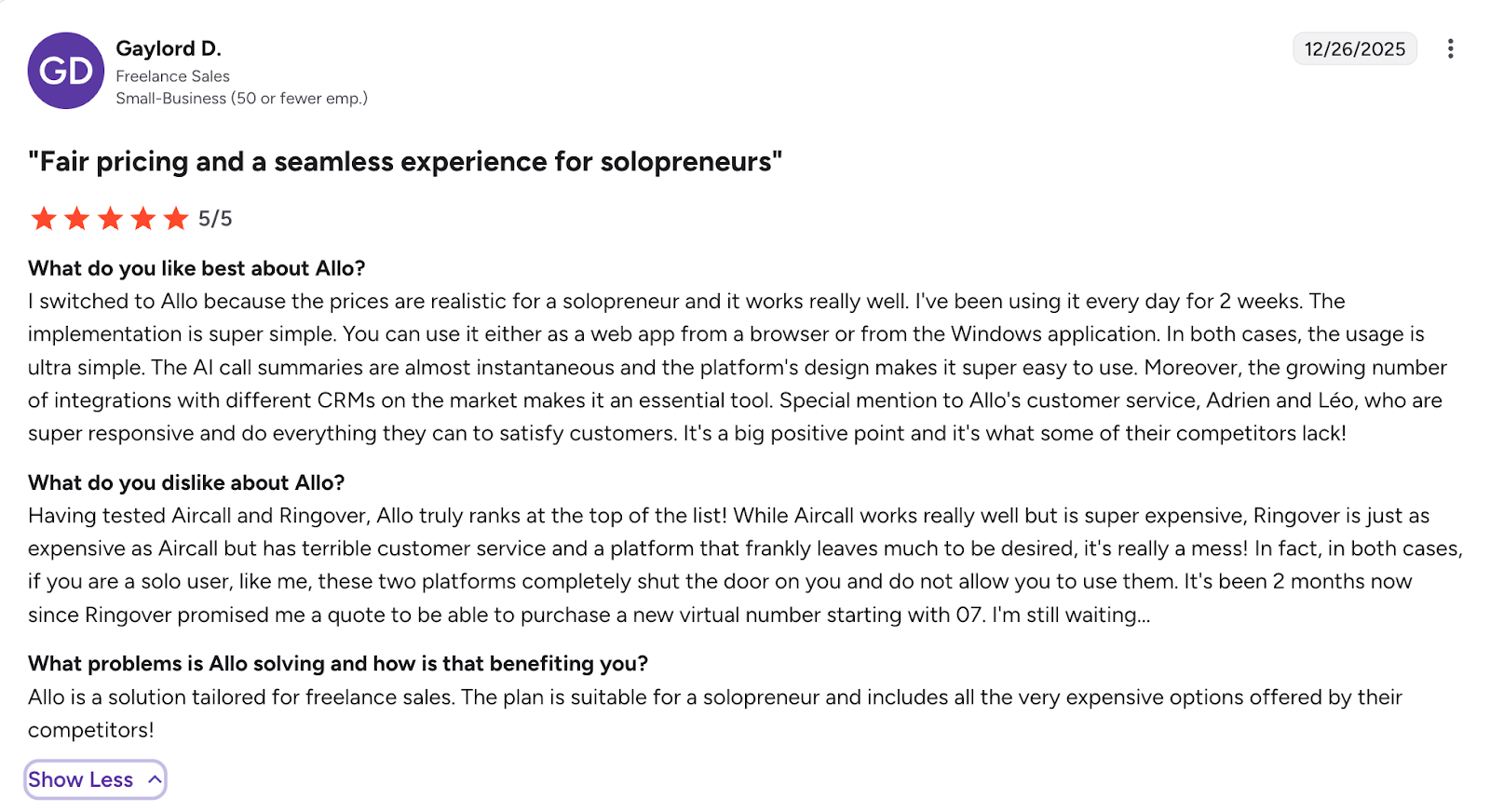
Allo was built mobile-first, which immediately sets it apart from the competition. This isn't a desktop product with a phone app tacked on; the mobile experience is the primary experience, which is exactly how most setters work.
What makes Allo particularly compelling for appointment setters is the combination of features that other platforms either don't offer at this price point or lock behind expensive tiers. You get call recording on every plan, AI-generated call summaries and transcriptions, CRM integrations with HubSpot, Salesforce, Pipedrive, and others, plus a missed-call text-back feature that keeps leads warm even when you can't pick up.
The AI summaries are the real differentiator for setters. After every call, Allo generates a concise summary of what was discussed. As a setter working for an infopreneur, you can forward this summary directly to your client as proof of work. No other dialer at this price point offers this specific capability in a way that's useful for the setter-closer model.
There's no minimum user requirement, which means a solo freelance setter can sign up, get a number, and start calling within minutes. No contracts, no onboarding calls, no IT setup.
Best for: Solo freelance setters and small agencies who need a power dialer, mobile-first calling, AI accountability features, and affordable pricing with no minimums.
PhoneBurner — The Power Dialer That's Priced for Enterprise
Price: $165/user/month (Standard); up to $215/mo (Premium). $140/mo with annual billing on Standard. Min. Users: 1 Power Dialer: Yes Mobile App: Limited (primarily desktop) AI Summaries: No
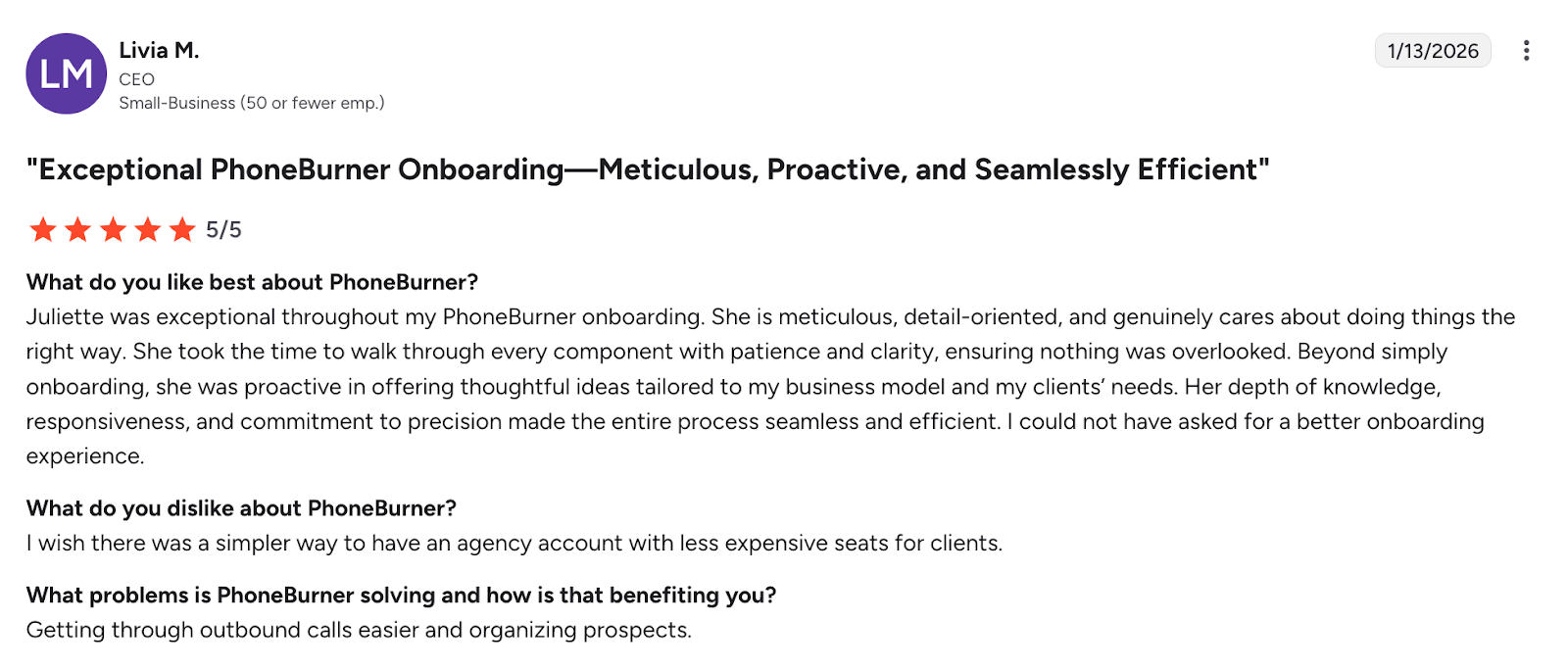
PhoneBurner is the name that comes up most often when you search for appointment-setting dialers, and for good reason; it's been the go-to power dialer for outbound sales teams for over a decade. The product itself is excellent. No-delay connections, built-in CRM, voicemail drop, and the ability to blast through call lists at 3–4x the speed of manual dialing.
But there's a fundamental problem: the price! At $165/month (or $140 with an annual commitment), PhoneBurner costs more than many setters earn in a single week. If you're making $3,000/month on commission, that's nearly 5% of your gross income going to a dialer. And the Standard plan doesn't even include call recording; you need the Professional tier for that, which costs even more.
PhoneBurner recently raised their prices for the first time in 15 years and now offers three tiers ranging from $165 to $215 per user per month. While they've improved call quality with Tier 1 carrier partnerships and added AI noise cancellation, the pricing remains prohibitive for the freelance setter market.
Best for: Established sales teams with 5+ reps and company-funded tool budgets. Not realistic for solo freelance setters.
Aircall — Solid Product, Punishing Minimums
Price: $30/user/month (Essentials); $50/user/month (Professional). Both are billed annually. Min. Users: 3 Power Dialer: Yes (Professional plan only) Mobile App: Yes AI Summaries: Add-on ($9/user/month)
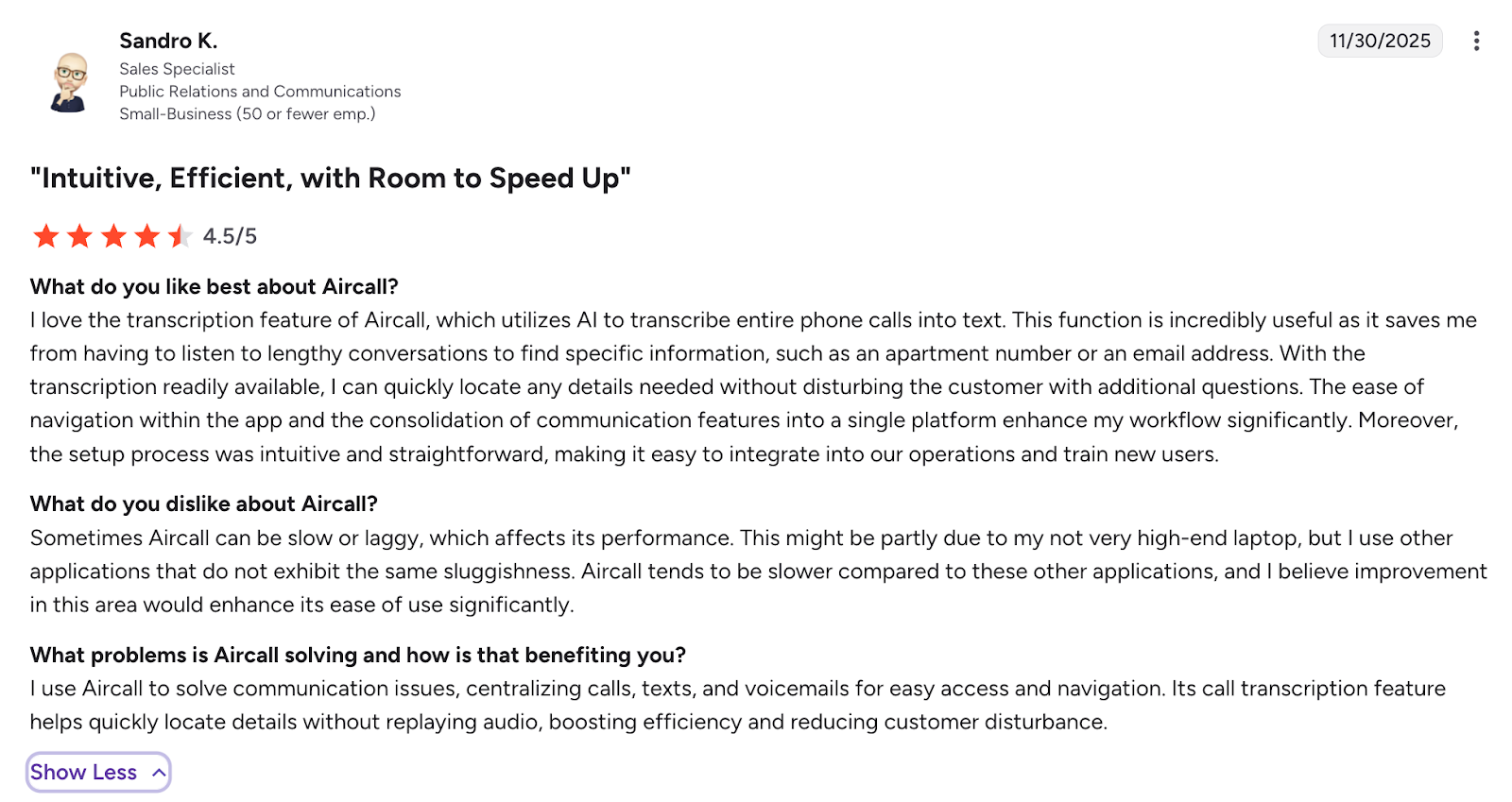
Aircall is a well-known cloud phone system with strong integrations, clean UX, and a solid mobile app. For sales teams of 10+, it's a legitimate choice. The problem for appointment setters is straightforward: there's a hard minimum of three licenses on every plan.
That means even if you're a solo setter, you're paying for three seats. On the Essentials plan, that's $90/month minimum. On Professional (which is where the power dialer and voicemail drop live), you're looking at $150/month before you even add AI features. Add the $9/user AI add-on and Analytics+ at $15/user, and a solo setter could easily end up spending $200+/month on a system built for teams.
Beyond the seat minimums, Aircall limits you to just one phone number per plan (even with 3 users), and additional numbers cost $6/month each. SMS allowances are capped at 250 outbound messages per user. The mobile app is decent, but users on review sites report occasional glitches and lagging — not ideal when you're making 50+ calls per day from your phone.
Best for: Established setter agencies with 5+ team members who need deep CRM integrations and can justify the per-seat costs.
JustCall — Feature-Rich, But Watch the Fine Print
Price: $29/user/month (Team); $49/user/month (Pro). Both billed annually. Min. Users: 2 Power Dialer: Yes (Pro plan, $49/mo) Mobile App: Yes AI Summaries: Limited (60 minutes/user/month on Team plan)
JustCall looks attractive on paper. At $29/month, the Team plan includes calling, texting, CRM integrations, and basic AI transcription. But the details matter.
First, there's a two-user minimum, so you're paying at least $58/month even as a solo setter. Second, the AI transcription on the Team plan is capped at just 60 minutes per user per month. If you're making 50–100 calls per day, you'll burn through that in less than a week. Third, the power dialer is only available on the Pro plan at $49/user/month, bringing your minimum to $98/month.
Then there are usage caps that can catch you off guard: outbound minutes are capped at 1,000 per user on most plans, inbound minutes are capped separately, and SMS segments are limited to 500 per user. If you exceed these limits, per-minute and per-segment charges kick in. The "unlimited calling" claim comes with a Fair Usage Policy that can flag high-volume dialing activity, exactly the kind of calling setters do every day.
JustCall also charges $0.0027 per unanswered call, which is a unique "airtime charge" that no other platform on this list imposes. For setters who naturally encounter a lot of no-answers, this adds up.
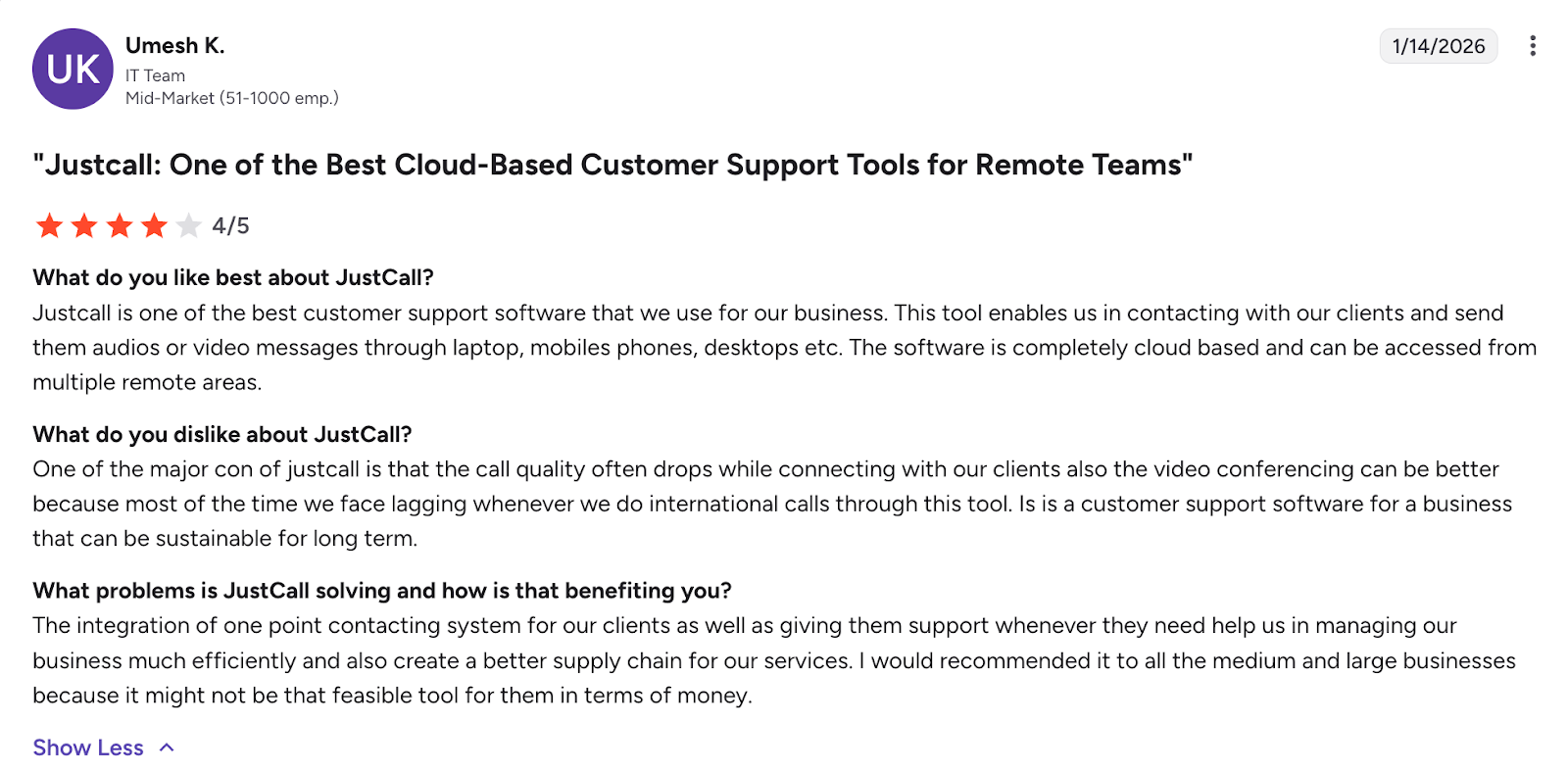
Best for: Small sales teams (2–5 reps) who want calling plus CRM in one platform and can live within the usage caps.
CloudTalk — Affordable Entry, Expensive Scaling
Price: $19/user/month (Lite); $25/mo (Starter); $50/mo (Expert). All billed annually. Min. Users: 1 (Lite/Starter); 3 (Expert) Power Dialer: Yes (Expert plan only, $50/mo) Mobile App: Yes AI Summaries: Paid add-on (AI Conversation Intelligence)
CloudTalk's Lite plan at $19/month is one of the cheapest entry points in the market. You get a phone number, call recording, a mobile app, and basic call management. For a setter who just needs a professional number and recording, this could work.
But the moment you want power dialing, smart routing, or any serious automation, you're jumping to the Expert plan at $50/month, which also requires a three-user minimum. That's $150/month for a solo setter who wants a power dialer.
The AI features (summaries, transcriptions, sentiment analysis) are a separate paid add-on called AI Conversation Intelligence, adding more to your monthly bill. International calling, additional numbers ($6/month each), and WhatsApp integration are also extra.
On the positive side, CloudTalk offers unlimited calling in the US and Canada on all plans, and their call quality is consistently praised. They're also one of the few platforms with truly international coverage (160+ countries), which matters if your infopreneur client targets audiences outside the US.
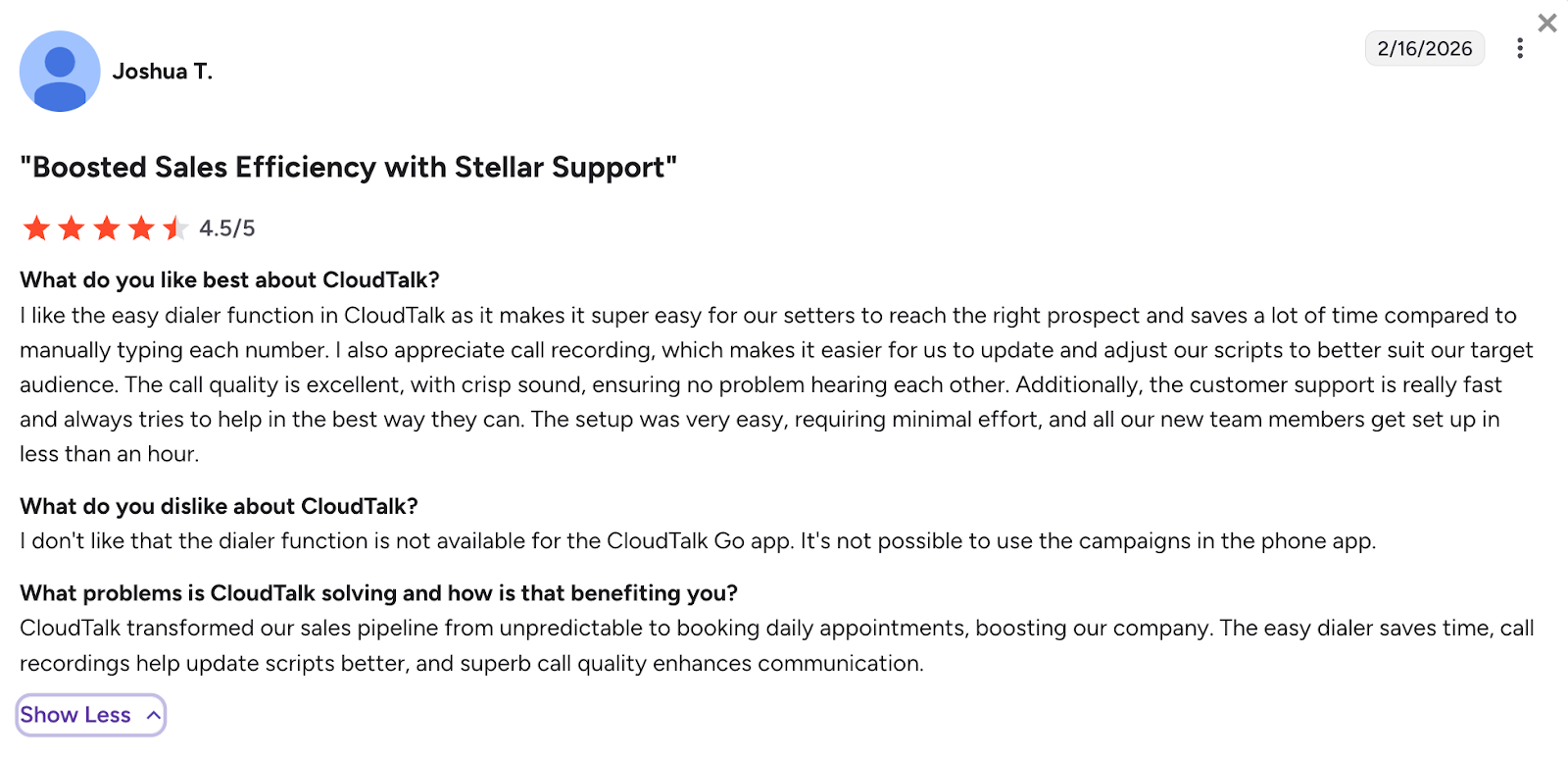
Best for: Budget-conscious setters who only need basic calling and recording and don't need a power dialer. Also good for setters calling international markets.
Ringover — European Roots, Decent All-Rounder
Price: $21/user/month (Smart); $44/mo (Business). Billed annually. Min. Users: 1 Power Dialer: No (included in Advanced tier, custom pricing) Mobile App: Yes AI Summaries: Yes (included on all plans)
Ringover is interesting because it includes AI call summaries and transcriptions on every plan — something most competitors charge extra for. The Smart plan at $21/month gives you unlimited calls to 90+ destinations, voicemail, IVR, and AI summaries.
However, the Smart plan doesn't include SMS/MMS, CRM integrations beyond basic ones, or advanced call routing. For those, you need the Business plan at $44/month. And the actual power dialer features are locked behind the Advanced tier, which is custom-priced and designed for larger teams.
Some users on review platforms have reported issues with account suspensions without clear explanations and unresponsive customer support, which is a real risk if your income depends on your phone system being available every day.
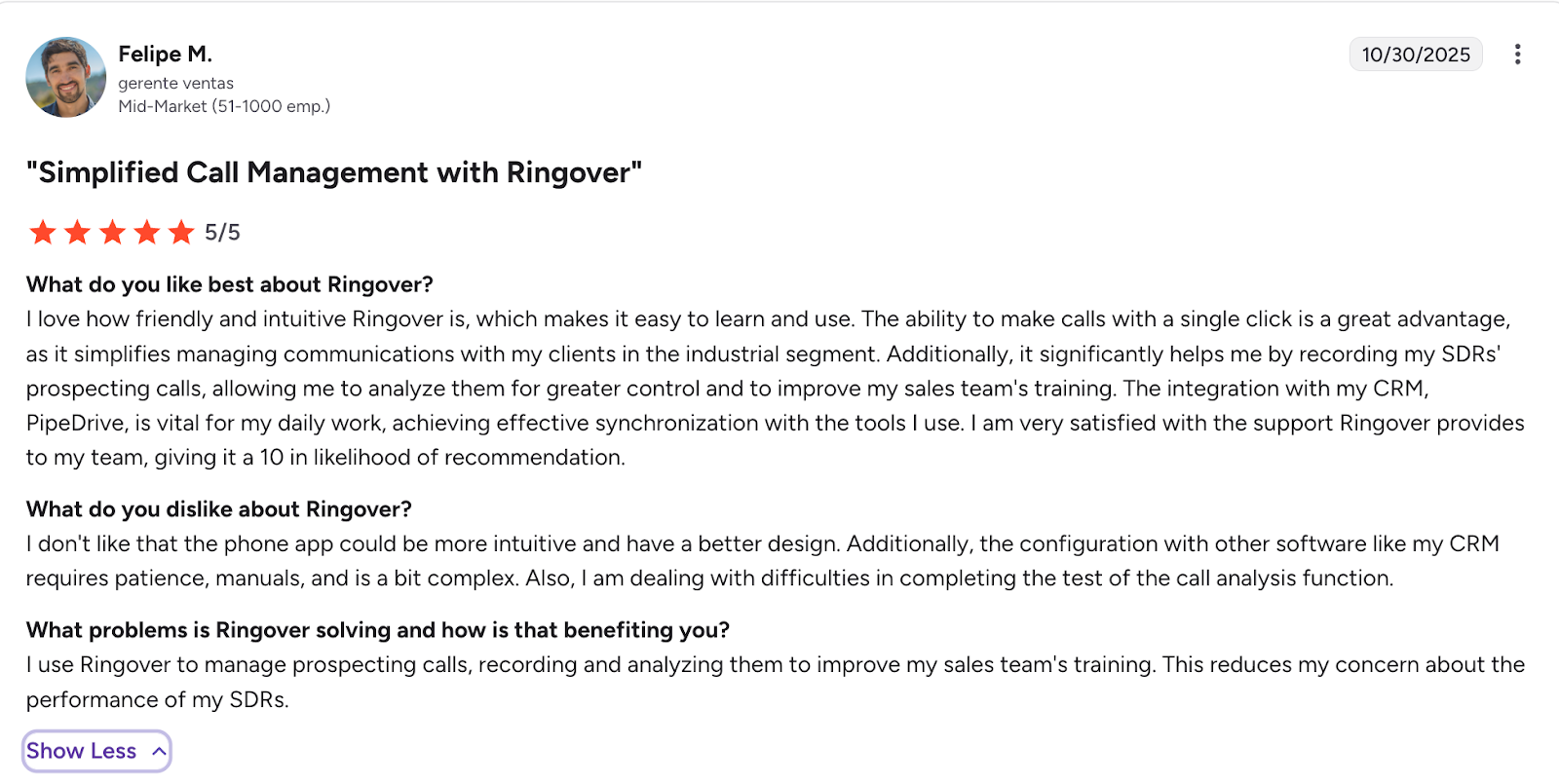
Best for: Setters who prioritize AI summaries on a budget and don't need power dialing capabilities. Particularly strong if you also call European or LATAM markets.
Myphoner — Purpose-Built Cold Calling CRM
Price: $19/seat/month (Solo); $29/mo (Team); $49/mo (Pro). Can be billed monthly. Min. Users: 1 Power Dialer: Yes (built-in) Mobile App: No AI Summaries: No
Myphoner is one of the few tools in this list that was actually built for cold calling workflows. It combines a lightweight CRM with a power dialer, lead queue management, and follow-up automation. The queue-based routing system ensures you never accidentally call the same lead twice, which is useful when working with large lists.
At $19/month for the Solo plan, with a power dialer included, it's one of the most affordable options for high-volume outbound calling. There are no user minimums, and you can pay monthly — no annual commitment required.
The deal-breaker for many setters: there's no mobile app. Myphoner is a desktop/browser-based tool. If you're doing all your calling from a laptop at a desk, that's fine. But if you need to dial from your phone, which most setters do, this isn't the right fit.
It's also a niche product with relatively low brand awareness. The upside is that it's focused and does one thing well. The downside is a smaller ecosystem, no AI features, and less robust integrations compared to larger platforms. For setter agencies managing multiple campaigns across clients, Myphoner does offer multi-client campaign management, which is a nice touch.
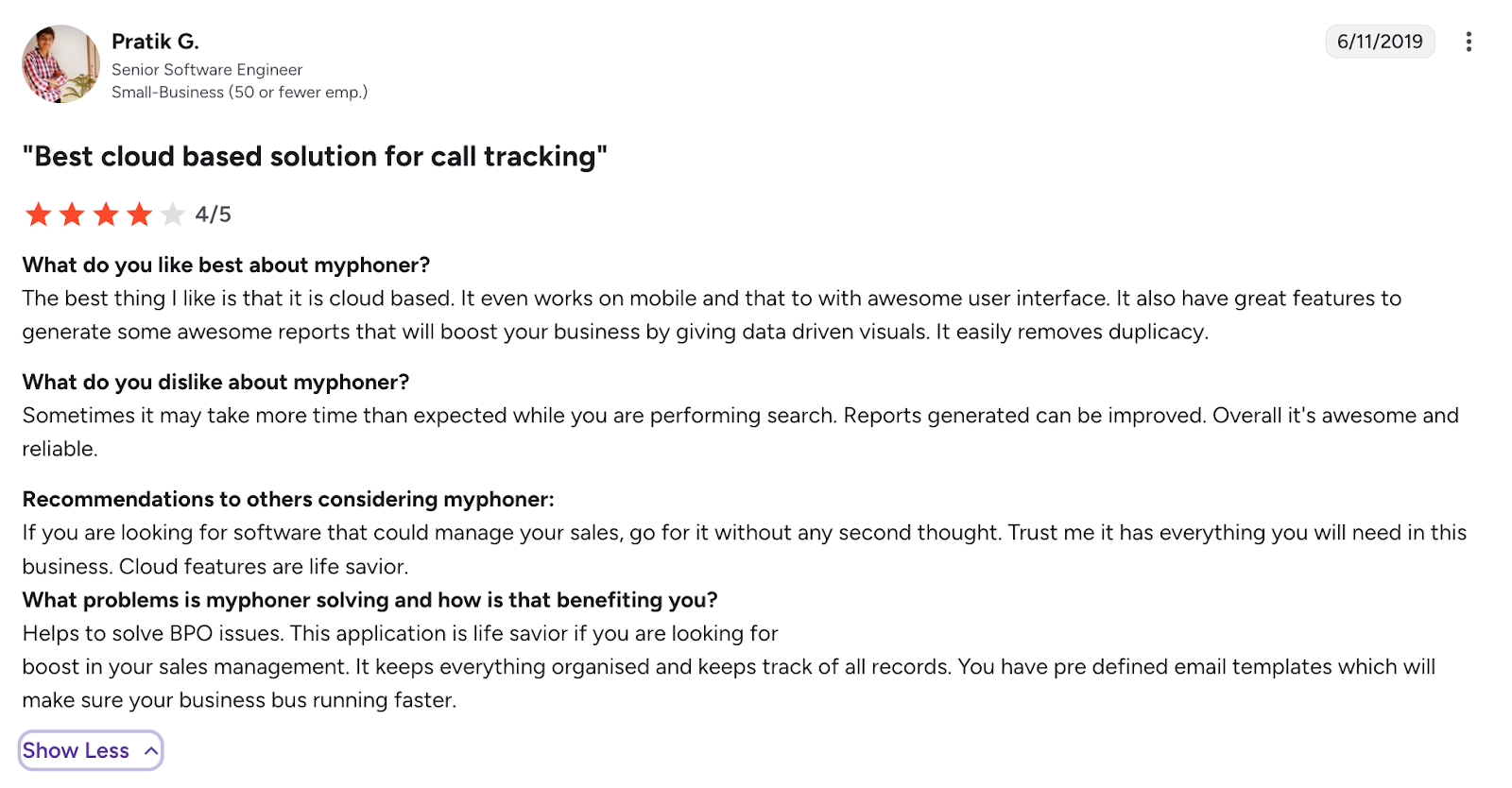
Best for: Desktop-based cold callers who want an affordable power dialer with built-in lead management. Not ideal for mobile setters.
Close CRM — Great CRM, Expensive Dialer
Price: $19/user/month (Solo); $49/mo (Essentials); $99/mo (Growth); $139/mo (Scale). Billed annually. Min. Users: 1 Power Dialer: Yes (Growth plan, $99/mo) Mobile App: Yes AI Summaries: Basic (AI-generated lead summaries)
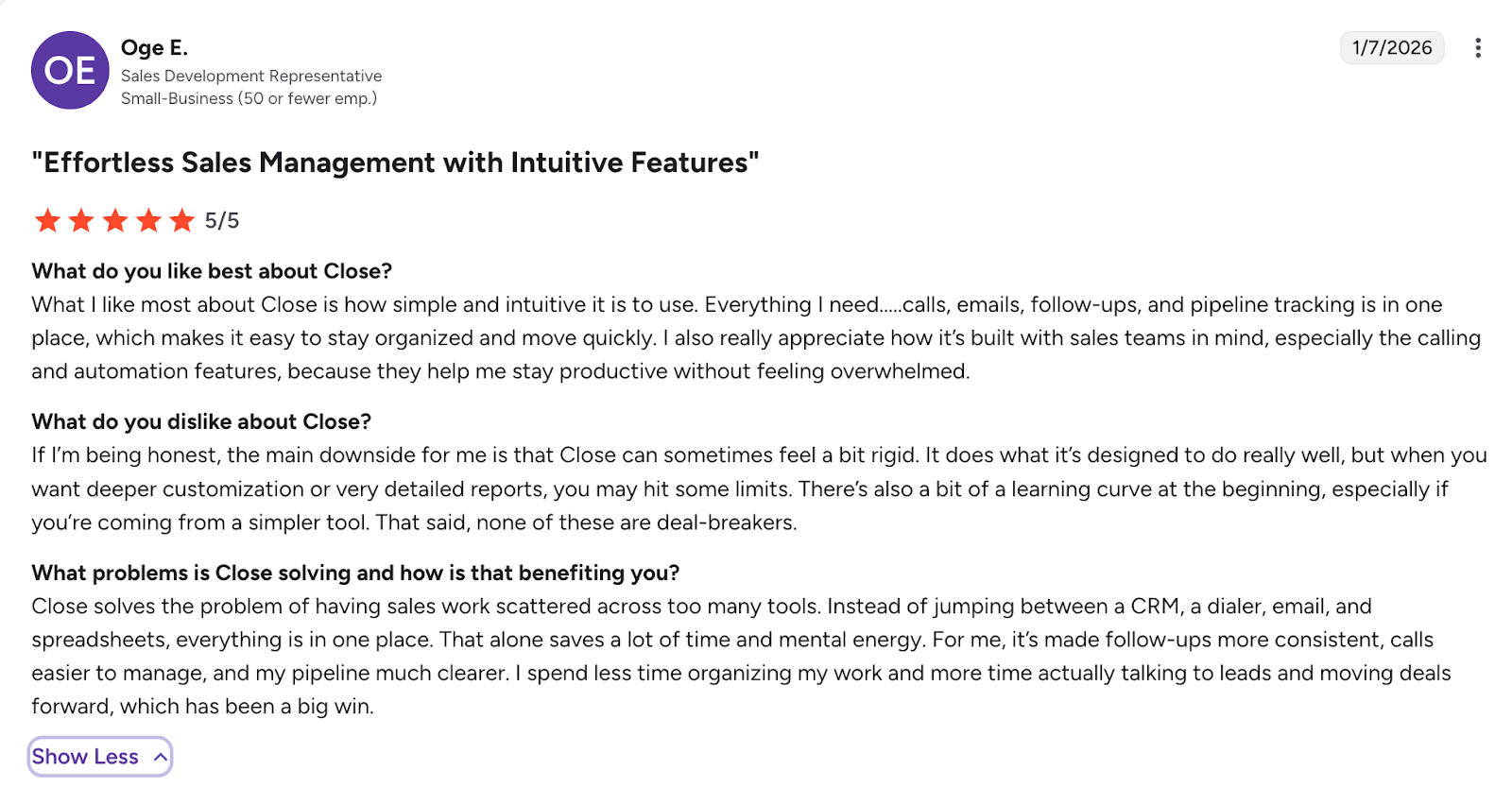
Close is one of the best-designed sales CRMs on the market. Built-in calling, email sequences, SMS, pipeline management, it's genuinely impressive for inside sales teams. The Solo plan at $19/month is a real win if you just need basic CRM with a phone line.
But here's the catch for setters: the power dialer is locked behind the Growth plan at $99/month. The predictive dialer, call coaching, and advanced automation require the $139/month Scale plan. If you're just using Close for calling (and not as your primary CRM), that's a steep price.
Close also offers a startup program with up to 60% off the first year for early-stage companies, which could make the Growth plan temporarily more affordable if you qualify.
Worth noting: Close is designed to be your entire CRM. If your client already has you working in HubSpot or GoHighLevel, running a second CRM just for dialing creates friction and data duplication.
Best for: Setters or agencies who want to consolidate CRM and dialing into one platform and can justify $99+/month for the power dialer.
Kixie — Solid for Teams, Foggy for Solos
Price: $35/user/month (Integrated); $65/mo (Professional); $95/mo (Outbound PowerDialer). Billed annually (quarterly billing available for smaller teams). Min. Users: 1 Power Dialer: Yes ($95/mo plan) Mobile App: Chrome extension (not a native app) AI Summaries: Add-on (Conversation Intelligence)
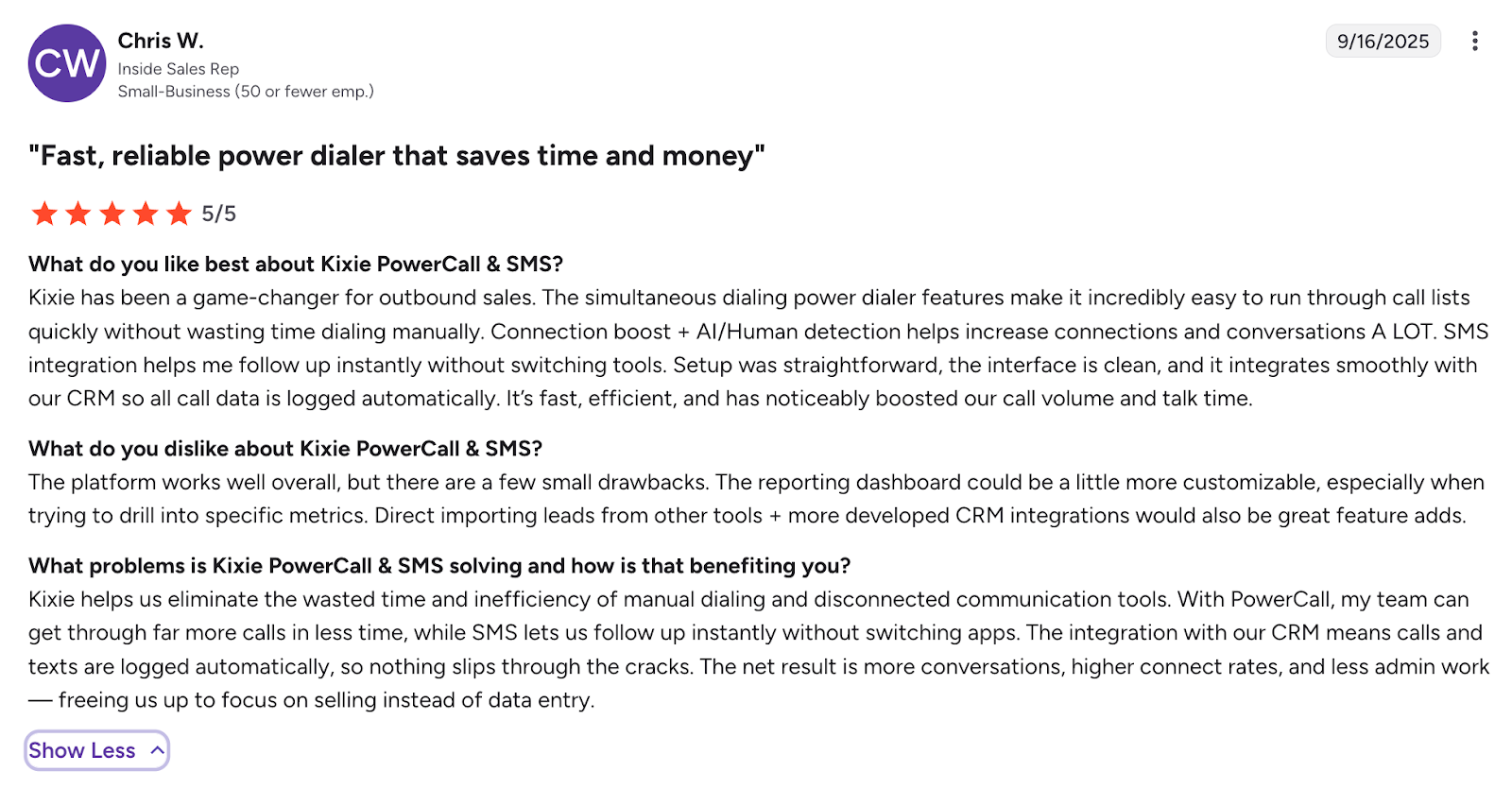
Kixie positions itself as a revenue engagement platform that layers on top of your existing CRM. The Chrome extension approach means any phone number in your browser becomes clickable and dialable, which works well if you're always in your CRM.
The Integrated plan at $35/month is a reasonable starting point and includes CRM sync, call recording, IVR, and ring groups. But the power dialer requires the $95/month Outbound PowerDialer plan, and key features like AI Conversation Intelligence, ConnectionBoost (for improving answer rates), and Local Presence Dialing are all paid add-ons.
Minutes on lower plans are limited to 300/month, with unlimited calling available as a $30/month add-on. This can catch high-volume setters off guard if they don't upgrade to unlimited from the start.
The biggest limitation for setters: Kixie doesn't have a true native mobile app. It's primarily a browser extension and web dashboard. If your workflow is phone-first, this creates a disconnect. Pricing details also aren't fully transparent on their website, you often need to contact sales for exact quotes.
Best for: CRM-centric sales teams who work from desktop browsers and want deep integration with HubSpot, Salesforce, or HighLevel.
"Best For" Recommendations
Best Budget Option: Allo ($18/mo) or CloudTalk Lite ($19/mo)
If every dollar counts, and for commission-earning setters, it absolutely does, Allo and CloudTalk Lite are your two best options under $20/month. Allo edges ahead because it includes AI summaries and a genuinely mobile-first experience. CloudTalk Lite is a solid fallback if you only need basic calling and recording.
Best Power Dialer: PhoneBurner ($165/mo) or Myphoner ($19/mo)
PhoneBurner remains the gold standard for raw power dialing performance. If your agency can afford it, the throughput is unmatched. But at $165+/month, it's out of reach for most individual setters. Myphoner offers the best budget power dialer at $19/month, with the caveat that there's no mobile app.
Best Mobile Experience: Allo
This isn't close. Allo was designed mobile-first from the ground up. Every other product on this list either started as a desktop application or treats mobile as a secondary experience. If you call primarily from your phone, Allo is the clear winner.
Best for Setter Agencies (3–10 Setters): Allo or Aircall
If you're managing a small agency with multiple setters across multiple infopreneur clients, you need multi-number management, team oversight, and integrations. Allo handles this well with no per-seat minimums and flat pricing. Aircall becomes viable (and powerful) once you have 3+ team members to justify the minimum, especially if you need the Professional plan's coaching and monitoring features.
Best CRM + Dialer Combo: Close CRM ($99/mo Growth plan)
If you want everything in one place — CRM, pipeline, calling, email, SMS — Close is hard to beat. The $99/month Growth plan is expensive for a solo setter, but for a setter agency that wants to consolidate tools, the per-seat economics improve at scale.
Frequently Asked Questions
Do appointment setters need a power dialer?
Not always. A power dialer auto-dials through a list, connecting you to the next lead as soon as a call ends. It's useful for high-volume cold outreach (200+ calls/day). But most appointment setters are calling warm leads — people who already opted in through an ad or webinar. Quality of conversation matters more than raw dial speed. For warm-lead setters, a reliable phone system with call recording, AI summaries, and CRM sync is often more valuable than a power dialer.
What integrations matter most for appointment setters?
Calendly (or your client's scheduling tool) for booking appointments, your CRM, and optionally Slack or another messaging tool for communicating with your client's team. Most dialers on this list integrate with HubSpot and offer Zapier connections for everything else.
Which dialer is best for the setter-closer sales model?
The setter-closer model requires three things from your phone system: call recording (so the closer and your client can review your calls), AI summaries (for quick proof-of-work reports), and calendar integration (for booking directly onto the closer's calendar). Allo covers all three at the lowest price point. Close CRM is the premium option if you also want full pipeline management built in.
How much should I spend on a dialer as a freelance setter?
As a general rule, keep your tooling costs under 5% of your monthly income. If you're earning $3,000/month, that's $150 maximum across all tools. Since you also need a CRM and possibly a scheduling tool, your dialer budget should be in the $20–$50/month range. Products over $100/month are hard to justify unless you're consistently earning $4,000+/month.
Can I use my personal phone number for appointment setting?
You can, but you shouldn't. Mixing personal and professional calls creates problems, your personal number gets flagged as spam, clients see your personal voicemail, and there's no call recording for accountability. A business VoIP number (like the ones provided by Allo, Aircall, or any product on this list) keeps things separate and professional.
What's the difference between a dialer and a VoIP phone system?
A VoIP phone system gives you a phone number and the ability to make and receive calls over the internet. A dialer is a specific feature that automates the calling process — auto-dialing through lists, dropping voicemails, and moving to the next lead automatically. All dialers include VoIP, but not all VoIP systems include a dialer. For most setters, a VoIP system with good recording and AI features (like Allo) is sufficient. You only need a dedicated power dialer if you're making 200+ cold calls per day.