Key Takeaways
- Allo is the best phone system for small sales teams looking for the most complete Pipedrive integration. It syncs calls alongside recordings, transcripts, and AI summaries automatically—no manual logging required. At $45/user/month with everything included, it's ideal for teams that want their CRM updated without lifting a finger.
- Aircall is best for mid-sized teams with bigger budgets who need proven reliability and don't mind occasional sync hiccups. Starting at $40/license with a 3-license minimum, it's a solid choice for growing sales organizations already using Aircall across their stack.
- Quo is best for budget-conscious teams who primarily handle inbound calls and need a clean, simple phone system. At $19/user/month, it offers decent Pipedrive connectivity, though with some limitations around deal syncing and new lead creation.
Introduction
If you've spent any time in Pipedrive, you've probably noticed something missing: there's no built-in calling feature.
You can track deals, manage contacts, and build pipelines all day long, but the moment you need to pick up the phone? You're on your own.
This means every sales team using Pipedrive needs a third-party phone system that actually talks to their CRM. And here's where it gets tricky—not every VoIP provider plays nice with Pipedrive. Major names like Zoom Phone, Dialpad, and Nextiva? They don't integrate at all.
That leaves you sifting through dozens of options, trying to figure out which phone systems will sync your calls, log your recordings, and keep your CRM updated without creating more admin work.
We've tested the Pipedrive integrations of every major VoIP provider to save you the headache. This guide covers the five phone systems that actually work well with Pipedrive, including what each integration can (and can't) do, how much it costs, and which teams should consider each option.
Whether you're a two-person startup or a 50-seat sales floor, you'll find a Pipedrive phone integration that fits your workflow and budget.
| Solution | Starting Price | Best For | G2 Rating | Pipedrive Rating |
|---|---|---|---|---|
| Allo | $25/user/mo Pipedrive: Business, $45/user/mo | Small sales teams that want the deepest, most complete Pipedrive sync. Best integration | 4.6 / 5 | 5 / 5 |
| Aircall | $40/license 3-license minimum ($120/mo) | Mid-sized teams with bigger budgets that need proven reliability. Mid-market | 4.4 / 5 | 4 / 5 |
| CloudTalk | $27/user/mo Pipedrive: Essential, $39/user/mo | International teams needing 160+ country coverage with SMS logging. Global coverage | 4.4 / 5 | 4 / 5 |
| Quo formerly OpenPhone | $19/user/mo Pipedrive: Business, $33/user/mo | Budget-conscious teams handling mostly inbound calls from known contacts. Budget pick | 4.7 / 5 | 3.5 / 5 |
| RingCentral | $30/user/mo Pipedrive: Advanced, $35/user/mo | Enterprises already deep in RingCentral wanting Pipedrive as one integration. Enterprise | 4.3 / 5 | 3.5 / 5 |
Allo, Best for Small Sales Teams
What is Allo?
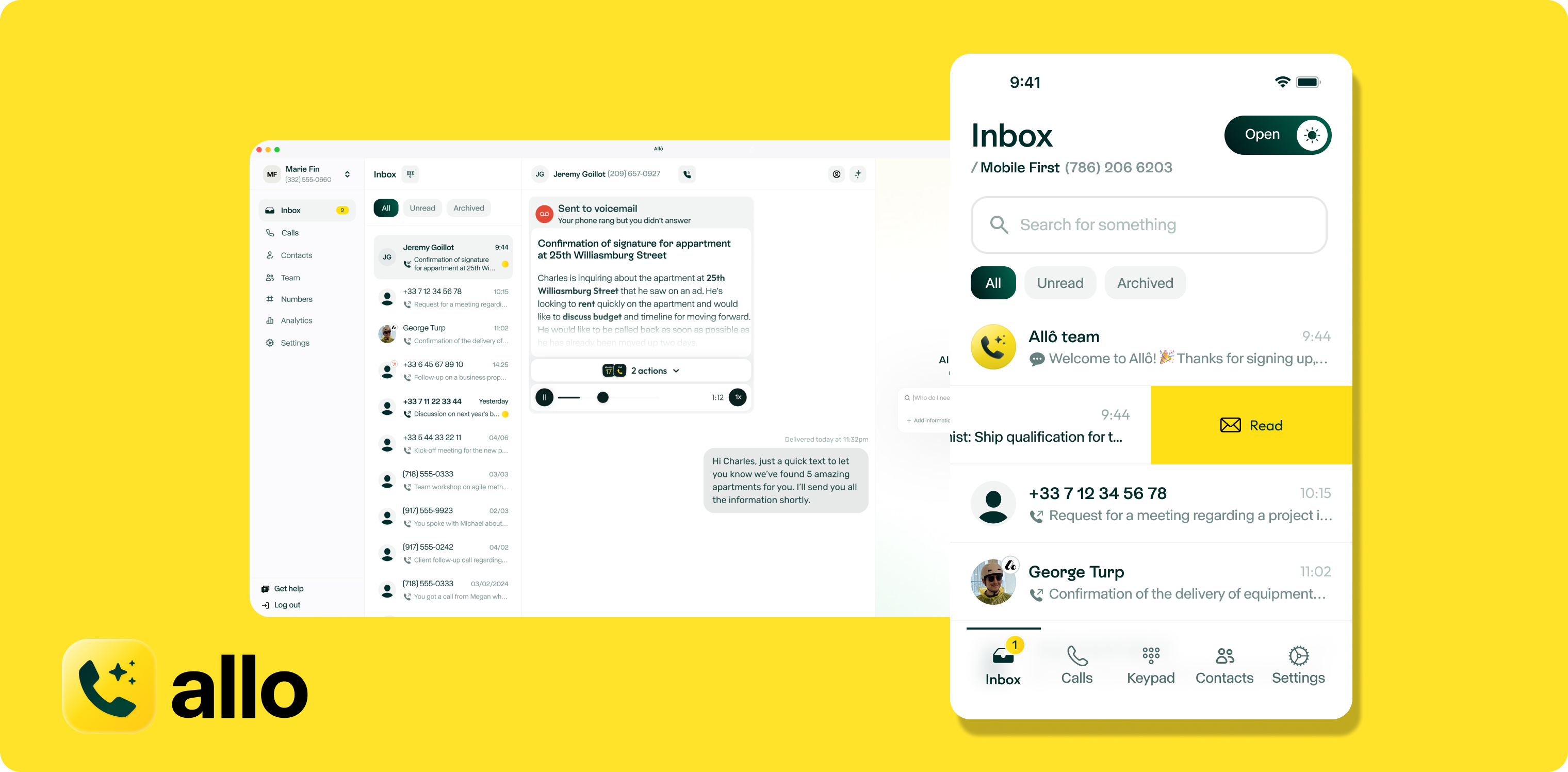
Allo is an AI-first phone system built specifically for small sales teams. Founded in 2024 by Jérémy Goillot (an ex-employee of fintech unicorn Spendesk), the company took a different approach than legacy providers: instead of bolting AI onto existing infrastructure, they built the entire system from the ground up with AI and mobile at its core.
Allo has quickly become a go-to choice for sales teams that want their phones to handle the busywork. The platform combines a mobile-first interface with AI-powered features like automatic call transcription, summaries, and a virtual receptionist—all included in the price, no add-ons required.
Why Allo Works Well with Pipedrive
Allo's Pipedrive integration earned a 5/5 rating in the Pipedrive marketplace, making it the highest-rated phone system connector available.
The integration works in both directions. From Allo to Pipedrive, every call gets automatically logged alongside the recording, full transcript, AI-generated summary, and metadata like duration, direction, and timestamp. There's no manual logging, no copy-pasting notes, and no forgotten follow-ups.
Going the other way, when a prospect calls, Allo pulls their Pipedrive data and displays the linked deal and contact information right on your screen. You'll know exactly who's calling and what stage they're in before you even say hello.
Users describe it as a "robust integration"—and that tracks with what we've seen. If you want your CRM updated automatically every time you pick up the phone, this is the integration to beat.

Allo Pricing
Allo keeps pricing simple with two plans:
- Starter: $25/month for solo users. Includes unlimited calls, a local number, AI summaries, and IVR.
- Business: $45/user/month. Adds CRM integrations (including Pipedrive), unlimited AI answering service, SMS, and international calling.
The Pipedrive integration requires the Business plan.
Allo Demo
See Allo in action:
Aircall, Best for Mid-Sized Sales Teams
What is Aircall?
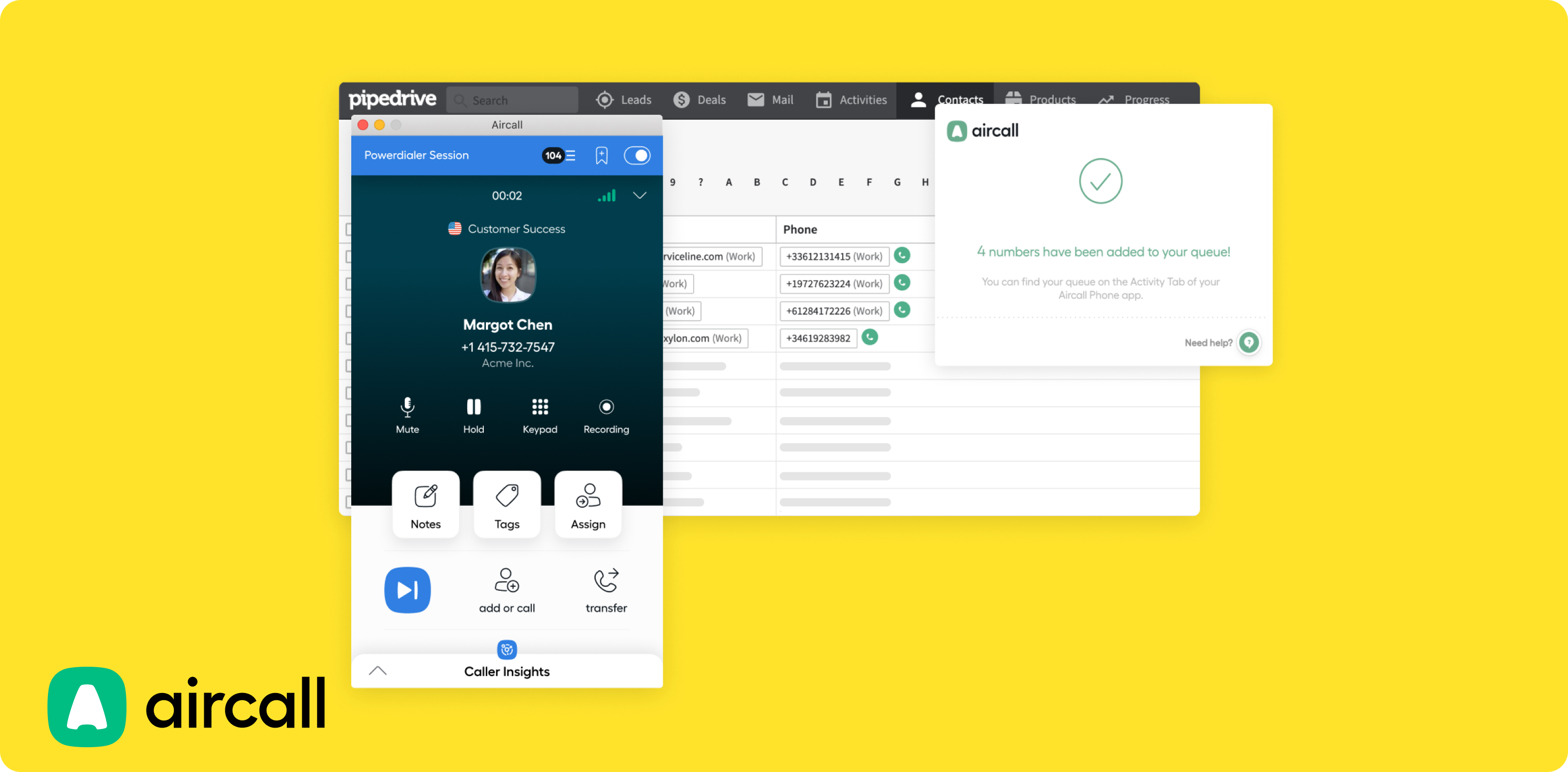
Aircall launched in Paris in 2014 with a mission to replace the clunky, hardware-heavy phone systems that dominated the market. A few months after launch, the team recognized something important: the real value wasn't just in making calls—it was in connecting those calls to your CRM. That insight shaped their product roadmap.
Today, Aircall positions itself as a phone system for "medium-sized and large companies," with a strong emphasis on CRM integrations across Salesforce, HubSpot, Zendesk, and yes, Pipedrive. They offer coverage in 38 countries and a feature set that includes power dialers, call monitoring, and AI transcription (though limited to English and French).
Why Aircall Works Well with Pipedrive
Aircall's Pipedrive integration scores 4/5 on the marketplace—a solid rating, though with some caveats.
On the plus side, calls are automatically logged with direction, duration, agent name, and recording. You can create tickets for unanswered calls and add tags during conversations. When prospects call, Aircall surfaces their Pipedrive deal and contact information.
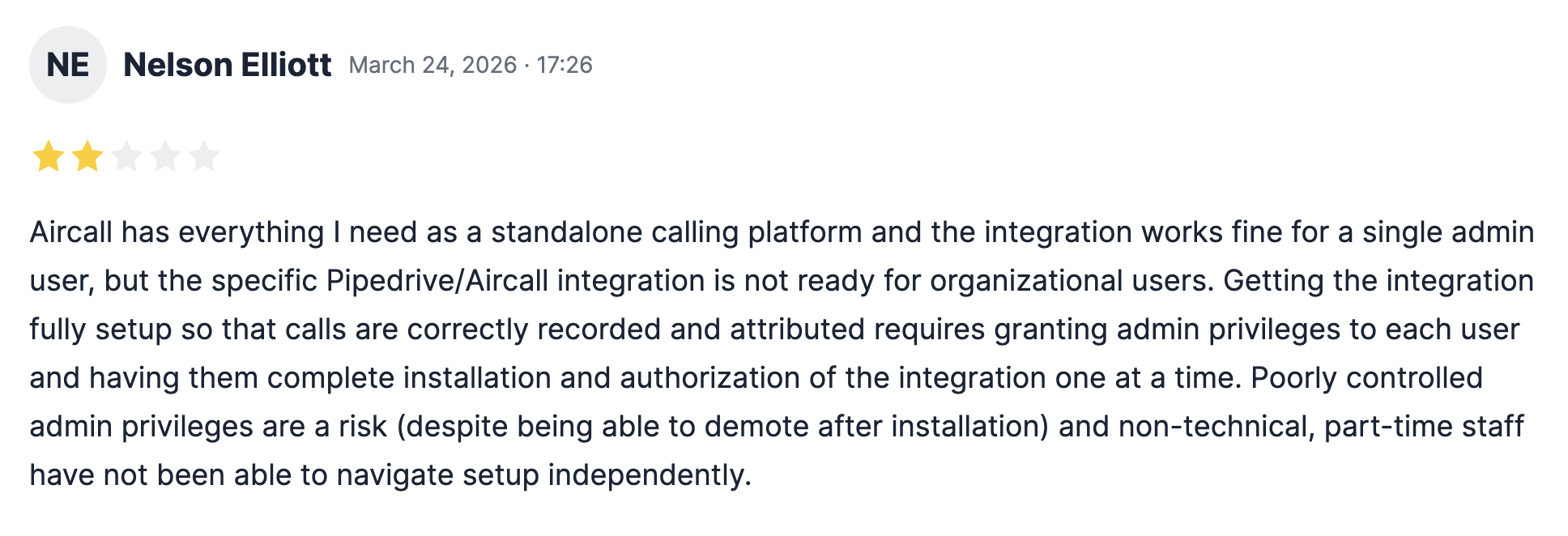
The catch? User reviews mention reliability issues. "Not 100% reliable, sync issues" is a common refrain. Some calls may not log correctly, which means you'll want to spot-check your CRM occasionally to make sure nothing slipped through.
For larger teams with dedicated ops support, these occasional hiccups might be manageable. For smaller teams without someone to monitor data quality, they could become a real problem.
Aircall Pricing
Aircall's pricing reflects its enterprise focus:
- Essentials: $40/license. Includes unlimited US/Canada calls, a local number, IVR, call recording, SMS/MMS.
- Professional: $70/license. Adds advanced analytics, power dialer, voicemail drop, and unlimited recordings.
The Pipedrive integration is available in both plans.
Important: Aircall requires a minimum of 3 licenses, so your starting cost is at least $120/month. AI features and add-ons like WhatsApp ($10/user/month) or Analytics+ ($15/user/month) bump that higher.
Aircall Demo
Cloudtalk, Best for Sales and Support Teams
What is CloudTalk?
CloudTalk was founded in 2016 in Slovakia by Martin Malych and Viktor Vanek. The company now serves over 4,000 customers across 100 countries, with offices spread across Europe, Canada, and Mexico.
CloudTalk targets sales and support teams, including call centers. Their feature set reflects this dual focus: power dialers and voicemail drop for outbound sales, plus AI voice agents that can handle both inbound and outbound calls.
Why CloudTalk Works Well with Pipedrive
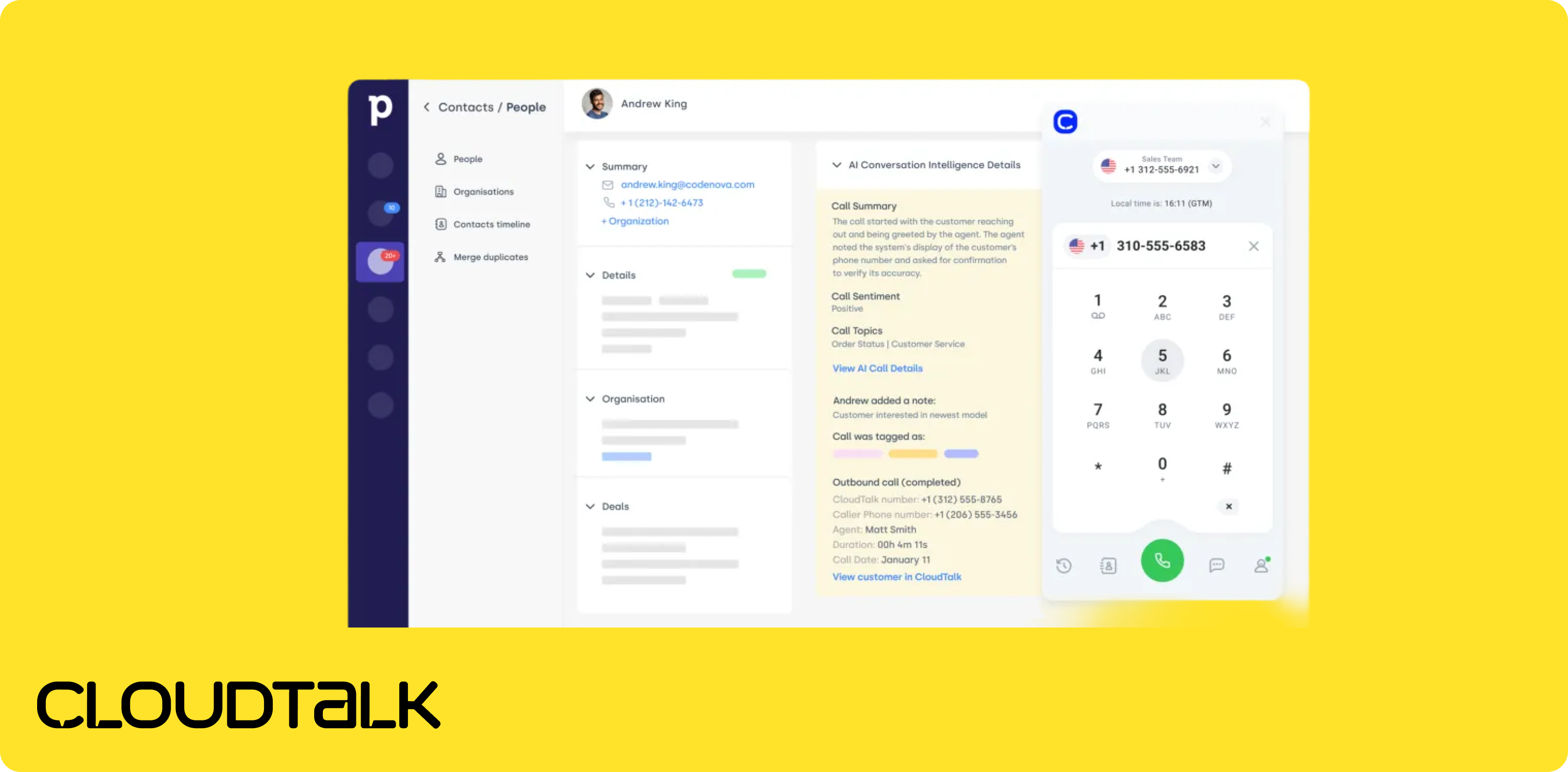
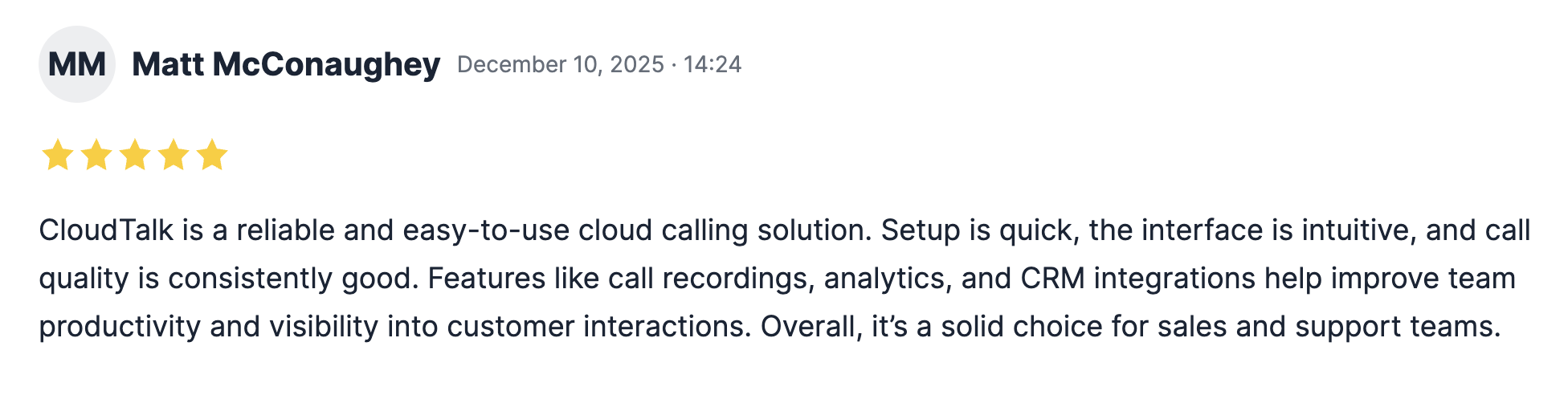
CloudTalk earns a 4/5 rating on Pipedrive's marketplace with a comprehensive integration that logs both calls and text messages.
Every call syncs with direction, duration, agent name, and recording. Text messages get logged too—a nice bonus for teams that use SMS in their sales process. The integration runs automatically in the background, which is exactly what you want.
But user reviews flag some issues. "Some of the calls don't log" appears in feedback, and one reviewer reported a persistent caller ID problem: "A lot of times I call a lead, Caller ID shows a different lead and logs the call on the other lead's page, which creates confusion and wastes time."
If you're making high volumes of calls, these misfires could create data quality headaches. Still, for teams that prioritize international coverage and multi-channel communication, CloudTalk's breadth of features may outweigh the occasional sync hiccup.
CloudTalk Pricing
CloudTalk uses a tiered structure with a licensing catch:
- Lite: $27/user/month. Unlimited domestic calls and local numbers in 160+ countries. But no integrations—so no Pipedrive.
- Essential: $39/user/month. Adds business hours, IVR, ring groups, and CRM integrations including Pipedrive.
- Expert: $69/user/month (minimum 3 licenses). Includes power dialer, live monitoring, advanced reporting, and WhatsApp.
AI voice agents are billed separately.
There's a 14-day free trial with no credit card required.
CloudTalk Demo
See CloudTalk in action:
Quo, Best for Budget-Conscious Small Teams

What is Quo?
Quo (formerly OpenPhone) launched in 2018 as a business phone system designed for SMBs and small teams. The platform emphasizes collaboration with features like a shared inbox supporting threads and tagging, internal team chat, group calls, and intelligent call routing.
What sets Quo apart is its built-in lightweight CRM functionality. While most phone systems assume you'll handle contact management elsewhere, Quo provides basic CRM features natively—useful for very small teams that want to keep things simple. Their interface is clean and modern, and their support team consistently earns positive reviews.
Why Quo Works Well with Pipedrive
Quo's Pipedrive integration scores 3.5/5 on the marketplace. It handles the basics well: calls sync alongside summaries, recordings, and duration. When someone calls, Quo uses Pipedrive data to enrich the caller information on your screen.
However, there are meaningful limitations to understand before committing.
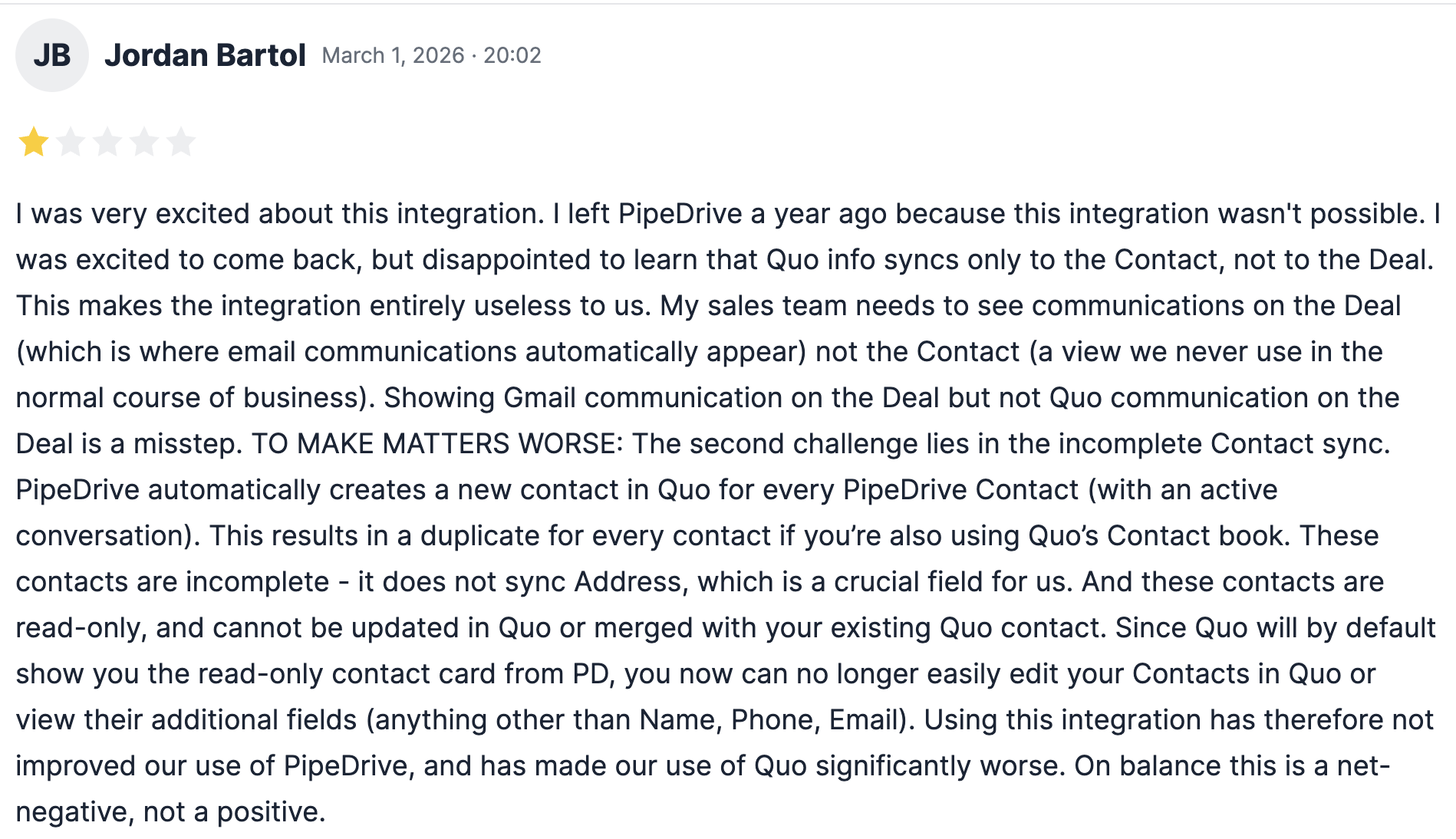
First, Quo only syncs data to the Contact level—not to Deals. If your sales process relies heavily on deal-based tracking and reporting, you'll miss that direct connection.
Second, syncing requires a matching contact in Pipedrive. On each inbound call or SMS, Quo checks for a phone number match. If there's no existing contact, nothing gets logged. Auto-creating new leads from unknown inbound calls isn't supported.
For teams that primarily handle inbound calls from existing contacts, these limitations may not matter. For outbound-heavy teams doing prospecting, they could be dealbreakers.
Quo Pricing
Quo offers the most affordable entry point among quality Pipedrive integrations:
- Starter: $19/user/month. Includes a local number, unlimited US/Canada calling and messaging, voicemail transcripts, and 10 AI-handled calls.
- Business: $33/user/month. Adds AI call summaries and transcripts, group calling, call transfers, analytics, and Pipedrive integration.
- Scale: $47/user/month. Adds dedicated onboarding, priority support, and inbound phone support.
There's a 7-day free trial to test things out.
Quo Demo
See Quo in action:
https://share.vidyard.com/watch/vQLdoXfNrLnVG1Yt4kP3ev
RingCentral, Best for Enterprise Teams Needing Maximum Integrations
What is RingCentral?
RingCentral has been around since 1999, making it one of the oldest players in the VoIP space. They've built a reputation on reliability and an absolutely massive integration ecosystem—over 500 native connectors across CRMs, help desks, and productivity tools.
That said, their legacy shows in the product experience. RingCentral can feel overwhelming compared to newer, purpose-built alternatives. User reviews consistently mention complexity, difficult cancellation processes, and support that struggles to help smaller customers. If you're an SMB, you may find yourself lower on their priority list than enterprise accounts.
Why RingCentral Works Well with Pipedrive
Here's where RingCentral's Pipedrive integration falls short. It earns just 3.5/5 on the marketplace—the lowest rating among the providers we reviewed.
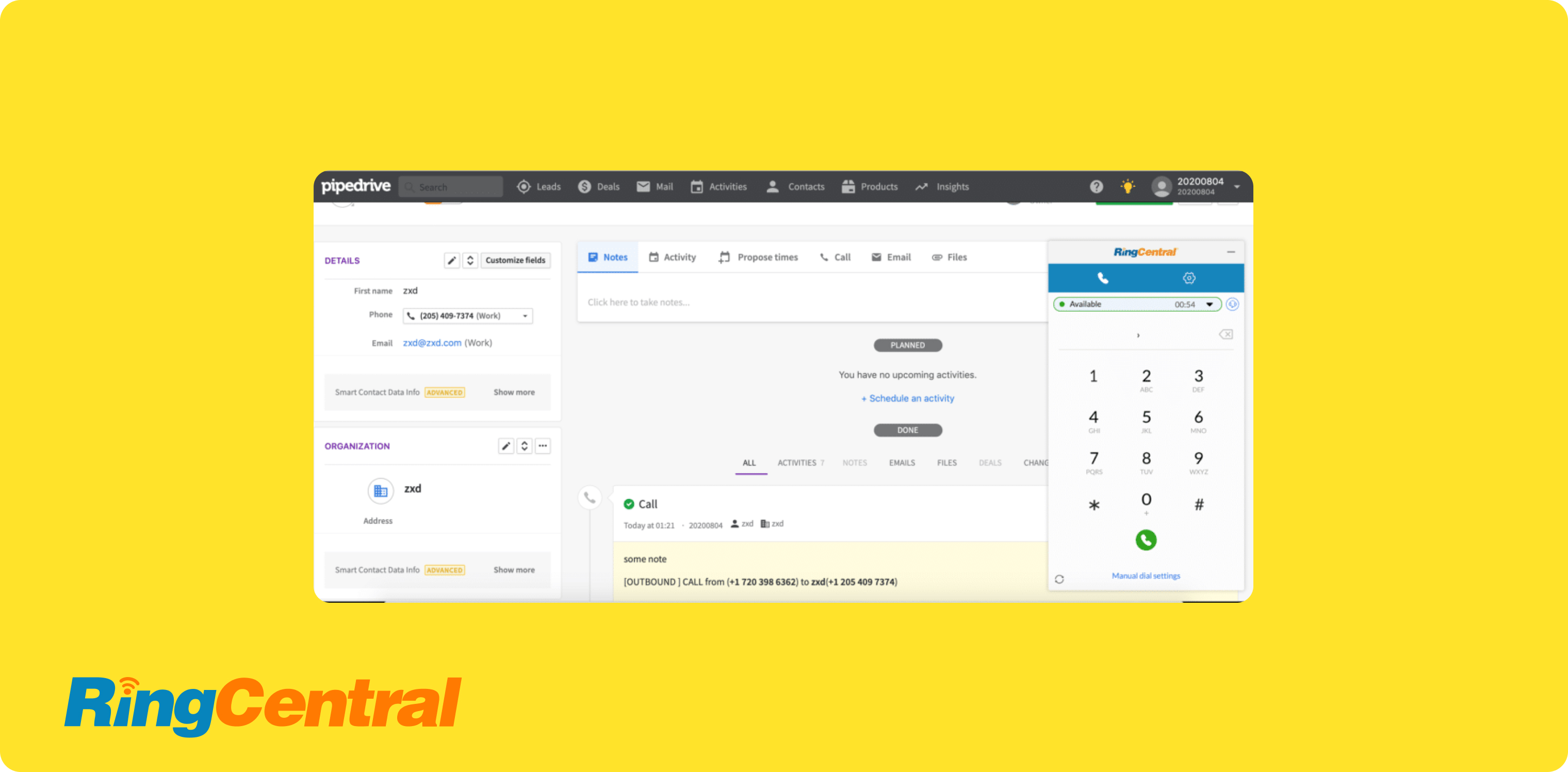
The integration works via a Chrome extension, which means it only functions on desktop browsers. Mobile users are out of luck. More problematic: you have to manually log each call after it ends. Recordings and transcripts don't sync automatically.
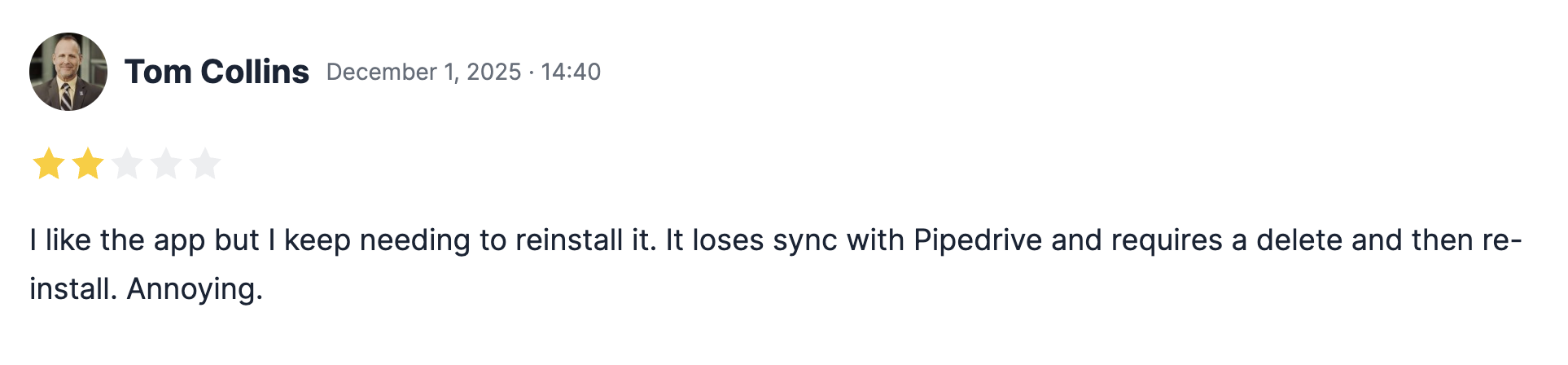
One user's marketplace review sums it up: "The RingCentral-Pipedrive App integration is basic, at best, and must be reinstalled regularly to function properly. It is one step better than manually adding notes to Pipedrive, and sometimes even more time-consuming."
RingCentral's strength lies in its breadth—500+ integrations, support for 100 countries, video conferencing, team messaging. If you need a unified communications platform that touches everything, it's a contender. But if your priority is a seamless Pipedrive experience that reduces admin work, you'll likely find better options above.
RingCentral Pricing
RingCentral's pricing is straightforward:
- Core: $30/user/month. Includes unlimited domestic calling, call recordings, and meetings.
- Advanced: $35/user/month. Adds CRM integrations (including Pipedrive) and reporting.
- Ultra: $45/user/month. Includes unlimited storage, webinars, and device analytics.
AI features like their AI Receptionist cost extra—starting at $59/month for 100 minutes.
RingCentral Demo
See RingCentral in action:
Conclusion
Finding the right Pipedrive phone integration comes down to matching your team size, budget, and workflow needs:
- For small sales teams that want automatic CRM updates without the admin headache, Allo stands out with its 5/5 rated integration, AI-powered summaries, and transparent pricing at $45/user/month.
- For mid-sized teams already committed to Aircall's ecosystem and willing to work around occasional sync issues, Aircall delivers solid functionality starting at $120/month (3-license minimum).
- For budget-conscious teams handling mostly inbound calls from known contacts, Quo offers a clean experience at just $33/user/month—just be aware of the deal-syncing and new lead limitations.
- For international teams needing coverage in 160+ countries with both voice and SMS logging, Cloudtalk at $39/user/month is worth exploring despite some reliability quirks.
- For enterprise teams already deep in RingCentral's ecosystem who need Pipedrive as just one of many integrations, the connection works—it's just not as seamless as alternatives.
The best integration is the one you'll actually use. If manual logging feels like a chore (and it should), prioritize providers that sync automatically. Your future self—and your CRM data—will thank you.
FAQ about Pipedrive Phone Integrations
Can You Make Calls Through Pipedrive?
Not natively. Pipedrive is a CRM designed for managing deals, contacts, and pipelines—but it doesn't include built-in calling functionality. To make and receive calls while keeping your CRM updated, you'll need to connect a third-party VoIP phone system that integrates with Pipedrive. The good news is that several providers like Allo or Aircall offer deep integrations that automatically log calls, sync recordings, and pull contact data directly into your workflow.
What Should a Good Pipedrive Phone Integration Do?
A quality Pipedrive phone integration should handle four things automatically: log every call to the right contact or deal, sync recordings so you can replay conversations, capture call metadata (duration, direction, timestamp), and display Pipedrive contact information when calls come in. The best integrations also sync AI-generated transcripts and summaries, eliminating manual note-taking entirely. Avoid integrations that require manual logging or only work via browser extensions—they create more work, not less.
Which VoIP Providers Integrate with Pipedrive?
Several VoIP providers offer Pipedrive integrations, though quality varies significantly. The providers with native Pipedrive marketplace integrations include Allo (5/5 rating), Aircall (4/5), Cloudtalk (4/5), Quo (3.5/5), and RingCentral (3.5/5). Notably, some major VoIP providers like Zoom Phone, Dialpad, and Nextiva do not integrate with Pipedrive at all, so check compatibility before committing to a phone system.
How Much Do Pipedrive Phone Integrations Cost?
Pricing ranges significantly based on provider and plan. Budget options like Quo start at $33/user/month for Pipedrive integration. Mid-range options like Allo come in at $45/user/month with all features included. Enterprise-focused providers like Aircall require minimum license purchases (3 seats at $40 each = $120/month minimum) and often charge extra for add-ons. Always check which plan tier includes the CRM integration—the cheapest plan often excludes it.