Key Takeaways
- Business phone numbers help business owners protect their work-life balance, get access to business-grade features and reinforce their credibility.
- Google Voice is best as a free or low-cost temporary solution for solopreneurs who already use Google Workspace and don't need CRM integrations.
- Allo is best for small sales teams that want AI call summaries and CRM sync included in every plan, with an AI receptionist available as an add-on.
- Quo (formerly OpenPhone) is best for small teams that prioritize a clean, collaborative inbox for calls and texts — though it's limited to US and Canadian numbers.
Introduction
Still sharing your personal phone number with your clients?
As this redditer suggests, you shouldn't:
Every customer who has your personal number will eventually use it at an inconvenient time for a non-urgent reason. Not because they're disrespectful but because the availability of the channel lowers the threshold for what feels worth reaching out about. Protect the boundary before it breaks because restoring it is significantly harder than maintaining it.
The good news? Virtual phone systems let you set up a dedicated business number in minutes, often for less than $20/month. You use it from your personal phone through an app.
In this guide, we'll cover why you need one, the different types available, how to get set up, and which providers are worth your time.
Why Create a Business Phone Number?
Let's be honest: your personal phone number can work for business. But "can" and "should" are two different things.
Here are three reasons to make the switch.
Separate Your Personal Life from Your Business
Using one number for everything means client calls at dinner. Texts from prospects on weekends. No clear boundary between work and life.
A business number gives you a simple off switch. Set your business hours, and calls outside those hours go straight to voicemail or an automated greeting.
Your personal number stays personal.
Make Team Collaboration Easier
When your business grows past one person, a personal phone number becomes a bottleneck. You can't share a voicemail with a colleague. You can't transfer a call. You can't see who on your team already spoke with a client.
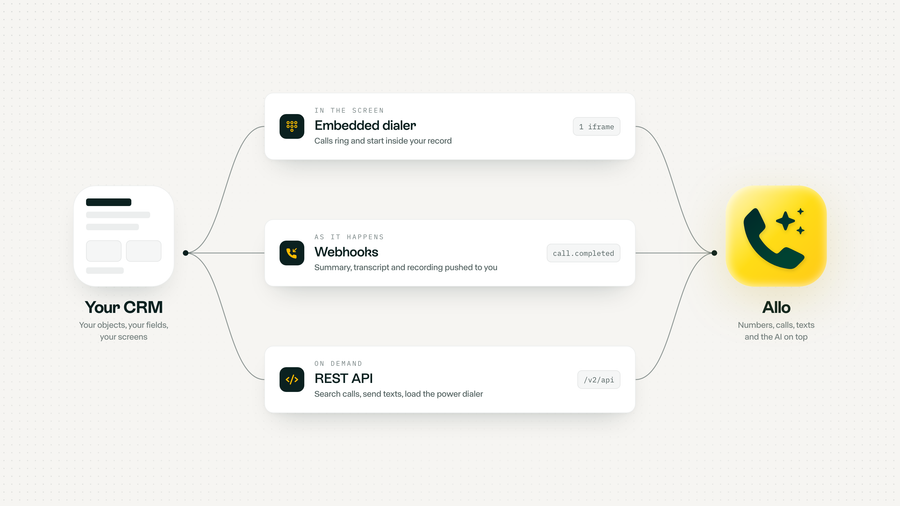
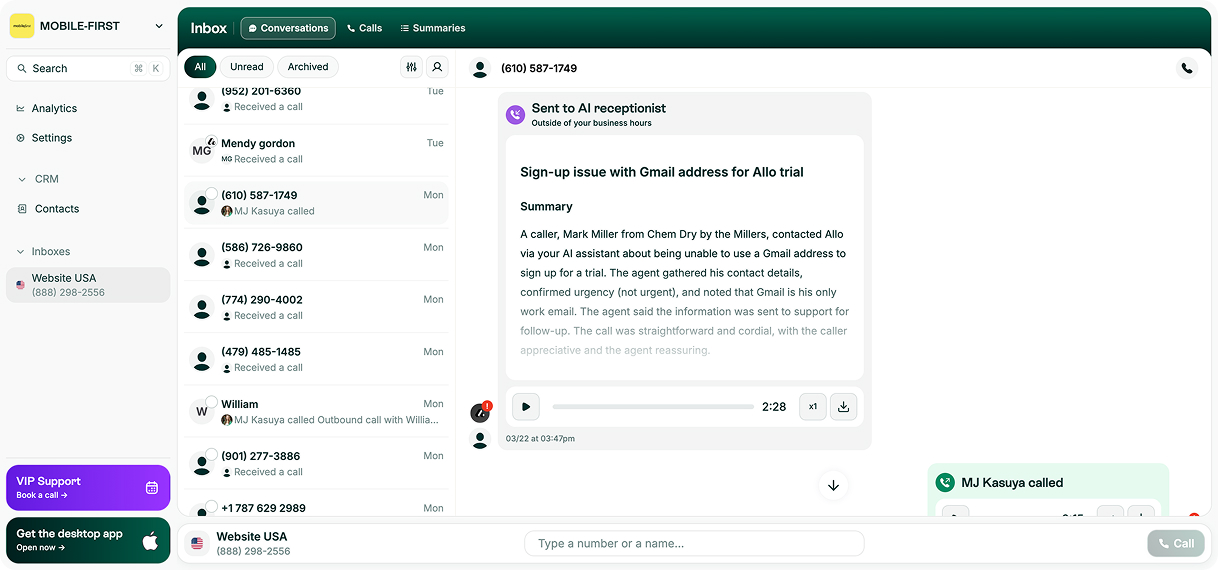
Business phone systems solve this. Most let you share texts, voicemails, and even call transcripts with your team. Some like Allo sync everything to your CRM automatically.
Access Business-Grade Features
Personal phones don't come with call forwarding rules, call routing, IVR menus, or AI receptionists.
Business phone systems do.
Features like an AI receptionist can answer calls when you're busy, route callers to the right person, and even take messages — all without you lifting a finger. Call recording and transcription let you review conversations later. Automated CRM updates save hours of admin work every week.
Personal Phone Number vs. Business Phone Number
Here's a quick side-by-side to make the difference concrete:
| Aspect | Personal Phone Number | Business Phone Number |
|---|---|---|
| Caller ID | Shows your personal name (or nothing) | Displays your business name |
| Privacy | Clients have your personal number | Your personal number stays private |
| Work/Life Separation | Calls come in 24/7 | Set business hours; after-hours calls go to voicemail |
| Team Collaboration | No way to share calls, texts, or voicemails | Share transcripts, transfer calls, assign conversations |
| Features | Basic calling and texting | Call routing, IVR, AI receptionist, CRM integration, call recording |
With virtual phone numbers, getting a business number is quick, affordable, and doesn't require a second phone. You install an app on your existing device, and you're up and running.
It'd almost be crazy not to create one.
What Are the Different Types of Business Phone Numbers?
Not all business phone numbers work the same way. Before you pick a provider, you need to understand the three main types — and when each one makes sense.
Local Numbers
A local number uses an area code tied to a specific city or region. If your business serves customers in Miami, for example, a 305 area code signals that you're local.
When it works best: You're targeting customers in a specific geographic area and want to appear like a neighborhood business. Local numbers tend to get higher pickup rates than toll-free numbers because they feel familiar.
Most providers include at least one local number in their base plan.
Toll-Free Numbers
Toll-free numbers start with prefixes like 800, 888, 877, or 866. They're free for the caller and signal that your business is established.
When it works best: You serve customers nationwide (or internationally) and want to project a larger, more professional image. Toll-free numbers work especially well for customer support lines where you want to remove any friction for the caller.
Keep in mind: some VoIP providers charge extra for toll-free numbers or bundle them only in higher-tier plans.
Vanity Numbers
Vanity numbers are toll-free or local numbers that spell out a word or phrase — like 1-800-FLOWERS or 1-888-NEW-CARS.
When it works best: Brand recall matters to you, and you're willing to pay a premium for it. Vanity numbers are memorable, which makes them great for advertising. But they're harder to get (popular combinations are usually taken) and typically cost more.
For most small businesses, a local or toll-free number will do the job. Vanity numbers are a nice-to-have, not a must-have.
How to Get a Business Phone Number
The process is simpler than you might think. Three steps and you're done.
Step 1: Figure Out What You Actually Need
Start with two questions:
- Do you need just a second phone number, or do you need a full phone system? If you're a solopreneur who just wants to separate personal and business calls, a basic virtual number might be enough. But if you have a team — even a small one — you'll want features like call routing, shared inboxes, and CRM integration. That means a phone system, not just a number.
- What type of number do you need? If you're selling locally, a local number makes sense. If you serve a wider area, consider toll-free. And if you're calling international prospects, make sure the provider offers numbers in the countries that matter to you.
Step 2: Pick a Provider
This is where it gets interesting — and where most people spend too much time.
We'll break down the best options in the next section. But here's what to look for at a high level:
- Check which features are included (versus billed as add-ons).
- Learn how pricing actually works once you factor in all the extras.
- Make sure the provider covers the countries you need.
- Check how good the mobile app is, especially if you or your team work on the go.
Step 3: Subscribe and Configure Your Number
Once you've chosen a provider, setup is usually fast. Most modern phone systems let you:
- Sign up online
- Choose your number (local, toll-free, or port an existing one)
- Download the app
- Start making calls
With a system like Allo, you can have your whole team connected in under five minutes. No IT department needed.
Before you share the number, set your business hours and register it on the Free Caller Registry, so your calls don't show up as "Spam Likely."
What Are the Best Business Phone Number Providers?
We reviewed dozens of options. Below are five that stand out — each for a different reason.
But first, here's what we recommend evaluating before you commit.
How to Evaluate a Provider
- Features vs. what you'll actually use. Don't pay for a power dialer if your team doesn't do cold outbound. But do check integrations carefully, especially if you use a CRM. Also look at AI features. Call summaries, voicemail transcription, and AI receptionists can save hours every week. Some providers include them; others charge extra.
- Pricing (and the fine print). The advertised price is rarely the full picture. Watch for minimum license requirements, mandatory annual contracts, and add-on fees for features that look "included" on the pricing page.
- International coverage. If you call clients abroad, make sure the provider offers numbers and competitive rates in the countries you need.
- Mobile app quality. If your team works on the go, the app is the product. Check App Store ratings. A phone system with a buggy mobile app is worse than no phone system at all.
| Solution | Starting Price | Best For | G2 Rating |
|---|---|---|---|
| Google Voice | FreePaid plans from $10/user/mo | Solopreneurs on Google Workspace who just need a free second number.Free plan | 4.1 / 5 |
| Allo | $32/user/mo, Business plan billed yearly | Small sales teams that want AI summaries and CRM sync in every plan. AI included | 4.7 / 5 |
| Quo | $19/user/mo | Small teams that want a shared inbox for calls and texts.Team inbox | 4.7 / 5 |
| Dialpad | $15/user/mo billed yearly ($27 monthly) | SMB to mid market teams that lean on built in AI.Scales up | 4.4 / 5 |
| Grasshopper | $18/mo | Solopreneurs who need a basic second line and voicemail, nothing more.Solo basics | 3.9 / 5 |
Google Voice — Best as a Free Starter Option
What Is Google Voice?
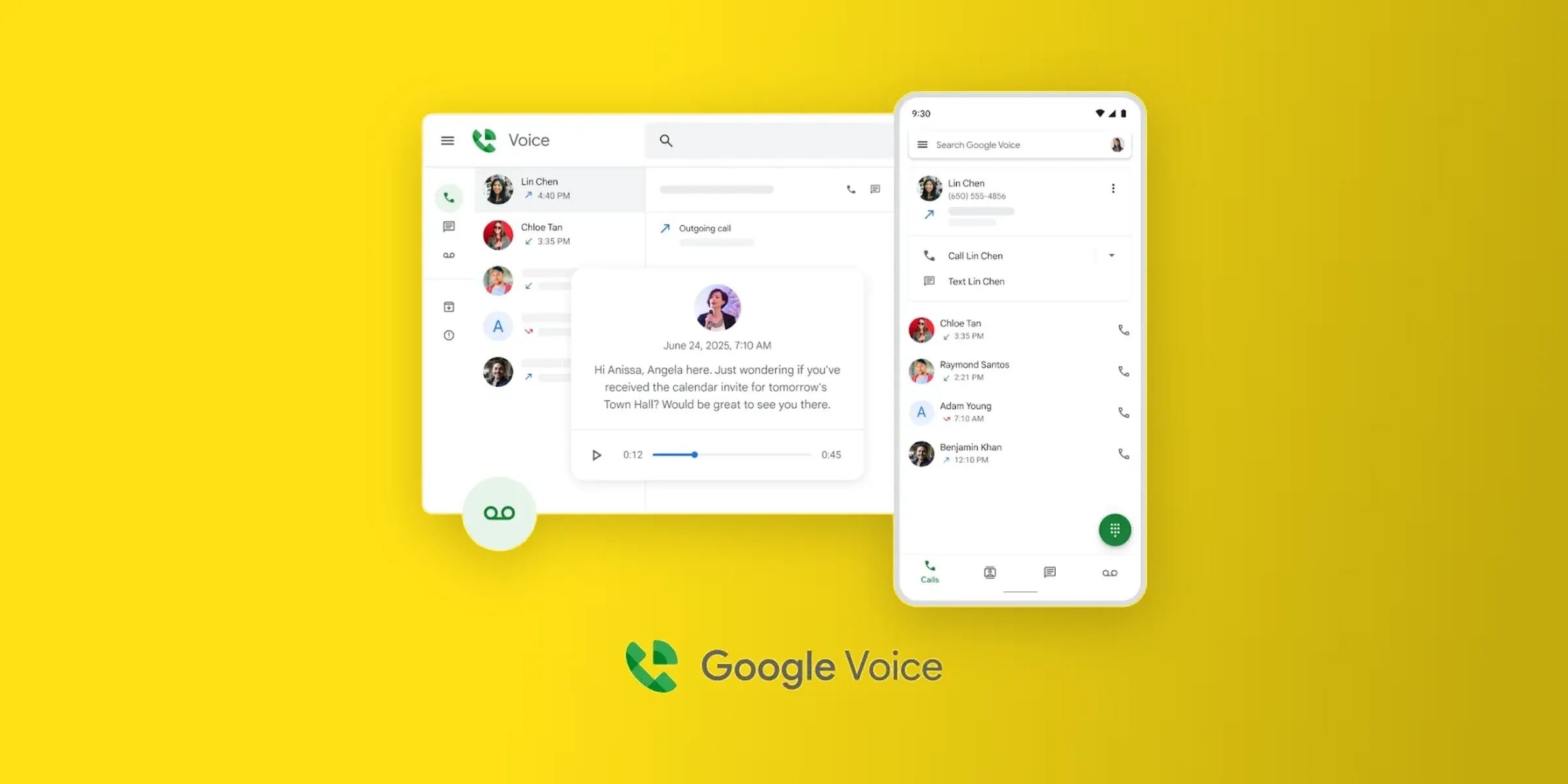
Google Voice is Google's phone system. It's incredibly popular among consumers because the personal version is completely free.
For businesses, it integrates with Google Workspace and offers basic calling features at a low price.
Who Google Voice Works Best For
Solopreneurs or very small teams who already use Google Workspace and need a no-frills second number. It works well as a temporary solution, something to get you started while you figure out your long-term needs.
Important note: The free version is tied to a personal Gmail address. If you're using a professional Google Workspace account, you'll need a paid plan.
Google Voice Pricing
- Personal (free): Available with a @gmail.com address. Includes unlimited domestic calling, texting, and voicemail transcription. US only.
- Starter: $10/user/month. Up to 10 users. Works in 14 countries.
- Standard: $20/user/month. Adds on-demand call recording and call routing. Requires a Google Workspace subscription.
- Premier: $30/user/month. Adds automatic call recording and advanced reporting via BigQuery. Requires a Google Workspace subscription.
Each user gets a local phone number included.
What Makes Google Voice Stand Out
Google Voice is affordable and very easy to set up and use.
But it comes with real trade-offs:
- No CRM integrations. It connects to Google Workspace and that's about it. If you use HubSpot, Salesforce, or Pipedrive, your calls won't sync.
- Almost no AI features. Voicemail transcription and spam blocking — that's the full list. No call summaries, no AI receptionist, no transcription.
- Limited to US and Canada for phone numbers.
- No customer support on the free plan. The paid plans rely mostly on community forums.
Google Voice is a solid starting point. But if you need integrations, AI features, or international coverage, you'll outgrow it fast.
Google Voice Ratings
- G2: 4.1/5
- Capterra: 4.5/5
- Play Store: 1.6/5
Demo Video of Google Voice
Allo — Best for Small Sales Teams That Want AI Built In
Full disclosure: Allo is our product, so treat this section as us making our case. We've kept the facts straight so you can weigh it fairly against the alternatives below.
What Is Allo?
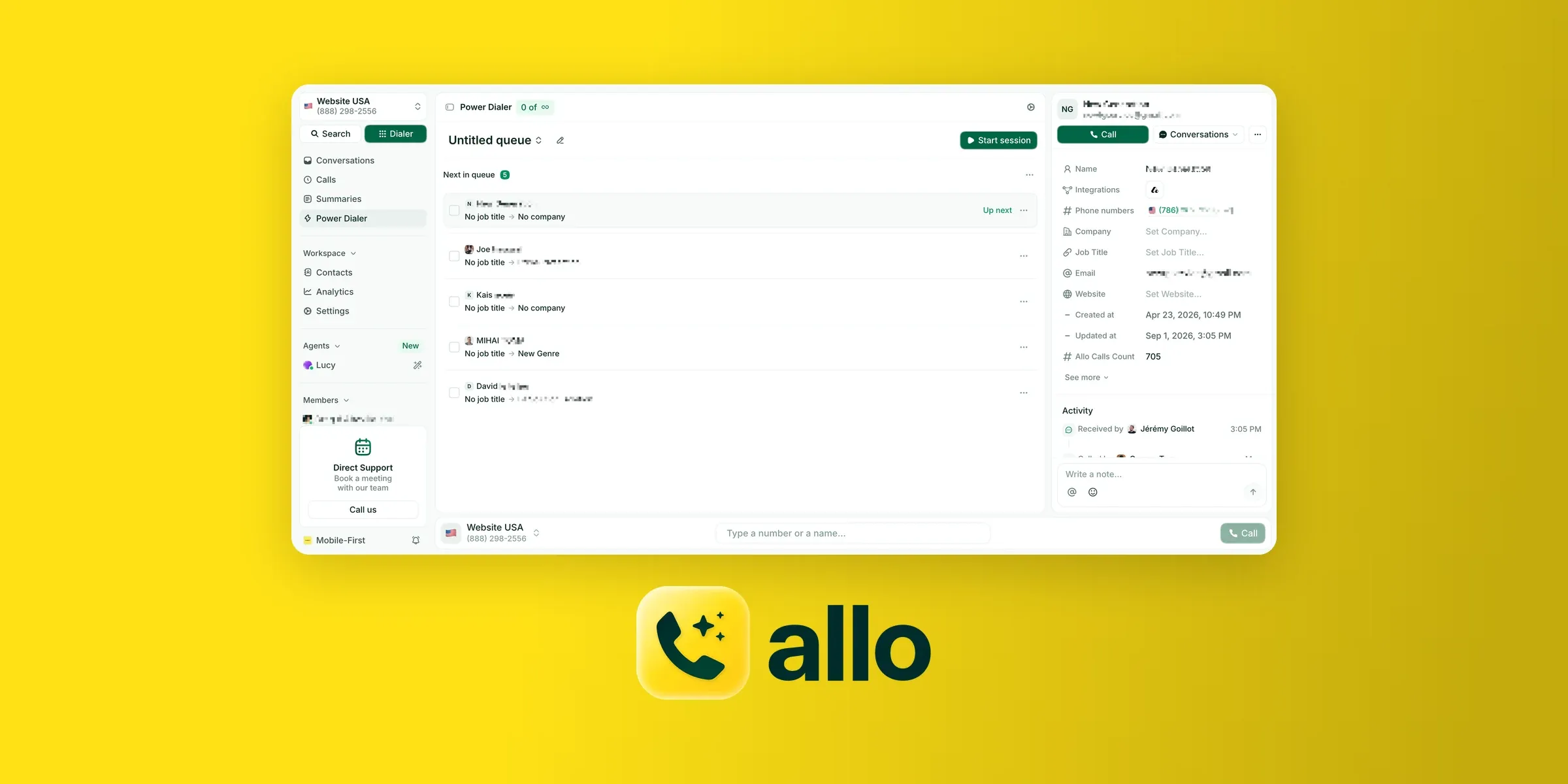
Allo is an AI phone system built specifically for small teams and salespeople. Founded in 2024, it was designed from scratch as a mobile-first, AI-native platform — not a legacy system with AI bolted on after the fact.
Who Allo Works Best For
Small teams (2–50 people) who want a phone system that actually saves them time. If your team spends hours on manual CRM updates, follow-up notes, and call logging, Allo eliminates most of that.
It's also a strong fit for teams that work primarily from their phones. The mobile app is central to the experience, not an afterthought.
Allo Pricing
Allo has three plans, each billed monthly or yearly:
- Solo: $10/month billed yearly ($15 monthly) for one person. Includes one business number, unlimited national calls, call recording, incoming texts, native CRM autofill, and AI summaries and transcripts. Solo is waitlist-only for now.
- Business: $32 per user/month billed yearly ($45 monthly). Adds CRM sync with HubSpot, Salesforce, Pipedrive and Attio, outbound texts to US numbers, a collaborative inbox and notes, custom AI summary templates, AI call tags, and call analytics.
- Ultra: $100 per user/month billed yearly ($120 monthly). Adds AI agents and a dedicated account manager.
Two add-ons are billed on top of any plan: the AI receptionist at $32/month and a power dialer at $50/month for the whole team.
Extra numbers start at $5/month. There are no setup fees or contracts, and you can try Allo free for seven days.
What Makes Allo Stand Out
- AI summaries in every plan. Every call gets a transcript and an AI summary at no extra cost, and the Business plan adds AI call tags that sync to your CRM. The AI receptionist is a separate $32/month add-on.
- Deep CRM integrations. Calls are automatically recorded, transcribed, and synced to your CRM. Allo's HubSpot integration is rated 4.7/5 on the HubSpot Marketplace with 200+ installs.
- Mobile-first design. The app was designed for mobile from day one — not adapted from a desktop interface.
- Transparent cancellation. Cancel anytime from your settings. No phone calls, no 30-day notice periods, no retention scripts.
Allo Ratings
- G2: 4.7/5
- App Store: 4.2/5
- HubSpot Marketplace: 4.7/5
Demo Video of Allo
Quo — Best for Collaborative Small Teams
What Is Quo?
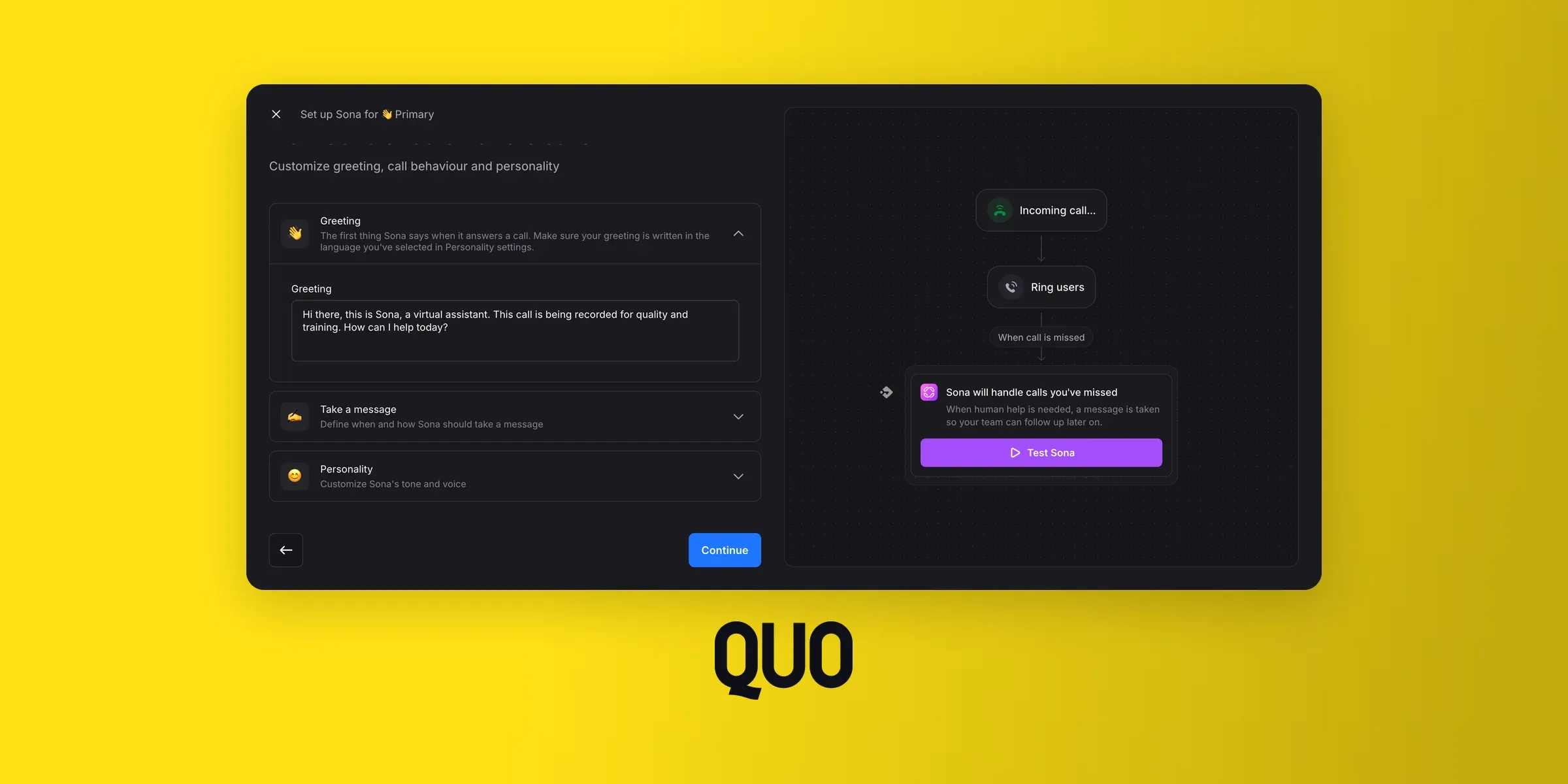
Quo (formerly OpenPhone) is a business phone system that launched in 2018 in Canada. It was built to solve a specific problem: business owners relying on their personal numbers to run their companies.
As such, it's a great fit for small businesses looking to create a business phone number.
Who Quo Works Best For
Small teams that value collaboration. Quo's shared inbox — with threads, tagging, and internal team chat — makes it easy to manage conversations as a group.
It also includes a lightweight built-in CRM for teams that don't use a dedicated CRM tool.
Quo Pricing
- Starter: $19/user/month. Includes a local number, unlimited calling and messaging (US/Canada), voicemail transcripts, and 10 AI-handled calls.
- Business: $33/user/month. Adds AI call summaries and transcripts, group calling, call transfers, analytics, and CRM integrations (HubSpot, Salesforce).
- Scale: $47/user/month. Adds dedicated onboarding, priority support, and inbound phone support.
7-day free trial included. One phone number per user; additional numbers cost $5/month.
What Makes Quo Stand Out
Like Google Voice, Quo is easy to use. But it adds useful features like call transcripts, a convenient team inbox, and a powerful AI receptionist (billed separately).
But it comes with some limitations:
- US and Canada numbers only. If you need international numbers, Quo won't work.
- No cold calling allowed. Quo's terms prohibit cold outbound, and they can block your account if they suspect you're doing it. That's a dealbreaker for many sales teams.
- AI features cost extra or require higher plans. Call summaries and transcripts are only in the Business plan. The AI answering service (Sona) gives you 10 free calls, then charges $0.75 per call.
Quo Ratings
- G2: 4.7/5
- App Store: 4.5/5
Demo Video of Quo
Dialpad — Best for Teams That Prioritize AI
What Is Dialpad?
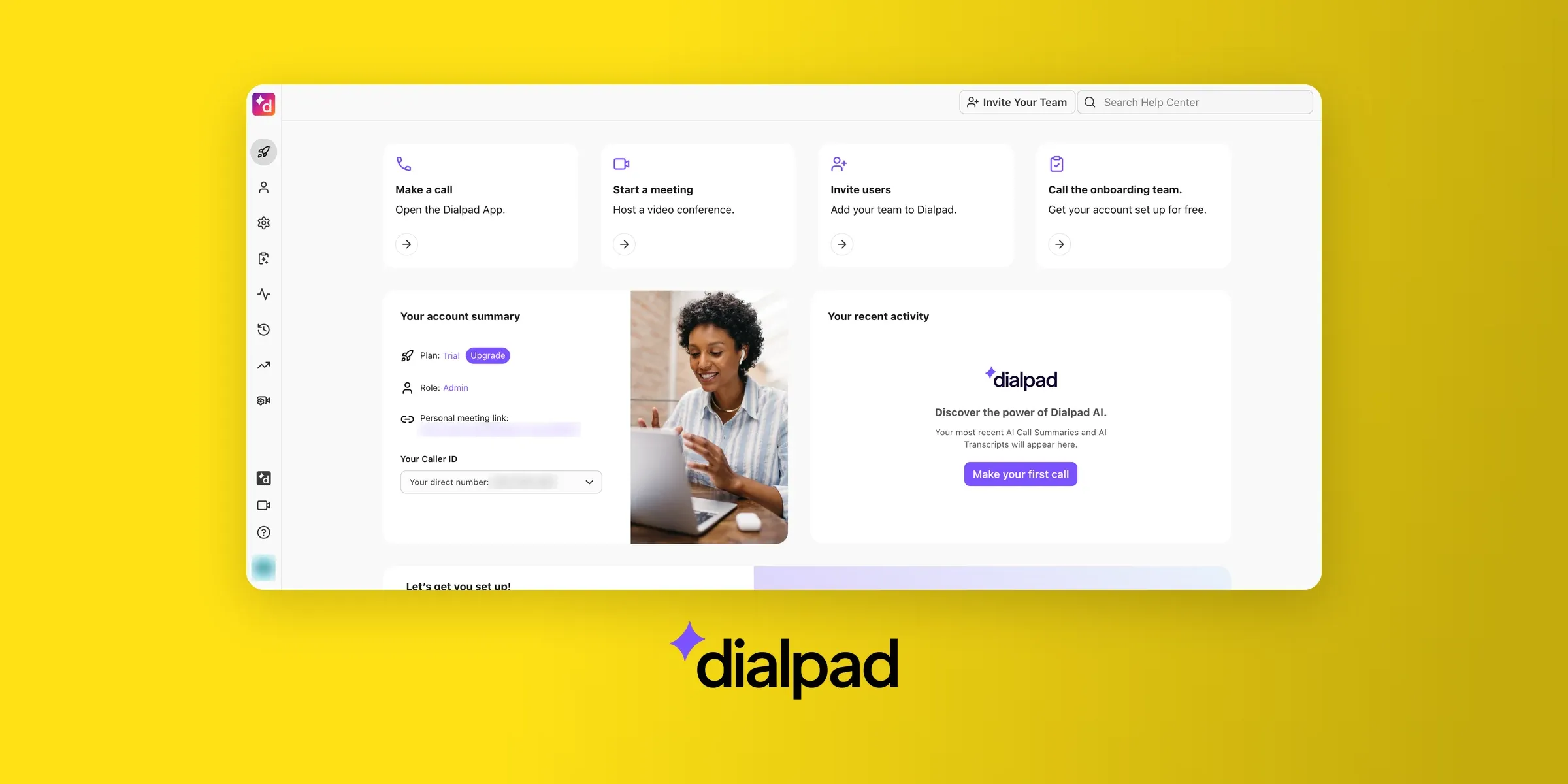
Dialpad was founded in 2011 by Craig Walker, the same person who created GrandCentral, the VoIP solution that Google acquired and turned into Google Voice.
The company has invested heavily in AI, developing its own model since 2018. It maintains three separate products: Connect (general communication), Support (for support teams), and Sell (for sales teams).
Who Dialpad Works Best For
SMBs to mid-market companies (20–1,000+ employees) who want strong AI features included in their plan.
Dialpad's AI is genuinely capable — call summaries, live coaching, and call scoring are all built in from the base plan.
Dialpad Pricing
- Standard: $27/user/month. Includes unlimited calling (US, Canada, and your own country), a local number, call recording, and all AI features.
- Pro: $35/user/month. Adds SSO, phone support, and up to 25 departments.
AI transcripts and call summaries are included in all plans.
What Makes Dialpad Stand Out
Dialpad is great for companies that communicate via voice and text messages but also need video calls and Whatsapp support.
The quality of its AI features is also undisputed.
But the product has its limitations:
- The AI voice agent that answers calls is a separate product. Dialpad sells it through its sales team on conversation-based credits and doesn't publish a price.
- The product has a lot of features, which can make onboarding slower than simpler alternatives.
- Several reviews mention long wait times or unhelpful responses from the support team.
Dialpad Ratings
- G2: 4.4/5
- App Store: 4.6/5
Demo Video of Dialpad
Grasshopper — Best for Solopreneurs Who Need the Basics
What Is Grasshopper?
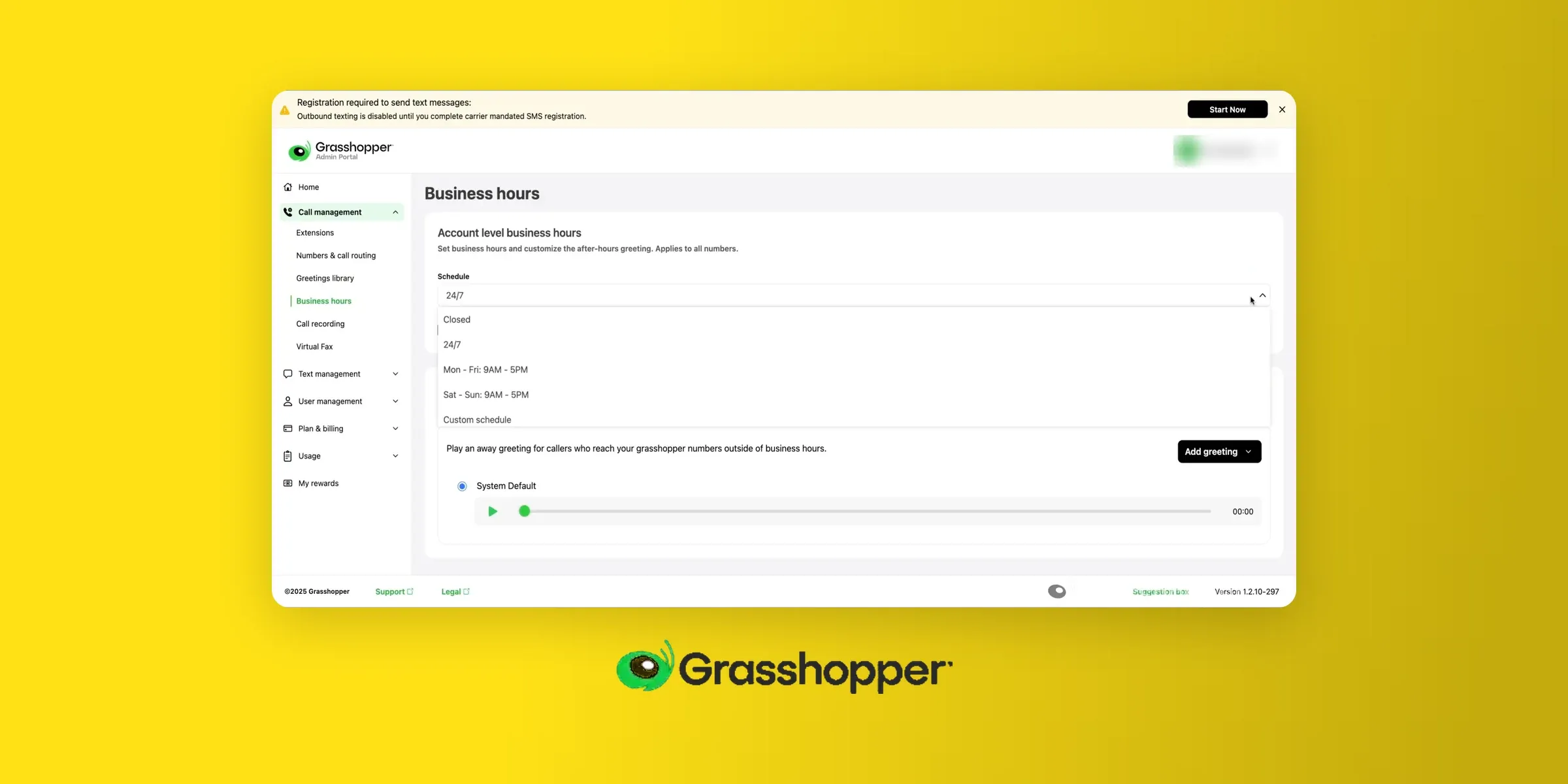
Grasshopper has been around since 2003, making it one of the oldest virtual phone systems on the market. It's now owned by GoTo.
Once the benchmark for SMB phone systems, Grasshopper today feels more like a product in maintenance mode — functional but not evolving.
Who Grasshopper Works Best For
Solopreneurs and very small businesses who need a basic second phone number with simple features. If you just want a business number, voicemail, and call forwarding — and nothing else — Grasshopper gets the job done.
Grasshopper Pricing
Grasshopper offers three plans:
- True solo: $18/month for one user and one toll-free or local phone number.
- Solo Plus: $32/month. Adds unlimited users, one phone number and three extensions.
- Small Business: $70/month. Includes 4 phone numbers and unlimited phone extensions.
What Makes Grasshopper Stand Out
Grasshopper is affordable and easy to use. If you mostly need a way for your customers to reach your business, it's a great choice.
But it has a few weaknesses:
- No CRM integrations. No native connections to HubSpot, Salesforce, or any major CRM. No public API for automation.
- No AI features. Not even call transcription. The only AI-adjacent feature is voicemail transcription.
- US and Canada only. No international numbers and no international SMS.
Grasshopper Ratings
- G2: 3.9/5
- App Store: 4.8/5
- Trustpilot: 2.1/5
Which business phone number provider should you pick?
Getting a business phone number takes only a few minutes. Choosing the provider takes longer.
The choice depends on two factors: how many people will use the line and which tools it needs to connect to.
- If you work alone and just want clients off your personal number, Google Voice's free personal plan or Grasshopper's $18/month True Solo plan will do the job. Neither one syncs with a CRM, and both are limited to US and Canadian numbers.
- Teams that log calls in HubSpot or Salesforce need more. Allo's Business plan costs $32 per user (billed yearly) and syncs every call to the CRM with an AI summary, and its AI receptionist is a $32/month add-on.
- Quo's shared inbox works well for teams that handle conversations together, as long as they stay in the US and Canada and don't cold call.
- Dialpad starts at $15/user/month billed yearly and suits larger teams that want live transcripts and AI call summaries on every plan.
Before you commit, use a free trial to make real calls from the mobile app. Most of these providers offer one.
Frequently Asked Questions About Business Phone Numbers
How to Get a Business Phone Number?
Three steps: Decide what you need. Just a second number to separate personal and business calls? Or a full phone system with call routing, CRM integrations, and AI features? Also decide on the type of number — local, toll-free, or vanity. Pick a provider. Compare pricing (watch for add-ons and minimum licenses), features, international coverage, and mobile app quality. Sign up and configure. Most virtual phone systems let you choose a number, download an app, and start calling within minutes. With Allo, your whole team can be set up in under five minutes — no IT required. If you already have a business number with another provider, most systems support number porting so you can keep your existing number.
How to Get a Free Business Phone Number?
There are two ways, but neither is a permanent solution. Google Voice (free personal plan). If you have a personal Gmail address, Google Voice gives you a free US phone number with unlimited domestic calling and texting. It works as a basic second line. The catch: no CRM integrations, almost no AI features, no team collaboration tools, and no customer support. Once your business grows even slightly, you'll hit its limits. Free trials. Several providers offer 7-day free trials — including Allo and Quo. These give you access to a real business phone number with full features, so you can test the system before committing. But the number is only yours for the trial period unless you convert to a paid plan. Bottom line: free options exist to get you started, but they're not built to last. For anything beyond a temporary setup, expect to pay $19–$45/month per user depending on the provider and features you need.
How Much Does a Business Phone Number Cost?
It depends on the provider and the plan, but here's the realistic range: Free: Google Voice personal plan (very limited — US only, no integrations, no team features). $10–$19/month: Entry-level plans from Google Voice (paid), Grasshopper, Quo, or Talkroute. Usually includes one number, basic calling, and minimal extras. $25–$45/month per user: Mid-range plans from providers like Allo ($25–$45), Dialpad ($27–$35), or MightyCall ($25–$65). This is where you get AI features, CRM integrations, call recording, and team collaboration tools. $50+/month per user: Enterprise-oriented plans from Aircall ($40–$70), Nextiva ($23–$75), or RingCentral ($30–$45). More features, but often more complexity and longer contracts too. Watch out for hidden costs. Some providers charge extra for AI features (Microsoft Teams Phone charges $30/user/month for Copilot), require minimum user counts (Aircall and MightyCall both require 3 licenses), or lock you into annual contracts with tricky cancellation policies. With Allo, it's $25/month for one user or $45/month per user for the full Business plan. Everything is included — no add-ons, no surprises.
How to Pick a Phone Number for My Business?
When you sign up with a provider, you'll typically get to choose from available numbers. Here are a few things to consider: Local vs. toll-free. Local numbers (with a recognizable area code) work best if you serve a specific region — they feel familiar and tend to get higher pickup rates. Toll-free numbers (800, 888, etc.) work better if you serve customers nationwide and want to project a larger presence. Area code matters. If you're a Miami-based business, pick a 305 or 786 area code. If you're targeting New York clients, go with 212 or 646. The area code signals where you're "from" — even if you're working from your couch in another state. Vanity numbers are optional. Numbers like 1-800-FLOWERS are memorable but expensive and hard to get. For most small businesses, they're not worth the premium. Keep it simple. Avoid numbers with awkward digit patterns that are hard to remember. If you already have a business number you've been using (even a personal one you've shared with clients), most providers let you port it over. This way, you don't lose any contacts or inbound calls during the transition.
How do I set up a virtual business phone number?
Identify your needs: do you only need a phone number, or do you need extra features (like call forwarding, call recording, an AI receptionist, etc.)? Pick a provider accordingly. Sign up and select a virtual phone number that matches your requirements (local phone number, toll-free number, vanity number, etc.). Customize your setup (opening hours, call forwarding rules, etc.)
How to Add a Business Phone Number to My Phone?
You don't need a second phone. Most modern business phone systems work through an app that you install on your existing smartphone. Here's how it typically works: Sign up with your chosen provider. Download their app from the App Store or Google Play. Log in and your business number is ready to use. Your personal number stays untouched. Incoming business calls ring through the app (with a distinct ringtone if you want), and outgoing calls from the app display your business caller ID — not your personal number. You can usually set business hours too, so after-hours calls go to voicemail or your AI receptionist instead of interrupting your evening. Most providers also offer desktop apps, so you can take business calls from your computer when you're at your desk.
Can I use my personal number as my business number?
Yes, by porting it to a business phone provider. It then becomes your business line, with call routing and recording, and you'd need a new number for personal calls. The other option is to keep your personal number and add a business number in an app on the same phone. That's the better choice if customers don't have your personal number yet.
Is it legal to record business calls?
The federal Wiretap Act (18 U.S.C. § 2511) allows recording when one person on the call consents. About a dozen states are stricter and require everyone's consent, including California, Florida, Illinois and Pennsylvania. Courts disagree on which state's law applies when callers are in different states, so the safe approach is to assume the stricter rule does and announce the recording at the start of each call.