The Best Dialpad Alternatives in 2026
Looking for a Dialpad alternative? We reviewed 20 competitors and picked our seven favorites.


Article Overview
- Allo ($10/user/mo) is our top pick: an AI phone system with summaries, transcripts, deep CRM integrations and a strong AI receptionist.
- Solo operators and small teams are better served by Grasshopper (flat rate, not per user) or Quo (shared numbers and simple texting for startups).
- Budget-conscious and international teams should look at KrispCall, the cheapest entry point at $15/user/mo with numbers and cheap calling rates across 100+ countries.
- Larger, CRM-heavy or global teams land on Nextiva (all-in-one US UCaaS), RingCentral (enterprise compliance and worldwide coverage) or Aircall (200+ integrations).
If you’re searching for Dialpad competitors, you’re probably already feeling the same frustrations we did. Dialpad markets itself as an AI-powered phone system, and on paper, it looks great. But after testing it and reading through hundreds of G2 reviews, it’s clear that the reality doesn’t always match the promise.
The three biggest pain points users call out again and again?
- Pricing that looks simple at first but isn’t transparent and doesn’t scale well.
- Customer support that feels hit or miss.
- AI features that sound shiny but don’t always deliver in real-world use.
That’s why we went out to test 20 VoIP tools and selected the best alternatives for 2026.
But first, let’s look at what Dialpad gets wrong.
What Are the Cons of Dialpad?
In our own experience, Dialpad’s call quality can be disappointing. And we’re not alone.
On G2, one user wrote:
“Occasional server lag. Incoming calls will just drop…”
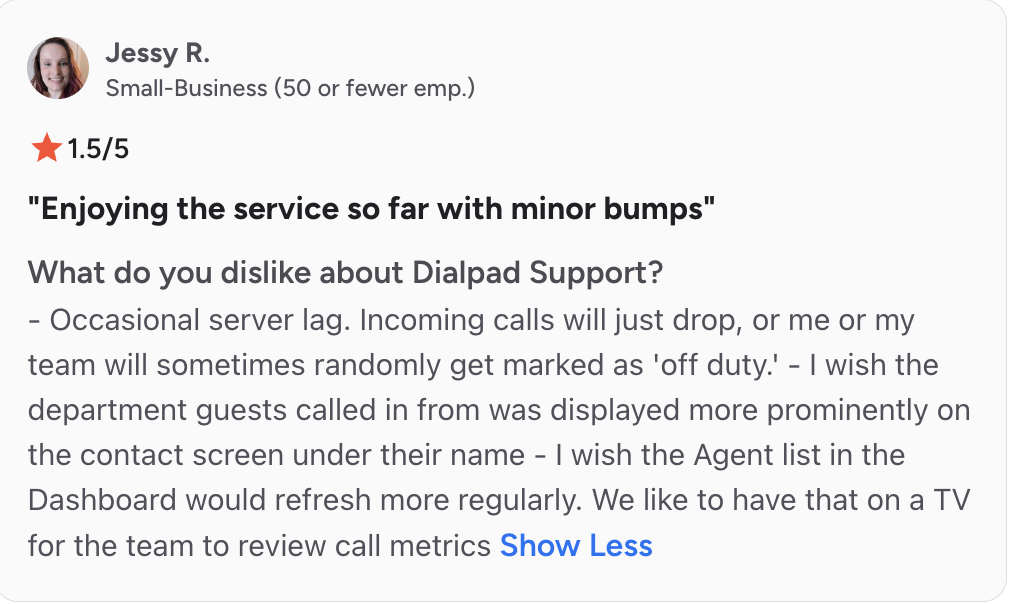
Another thing we noticed firsthand was the learning curve. It feels tricky at the beginning and requires attention, but once you get past that, things run smoothly.
“One aspect that I find less favorable about the Dialpad AI Sales Center is the initial setup process...” on G2.
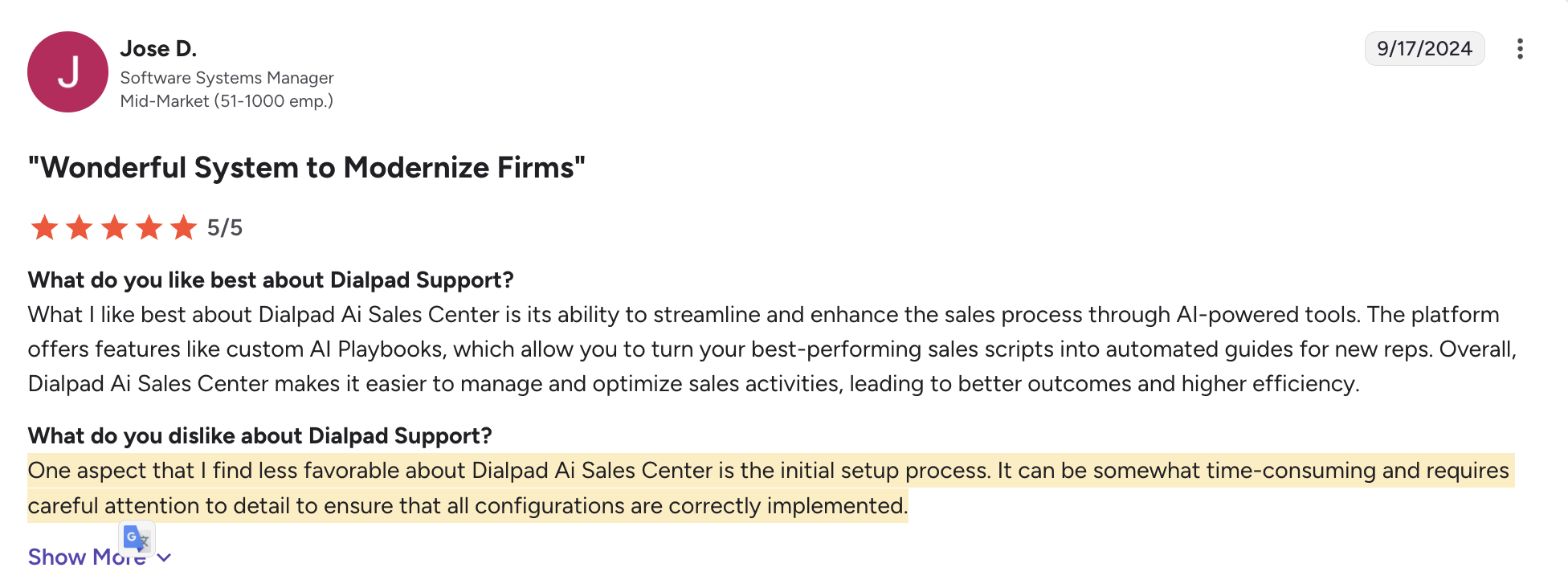
The same themes keep showing up across reviews:
- Unreliable call quality — dropped calls, connection issues. Comments on G2 are:

- AI that underdelivers — For some users on G2, “AI products don’t work as advertised”.
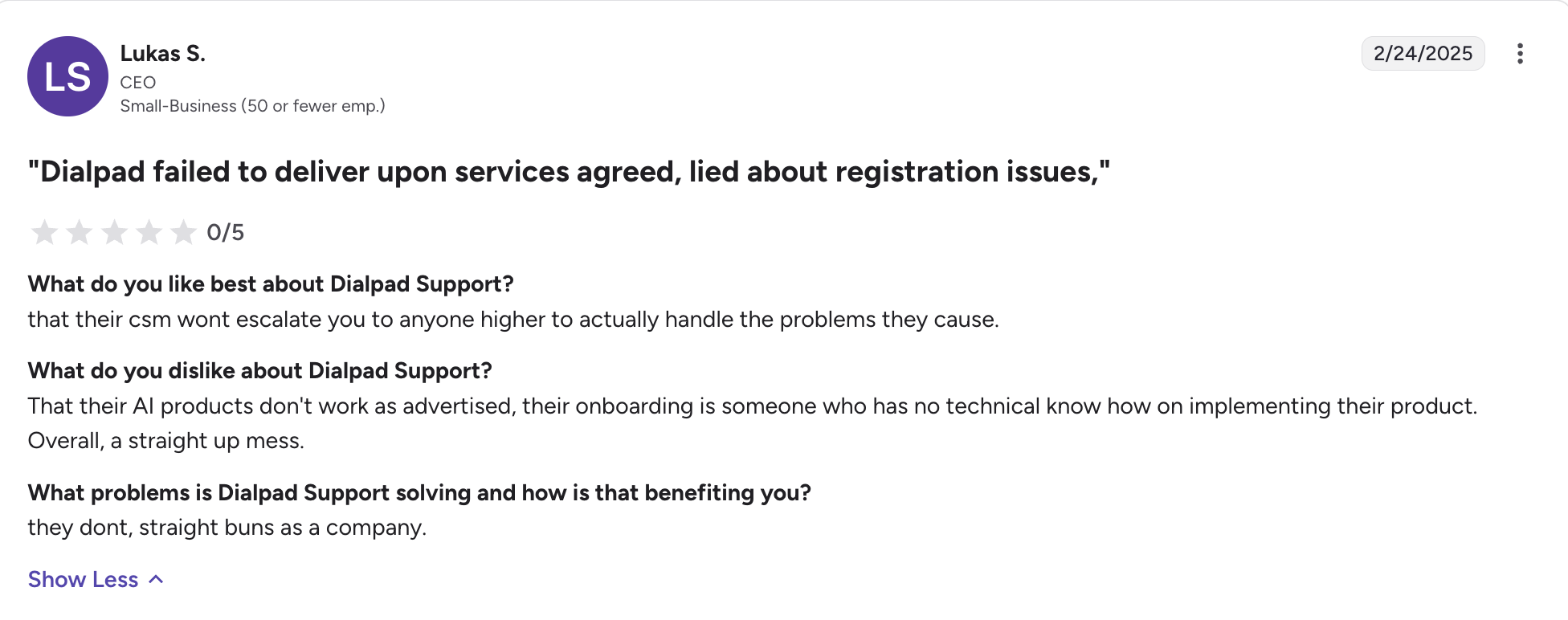
- Support frustrations — users report long wait times or a lack of clear answers when something breaks. Source.
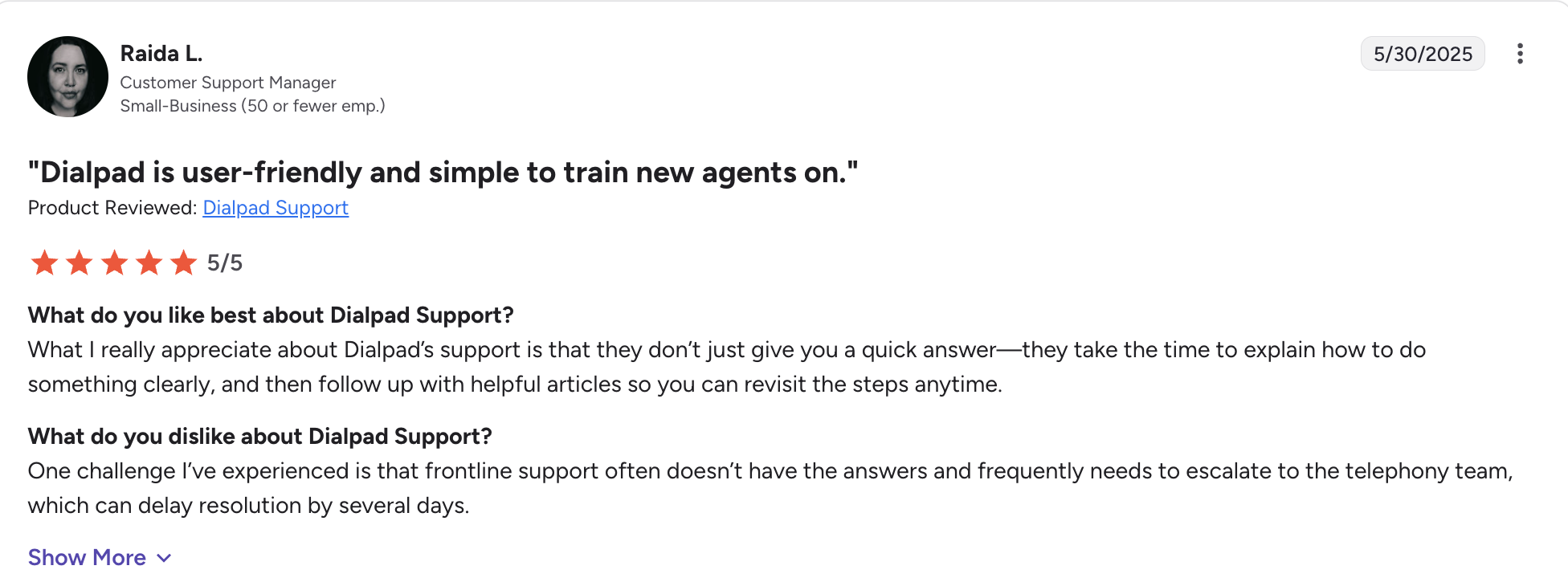
Dialpad isn’t terrible! It has a clean interface and strong integrations, but when users start paying more and relying on it for day-to-day operations, the cracks show up.
Our Selection Methodology
To uncover the best alternatives to Dialpad, we focused on what really matters to small and mid-sized teams who rely on their phone system every single day.
We tested 20 different VoIP providers and selected the 7 that outperformed Dialpad in critical areas. Here’s what we looked at:
- Pricing and Plans: We broke down every tier and looked at what features you actually get. Especially whether AI, analytics, and call center features are included, or if they’re hidden behind expensive add-ons.
- Integrations: We compared how many CRMs, help desks, and productivity apps each tool connects with, and how easy it is to set up workflows.
- Reliability: We tracked uptime guarantees, global server coverage, and whether users reported call quality issues.
- Advanced Features: Dialpad is known for its AI features. So we dug into whether competitors offered real-time transcription, AI coaching, predictive analytics, or smarter call routing.
- Communication Channels: Beyond voice: do you also get SMS, team chat, or video conferencing? And are they under one clean UI?
- Ease of Use: How quickly can you set up a new number? How intuitive is it to configure routing and call flows? Can a non-technical business owner get value on day one?
- Customer Support: We paid close attention to support hours, response times, and whether premium support is actually helpful.
From these 20 providers, only 7 made our best Dialpad alternatives list.
| Solution | Starting Price | Best For | G2 Rating |
|---|---|---|---|
| KrispCall | $15/user/mo$12 billed yearly; 1 free US/UK/CA number per user | Growing SMBs and global-facing teams that want a full phone system without a hefty bill.Global coverage | 4.5 / 5 |
| Allo | $10/user/mo (billed yearly)AI included in all plans | Small teams who want AI features and deep CRM integrations.AI included | 4.7 / 5 |
| Grasshopper | $18/moFlat rate, not per user; no AI features | Freelancers and solopreneurs who just need a professional US phone number.Solo-focused | 3.9 / 5 |
| Quo | $19/user/moAI summaries: Business, $33/user/mo | Startups and small teams wanting shared numbers and simple texting.SMB-focused | 4.7 / 5 |
| Nextiva | $23/user/moAI transcription: Power Suite CX, $75/user/mo | US SMBs and mid-market teams wanting voice, video and chat from one provider.All-in-one UCaaS | 4.5 / 5 |
| RingCentral | $30/user/moAI Receptionist add-on from $49/mo | Large or global teams needing enterprise compliance and worldwide coverage.Enterprise | 4.2 / 5 |
| Aircall | $40/user/mo3-seat minimum; AI Assist add-on $9/user/mo | Sales and support teams that live in their CRM and need deep integrations.CRM-heavy teams | 4.4 / 5 |
KrispCall vs. Dialpad
Pick KrispCall if you’re an SMB, a startup, or a global-facing team that wants a full-featured cloud phone system without paying Dialpad’s higher-tier prices to unlock it.
Why Is KrispCall a Good Dialpad Alternative?
KrispCall is a cloud-based business phone system built for growing businesses. Its Unified Callbox pulls calls, texts, voicemails, and recordings from every number into one shared workspace, and the interface is simple enough that most teams are up and running in a few minutes.
Two things set it apart from Dialpad. The first is price: the entry plan starts at $15/user/mo and already includes call monitoring and coaching, multi-level IVR, and 100+ integrations, features that sit on pricier tiers elsewhere. The second is international coverage: you can buy local, mobile, and toll-free numbers across 100+ countries in a few clicks, and users consistently report calling rates well below what they were paying before. One thing to note: calls are billed on a pay-as-you-go basis on the entry plans.
On G2, one user wrote:
“The ability to instantly purchase and activate virtual phone numbers from different countries is a game-changer. It allowed my business to establish a local presence in international markets without needing a physical office…”
KrispCall Pricing
KrispCall keeps its entry price affordable and moves the heavier sales features up the ladder.
- Starter — $15/user/mo ($12 billed yearly): up to 5 users, 1 free US/UK/CA number per user, call monitoring & coaching, multi-level IVR for call routing, SMS rephrasing, 100+ integration platforms, and $1 of free call/SMS credit.
- Advance — $40/user/mo ($32 billed yearly): everything in Starter, plus up to 50 users, call recording, call transferring, call transcription & summary (add-on), a power dialer, bulk SMS campaigns, and the Salesforce integration.
- Max — $60/user/mo ($48 billed yearly): everything in Advance, plus no member limit, unlimited inbound and outbound calling, 1,000 SMS segments, and a shared team usage pool. Unlimited calling and SMS are subject to a Fair Usage Policy and KYC verification.
- Enterprise — custom pricing (volume pricing for 50+ seats): everything in Max, plus unlimited user seats, a custom uptime SLA, a dedicated manager and onboarding, ISO 27001 compliance support, advanced admin controls, faster priority support, and custom invoicing and procurement.
Demo Video of KrispCall
Allo vs. Dialpad
Choose Allo if you’re a small team who wants AI features and strong CRM integrations without breaking the bank.
Why Is Allo a Strong Dialpad Alternative?
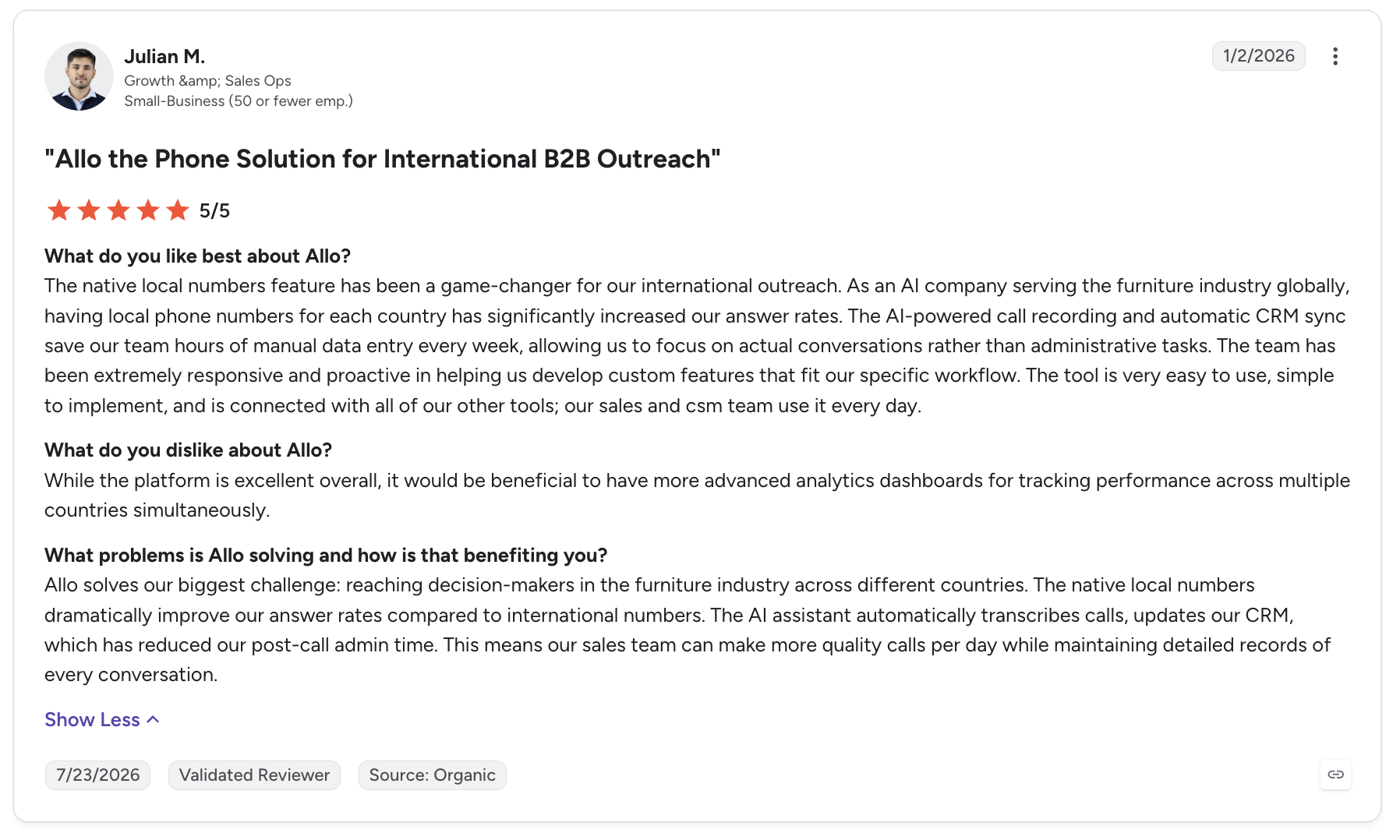
Allo is an AI phone system designed for small teams.
Dialpad offers strong AI features, but Allo includes them all in its entry plans. It's also one of the only phone systems that offers an MCP to connect your calls and texts' data to Claude or any other LLM. Its pricing is also more transparent and easier to understand.
Allo Pricing
Allo keeps pricing transparent, with AI features included on every plan and no add-ons.
- Solo — $10/user/mo (billed yearly): 1 business number, unlimited national calls, call recording, SMS, native CRM autofill, AI summaries & transcripts,missed-call text-back, and core integrations.
- Business — $45/user/mo ($32 billed yearly): everything in Solo, plus all integrations, collaborative inbox & notes, power dialer, custom AI summary templates, AI call tags, Allo MCP, analytics and team leaderboards.
Both plans include pay-as-you-go international calling and one local or toll-free number; extra numbers are $5/mo.
Demo Video of Allo
Grasshopper vs. Dialpad
Pick Grasshopper if you’re a freelancer, solopreneur, or very small business that only needs a simple, professional phone number with voicemail transcription and unlimited US calling.
Why Is Grasshopper a Good Dialpad Alternative?
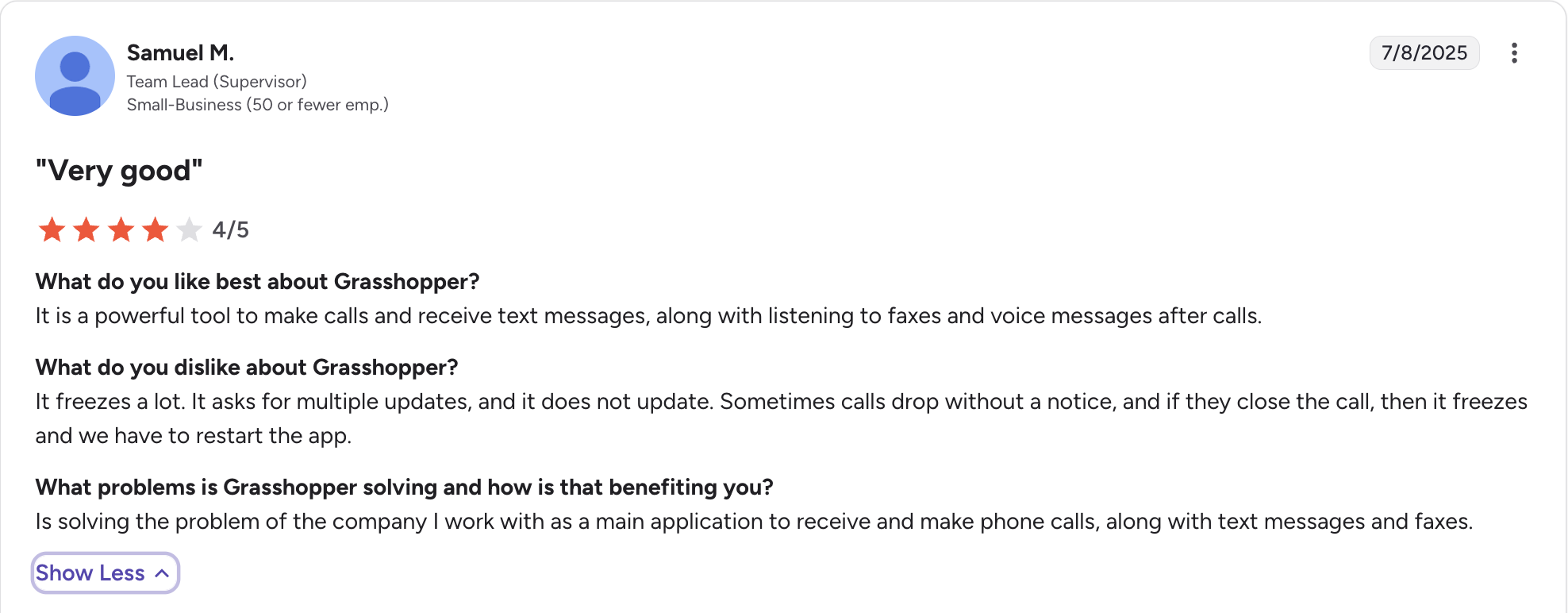
Grasshopper is a virtual phone system designed for solo entrepreneurs and very small businesses. It’s lightweight, easy to set up, and gives you a professional business number without requiring new hardware.
Their appeal is simplicity: get a business line, forward calls to your cell, use voicemail transcription, and send texts.
It’s not built for large teams or call centers, it’s built for freelancers, side hustlers, and small businesses who just want a professional phone presence.
Grasshopper Pricing
Grasshopper is billed per account rather than per user, and covers the US and Canada with local, toll-free, and vanity numbers.
- True Solo — $18/mo ($14 billed yearly): 1 user, 1 number, 1 extension, unlimited US/Canada calls & texts, voicemail transcription, and call forwarding.
- Solo Plus — $32/mo ($25 billed yearly): unlimited users, 1 number, and 3 extensions.
- Small Business — $70/mo ($55 billed yearly): unlimited users, 4 numbers, and unlimited extensions.
7-day free trial, no credit card required.
Demo Video of Grasshopper
Quo vs. Dialpad
Pick Quo (formerly OpenPhone) if you’re a startup or small business that needs a simple, collaborative phone system with shared numbers and texting built in.
Why Is Quo a Good Dialpad Alternative?
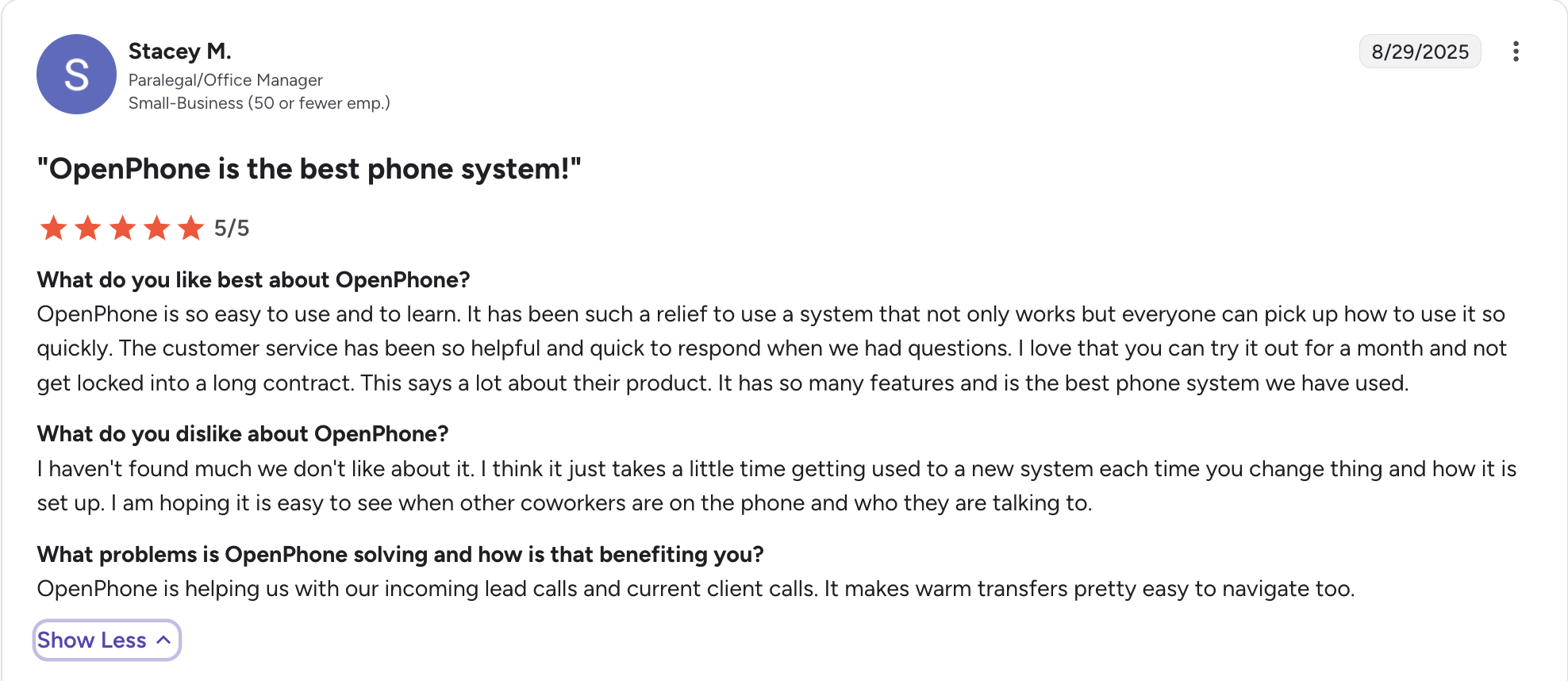
Quo is a business phone system built for startups and small teams. It’s easy to set up and includes shared numbers, texting, call recording, and lightweight integrations at an affordable price.
Its focus is simplicity and collaboration, giving small teams the tools to look professional and work together on calls and texts.
Quo Pricing
Quo (formerly OpenPhone) keeps pricing simple for US and Canada teams, with its Sona AI agent included from the entry plan.
- Starter — $19/user/mo ($15 billed yearly): a local number, unlimited US/Canada calling & messaging, voicemail transcripts, and 10 calls handled by Sona (its AI agent).
- Business — $33/user/mo ($23 billed yearly): AI call summaries & transcripts, group calling, call transfers, analytics & reporting, and HubSpot & Salesforce integrations.
- Scale — $47/user/mo ($35 billed yearly): dedicated onboarding, priority live chat & email support, and inbound phone support.
Includes one number per user; additional numbers are $5/user/mo. 7-day free trial.
Demo Video of Quo
Nextiva vs. Dialpad
Pick Nextiva if you’re a US-based SMB or mid-market company that wants a single provider for voice, video, and team chat with reliable coverage.
Why Is Nextiva a Good Dialpad Alternative?
Nextiva is also a unified communications platform (UCaaS) similar to Dialpad.
This means that it’s designed for businesses that want everything in one place: voice, video meetings, team chat, SMS/MMS, and even light CRM and ticketing tools.
Nextiva Pricing
Nextiva bundles voice, video, and chat from the entry plan, but reserves its AI transcription and summaries for the top tier.
- Core — $23/user/mo ($15 billed yearly): a phone number, business SMS, video meetings, call routing, and team chat.
- Engage — $50/user/mo ($25 billed yearly): adds advanced reporting, web chat, a toll-free number, and inbound sales/service call-center features.
- Power Suite CX — $75/user/mo (up to 100 agents): AI transcription & summarization, intelligent skills-based routing, and journey orchestration.
14-day free trial.
Demo Video of Nextiva
Ringcentral vs. Dialpad
Pick RingCentral if you’re a large enterprise or global company that needs a proven UCaaS provider with robust compliance, advanced analytics, and global reliability.
Why Is RingCentral a Good Dialpad Alternative?
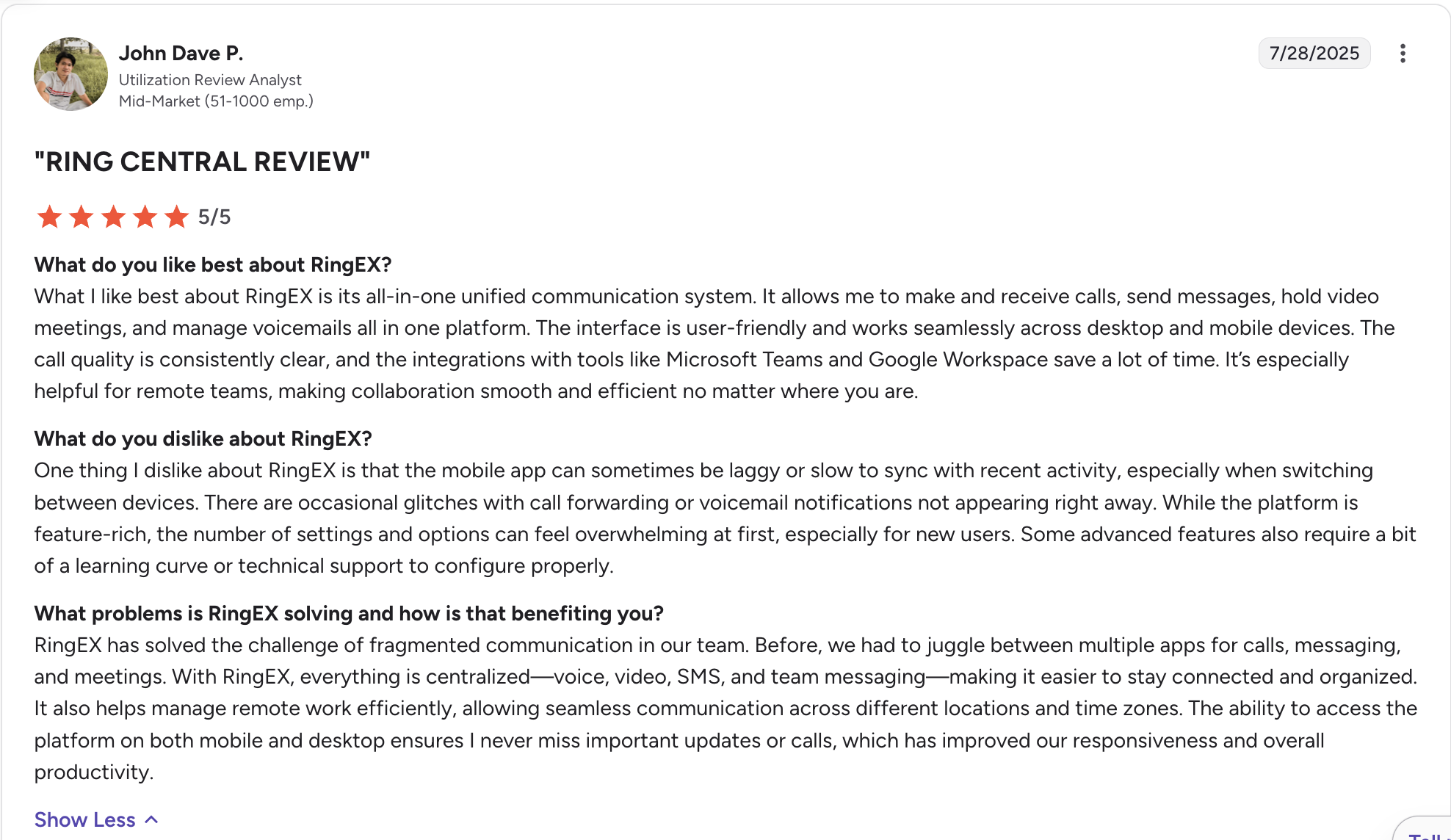
RingCentral is one of the largest UCaaS providers globally, with voice, video, messaging, and contact center tools bundled together. It allows you to make and receive calls, send messages, hold video meetings, and manage your voicemail in the same place.
It is especially strong for large teams that need robust compliance, advanced analytics, and worldwide coverage.
One of the strong advantages of RingCentral is that it is available in over 100 countries, with strong enterprise adoption worldwide.
RingCentral Pricing
RingCentral’s RingEx plans scale from core calling to enterprise analytics, with call-center tooling available on its separate RingCX product.
- Core — $30/user/mo ($20 billed yearly): unlimited domestic calling, call recording, meetings, and 100+ integrations.
- Advanced — $35/user/mo ($25 billed yearly): CRM integrations, automatic call recording, multi-level IVR, and advanced call monitoring & analytics.
- Ultra — $45/user/mo ($35 billed yearly): unlimited storage, real-time analytics & alerts, device analytics, and developer APIs.
AI Receptionist is available as an add-on from $49/mo (100 minutes included). 14-day free trial.
Demo Video of RingCentral
Aircall vs. Dialpad
Pick Aircall if you value deep CRM integrations and a strong European presence.
Why Is Aircall a Good Dialpad Alternative?
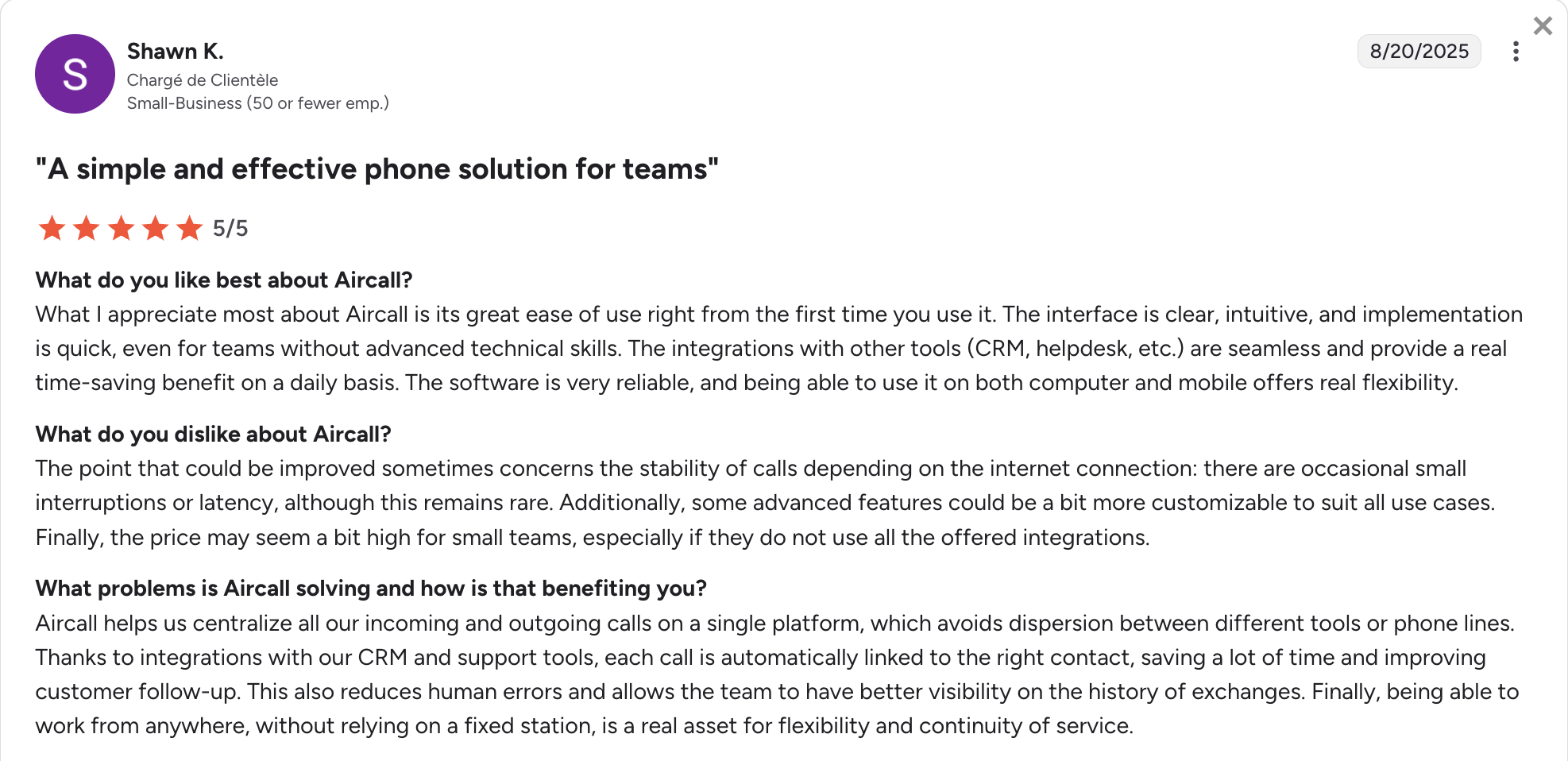
Aircall has a strong reputation in Europe. It’s known for being easy to set up, offering a clean user experience, and having one of the largest integration ecosystems (200+ tools).
We chose it because of its wide range of integrations, and the experience turned out to be solid. It’s a strong fit for sales and support teams that depend on CRM workflows like Salesforce, HubSpot, or Zendesk and need reliable routing for larger teams.
Aircall Pricing
Aircall bundles integrations upfront, while its AI features come as a paid add-on. You can find more information in this article, where we break down Aircall’s pricing structure.
- Essentials — $40/user/mo ($30 billed yearly), 3-seat minimum: unlimited inbound & internal calls, 1,000 outbound minutes, a local number, IVR, time-based & cascading call routing, call recording, and SMS/MMS.
- Professional — $70/user/mo ($50 billed yearly), 3-seat minimum: advanced analytics & dashboards, advanced Salesforce integration, call monitoring (listen/whisper/barge), Power Dialer & Voicemail Drop, and unlimited outbound minutes.
7-day free trial.
Demo Video of Aircall
Conclusion
Every tool on this list beats Dialpad on at least one of the three things its users complain about — price transparency, support, or AI that actually delivers. Which one you pick comes down to your team size and where your calls go.
- Allo ($10/user/mo): best overall. AI summaries, transcripts and most integrations are included on every plan, and the whole system runs from your phone. The right call for small teams who need AI but want a system that's easy to use and affordable.
- KrispCall ($15/user/mo): best value and the pick for global-facing teams. The cheapest entry point here, with call monitoring and multi-level IVR included and numbers in 100+ countries at low calling rates.
- Grasshopper ($18/mo): best for freelancers and solopreneurs. Billed per account rather than per user, so a professional US number, voicemail transcription and call forwarding cost the same whoever answers. No AI features.
- Quo ($19/user/mo): best for startups and small teams that want shared numbers and simple texting. Its Sona AI agent starts on the entry plan, but AI call summaries and CRM integrations need the $33 Business tier.
- Nextiva ($23/user/mo): best for US SMBs and mid-market teams that want voice, video and team chat from one provider. Be aware that AI transcription only arrives on the $75 Power Suite CX plan.
- RingCentral ($30/user/mo): best for large or global companies. Proven enterprise compliance, advanced analytics and coverage in 100+ countries, with the AI Receptionist sold separately from $49/mo.
- Aircall ($40/user/mo): best for sales and support teams that live in their CRM. The biggest integration ecosystem of the group, but there is a 3-seat minimum and AI is a paid add-on.
Frequently Asked Questions About Dialpad Alternatives
What is the disadvantage of Dialpad?
The main downsides are: Call quality issues reported by many users (dropped calls, lag). Pricing confusion: “Unlimited” doesn’t always mean unlimited, since international minutes and contact center usage are often metered. AI reliability: Transcripts and summaries are impressive but not always accurate enough to trust blindly. Customer support: Mixed reviews on responsiveness. For small businesses, Dialpad can feel over-engineered. For large ones, scaling costs and hidden fees add up quickly.
What are the hidden fees for Dialpad?
Dialpad’s pricing looks simple on the surface, but users often mention hidden or unexpected charges. These can include: International calling: “Global Unlimited” only covers 1,500 minutes/month, then per-minute charges apply. Contact center minutes: Unlike the Standard phone plan, Support and Sell seats are billed per minute in the US/CA. Extra phone numbers or fax lines: Add-ons not included in base plans. Advanced AI/analytics features: Sometimes locked behind Pro tier or add-ons.
Is there a free version of Dialpad?
No. Dialpad doesn’t offer a free plan. What it does offer is a 14-day free trial, which includes access to its standard features (unlimited US/CA calling, AI transcription, etc.). After that, you need to subscribe.
Is Dialpad HIPAA compliant?
Yes. Dialpad offers HIPAA compliance (along with SOC 2, GDPR, and ISO certifications). But you’ll need to request a Business Associate Agreement (BAA) if you want to use it in a healthcare environment.
How much does Dialpad cost per month?
Standard: $15/user/month (annual billing). Includes unlimited US/CA calling, SMS, real-time AI transcription & summaries. Pro: $25/user/month (annual billing). Adds CRM integrations, 24/7 support, advanced analytics, and APIs. Enterprise: Custom pricing. Monthly (no annual commitment) billing is available but slightly more expensive per seat.