Best VoIP apps for business and personal use
Choosing a VoIP app shouldn't mean trusting vendor marketing. We benchmarked 28 providers against four manipulation-resistant rating sources (App Store, Play Store, G2, Trustpilot) and surfaced the 7 that actually deliver, sorted by who they serve best.

Key takeaways
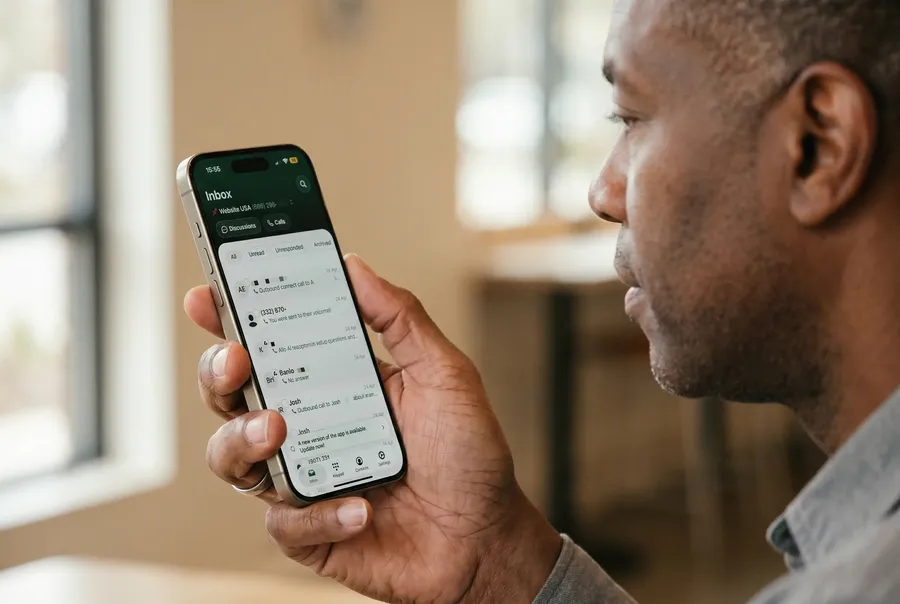
- Best for small business & solopreneurs: Allo (AI-first, mobile-first, no add-ons), Quo (clean UI, shared inbox), and Talkroute (transparent pricing, US/Canada simplicity).
- Best for enterprise & collaboration: Microsoft Teams Phone (native Teams integration, top mobile app ratings) and Vonage Business (deep UCaaS feature set with advanced call management).
- Best for personal & international calls: WhatsApp (free voice/video over Wi-Fi, 3 billion users) and Google Voice (free US number with unlimited US calling and texting).
Introduction
If you're shopping for a VoIP app in 2026, you'll find dozens of options claiming to be "the best."
This guide cuts through that noise.
We benchmarked 28 VoIP providers (yes!!) against four objective sources (App Store, Play Store, G2, and Trustpilot) and only kept apps with both mobile store ratings.
The result? Seven apps, grouped by who they actually serve.
Whether you need a VoIP app for iPhone, a free VoIP app for personal use, or a business phone system that scales, this article tells you exactly which one to pick and why.
What is VoIP?
Let's start with the basics.
VoIP (Voice over Internet Protocol) is technology that turns your voice into data packets and sends them over the internet instead of through copper wires. Any modern phone call you make over Wi-Fi or 4G/5G is, technically, a VoIP call.
How does VoIP work?
When you speak into a VoIP app, your microphone captures sound and an audio codec compresses it into small digital packets. Those packets travel across the internet to the person you're calling, where they're reassembled and played back through their speaker, all in milliseconds. The result is a regular-sounding phone call without a phone line.
How does VoIP work on mobile?
A VoIP mobile app turns your smartphone into a fully featured VoIP phone. You download the app, log in, and your phone now has a second number that rings independently of your personal cell line. Calls go through your data connection (Wi-Fi when available, cellular data otherwise), so you can answer your calls from anywhere, on the same iPhone or Android device you already carry.
Most modern VoIP apps support call recording, SMS, voicemail transcription, and CRM sync, features a regular cell plan can't touch.
Why use VoIP on your phone?
Three reasons people switch:
- Separation. You get a second business number on your personal phone without carrying two devices.
- Cost. For business use, a VoIP plan typically runs $15 to $40/month per user with unlimited domestic calling, far less than traditional landlines or international roaming. For personal use, an app like Whatsapp lets you call for free your friends wherever they are located.
- Features. For a professional use, AI call summaries, voicemail transcription, integrations with HubSpot or Salesforce, shared team inboxes, and call routing all come standard on most VoIP phone apps. None of that exists on the cellular network.
Our methodology for this selection
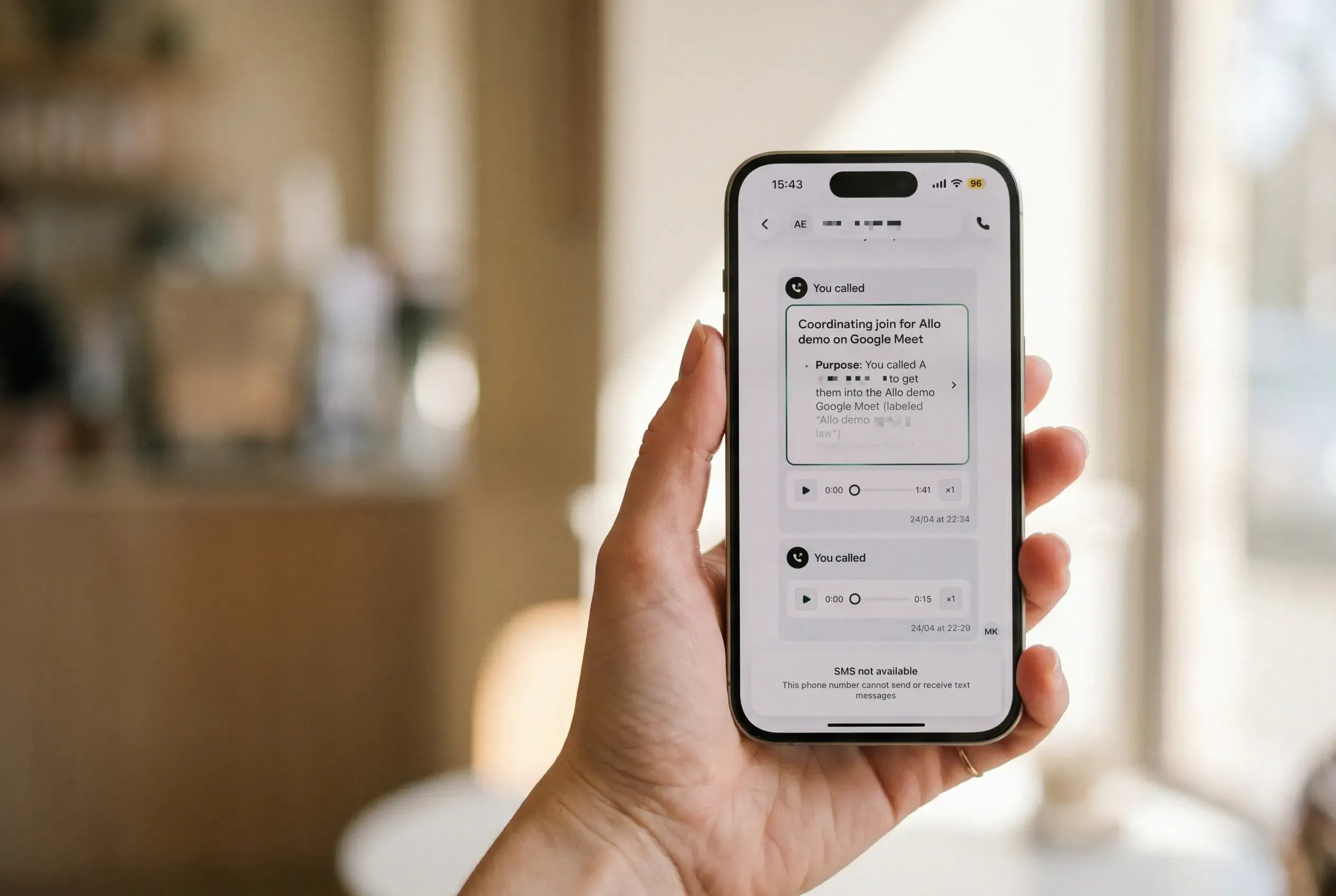
Full disclosure: Allo is our own product, and it's in this list. That's exactly why we didn't want the selection to rest on our opinion. Instead, we ranked every app, Allo included, using four independent rating sources that are hard or impossible to manipulate, and applied the same rules to all of them.
The four sources we used
- App Store rating. Apple's review system requires a verified Apple ID, blocks duplicate accounts per device, and aggressively removes fake reviews. The App Store score is the single most reliable signal of whether a VoIP app for iPhone actually works in real life: reliability, notifications, call quality, UI. If users hate the app, the score crashes within weeks.
- Play Store rating. Google's review system has similar safeguards on the Android side. A high App Store rating with a low Play Store rating (Google Voice is the textbook example, 4.3/5 vs 1.8/5) almost always points to a broken Android experience. Both stores together give a complete read of the mobile experience.
- G2 score. G2 is one of the most serious B2B software review platforms. It verifies each reviewer's LinkedIn identity and company, which makes inflated scores far harder to fake. G2 is where decision-makers actually go to compare business phone systems.
- Trustpilot score (when available). Trustpilot captures something the other three miss: how the company treats customers after they've paid. Billing disputes, cancellation friction, contract auto-renewals, refund delays. A VoIP provider can have a beautiful app and a 4.4 G2 score while running aggressive billing practices that show up only on Trustpilot.
We've complemented this raw data with our own observations and screenshots gathered during our tests.
The filter we applied
We excluded any VoIP app that doesn't have both an App Store and Play Store score. This filter removed 16 of the 28 providers we evaluated, including some big names.
For each remaining app, we computed the average of the four scores and selected the strongest performers in each category, with a tiebreaker on ICP fit (a sales-call-center tool doesn't belong in a solopreneur category, even if its score is higher).
Let's look at the section.
Best VoIP app for small business and solopreneurs
For this category, we kept the three apps with the strongest combined ratings across all four sources and an ICP genuinely aimed at small teams: Allo, Quo, and Talkroute.
We discarded Justcall (slightly higher average but built for sales/support call centers, not solopreneurs), Ooma (great App Store score of 4.9/5 but Trustpilot 1.4/5, the lowest in the entire dataset, with consistent complaints about cancellation friction), Phone.com (Play Store 2/5), Mightycall (Trustpilot 2.6/5 with unresponsive support reviews), and Grasshopper (Trustpilot 2.1/5, product hasn't evolved in years).
Allo, best VoIP app for small business with AI built-in
Why we picked Allo
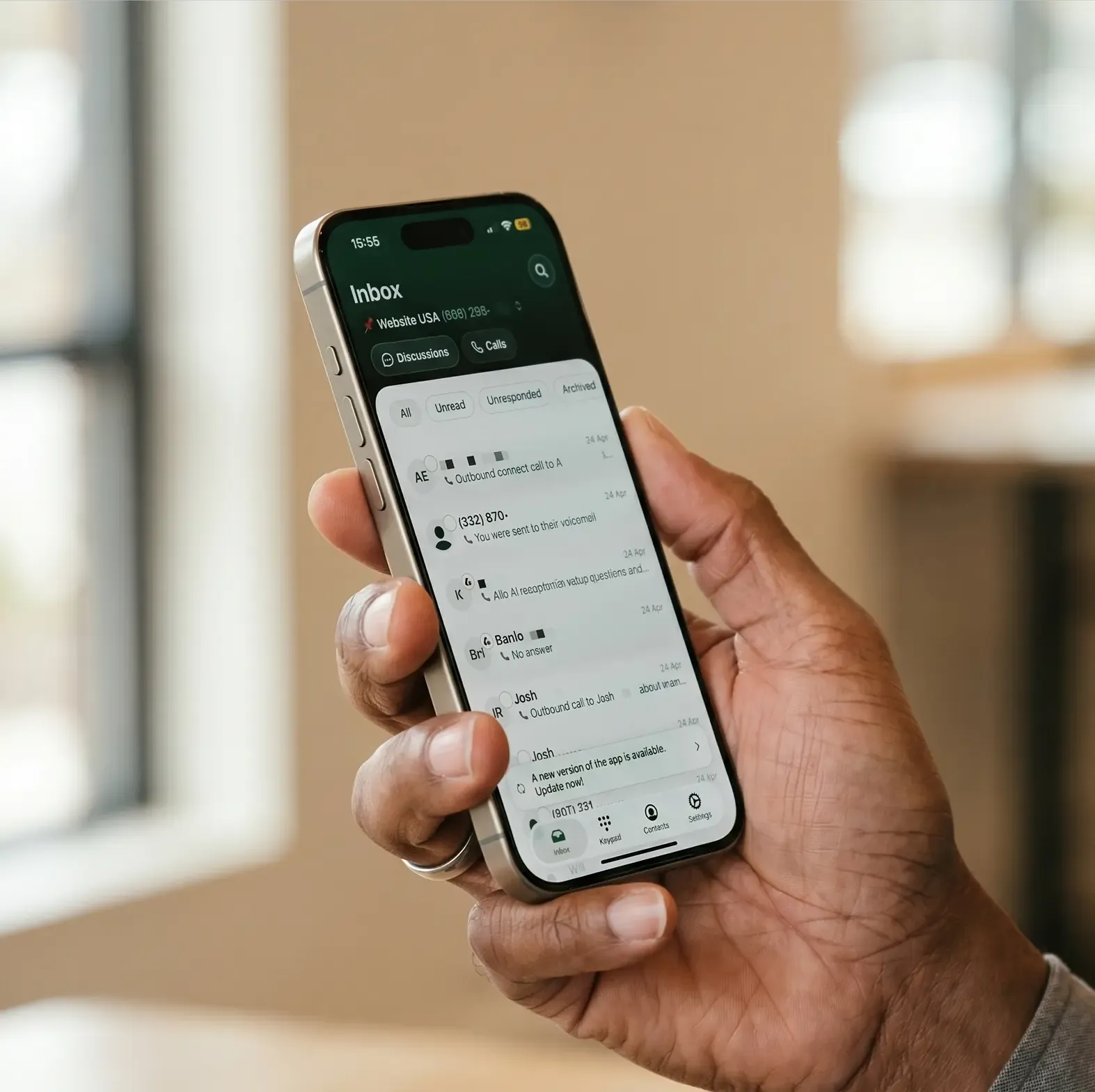
Allo is the most AI-native option in this category. Every plan includes the AI answering service, call transcription and summaries, draft follow-up emails, and an MCP server that lets you connect Allo to Claude or Codex. No add-ons, no upsells.
It's a mobile-first VoIP phone app, designed from day one to live on your phone, which makes it the natural pick if you're a small team that's always on the go.
What the crowd says about Allo
Scores:
- App Store: 4.3/5 across 101 ratings.
- Play Store: 3.9/5 across 152 reviews.
- G2: 4.7/5, the highest score of any qualifying app in this benchmark.
- Trustpilot: 3.9/5.
- HubSpot Marketplace: 4.7/5 with 200+ installs (we didn't take this score into account in our comparison)
Pros and cons:
- Common praise: native CRM sync (call recordings and transcripts pushed into HubSpot, Pipedrive, Attio without setup), the AI receptionist, and the no-add-ons pricing.
- Common critique: Allo is a newer product, so very large enterprises with complex workflows may want a more established option.
Allo pricing
- Starter: $25/month for 1 user (paid monthly), with unlimited domestic calls, a local number, AI summaries, and IVR.
- Business: $45/user/month, adding integrations, unlimited AI answering service, SMS, and international calls.
Includes one local or toll-free number. Additional numbers cost $5/month. 7-day free trial. You can cancel anytime from your settings, no support call required.
Quo, best VoIP app with phone number for collaborative small teams
Why we picked Quo
Quo (formerly OpenPhone) earned the highest combined rating of the qualifying set at 4.40 avg.
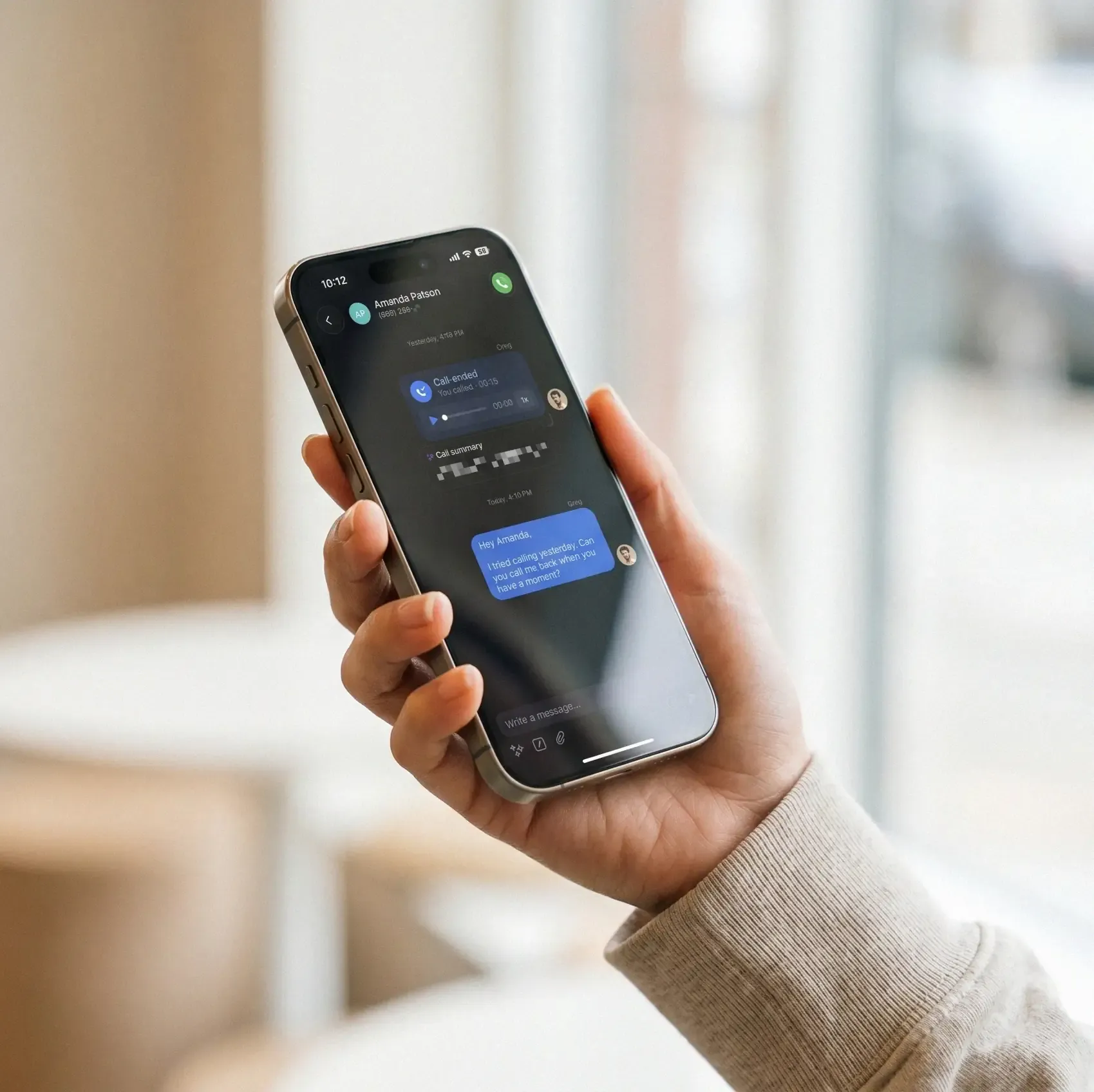
Its strength is collaboration: a shared inbox with threads and tagging, internal chat between teammates, group calls, and a built-in lightweight CRM. If your team handles inbound conversations together rather than each rep working in isolation, this is the right shape.
What the crowd says about Quo
Scores:
- App Store: 4.4/5 across 11,000 ratings.
- Play Store: 4.6/5 across 8,780 reviews; standout numbers in this category.
- G2: 4.7/5 across 3,374 reviews.
- Trustpilot: 3.9/5.
- HubSpot Marketplace: 3.3/5.
Pros and cons:
- Common praise: clean UI, ease of setup, and the responsive support team.
- Common critique: Quo blocks cold-calling workflows (so it's not for outbound sales teams), the SMS registration process can drag on, and the spam filter isn't as strong as on some competitors.
Quo pricing
- Starter: $19/user/month, with a local number, unlimited US/Canada calls and SMS, voicemail transcripts, and 10 AI receptionist calls.
- Business: $33/user/month, adding AI summaries and transcripts, group calling, and HubSpot and Salesforce integrations.
- Scale: $47/user/month, adding dedicated onboarding and priority support.
7-day free trial. One phone number per user; additional numbers cost $5/user/month.
Talkroute, best VoIP calling app for US/Canada simplicity
Why we picked Talkroute
Talkroute is the bootstrapped, no-nonsense option. It was started by a small-business owner frustrated with Google Voice and enterprise phone systems alike, and it shows: simple plans, no add-ons, transparent pricing. If you want a US/Canada business line without learning a contact-center platform, this is the most painless on-ramp.
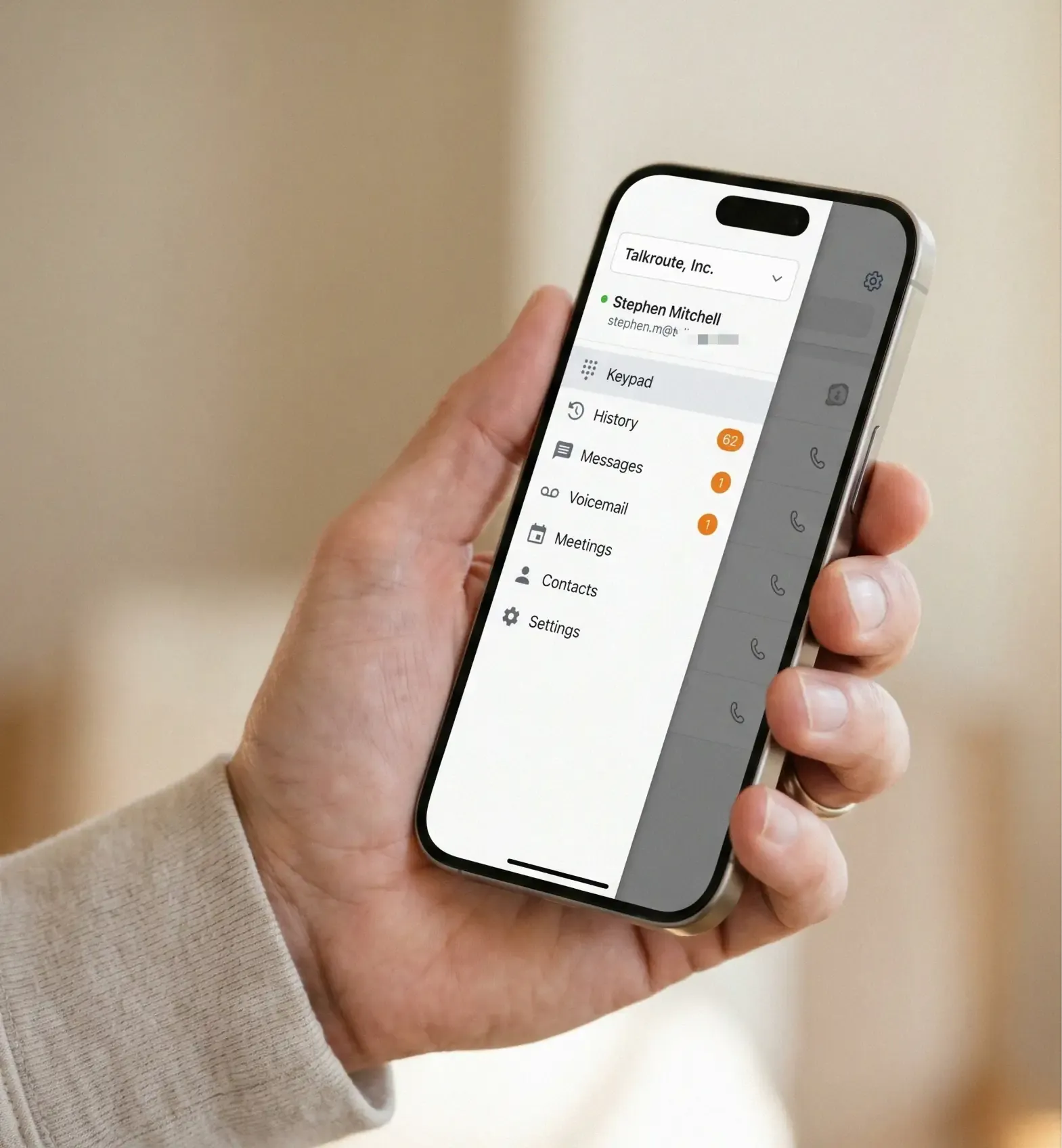
What the crowd says about Talkroute
Scores:
- App Store: 4.6/5 across 254 ratings.
- Play Store: 3.8/5 across 401 reviews.
- G2: 4.6/5 (smaller sample of 44 reviews).
- Trustpilot: 4.1/5, high for this category.
Pros and cons:
- Common praise: responsive support team, transparent pricing, and the absence of upsells.
- Common critique: integrations are limited to Zapier with only three triggers, so if you live in HubSpot or Salesforce, Talkroute will feel thin. The UI feels also a bit outdated.
Talkroute pricing
- Basic: $19/month, with 1 number, 1 mailbox, unlimited US/Canada calling, and video meetings (1 user).
- Plus: $39/month, with 2 numbers, 3 mailboxes, simultaneous ring, and live call transfer (3 users).
- Pro: $59/month, with 3 numbers, 10 mailboxes, call recording, and scheduled forwarding (10 users).
7-day free trial. No add-ons.
Best VoIP app for business, enterprise, and collaboration
This category is harder than it looks. Several big-name enterprise providers (RingCentral, 8x8, Aircall) have strong feature sets but are dragged down by terrible Trustpilot scores driven by aggressive billing and hard-to-cancel contracts. We picked the two that combine high mobile ratings, strong G2 scores, and collaboration breadth: Microsoft Teams Phone and Vonage Business.
We discarded RingCentral (Trustpilot 1.9/5, cancellation requires a phone call that often takes an hour), Aircall (Play Store 3.1/5, $40/user three-license minimum), and 8x8 (G2 4.1, Trustpilot 3.3, complex to configure).
Microsoft Teams Phone, best VoIP app for business already on Microsoft 365
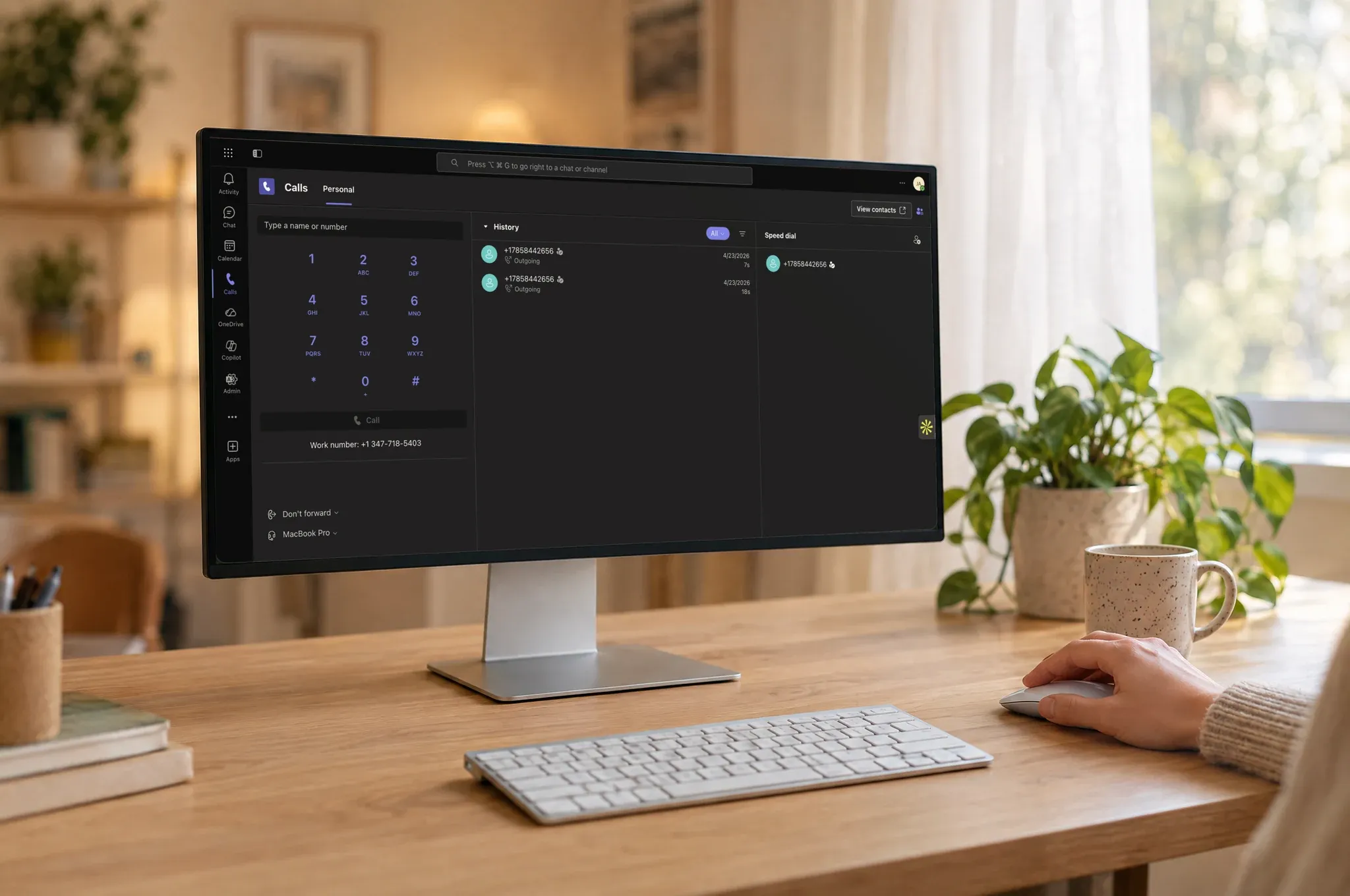
Why we picked Microsoft Teams Phone
If your company already runs on Microsoft 365, Teams Phone is the path of least resistance. It plugs voice calling directly into the Teams app your team already uses for chat, meetings, and file sharing. With Copilot, you also get AI call transcription, summaries, and live Q&A during the call. No additional app to download, no second login.
What the crowd says about MS Teams Phone
Scores:
- App Store: 4.8/5 across 3.4 million reviews.
- Play Store: 4.5/5 across 8.6 million reviews. Together, the top combined mobile rating in our entire benchmark.
- G2: 4.4/5 across 19,058 reviews, one of the largest sample sizes in the VoIP space.
- Trustpilot: not rated as a standalone product.
Pros and cons:
- Common praise: reliability, call quality, and the simplicity of the in-Teams calling UI.
- Common critique: licensing is genuinely confusing. You need a Teams license, a Teams Phone license, a calling plan, and a Copilot add-on for AI features, each priced separately.
Microsoft Teams Phone pricing
- Standard: $10/user/month for Teams Phone technology only, no minutes (bring your own SIP provider).
- Pay-as-you-go calling: $13/user/month, adding Microsoft outbound calling on a usage basis.
- Calling Plan: $17/user/month, including 3,000 outbound domestic minutes (US/UK/Canada).
Requires a separate Teams license (from $4/user/month). Add Copilot ($30/user/month) for AI features.
Vonage Business, best VoIP app for advanced enterprise call management
Why we picked Vonage Business
Vonage is built for organizations that need granular call control: call queuing, call park, call flip, call screening, call tagging, call rerouting; the kind of features mature support and sales teams actually use. You also pay per line rather than per user, so a 15-person team running 5 simultaneous lines pays for 5 lines. Combined with 90+ supported countries, it's a strong unified-communications package for medium-to-large orgs.
What the crowd says about Vonage Business
Scores:
- App Store: 4.7/5 across 21,000 reviews.
- Play Store: 4.5/5 across 11,442 reviews. Best-in-class mobile ratings outside of Teams.
- G2: 4.3/5.
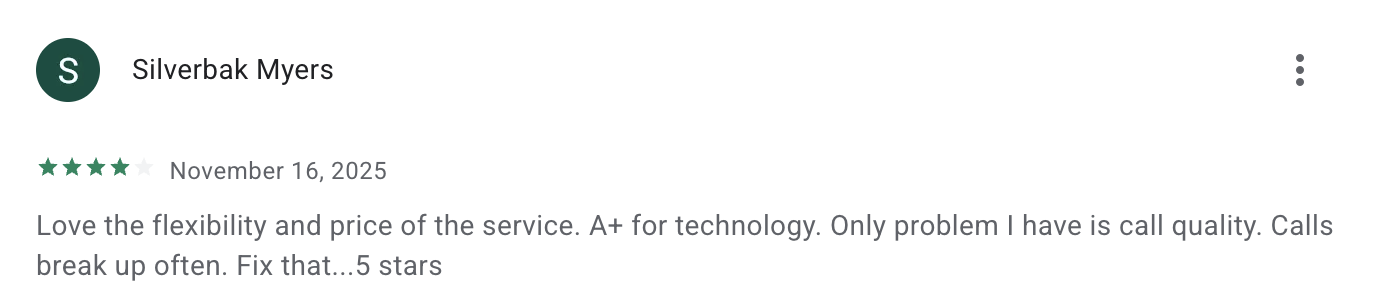
- Trustpilot: 2.7/5, with a recurring theme around contract renewals and difficulty reaching customer support.
Pros and cons:
- Common praise: advanced call management, deep CRM integrations, and the per-line pricing model.
- Common critique: read your renewal terms carefully before signing; support is hard to reach when something goes wrong.
Vonage Business pricing
- Basic: $19.99/user/month, with unlimited domestic calling, SMS/MMS, and voicemail.
- Premium: $29.99/user/month, adding unlimited video meetings (up to 200 participants), team messaging, and desk phone support.
- Advanced: $39.99/user/month, adding on-demand call recording (15 hrs/month), visual voicemail with transcription, and call groups.
Best VoIP app for personal and international calls
Two apps dominate this category for opposite reasons. WhatsApp owns the global consumer voice market with 3 billion users, making it the de facto best VoIP app for international calls between friends and family. Google Voice owns the US: it gives any Gmail user a free US phone number for life. Neither charges consumers a cent.
WhatsApp, best free VoIP app for international calls
Why we picked WhatsApp
WhatsApp is the most-installed VoIP calling app on Earth. Voice and video calls are end-to-end encrypted and free over Wi-Fi or mobile data, regardless of which country either side is in. Because nearly everyone you'd want to call already has it installed, you skip the awkward "what app should we use?" coordination. Works identically on iPhone and Android.
What the crowd says about Whatsapp
Scores:
- App Store and Play Store: consistently 4.5+/5 across hundreds of millions of reviews on both platforms.
- G2 and Truspilot were ignored as WhatsApp is a consumer product
Pros and cons:
- Common praise: universal availability, end-to-end encryption, free international calling, and consistent call quality on a decent connection.
- Common critique: Meta shares metadata (not message content) with the broader ecosystem, and multi-device support lags behind Telegram and Signal.
WhatsApp pricing
Free for personal use. WhatsApp Business API (used by Aircall, CallHippo, Ringover) carries per-conversation fees, but the consumer app is and will remain free.
Google Voice, best free VoIP app with phone number for US personal use
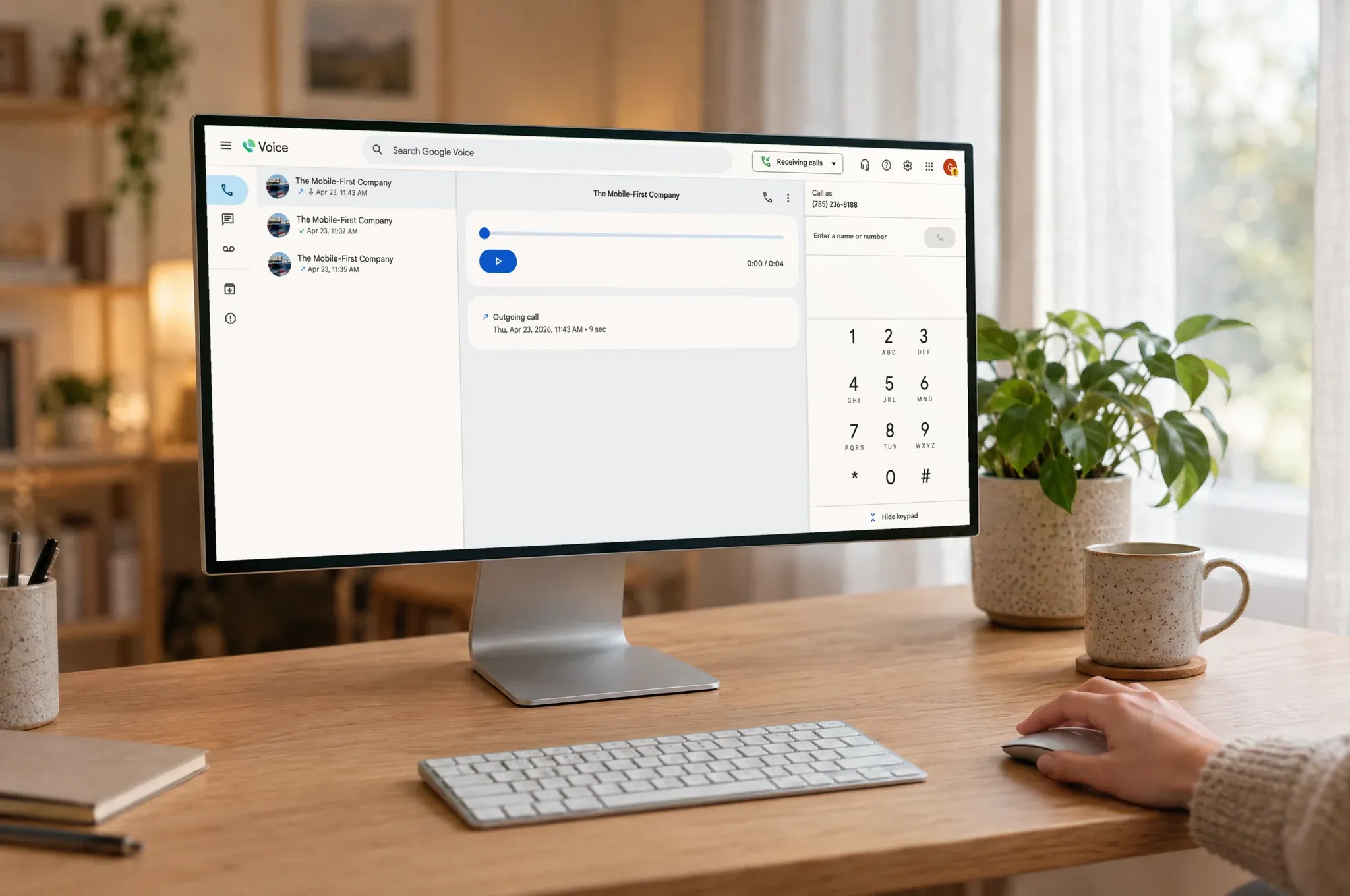
Why we picked Google Voice
Google Voice gives anyone with a Gmail address a free US phone number that can make and receive unlimited calls and texts within the US. It's the easiest way to get a second number on your iPhone or Android phone without paying anything. Voicemail transcription and spam blocking come built in. If you're a US-based solopreneur on a tight budget, or just want a separate number for online listings, it's an obvious starting point.
What the crowd says
Scores:
- App Store: 4.3/5 across 62,000 reviews.
- Play Store: 1.8/5 across 371,000 reviews. Android users have been frustrated for years with notification reliability and app bugs.
- G2: 4.1/5 across 166 reviews for the business version.
- Trustpilot: not significantly rated.
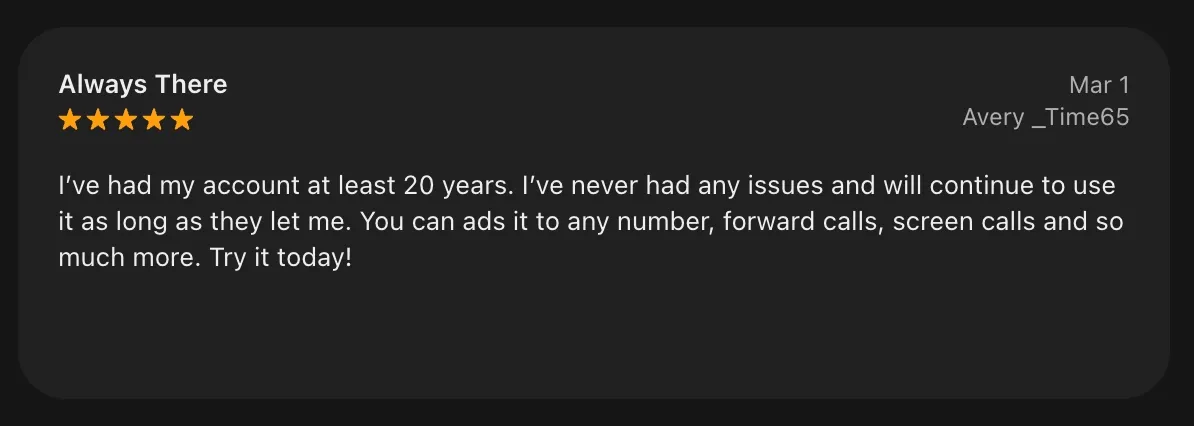
- Capterra: 4.5/5.
Pros and cons:
- Common praise: free for personal use, unlimited US/Canada calling, voicemail transcription, no setup friction for anyone with a Gmail account.
- Common critique: no integrations with CRMs, almost no AI features (spam blocking and voicemail transcription only), no customer support on the free tier, and the well-known Android app reliability issues.
Google Voice pricing
- Personal: free with a Gmail address. Unlimited US calling and texting.
- Workspace Starter: $10/user/month, up to 10 users, 14 countries.
- Workspace Standard: $20/user/month, with unlimited users, call recording, and call routing.
- Workspace Premier: $30/user/month, with automatic call recording and BigQuery reporting.
Conclusion
The right VoIP app depends entirely on what you're trying to do.
- If you're a small business or solopreneur, pick Allo for the most AI-native experience with no add-ons, Quo if your team collaborates inside a shared inbox, or Talkroute if you just need a clean US/Canada line.
- If you're an enterprise, pick Microsoft Teams Phone if you already live in Microsoft 365, or Vonage Business if you need deep call-management features and per-line pricing.
- If you just want to call friends, family, or international contacts for free, use WhatsApp globally, or Google Voice for a free US number.
FAQ
Can I use my cell phone to make VoIP calls?
Yes. VoIP apps let you use VoIP on your phone. You install the app, log in, and your phone gains a second number that uses your data connection (Wi-Fi or 4G/5G) to make and receive calls. You can have your personal cell line and your VoIP business line on the exact same device, ringing independently.
What are VoIP apps?
VoIP apps are mobile or desktop applications that let you make phone calls over the internet instead of over the traditional phone network. They turn your voice into data packets, send them over Wi-Fi or cellular data, and reassemble them on the other end. Most VoIP apps add modern features on top (AI call summaries, voicemail transcription, SMS, video calls, CRM integration) that the traditional phone network can't deliver.
What's the best VoIP app?
There's no single answer. For small businesses, Allo offers the strongest AI-included experience. For enterprises already using Microsoft 365, Microsoft Teams Phone is the most natural fit. For free personal international calls, WhatsApp. For a free US number, Google Voice. Match the app to the job, not to the marketing.
Can I use VoIP to call a landline?
Yes. All the VoIP apps in this guide (Allo, Quo, Talkroute, etc.) can call any landline or cell number in their supported countries. From the receiver's perspective, it's an ordinary phone call. WhatsApp is the exception: it can only call other WhatsApp users.
What is the most popular VoIP?
By raw user count, WhatsApp is by far the most popular VoIP app worldwide, with around 3 billion monthly users. In the business segment, Microsoft Teams Phone has the largest footprint thanks to Microsoft 365 bundling, with 19,000+ G2 reviews and millions of mobile installs. RingCentral is also widely used in enterprise but has a weak reputation among end customers.