Main takeaways
- A VoIP phone number works over the Internet instead of a traditional phone line.
- VoIP numbers are usually cheaper, allow you to draw a separation between work and your personal life, and can bring additional benefits like call transcription, CRM sync, and more.
- Best VoIP phone number providers include Allo (best option for small sales teams that want AI features and CRM integrations), Google Voice (best for solo users who already live in the Google ecosystem and need a low-cost option), and Quo (best for collaborative teams that need a shared inbox and clean UI)
Introduction
Mark ran his consulting business from his personal phone for two years.
Clients called at midnight. Leads texted on weekends. And when a prospect asked for his "office number," he gave them the same one his kid's school had on file.
Sound familiar?
A VoIP phone number fixes that. You get a dedicated business line on your existing phone, no hardware, no second device, and no IT team required.
In this guide, we'll explain what a VoIP number actually is, walk you through how to get one, and compare the six best providers so you can pick the right fit for your team and your budget.
What is a VoIP phone number?
A VoIP phone number is a phone number that works over the internet instead of a traditional phone line. VoIP stands for Voice over Internet Protocol. In practical terms, it means you can make and receive calls from your laptop, your mobile phone, or a desk phone as long as you have a Wi-Fi or data connection.
From the outside, a VoIP number looks and behaves just like a regular phone number. Your clients won't notice any difference. The difference is entirely on your end: lower costs, more flexibility, and a stack of features that traditional phone lines simply can't offer.
Here's how the two compare:
| Traditional phone number | VoIP phone number | |
|---|---|---|
| How it works | Copper wires and cell towers | Internet connection (Wi-Fi or mobile data) |
| Hardware required | Desk phone or SIM card | Any device with an internet connection |
| Portability | Tied to a physical location or device | Works anywhere with internet access |
| Setup time | Days to weeks (carrier provisioning) | Minutes |
| Cost | Higher (line rental, per-minute fees, hardware) | Lower (flat monthly subscription, no hardware) |
| Features | Basic (voicemail, call waiting) | Advanced (call recording, AI summaries, CRM sync, IVR) |
| Scalability | Requires new lines and hardware | Add users or numbers in a few clicks |
| Number types | Local only (tied to your area) | Local, toll-free, or vanity numbers in dozens of countries |
Why get a VoIP phone number?
There are a few good reasons to switch:
- Keep your personal number personal. This is the number one reason people switch to VoIP. A dedicated business number means clients stop calling your personal phone at 10 PM. You control when you're reachable and when you're not, without missing a lead.
- Pay less for more features. A traditional business phone line can cost $40-60/month for basic service. VoIP plans start at $10-15/month and include features that would cost hundreds on a legacy system: call recording, voicemail transcription, call routing, and in some cases, AI-powered call summaries.
- Work from anywhere. VoIP numbers aren't tied to a desk or a building. Your team can take business calls from a laptop in a coffee shop, a phone on a job site, or a tablet at home. The number stays the same regardless of where they are.
- Look established from day one. A toll-free number makes a two-person startup feel like a national brand. A local number in a specific city builds trust with customers in that area. Some providers even offer vanity numbers so clients remember how to reach you.
- Scale without headaches. Adding a new team member to a traditional phone system means ordering hardware, running cables, and waiting days. With VoIP, you add a user in a few clicks. Remove them just as fast. No equipment to return, no lines to disconnect.
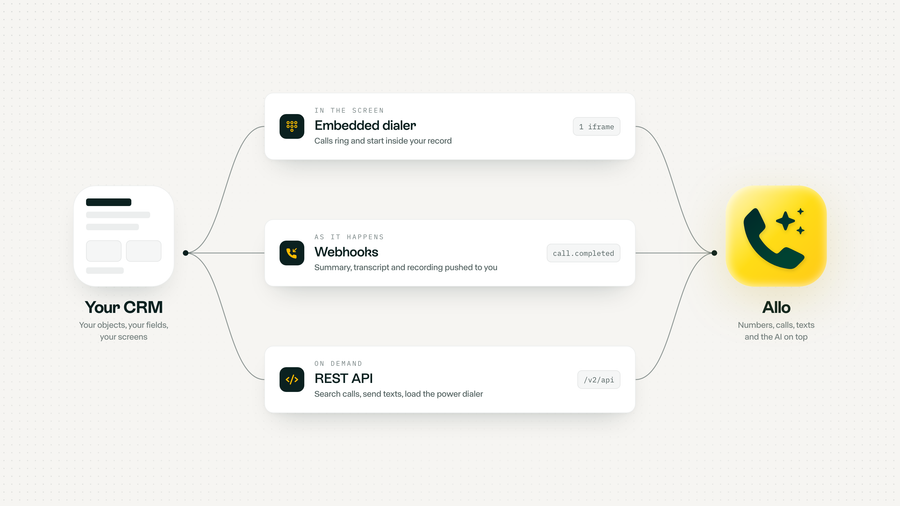
- Get smarter about your calls. Modern VoIP providers offer analytics that traditional phone lines can't match. See how many calls your team handles, track missed calls, and with AI-enabled providers like Allo, get automatic transcriptions and summaries synced straight to your CRM.
Are there any drawbacks to using a VoIP number?
VoIP isn't perfect. Here are the trade-offs worth knowing before you switch:
- You need a stable internet connection. Because VoIP runs over the internet, call quality depends on your bandwidth. A weak Wi-Fi signal or patchy mobile data can lead to choppy audio or dropped calls. On a solid connection, most people can't tell the difference from a landline.
- Outages can take your line down. A traditional landline keeps working during a power cut. A VoIP line goes quiet if your internet or power does. The fix is simple: set up call forwarding to a mobile number so calls still reach you when you're offline.
- Quality varies by provider. Not all VoIP services are built the same. Cheaper options can suffer from lag, echo, or jitter. Use the free trial to test call quality before you commit to a plan.
- There's a small learning curve. VoIP comes with features a basic phone line never had, like call routing, IVR, and CRM integrations. That power means a bit of setup up front, though providers like Allo walk you through it in a few minutes.
- Some online services won't accept it. Certain platforms block VoIP numbers when you try to verify an account, since they're easier to create than a traditional SIM. If you rely on SMS verification for banking or similar apps, keep a regular mobile number on hand for those sign-ups.
How to get a VoIP phone number
Getting a VoIP number takes three steps. The whole process can be done in under 10 minutes with most providers.
Step 1: Figure out what you actually need
Before you pick a provider, answer two quick questions:
- Do you need just a second phone number, or a full phone system? If you're a solo freelancer who wants to stop giving out a personal number, a simple virtual number might be enough. If you're managing a team and need call routing, CRM integrations, and analytics, you need a phone system.
- What kind of number do you want? You have three main options:
- a local number (builds trust with customers in a specific area),
- a toll-free number (makes your business look more established),
- or a vanity number (easier to remember for your clients but it's slightly more expensive and supply is limited).
Step 2: Pick a provider
This is where most people get stuck. There are dozens of VoIP providers, and they all claim to be the best. We've done the comparison work for you below. Jump to our detailed provider comparison to find the right one.
Step 3: Subscribe and configure your number
Once you've chosen a provider, sign up, pick your number (or port an existing one), and configure your call routing preferences. Most modern providers walk you through this with a step-by-step setup wizard. With providers like Allo, you can be up and running in under five minutes.
What are the best VoIP phone number providers?
How to evaluate a VoIP provider
Before we dive into each provider, here are the four criteria we recommend you pay close attention to:
- Features and integrations. Make a list of what you need. If you're using a CRM like HubSpot or Salesforce, check that the provider offers a native integration. Also look at AI features like call transcription, summaries, and AI receptionists. They can save hours of manual work every week.
- Pricing and hidden costs. Some providers advertise low base prices but lock essential features behind add-ons or higher-tier plans. Watch out for long-term contracts, per-minute charges, and SMS overage fees.
- International coverage. If you call clients abroad, check which countries the provider supports for local numbers and what international calling rates look like.
- Mobile app quality. If your team works on the go, the mobile app matters as much as the product itself. Check the app store ratings before you commit.
With these four criteria in mind, let's dive into our comparison of the best VoIP phone number providers.
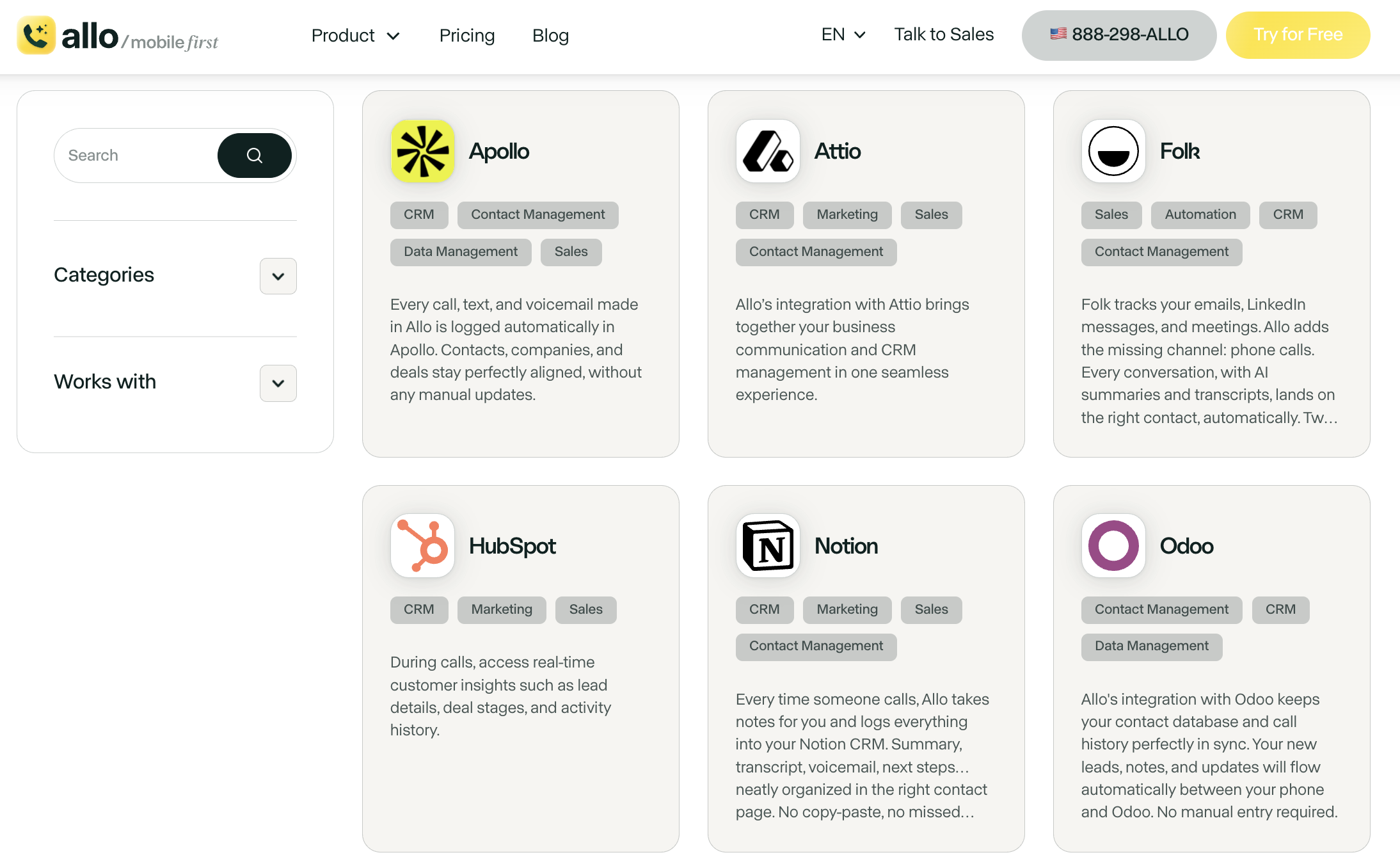
Allo, best for small sales teams that want AI built in
What is Allo?
Allo is an AI-first phone system that we launched in 2024. It was founded by Jérémy Goillot, a former employee at the French unicorn Spendesk.
What sets Allo apart is its approach: we built it from scratch for the AI era, rather than being a legacy system with AI bolted on after the fact. Every plan includes AI call summaries, transcriptions, and an AI-powered virtual receptionist. There's no add-on pricing for AI features.
Who Allo works best for
Allo is designed for small sales teams and SMBs. If your reps spend more time updating your CRM than actually selling, Allo is worth a close look. Every call gets recorded, transcribed, and synced to your CRM automatically. No more manual note-taking or forgotten follow-ups.
It's also a strong choice for teams that work mostly from their phones. Allo was built mobile-first, so the app isn't a stripped-down version of a desktop product. It's the real thing.
Allo pricing
Allo keeps things simple with two plans and no add-ons:
- Solo: $18/month for 1 user (billed yearly). Includes 1 business number, unlimited national calls, call recording, SMS, native CRM autofill, AI summaries and transcripts, an unlimited AI receptionist, and missed-call text-back. Backed by a 30-day money-back guarantee.
- Business: $45/month per user ($32/month billed yearly). Adds all integrations, a collaborative inbox and notes, power dialer, custom AI summary templates, AI call tags, the Allo MCP, and analytics.
Both plans come with a 7-day free trial and pay-as-you-go international calling. One local or toll-free number is included in your subscription. Additional numbers cost $5/month.
Allo demo video
Allo Ratings
- G2: 4.7/5
- App Store: 4.2/5
- HubSpot Marketplace: 4.7/5
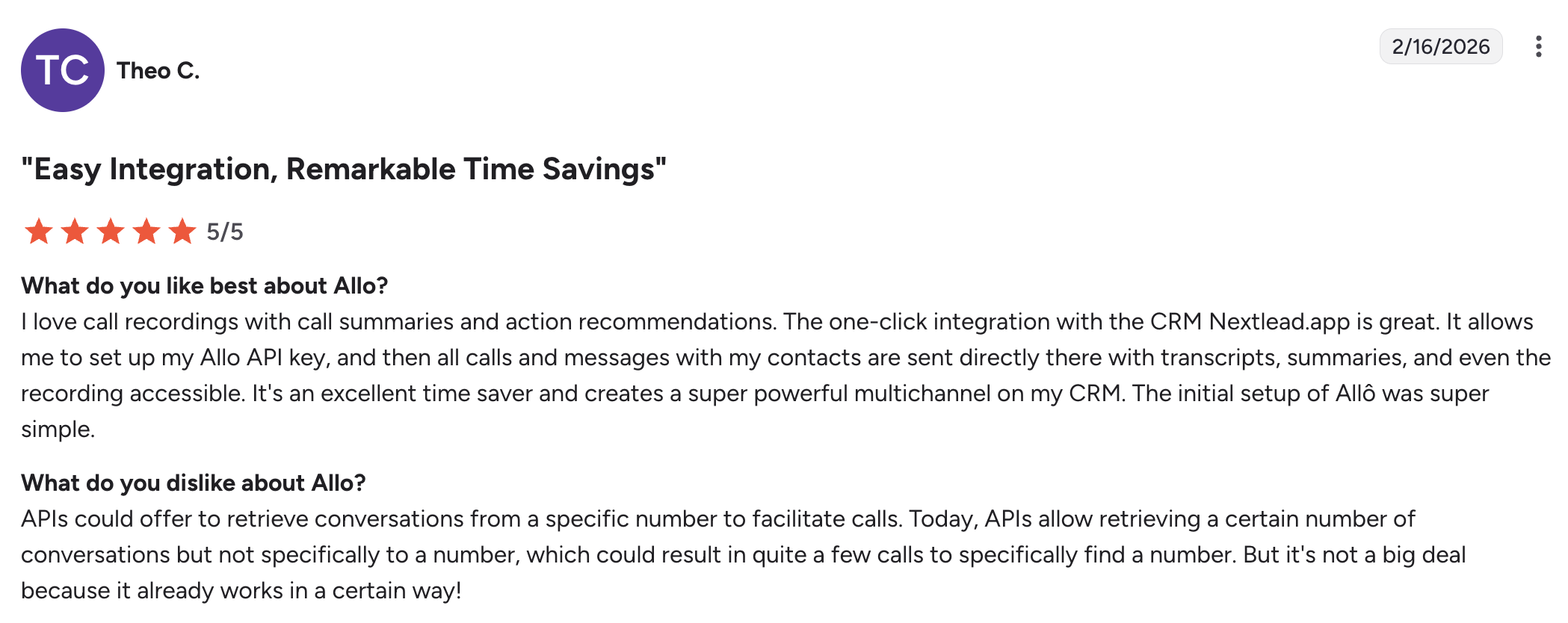
Google Voice, best as a free temporary solution
What is Google Voice?
Google Voice is Google's phone system, and it's been around since 2009. It's popular among consumers because the personal version is free. The interface is clean and simple, but the feature set is very basic compared to dedicated VoIP providers.
Who Google Voice works best for
Google Voice is a solid starting point if you're a solo user or a very small team already using Google Workspace. It works well as a temporary solution to get a business number quickly without spending a dime.
That said, if you're not paying for Google Workspace, the free personal version can work as long as you don't need call recording or AI features. However, since it lacks CRM integrations and has limited AI features, you will likely outgrow it quickly.
Google Voice pricing
If you don't have Google Workspace, there's a single plan:
- Starter: $10/user/month. One user only. Includes unlimited domestic calling, unlimited US texting, and voicemail transcription. US only.
If you're already a Google Workspace subscriber:
- Starter: $10/user/month. Up to 10 users. Works in 14 countries.
- Standard: $20/user/month. Unlimited users, on-demand call recording, call routing.
- Premier: $30/user/month. Automatic call recording and advanced reporting via BigQuery.
Each user gets one local phone number included.
Google Voice demo video
Google Voice Ratings
- Capterra: 4.5/5
- Play Store: 1.6/5
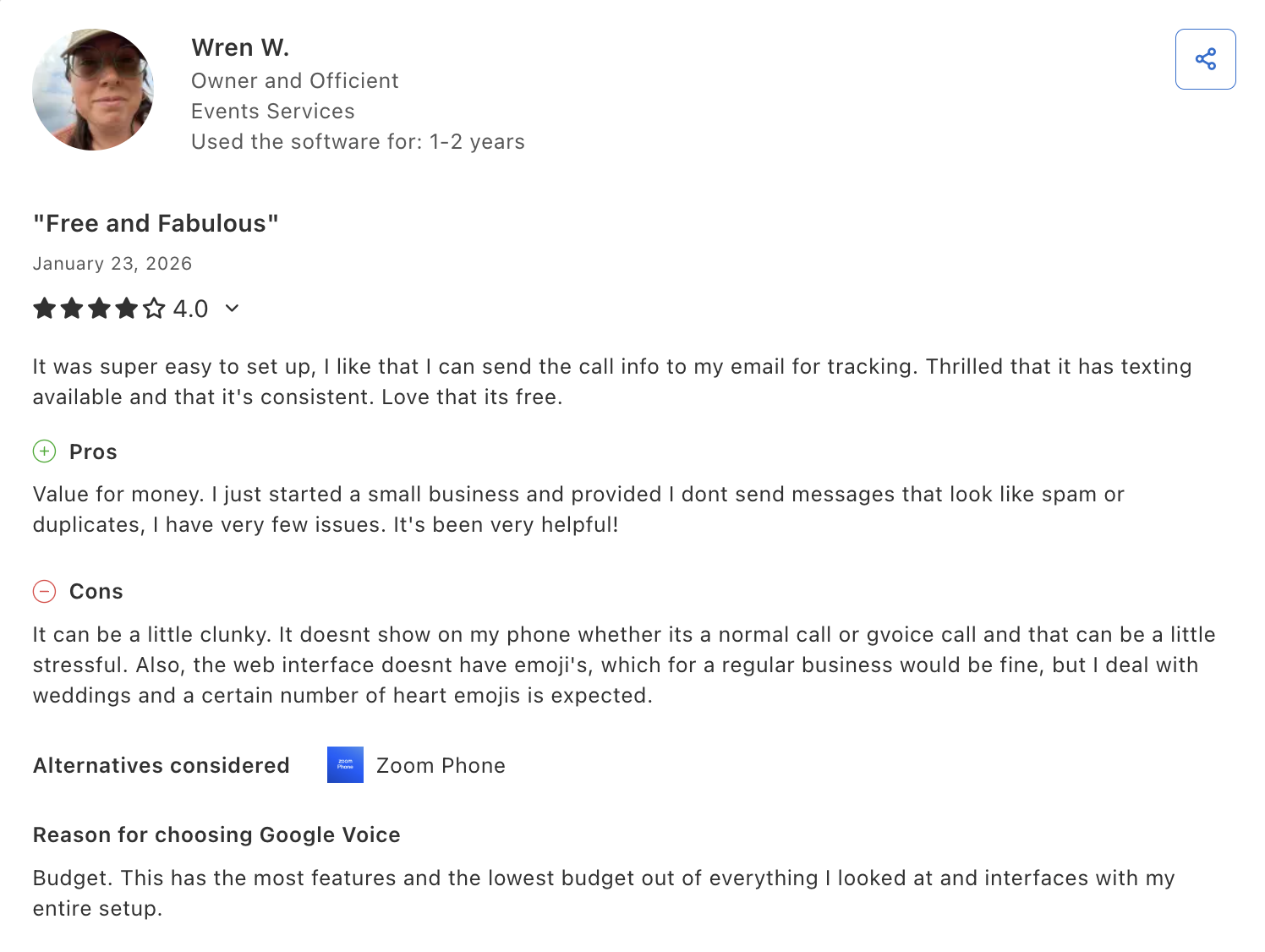
Quo, best for collaborative small teams
What is Quo?
Quo (formerly OpenPhone) was founded in 2018 in Canada and went through Y Combinator. The product focuses on team collaboration with a shared inbox that supports threads, tagging, and internal chat.
Who Quo works best for
Quo is a good fit for small teams that handle a lot of conversations over both calls and text, and want everything organized in one place. The shared inbox is its standout feature. It allows your entire team to see and respond to customer messages, similar to a help desk but for phone communication.
One important caveat: Quo doesn't allow cold calling. If your sales team relies on outbound prospecting, this could be a dealbreaker.
Quo pricing
- Starter: $19/user/month. Includes a local number, unlimited calling and messaging to US and Canadian numbers, voicemail transcripts, and 10 calls handled by Sona (their AI agent).
- Business: $33/user/month. Adds AI call summaries and transcripts, group calling, analytics, and HubSpot/Salesforce integrations.
- Scale: $47/user/month. Adds dedicated onboarding, priority support, and inbound phone support.
7-day free trial available. One phone number per user included, additional numbers cost $5/user/month.
Quo demo video
Quo Ratings
- G2: 4.7/5
- Trustpilot: 3.9/5
- App Store: 4.5/5
MightyCall, best for small call center teams
What is MightyCall?
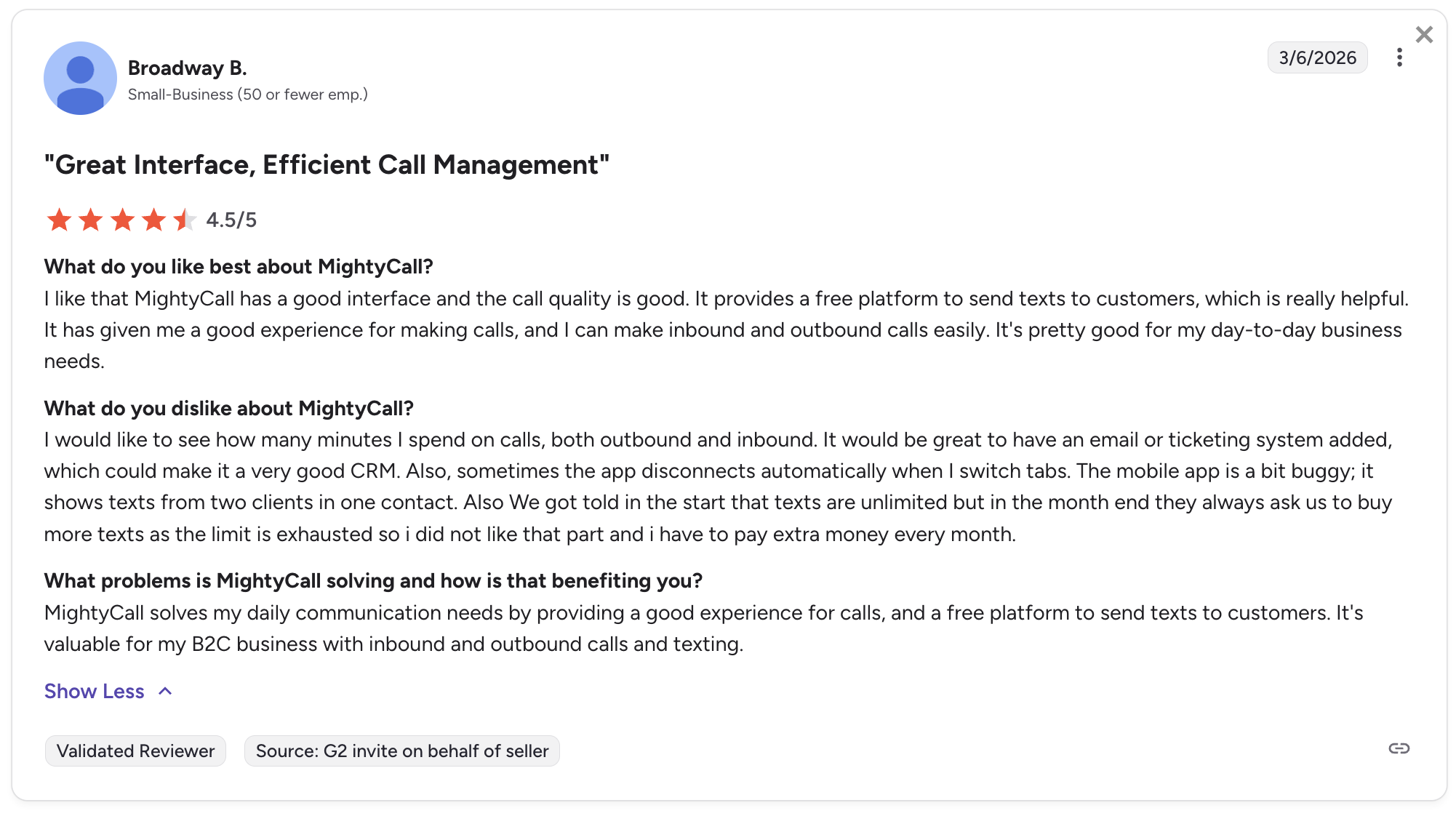
MightyCall has been around since 1999, making it one of the most established players in the VoIP space. Originally designed for solopreneurs, the company has shifted its focus toward call center and customer support teams. It offers local, toll-free, and vanity numbers, along with supervisor tools like call listening, whisper, and barging.
Who MightyCall works best for
MightyCall is best for teams that handle high call volumes and need supervisor tools to manage agents. Features like real-time analytics and call monitoring make it a strong option for support-focused teams.
Keep in mind: every plan requires a minimum of 3 users, so it's not ideal for solo users or very small teams.
MightyCall pricing
- Core: $15/user/month (billed annually). Minimum 3 users. Includes VoIP calling, IVR, call recording, and CRM integration.
- Pro: $23/user/month (billed annually). Adds supervisor workspace, call monitoring, and analytics.
- Power: $30/user/month (billed annually). Adds auto dialer tools.
- Enterprise: $50/user/month (billed annually). Minimum 5 users. Adds predictive dialer and SIP trunking.
7-day free trial with 100 minutes included.
Mightycall demo video
Mightycall ratings
- G2: 4.4/5
- App Store: 3.8/5
Dialpad Connect, best for teams that want AI analytics
What is Dialpad?
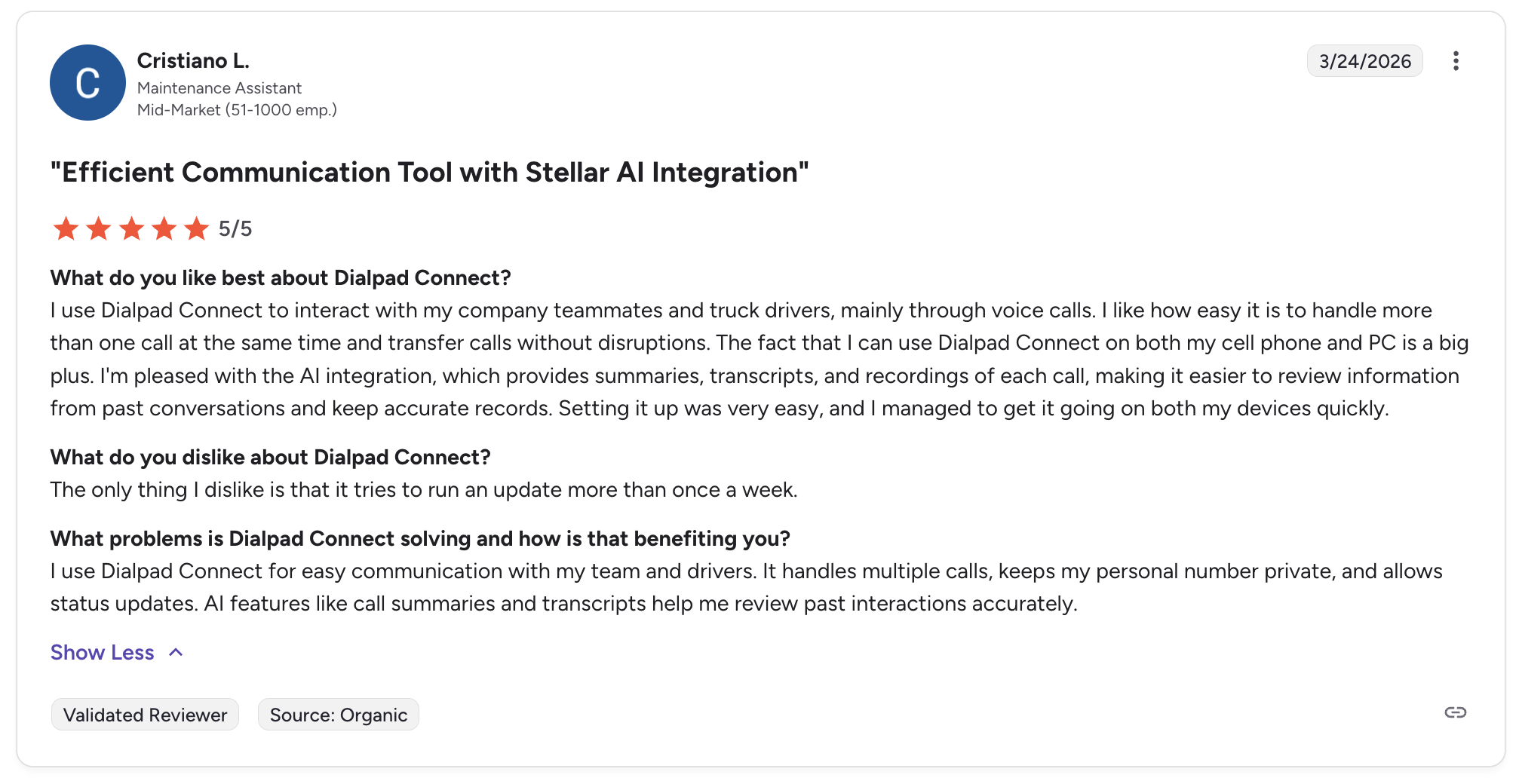
Dialpad is an AI-powered cloud communication platform launched in 2011. It's known for its proprietary DialpadGPT model, trained on over 6 billion minutes of business conversation data. The platform offers VoIP calling, video conferencing, team chat, and a suite of AI tools including real-time transcription, sentiment analysis, and speech coaching.
Who Dialpad works best for
Dialpad works well for teams that want deep AI-powered insights on their calls. Real-time transcription, sentiment scoring, and coaching suggestions make it particularly useful for sales and support managers who want to train their teams.
That said, many of Dialpad's best features are locked behind higher-tier plans or add-ons, so the total cost can climb quickly beyond the advertised $15/month entry price.
Dialpad pricing
Dialpad Connect plans:
- Standard: $15/user/month (billed annually). Includes one local number, unlimited US/Canada calling, AI transcription, and voicemail.
- Pro: $25/user/month (billed annually). Adds CRM integrations, international texting, and 24/7 support.
- Enterprise: Custom pricing. Adds 100% uptime SLA and advanced admin controls.
14-day free trial available.
Dialpad demo video
Dialpad ratings
- G2: 4.4/5
- Trustpilot: 4.1/5
- App Store: 4.6/5
Grasshopper, best for solopreneurs on a tight budget
What is Grasshopper?
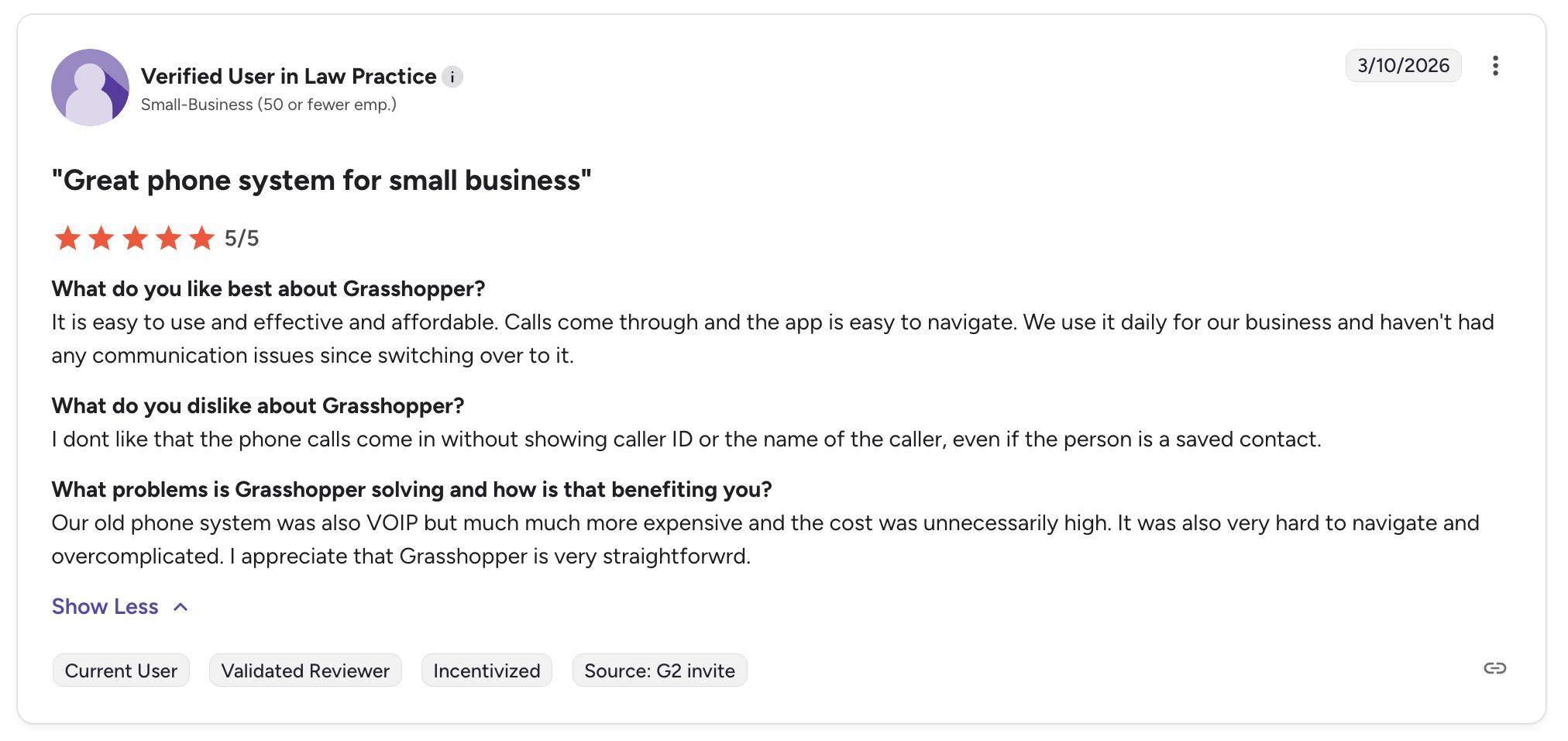
Grasshopper is a virtual phone system owned by LogMeIn. The product is designed specifically for solo entrepreneurs and very small businesses that need a professional business number without the complexity of a full phone system.
Who Grasshopper works best for
Grasshopper is for you if you're a freelancer, consultant, or solo business owner who just wants a separate business number on your existing phone. It doesn't pretend to be a full phone system. There are no CRM integrations, no AI features, and no advanced analytics. But it does the basics well: a professional number, call forwarding, voicemail transcription, and a virtual fax line.
One big advantage: Grasshopper doesn't charge per user. Plans are flat-rate, so you can add your whole team without the cost going up.
Grasshopper demo video
Grasshopper pricing
- True Solo: $14/month (billed annually). 1 number, 1 extension.
- Solo Plus: $25/month (billed annually). 1 number, 3 extensions, unlimited users.
- Small Business: $55/month (billed annually). 5 numbers, unlimited extensions, unlimited users.
7-day free trial available. Watch out for add-on costs: call blasting ($9/month), extra numbers ($9/month), and extra extensions ($3/month) can add up.
Grasshopper ratings
- G2: 3.9/5
- App Store: 4.8/5
- Trustpilot: 2.1/5
How much does a VoIP number cost?
VoIP phone numbers range from free to about $55/month depending on the provider and plan you choose.
Here's a quick summary:
| Provider | Starting price | Free trial | Number included? |
|---|---|---|---|
| Allo | $18/month (billed yearly) | 7 days | Yes (1 local or toll-free) |
| Google Voice | Free (personal) / $10/user/month (business) | No | Yes (1 local) |
| Quo | $19/user/month | 7 days | Yes (1 per user) |
| MightyCall | $15/user/month (3-user min.) | 7 days | Yes |
| Dialpad | $15/user/month | 14 days | Yes (1 local) |
| Grasshopper | $14/month (flat rate) | 7 days | Yes (1) |
A few things to keep in mind when comparing prices:
- Free doesn't mean free forever. Google Voice's personal plan is free, but it only works well as a temporary solution. The moment you need call recording, CRM sync, or team features, you'll need to pay. And if you're using Google Workspace already, the Starter plan costs $10/user/month.
- Watch the add-ons. Some providers, like Grasshopper and Dialpad, keep base prices low but charge extra for features like additional numbers, call blasting, or even SMS beyond a small monthly limit.
- Per-user vs. flat-rate pricing. Most providers charge per user, which means your cost grows linearly with your team. Grasshopper is an exception with flat-rate plans, but it also offers the fewest features. Consider what you're actually paying per feature, not just per seat.
- Annual vs. monthly billing. Nearly every provider offers a discount for annual billing (typically 10-25% savings). Just make sure you're comfortable with the product before locking in for a year.
Frequently asked questions about VoIP numbers
What exactly is a VoIP number?
A VoIP number is a phone number that uses the internet to make and receive calls instead of traditional copper phone lines. It works on any device with an internet connection, including smartphones, laptops, and tablets. From the caller's perspective, it looks and sounds just like a regular phone number.
Can I get a VoIP number for free?
Yes. Google Voice offers a free personal plan that includes a US phone number with unlimited domestic calling and texting. It's a decent option for personal use or as a temporary business line. However, free plans come with significant limitations: no CRM integrations, no call recording, and no customer support. For business use, paid plans start as low as $10-15/month.
Why would someone want a VoIP number?
The most common reason is separating business and personal calls without carrying two phones. A VoIP number lets you add a professional business line to your existing device. Other reasons include lower costs compared to traditional phone plans, access to features like call recording and AI transcription, the ability to get local numbers in different cities or countries, and easy scalability as your team grows.
Can VoIP phones call cell phones?
Yes. VoIP calls work just like regular phone calls. You can call any phone number, whether it's a cell phone, a landline, or another VoIP number. The person on the other end won't know (or need to know) that you're calling from a VoIP number.
What is a disadvantage of using VoIP?
The biggest disadvantage is the dependency on a stable internet connection. If your Wi-Fi drops or your bandwidth is too low, call quality will suffer. You might experience audio delays, choppy sound, or dropped calls. This makes VoIP less reliable than traditional phone lines in areas with poor internet infrastructure.
Is there a monthly charge for a VoIP phone?
Most VoIP services charge a monthly subscription fee. Prices range from $10 to $55/month depending on the provider and the features you need. Some providers like Google Voice offer a free personal plan with basic features. Business plans typically include a phone number, unlimited domestic calling, and additional features like voicemail transcription, call recording, or AI tools depending on the tier.