
Article Overview
- Native Salesforce VoIP dialers are limited by limited features, expensive add-ons, desk phone limitations, and no ability to make calls outside of the US or Canada.
- The seven best VoIP integrations for Salesforce are Allo, Quo, Nextiva, Zoom Phone, Dialpad, Aircall, and RingCentral.
- Allo is the best overall Salesforce VoIP integration because it allows you to natively sync data, record calls, and access customer data directly within the Salesforce Cloud.
––––––––
Looking for a reliable phone system that integrates with Salesforce?
We’ve compared 20 business phone systems and kept only the seven best.
Read on for a full breakdown of each business phone integration, plus why most businesses opt for third-party integrations in the first place.
Native Salesforce VoIP Options (and Their Limits)
Salesforce does offer a native dialer option, but for most sales and support teams, it falls short of the mark.
There are two options available:
- Dialer for Essentials: Only available on the Essentials tier
- Sales Dialer: Available on Sales Cloud and Service Cloud for Essentials, Professional, Enterprise, Performance, and Unlimited Editions
There is a third option for enterprise teams called Service Cloud Voice (starting at $50/user/month). But keep in mind this is only for Customer 360 solutions, so most people don’t even qualify.
We’re just covering Dialer and Sales Dialer for the purposes of this article, since it’s the option most businesses have access to on their plans.
Limited Features
Both of the native Salesforce dialers offer what you might expect from a traditional business phone system.
Here’s a quick breakdown of what to expect from each:
- Dialer for Essentials: One shared number, call history, call notes, request a callback, recorded greetings, and wait music.
- Sales Dialer: Call logging, multiple phone numbers, personal voicemail (limited to 20 voicemail messages max), pre-recorded messages, voicemail drop, local presence, call bridging (from one physical desk phone to another), call recording, and more.*
*upgrading to this plan causes you to lose features such as callback requests and call monitoring.
If all this looks a little bare bones to you, you’re not alone. You won’t even have access to mission-critical features like ring groups, call monitoring tools, toll-free numbers, mobile apps, or even international calling and texting — all features you can access with other third-party telephony providers.
If these aren’t things you can live without, you’re going to need a Salesforce integration for VoIP.
Doesn’t Live Outside of Desk Phones
As the title implies, you can’t use either Salesforce dialer on your phone, laptop, or desktop computer. That’s because the Sales Dialer doesn’t really live outside of desk phones.
Here’s how it works in practice:
- Dialer uses a PSTN line, so technically, your “Salesforce call” is placed through a real phone line behind the scenes.
- You can forward the call to your mobile, meaning Salesforce dials your mobile first, then connects you to the prospect.
- But you cannot initiate a true VoIP call directly from the Salesforce mobile app.
For small and growing businesses needing to handle inbound and outbound calls from anywhere, Salesforce’s dialer may be a bit too limiting.
Expensive Add-Ons
The Salesforce Dialer starts at $5/user/month — which seems like a great deal until you do a little more digging. Practically all its best features require extra money per month, including conversational intelligence, which starts at $50/month.
This can be frustrating, since most modern VoIP providers offer modernized features on every plan. But Salesforce, unfortunately, is missing many of these features. The options it does have are locked behind pricey add-ons, which can raise the cost of your VoIP service by hundreds of dollars per user per month.
And speaking of features…
No International Reach
Salesforce may be used by brands around the world, but it doesn’t really accommodate for calls and texts outside the US.
There’s no support for international calling or international texting, no matter how much you upgrade. You can only send and receive calls and messages within Canada and the US (excluding Puerto Rico).
Compared to globally minded VoIP providers like Allo, Salesforce’s Dialers simply don’t offer the reach you need.
Other Arbitrary Salesforce Features
You should know that the native Salesforce Dialers come with many other limitations that could frustrate users.
With Salesforce’s VoIP tool, you can’t:
- Access features from Experience Cloud sites.
- Store more than 20 voicemail messages (limited to two minutes each)
- Support call monitoring if you’re using Salesforce Essentials.
- Directly call phone numbers in dashboards
- Pop out (or pop in) a call panel while on an active call
- Ring a landline number that’s busy
- Automatically log calls unless you have user profiles with “Edit Task” permissions
How to Choose the Right Salesforce VoIP System?
With so many VoIP providers to choose from, how do you pick the perfect Salesforce integration for your needs?
First things first, you should check if it’s even compatible by contacting the phone system in question or calling up your Salesforce rep.
Then, use the following checklist to narrow down your shortlist:
- Pricing: Not all VoIP platforms charge per user — some charge flat rates, or require a minimum number of users per month. And keep in mind that some VoIP solutions charge extra for their Salesforce integration. Check the fine print carefully and be sure to discuss with a sales rep well in advance.
- Integration depth: Some integrations will only sync a few contact details (like name or number), while others, like Allo, can sync business details, company names, opportunity stages, and more. There are even pop-ups that cover your screen with customer details without forcing you to switch between tabs.
- AI features: Since Salesforce doesn’t offer much in the way of AI, you’ll want a business phone system integration letting you instantly summarize calls, automatically respond to messages, and even pick up calls on your behalf.
- Flexibility: Can you make calls and texts on your laptop, cell phone, and desk phone? If you can’t do much more beyond just your desk phone, you may wind up paying extra for a system that’s eerily similar to Salesforce’s native dialer.
- Overall product quality and reliability: By quality and reliability, we mean covering traditional VoIP criteria. Think call quality, ease of use, and history of strong uptime.
💡One Final Note: You should know that Salesforce is retiring Open CTI and replacing it with the new Salesforce Voice Toolkit (and its related APIs). Most VoIP vendors have already updated or are in the process of updating their packages to the new standard. But other VoIP systems have not, or cannot, dedicate the time. So before settling on a system, ask whether they’re using Open Computer Telephony Integration (CTI), or at least planning to migrate to the Salesforce Voice Toolkit. If not, you may want to seek out a competitor.
The 7 Best Salesforce VoIP Integrations Compared
Now that you know what to look for in a system, let’s break down the seven best options available.
Keep in mind we’ve ranked each of these according to the criteria above. But we always recommend taking the free trial (if available) so you can see how the system works before setting up the integration.
Let’s start with the highest-rated option on the list:
Allo
- Pricing: Starts at $32/user/month
- Apps: Mobile apps (iOS and Android), web, and desktop
- Unlimited calls and texts: Yes (includes 110 international locations)
What is Allo?
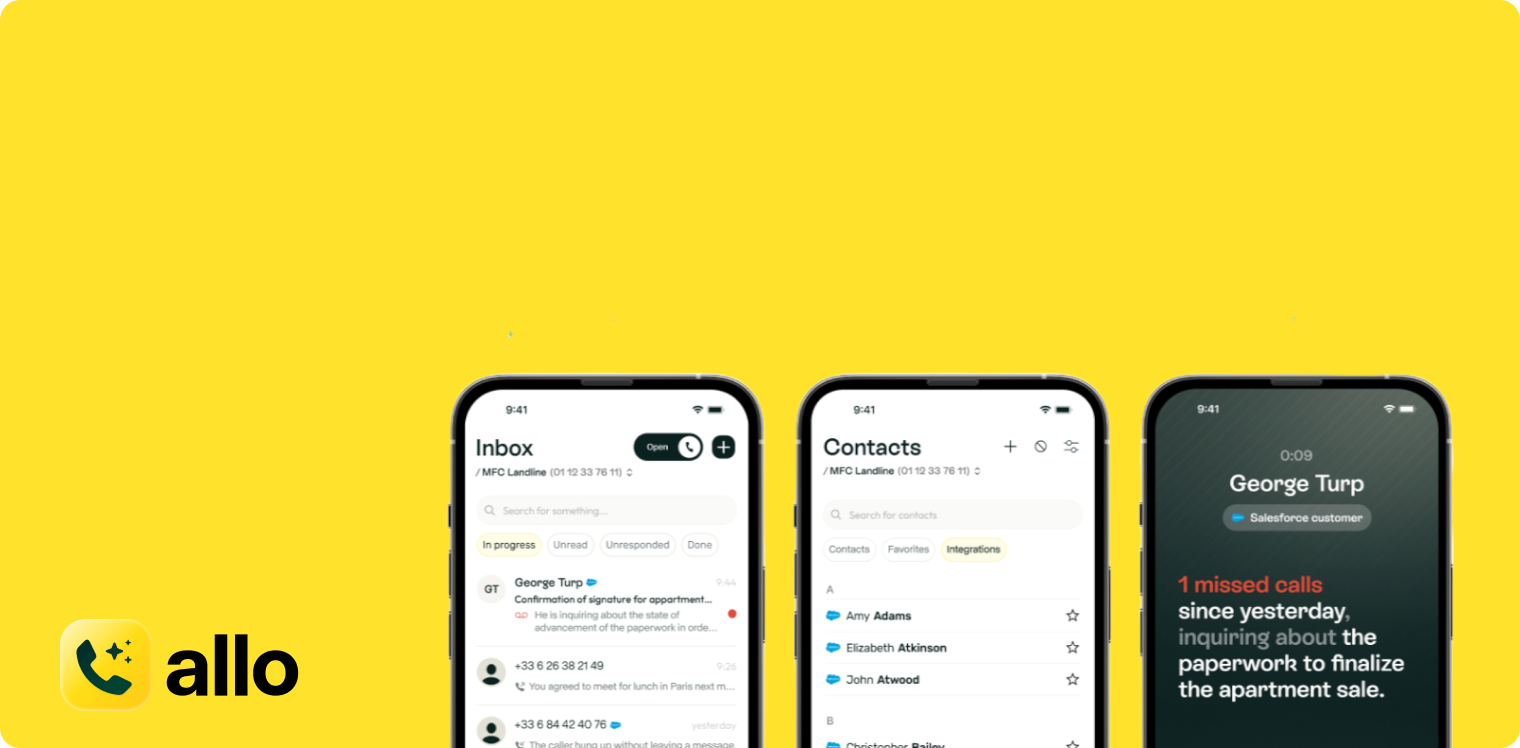
Allo is a VoIP provider and seamless Salesforce integration that helps sales reps build better customer relationships. The Business plan offers everything you need to create an efficient pipeline for phone calls and texts, complete with a Salesforce CRM integration that automatically syncs data like customer interactions, call recordings, and more.
But apart from Allo’s Salesforce integration, you can also use our communication platform to create a better customer experience. Artificial intelligence is one of our key features. With it, you’ll have the ability to automate incoming calls, missed call texts, and organize calls by tags. Then, use a few other features to set customer expectations. You can create personalized greetings, set up intelligent phone menus, and easily transfer calls to the best rep for the job.
No need to take our word for it, though.
What Can Allo’s Integration with Salesforce Do?
Allo’s native Salesforce integration allows you to:
- Instantly sync calls and log customer interactions
- Real-time call transcriptions
- AI-generated call summaries
- Call and text directly from Salesforce
- AI receptionist (log calls in your CRM)
- IVR system (phone menu)
- Make and receive international calls (inbound and outbound calls)
- Compatible with Salesforce Mobile
- Analyze data with an AI assistant
- Call forwarding for agents
Who’s Allo Best For?
Allo is best for small and growing sales teams wanting to close more deals by communicating effectively with their leads. We make it easy to connect all the tools you’re currently using without the high prices, add-on costs, or limitations of Salesforce’s built-in dialer. Then, you can easily tap into more AI features as you grow, like AI receptionists, missed call text back automations, complex phone menus, and more.
Quo
- Pricing: Starts at $23 per user per month
- Apps: Mobile (Android and iOS), desktop, and web app
- Unlimited calls and texts: Yes
What is Quo?
Quo, formerly OpenPhone, is a standalone VoIP provider and Salesforce VoIP integration for service-based businesses. With it, you cover all basic key features like unlimited calls, texts, and voicemails in the US and Canada. But you still get a few advanced features like you do with Allo, like auto-reply texts and an AI receptionist (although keep in mind you can’t get unlimited AI receptionist calls).
You can connect with Salesforce on Quo’s second tier — the Business plan — but some of its best features require an additional upgrade. AI call tags, for example, can help you organize incoming calls much faster. Even inbound phone support requires an upgrade.
What Can Quo’s Integration with Salesforce Do?
You can use Quo’s Salesforce integration to:
- Initiate calls from Salesforce
- Sync your Salesforce contacts in Quo
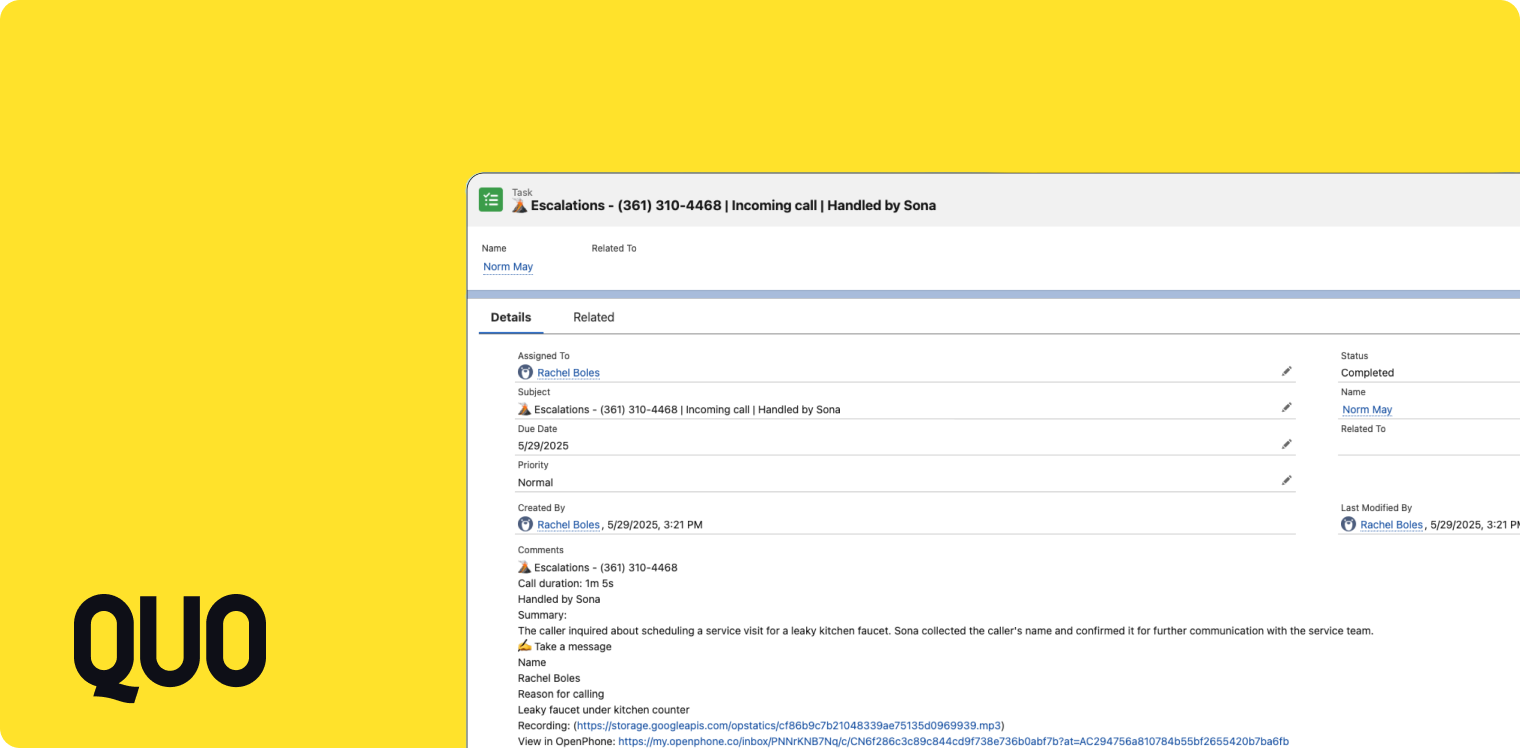
- Log all Quo activity inside Salesforce
If all this seems a little, well, bare-bones, you’re not alone. Compared to other third-party providers on this list, Quo certainly doesn’t offer the most robust integration.
Now, Quo’s VoIP service does offer a few other advanced features, like a pay-per-call AI receptionist and round-robin call routing. But there’s not a whole lot else that impacts your Salesforce CRM directly.
If you want more CRM-specific features (like screen pops with customer contacts), or a system with more contact center capabilities, you’re going to need a Quo alternative.
Who’s Quo Best For?
Quo is the best VoIP provider for small support teams and solo service reps needing simpler solutions for business communications. The pricing is more expensive than other providers on this list, and it doesn’t do much else besides sync calls within your CRM. But if all you care about are simple workflow automations, and just want an easy way to manage customer calls, it still offers more utility than the native Salesforce dialer.
Nextiva
- Pricing: Starts at $15/user/month
- Apps: Browser/web, mobile (iOS and Android), desktop, desk phone rentals
- Unlimited calls and texts: No (limited texts and toll-free minutes)
What is Nextiva?
Nextiva is an omnichannel communications platform that lets you log calls and recordings directly with the Salesforce CRM. And by ‘omnichannel’ communications, we mean much more than simple VoIP solutions — think social media messaging, live chat, chatbots, and more.
Now, keep in mind you can’t connect these additional Nextiva platforms to Salesforce. You’re limited to phone calls only. If you read its integration documentation, you’ll notice it doesn’t mention much about text messaging and live chat. So while Nextiva offers great utility as a platform, its options as a Salesforce integration are relatively limited.
What Can Nextiva’s Integration with Salesforce Do?
You can use Nextiva’s communication platform with Salesforce for:
- Automatic call logging
- Creating new contacts, leads, opportunities, or accounts within Salesforce
- Automatically create tasks using AI with natural language processing
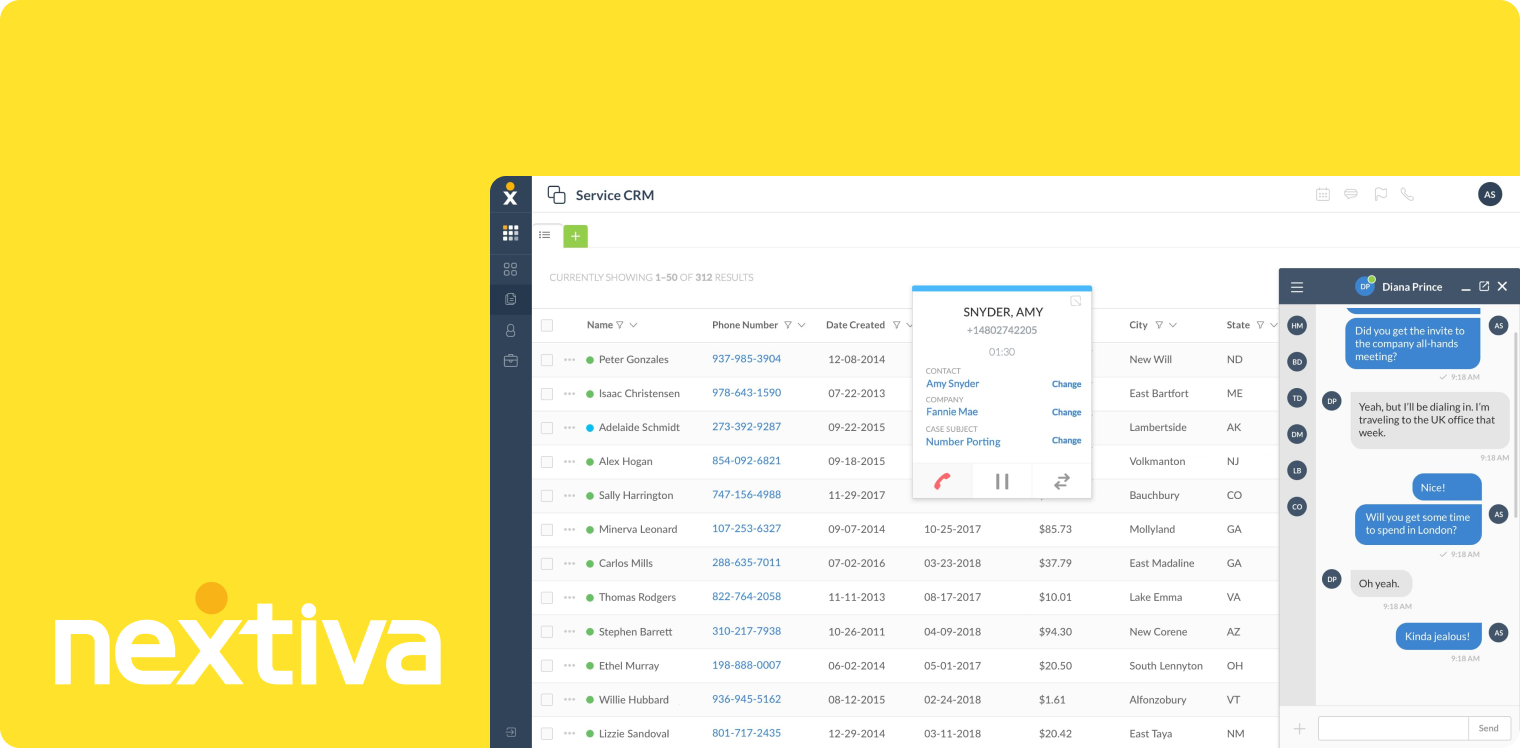
- Screen pops for key information about customers
- Browser extension (make calls from the web rather than the app)
So yes, Nextiva is more than a basic Salesforce integration. But also no, it doesn’t necessarily offer anything ‘unique’ compared to other providers. The greatest benefit of Nextiva is in connecting social media platforms, which depending on your business, may or may not matter.
Who’s Nextiva Best For?
Nextiva is the best customer experience communications platform for omnichannel brands. If you’re present on more than one social media platform, and if you need more than just VoIP solutions, this is an excellent option for your business.
Just keep in mind the integration doesn’t necessarily add much more than other options on this list (as you can see from the bullet points above). But if social media is a big sticking point for your business, Nextiva is certainly an option to consider.
Zoom Phone
- Pricing: Starts at $18.33/user/month
- Apps: Desk phones (equipment with upgrade), desktop, and mobile (Android and iOS)
- Unlimited calls and texts: No (requires upgrade)
What is Zoom Phone?
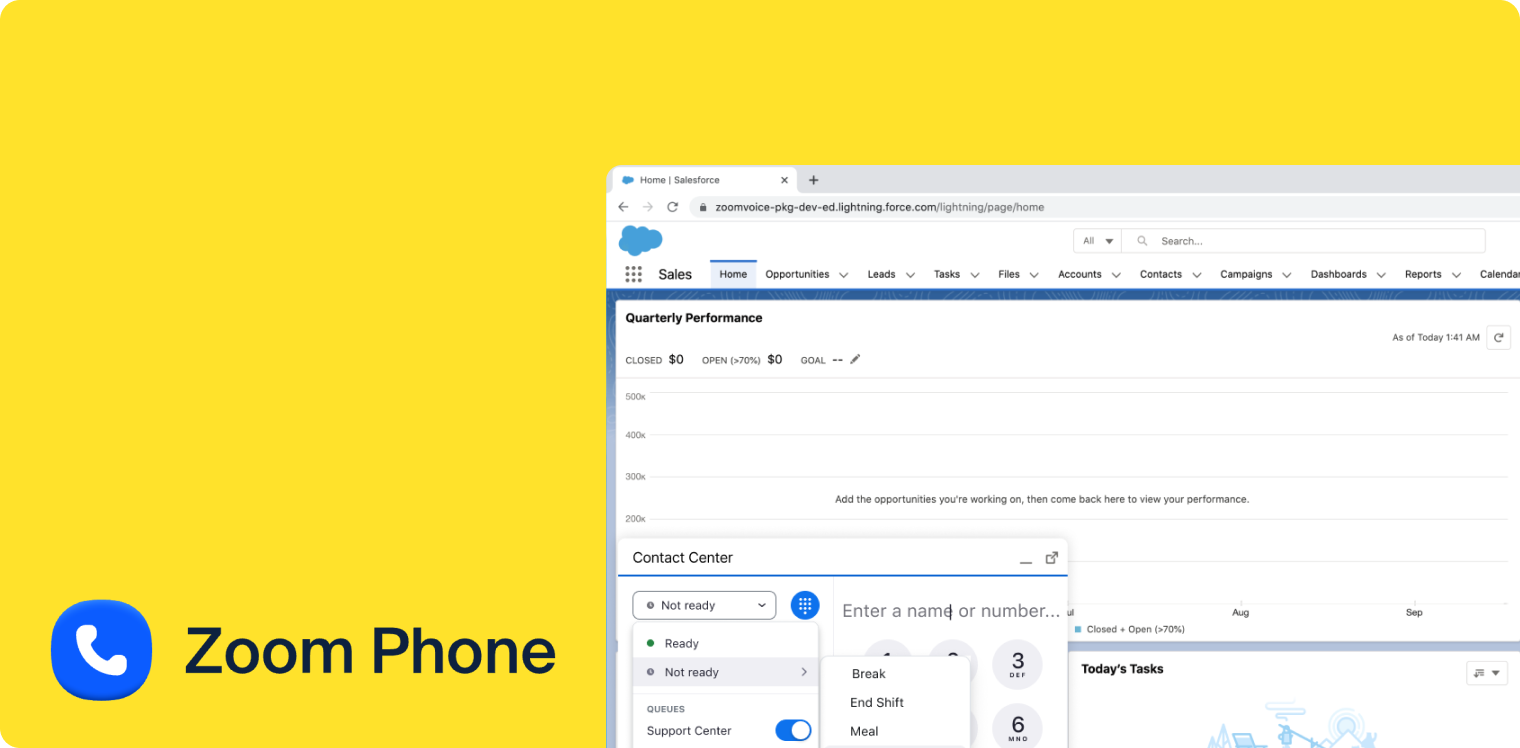
Zoom Phone is the VoIP phone system side of Zoom Inc, which is a video service that took off in 2020. It also connects directly with Salesforce so you can manage incoming calls, texts, and voicemails directly from the Salesforce platform.
One of Zoom Phone’s biggest claims to fame is its ability to connect with local PSTN. This means that, if you work in multiple countries, you can rely on Zoom Phone to make and receive calls using traditional landline systems. If you already have an existing traditional phone system setup, you can keep using your equipment without necessarily sacrificing the features you get with Voice Over Internet Protocol. For example, you can tap into WiFi texting and workflow automations, plus integrate with Zoom meetings if your business relies on them.
What Can Zoom Phone’s Integration with Salesforce Do?
After you connect Zoom Phone to your Salesforce CRM, you can:
- Click to call on the Salesforce mobile app
- Click to send SMS on the Salesforce mobile app
- Access screen pops for outbound calls
- Track key metrics
- Automated call logging
- Take notes on calls
- AI Companion call summaries
- Add contacts and leads to the Sales Engagement platform
Just FYI: Zoom Phone is only compatible with Salesforce Lightning. If you’re using the Classic version of Salesforce’s CRM (i.e., the option with computer telephony integration, or CTI), you’ll need to find a different Salesforce integration for VoIP.
Who’s Zoom Phone Best For?
Zoom Phone is a great fit for large sales teams and call centers that are already on Zoom’s video meeting ecosystem. It offers all the basic business communication tools you need — like calls and texts — plus a few easy automations to boost your contact center performance inside of your CRM.
That said, Zoom Phone isn’t the best fit for Salesforce Classic users, since it’s not compatible at all. And keep in mind you’ll need multiple integrations to use all of Zoom’s features. Its video meetings require a separate tool, which could be frustrating if you’re trying to keep things simple.
Dialpad
- Pricing: Starts at $25/user/month
- Apps: Mobile (Android and iOS), desktop
- Unlimited calls and texts: No (charge per SMS and MMS; not available outside the US and Canada)
What is Dialpad?
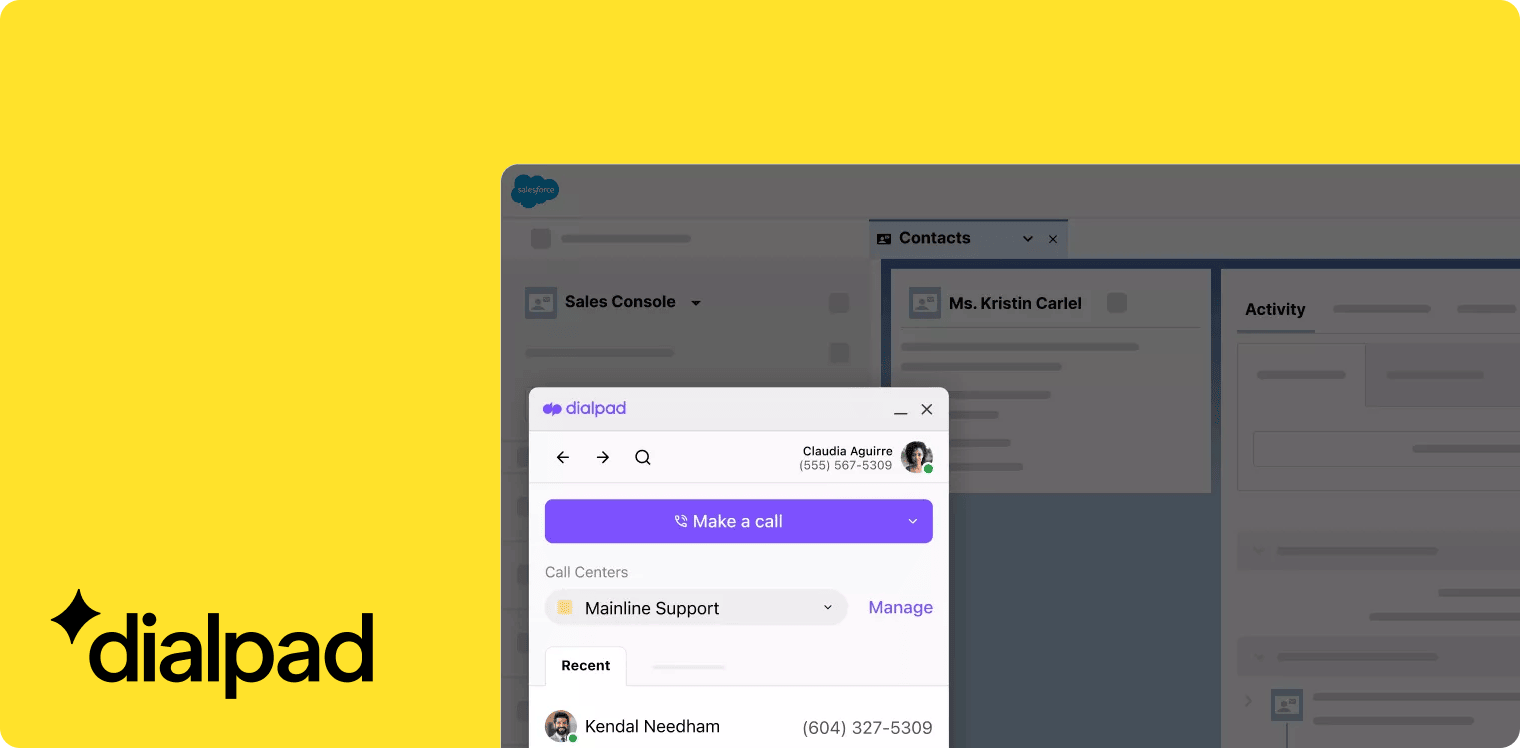
Dialpad is a VoIP phone system that connects directly with the Salesforce CRM. It’s also one of the only VoIP systems on this list that’s compatible with Salesforce Lightning and Salesforce Classic. Not only does it let you make calls and texts from anywhere, but you can also set up video calls to connect via video (like Zoom Phone, but without the add-ons).
You can also use Dialpad to access unique AI features; something that’s sometimes hard to find on other legacy VoIP platforms. For example, you can set up agentic AI that offers automatic coaching to your agents. Or, you can connect your CRM to Dialpad’s WFM, which lets you track key metrics for processes like demand forecasting.
What Can Dialpad’s Integration with Salesforce Do?
You can use Dialpad’s Salesforce integration to:
- Transcribe real-time and recorded calls
- Generate keyword-triggered assist cards
- Access call management tools for team performance (+ the ability to track key metrics)
- Eliminate manual dialing with the Power Dialer
- Manage team messaging inside of your CRM
- Access agentic AI (such as for advanced AI coaching)
- Connect with the Dialpad WFM (demand forecasting via the Salesforce Service Cloud)
Just keep in mind that integrating Salesforce with Dialpad may be relatively complex for the average user. Plus, you may need to manually match contacts in your CRM.
It’s also surprisingly more expensive than you might expect: you need a Pro and Enterprise Dialpad plan type, plus an Enterprise or Unlimited edition of Salesforce.
It may not necessarily be much cheaper than the native dialer, especially if you want all the bells and whistles.
Who’s Dialpad Best For?
Dialpad’s Salesforce integration is best for teams wanting real-time AI assistance. It’s an incredibly powerful tool for call management amongst larger teams, since it’s primarily designed for customer service and outbound sales.
Just keep in mind Dialpad’s advanced features may cost extra to use. AI agents, for example, require you to contact the sales team. They’re not inherently available on Dialpad’s VoIP app.
Aircall
- Pricing: $150/month (three-license minimum) + $30 per license extra
- Apps: Softphone for desktop, Android, and iOS (web app and desk phones not supported)
- Unlimited calls and texts: No (toll-free minutes are limited and cost extra)
What is Aircall?
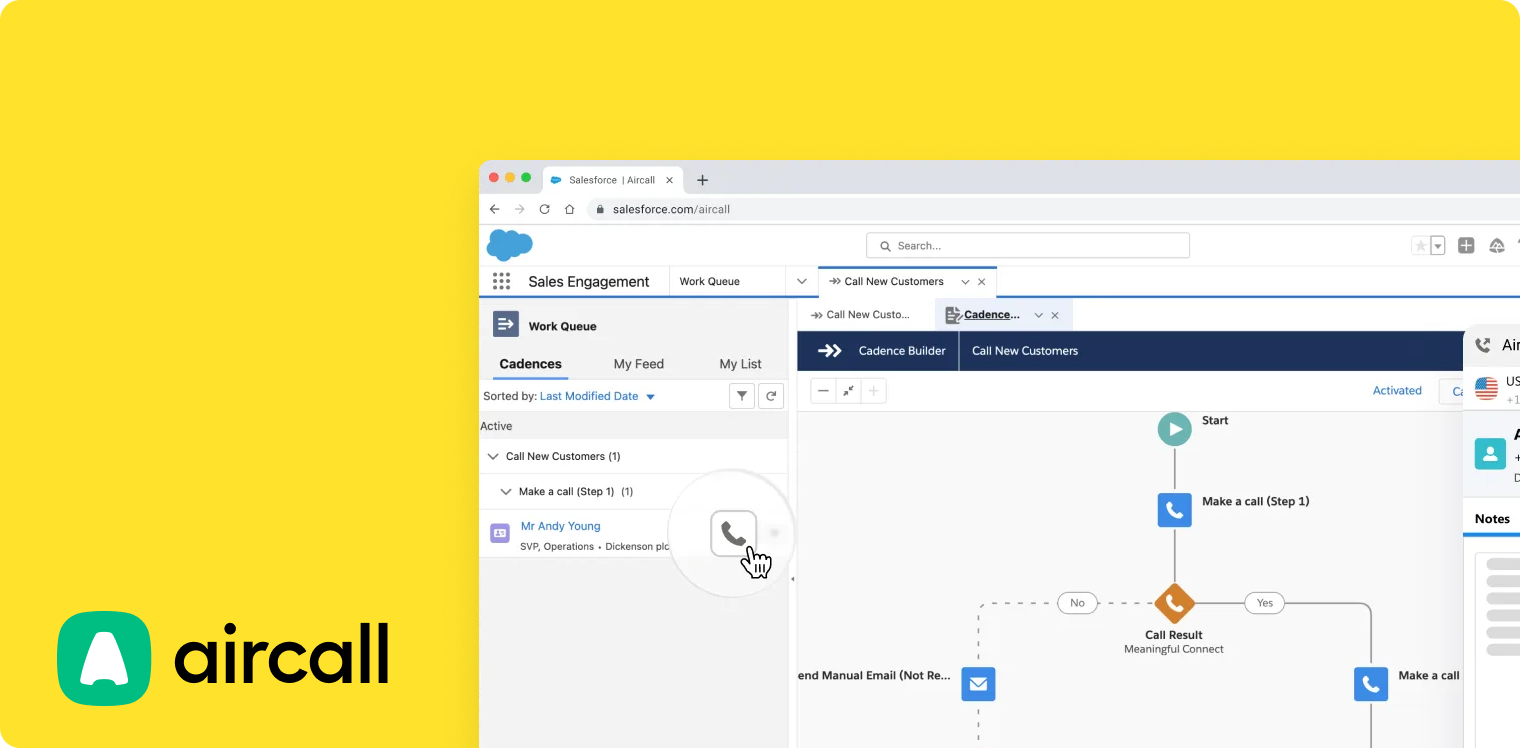
Aircall is a VoIP app designed for enterprise teams managing inbound and outbound calls. Like many other providers on this list, it lets you sync customer calls, texts, and contact details inside your Salesforce CRM. But its biggest claim to fame is offering intelligent call routing inside of Salesforce. That way, you can easily direct callers to specific reps via warm or cold transfers.
Apart from these key features for your CRM, you can also use Aircall to support your quality assurance efforts. Tools like AI-powered transcriptions and real-time coaching insights can help you better understand how your team is performing. Then, you can skim through call recordings and provide personalized feedback to your call center team members, which ultimately supports a better customer experience.
What Can Aircall’s Integration with Salesforce Do?
You can use Aircall’s Salesforce VoIP integration to:
- Activate click-to-call
- Sync basic content data with Salesforce’s customer relationship management tools
- Take inbound and outbound calls using the Omni-Channel Widget
- Read call pop-ups with relevant caller details
- Use intelligent call routing to send specific callers to specific reps
- Transfer warm or cold calls to team members
- Get real-time transcriptions of live calls
- Unlock call management tools (think supervisor listen-in, barge-in, and transcription monitoring)
Just keep in mind Aircall comes with user limits that dramatically affect pricing. The Professional plan, the cheapest tier that comes with Salesforce tools, starts at $50/user/month with a three-user minimum. Plus, you’ll need to pay $30/license/month extra for its Aircall for Salesforce Voice package. This means the least you can pay for Aircall’s Salesforce integration is $240/month.
Who’s Aircall Best For?
Aircall is best for international service teams and enterprise contact center operations. It offers everything you need to manage larger teams effectively, since the user minimums won’t affect your bottom line like they might for small or growing businesses.
But similar to RingCentral, Aircall’s Salesforce VoIP integration process is relatively difficult to set up. You’ll more than likely need some technical resources — which means hiring a developer or learning how to work with APIs yourself.
RingCentral
- Pricing: Starts at $25 per user per month
- Apps: Mobile, desktop, web, desk phones
- Unlimited calls and texts: No (limited toll-free minutes and SMS messages)
What is RingCentral?
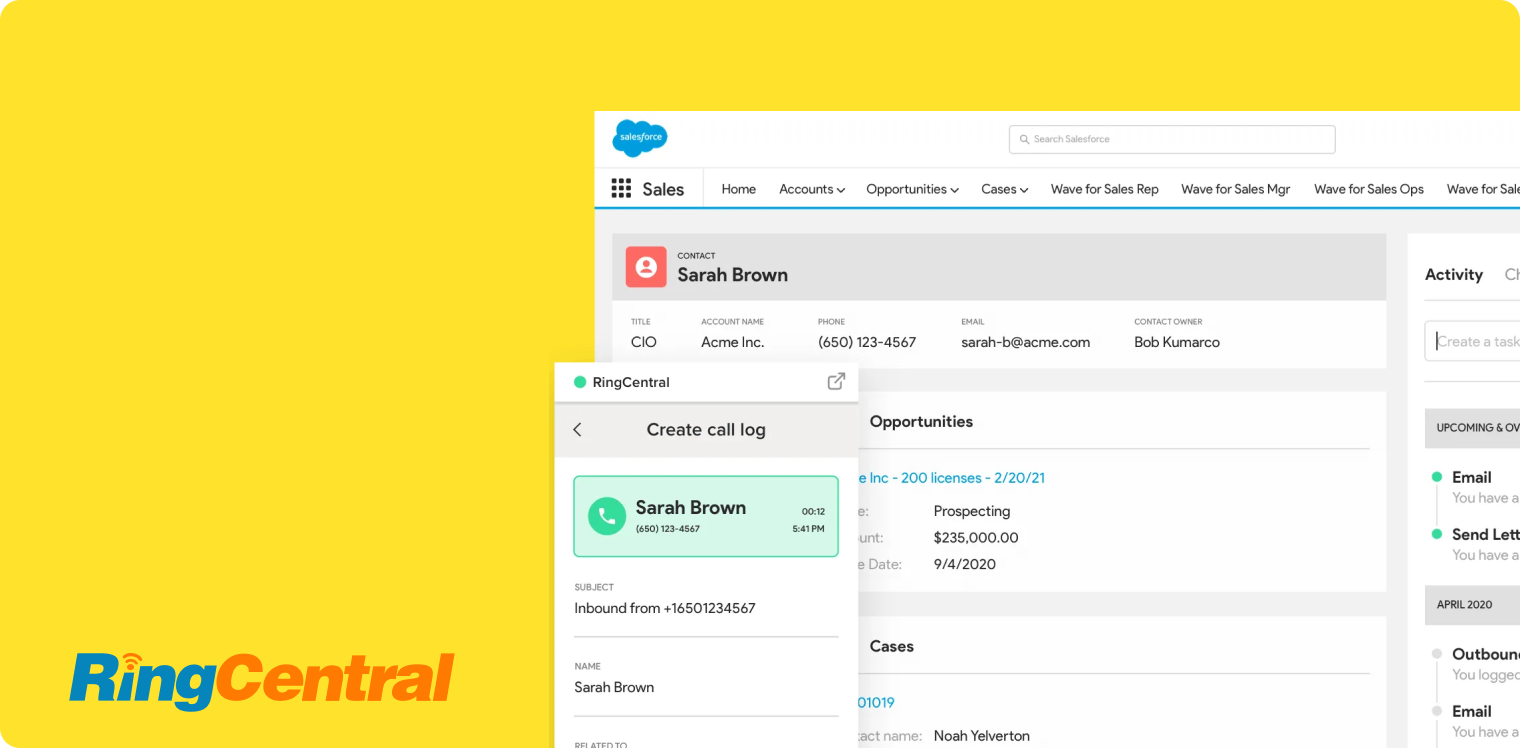
RingCentral is a virtual phone system offering calls, texts, and video meetings on the same plan. When integrated with its deep Salesforce integration, you can make calls and send texts directly from your CRM, access voicemail, e-fax, and call recordings, and even schedule video meetings directly from your Salesforce dashboard.
But you should know RingCentral’s computer telephony integration isn’t necessarily the most intuitive to set up. You may also have to contend with a large number of bugs — not ideal for growing brands with more limited resources.
What Can RingCentral’s Integration with Salesforce Do?
Key features of RingCentral’s integration with Salesforce include:
- The ability to sync relevant customer data across platforms
- Automated call logging and call recording
- Click-to-dial within Salesforce (take inbound and outbound calls)
- Can make international calls and texts from your phone service
- Schedule RingCentral video meetings within Salesforce
- Automatically create tasks in Salesforce for calls
- Track agent performance and key metrics via an add-on (costs extra)
Keep in mind that the integration is only available for Salesforce Lightning. It’s also not compatible with community licenses, which could be an issue depending on how you’re billed.
Who’s RingCentral Best For?
RingCentral is best for large and growing businesses wanting a unified communication experience (or calls, texting, and video meetings) within the same platform. It’s especially helpful for centralizing communications (i.e., centralizing all customer interactions) while also staying connected to your CRM system.
Of course, RingCentral’s not as robust as other Salesforce alternatives, since it limits your toll-free minutes and SMS credits. But it still offers a native CRM integration with the platforms you’re already using. So long as you’re willing to pay for the add-ons, that is.
Frequently Asked Questions About Salesforce VoIP
Does Salesforce have a softphone?
No, there is no softphone experience on Salesforce’s dialers like you’d have with a platform like Allo. You can receive a call on mobile thanks to call forwarding, but you cannot start a call from the mobile app itself using the native Dialer interface. Instead, it behaves more like a click-to-call trigger that uses your phone as the endpoint, not a mobile VoIP client.
Does Salesforce have VoIP?
Yes, Salesforce has a VoIP dialer only for Salesforce Lightning users. You can use either Dialer for Essentials (only available on the Essentials plan), or Sales Dialer (only available on Sales Cloud and Service Cloud for Essentials, Professional, Enterprise, Performance, and Unlimited Editions). However, it requires an add-on cost and is more limited than other VoIP service providers. The vast majority of Salesforce users typically migrate to a separate phone system and set up an integration instead.
What phone systems integrate with Salesforce?
The best phone systems that integrate with Salesforce include Allo, Quo, Nextiva, Zoom Phone, Dialpad, Aircall, and RingCentral. Keep in mind there is no centralized directory listing for telephony integrations (such as HubSpot’s App Marketplace, for example). To see if your existing business phone solution is integrated in Salesforce, you must manually browse the Salesforce Marketplace AppExchange or check the vendor's website. If all else fails, contact your telephone provider directly.