Key takeaways:
- Small office phone systems come in two types — traditional PBX (desk phones on copper wire) and VoIP (internet-based, runs on devices you already own). VoIP is recommended for most small businesses due to lower cost, no hardware requirements, and remote-work flexibility.
- We recommend Allo (best for its AI features), Nextiva (supports multiple communication channels), RingCentral (best for ease of use), and Quo. They each suit different team sizes, budgets, and feature needs.
- Choosing the right system depends on six key factors: your team size and growth plans, ease of number porting/migration, how much you can self-configure (vs. relying on support), pricing model and scalability, after-hours call handling features, and whether a free trial is available before committing.
A second phone number app used to make sense for your business. But now with a physical office to manage, you're worried you don't sound professional to callers. Missed calls and texts pile up on traditional second number apps. But old-school desk phone systems just don't offer enough features for your growing business.
A small office phone system can help straddle the line so you can make and receive business phone calls from wherever you are. It also offers advanced features like call routing and AI call summaries so you can sound more professional even as your business grows.
In this article, we run you through the different types of office phone systems, explain how to choose the right one and share our favorites.
What is a Small Office Phone System?
A small office phone system is a business communications platform that lets you make internal and external calls among a small number of employees. It typically includes features such as call transfers, voicemail, and auto-attendants. That way, small teams can manage calls professionally.
You can use a small office phone system to:
- Manage incoming calls from multiple devices you already own, like your laptop, tablet, or mobile device
- Handle customer communications together as a team, with features like team chat, shared numbers, or call forwarding
- Record calls, create transcripts, and share instant context, which can also connect with other business technology tools (think your CRM or ticketing system)
You may have heard small office phone systems referred to as a small business phone system, or a PBX. Either way, the meaning is the same: a phone system designed for small teams and offices that want to manage secure communications like larger businesses.
The Two Types of Small Office Phone Systems
There are technically two different kinds of small office phone systems for small business owners:
- Traditional PBX: These are desk phones and handsets connected to copper wires (i.e., the Plain Old Telephone Network) so you can make and receive calls. This means you need preexisting equipment, as well as hardware and server rooms, to handle inbound and outbound calls.
- VoIP phone system: This type of platform runs on Voice Over Internet Protocol technology, which turns your voice into data packets and sends it through your internet connection. You can typically run VoIP phone systems as mobile apps and in your browser. That way, you can call or text anyone from devices you already own.
Here's a better breakdown of what to expect between the two:
| Feature | Traditional PBX | VoIP Phone System |
|---|---|---|
| Technology | Copper wire (PSTN) | Internet (VoIP protocol) |
| Hardware required | Desk phones, wiring, server room | Any internet-connected device |
| Setup | On-site installation | Sign up from anywhere on any device |
| Cost | High upfront + maintenance | Low monthly subscription |
| Maintenance | Requires IT staff | Managed by provider, cloud-based |
We recommend business VoIP systems for any small business owner looking to grow over time. That's because these services are typically more cost-effective, don't require up-front hardware, and let you scale from anywhere (even multiple locations and remote workers across the country). But just know you'll need a strong internet connection to make and receive calls.
But if you already have offices with established hardware, you can use a traditional PBX system to bring your desk phones online. They're not as flexible as a VoIP service, and they may require more time to set up and upgrade. But they still offer a way for you to perform basic calling and inbound call management. Just keep in mind they can get expensive, and they're not necessarily designed for remote workers.
Comparing the Top Small Office Phone Systems Side-By-Side
First, let's look at a breakdown of the top small office phone systems:
| Platform | Starting Price | Key Features | Desk Phone Support | International Calling |
|---|---|---|---|---|
| Allo | $18/user/mo | Unlimited calling and texting, call routing, call analytics, AI receptionist, voicemail transcriptions, call recording, CRM integrations, call forwarding | No | Yes; transparent pricing |
| Nextiva | $15/user/mo | Unified voice/video/SMS, AI voicemail transcription, video conferencing | Yes | Yes; per-minute rates from $0.01/min |
| RingCentral | $19.95/user/mo | AI call transcription and summaries, 500+ integrations, video conferencing up to 200 participants, 46-country coverage | Yes | Yes; international plans and bundles available |
| Ooma Office | $19.95/user/mo | 50+ base features, virtual receptionist, CRM integrations, SMS scheduling with upgrade, Zapier integration | Yes | Yes; pay-as-you-go rates |
| GoTo Connect | Call for pricing | Unlimited calling to 50+ countries, video conferencing, real-time analytics, AI chat analysis | Yes | Yes; 50+ countries included |
| Grasshopper | $14/user/mo | Virtual phone number extensions, auto-attendant, unlimited US/Canada calling | No | Yes; per-minute rates (available after 60 days) |
| Dialpad | $15/user/mo | AI real-time transcription and sentiment analysis, call analytics, video conferencing, AI speech coaching | Yes | Yes; per-minute or Global Unlimited add-on (65 countries) |
| Quo | $15/user/mo | Shared numbers, AI voice agent, drag-and-drop call flows | No | Yes; transparent pricing |
Now, let's look at each small business phone system in greater detail.
Top 8 Small Office Phone Systems and Providers
We'll start with one of the highest-rated small business phone systems available for growing brands:
1. Allo: Best for Growing Sales Teams
- G2 rating: 4.6/5 stars from 205 reviews
- Key features: Unlimited calling and texting, AI receptionist, AI call summaries, deep CRM integrations
Allo is a small office phone system designed for growing sales teams. With it, you can make unlimited calls in the US, Canada, and the domestic area. You can also make international calls in 90+ countries.
You can use Allo in both physical and remote offices without any IP phones required. First, download the app onto your existing cell phone, computer, or tablet. Then, start making and receiving calls from anywhere with a WiFi connection.
Everyone on your team can share responsibility for incoming calls, even if they're not sitting together at the office. With Allo's shared phone numbers, everyone can collaborate in responding to calls and texts. Allo also supports SMS and MMS, so your team can send pictures, videos, files, and more to one another.
Allo can also help you sound more professional to customers with features like:
- Auto-attendants: Build a multi-level phone menu that lets customers route themselves to the right person or department.
- AI receptionist: Immediately greet callers whenever you're unavailable, and let AI answer questions, take messages, and qualify leads.
- Missed call text back: Instantly respond to missed calls, texts, or voicemails with a quick text letting customers know they're in the right place (and you plan on responding soon).
The best part is, you can get started today for free.
Sign up today for a seven-day free trial of Allo.
Pros and Cons of Allo
| Benefits of Allo | Drawbacks of Allo |
|---|---|
| Unlimited domestic calling, plus calls in the US and Canada, + 90 other countries | Not compatible with desk phones |
| Direct callers with auto-attendants | |
| Runs on devices you already own (mobile apps, desktop app, web app) |
Pricing for Allo
Allo's two pricing plans were designed to grow alongside your team and call volume:
- Starter: $18/user/month for one user, unlimited phone calls, business texts, call forwarding, caller ID, auto-attendant phone menus, limited AI receptionist, and voicemail transcriptions
- Business: $32/user/month for as many users as you'd like to add on one plan, automatic call recording, shared numbers, AI call search, AI call tags, and limited third-party integrations for your small business phone system
How to Set Up Allo as Your Small Office Phone System
Getting a small office phone system with Allo is quick, simple, and easy. Most teams complete the setup process in 15 minutes or less.
Here's how to get started quickly:
- Begin our no-obligation free trial. This seven-day trial has no surprise charges and gives you 100% access to our features and solutions.
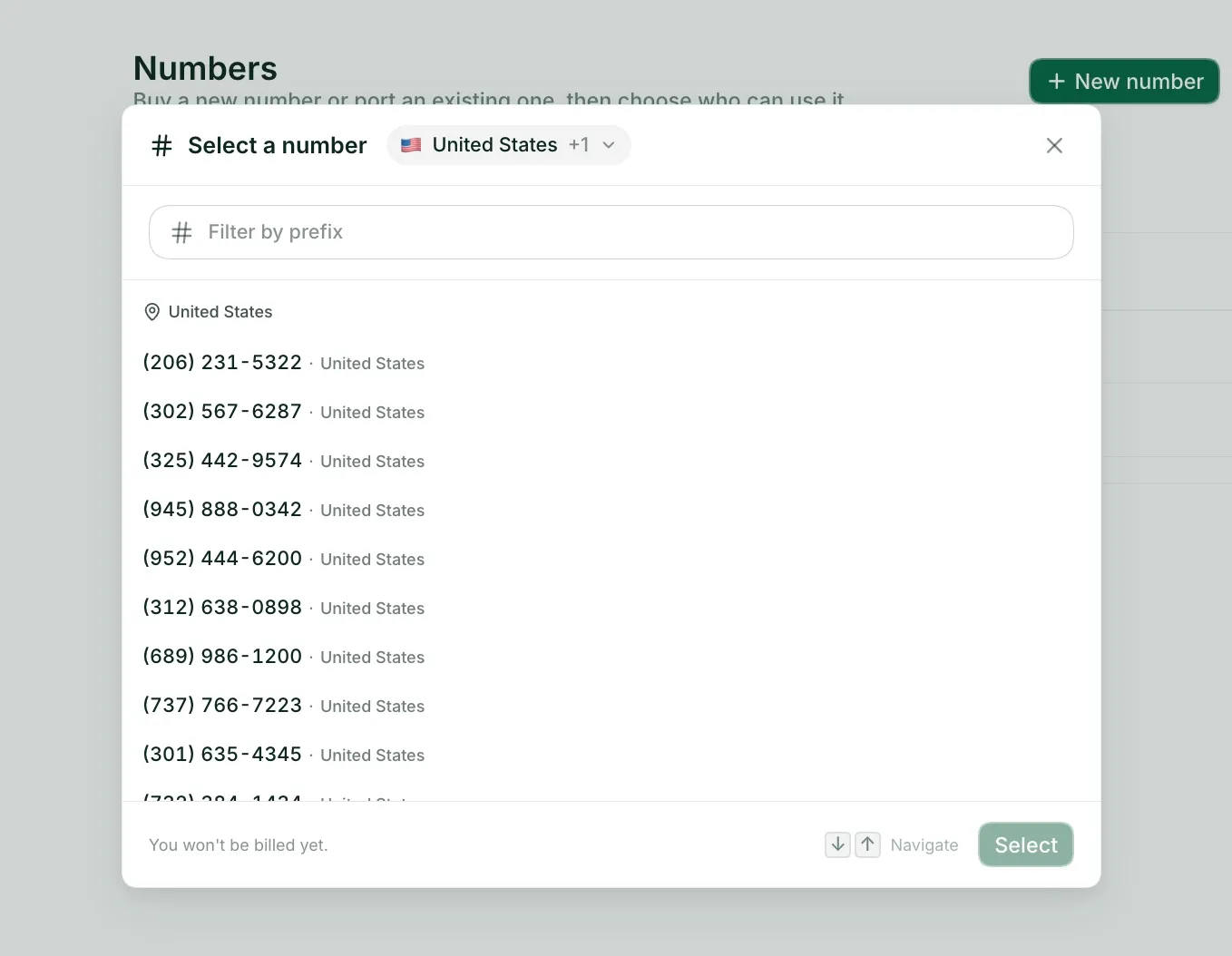
- Choose your phone number(s). You can select both local and toll-free numbers to support your small office. Plus, you can port over existing business numbers for free once the trial ends.
- Add your team. Convert any number into a shared phone number that everyone can use. Or, you can assign dedicated numbers to individual team members for just $5/number/month.
- Customize your settings. Configure small business phone system features like business hours, call routing, IVR, voicemail, and an AI receptionist from the admin dashboard.
- Download the app(s). Allo works across web, mobile, and desktop so you can get work done from anywhere with a WiFi connection.
In less than an hour, your entire office team will be ready to make and receive calls. And as your business grows, you can add new users or purchase additional phone numbers. This will allow you to handle high call volumes, juggle conversations with multiple users, and change service plans at any time — no annual contracts required.
Demo video of Allo
2. Nextiva: Best for Unified Communications
- G2 rating: 4.5/5 stars from 3,567 reviews
- Key features: SIP trunking, social media integrations, team chat and messaging
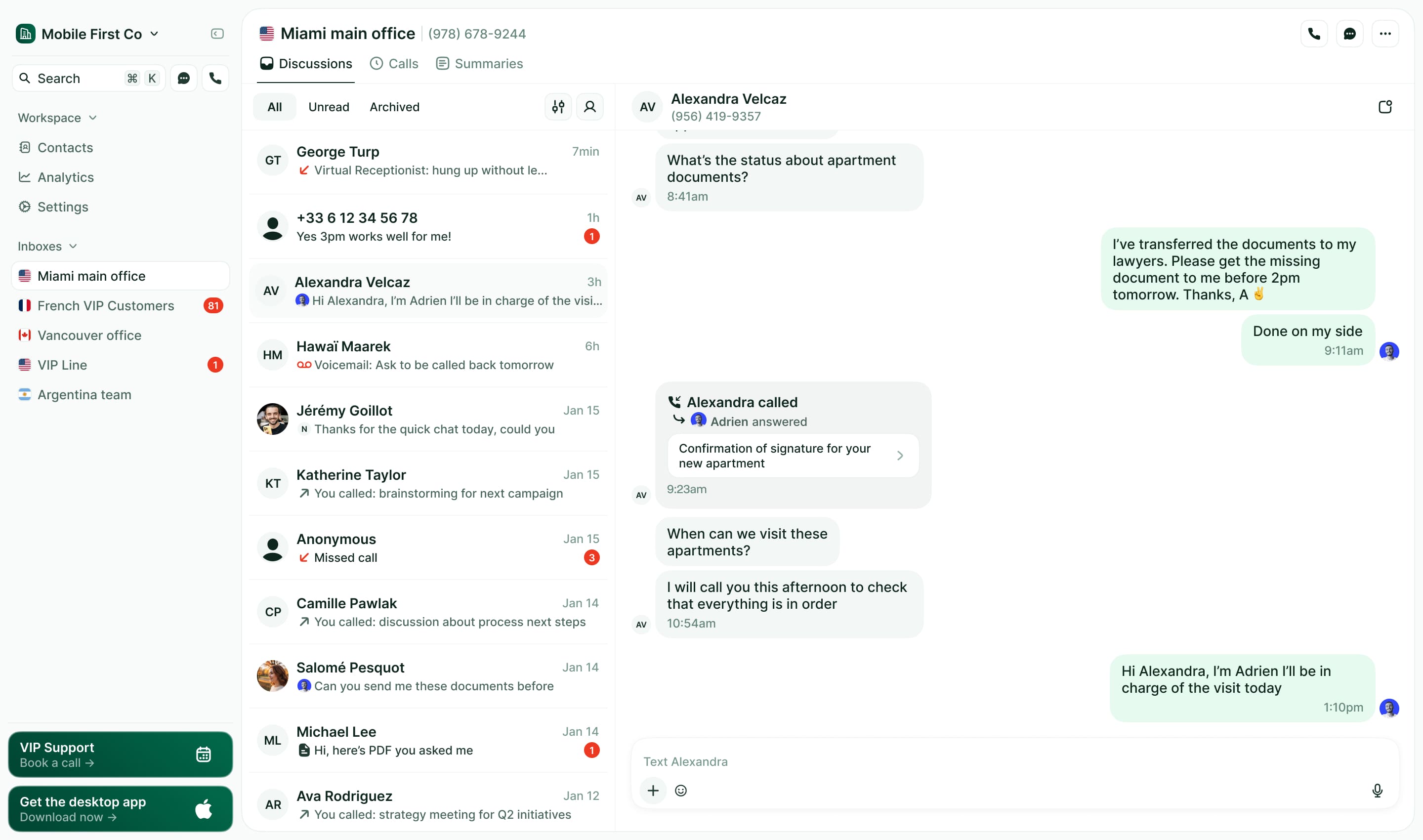
Nextiva is a customer experience platform that connects with all the channels your small business may be currently using. This includes social media (Instagram), messaging platforms (Whatsapp), online review sites, and of course, phone services. It offers SIP trunking and desk phone support so you can still take calls from IP phones, if you want.
You can also use Nextiva for team collaboration features. This may be useful for service businesses where some team members stay in the office while others go into the field. There are tools like team messaging built into the base plan, with add-ins for phone call recording and call performance insights. You can even see full customer conversation histories across channels — but only if you upgrade to the most expensive plan.
But as you can see, based on its price tag, Nextiva is better suited to medium-sized businesses than small offices. Not only do you need to upgrade multiple times to access office-friendly features (including the integrated CRM), but you probably won't be able to configure any of these features yourself. You'll have to deal with two different admin dashboards to configure phone features. Plus, users say you'll need to call support if you want to change devices used, call flows, call forwarding, and more.
Pros and Cons of Nextiva
| Benefits of Nextiva | Drawbacks of Nextiva |
|---|---|
| Supports traditional desk phones via SIP, plus mobile apps | Expensive as you upgrade |
| Must call support for basic changes | |
| Integrated CRM requires upgrade |
Pricing for Nextiva
Here's how much you'll pay for Nextiva's small office phone system:
- Core: $15/user/month for VoIP calling, 100 text messages, simple call routing, and apps for phones, computers, and tablets
- Engage: $25/user/month for 500 text messages, toll-free numbers and 2,000 minutes, call queues, text messaging between your customers and team members, and call analytics
- Power Suite CX: $75/user/month for making and receiving VoIP calls in a single call queue, AI call summaries and transcriptions, and the ability to route calls based on skill set
Demo Video of Nextiva
3. RingCentral: Best for Video Meetings
- G2 rating: 4.3/5 stars from 3,074 reviews
- Key features: Video conferencing, desk phone rentals, global numbers, international calling support
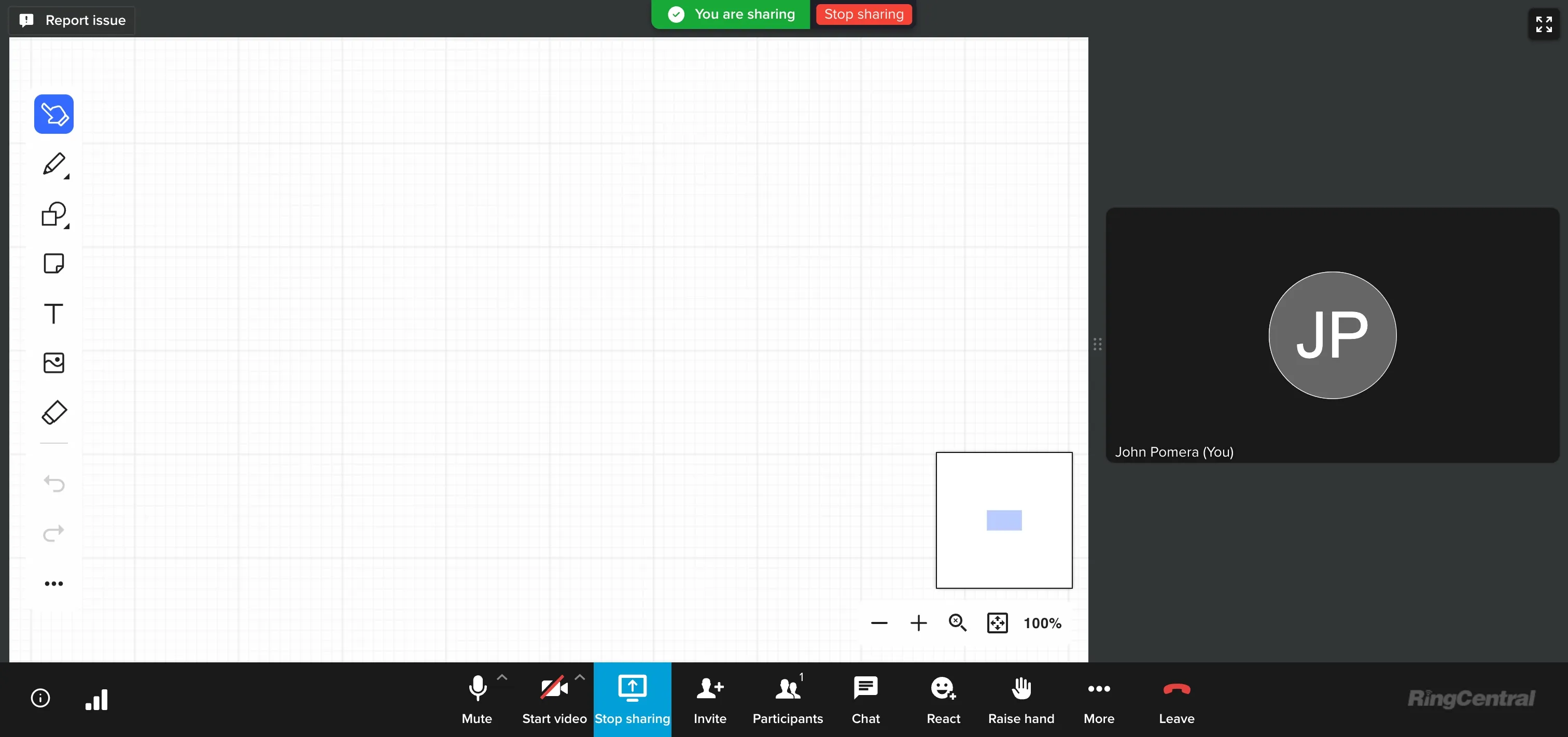
RingCentral is a legacy Unified Communications service, also known as a UCaaS. As the name implies, it 'unifies' multiple levels of business communications, including phone calls, business texting, and video conferencing. RingCentral's video conferencing is available right from the base plan, with add-ons for specialty needs like RingCentral Events and RingCentral Webinars.
If you still run a traditional office, RingCentral can help you rent or purchase traditional desk phones. This may be useful if you're not ready to give up your traditional setup, but want to 'spruce up' existing phones. RingCentral also supports global numbers and international calling. If your small business deals with customers in another part of the world, purchasing a global number can help you look more familiar and professional.
But keep in mind that RingCentral's unified communication features are quite limited on the base plan. You only get 25 text messages and 100 toll-free minutes/user/month, which is likely nowhere near enough to power growing offices. Plus, helpful small business features like the AI receptionist will cost extra per month. That's only if you feel comfortable navigating the platform: past users say RingCentral's legacy interface isn't necessarily intuitive.
Pros and Cons of RingCentral
| Benefits of RingCentral | Drawbacks of RingCentral |
|---|---|
| Supports traditional desk phones with some VoIP features | Legacy software may be hard to navigate |
| Limited features on every plan | |
| AI receptionist costs extra |
Pricing for RingCentral
Small business owners can choose from one of three RingCentral pricing plans:
- Core: $20/user/month for unlimited domestic calling, call recordings, video meetings, 25 text messages, 100 toll-free minutes, and more
- Advanced: $25/user/month for CRM integrations, advanced reporting, 100 text messages, 1,000 toll-free minutes, and expanded participants for video meetings
- Ultra: $35/user/month for unlimited storage (with caveats), 10,000 toll-free minutes, 200 text messages, webinars, and device analytics
- Customer Engagement Bundle: Call for pricing to get the Call Queues Booster and Business SMS Booster
Keep in mind there are five other RingCentral modules depending on the features and solutions you need. You also need to worry about add-ons for tools like the AI Receptionist ($39+/month) and Conversation Intelligence ($60/user/month).
Demo Video of RingCentral
4. Ooma Office: Best for Traditional Phone Systems
- G2 rating: 4.6/5 stars from 131 reviews
- Key features: hot-desking, desk phone support, unlimited calling in the US, Canada, Mexico, and Puerto Rico
Ooma Office is the business phone system side of Ooma, which is a home phone provider that got started in the 1990s. Today, Ooma Office provides support for traditional PBX systems with desk phone options, features like overhead paging, and access to mobile and desktop apps for team members on the go.
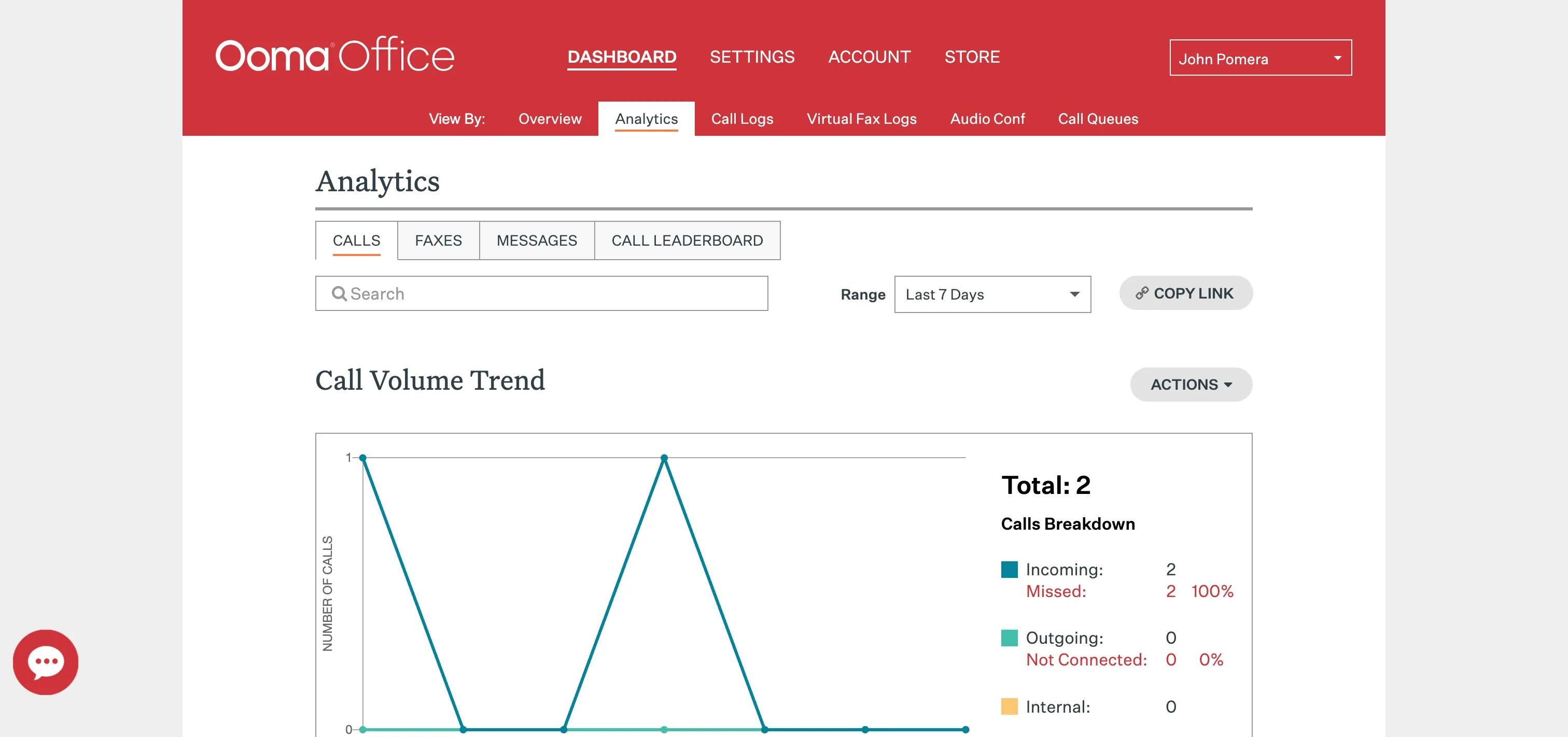
Each Ooma Office plan comes with one free toll-free number, plus 500 minutes of inbound calls/month. This is a great deal compared to other business phone systems, requiring multiple upgrades to unlock more minutes. But if your team makes or receives a large number of international calls, the costs could add up fast compared to a competitor like Quo.
Another place where Ooma shines is with office mobility. Its hot-desking feature, for example, lets you take calls from any IP phone in the office. You can even send calls to your cell phone or to text messages, if you need to walk and talk with a caller.
Keep in mind there are other places where Ooma Office might 'nickel and dime' your office. You'll need to upgrade your plan if you want to send text messages, create voicemail transcriptions, or host video conferences. But at the same time, you may pay for features you don't need. If only two of you work in an office, for example, it might not make sense to shell out for call leaderboards.
Pros and Cons of Ooma Office
| Benefits of Ooma Office | Drawbacks of Ooma Office |
|---|---|
| Hot desking lets you take desk phone calls to a cell phone, and vice versa | Extra costs for more numbers, SMS messages, and basic features like voicemail transcriptions |
| Poor reviews around customer service | |
| May pay for features you don't need, like intercom and overhead paging |
Pricing for Ooma Office
Ooma provides you with three small business plans:
- Essentials: $19.95/user/month for unlimited calling, virtual receptionists, call paging and overhead intercom, plus access to the mobile app
- Pro: $24.95/user/month for calling on the desktop app, video meetings with up to 25 participants, call recording, and voicemail transcriptions
- Pro Plus: $29.95/user/month for hot desking, call queues, CRM integrations, and larger video conferencing caps
Demo Video of Ooma Office
5. GoTo Connect: Best for International Incoming and Outgoing Calls
- G2 rating: 4.4/5 stars from 1,390 reviews
- Key features: Smart call routing, global numbers, drag-and-drop dial plan editors
GoTo Connect is a cloud-based phone system that lets you make free calls in more than 50 countries. It's a great option for offices that need global phone numbers to reach international clients without per-minute fees. Just keep in mind this may look different if you're outside the US, as GoTo Connect tells users that "Toll-Free Minutes and International Calling may differ by region."
GoTo Connect integrates with apps like ServiceNow and Zendesk, which can be helpful for small offices that need to track tickets or customer complaints. You will also have access to SMS and MMS messaging. Just know that GoTo Connect states "SMS availability and subsequent SMS and MMS credits may differ by region."
You can also use GoTo Connect for features like shared phone numbers, smart call routing, and a softphone from your computer. But keep in mind you'll need to upgrade to the most expensive plan for this. And since GoTo Connect doesn't list any pricing online, there's no way to tell how much your monthly bills might be.
Pros and Cons of GoTo Connect
| Benefits of GoTo Connect | Drawbacks of GoTo Connect |
|---|---|
| Global numbers available for international locations | Shared numbers require upgrades |
| Softphone only on the most expensive plan | |
| No transparent pricing available |
Pricing for GoTo Connect
GoTo Connect doesn't list any pricing online. The only way to get a quote is to contact sales.
Demo Video of GoTo Connect
6. Grasshopper: Best for Micro-Offices Wanting Cost Savings
- G2 rating: 3.9/5 stars from 155 reviews
- Key features: Phone number extensions, desktop app/softphone, low-cost plans
Grasshopper was designed for microbusinesses that only need a few basic features to run. It can help you take calls first and foremost on your mobile phone, but there's also a desktop app available for computer users. Along with basic features like call forwarding and voicemail transcriptions, prices start at $14/user/month.
One of Grasshopper's biggest claims to fame is phone number extensions. With them, you can connect multiple team members to the same business number, then let them answer the phone based on the extension your customers dial. But keep in mind this requires some upgrading: the Solo Plus plan starts at $25/month to add more than one user to your account. You also only get one number and three extensions. If you want more, you're going to need to buy extra or upgrade your plan.
You should also know that Grasshopper is extremely lightweight and doesn't offer the same features you'd expect from more mature small office phone systems. For example, there are no third-party integrations available at all. Even its international calling process is outdated — think a $500 deposit and a 60-day-old account.
Pros and Cons of Grasshopper
| Benefits of Grasshopper | Drawbacks of Grasshopper |
|---|---|
| Good cost savings for micro-offices | Costs add up fast for growing businesses (past customers complain of hidden fees) |
| Basic features require upgrades | |
| No advanced small business phone features for call monitoring, international calling, integrations, or business analytics |
Pricing for Grasshopper
Grasshopper's pricing is as follows:
- Solo: $14/month for 1 user, 1 number, 1 extension
- Solo Plus: $25/month for unlimited users, 1 number and 3 extensions
- Small Business: $55/month for 4 numbers and unlimited extensions
Demo Video of Grasshopper
7. Dialpad: Best for AI and Advanced Features
- G2 rating: 4.4/5 stars from 4,696 reviews
- Key features: AI coaching, ring groups, file sharing in video meetings
Dialpad is an AI-powered phone system designed for support, sales, and customer success teams. Each plan comes with a smattering of AI features to help support your small office, including real-time call and meeting transcriptions, voicemail transcripts, and even an AI speed coach that can help sales teams speak more clearly.
You can also use Dialpad's ring groups feature to help team members collaborate more efficiently. First, choose how customers should ring team members in a specific order. Then, use auto-attendants to help direct callers to the right place.
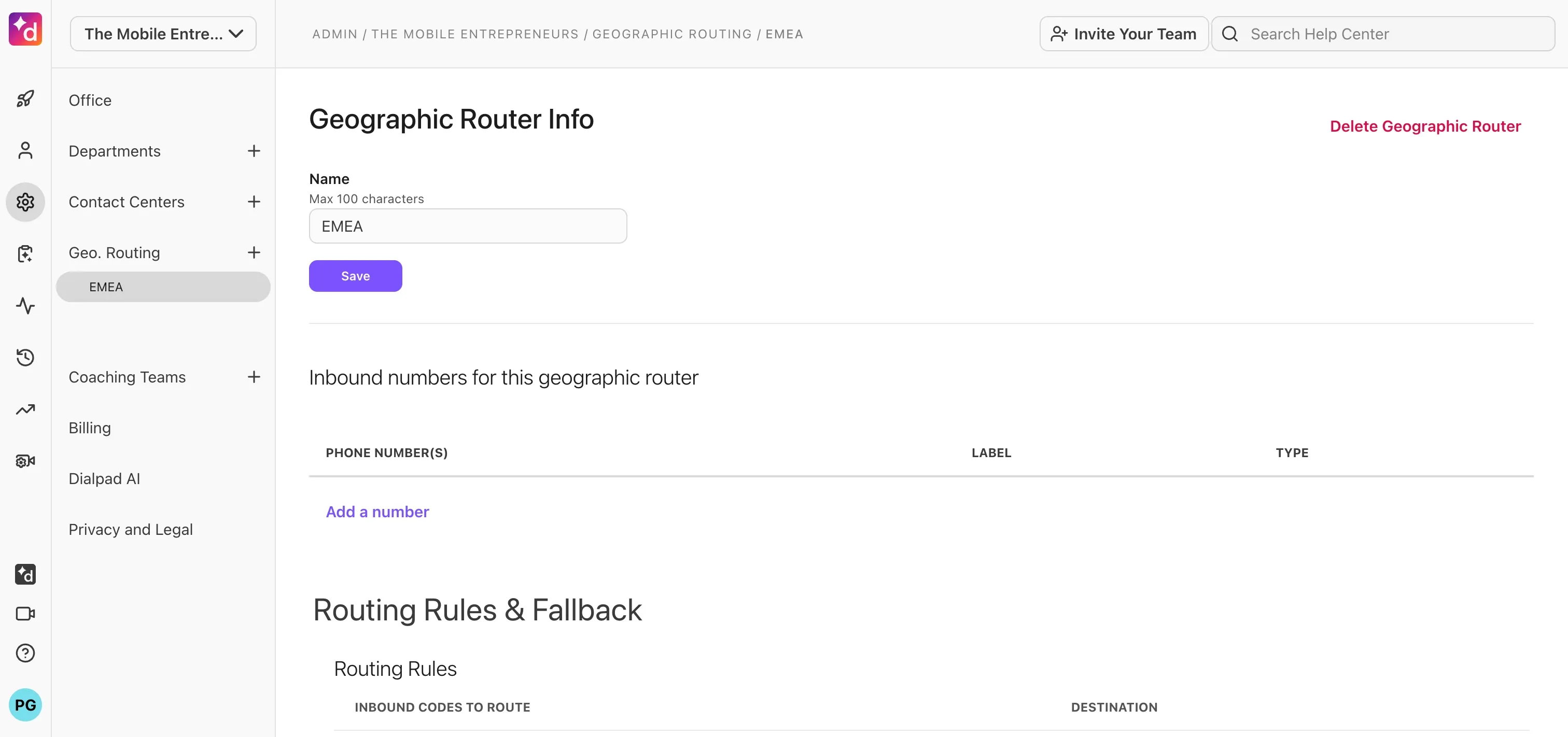
Just know that Dialpad may struggle to grow alongside your offices. You're limited by the number of departments and locations you can establish on each plan. There are also user minimums if you want to upgrade past the Standard plan. Finally, and perhaps most frustratingly, the only way to access Dialpad's AI Agent is to purchase an add-on. This is a far cry from providers like Allo, which offer a built-in AI voice agent on every plan.
Pros and Cons of Dialpad
| Benefits of Dialpad | Drawbacks of Dialpad |
|---|---|
| AI-powered features on every plan | Limits departments by plan |
| User minimums | |
| AI agent requires add-on |
Pricing for Dialpad
There are three Dialpad plans:
- Standard: $27/user/month for unlimited calling in your country and the US and Canada, a local number, call recording, and AI call summaries for up to 3 departments and a minimum of one user
- Pro: $35/user/month for CRM integrations and phone support in up to 25 departments and a minimum of three users
- Enterprise: Contact for pricing to get unlimited departments, user access controls, and SSO for a minimum of 25 users
Demo Video of Dialpad
8. Quo: Best for Business Texting Automations
- G2 rating: 4.7/5 stars from 3,295 reviews
- Key features: Shared numbers, AI voice agent, drag-and-drop call flows
Quo, formerly OpenPhone, is a lightweight business phone system designed for home services companies. It lets you set up shared phone numbers on every plan. That way, everyone on your team can make and receive calls from the same number.
Quo, like Allo, also offers AI voice agents and drag-and-drop call flows. This lets you customize how incoming callers connect with your phone system after hours. If everyone in your office goes home at 5 PM, for example, you can set up a call flow that redirects callers to your voice agent, or an emergency after-hours number.
But this is only possible when the platform actually works — Quo has a reputation for being glitchy and hard to use. It might be difficult to get in touch with support as well, as many past users say it takes days to receive a reply. Finally, Quo doesn't support traditional desk phones at all. If you still want to use IP phones in your office, Quo won't be able to help.
Pros and Cons of Quo
| Benefits of Quo | Drawbacks of Quo |
|---|---|
| Shared numbers on base plan | Can be buggy and unstable |
| Shared numbers limited to 10 users only | |
| Doesn't support desk phones |
Pricing for Quo
Quo offers three distinct plans:
- Starter: $15/user/month — Includes one local number, unlimited calling and messaging to US and Canadian numbers, voicemail transcripts, and 10 calls per month handled by Sona (their AI answering agent)
- Business: $23/user/month for AI call summaries and transcripts, group calling, call analytics and reporting, call transfers, and CRM integrations for call logs
- Scale: $35/user/month for AI call tags, dedicated onboarding support, priority live chat and email support, and inbound phone support
Demo Video of Quo
How to Choose the Right Business Phone for Your Office Phone Setup
Stuck between two or more small business phone systems? Below are some helpful criteria that can help you make a more informed decision:
Set a Baseline Around Existing Needs
How big is your team? What do you need in your daily workflows? How quickly do you think these will change or grow? The best small business phone systems can adapt quickly to your needs and scale alongside your call volume without getting exorbitantly expensive.
Consider Setup, Porting, and Migration
Does the small business phone system let you port numbers for free? How difficult will it be to migrate from your existing system? Make sure to evaluate its effect on onboarding and training, like whether or not you'll need to train staff on desk phones, mobile apps, and other tools.
Evaluate Your Autonomy
You should be able to easily configure auto attendant greetings, call queues, and ring groups on your own. But some small business phone systems require you to call support for external setup and support. This can significantly slow down your setup process, especially during busy times when you need to update your call flow or change the number of members on your team. Make sure you can independently build multi-level auto attendant menus, customize caller ID display policies, and set international calling permissions.
Compare Pricing Models and Scalability
First, compare per-user rates versus flat-rate pricing. The former may be less expensive for very small or micro offices. Then, check if the provider requires any setup or porting fees. You may also have to purchase add-ons or upgrades for specific features — not ideal as a small and growing business.
Look for Tools That Extend Your Team
You should be able to set up custom call routing for after-hours handling, or during times when your team members are off. It should also run in the background without too much day-to-day management on your part. Too many add-ons or upgrades required to unlock features like call routing and an AI receptionist may not be ideal for your small business.
Consider Scalability in Your Features
Your business phone system should meet your needs now, as well as features you may need in the future. You may need to evaluate its auto-attendant capabilities, caller ID configuration options, and business phone texting features. What if you're planning on expanding internationally? You may need to assess international calling rates and coverage.
Take the Free Trial Alongside Your Team
If the small business phone system in question doesn't offer a free trial, see if you can at least explore a demo on your own. If neither is available, you may wish to reconsider the provider entirely. Remember: some small business phone systems require yearly contracts. The last thing you want is to buy before you try.
Frequently Asked Questions About Small Office Phone Systems
Can I use my cell phone as a business phone?
Yes, you can technically use your cell phone as a business phone. But if you don't want to use your primary number, you'll need to purchase a separate phone, or use a second phone number app. These may limit the number of features you can use, or cost hundreds of dollars per month for a single user. The better option is to use a dedicated small business phone system, which lets you make and receive calls professionally on your cell phone with a separate, business-specific number.
How do I set up a small office phone system?
You can set up a small office phone system in 15 minutes with a platform like Allo: Sign up for a free trial Pick the number or numbers you want to use Add members or numbers to your account Complete carrier registration to send texts in the US and Canada And that's it! You're ready for VoIP calling.
Do I need IP phones for a small office?
No, VoIP technology makes it so you don't need IP phones in your small office. Instead, you can sign up for a small office phone system like Allo, which runs on any device connected to the internet. You can now call and text customers from anywhere with a WiFi connection.
How does caller ID work on hosted phone systems?
When you make a call from a hosted (aka, VoIP) phone system, your caller ID comes from the VoIP app rather than your physical device. That way, your team can work from anywhere while answering the same calls and texts under the same number. Here's a technical explanation of how this works: Your caller ID information travels alongside your audio data This metadata uses a protocol called SIP, or Session Initiation Protocol, which is the standard language VoIP systems use to set up and manage calls The recipient of your call (aka, the customer's carrier) reads your metadata and displays it to the person you're calling
What hardware do I need for a small office phone system?
Traditional office phone systems require: IP phones or analog phones, commonly called desk phones Headset and handsets Accessory purchases such as cables Business VoIP systems, on the other hand, run off devices you already own. You don't need to purchase any additional hardware for VoIP calling, texting, or call forwarding.